Top Best Anti-Detect Browsers for Creating Multiple Ticketmaster Accounts Safely (2026 Guide)
 2026.04.28 05:17
 petro
petroManaging multiple Ticketmaster accounts can be useful for teams, agencies, or high-volume users—but it also comes with risks. Ticketmaster uses advanced tracking methods such as browser fingerprints, IP addresses, cookies, and behavioral analysis to detect linked accounts.
If multiple accounts are accessed from the same environment, it can result in flagged activity, cancelled orders, or account suspensions.
Anti-detect browsers help reduce these risks by creating isolated browser environments. Each account operates in its own profile, appearing as a separate device with unique characteristics.
Why Use Anti-Detect Browsers for Ticketmaster
Ticketmaster has strict systems in place to prevent suspicious activity. Without proper separation, managing multiple accounts becomes risky.
Using an anti-detect browser helps you:
- Keep accounts fully isolated
- Minimize the risk of account linking
- Manage multiple profiles efficiently
- Improve privacy and security
Top Best Anti-Detect Browsers for Ticketmaster (2026)
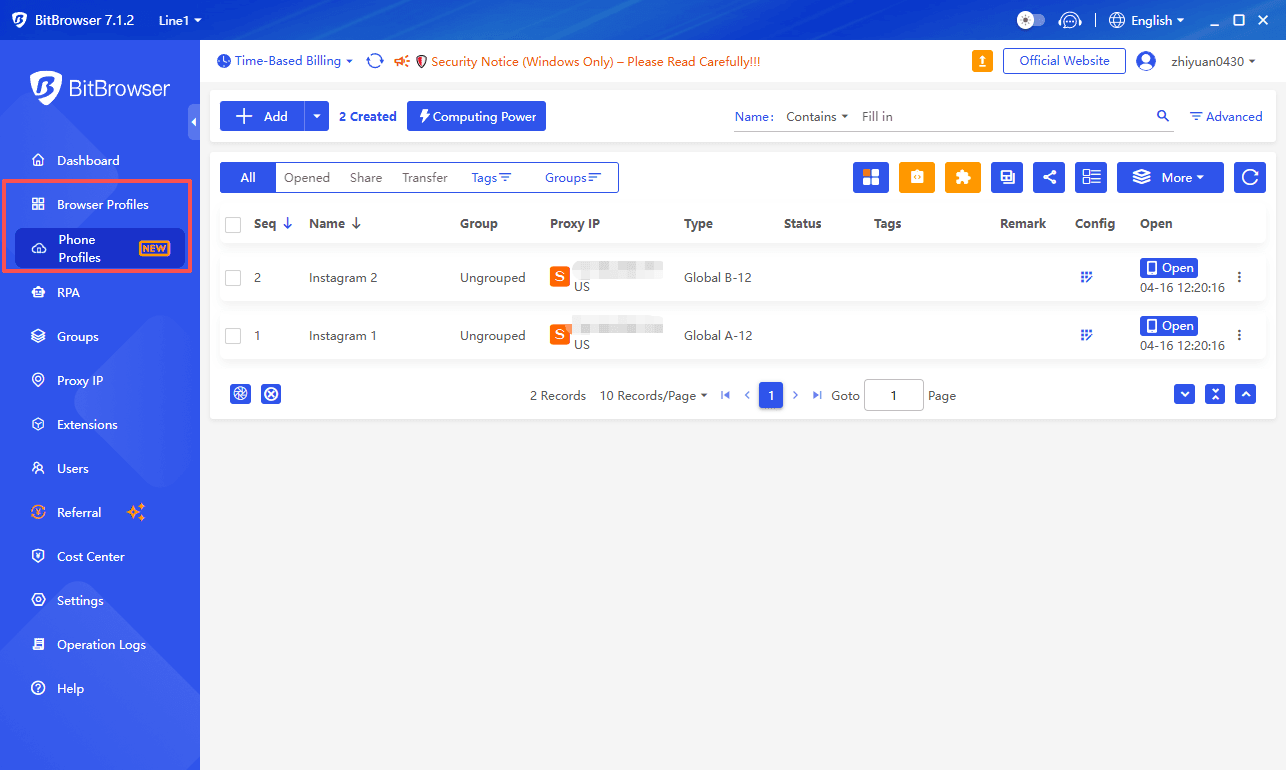
1. BitBrowser – Best Overall Choice
BitBrowser offers a strong balance between ease of use, automation, and scalability.
Key Features:
- One-click fingerprint generation
- Built-in automation tools (RPA, synchronizer)
- Proxy testing before use
- Independent browser environments
- Free plan with multiple profiles
Best for: Users who want an all-in-one, scalable solution.
2. Multilogin – Best for Advanced Users
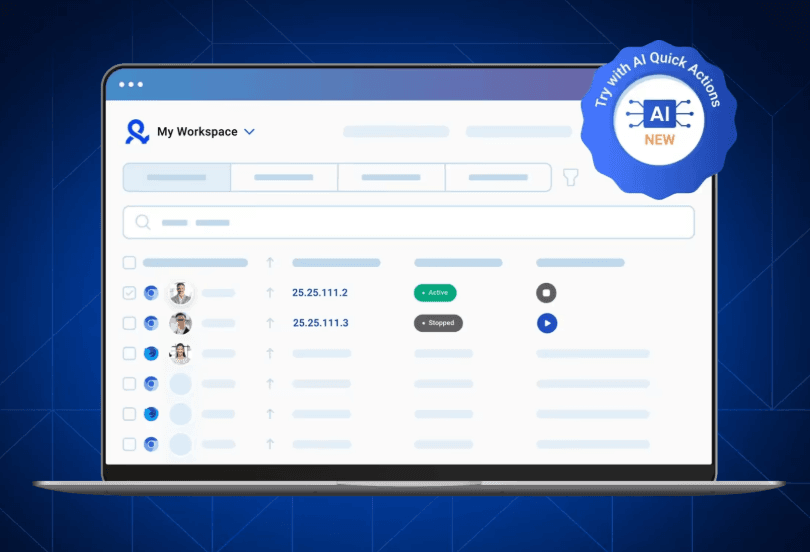
Multilogin is known for its powerful fingerprint simulation and stability.
Pros:
- Highly accurate fingerprint control
- Multiple browser engines
- Strong performance
Cons:
- Expensive pricing
- More complex setup
- No built-in no-code automation
Best for: Professionals who need precise control and reliability.
3. GoLogin – Best for Beginners
GoLogin is ideal for users just getting started.
Pros:
- Easy-to-use interface
- Quick setup process
- Built-in proxy marketplace
Cons:
- Limited automation features
- Performance limitations at scale
Best for: Beginners and small-scale users.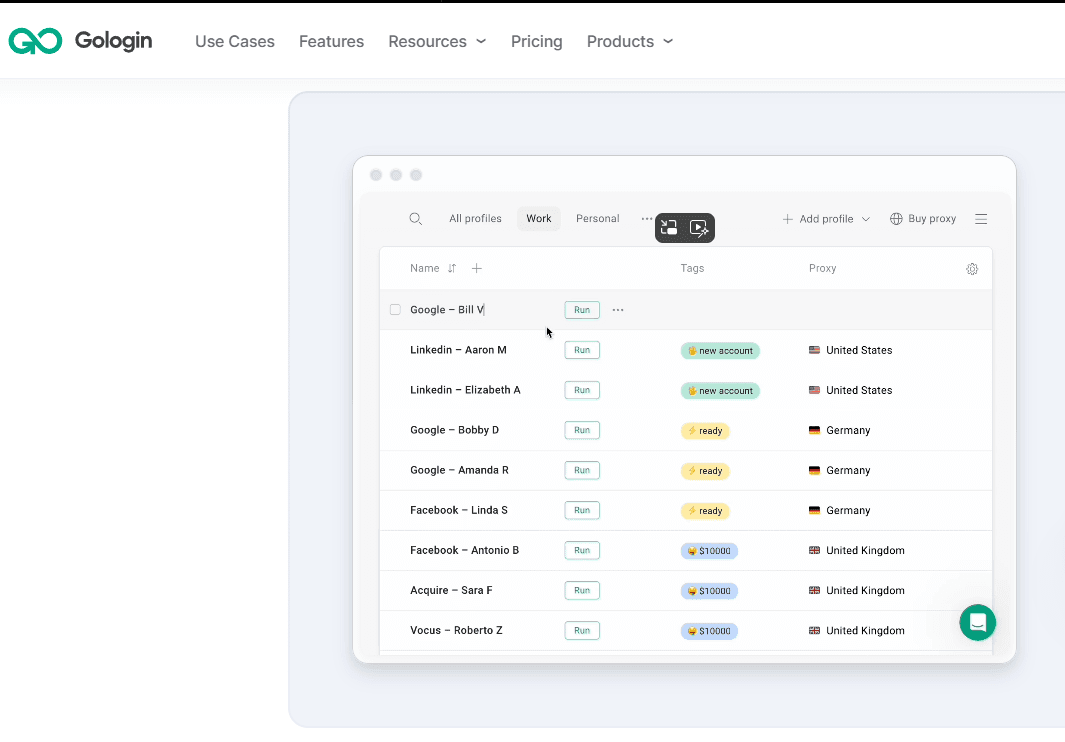
4. Incogniton – Best for Technical Users
Incogniton provides flexibility and deeper customization.
Pros:
- Advanced configuration options
- API support for automation
- Good for custom workflows
Cons:
- Requires manual setup
- Less intuitive UI
- Limited mobile simulation
Best for: Developers and technical users.
Which Anti-Detect Browser Should You Choose?
- Beginners: GoLogin
- Advanced users: Multilogin
- Technical users: Incogniton
- Best overall: BitBrowser
BitBrowser stands out due to its balance of usability, automation, and scalability.
How to Use Anti-Detect Browsers Safely
- Install your chosen anti-detect browser
- Create a separate profile for each account
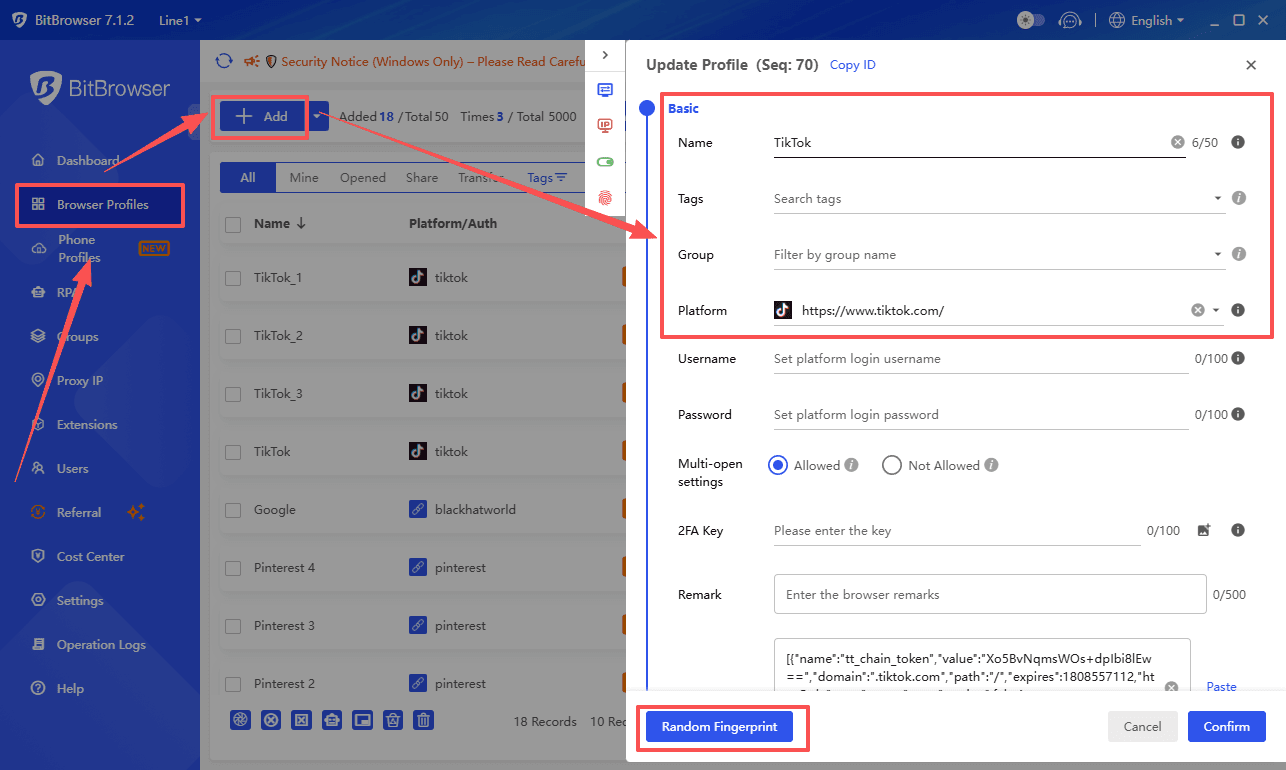
- Generate a unique fingerprint for every profile
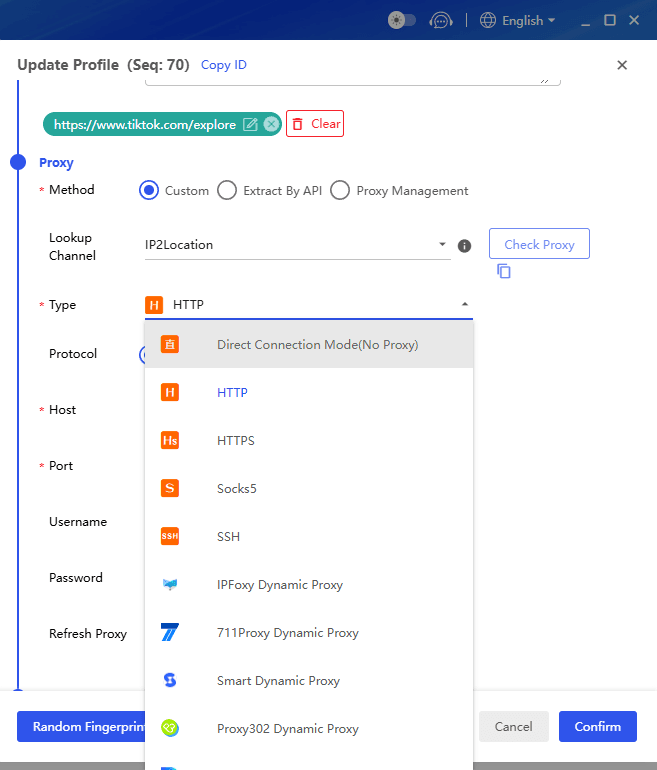
- Assign a different proxy to each account
- Operate each account independently
Best practices:
- Avoid repetitive or unnatural behavior
- Gradually increase activity (account warm-up)
- Maintain consistent usage patterns
- Follow Ticketmaster’s terms and policies
FAQ
Can I manage multiple Ticketmaster accounts safely?
Yes, with proper setup and separation, risks can be reduced.
Will Ticketmaster detect multiple accounts?
There is always some risk, especially if accounts appear linked or behave unusually.
Do I need proxies?
Proxies are commonly used to separate connections between accounts.
Is using anti-detect browsers allowed?
These tools are legal, but misuse may violate platform policies.
Conclusion
Using anti-detect browsers is one of the most effective ways to manage multiple Ticketmaster accounts more safely.
By combining proper isolation, proxies, and responsible usage, you can reduce risks, improve efficiency, and maintain better control over your accounts—while staying within platform guidelines.

 Multi-Account Management
 Prevent Account Association
 Multi-Employee Management
Recommended
See More 



