Secure Proxy Management
Keep your browser profiles stable, consistent, and isolated.
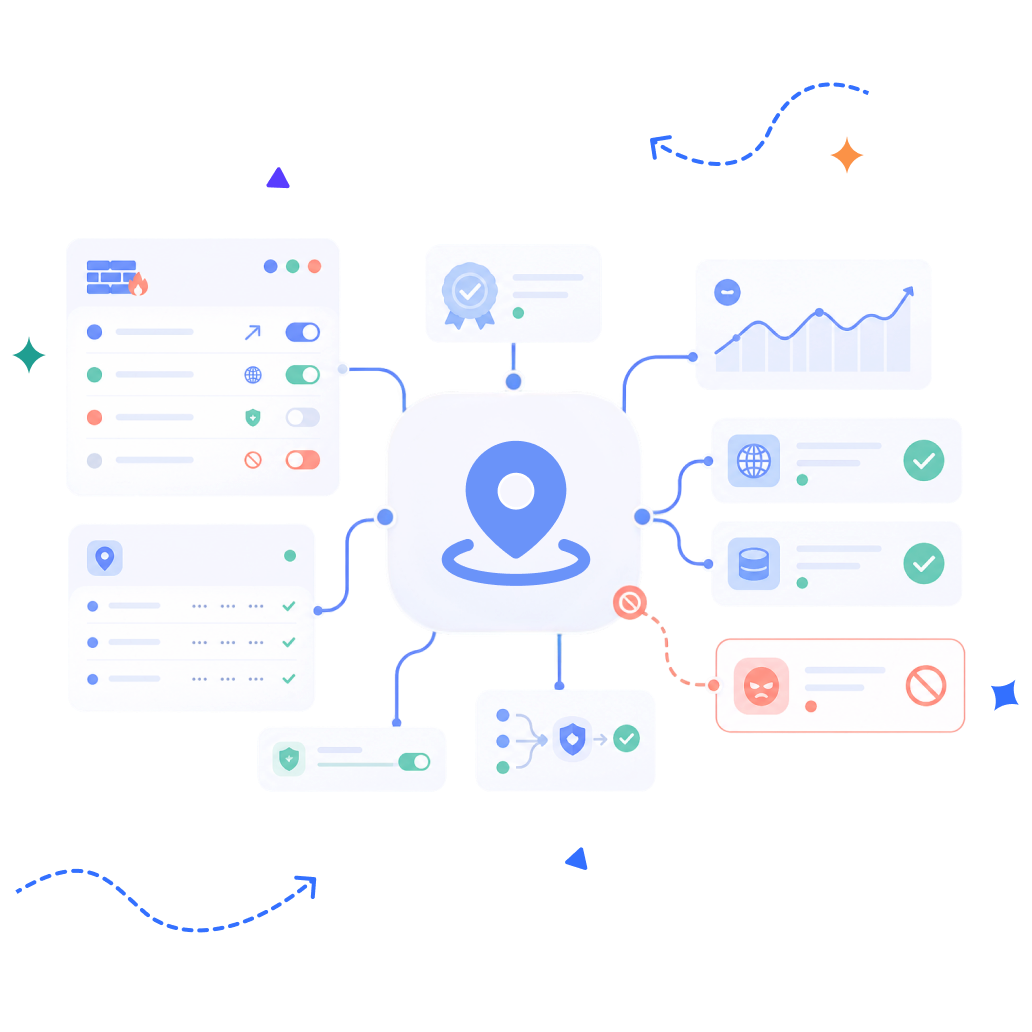
 Device & Location TrackingFingerprint TrackingMulti-Account Association
 Generate Unique Browser FingerprintsCustomizable & Randomized FingerprintsIsolated Browser ProfilesSecure Data Transmission
Configure different proxy types and test connectivity directly within BitBrowser. Quickly copy and paste proxy details with global support.
Customize 10+ fingerprint parameters to fit different browsing profiles. Generate randomized fingerprints with one click.
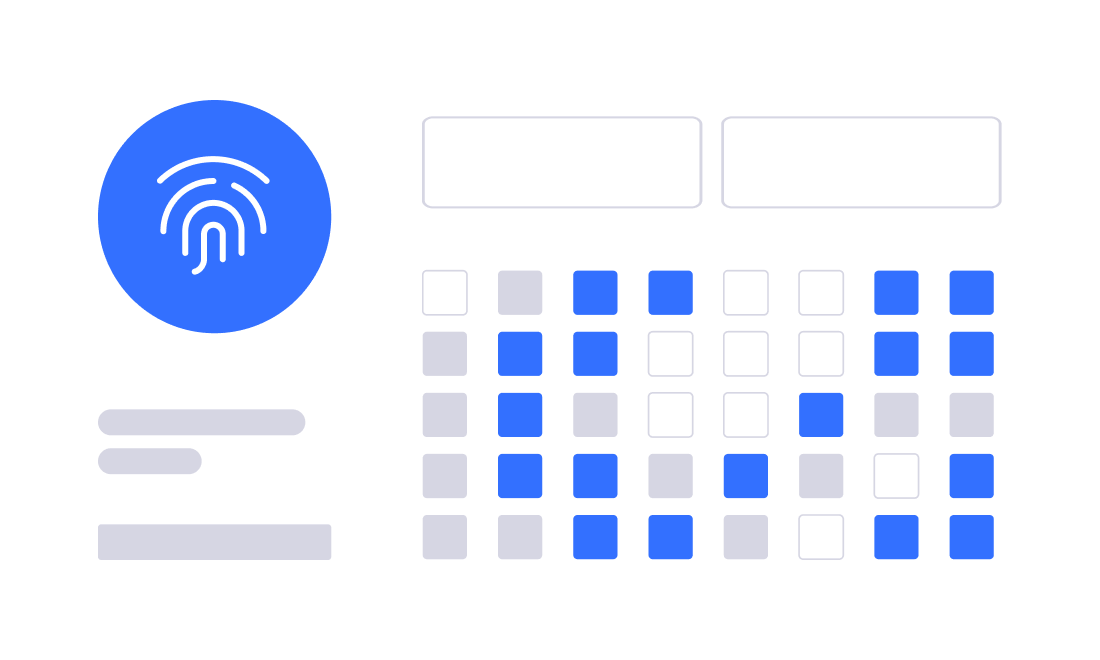

Support API-based proxy integration and popular proxy providers. Quickly create, select, and manage proxy configurations.
Test proxy connections quickly and manage network settings efficiently across multiple browser profiles.

 Anti-detect Browser
 Sync Windows
 Multi-Account Management
 RPA Automation
 Extension Center
 Local API
 Team Management
 Account Security
Can I assign a proxy to each browser profile?

Can the main account share proxy settings with sub-accounts?
Can I test proxy connectivity within BitBrowser?


BitBrowser has extremely high cost performance and high-quality work efficiency and is an anti-association tool for enterprises to reduce costs and increase efficiency.


