10 Best Antidetect Browsers for Automation in 2026
 2025.12.25 06:57
 petro
petroIn 2026, automation without fingerprint protection is no longer viable. Social media platforms, ad networks, e-commerce sites, and forums have evolved far beyond cookies and IP checks. Today, they rely on advanced device fingerprinting, behavioral analysis, and cross-session correlation.
If you run bots, automation scripts, scrapers, or manage multiple accounts at scale, an antidetect browser is mandatory.
This guide breaks down the 10 best antidetect browsers for automation in 2026, comparing them by fingerprint realism, automation support, proxy handling, and scalability.
Why Antidetect Browsers Matter for Automation in 2026
Modern platforms detect automation using:
Without isolation, one flagged account can:
Kill your entire setup
Burn all linked profiles
Permanently reduce trust scores
Antidetect browsers solve this by creating isolated, persistent browser environments—each with its own fingerprint, proxy, and behavior profile.
What Makes a Good Antidetect Browser for Automation?
Before choosing, make sure the tool supports:
|
10 Best Antidetect Browsers for Automation in 2026
1. BitBrowser
Best for: SMM automation & multi-account workflows
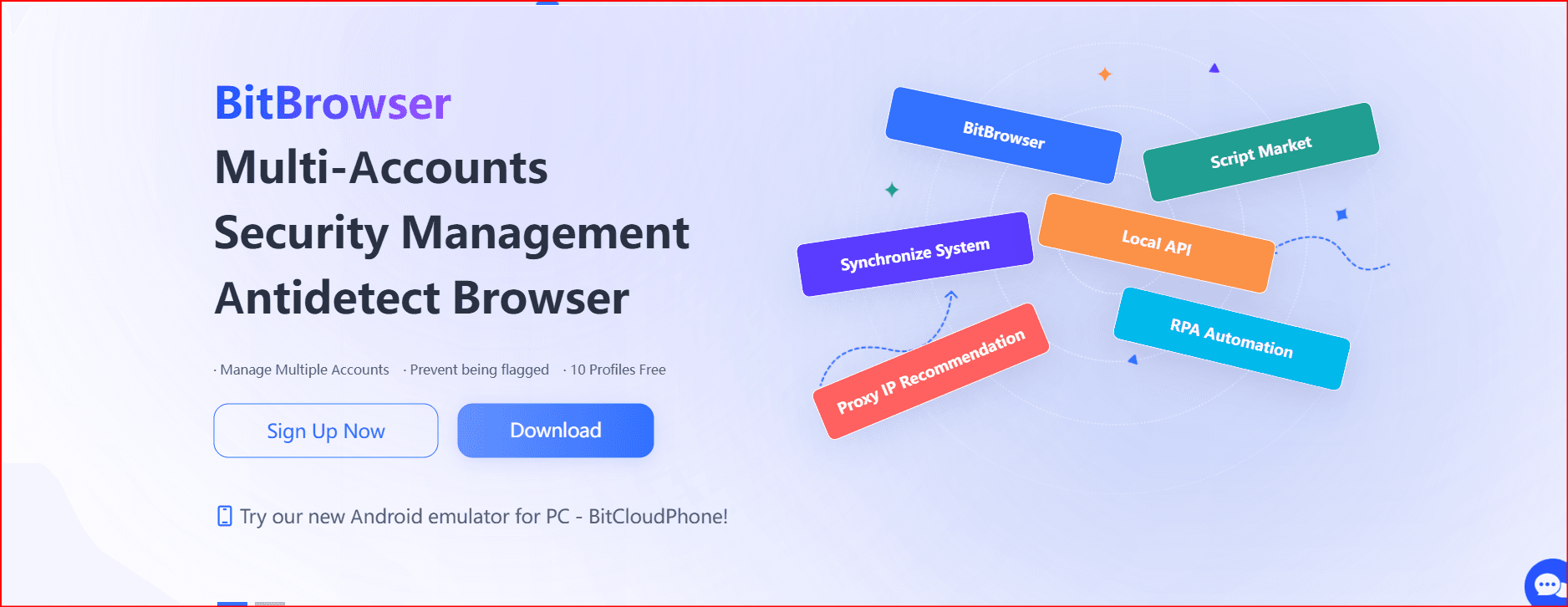
BitBrowser offers a strong balance between usability and automation safety. While not the most script-heavy tool, it excels at stable identity isolation, which is critical for long-running automation.
Pros
- Stable browser environments
- Good proxy integration
- Cost-effective for teams
Cons
- Limited deep scripting compared to developer-focused tools
Best use cases:
SMM automation, account warming, routine bot tasks
2. Multilogin
Best for: Advanced fingerprint control & enterprise automation
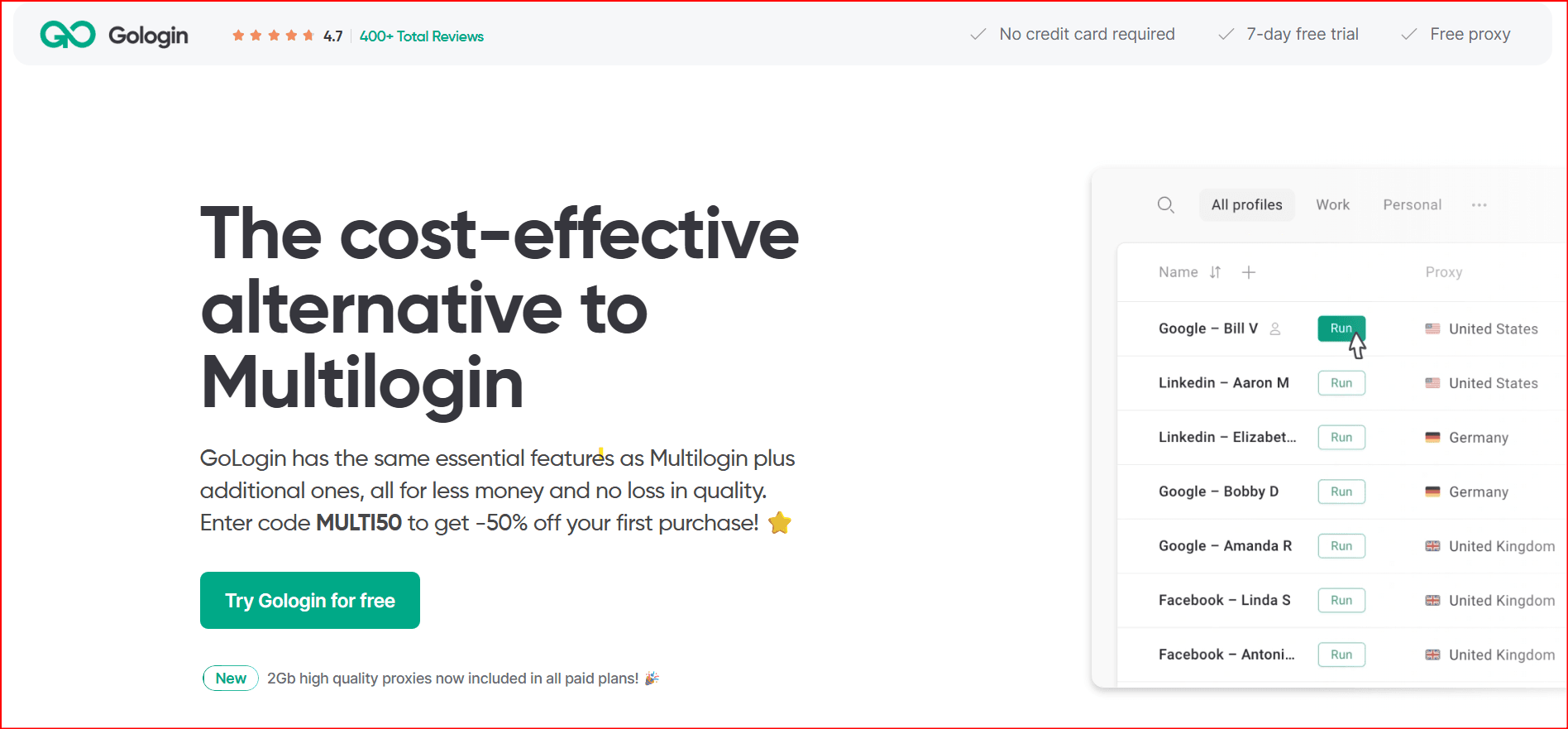
Multilogin is one of the most powerful antidetect browsers available. It allows deep manual control over browser fingerprints and integrates well with automation frameworks.
Pros
- Extremely realistic fingerprints
- Strong automation compatibility
- Excellent proxy flexibility
Cons
- Steep learning curve
- Higher cost
Best use cases:
Ads automation, large-scale account farms, enterprise teams
3. Kameleo
Best for: Mobile & OS-level automation
Kameleo stands out for its mobile fingerprint realism, including Android and iOS-style environments.
Pros
- Mobile-native fingerprinting
- Strong scripting support
- Real device-like behavior
Cons
- Complex setup
- Not beginner-friendly
Best use cases:
Mobile bots, TikTok automation, app-like behavior simulation
4. Dolphin Anty
Best for: Automation-heavy SMM and scraping
Dolphin Anty is popular among automation users due to its excellent workflow tools and built-in automation features.
Pros
- Very stable sessions
- Strong automation support
- Scales well
Cons
- Less mobile-specific fingerprint depth
Best use cases:
Mass account automation, scraping, posting bots
5. AdsPower
Best for: High-volume automation at scale
AdsPower is widely used by agencies running hundreds or thousands of profiles.
Pros
- Bulk profile management
- Automation-friendly
- Strong proxy support
Cons
- Fingerprint realism can vary
- UI can feel crowded
Best use cases:
Large automation operations, ad account scaling
6. Incogniton
Best for: Freelancers & light automation
Incogniton is beginner-friendly and supports basic automation via recorders and external tools.
Pros
- Easy to learn
- Solid proxy support
- Affordable
Cons
- Not built for extreme scale
Best use cases:
Small automation tasks, freelancers, testing bots
7. Morelogin
Best for: Routine automation workflows
Morelogin focuses on simplicity and stability rather than extreme fingerprint customization.
Pros
- Easy onboarding
- Stable environments
- Good team sharing
Cons
- Limited advanced automation features
Best use cases:
Daily automation tasks, small teams
8. Hidemyacc
Best for: Lightweight automation
Hidemyacc is fast to deploy and works well for small automation setups.
Pros
- Fast setup
- Simple interface
Cons
- Weak scalability
- Minimal scripting tools
Best use cases:
Low-risk automation, temporary bots
9. Undetectable Browser
Best for: Testing & short-term automation
Undetectable Browser uses preset fingerprints that are useful for experiments.
Pros
- Easy testing
- Good preset variety
Cons
- Less stable long-term
- Limited team features
Best use cases:
Bot testing, proof-of-concept automation
10. LS Sphere
Best for: Social sellers & creators
LS Sphere offers balanced functionality but hasn’t evolved much visually.
Pros
- Stable sessions
- Affordable
Cons
- Dated interface
- Limited automation depth
Best use cases:
Simple automation, account rotation
Comparison Table (Quick View)
Browser | Automation Strength | Fingerprint Realism | Scalability |
BitBrowser | Medium | Medium–High | Medium |
Multilogin | Very High | Very High | High |
Kameleo | High | Very High | Medium |
Dolphin Anty | Very High | High | High |
AdsPower | High | Medium–High | Very High |
Incogniton | Medium | Medium | Low–Medium |
Morelogin | Medium | Medium–High | Medium |
Hidemyacc | Low | Medium | Low |
Undetectable | Medium | High | Low |
LS Sphere | Low–Medium | Medium–High | Medium |
Final Verdict: Which Antidetect Browser Is Best for Automation?
- Best overall for automation power: Multilogin
- Best for mobile automation: Kameleo
- Best for SMM automation: BitBrowser
- Best for large-scale operations: AdsPower / Dolphin Anty
- Best for beginners: Incogniton
In 2026, automation success depends on consistency, realism, and isolation. Cutting corners with cheap or shallow tools leads to silent bans and burned infrastructure.
Choose a browser that matches your scale, technical skill, and risk tolerance.
FAQ
Are antidetect browsers legal for automation?
Yes. They are legal tools used for privacy, testing, and account separation. Misuse for fraud is what causes issues—not the software itself.
Can I run bots inside antidetect browsers?
Yes. Most support Playwright, Puppeteer, Selenium, APIs, or native automation tools.
Do antidetect browsers prevent bans completely?
No tool guarantees safety, but they dramatically reduce fingerprint-based detection when used correctly.

 Multi-Account Management
 Prevent Account Association
 Multi-Employee Management
Recommended
See More 



