5 Best Facebook Video Downloaders Online in 2026 (Fast, Free & Safe)
 2026.06.27 09:11
 YT.Shi
Facebook is still one of those places where videos quietly live forever. And the annoying part is, Facebook makes it very easy to watch, but not very easy to save.
Sometimes you want the video offline. For a flight. For editing. For reference. Or just because the algorithm will never show it to you again.
So yeah, that is what this post is. A list of the best Facebook video downloaders you can use online in 2026, without installing sketchy software, without getting trapped in popups, and without spending money.
Why Use a Facebook Video Downloader?
A few very normal reasons.
1. Offline access when your internet is bad
If you commute, travel, or just have spotty WiFi, downloading once is simpler than buffering forever. In fact, having these videos saved offline can be a lifesaver during times of poor connectivity, similar to how Google Photos behaves when there's no internet.
2. Saving tutorials, workouts, recipes
A lot of practical content on Facebook is basically mini classes. Downloading lets you rewatch without hunting for the post again.
3. Content repurposing (your own videos)
If you manage Pages or multiple accounts, sometimes you need to pull your own uploaded video, resize it, re edit it, post it elsewhere. Facebook does not always make that smooth.
4. Archiving important memories
Family videos. Event streams. School performances. If you have permission to save them, do it. Posts get deleted. Accounts get locked. Stuff disappears.
5. Convenience
Honestly, sometimes you just want the file. No extra drama.
Some downloaders work best for public videos. Some can also handle private videos but those tend to be riskier, more complicated, or just not supported anymore. I am mostly sticking to tools that are simple and safe for typical public links.
5 Best Facebook Video Downloaders Online
Below are five that, in my experience, are the most reliable mix of fast, free, and not obviously shady. I will keep it practical. What it does well, what to watch out for, and how to use it.
1. SnapSave
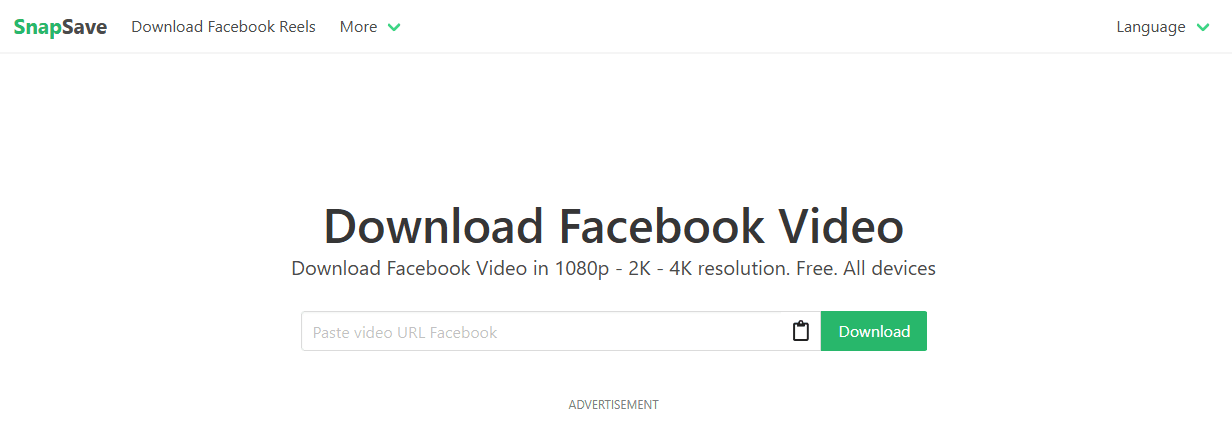
SnapSave has been one of the more consistent “paste link, choose quality, download” tools. It is not trying to be a whole suite. It just does the job.
What it’s good at
· Usually offers multiple resolutions when available (SD, HD, sometimes higher depending on the source)
· Fast processing, even for longer videos
· Simple interface, not a ton of clutter
How to use it
1. Copy the Facebook video link (from the address bar or the Share button).
2. Paste it into SnapSave.
3. Click download.
4. Pick the quality option you want.
Small things to know
· If the video is a Reel, SnapSave often still works, but results depend on how Facebook serves the URL that day.
· Like most online tools, you may see ads. Do not click random “Download” buttons. Only click the one next to the quality option you selected.
Best for People who want the quickest path from link to MP4, with HD options when available.
2. FBdown
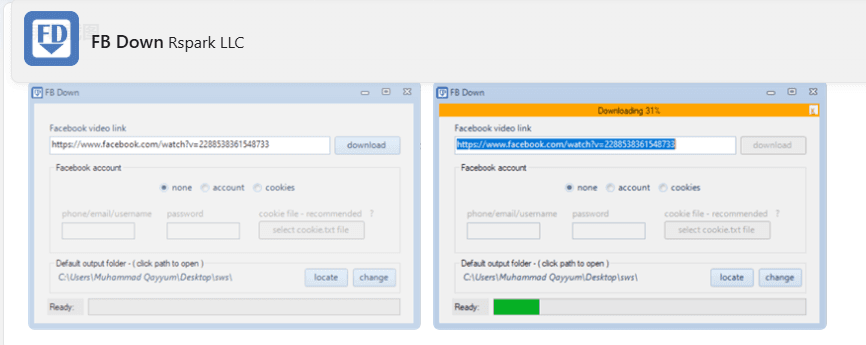
FBdown has been around forever in internet years. It is one of those utilities that is not fancy, but it is familiar and tends to work on standard public videos.
What it’s good at
· Straightforward downloads for public Facebook videos
· Often gives both Normal and HD options
· Has a browser extension in some versions/regions, but the online tool is the main point here
How to use it
1. Copy the Facebook video link.
2. Paste into FBdown.
3. Choose Normal or HD (if available).
4. Download.
Small things to know
· Sometimes Facebook links with extra tracking parameters cause issues. If it fails, try copying a cleaner URL (open video in its own page, then copy).
· If you are on mobile, your browser may try to open the video instead of downloading. Long press and “Download linked file” if needed.
Best for Standard videos from Pages and public posts. Quick saves, nothing complicated.
3. Getfvid
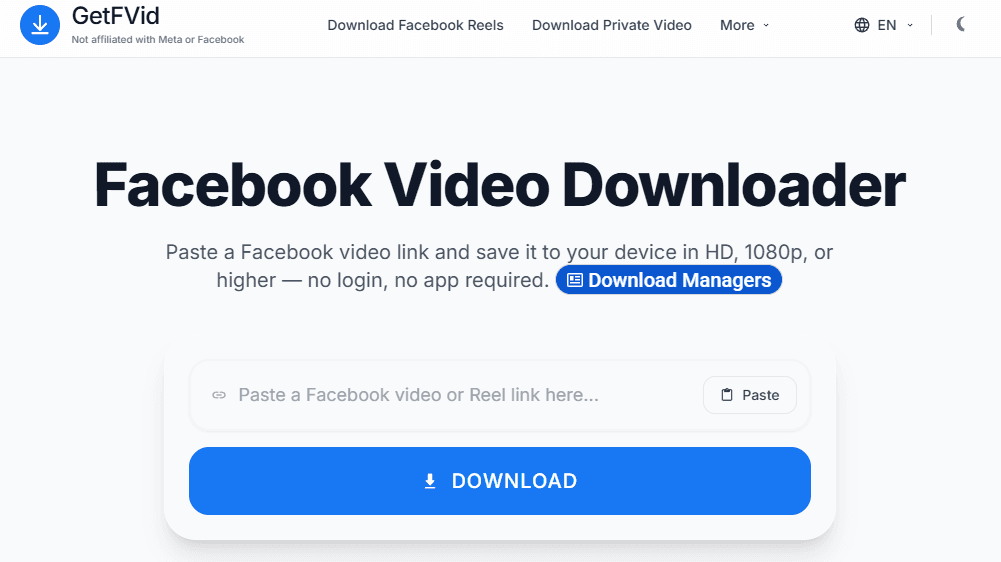
Getfvid is another popular one, and it is especially handy because it usually supports a couple different formats or workflows, depending on what you paste.
What it’s good at
· Simple online downloader, works well for many public video links
· Sometimes provides “download as MP4” and “download as MP3” options (MP3 depends on the video and current site behavior)
· Decent compatibility across browsers
How to use it
1. Copy the Facebook video URL.
2. Paste it into Getfvid.
3. Select MP4 (video) or MP3 (audio) if shown.
4. Download.
Small things to know
· The MP3 option is convenient for speeches, interviews, live recordings, but double check you are allowed to save and reuse audio.
· If you see multiple “Download” buttons, pick the one that matches the result you generated, not the big ad one.
Best for People who sometimes want audio only, or want a downloader that behaves nicely across devices.
4. SaveFB
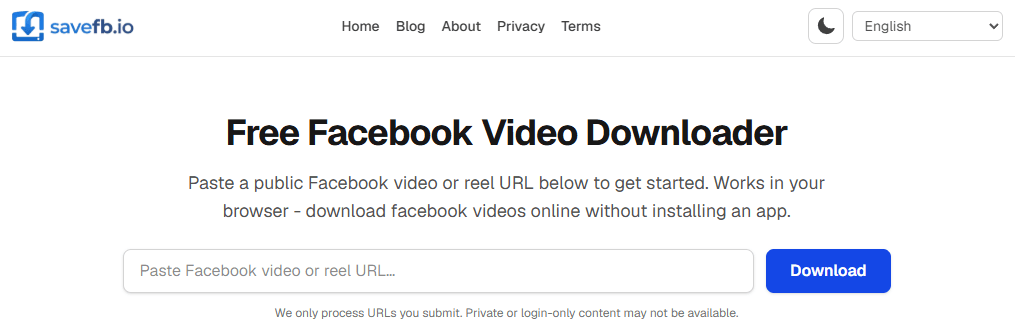
SaveFB is one of those tools that feels built for speed. Paste the link, it generates a file, done. It is also often updated to keep up with Facebook link changes, which matters more than most people realize.
What it’s good at
· Fast link parsing
· Usually offers quality choices if the source video has them
· Works well for public videos and many reels
How to use it
1. Copy the Facebook video link.
2. Paste into SaveFB.
3. Generate download links.
4. Choose quality and save.
Small things to know
· If you are downloading from a Page that uses region restrictions, no downloader can magically bypass that. If you cannot watch it normally, downloads often fail too.
· Sometimes Facebook forces a different player for Live replays. If SaveFB fails, try one of the other tools on this list.
Best for Quick downloads, especially if other tools are temporarily failing on certain link types.
5. FDownloader
FDownloader is a bit of a “utility style” downloader. It focuses on Facebook content, and in many cases it can handle a broader set of Facebook video URLs.
What it’s good at
· Solid success rate for common Facebook video links
· Often provides HD when available
· Generally simple workflow, not too many steps
How to use it
1. Copy the video link from Facebook.
2. Paste it into FDownloader.
3. Click download or generate.
4. Choose the file option.
Small things to know
· If you are working with business assets, save the file and rename it immediately. Facebook downloads often come with generic filenames like video.mp4 which becomes chaos fast.
· If the site opens extra tabs, close them. That is usually just ad behavior.
Best for People who want a dependable general purpose Facebook downloader and do not want to think too much.
Are Facebook Video Downloaders Legal?
In most cases, legality depends on who owns the video, whether you have permission, and how you use the downloaded content.
As a general rule, downloading your own videos or content you have permission to use is usually acceptable. Problems often arise when downloaded videos are reposted, used in advertisements, or shared commercially without the creator’s consent.
To stay on the safe side:
· Download only content you own or have permission to use.
· Avoid re-uploading copyrighted videos without authorization.
· Don't use downloaded content in ads or commercial projects without approval.
· Always respect copyright and local laws.
For security, avoid downloaders that ask for your Facebook password, cookies, or login credentials. Legitimate Facebook video downloaders only require the video URL.
Why Use BitBrowser for Facebook Account Safety
If you are just downloading one random public video, you probably do not need anything extra.
But if you manage multiple Facebook accounts, run ads, handle client Pages, or do social media work at scale, you already know Facebook can be touchy. Logins get flagged. Sessions get challenged. Accounts get restricted for reasons that are never fully explained.
This is where BitBrowser comes in.
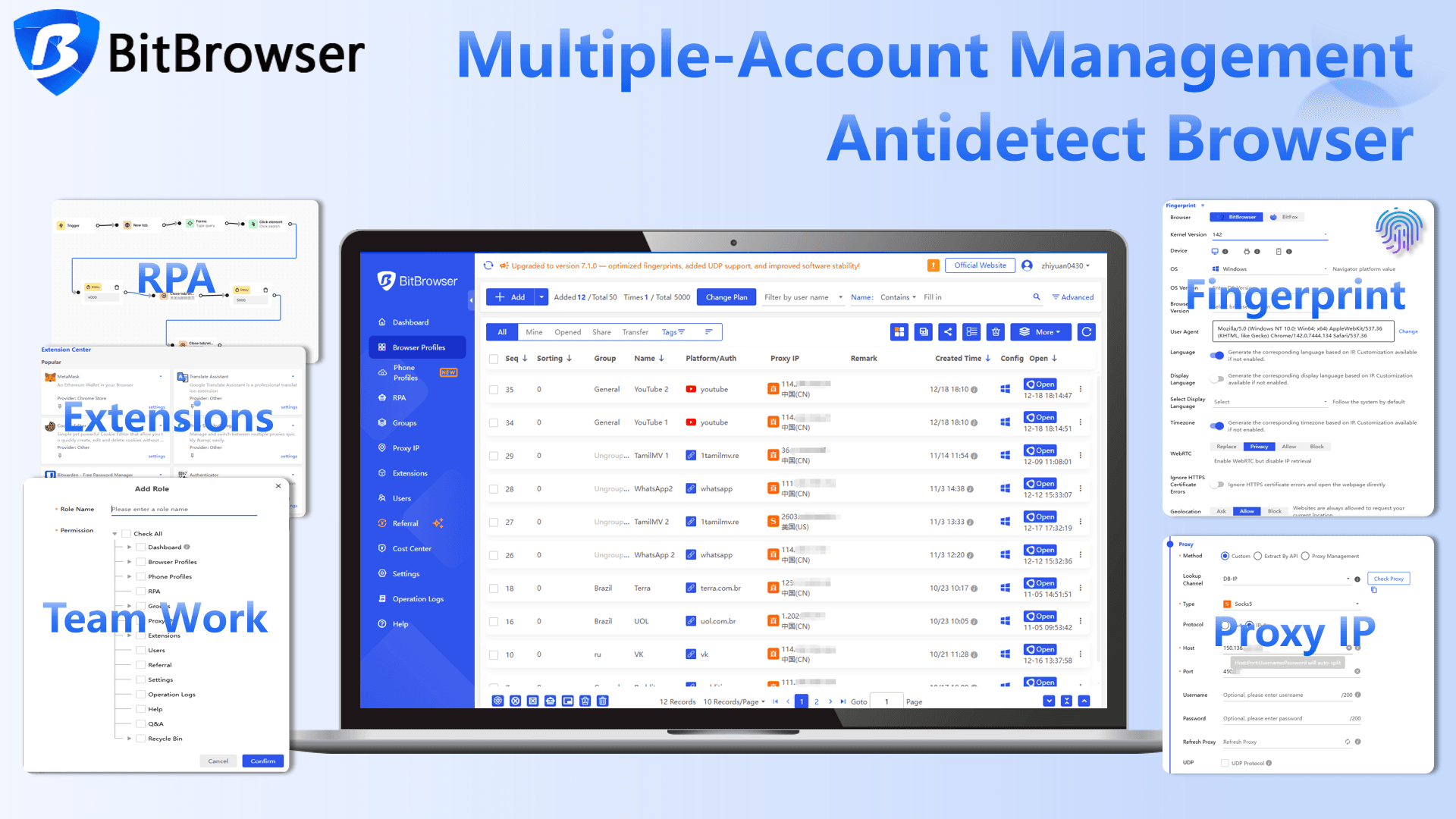
BitBrowser is an anti detect browser that helps you separate browser fingerprints and sessions. Meaning, each profile can look like a different, consistent device. Different cookies, different local storage, different fingerprint settings, isolated environments. That separation is the whole point.
Why it matters for Facebook
· If you manage multiple accounts, you do not want them all tied together by the same browser fingerprint.
· If you have team members logging into shared assets, you want controlled access and less chaos.
· If you do client work, you want clean profiles per client. Not one messy browser with 18 logins.
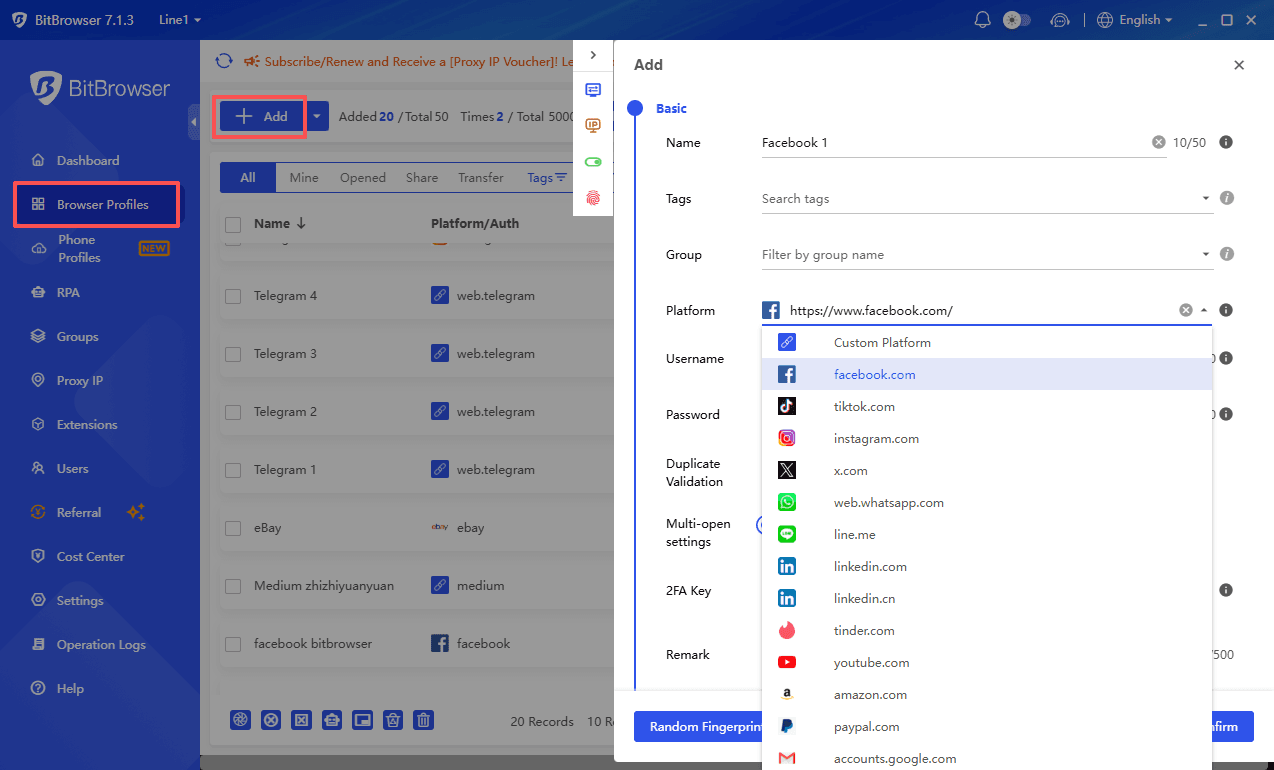
Practical ways people use BitBrowser
· One profile per Facebook account (or per business manager)
· Dedicated profiles for ad accounts vs organic posting
· Separate environments for testing creatives, viewing competitor ads, or research
· Reducing the risk of random “suspicious activity” triggers caused by constant switching
Also, if you are using online downloaders, the safety angle is not “the downloader will hack you” most of the time. The real risk is you accidentally log into Facebook inside a sketchy environment, or you leak session info, or you mix too many identities in one browser.
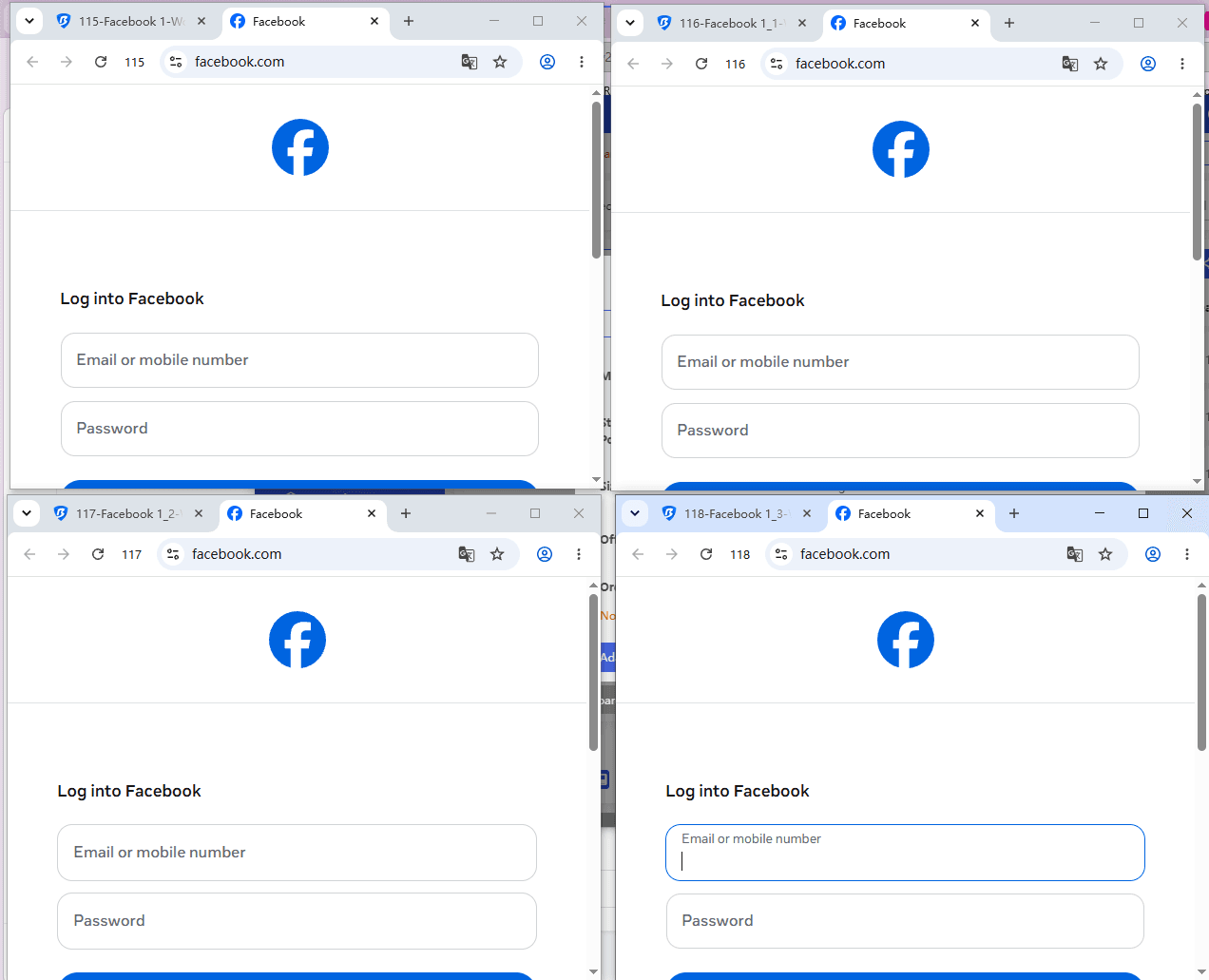
BitBrowser helps keep things cleaner. Contained. Easier to manage. Less cross contamination. If Facebook is part of your income, you start caring about this stuff real fast.
Conclusion
Facebook video downloaders are one of those tools you do not think about until you really need one. Then suddenly you are trying random sites at 1 AM and everything feels like a trap.
And if you work with multiple Facebook accounts, or client assets, or you just want fewer account headaches, keep your sessions organized. Tools like BitBrowser are built for that.
FAQ
1. Can I download Facebook videos on my phone without an app?
Yes. All the tools listed above are online. Copy the Facebook link, paste it into the downloader, then save the MP4. iPhone sometimes takes extra steps to save to Files.
2. Why do some videos only download in SD?
Because the original upload might be low quality, or the downloader cannot detect higher quality streams for that specific link. Try a different tool or copy the video’s direct page URL.
3. Do these downloaders work for Facebook Reels?
Often yes, but not always. Reels URLs and delivery methods change a lot. If one tool fails, try another from the list.
4. Can I download private Facebook videos?
Most reputable online downloaders do not support private videos without risky steps. If a site asks for your password or cookies, do not do it. The safest path is permission plus getting the file from the owner directly.
5. Is it safe to use free Facebook video downloader sites?
Safer ones exist, but you still need basic caution. Do not enter your Facebook login on those sites, avoid fake download buttons, and close any extra tabs that pop up.
6. Why would I use BitBrowser with Facebook?
If you manage multiple accounts or client assets, BitBrowser helps isolate profiles and reduce session conflicts and account safety issues caused by constant switching in one normal browser.

 Multi-Account Management
 Prevent Account Association
 Multi-Employee Management
Recommended
See More 



