BitBrowser vs Tor Browser (2026): What’s the Difference and Which One Should You Choose?
 2026.03.23 01:29
 petro
petroBitBrowser and Tor Browser are often associated with online anonymity, but they actually serve completely different purposes.
- Tor Browser is designed for privacy and anonymous browsing
- BitBrowser is an antidetect browser built for multi-account management
Choosing the wrong tool can either expose your identity or lead to account bans.
In this guide, we break down the key differences between these two solutions.
Quick Comparison: BitBrowser vs Tor Browser
Criteria | BitBrowser | Tor Browser |
Type | Antidetect browser | Privacy browser |
Main purpose | Multi-account management | Anonymous browsing |
Fingerprints | Modified (spoofing) | Hidden |
IP address | Via proxies | Via Tor network |
Speed | Fast | Slow |
Automation | Yes | No |
Use cases | Marketing, e-commerce | Privacy, censorship bypass |
What is Tor Browser?
Tor Browser is a Firefox-based browser that routes your traffic through multiple nodes in the Tor network to anonymize your activity.
How it works:
- Traffic is routed through several relays
- Your IP address is hidden
- Your identity becomes difficult to trace
Advantages:
- High level of anonymity
- Free and open-source
- Bypasses censorship
Limitations:
- Very slow browsing speed
- Many websites block Tor traffic
- Not suitable for multi-account management
What is BitBrowser?
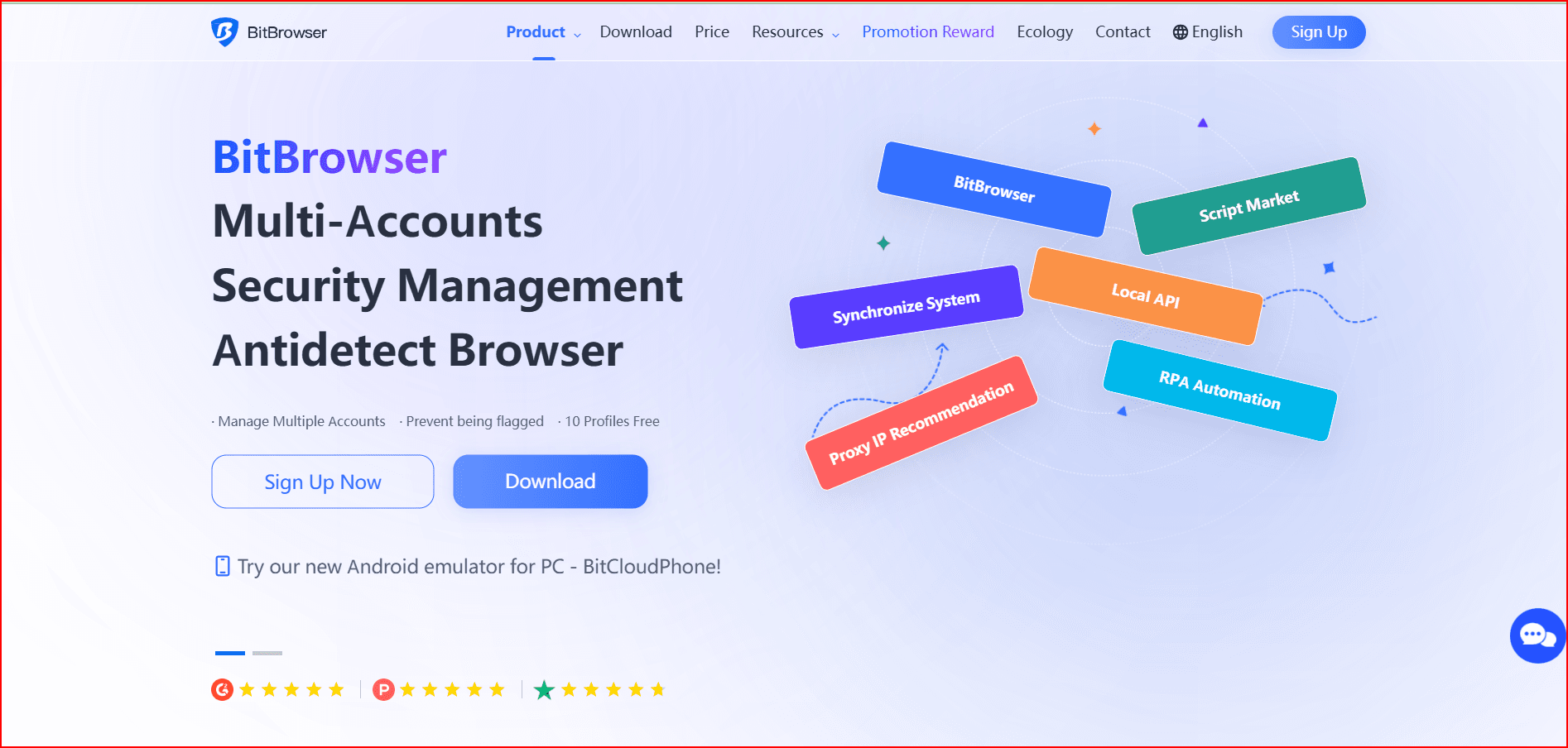
BitBrowser is an antidetect browser designed to manage multiple accounts safely by simulating unique browsing environments.
How it works:
- Creates isolated browser profiles
- Modifies fingerprints (Canvas, WebGL, user-agent, etc.)
- Uses proxies for IP separation
Advantages:
- Manage hundreds of accounts
- Full profile isolation
- Ideal for marketing, e-commerce, and affiliate work
- Supports automation
Limitations:
- Does not provide full anonymity like Tor
- Requires proper setup
- Depends on proxy quality
Key Difference: Hiding vs Simulating Identity
This is the most important distinction:
- Tor Browser → hides who you are
- BitBrowser → makes you appear as multiple different users
In simple terms:
- Tor = anonymity
- BitBrowser = multiple digital identities
Modern platforms analyze fingerprints and behavior. Antidetect browsers create realistic user environments, not just anonymity layers.
When to Use Tor Browser
Use Tor if you need:
- Anonymous browsing
- Privacy protection
- Censorship bypass
- Access to .onion websites
Examples: journalists, activists, privacy-focused users.
When to Use BitBrowser
Use BitBrowser if you need to:
- Manage multiple accounts
- Run Facebook Ads, TikTok, Amazon accounts
- Do affiliate marketing or e-commerce
- Automate workflows
Examples: marketers, agencies, dropshippers.
Why Tor is NOT Suitable for Multi-Account Management
Tor has major limitations in this context:
- Similar fingerprints across users
- Frequently blocked by platforms
- No proper account isolation
Result: accounts get flagged or banned quickly.
Why BitBrowser Does NOT Replace Tor
BitBrowser is not built for full anonymity:
- It does not completely hide your identity
- It depends on proxies
- Poor configuration can still be detected
It is an operational tool, not a privacy-first solution.
Final Verdict: Which One Should You Choose?
Your choice depends entirely on your goal.
Choose Tor Browser if:
- you need anonymity
- you are not managing multiple accounts
- privacy is your top priority
Choose BitBrowser if:
- you manage multiple accounts
- you need automation
- you want to avoid account bans
Conclusion
BitBrowser and Tor Browser are not direct competitors.
- Tor is built for privacy
- BitBrowser is built for operational efficiency
If your goal is business, scaling, and account management, BitBrowser is the better choice.
If your goal is anonymity and privacy, Tor Browser remains the standard.

 Multi-Account Management
 Prevent Account Association
 Multi-Employee Management
Recommended
See More 



