Best Unblocked YouTube Sites in 2026: How to Unblock YouTube Safely and Watch Freely
 2026.01.04 11:22
 YT.Shi
YouTube is one of the most popular platforms in the world, yet in 2026, millions of users still run into the same frustrating message: YouTube is blocked.
Maybe you’re on school Wi‑Fi, at work, using a hotel network, or traveling in a country with strict internet controls. Whatever the reason, access to YouTube is often restricted.
While many people search for ways to unblock YouTube, simply bypassing restrictions is no longer enough. Modern networks use advanced detection methods, making privacy and security just as important as access. This guide explains how to find reliable unblocked YouTube sites, how they work, and how to watch YouTube freely and safely in 2026.

Why YouTube Is Blocked (And Why Some Methods Don’t Work)
If you understand how YouTube is blocked, it becomes much easier to choose the right unblocking method.
1. Network-based restrictions (school, office, libraries, public Wi‑Fi)
The most common situation. Networks may block YouTube via DNS, firewall rules, category filters, bandwidth limits, or traffic inspection, aiming to reduce bandwidth and limit video access.
Check out our YouTube viewing guide for students: How to Unblock YouTube on a School Chromebook
2. Geographic restrictions (country-level censorship)
Access may be limited at the ISP or national level, using IP filtering, SNI/hostname checks, traffic throttling, or blocked video endpoints. Basic proxy sites often struggle, and privacy considerations become important.
3. Account/device restrictions (parental controls, managed devices)
Controls like Family Link, managed Chromebook/iPad policies, browser restrictions, or web filters may prevent access even if the network allows YouTube.
4. Account and Content Restrictions
Some videos require age verification, account sign-in, or region approval. YouTube itself may be accessible, but certain content can remain unavailable.
Proven Methods to Access YouTube Unblocked in 2026
In 2026, not all methods work equally well, and some are more suitable for certain environments than others. Below is a streamlined overview of methods to access YouTube unblocked, grouped by practicality and typical usage scenarios.
1. Use a Reputable VPN
A VPN routes your connection through a different region and helps maintain privacy when accessing online content. It is commonly used in situations where YouTube availability varies by network or location.
Best for: regional availability differences and general online privacy.
2. Use Proxy Servers or Proxy-Based Tools
Web proxies and proxy-based tools allow users to view YouTube content through an intermediary service, often without installing additional software.
Best for: quick access on managed or shared networks.
3. Use a Private Browser or Tor for Additional Privacy
Private anti-detect browsers (such as BitBrowser) and the Tor Browser help separate browsing sessions and reduce tracking across networks. These tools are often chosen when privacy or session isolation is important.
Best for: monitored networks or privacy-focused browsing.
4. Change Network Access (DNS or Mobile Data)
Switching DNS providers or using mobile data and personal hotspots can sometimes restore normal access to YouTube on networks with customized filtering rules.
Best for: school or workplace Wi-Fi with basic access controls.
5. Use Alternative Access Techniques (Limited Scenarios)
Some users rely on indirect access methods such as embedded players, translation tools, or cached pages. These approaches tend to work only in limited situations and may not support full functionality.
Best for: occasional viewing or temporary access needs.
6. Use Archive, Preview, or Offline Alternatives
Archived versions, alternative front-ends, or downloaded videos provide ways to view specific YouTube content without relying on live playback.
Best for: educational content, research, or low-bandwidth environments.
7. Use Unblocked YouTube Sites (Covered in Detail Below)
Unblocked YouTube sites use proxy or mirror-based technology to display YouTube videos without direct access to youtube.com. They are often used on devices or networks where installing apps or browser extensions is not an option.
Best for: restricted devices, public computers, or shared networks.
For a full breakdown of these approaches with practical examples, see:
How to Unblock YouTube in 2026: 12 Proven Ways to Watch YouTube Anywhere Safely
What Are Unblocked YouTube Sites?
Unblocked YouTube sites are third-party platforms that let users access YouTube content when the official site is restricted, acting as intermediaries so traffic appears as normal web activity. They generally fall into three main categories:
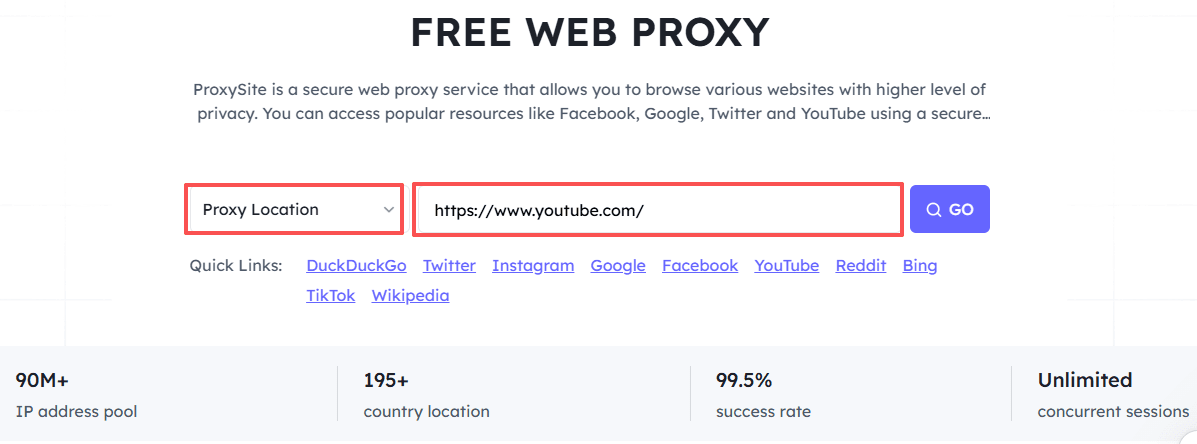
1. Proxy-Based Unblocked YouTube Sites
Proxy sites act as a middleman, fetching YouTube videos on your behalf. They are easy to use, browser-based, and require no installation, but may have slower speeds, limited video quality, and weak protection against tracking.
2. Mirror and YouTube Viewer Sites
Mirror sites recreate YouTube’s interface under a different domain. They are lightweight, fast, no login required, but often have limited functionality, may go offline, and offer minimal privacy protection.
3. Alternative YouTube Front-End Platforms
These platforms retrieve YouTube content via backend APIs or scraping, presenting videos through their own minimalist layout. They are privacy-focused, faster, ad-free, but rely on community-hosted instances and may lack full YouTube features.
Overall, free unblocked YouTube sites are convenient for temporary access, but may lack stability or security; for consistent and private viewing, combining trusted sites with tools like VPNs or anti-detect browsers is recommended.
Best Unblocked YouTube Sites in 2026
After learning what unblocked YouTube sites are and how they work, it’s helpful to know which platforms are reliable in 2026. Here is a curated list of popular and stable sites, including proxies, mirrors, and alternative front-ends.
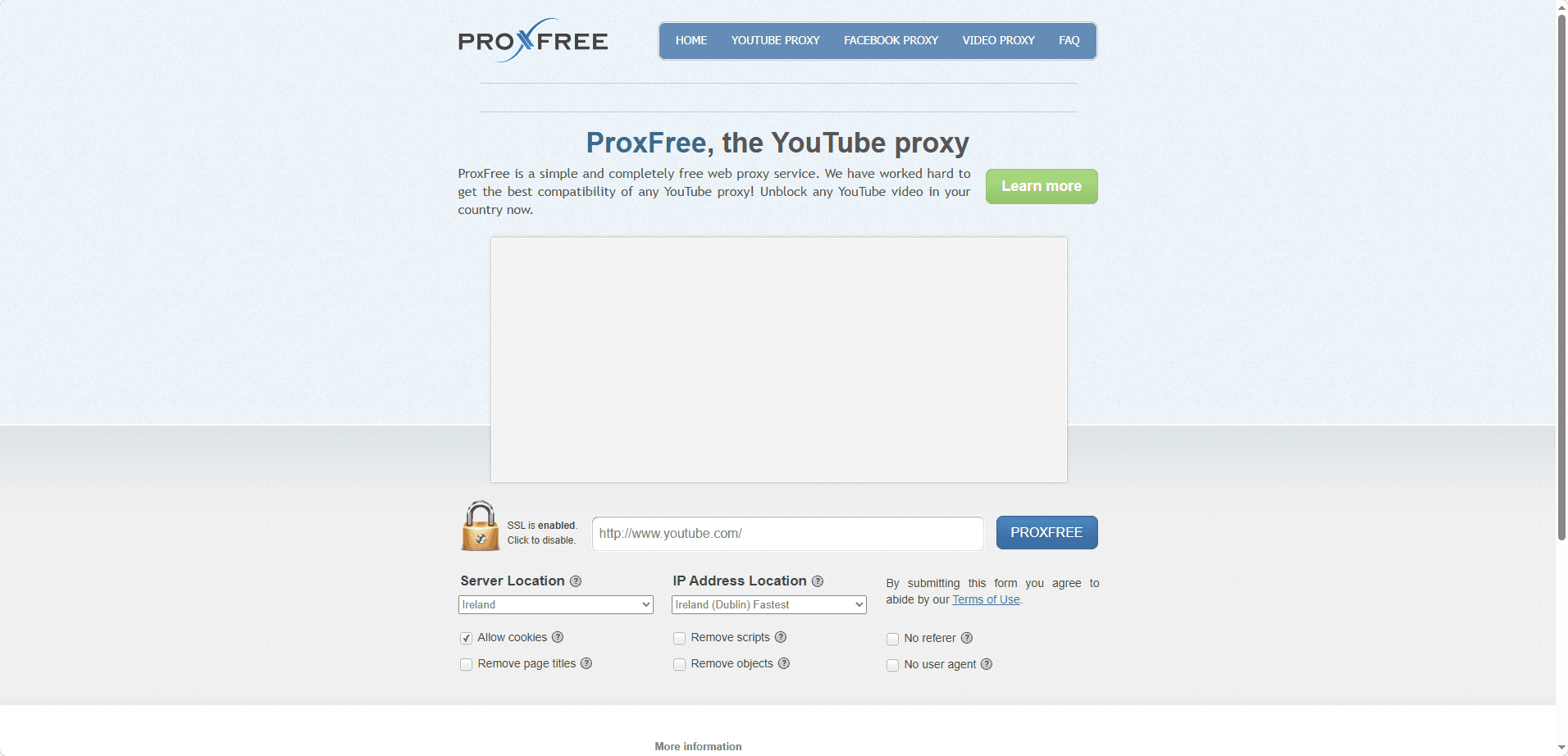
1. ProxFree — Unblock YouTube Proxy
Type: Proxy
Website: proxfree.com/youtube-proxy.php
Best For: Quick access from school or office networks
Advantages: Multiple server locations, encrypted connection, easy to use without installation
Limitations: Speeds may vary during peak hours; some ads may appear
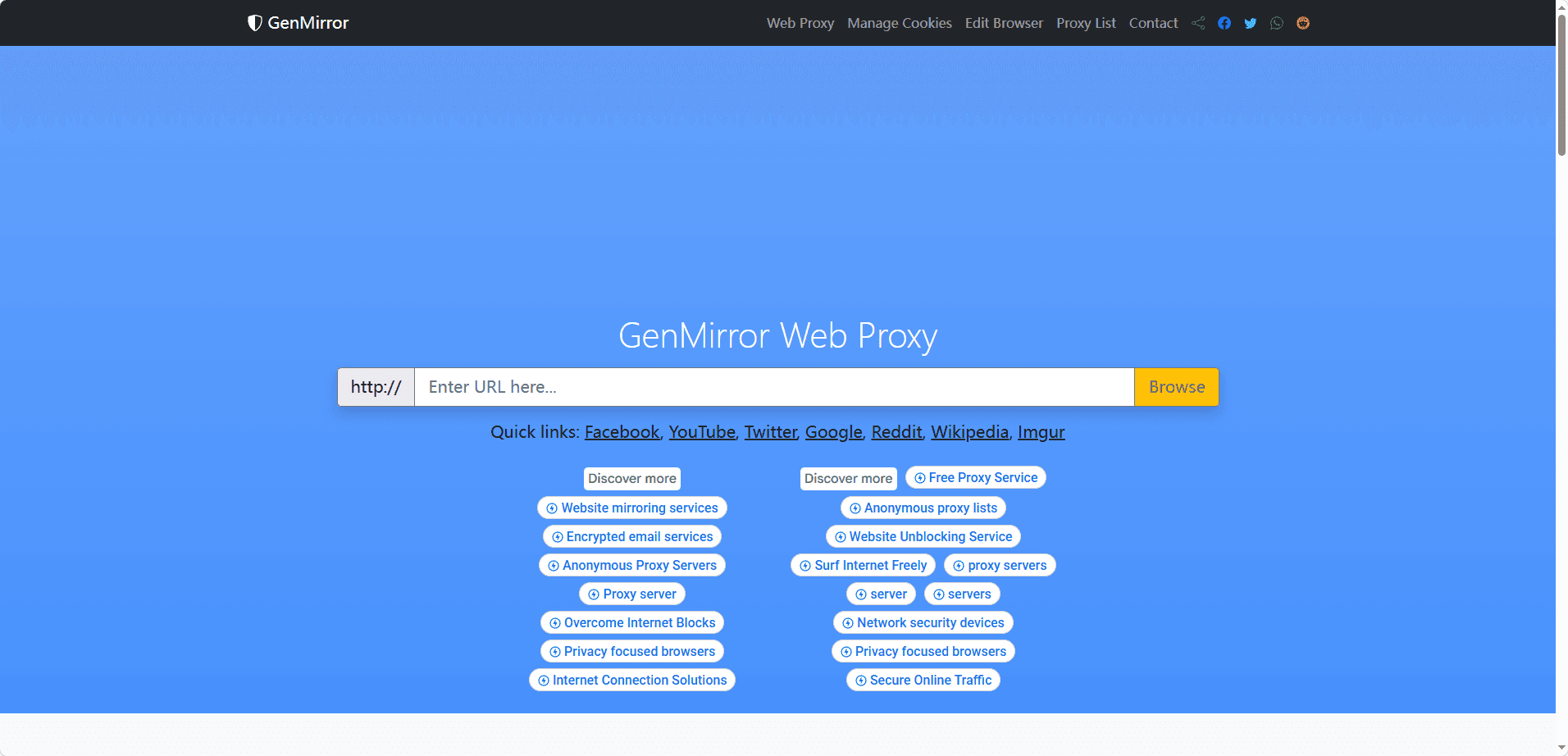
2. GenMirror — Unblock YouTube Proxy
Type: Proxy / Mirror
Website: genmirror.com
Best For: Lightweight and mobile-friendly access
Advantages: Simple interface, works well on slower connections
Limitations: Limited functionality compared to YouTube; may go offline unexpectedly
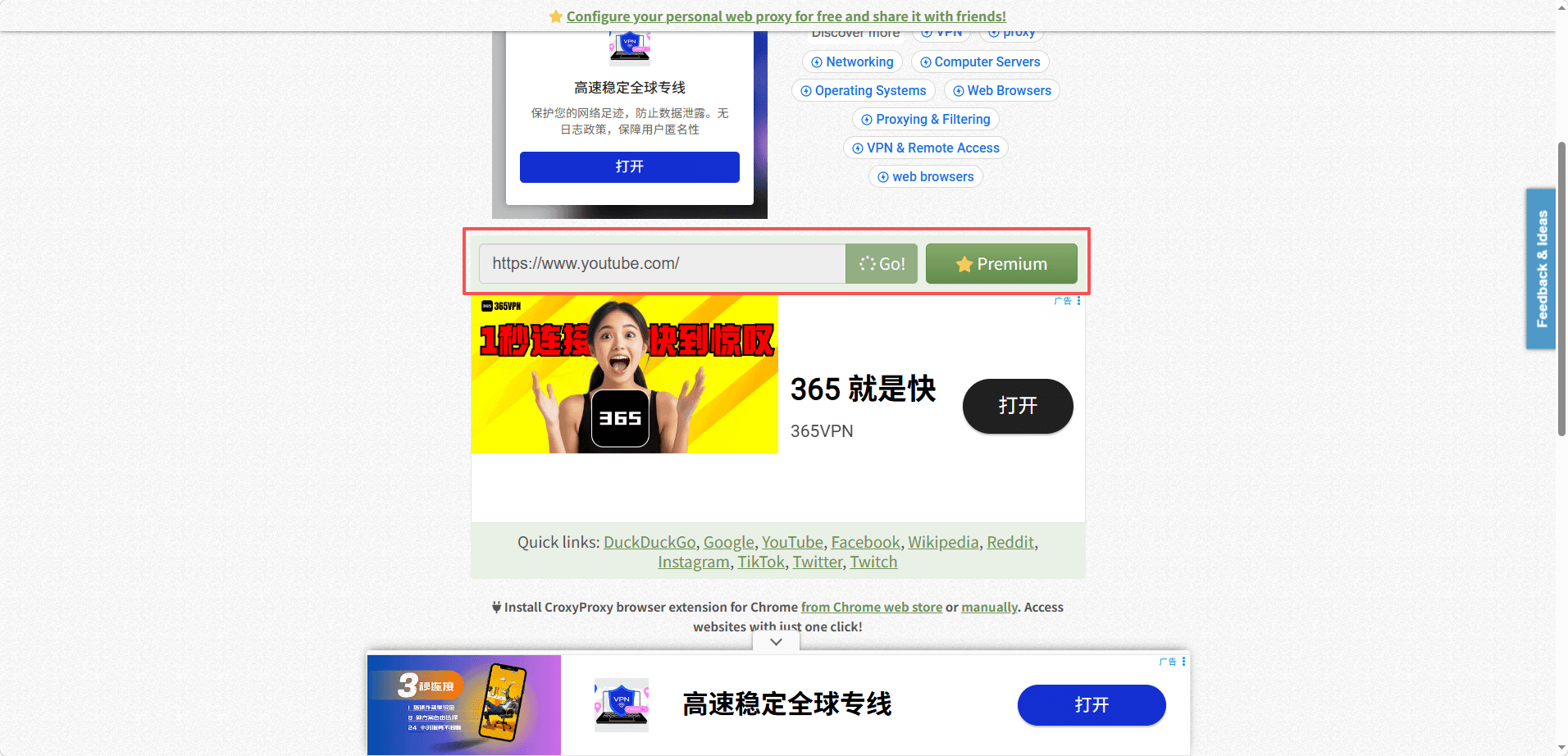
3. CroxyProxy — Free web proxy
Type: Proxy
Website: croxyproxy.com
Best For: Stable and full video streaming support
Advantages: High compatibility with modern browsers, smooth video performance; No configuration required
Limitations: Free version may limit server options; occasional ads
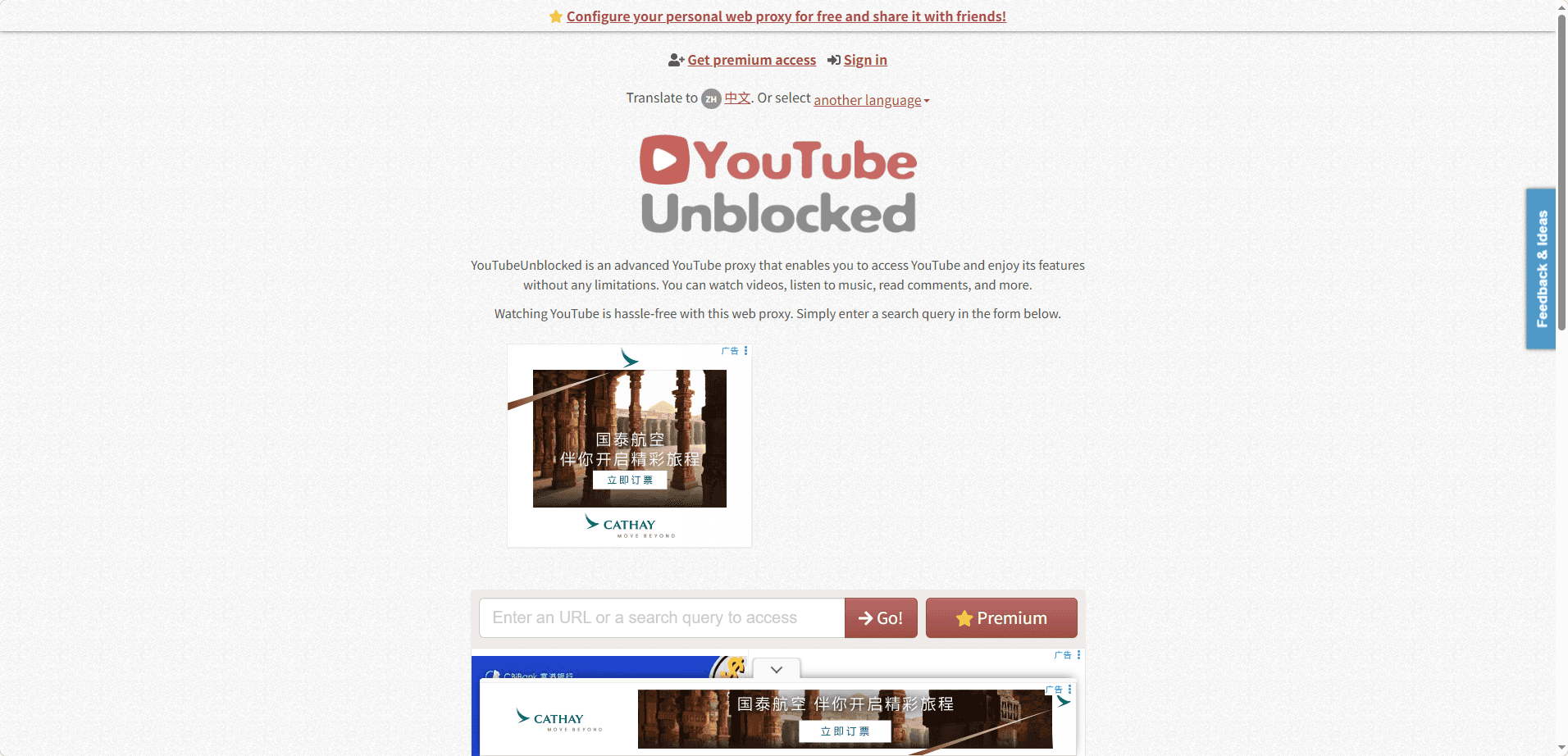
4. YouTubeUnblocked.live — YouTube Unblocked Proxy
Type: Proxy / Viewer
Website: youtubeunblocked.live
Best For: Quick and secure access from schools, workplaces, or public networks
Advantages: Free, no registration required; hides online activity; simple “Go” access; works on all devices and browsers; servers in USA and Europe
Limitations: Video quality may drop on slow networks; occasional ads; limited advanced privacy
Summary: YouTubeUnblocked is a reliable and easy-to-use free proxy for users who need to unblock YouTube quickly and securely.
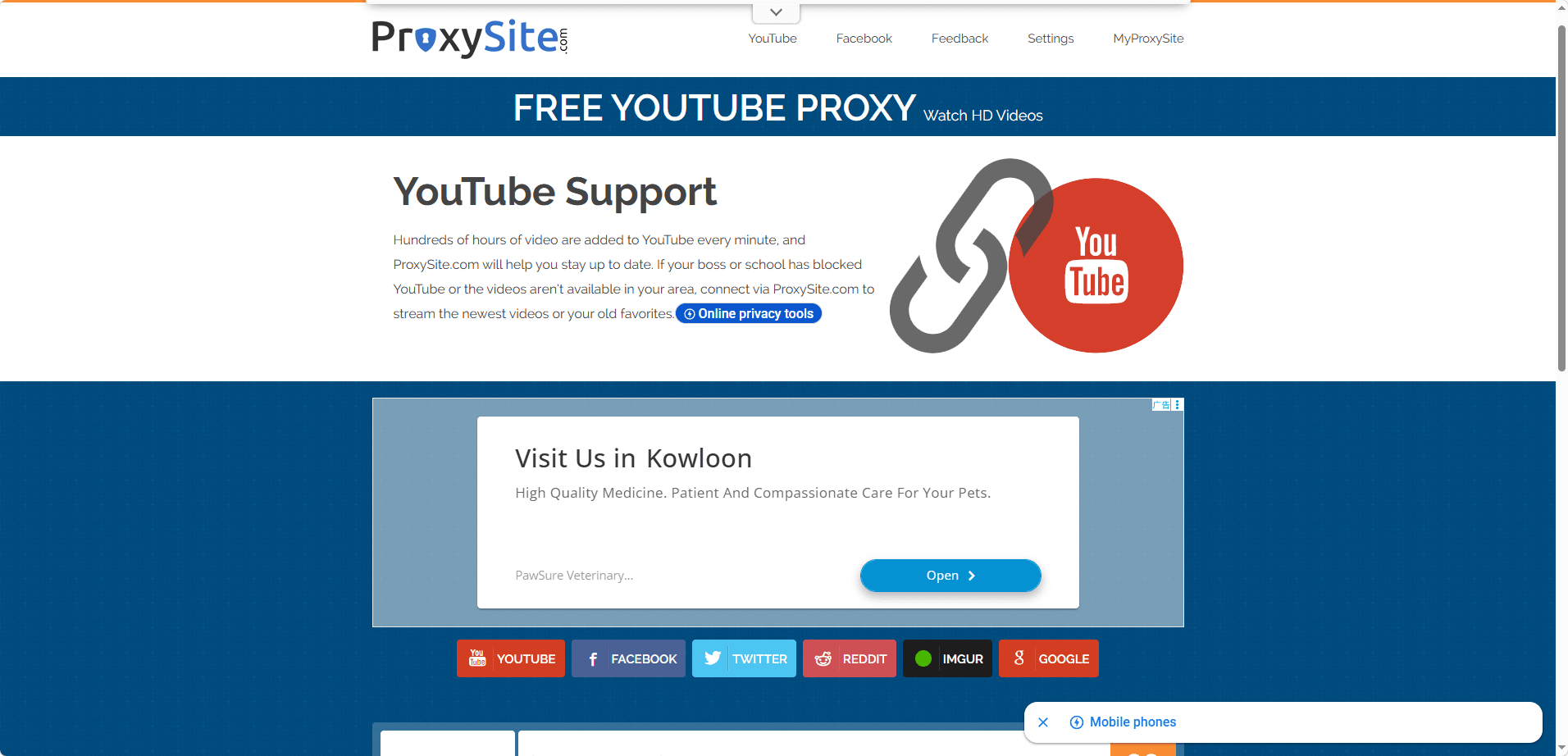
5. ProxySite — YouTube Proxy
Type: Proxy
Website: proxysite.com/youtube
Best For: Quick anonymous access to YouTube and other blocked websites
Advantages: Free web-based proxy; no downloads or configuration required; simple URL input; selectable servers in the United States and European Union; helps hide basic browsing activity
Limitations: Video quality may vary; occasional ads; limited protection against advanced tracking or fingerprinting
Summary: A convenient free proxy for unblocking YouTube quickly and browsing anonymously with minimal effort, suitable for short-term access rather than long-term privacy needs.
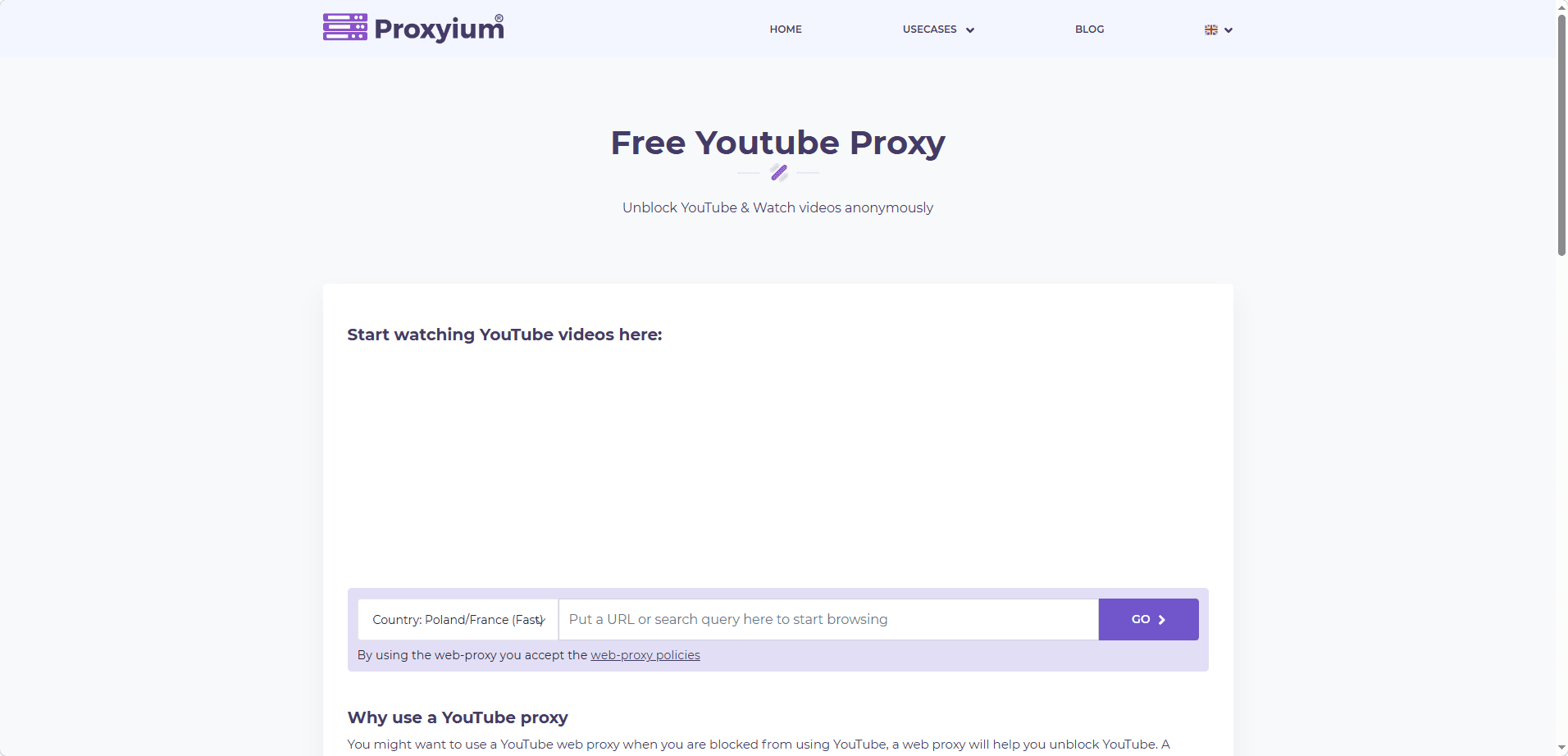
6. Proxyium — YouTube Proxy
Type: Proxy
Website: proxyium.com/youtube
Best For: Anonymous access to YouTube and other popular platforms without installation
Advantages: Free web-based proxy; no software required; supports YouTube, Google, Facebook, and more; hides real IP address; encrypts all traffic with SSL; allows shareable permanent links
Limitations: Streaming speed may vary; occasional ads; limited protection against advanced tracking techniques
Summary: A simple and secure free proxy to unblock YouTube safely, offering encrypted browsing and easy sharing for quick, temporary access.
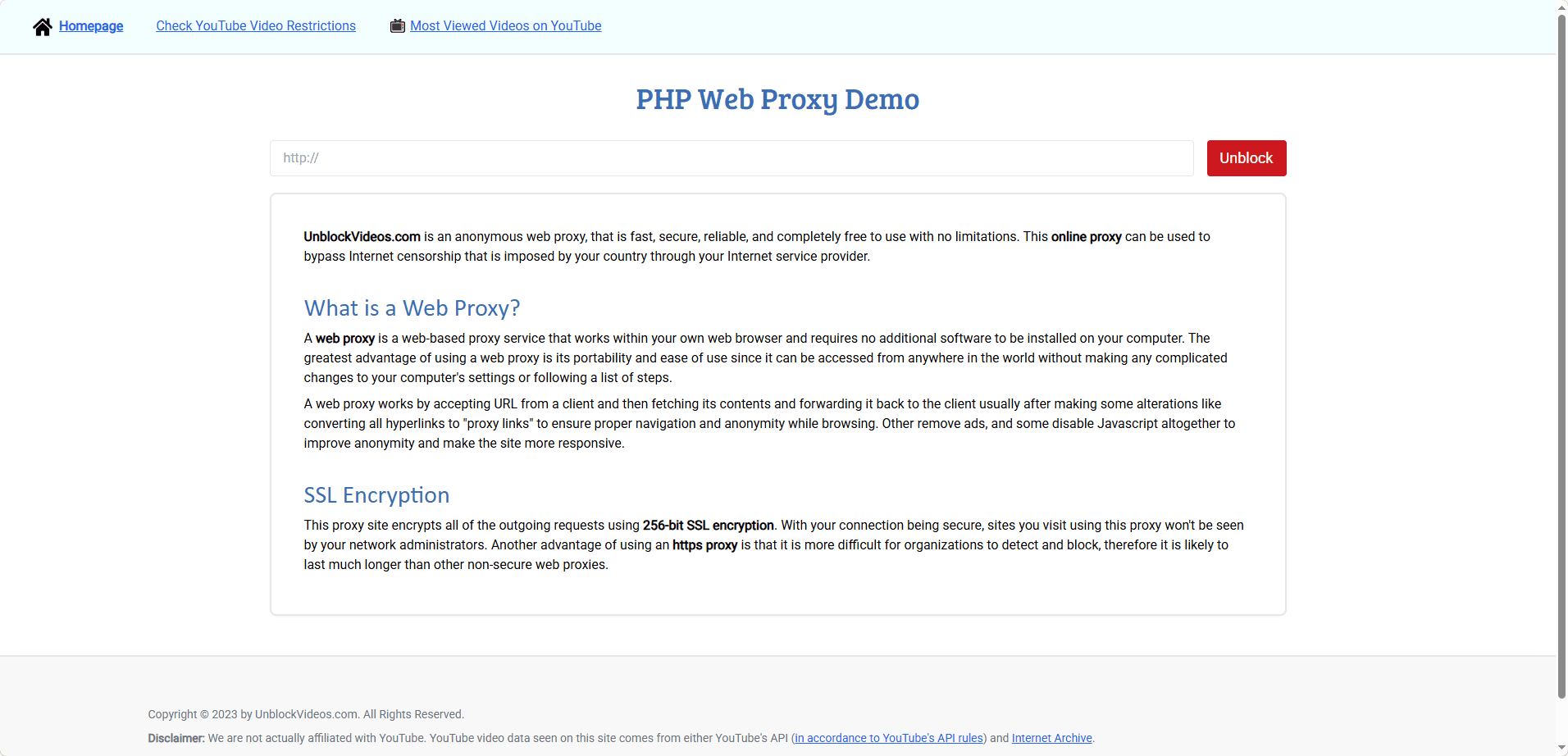
7. UnblockVideos.com — YouTube Web Proxy
Type: Proxy
Website: unblockvideos.com
Best For: Free access to YouTube and video sites from restricted networks
Advantages: Completely free web proxy; no installation required; SSL encryption helps protect traffic; fetches YouTube and other videos by relaying requests through a secure channel
Limitations: Video quality and speed depend on server load; basic privacy only; content availability may vary as proxy services change URLs
Summary: A simple, free web proxy that encrypts outgoing requests to help users unblock YouTube safely and bypass regional or network censorship with minimal setup.
8. Invidious — Alternative front-end to YouTube
Type: Alternative Front-End
Website: invidious.io
Best For: Watching YouTube with less tracking on basic school or work network blocks
Advantages: Privacy-friendly YouTube front-end; works directly in the browser; often faster and cleaner than YouTube; no login required; reduces Google tracking
Limitations: Relies on community-hosted instances; some instances may be slow, blocked, or unavailable; limited interactive features
Summary: A lightweight, privacy-focused way to watch YouTube freely and safely when basic domain filters are in place, ideal for quick viewing without an account.
9. Piped — Alternative front-end to YouTube
Type: Alternative Front-End
Website: docs.piped.video/docs
Best For: Fast YouTube access on weak networks or basic category-based blocks
Advantages: Clean and modern UI; very fast loading; lightweight design suitable for low-end devices; works in-browser without installation; reduced tracking compared to YouTube
Limitations: Depends on public instances that may go offline or be blocked; limited features compared to the official YouTube site; not ideal for logged-in interactions
Summary: A speed-focused front-end that helps users unblock YouTube safely on restricted or low-performance networks, ideal for quick, distraction-free viewing.
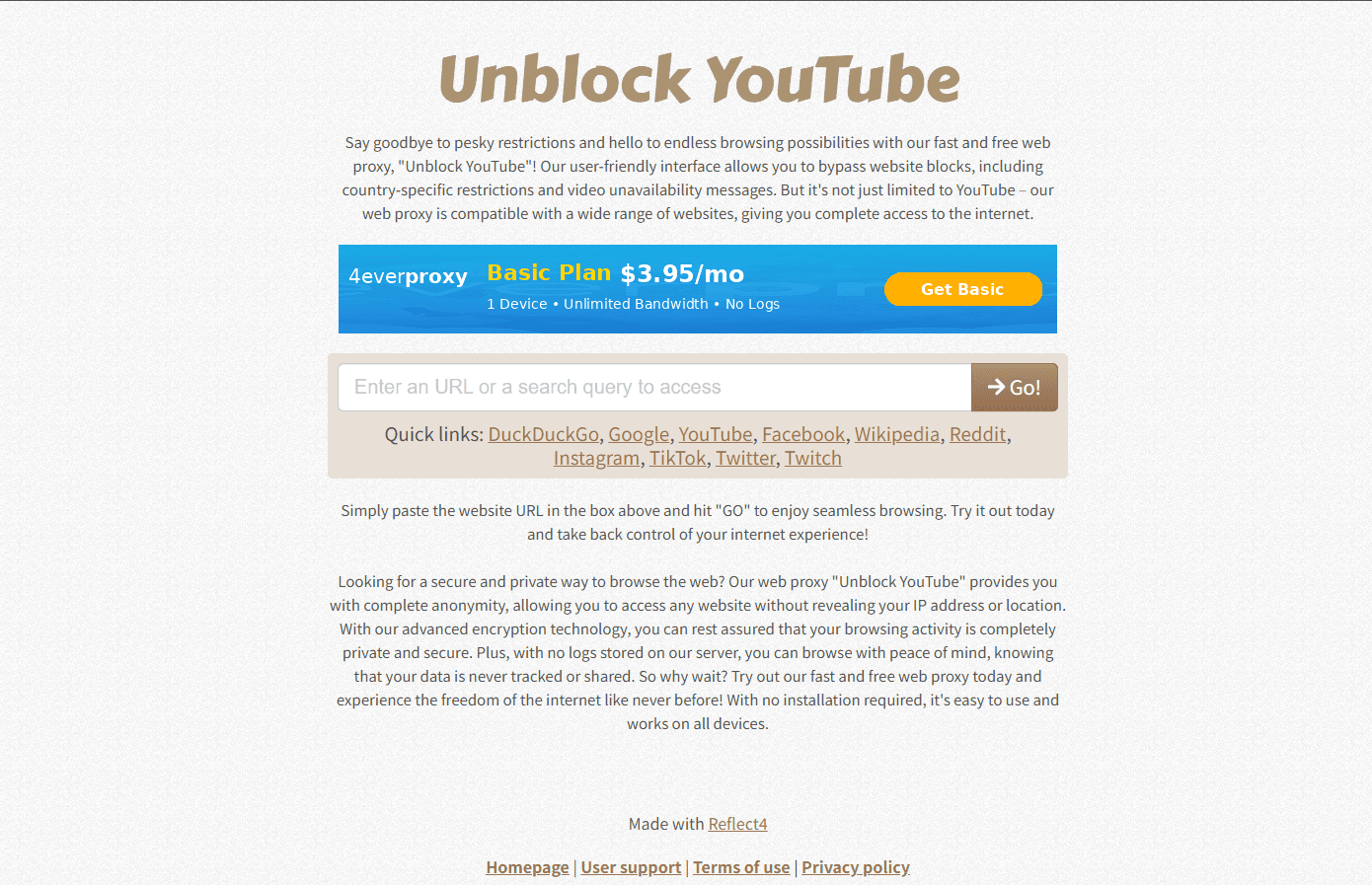
10. UnblockYoutube.co
Type: Proxy / Viewer
Website: unblockyoutube.co
Best For: Quick access from school, office, or public networks
Advantages: Free and browser-based, no installation required, simple interface for searching and watching YouTube videos
Limitations: Video quality may be limited, occasional ads, minimal privacy protection
Summary: UnblockYoutube.co is a convenient free proxy for casual YouTube access, suitable for restricted devices where installing software or extensions is not allowed.
Quick safety checklist (before you use any unblocked YouTube site)
If you take only one thing from this article, make it this:
· Never log into Google on a random proxy/mirror site
· Avoid sites that force notifications, extensions, or downloads
· Use an ad blocker if you must use a proxy (many inject risky ads)
· Prefer VPNs or reputable privacy tools (like antidetect browser) over unknown proxies
· If you’re on school/work networks, assume monitoring is possible
Let’s be honest: “best” depends on why YouTube is blocked. Still, these are the most commonly used options that tend to work better than random proxy lists.
Below, I’m separating unblocked YouTube sites (websites) from safe methods (VPN/DNS/Antidetect Browser). Because in 2026, the safest “site” is often not a site at all.
How to Safely Access Unblocked YouTube Sites in 2026
Accessing unblocked YouTube in 2026 is no longer about simply bypassing a filter. It is about doing it safely without exposing your identity, browser fingerprint, or browsing history. Most free proxy and mirror sites can unblock YouTube, but they often come with tracking, injected ads, traffic logging, and network monitoring risks, especially on school, office, and public Wi-Fi networks.
The key is isolation. Do not log into your Google account on proxy or front-end sites, and never reuse your main browser profile. A separate, clean environment prevents account linking, fingerprint correlation, and behavior tracking. A proxy or VPN can hide your IP address, but IP protection alone is no longer enough.
Modern systems track browser fingerprints. They analyze OS details, fonts, WebGL, time zone, and device behavior. That is why an anti-detect browser matters.
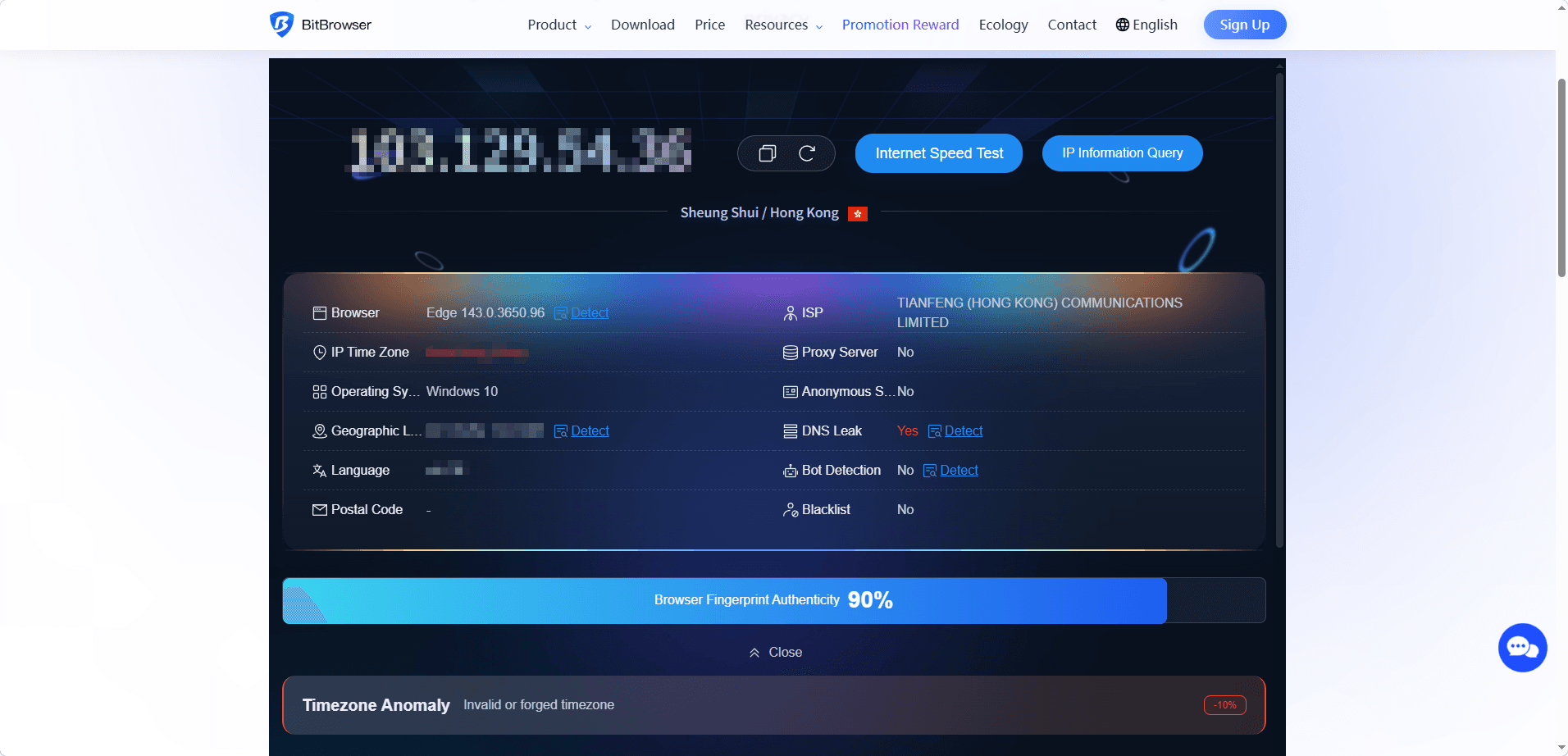
BitBrowser creates isolated browser profiles. Each profile has its own fingerprint, cookies, storage, and network identity. Every profile behaves like a separate device, which makes it much harder for networks or platforms to associate activity with your real machine.
Open unblocked YouTube sites inside a dedicated BitBrowser profile and pair it with a proxy or VPN to protect both your IP address and your device fingerprint while keeping your personal browser untouched.
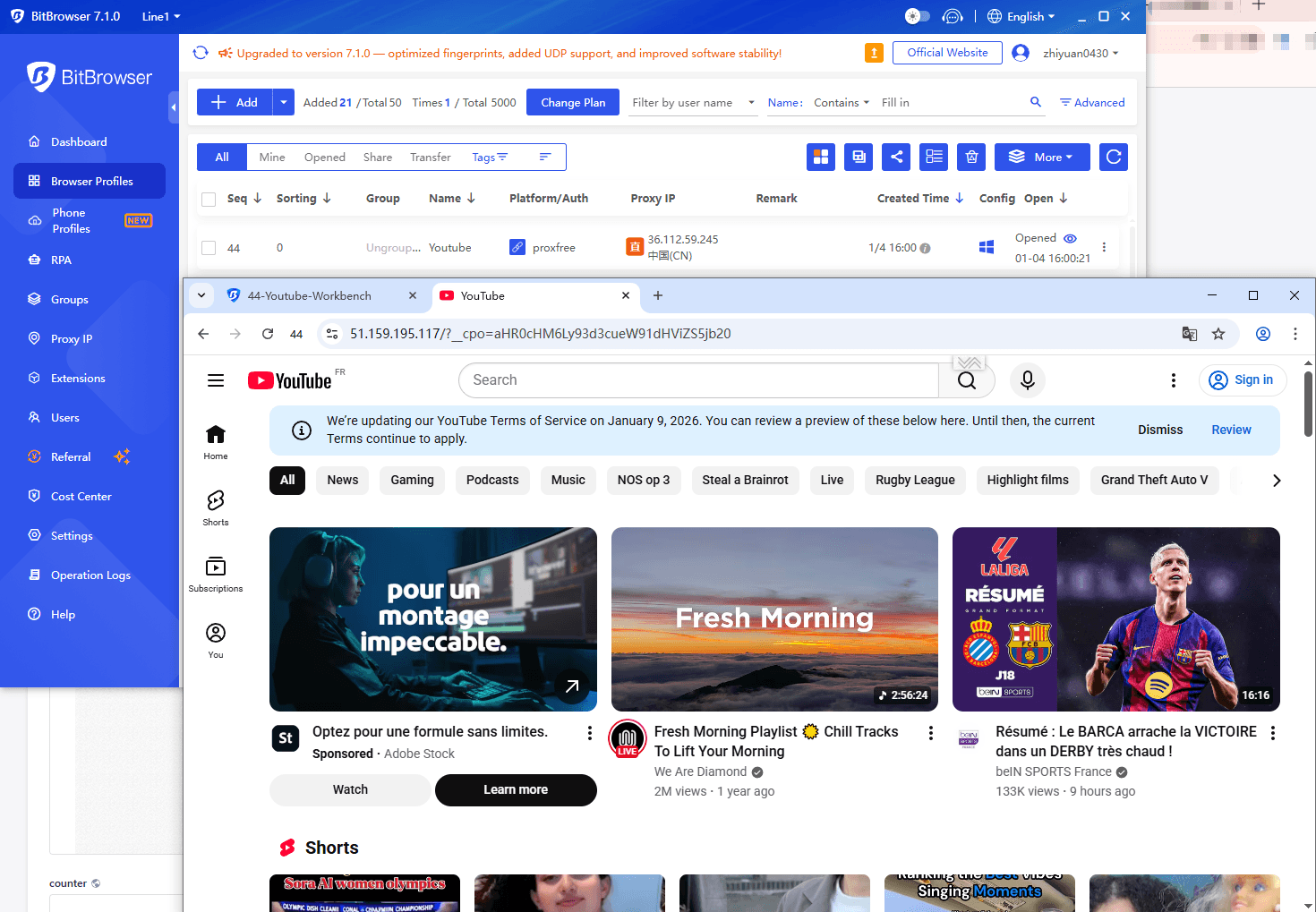
Try it yourself: BitBrowser provides 10 permanently free browser profiles, so you can start accessing YouTube safely with zero cost.
Legal and Ethical Considerations
Accessing YouTube through unblocked sites should always comply with local laws and network policies. This article is intended for informational and educational purposes only. Users are responsible for understanding their local regulations and using these tools ethically, especially in school or workplace environments.
Conclusion
In 2026, unblocked YouTube sites remain a practical solution for bypassing basic restrictions. However, as blocking technologies become more advanced, safe access is no longer optional, it is essential.
Free proxy and mirror sites are useful for temporary access, but they lack stability and security. For users who need consistent, private, and secure viewing, combining trusted unblocking methods with an anti-detect broeser like BitBrowser offers a more reliable way to unblock YouTube safely and watch YouTube freely and safely.
Choosing the right tools allows you to enjoy YouTube without unnecessary risk, no matter where you are or what network you use.
You may also be interested in reading:
How to Safely Access Kickass Torrents in 2026
What is TamilMV? How to Access TamilMV in 2026?
ChatGPT Unblocked at School in 2026: How Students Can Access It Safely
FAQ (Frequently Asked Questions)
1: Why do I need to access YouTube unblocked?
A: YouTube may be restricted on school, work, or public networks, or in certain regions due to content controls. Accessing YouTube unblocked allows you to watch educational videos, tutorials, or other content freely while using methods that respect privacy and security.
2. Are unblocked YouTube sites legal to use?
A: In most countries, accessing YouTube through proxy or mirror sites is not illegal by itself. However, it may violate school, workplace, or network usage policies. Laws also vary by region, especially in countries with strict internet regulations. This article is for informational purposes only, and you should always follow local laws and institutional rules.
3. Are free unblocked YouTube sites safe?
A: Some are relatively safe for basic viewing, but many free proxy or mirror sites log traffic, inject ads, or offer little protection against tracking. They are best used for short-term access without logging into accounts. For better safety, avoid entering personal information and consider using isolated browsing environments.
4. Why isn’t a VPN alone enough to unblock YouTube safely?
A: A VPN hides your IP address, but it does not change your browser fingerprint. Modern networks and platforms can still identify devices using fingerprinting techniques. For stronger protection, IP masking should be combined with browser isolation and fingerprint control, especially when accessing unblocked YouTube sites on monitored networks.
5. Which method is best for safely accessing YouTube unblocked?
For most users, a VPN or anti-detect/private browser offers the best combination of accessibility and privacy. Free proxies, mirrors, or front-end sites are convenient for casual use but may have limited speed, functionality, or privacy. Choose the method based on your device, network, and privacy needs.
6. Are these methods legal?
In most regions, using VPNs, proxies, or alternative front-end platforms to access YouTube unblocked is not illegal by itself. However, they may violate school, workplace, or network rules. Always check local policies before use.

 Multi-Account Management
 Prevent Account Association
 Multi-Employee Management
Recommended
See More 



