Cloud PC vs VPS 2026: Which Is Better for E-commerce & Remote Work?
 2026.09.22 18:11
 petro
petroChoosing between a Cloud PC and a VPS is no longer simply a question of whether you need Windows or a remote desktop.
Both technologies can provide remote computing resources, but they are optimized for very different workloads.
A VPS is primarily designed as server infrastructure. It is ideal for websites, APIs, databases, scripts, development environments and background services.
A Cloud PC is designed more like a remote business workstation. It focuses on Windows applications, browser-based work, e-commerce operations, remote employees and environments that need to feel closer to using a normal desktop computer.
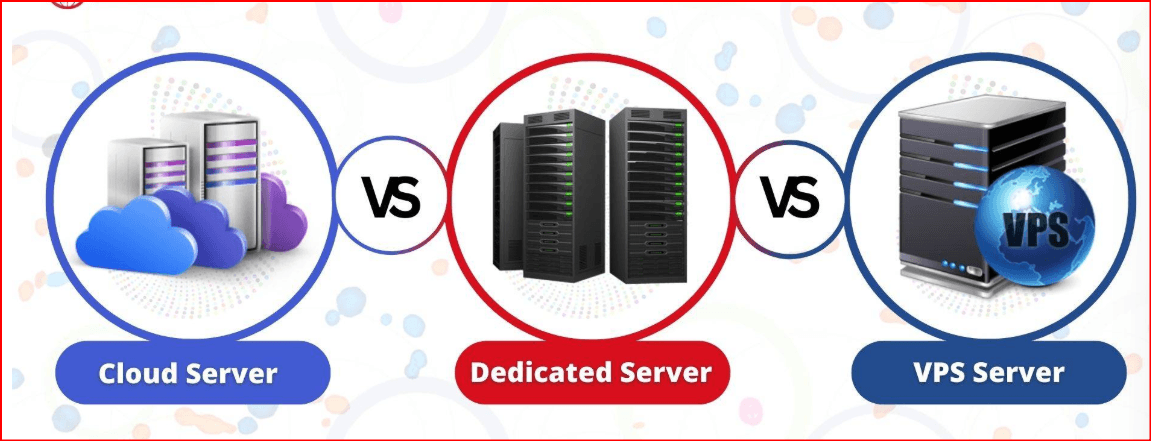
Cloud PC or VPS?
Choose a Cloud PC when...
Your workflow depends on Windows, browsers, spreadsheets, business software, advertising dashboards, marketplaces or remote employee workstations.
Choose a VPS when...
Your priority is hosting websites, databases, APIs, automation services, development environments or persistent backend processes.
Cloud PC vs VPS: Core Differences
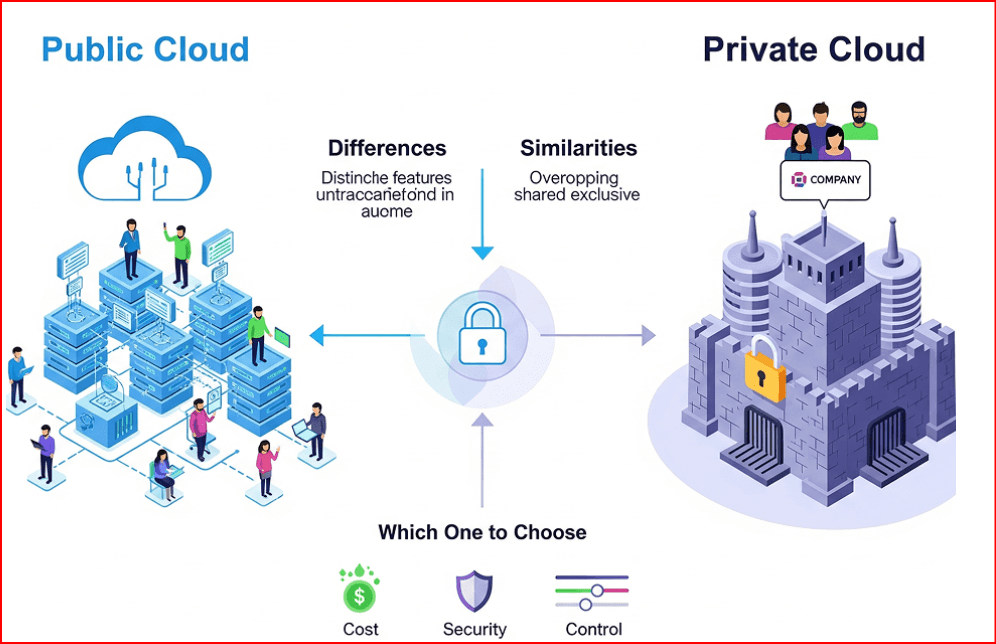
The biggest difference is not simply whether a desktop interface exists. Windows VPS services can also provide RDP access. The real difference is how the environment is designed, managed and used every day.
| Category | Cloud PC | VPS / Cloud Server |
|---|---|---|
| Main Purpose | Remote desktop and business workstation | Server infrastructure |
| Windows Experience | Desktop-first | Possible with Windows + RDP |
| Initial Setup | Designed for fast workstation deployment | Often requires more server administration |
| Typical Software | Browsers, office tools, Windows apps | Web servers, databases, APIs, daemons |
| Network Management | Business-oriented IP and network choices | Public IP, firewall, VPC and routing controls |
| Maintenance | Lower infrastructure-management burden | More responsibility for OS and server administration |
| Best For | E-commerce, remote teams, desktop workflows | Hosting, development, APIs and backend workloads |
Why BitCloudPC Stands Out as a High-Quality Cloud PC Platform in 2026
A strong Cloud PC platform should deliver more than remote Windows access. Quality depends on performance flexibility, connection stability, network configuration, recovery options, team administration and how efficiently resources can be managed.
BitCloudPC combines these areas in one cloud workstation platform built for cross-border business, remote work, e-commerce and multi-project operations.
Flexible CPU & RAM
Hardware resources can be selected according to workload requirements and upgraded when additional performance is needed.
Windows 10 & 11
Familiar mainstream Windows environments make the transition easier for employees accustomed to standard office computers.
Remote Desktop Acceleration
Built-in acceleration is designed to improve the speed and stability of remote connections, especially for cross-border access.
Multiple Network Options
Available options include data-center IP connectivity, native residential IP options and custom proxy configurations.
Expandable Storage
Storage configurations currently range from 50 GB to 200 GB, with expansion available when projects require more space.
One-Click System Reinstallation
Administrators can reinstall the operating system without manually rebuilding a physical workstation from scratch.
Team Management
Groups, tags and multi-user management make larger Cloud PC fleets easier to organize by project, department or employee.
Flexible Billing
Both hourly and monthly billing models are available, allowing businesses to match costs to temporary or continuous workloads.
BitCloudPC's strongest advantage is not one individual specification. It is the combination of a familiar Windows experience, scalable computing resources, network flexibility, optimized remote access, easy system recovery and centralized team management inside one platform.
Current BitCloudPC Configuration Options
Instead of forcing every business into the same machine configuration, BitCloudPC lets users choose resources according to the actual workload.
1. Which Workflows Are Better Suited to a Cloud PC?
Think of a Cloud PC as a remote workstation rather than a traditional hosting server.
2. When Is a VPS the Better Choice?
A VPS becomes more attractive when the workload is infrastructure-oriented rather than employee-oriented.
VPS is particularly well suited for:
- Website hosting
- WordPress servers
- Databases
- APIs
- Python applications and scripts
- Background services
- Development and testing
- Docker and container workloads
- Custom server networking
- 24/7 backend processes
3. Network & IP Options Matter for International Business
For a normal remote employee, a stable connection may be enough. For international e-commerce and geographically distributed businesses, the network configuration becomes much more important.
Businesses should understand how the remote machine connects to the internet, whether a public IP is included, what locations are available and whether custom routing or proxy configuration is supported.
| Network Option | BitCloudPC |
|---|---|
| Data-Center IP | Available as a network option |
| Native Residential IP | Available for supported configurations |
| Custom Proxy | Users can configure their own supported proxy connection |
| Remote Desktop Acceleration | Available |
4. Performance: Why Resource Flexibility Improves Cloud PC Quality
One reason inexpensive remote servers can produce a poor desktop experience is that desktop workloads are very different from lightweight server workloads.
Modern business workflows may involve dozens of browser tabs, spreadsheets, messaging applications, image assets and several Windows programs running simultaneously.
Light Workload
Basic browsing, administration, email, dashboards and lightweight applications.
General Business
BitCloudPC currently recommends 4 vCPU + 8 GB RAM for many common business workloads.
Higher Workload
More resources can be selected or upgraded for heavier multitasking and demanding workflows.
5. One-Click Reinstallation Reduces Maintenance Work
Rebuilding a traditional Windows workstation can involve preparing installation media, reinstalling the operating system, installing drivers and rebuilding the software environment.
BitCloudPC provides a one-click system reinstallation function, making it easier to reset the environment when necessary.
6. Team Management Becomes Critical at Scale
Managing one remote machine is easy. Managing 20, 50 or 100 environments is an organizational problem.
Groups
Organize Cloud PCs by department, project, customer or workflow.
Tags
Add clear labels so larger Cloud PC libraries remain searchable and structured.
Employee Management
Organize resource access and Cloud PC responsibilities across multiple employees.
7. Cost: Compare Total Ownership, Not Only the Starting Price
Comparing only the cheapest monthly VPS plan with a Cloud PC price does not provide a complete picture.
Depending on the provider, VPS deployments may involve additional costs for Windows licensing, storage, backups, IPv4 addresses, bandwidth, traffic and system administration.
BitCloudPC supports both hourly and monthly billing. Its current architecture separates computing resources from retained storage so that compute costs can be managed differently when the Cloud PC is not actively running.
Calculate the Real Cost
Which Should You Choose?
| Use Case | Cloud PC | VPS |
|---|---|---|
| Remote employee workstation | Excellent | Possible |
| E-commerce operations | Strong Fit | Possible |
| Windows business applications | Excellent | Possible |
| Website hosting | Not Primary Use | Excellent |
| Database hosting | Not Primary Use | Excellent |
| API / backend infrastructure | Limited Purpose | Excellent |
| Large remote Windows teams | Strong Fit | Requires More Administration |
BitCloudPC + BitBrowser
Companies that rely heavily on browser-based workflows can also combine the Cloud PC environment with BitBrowser for browser-profile organization, proxy configuration, team collaboration and supported automation workflows.
Frequently Asked Questions
Is a Cloud PC the same as a VPS?
No. The technologies can overlap, but their primary purposes differ. A Cloud PC is typically designed around interactive desktop use, while a VPS is primarily designed around server workloads.
Can a VPS run Windows?
Yes. Many VPS providers offer Windows Server or other Windows-based environments with RDP access. The important difference is how much infrastructure management is required.
Why is BitCloudPC suitable for remote business teams?
BitCloudPC combines remote Windows access, configurable computing resources, Remote Desktop Acceleration, Groups and Tags, network options and multi-user management.
Can BitCloudPC resources be upgraded?
Yes. Available hardware configurations can be changed as workload requirements increase, and current BitCloudPC documentation states that existing data is retained during supported configuration upgrades.
Does BitCloudPC support Windows 11?
Yes. Current BitCloudPC options include Windows 10 and Windows 11.
Is a Cloud PC better than a VPS?
It depends on the workload. A Cloud PC is usually more natural for desktop-oriented business operations, while a VPS is generally better suited to server hosting, databases, APIs and backend services.
Final Thoughts: Cloud PC or VPS in 2026?
Neither technology replaces the other.
VPS infrastructure remains an excellent choice for websites, applications, databases, APIs, development and backend services.
Cloud PCs are particularly attractive when the actual user is an employee who needs a complete Windows workspace rather than a server administration console.
BitCloudPC is particularly interesting in 2026 because it combines configurable hardware, Windows 10/11, different network options, Remote Desktop Acceleration, one-click system reinstallation, flexible billing and centralized device organization.
For e-commerce companies, remote teams and other businesses that need scalable Windows workstations, these features can make BitCloudPC a practical alternative to building and maintaining a large fleet of physical PCs or manually managed Windows VPS instances.
Build Your Cloud Windows Workspace
Explore BitCloudPC configurations for remote work, e-commerce, international business and professional Windows workflows.

 Multi-Account Management
 Prevent Account Association
 Multi-Employee Management
Recommended
See More 



