How to Use BitBrowser for Safe and Efficient Web Scraping in 2025
 2025.07.28 02:23
 petro
petroAs data becomes more valuable, web scraping has become a core tool for businesses and developers. From price comparison in e-commerce to content aggregation, SEO monitoring, and AI training — scraping plays a major role in digital strategy.
Although scraping may sound easy, challenges like dynamic content, anti-bot protection, and IP bans often make the task more complicated than expected. Luckily, modern scraping tools and anti-detect browsers can help bypass these obstacles more efficiently.
Hide Your Activity & Identity with BitBrowser
Best Web Scraping Extensions to Use in 2025
1. What Is Webscraper?
Webscraper is a Chrome extension that allows users to extract data visually by selecting elements on web pages. It generates “sitemaps” that automate scraping of text, images, and links — all without writing a single line of code.
Highlights:
· Code-free setup: just click and configure
· Multi-page scraping with pagination support
· Clean CSV/JSON data export
Ideal for beginners, non-developers, and small businesses looking to gather structured data without technical complexity.
What Problems Can Webscraper Solve?
Despite its simplicity, Webscraper handles moderately complex scraping needs thanks to its flexible sitemap builder.
Real-world applications:
a. E-commerce Price Monitoring
· Track product names, prices, ratings, and stock
· Compare prices across marketplaces
· Analyze competitor pricing and discounts
b. Real Estate Listings
· Gather data like price, size, location, and contact details
· Identify price trends and rental zones
· Build lead lists for agents
c. Job Market & Salary Study
· Pull job titles, employers, salaries, and locations
· Compare wages by region or industry
· Create career insights tools
d. News Aggregation
· Collect article titles, summaries, sources, and publish dates
· Track breaking news across platforms
· Perform sentiment or trend analysis
e. SEO & Competitor Audits
· Extract meta tags, titles, and keyword usage
· Analyze competitor content structures
· Create SEO plans and content strategies
f. Competitor Ad Research (Facebook & Instagram)
Marketers often want to see which ads competitors are running, which creatives last longest and which landing pages they lead to. The Facebook Ad Library shows this publicly, but it is a dynamic app that is hard for point-and-click extensions to handle reliably at scale.
For this task, an API is the better fit: Metapi.io returns Ad Library data as structured JSON or CSV, covering ad copy, CTAs, landing pages, run dates and placements, plus a 2+ year archive and alerts on new ads. A free plan with 3,000 records per month is enough to test it on a few competitors.
Supports scraping on most public websites
Best Web Scraping Extensions of 2025
A comparison of the top browser-based scraping tools for 2025:
BitBrowser: The Anti-Detect Browser for Scraping in 2025
While scraping tools help extract data, you also need to stay hidden from detection systems that monitor unusual browsing behavior.
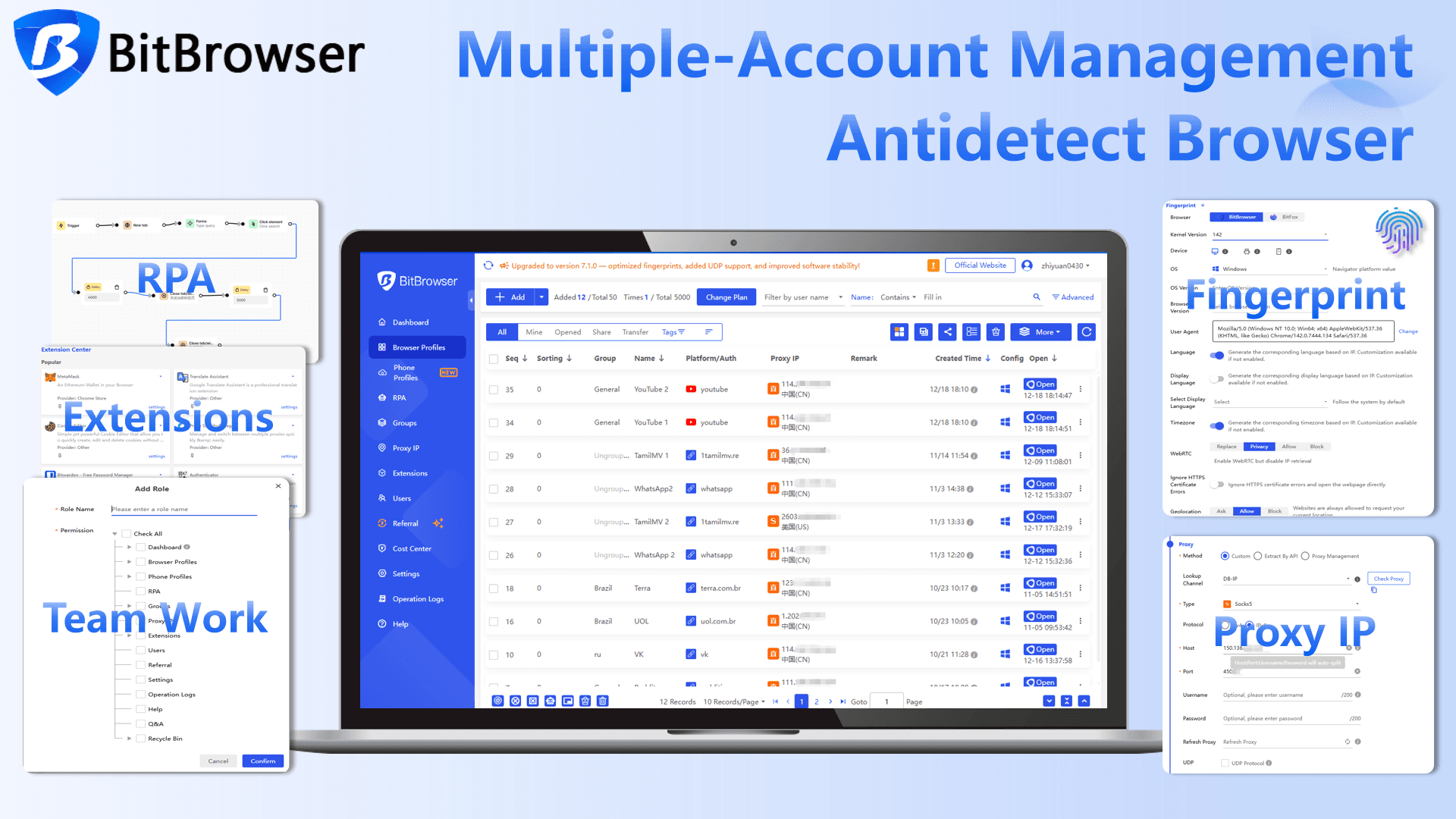
This is where BitBrowser shines. It's not a proxy provider, but rather an anti-detect browser — designed to simulate real user behavior across multiple sessions. It’s especially useful when managing multiple scraping tasks, accounts, or browser profiles.
Why Use BitBrowser for Scraping?
· Multiple isolated browser profiles
Ideal for handling multiple websites or logins without data leaks or cross-tracking
· Browser fingerprint masking
Randomizes fingerprints (user agents, screen sizes, fonts) to prevent bot detection
· Proxy integration support
Easily plug in your own residential or datacenter proxies
· Session control and cookie separation
Keep each task or scraper sandboxed with separate storage
· Useful for account management, automation, scraping, and testing
BitBrowser is best when used alongside proxy services — it doesn’t provide IPs on its own, but it enhances anonymity by masking behavior and browser identity.
Conclusion
If you're starting with web scraping, Webscraper is a beginner-friendly and powerful tool. For more advanced scraping, Octoparse or ScraperAPI are better suited due to their dynamic content support and automation features.
However, successful scraping isn't just about tools — it's also about stealth. In 2025, BitBrowser is one of the best anti-detection browsers to pair with your scraping setup. It protects your browser identity and helps avoid getting flagged by anti-bot systems.
If your research focuses on competitors' Facebook ads, skip the scraper and use a dedicated Ad Library API like Metapi.io.
Combine Webscraper + BitBrowser for a safer, smarter scraping stack — just add a reliable proxy provider of your choice, and you're ready to scale.

 Multi-Account Management
 Prevent Account Association
 Multi-Employee Management
Recommended
See More 



