Best TikTok Video Downloaders Tested & Reviewed in 2026
 2026.10.21 02:05
 YT.Shi
Downloading TikTok videos isn't always straightforward. TikTok's built-in download option depends on the creator's settings, and saved videos may include a watermark.
A TikTok video downloader offers another way to save public videos, with options for HD quality, MP4 or MP3 formats, and watermark-free downloads.
I compared online tools such as SSSTik, SnapTik, TikTokio, SaveTT, and MusicallyDown, focusing on download speed, video quality, ads, and ease of use.
If you regularly research TikTok content across multiple TikTok accounts, keeping your browsing sessions organized can also make the process easier. A tool such as BitBrowser lets you manage separate browser profiles for different accounts and workflows.
TikTok Video Downloader Comparison at a Glance
Compare 9 third-party tools and TikTok's built-in download option by search support, download quality, speed, ads, and convenience.
| Tool | Search Method | Download Options | HD Download | Search Speed | Ads | Preview & Saving |
|---|---|---|---|---|---|---|
| 1. SSSTik | Link + username | HD/standard no watermark; MP3 | 2.97 MB Ad + decoding | <1 sec | Page ads; HD needs ad | Username search may miss posts; no HD via username |
| 2. SnapTik.fi | Link only | MP4 with/without watermark; MP3 | No separate HD | General | No ads | Watermark-free: 1.01 MB |
| 3. SnapTik.app | Link only | No watermark; HD no watermark | 2.65 MB Ad + decoding | Very fast | HD needs ad | Simple process |
| 4. VideosDownloader | Link only | Multi-format; MP4 with/without watermark incl. HD | 2.65 MB Both need decoding; same size | Fast | No ads | Standard vs HD unclear |
| 5. SaveFrom.net | Link only | MP4 1080/720/576; MP3; Chrome ext. | No decoding 1080 ≈1.01 MB; lower than tested HD | About 2 sec | No ads | Browser extension |
| 6. Collabstr | Link only | Standard-quality video | No HD | <2 sec | No ads | Online preview; 1.01 MB; no decoding |
| 7. SMDOWNLOADER | Link only | HD MP4 with audio; MP3 original | 2.65 MB Decoding required | Almost instant | No ads | Online preview |
| 8. BetterUtils | Link only | HD; Normal quality | 2.65 MB Decoding required | 3–5 sec | Page ads; no redirects | New tab; right-click save; no page preview |
| 9. TikTokio | Link only | No watermark; HD no watermark; with watermark; MP3 | 2.97 MB Decoding required | Almost instant | Page ads; no redirects/download ads | Watermark-free: 1.01 MB |
| 10. Official TikTok | Open video in app/site | Built-in Save video | General | N/A | N/A | Save via Share if enabled; creator may disable; may include branding |
10 TikTok Video Downloaders Tested in 2026
1. SSSTik
Website: ssstik.io
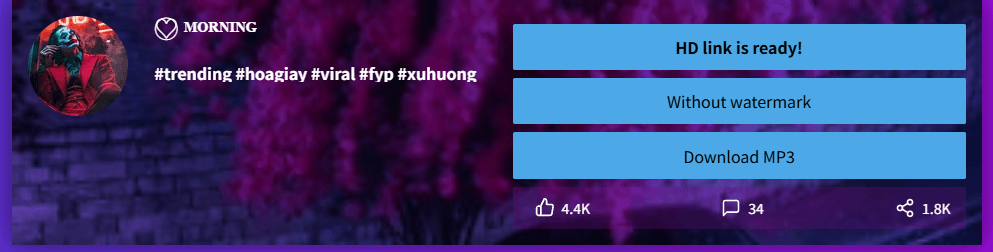
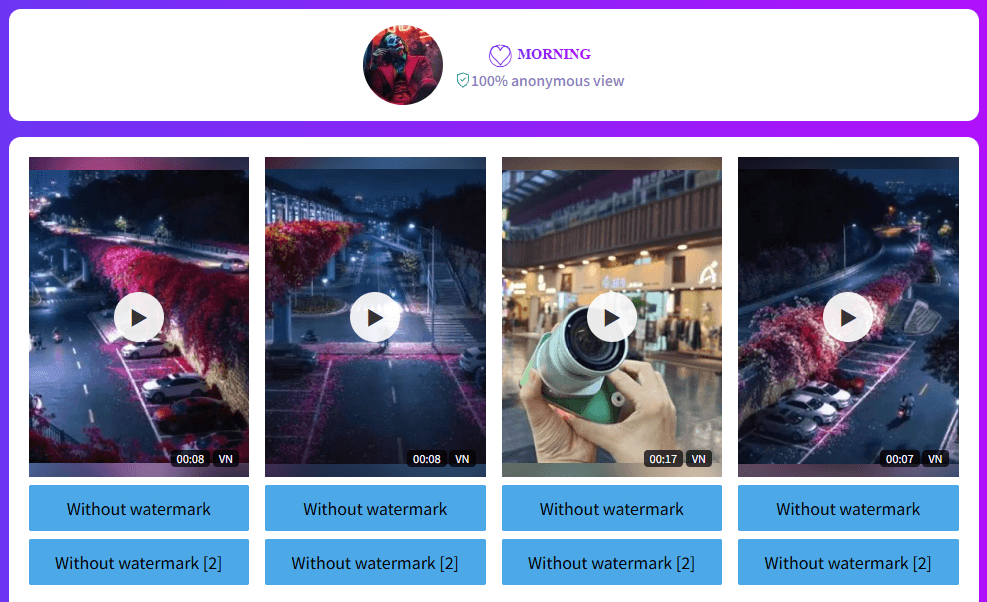
SSSTik supports username and video-link searches in under a second, with light page ads and no redirects. It offers multiple download options, though HD downloads require watching an ad and decoding the file on desktop.
What I liked
▸ Download options include Without watermark HD, Without watermark, and Download MP3.
▸ Standard watermark-free downloads require no ads or extra codecs.
What could be better
▸ HD downloads require watching an ad and decoding with a codec on desktop. The decoded file was 2.97 MB.
▸ Username searches return multiple videos but not all posts, and don't offer HD downloads.
2. SnapTik.fi
Website: snaptik.fi/en/download-tiktok-video
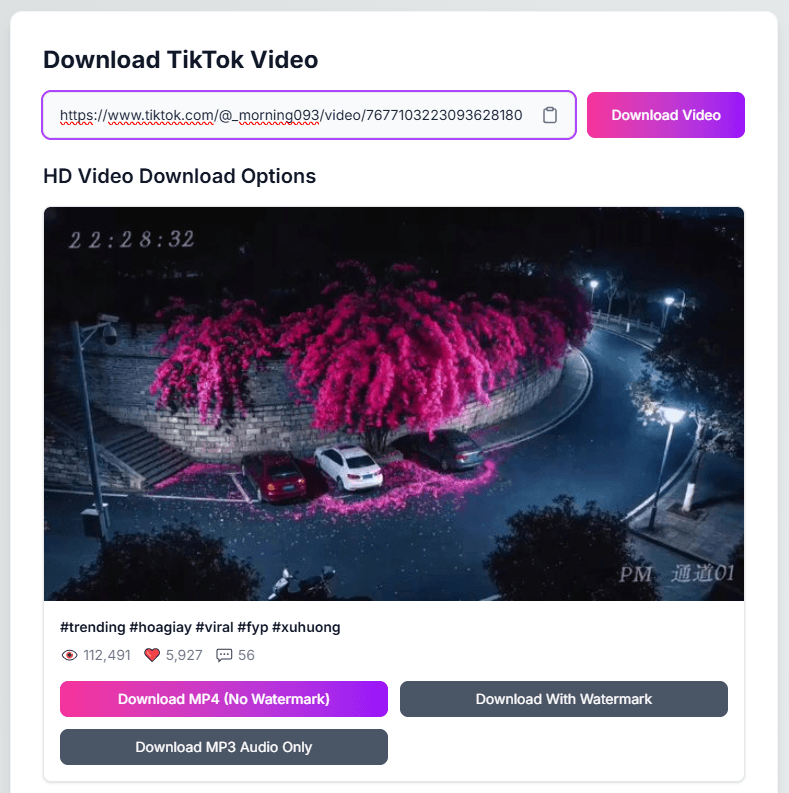
SnapTik.fi has a clean, ad-free interface for downloading individual TikTok videos, but supports video links only and may offer lower output quality than SSSTik's HD option.
What I liked
▸ Three download options: MP4 without watermark, MP4 with watermark, and MP3 audio only.
▸ No page ads or ads during downloads.
What could be better
▸ The watermark-free video was 1.01 MB, smaller than SSSTik's 2.97 MB HD file, suggesting a possible quality difference.
▸ Username searches are not supported.
3. SnapTik.app
Website: snaptik.app/en3
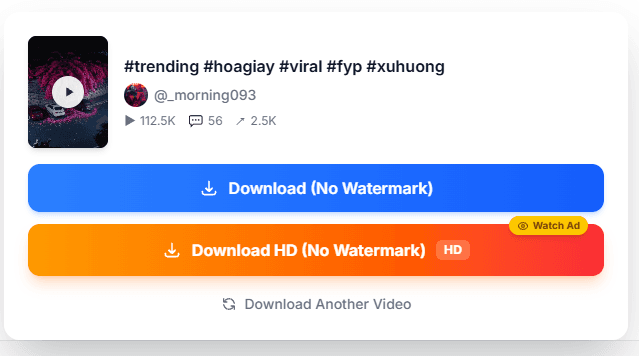
SnapTik.app is a fast TikTok downloader with a clean interface and two watermark-free options, but HD downloads require watching an ad and decoding the file on desktop.
What I liked
▸ Two options: Download (No Watermark) and Download HD (No Watermark).
▸ Fast search results and a simple download process.
What could be better
▸ HD downloads require watching a short ad and decoding with a codec on desktop. The decoded file was 2.65 MB.
▸ Username searches are not supported.
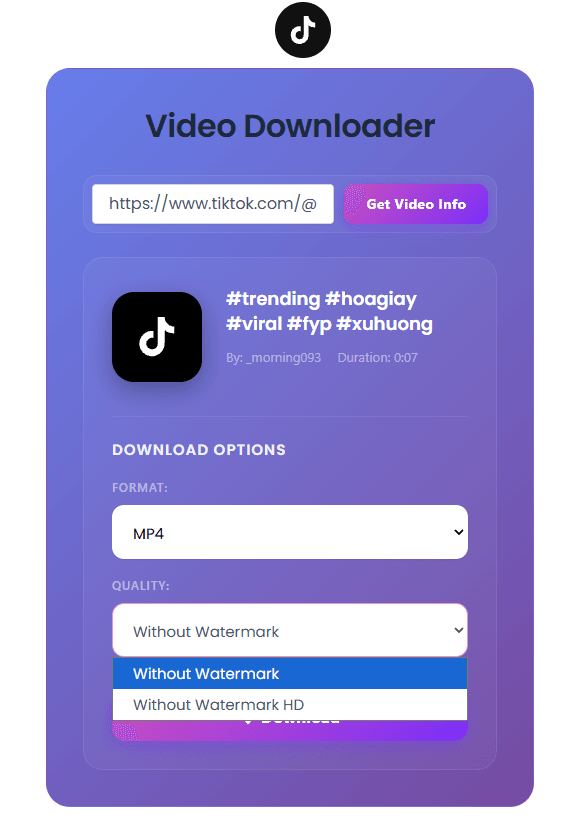
4. VideosDownloader
Website: videosdownloader.net/tiktok-video-downloader
VideosDownloader is a clean, ad-free TikTok downloader with multiple video and audio formats, but both MP4 options require extra decoding steps.
What I liked
▸ Supports MP4, WEBM, MKV, MP3, M4A, WAV, and FLAC.
▸ MP4 offers Without Watermark and Without Watermark HD options.
▸ Fast search results and no page ads.
What could be better
▸ Both MP4 options require codec decoding on desktop. The decoded files were both 2.65 MB, leaving the practical difference between standard and HD unclear.
▸ Username searches are not supported.
5. SaveFrom.net
Website: en1.savefrom.net/16Em/download-from-tiktok
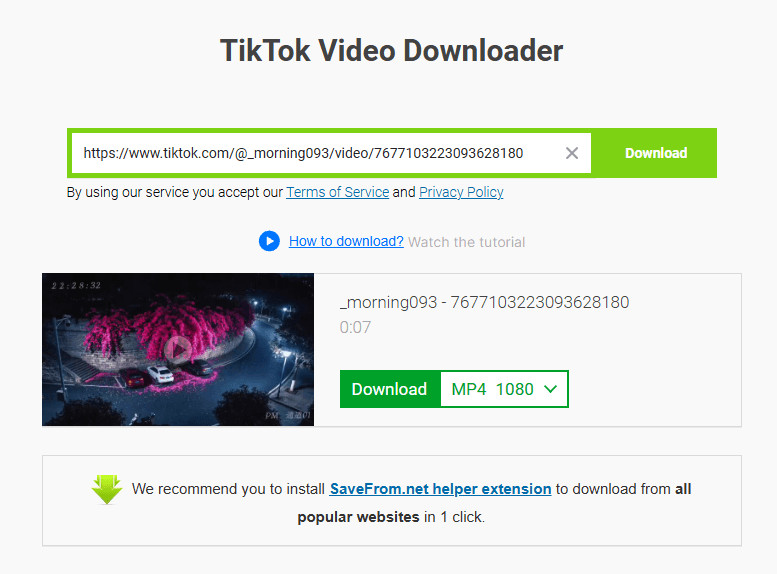
SaveFrom.net is a clean, ad-free TikTok downloader with multiple resolution options and a Chrome extension, but its tested MP4 1080 file was smaller and lower in quality than the HD versions from some other tools.
What I liked
▸ Download options include MP4 1080, MP4 720, MP4 576, and MP3.
▸ MP4 1080 downloads require no extra codec or decoding steps.
▸ Offers a Google Chrome extension for browser-based downloads.
What could be better
▸ The tested MP4 1080 file was only 1.01 MB, matching standard-quality downloads from other tools and showing lower quality than previously tested HD versions.
▸ Search results take around two seconds, slightly slower than the fastest tools tested.
▸ Supports video links only, not username searches.
6. Collabstr
Website: collabstr.com/tiktok-video-downloader
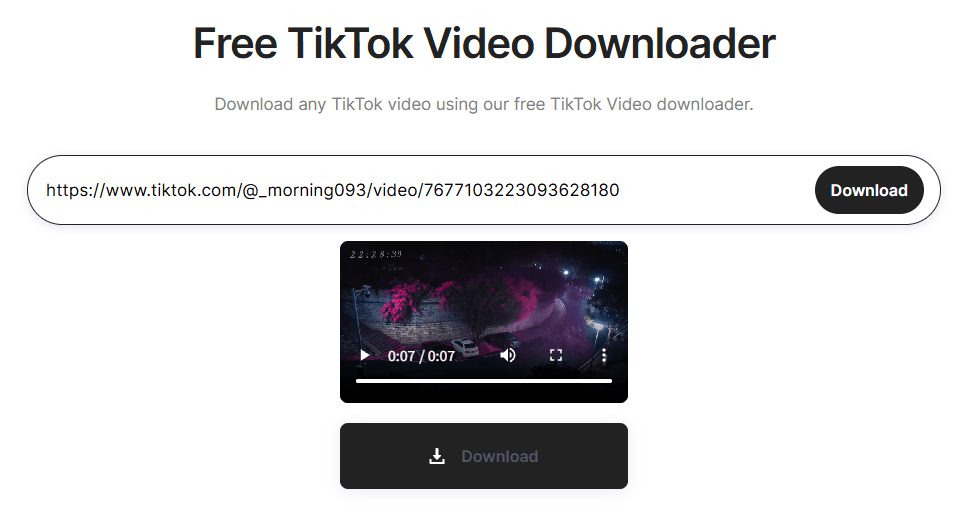
Collabstr has a clean, ad-free interface and returns results in under two seconds. It supports video-link searches only, not usernames.
What I liked
▸ Fast downloads with no ads or codec requirements.
▸ Allows online video previews before downloading.
What could be better
▸ Only offers standard-quality downloads, with no resolution options. The downloaded video was 1.01 MB.
7. SMDOWNLOADER
Website: smdownloader.com/platforms/tiktok/tiktok-video-downloader
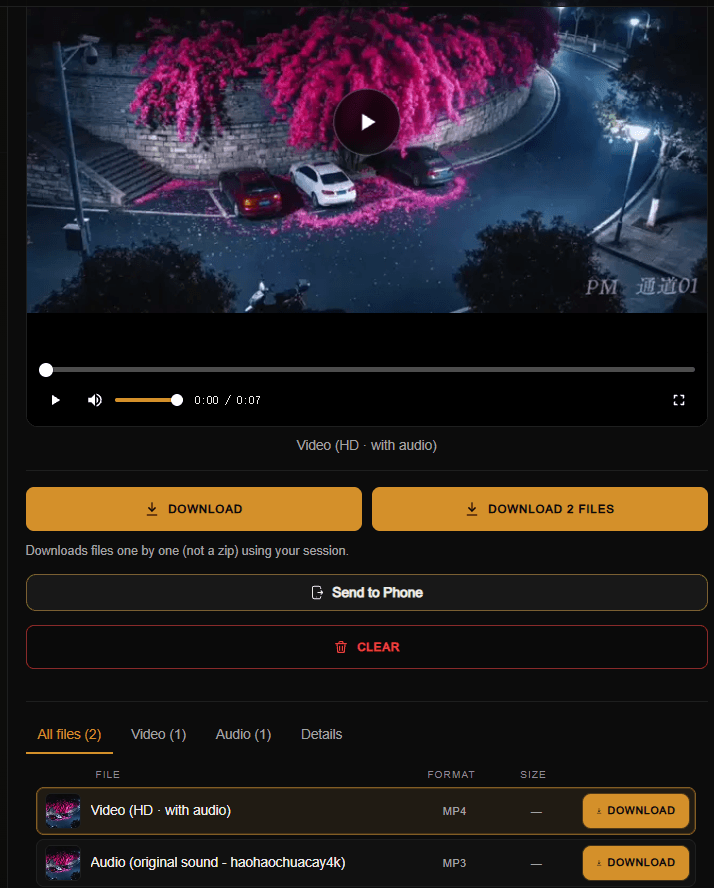
SMDOWNLOADER is a fast, ad-free TikTok downloader with online previews and HD video and audio options, though HD downloads require extra decoding on desktop.
What I liked
▸ Two options: MP4 (HD video with audio) and MP3 (original sound).
▸ No ads during downloads.
▸ Supports online video previews.
What could be better
▸ Downloaded videos require codec decoding on desktop. The decoded HD file was 2.65 MB.
▸ Supports video links only, not username searches.
8. BetterUtils
Website: betterutils.com/tools/tiktok-video-downloader
BetterUtils supports video-link searches and offers HD and normal-quality downloads, but results take 3–5 seconds and saving videos requires manual steps.
What I liked
▸ Two options: Download High Quality (HD) and Download Normal Quality.
▸ Normal-quality downloads need no decoding and produce a 1.01 MB file.
▸ No redirects.
What could be better
▸ The page contains ads, and search results take around 3–5 seconds, slower than the fastest tools tested.
▸ HD downloads require codec decoding on desktop. The decoded file was 2.65 MB.
▸ Downloads open in a new tab rather than saving directly. You must right-click the video and select “Save video as.”
▸ No online preview is available on the downloader page itself.
▸ Supports video links only, not username searches.
9. TikTokio
Website: tiktokio.com
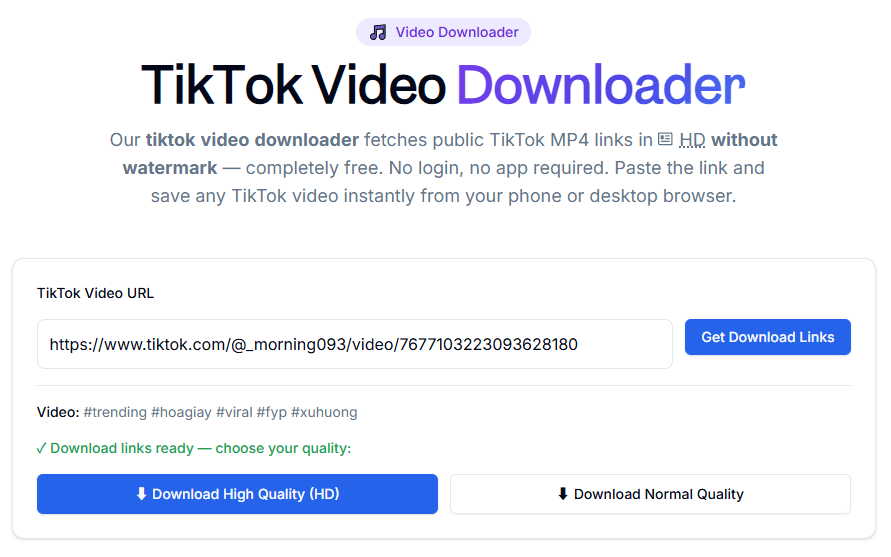
TikTokio is a fast TikTok downloader with four download options, page ads but no redirects or download ads, and straightforward standard-quality downloads.
What I liked
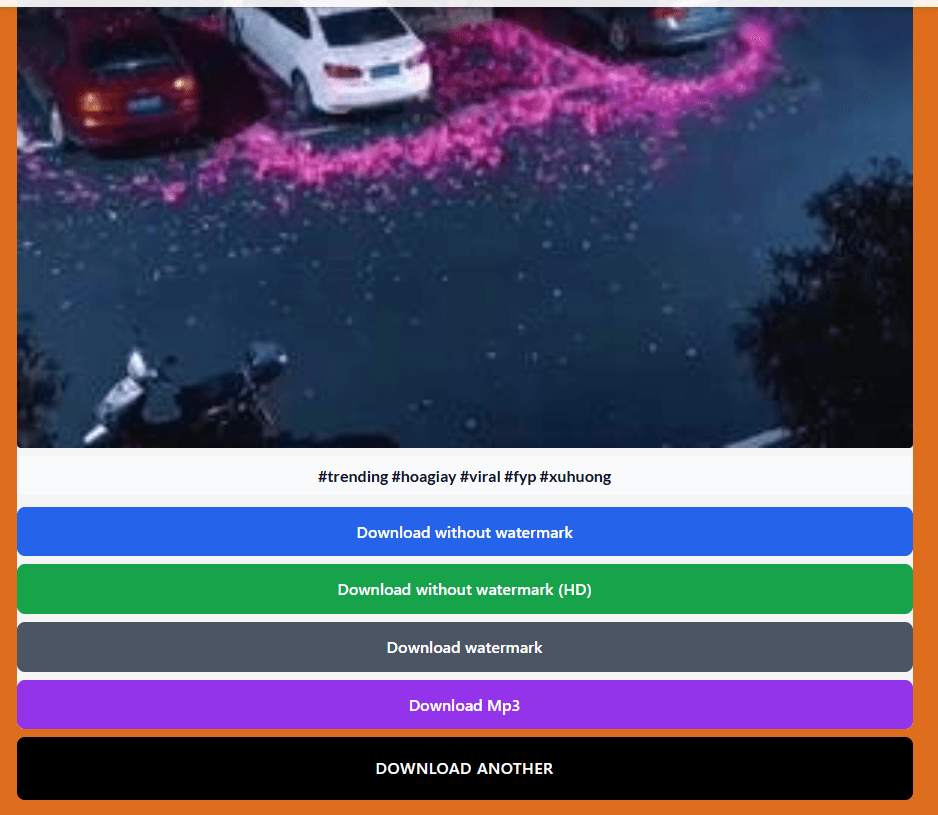
▸ Four options: Download without watermark, Download without watermark (HD), Download watermark, and Download Mp3.
▸ Standard watermark-free downloads need no decoding and produce a 1.01 MB file.
▸ Search results appear almost instantly.
What could be better
▸ HD watermark-free downloads require codec decoding on desktop. The decoded file was 2.97 MB.
▸ Supports video links only, not username searches.
10. Official TikTok Download
Website: TikTok
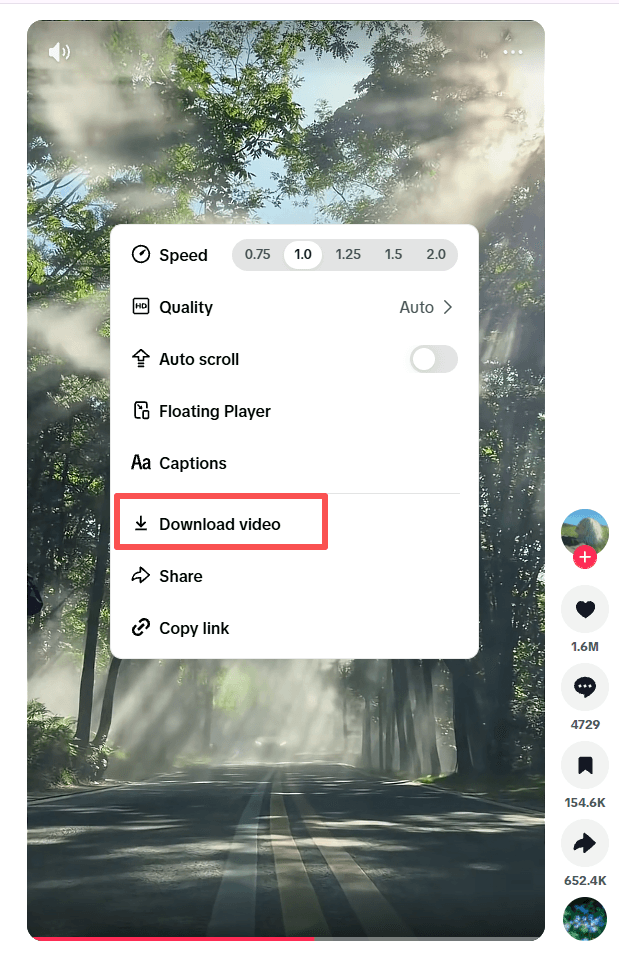
TikTok lets you save videos directly when creators allow downloads. Open a video, tap Share, and select Save video.
What I liked
▸ Built into TikTok, with no third-party website needed.
▸ Simple saving process when the option is available.
▸ Useful for comparing video quality with third-party downloads.
What could be better
▸ Downloads depend on the creator's settings.
▸ Saved videos may include TikTok branding.
▸ No built-in MP3 extraction or comparable format options.
Overall: The easiest option when downloads are enabled, but less flexible than third-party tools for watermark-free videos or audio extraction.
Does TikTok Tell You Who Downloaded Your Video?
No. TikTok does not provide creators with a list showing which specific users downloaded their videos. Downloading a video is different from interacting with a post through likes, comments, or other visible activity.
The same question often comes up when using a third-party TikTok video downloader. Saving a video through an external website does not give the creator a list identifying who saved it.
However, download permissions and privacy settings still matter. TikTok lets creators control whether other users can download their posts through the app's built-in feature. If you publish videos yourself, you can review this setting under Profile > Menu > Settings and privacy > Privacy > Downloads.
For details, see TikTok's official guide to managing video downloads.
How to Download TikTok Videos With or Without a Watermark
Method 1: Use TikTok's Built-in Download Option
This is the simplest option when the creator allows downloads.
▸ Open TikTok and find the video you want to save.
▸ Tap the Share button.
▸ Select Save video.
▸ Open your device's gallery or photos app to find the downloaded file.
The video is saved directly to your device, without needing another website or app. If the Save video option is missing, the creator may have disabled downloads for that post.
Method 2: Use an Online TikTok Video Downloader
An online TikTok video downloader can be useful when you want to compare different output options, including versions advertised as watermark-free.
▸ Open the TikTok video and tap Share.
▸ Copy the video link.
▸ Open a TikTok downloader website in your browser.
▸ Paste the link into the input box and start processing.
▸ Select an available download option and save the file.
The available options vary by website. Some offer a version with a watermark and another without one, while others may provide different resolutions or audio downloads.
Keep in mind: a watermark-free file is not necessarily an HD file. Removing a visible watermark does not improve the original resolution, and some tools may return a lower-quality copy. Compare the downloaded file with the original before using it in another project.
If you plan to repost or edit someone else's video, make sure you have permission where necessary and preserve appropriate credit. Removing a watermark does not remove the creator's copyright.
Frequently Asked Questions
Does TikTok Tell You When Someone Downloads Your Video?
TikTok does not provide a notification identifying a specific person who downloaded your video. Creators can control the platform's built-in download permission, but this is different from receiving a list of downloaders.
How Do You Remove the TikTok Watermark from a Downloaded Video?
The simplest option is to check whether the downloader offers a watermark-free version before saving the file. If you already have a downloaded video, you can also crop or edit the footage, although cropping may remove part of the frame and reduce its usefulness.
For your own videos, keep an original copy before posting so you can reuse it without needing to process a downloaded version.
Can You Download TikTok Videos in HD Without a Watermark?
Some third-party tools advertise both HD and watermark-free downloads, but the results depend on the source video and the downloader. Check the actual resolution and image quality of the saved file rather than relying only on the website's labels.
A tool cannot restore detail that is missing from the source file.
Can You Download TikTok Videos by Username?
Some tools advertise username or profile-based downloads, while others require an individual video URL. Check whether the specific website supports profile search and multiple downloads before using it. Private or unavailable videos may not be accessible.
Can You Download TikTok Videos That Don't Have a Save Option?
TikTok's built-in Save video option may be unavailable because the creator has disabled downloads. Some third-party tools may handle certain publicly accessible links differently, but they are not guaranteed to work. Respect creators' permissions and avoid services that ask for account credentials or promise access to private content.
Final Thoughts
The best TikTok video downloader depends on your needs. For occasional saves, an online tool may be enough. If you need watermark-free videos, username search, or bulk downloads, check the actual output and supported features before choosing.
Prioritize download reliability, video quality, ease of use, and a reasonable ad experience. Always respect creators’ rights and get permission before reposting or reusing their content.

 Multi-Account Management
 Prevent Account Association
 Multi-Employee Management
Recommended
See More 



