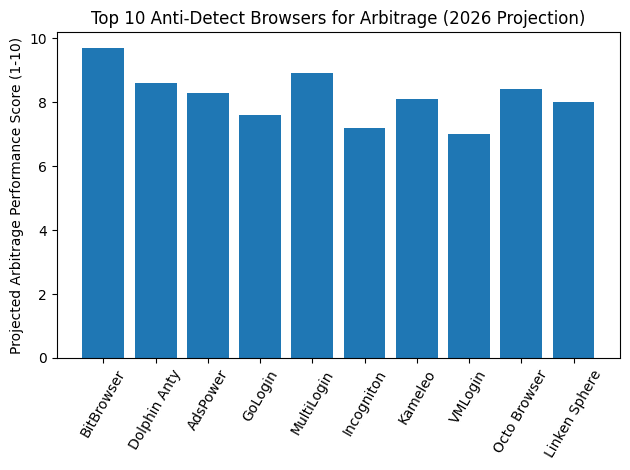
Top 10 Anti-Detect Browsers for Arbitrage in 2026
 2026.02.27 06:52
 petro
petroIn the world of traffic arbitrage, affiliate marketing, dropshipping, and ad account farming, managing multiple accounts safely is critical. Platforms like Facebook, Google, TikTok, and ad networks aggressively detect multi-account behavior through fingerprinting, IP tracking, cookies, and browser telemetry.
That’s where anti-detect browsers come in.
These specialized browsers allow users to create isolated browser environments with unique fingerprints, proxies, cookies, and device configurations — reducing the risk of bans and improving account stability.
In this article, we review the Top 10 anti-detect browsers for arbitrage, with a detailed look at why BitBrowser is considered one of the best choices for card arbitrage and multi-account operations.
What Is an Anti-Detect Browser?
An anti-detect browser is a tool that allows users to:
- Create multiple browser profiles
- Assign unique fingerprints to each profile
- Configure separate proxies
- Isolate cookies and storage
- Prevent cross-account tracking
These tools are widely used in:
- Traffic arbitrage
- Affiliate marketing
- E-commerce scaling
- Crypto and Web3
- Multi-account advertising
- Card testing and payment arbitrage
Without fingerprint isolation, platforms can link accounts together — leading to mass bans.
Top 10 Anti-Detect Browsers for Arbitrage
1. BitBrowser (Best for Arbitrage Cards & Multi-Account Management)
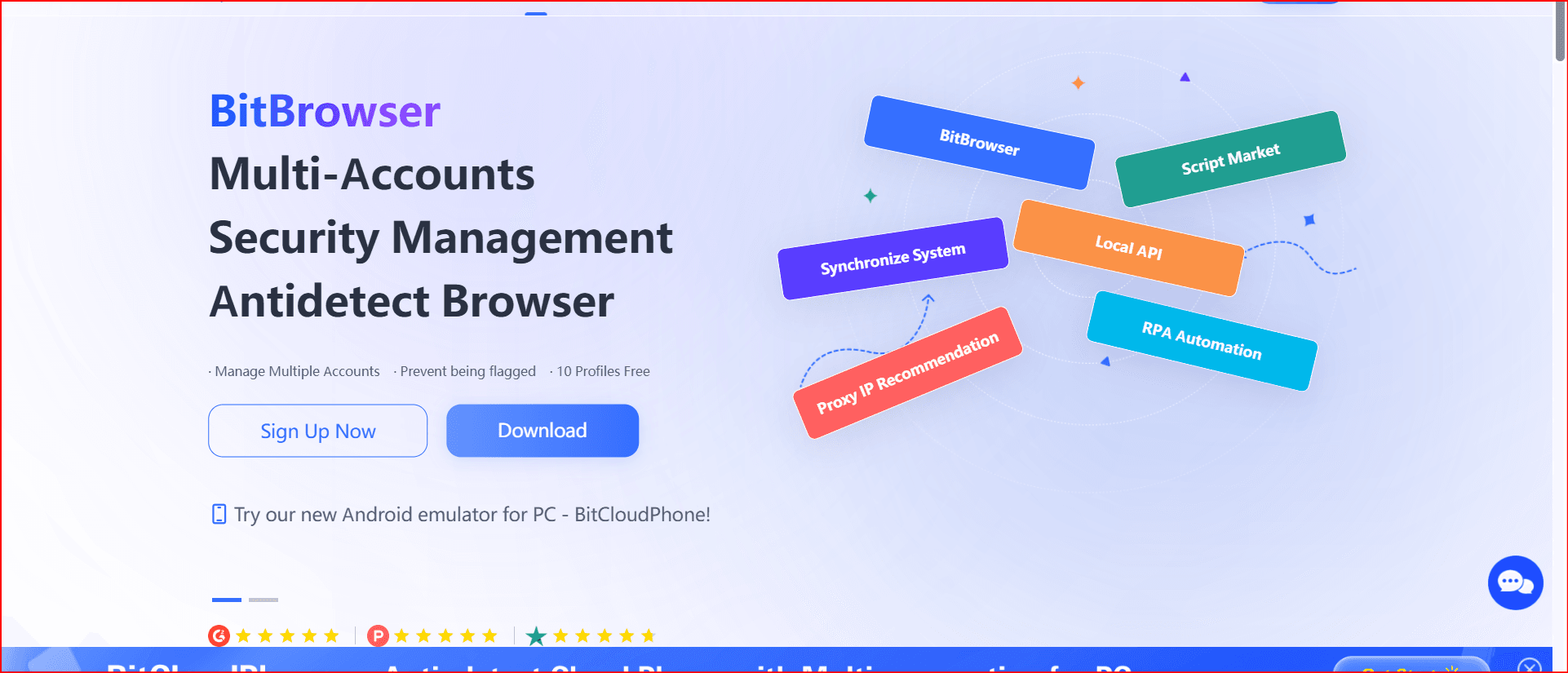
BitBrowser has quickly become one of the most popular anti-detect browsers in the arbitrage community.
Why BitBrowser Stands Out:
- Advanced fingerprint spoofing
- Easy proxy integration (IPv4 / IPv6 / SOCKS5)
- Strong WebRTC control
- Built-in automation support
- Profile cloning
- High performance with large profile volumes
- Affordable pricing compared to competitors
- Stable for ad accounts and payment methods
Why It’s Best for Arbitrage Cards
For card arbitrage and payment scaling, BitBrowser offers:
- Reliable fingerprint isolation
- Clean separation between profiles
- Proxy + fingerprint synchronization
- Reduced browser-based linking
- Lower detection rates when properly configured
Its balance between usability and advanced control makes it ideal for both beginners and experienced arbitrageurs.
2. Dolphin Anty
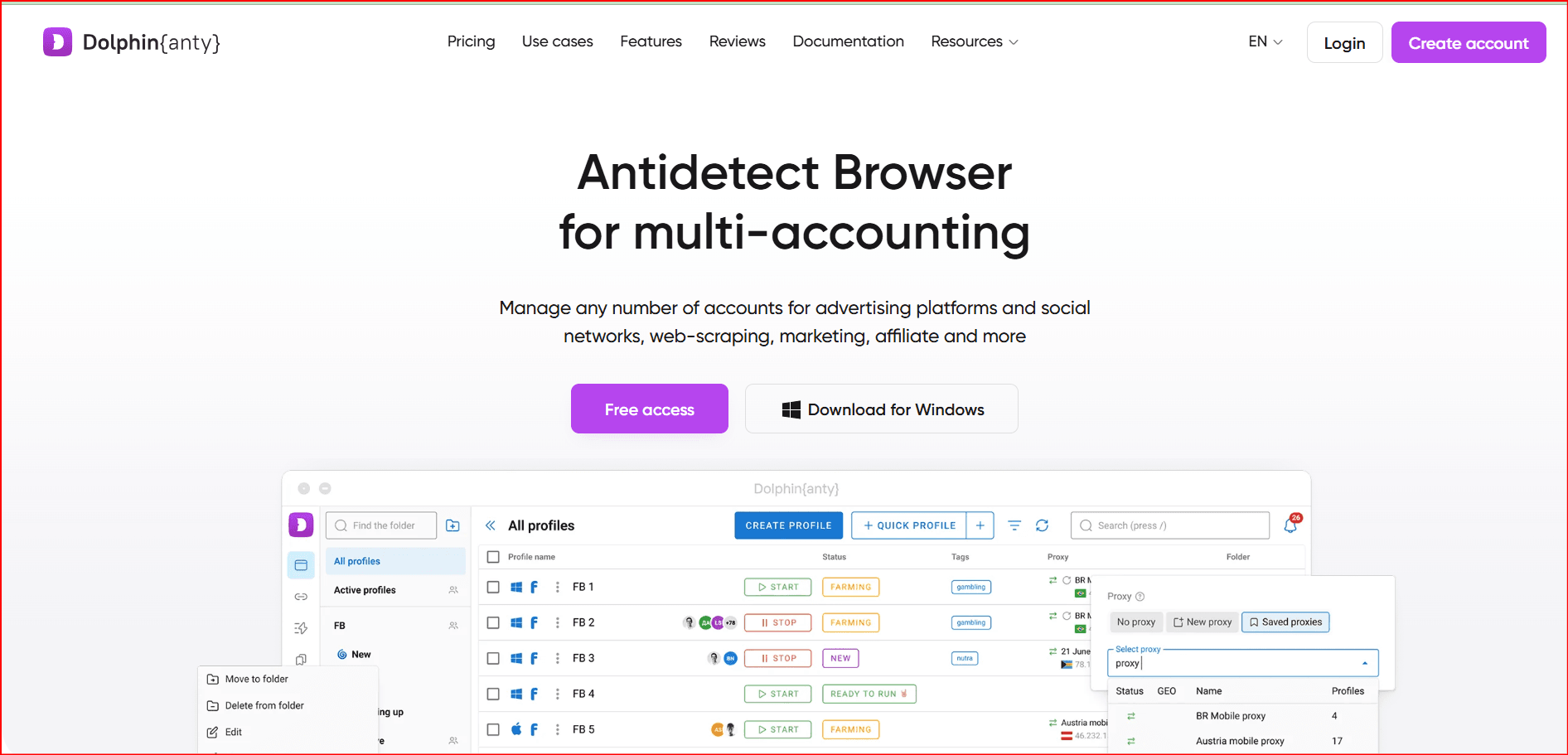
Dolphin Anty is widely used in affiliate marketing and media buying.
Pros:
- Clean interface
- Good automation features
- Team management
Cons:
- Higher pricing tiers
- Can be resource heavy
3. AdsPower
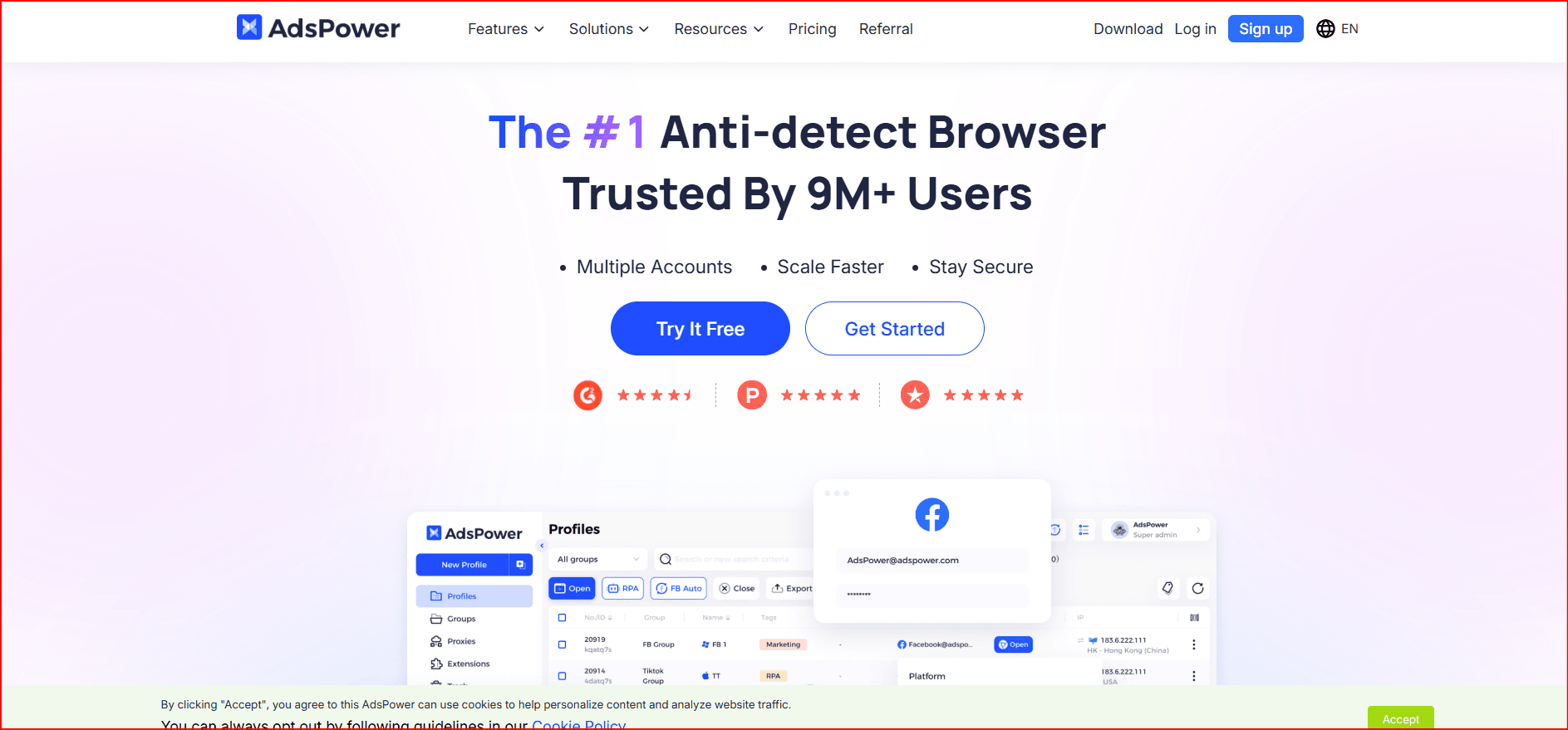
AdsPower is one of the largest anti-detect browsers globally.
Pros:
- Good team features
- API access
- Automation support
Cons:
- Some fingerprint inconsistencies reported
- UI can feel complex
4. GoLogin
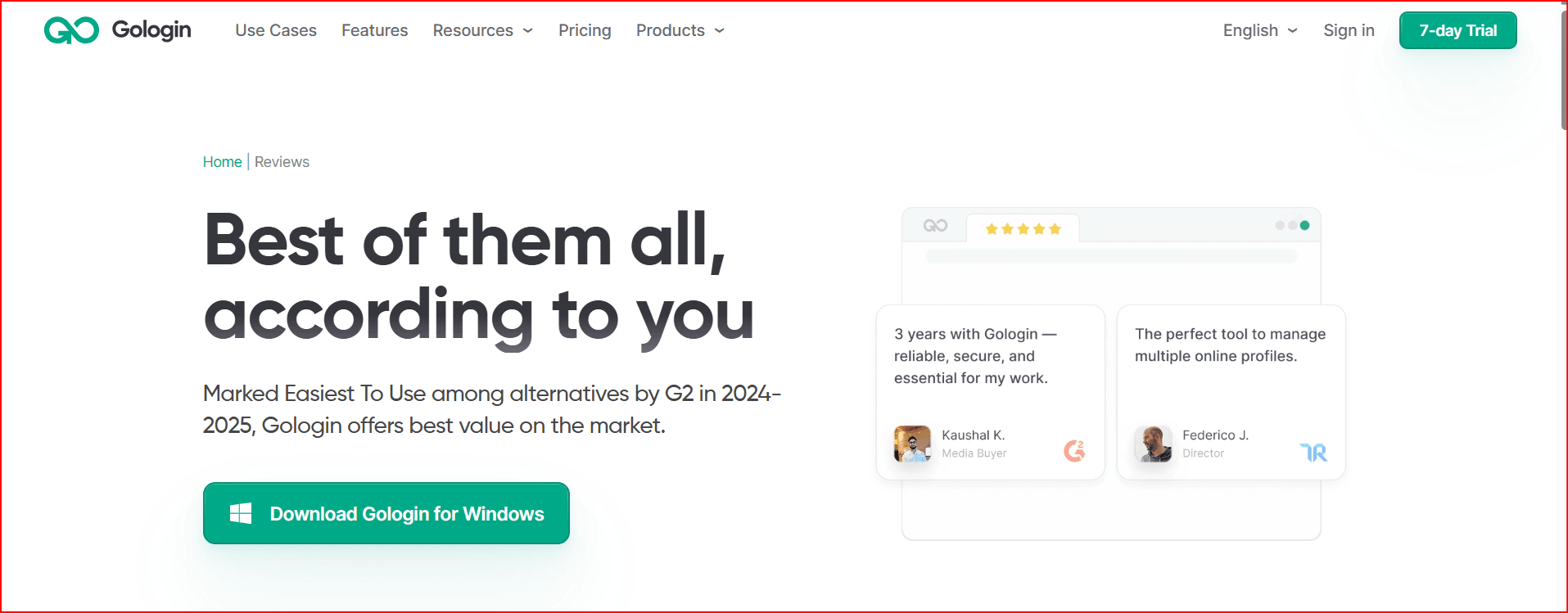
GoLogin is beginner-friendly and cloud-based.
Pros:
- Easy setup
- Cloud sync
- Good support
Cons:
- Limited deep fingerprint customization
- Less popular in heavy arbitrage environments
5. MultiLogin
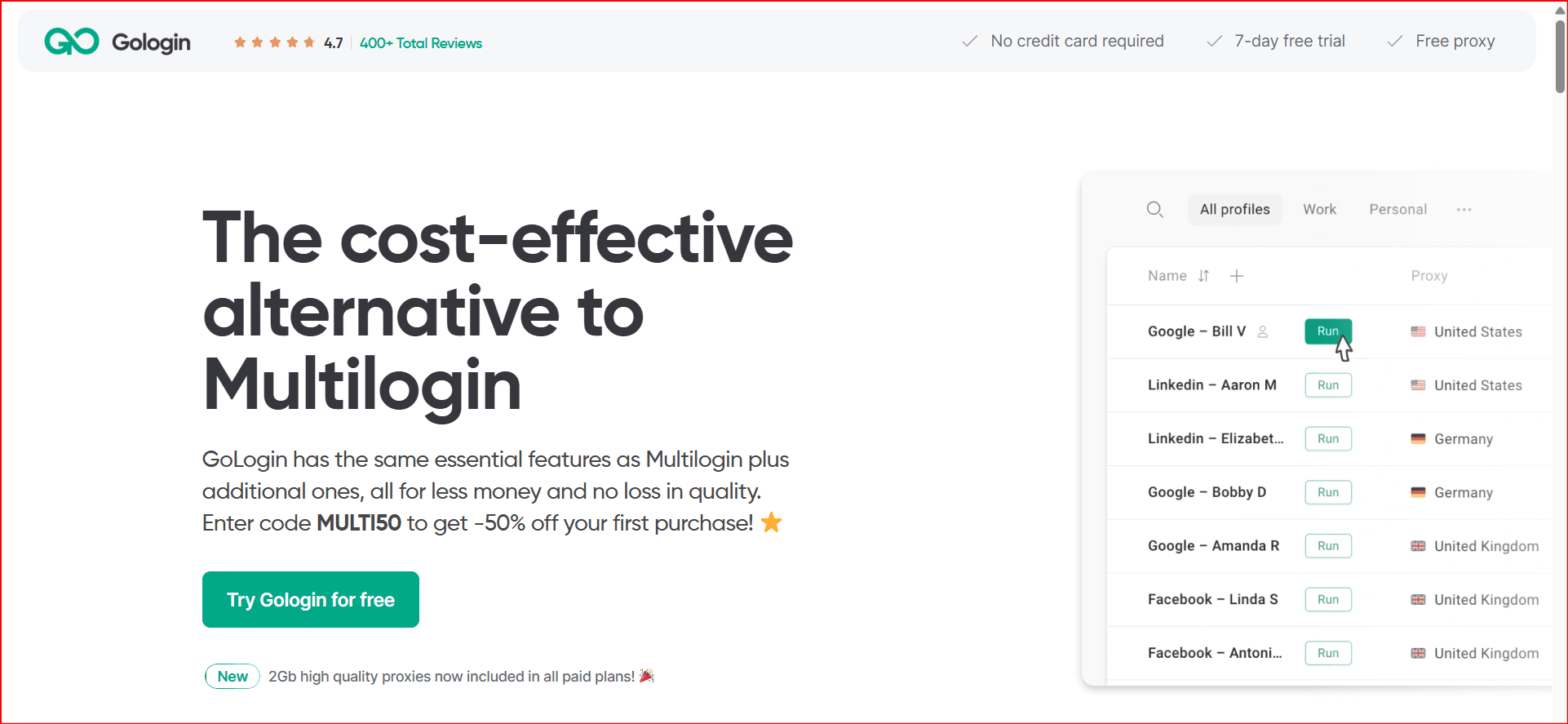
MultiLogin is one of the oldest anti-detect browsers.
Pros:
- Strong reputation
- Advanced fingerprint control
Cons:
- Expensive
- Overkill for small teams
6. Incogniton
Incogniton offers a solid mid-tier option.
Pros:
- Affordable plans
- Simple UI
Cons:
- Fewer advanced fingerprint controls
- Limited automation compared to BitBrowser
7. Kameleo
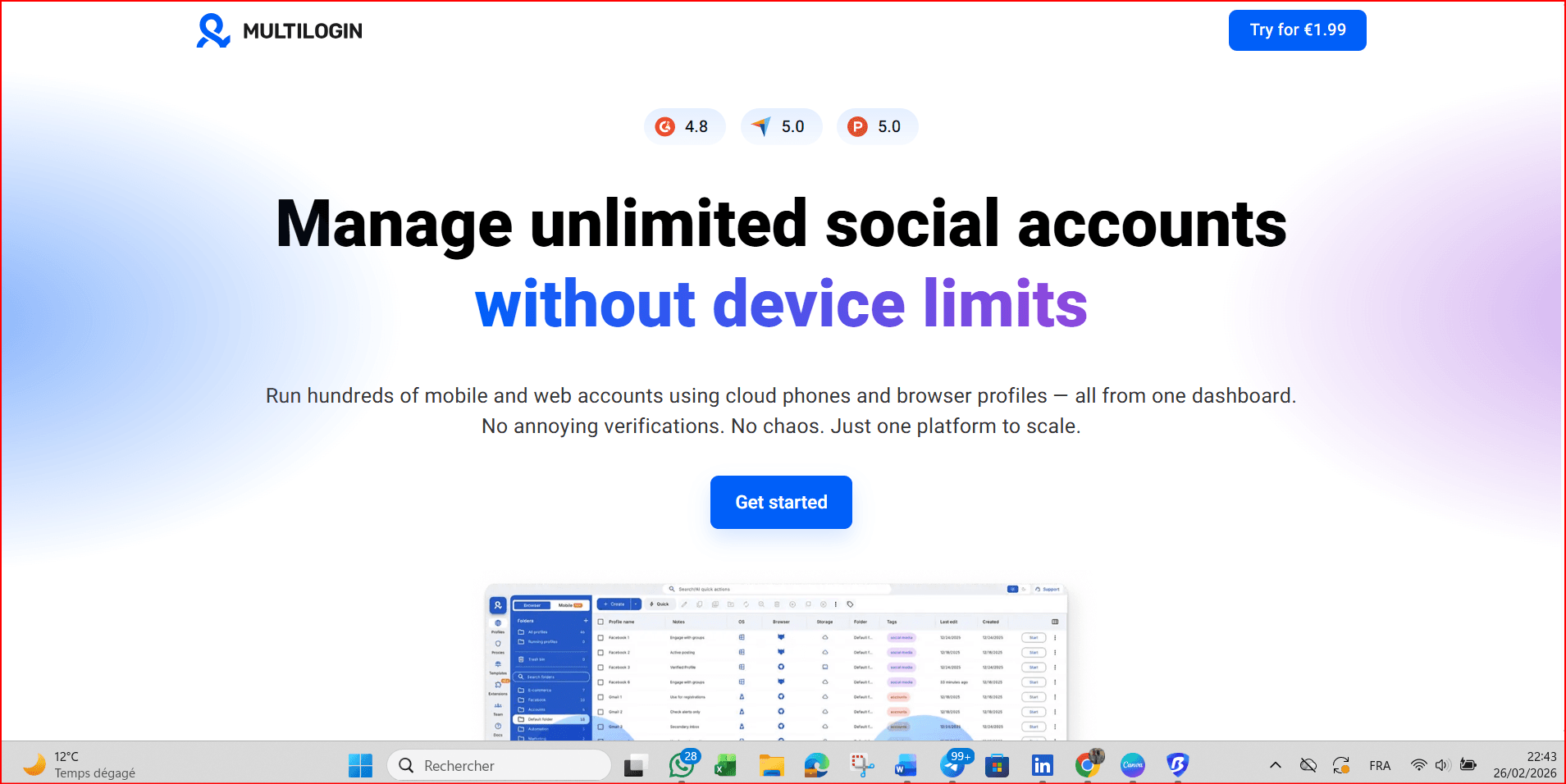
Kameleo supports mobile fingerprint simulation.
Pros:
- Mobile device emulation
- Strong fingerprint engine
Cons:
- Higher technical learning curve
- More suited for advanced users
8. VMLogin
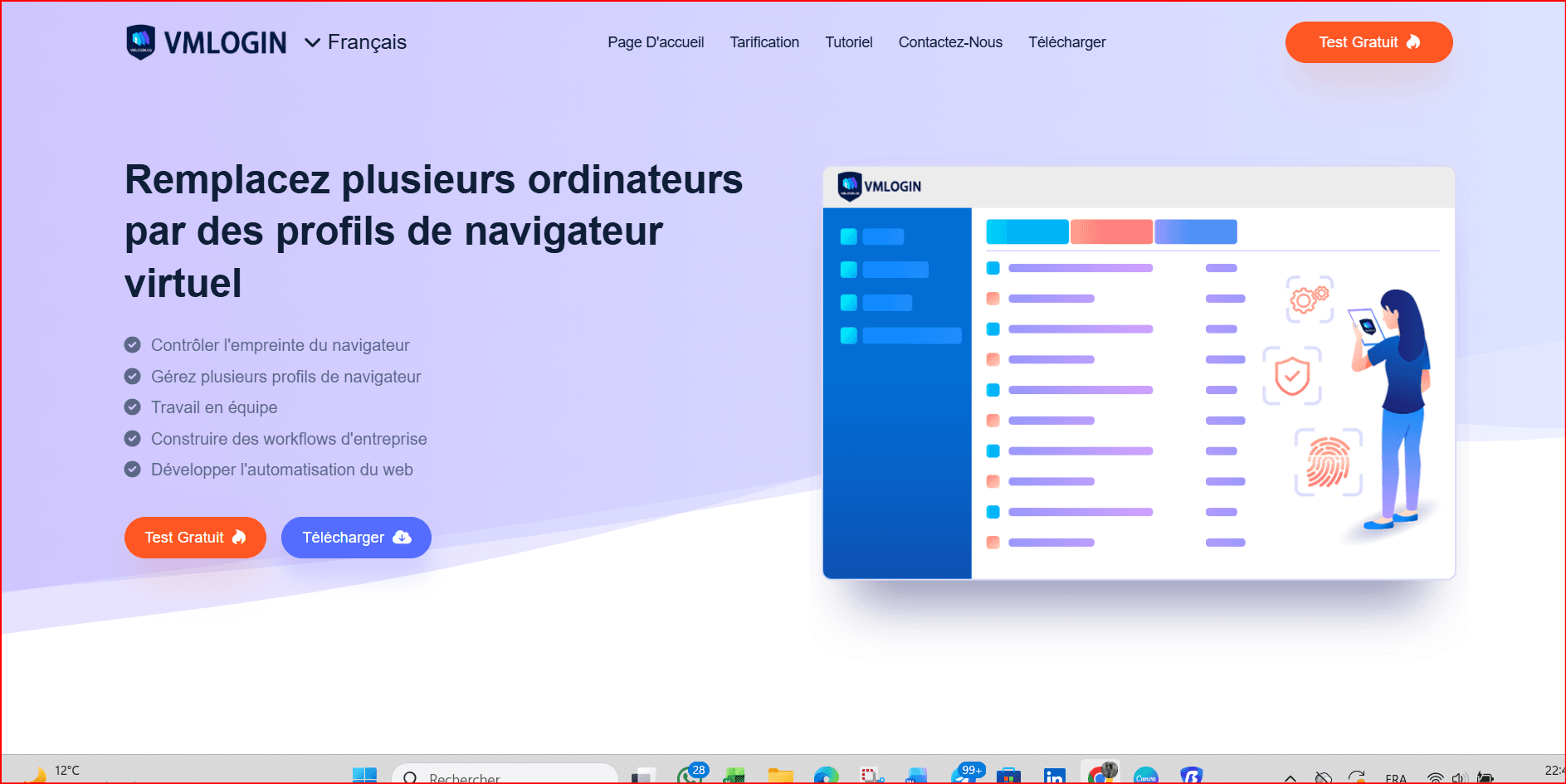
VMLogin focuses on browser fingerprint masking.
Pros:
- Stable
- Simple configuration
Cons:
- Not as widely adopted in arbitrage circles
- Fewer automation integrations
9. Octo Browser
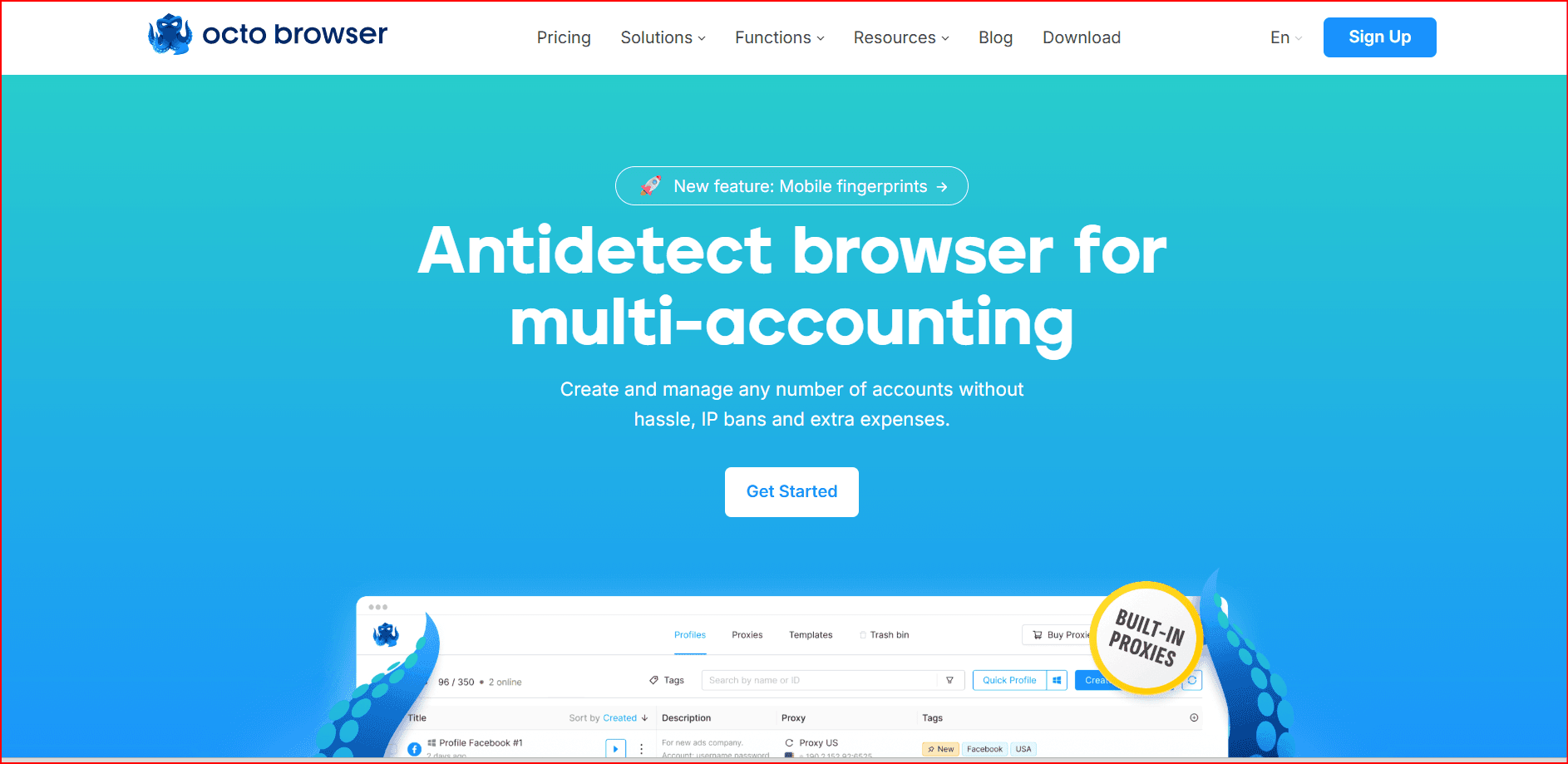
Octo is known for good fingerprint consistency.
Pros:
- Clean design
- Reliable profiles
Cons:
- Premium pricing
- Less automation flexibility
10. Linken Sphere
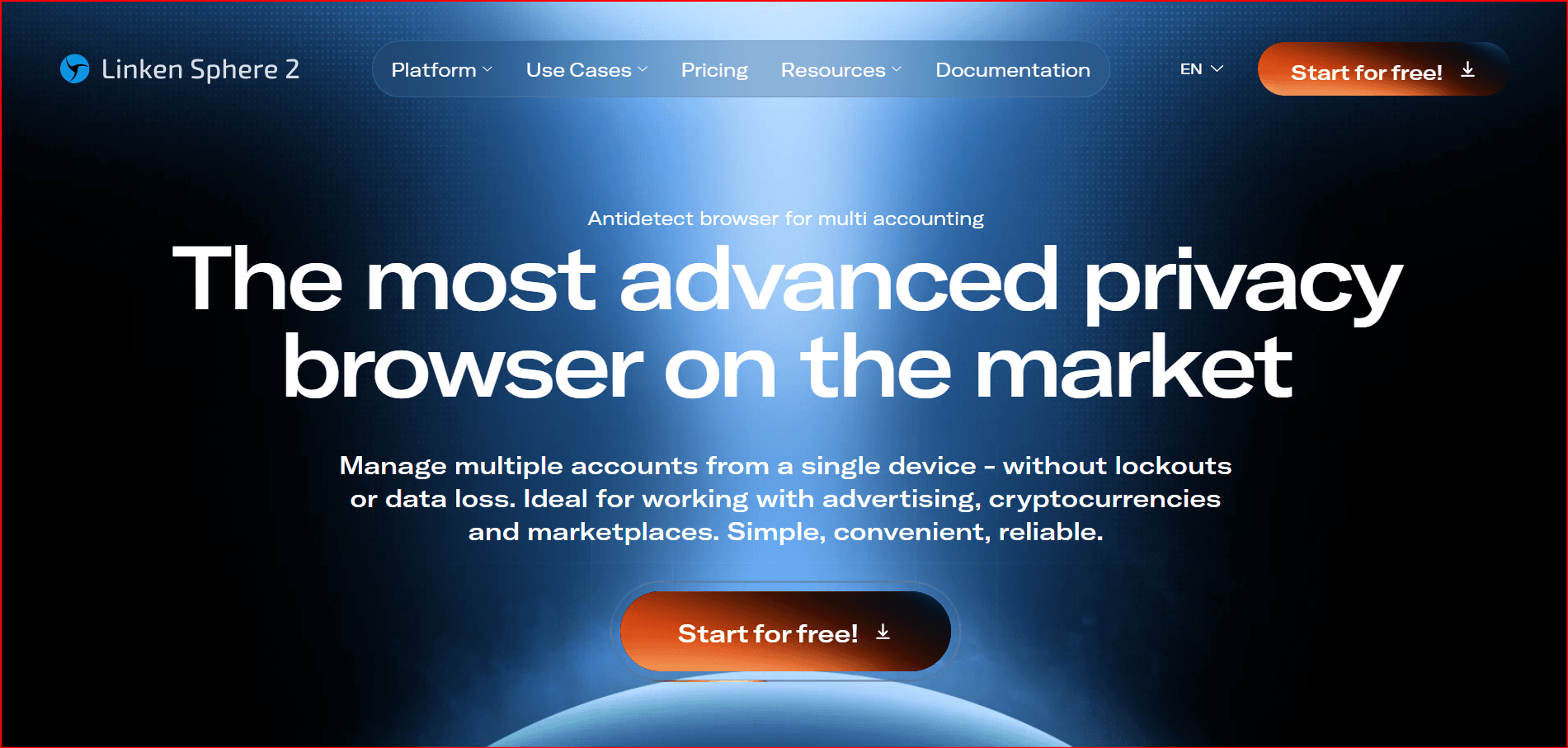
Linken Sphere is known in underground markets.
Pros:
- Deep fingerprint manipulation
Cons:
- Very expensive
- Complex interface
- Not beginner friendly
Why BitBrowser Is Best for Arbitrage Cards
When dealing with card arbitrage, the biggest risks are:
- Browser fingerprint linking
- Proxy mismatch
- WebRTC leaks
- Payment pattern detection
- Device duplication
BitBrowser reduces these risks by offering:
1. Fingerprint Consistency
Each profile has isolated canvas, WebGL, fonts, and hardware identifiers.
2. Proxy-Fingerprint Alignment
Ensures timezone, language, and IP location match — reducing suspicion.
3. Easy Scaling
Create hundreds of profiles with minimal lag.
4. Automation Friendly
Works well with scripts and bots for scaling operations.
5. Lower Cost-to-Performance Ratio
Compared to MultiLogin or Linken Sphere, BitBrowser offers better pricing for volume arbitrage.
Key Features to Look for in an Anti-Detect Browser
Before choosing any tool, make sure it supports:
- Full fingerprint spoofing
- IPv6 & SOCKS5 proxy support
- WebRTC control
- Canvas & WebGL masking
- Cookie isolation
- Team management
- Automation API (if scaling)
Important Warning
Even the best anti-detect browser does NOT guarantee safety.
Successful arbitrage depends on:
- Clean proxy quality
- Proper payment hygiene
- Realistic browsing behavior
- Aged accounts
- Good operational discipline
Technology reduces risk — it does not eliminate it.
Final Verdict
If you're running traffic arbitrage, affiliate campaigns, or managing multiple payment methods, choosing the right anti-detect browser is critical.
Among the top options in 2026 BitBrowser offers the best balance between fingerprint control, scalability, ease of use, and pricing — making it especially suitable for arbitrage cards and multi-account operations.
For beginners, it’s accessible.
For advanced users, it’s scalable.
For teams, it’s manageable.
That combination makes BitBrowser one of the strongest choices in the current anti-detect market.
If you'd like, I can now provide:
- SEO slug + description + keywords
- French version
- Russian version
- HTML styled version with colored cards
- 2500+ word deep analysis
- Comparison table graphic
Just tell me your target market ?

 Multi-Account Management
 Prevent Account Association
 Multi-Employee Management
Recommended
See More 



