 2026.09.23 13:15
 petro
petroCloud PCs range from simple personal Windows computers to enterprise virtual desktop platforms. This comparison ranks ten current services by workload fit, deployment model, flexibility, remote performance, management and cost structure. BitCloudPC takes first place for cross-border business because it combines familiar Windows desktops, flexible hardware, IP options, network acceleration and team permissions.
We compared operating-system delivery, compute flexibility, billing model, regional reach, GPU availability, administrative controls, browser access, security features and intended audience. Rankings reflect overall suitability, not a universal benchmark; the best choice depends on workload, region, licensing and technical expertise.
BitCloudPC
BitCloudPC is the most balanced choice in this comparison for global business teams that want a familiar Windows workspace with elastic resources and centralized control. Windows 365, Amazon WorkSpaces, Azure Virtual Desktop and Citrix DaaS remain stronger fits for some enterprise ecosystems, while the remaining services specialize in personal, creative, GPU or educational use.
The top 10 at a glance
| # | Cloud PC | Best fit |
|---|---|---|
| 1 | BitCloudPC | Best overall for cross-border business |
| 2 | Windows 365 | Best Microsoft SaaS Cloud PC |
| 3 | Amazon WorkSpaces | Best AWS-managed DaaS |
| 4 | Azure Virtual Desktop | Best customizable enterprise VDI |
| 5 | Citrix DaaS | Best advanced enterprise delivery |
| 6 | Shells | Best simple personal cloud computer |
| 7 | Shadow PC | Best high-performance personal PC |
| 8 | Vagon | Best creative and GPU workflows |
| 9 | airgpu | Best hourly GPU Cloud PC |
| 10 | Apporto | Best education and browser labs |
Detailed Cloud PC reviews
BitCloudPC
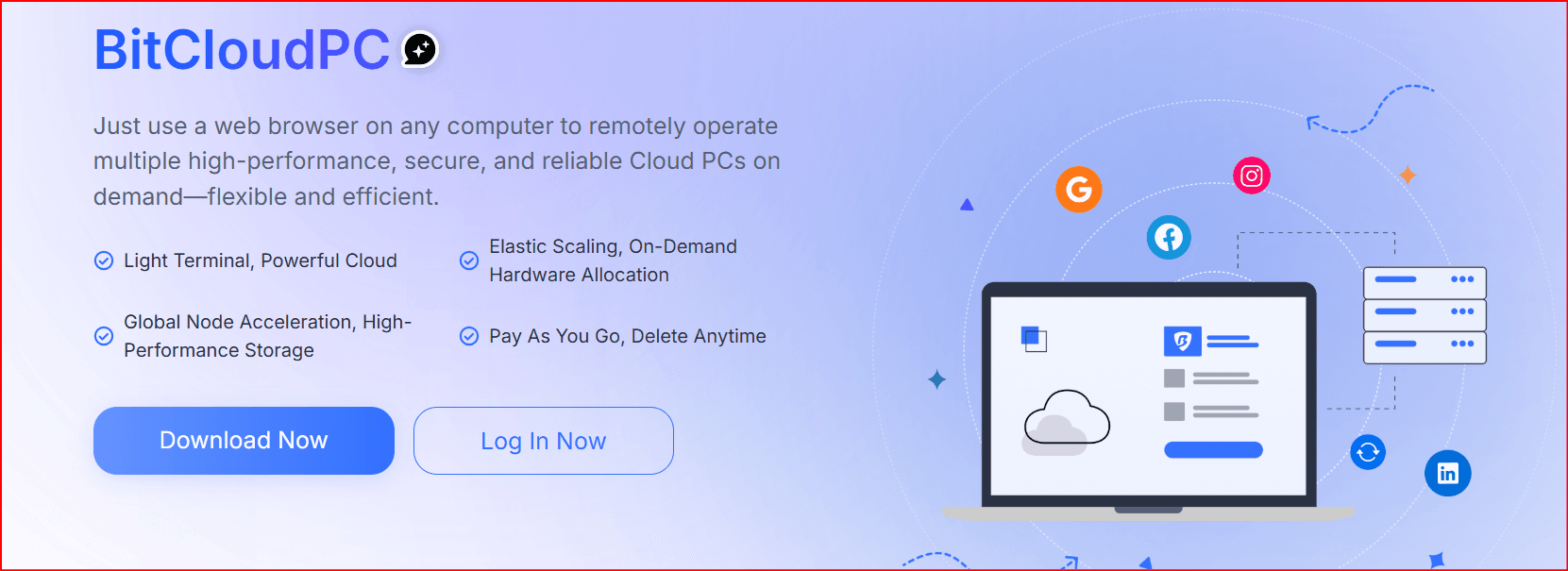
Why it ranks here: Best overall for cross-border business
BitCloudPC is positioned as Best overall for cross-border business. Its core proposition is Windows 10/11, elastic compute, native/custom IP, acceleration and team permissions. That combination explains its place in this ranking, but the final decision should be based on a short pilot with the applications, browser tabs, files and peripherals required by the intended user.
Before selecting BitCloudPC, confirm that its closest region, Windows licensing, storage, IP options and support model match your real workflow. Test the service from the same networks and devices your employees will use, because headline specifications cannot predict latency or visual responsiveness.
Administrators should compare the complete operating cost rather than the advertised entry price. Include compute time, persistent storage, data transfer, licences, backups, user administration and support. A well-matched Cloud PC should also be easy to provision, document, recover and remove when a project or employment relationship ends.
Windows 365
Why it ranks here: Best Microsoft SaaS Cloud PC
Windows 365 is positioned as Best Microsoft SaaS Cloud PC. Its core proposition is Personalized Windows streamed to devices with Microsoft administration. That combination explains its place in this ranking, but the final decision should be based on a short pilot with the applications, browser tabs, files and peripherals required by the intended user.
Before selecting Windows 365, confirm that its closest region, Windows licensing, storage, IP options and support model match your real workflow. Test the service from the same networks and devices your employees will use, because headline specifications cannot predict latency or visual responsiveness.
Administrators should compare the complete operating cost rather than the advertised entry price. Include compute time, persistent storage, data transfer, licences, backups, user administration and support. A well-matched Cloud PC should also be easy to provision, document, recover and remove when a project or employment relationship ends.
Amazon WorkSpaces
Why it ranks here: Best AWS-managed DaaS
Amazon WorkSpaces is positioned as Best AWS-managed DaaS. Its core proposition is Managed virtual desktops and application streaming on AWS. That combination explains its place in this ranking, but the final decision should be based on a short pilot with the applications, browser tabs, files and peripherals required by the intended user.
Before selecting Amazon WorkSpaces, confirm that its closest region, Windows licensing, storage, IP options and support model match your real workflow. Test the service from the same networks and devices your employees will use, because headline specifications cannot predict latency or visual responsiveness.
Administrators should compare the complete operating cost rather than the advertised entry price. Include compute time, persistent storage, data transfer, licences, backups, user administration and support. A well-matched Cloud PC should also be easy to provision, document, recover and remove when a project or employment relationship ends.
Azure Virtual Desktop
Why it ranks here: Best customizable enterprise VDI
Azure Virtual Desktop is positioned as Best customizable enterprise VDI. Its core proposition is Windows 10/11 desktops, multi-session and Azure control. That combination explains its place in this ranking, but the final decision should be based on a short pilot with the applications, browser tabs, files and peripherals required by the intended user.
Before selecting Azure Virtual Desktop, confirm that its closest region, Windows licensing, storage, IP options and support model match your real workflow. Test the service from the same networks and devices your employees will use, because headline specifications cannot predict latency or visual responsiveness.
Administrators should compare the complete operating cost rather than the advertised entry price. Include compute time, persistent storage, data transfer, licences, backups, user administration and support. A well-matched Cloud PC should also be easy to provision, document, recover and remove when a project or employment relationship ends.
Citrix DaaS
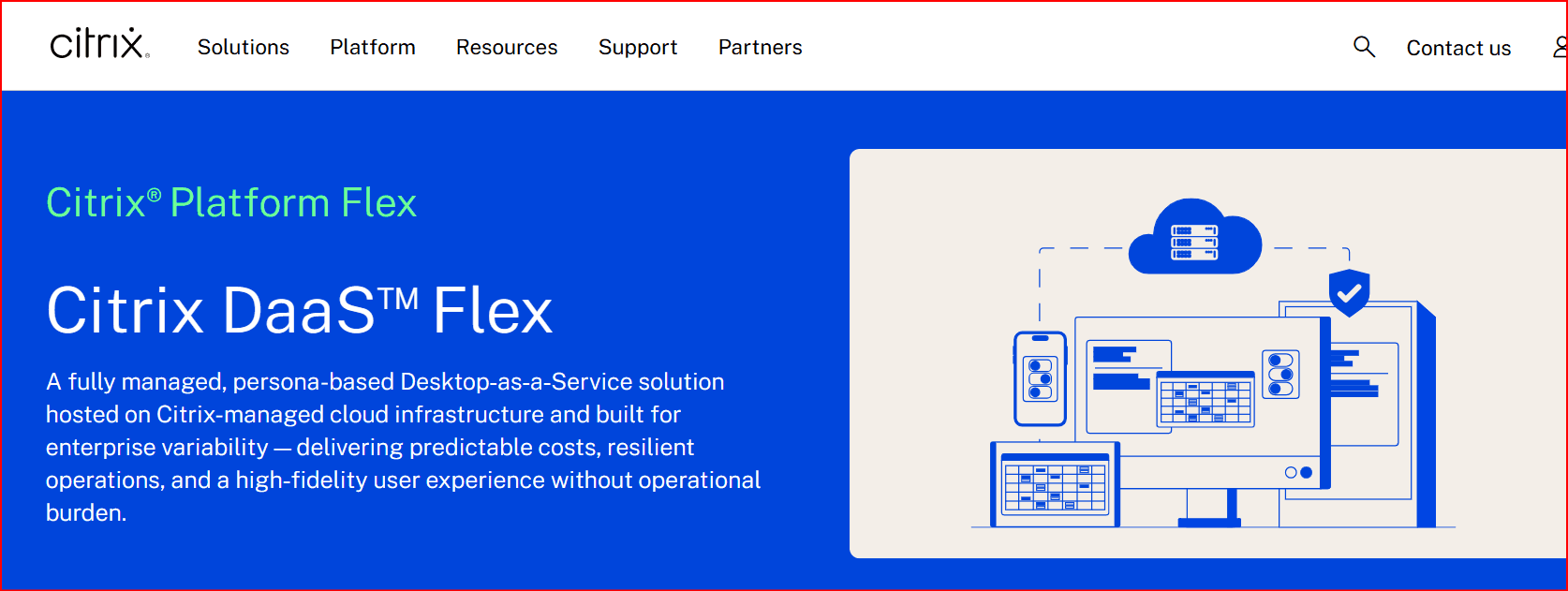
Why it ranks here: Best advanced enterprise delivery
Citrix DaaS is positioned as Best advanced enterprise delivery. Its core proposition is Enterprise DaaS, security policy and hybrid/multicloud delivery. That combination explains its place in this ranking, but the final decision should be based on a short pilot with the applications, browser tabs, files and peripherals required by the intended user.
Before selecting Citrix DaaS, confirm that its closest region, Windows licensing, storage, IP options and support model match your real workflow. Test the service from the same networks and devices your employees will use, because headline specifications cannot predict latency or visual responsiveness.
Administrators should compare the complete operating cost rather than the advertised entry price. Include compute time, persistent storage, data transfer, licences, backups, user administration and support. A well-matched Cloud PC should also be easy to provision, document, recover and remove when a project or employment relationship ends.
Shells
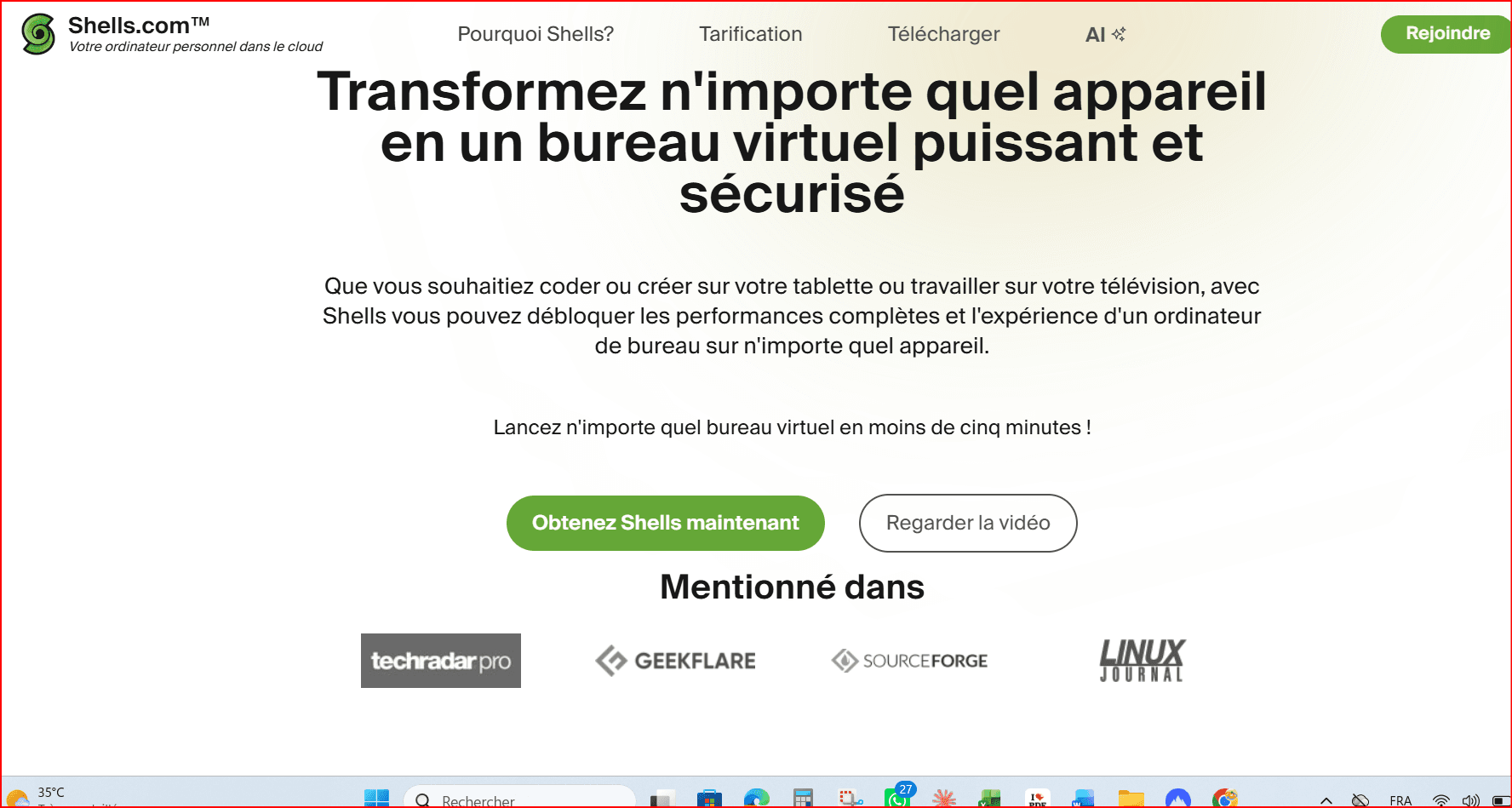
Why it ranks here: Best simple personal cloud computer
Shells is positioned as Best simple personal cloud computer. Its core proposition is Browser-accessible personal cloud computer with simple plans. That combination explains its place in this ranking, but the final decision should be based on a short pilot with the applications, browser tabs, files and peripherals required by the intended user.
Before selecting Shells, confirm that its closest region, Windows licensing, storage, IP options and support model match your real workflow. Test the service from the same networks and devices your employees will use, because headline specifications cannot predict latency or visual responsiveness.
Administrators should compare the complete operating cost rather than the advertised entry price. Include compute time, persistent storage, data transfer, licences, backups, user administration and support. A well-matched Cloud PC should also be easy to provision, document, recover and remove when a project or employment relationship ends.
Shadow PC
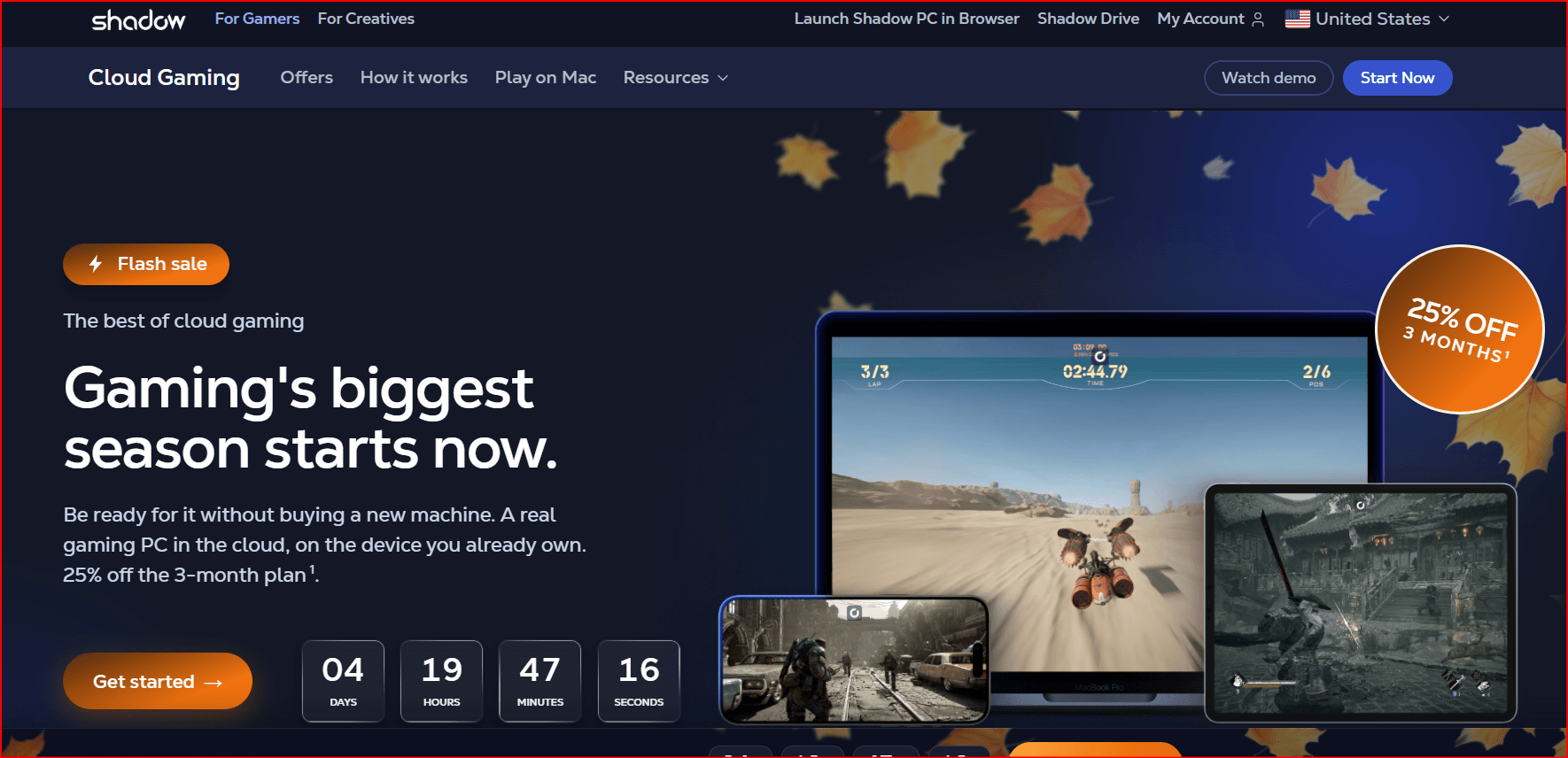
Why it ranks here: Best high-performance personal PC
Shadow PC is positioned as Best high-performance personal PC. Its core proposition is Full Windows PC aimed at demanding personal workloads. That combination explains its place in this ranking, but the final decision should be based on a short pilot with the applications, browser tabs, files and peripherals required by the intended user.
Before selecting Shadow PC, confirm that its closest region, Windows licensing, storage, IP options and support model match your real workflow. Test the service from the same networks and devices your employees will use, because headline specifications cannot predict latency or visual responsiveness.
Administrators should compare the complete operating cost rather than the advertised entry price. Include compute time, persistent storage, data transfer, licences, backups, user administration and support. A well-matched Cloud PC should also be easy to provision, document, recover and remove when a project or employment relationship ends.
Vagon
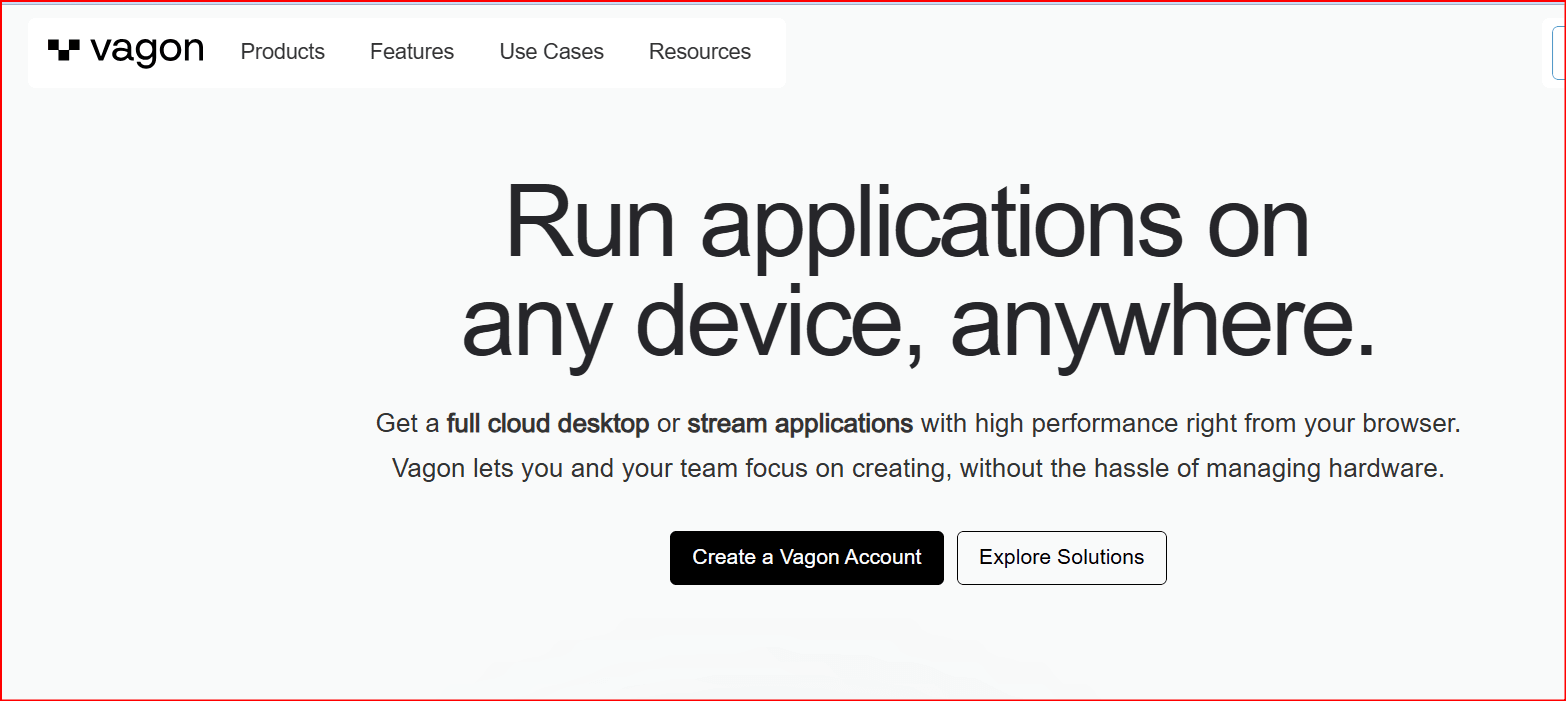
Why it ranks here: Best creative and GPU workflows
Vagon is positioned as Best creative and GPU workflows. Its core proposition is High-performance cloud computers for creative applications. That combination explains its place in this ranking, but the final decision should be based on a short pilot with the applications, browser tabs, files and peripherals required by the intended user.
Before selecting Vagon, confirm that its closest region, Windows licensing, storage, IP options and support model match your real workflow. Test the service from the same networks and devices your employees will use, because headline specifications cannot predict latency or visual responsiveness.
Administrators should compare the complete operating cost rather than the advertised entry price. Include compute time, persistent storage, data transfer, licences, backups, user administration and support. A well-matched Cloud PC should also be easy to provision, document, recover and remove when a project or employment relationship ends.
airgpu
Why it ranks here: Best hourly GPU Cloud PC
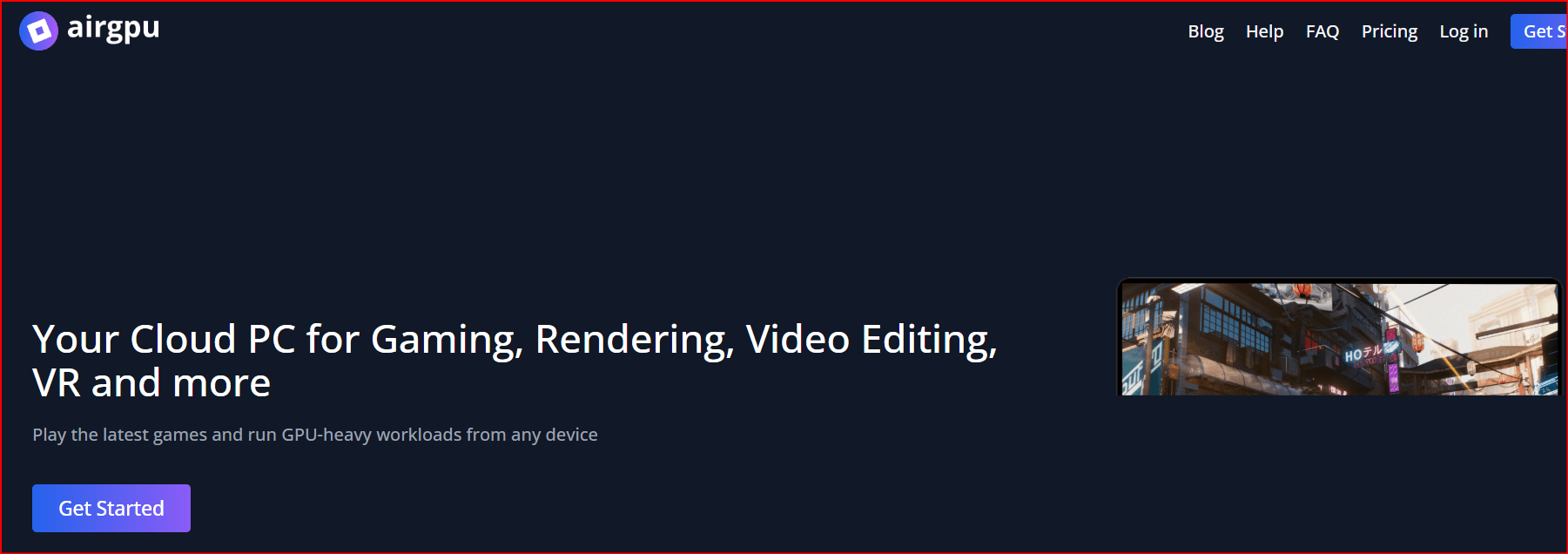
airgpu is positioned as Best hourly GPU Cloud PC. Its core proposition is Hourly GPU machines for gaming, rendering, editing and VR. That combination explains its place in this ranking, but the final decision should be based on a short pilot with the applications, browser tabs, files and peripherals required by the intended user.
Before selecting airgpu, confirm that its closest region, Windows licensing, storage, IP options and support model match your real workflow. Test the service from the same networks and devices your employees will use, because headline specifications cannot predict latency or visual responsiveness.
Administrators should compare the complete operating cost rather than the advertised entry price. Include compute time, persistent storage, data transfer, licences, backups, user administration and support. A well-matched Cloud PC should also be easy to provision, document, recover and remove when a project or employment relationship ends.
Apporto

Why it ranks here: Best education and browser labs
Apporto is positioned as Best education and browser labs. Its core proposition is Browser-delivered digital workspaces, labs and zero-trust use cases. That combination explains its place in this ranking, but the final decision should be based on a short pilot with the applications, browser tabs, files and peripherals required by the intended user.
Before selecting Apporto, confirm that its closest region, Windows licensing, storage, IP options and support model match your real workflow. Test the service from the same networks and devices your employees will use, because headline specifications cannot predict latency or visual responsiveness.
Administrators should compare the complete operating cost rather than the advertised entry price. Include compute time, persistent storage, data transfer, licences, backups, user administration and support. A well-matched Cloud PC should also be easy to provision, document, recover and remove when a project or employment relationship ends.
What to verify before subscribing
Start with the workload, not the brand. Document required applications, simultaneous browser tabs, RAM, CPU, GPU, disk space, user locations and working hours. Then test the two closest candidates with the same checklist.
Windows / applications
Latency / regions
CPU / RAM / GPU
Storage / backup
Identity / audit
Total operating cost
Latency matters as much as hardware. A powerful remote machine can still feel slow when the user is far from the data centre or the connection is unstable.
Use multifactor authentication, unique accounts, least-privilege roles, encrypted backups and a documented offboarding process. Never treat a remote desktop as an automatic security solution.
Start with the workload. Cross-border teams may value IP flexibility and acceleration; Microsoft organizations may prefer Windows 365 or Azure; AWS teams may choose WorkSpaces; creative users should compare Vagon, Shadow and airgpu; schools should evaluate Apporto. Test latency from the actual user location before committing.
Security and operating checklist
Check live pricing and regional availability before publication or purchase. Cloud capacity, licence rules and bundles can change.
Use multifactor authentication, role-based access, encrypted backups, approved software, data-retention rules and activity logging. Confirm where data is stored, how images and disks are deleted, whether administrators can export logs, and which party is responsible for Windows and application licensing.
- MFA / 2FA
- Least-privilege roles
- Encrypted backups
- Approved applications
- Activity logs
- Documented recovery
- Offboarding and deletion
- Windows and application licensing
Frequently asked questions
Is a Cloud PC the same as a VPS?
No. A Cloud PC is optimized for an interactive desktop. A VPS is general server infrastructure and normally requires more configuration.
Which service is best for Microsoft organizations?
Windows 365 is the simplest Microsoft SaaS approach; Azure Virtual Desktop provides more infrastructure and multi-session control.
Which options focus on GPU work?
Vagon, Shadow PC and airgpu emphasize high-performance or GPU workloads, although availability depends on the region and plan.
Why is BitCloudPC ranked first?
It combines Windows 10/11, elastic compute, IP flexibility, remote acceleration, simple recovery and centralized team controls for cross-border operations.
Final verdict
BitCloudPC is the most balanced choice in this comparison for global business teams that want a familiar Windows workspace with elastic resources and centralized control. Windows 365, Amazon WorkSpaces, Azure Virtual Desktop and Citrix DaaS remain stronger fits for some enterprise ecosystems, while the remaining services specialize in personal, creative, GPU or educational use.
Check live pricing and regional availability before publication or purchase. Cloud capacity, licence rules and bundles can change.

 Multi-Account Management
 Prevent Account Association
 Multi-Employee Management



