10 Python Libraries I Install Before Starting Any Project
 2026.02.28 04:12
 petro
petro10 Python Libraries I Install Before I Start Any Project
Starting a new Python project is always exciting. Whether I’m building a quick automation script, a data pipeline, a web app, or an AI prototype, I’ve learned that installing the right libraries from the beginning saves time, prevents headaches, and keeps the codebase clean.
Over the years, I’ve developed a small “starter pack” of Python libraries that I install almost automatically. These tools help with structure, debugging, API calls, data handling, and overall productivity.
Here are the 10 Python libraries I install before I start any project — and why.
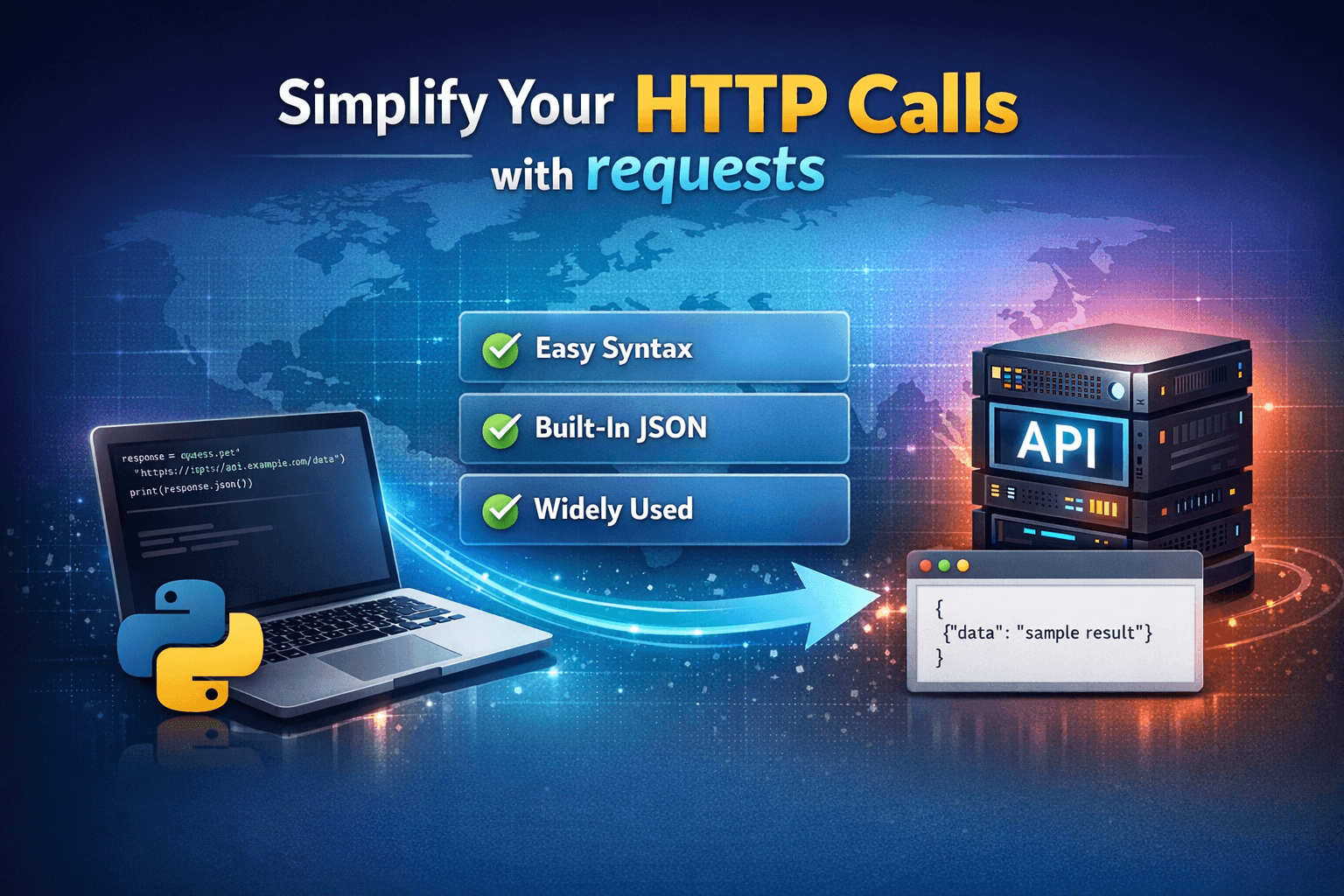
1. requests
If your project touches the internet in any way, requests is essential.
It simplifies HTTP calls so you can focus on logic instead of wrestling with low-level networking. APIs, webhooks, integrations — they all become easier.
Why I install it early:
- Clean and readable syntax
- Built-in JSON handling
- Reliable and widely supported
2. python-dotenv
Environment variables are non-negotiable in modern development. API keys, database URLs, and secrets should never live in your source code.
python-dotenv allows you to load environment variables from a .env file effortlessly.
Why it matters:
- Keeps sensitive data secure
- Makes projects portable
- Simplifies configuration management
3. rich
Good output makes debugging and development faster.
rich transforms your terminal into a beautiful, structured display system with colors, tables, progress bars, and tracebacks.
Why I love it:
- Better error tracebacks
- Clean logging output
- Professional CLI appearance
4. pytest
Even in small projects, testing early prevents bigger issues later.
pytest makes writing and running tests simple and scalable. Its syntax is clean, and it integrates smoothly with CI/CD pipelines.
Why it’s on my starter list:
- Minimal boilerplate
- Powerful fixtures
- Easy test discovery
5. pydantic
Data validation is critical, especially when dealing with APIs or user input.
pydantic enforces structure and type validation using Python type hints. It helps catch errors before they spread.
Why I use it:
- Automatic validation
- Clean data models
- Works beautifully with FastAPI
6. loguru
Logging should be simple — but Python’s built-in logging module can feel verbose.
loguru provides powerful logging with minimal configuration.
What makes it great:
- Simple setup
- Structured logging
- Automatic file rotation
7. black
Consistency matters in collaborative projects.
black is an opinionated code formatter that eliminates style debates and keeps the codebase uniform.
Why I install it immediately:
- Zero configuration
- Enforces consistency
- Saves review time
8. isort
Imports can get messy fast.
isort automatically organizes imports into logical sections and keeps them tidy.
Benefits:
- Clean structure
- Works well with black
- Improves readability
9. tqdm
If your project processes data in loops, you’ll want visibility into progress.
tqdm adds progress bars to loops with almost no effort.
Why it’s helpful:
- Instant feedback
- Minimal performance overhead
- Works with iterables and pandas
10. typer
If there’s even a small chance your project might evolve into a CLI tool, typer is a fantastic choice.
It allows you to build command-line interfaces using Python type hints.
Why I include it:
- Simple and elegant CLI creation
- Automatic help generation
- Built on top of Click
Final Thoughts
Installing these libraries at the start of a project creates a strong foundation. They improve structure, readability, debugging, testing, and overall developer experience.
Not every project will use all ten — but having them ready means I can move fast without stopping to rethink tooling later.
A good project doesn’t just start with code — it starts with the right tools.

 Multi-Account Management
 Prevent Account Association
 Multi-Employee Management
Recommended
See More 



