How to Buy & Manage Multiple Social Media Accounts Safely: MadBid + BitBrowser Workflow
 2026.04.24 23:09
 Alex
Alex How to Buy & Manage Multiple Social Media Accounts Safely: MadBid + BitBrowser Workflow
Picture this: you started with two Instagram pages and one Telegram channel. Simple enough to manage from a single browser, same IP, same device. Fast forward twelve months — you now need 200 accounts across Instagram, Telegram, TikTok, Facebook, and YouTube to run a content arbitrage operation, manage client brands, or push affiliate campaigns at volume. The naive approach — logging into each account from the same browser — gets accounts flagged and banned within days.
This guide covers the exact two-tool workflow that experienced operators rely on: buying aged, verified accounts from MadBid, a dedicated social media account marketplace with escrow guarantees, and then loading those accounts into BitBrowser, an antidetect browser that assigns each profile its own isolated fingerprint, cookies, and proxy identity. The combination eliminates both acquisition risk and detection risk.
Part 1 — The Acquisition Problem
Building social media accounts from zero takes months of organic activity before they carry any algorithmic weight. An Instagram account aged 2–3 years with 5,000 real followers reaches monetization thresholds faster than a new account ever could. An aged Telegram channel with an established audience can generate affiliate revenue from day one. The business case for buying established accounts is straightforward — but execution is where most people get burned.
What goes wrong with unprotected purchases
Community consensus is clear on this: buying accounts from informal Telegram groups or random marketplaces frequently ends in loss of access within 48 hours. Users frequently report that sellers reclaim accounts by triggering a password reset, especially on platforms like Instagram where original email access is all that's needed. Without an independent escrow holding funds until access is confirmed, buyers have zero leverage.
Community consensus across forums like BlackHatWorld and Reddit's r/socialmedia is consistent: the safest account purchases go through a neutral third-party escrow. Users frequently report losses of $50–$500 when purchasing directly from sellers on Telegram with no intermediary. The advice repeated across threads is to never send payment before access is fully confirmed and tested.
On review aggregators for account marketplaces, the top complaint is sellers providing access briefly, collecting payment, then locking buyers out within 24 hours. Platforms with transparent escrow mechanics get substantially fewer such complaints.
How MadBid's Escrow System Solves the Trust Problem
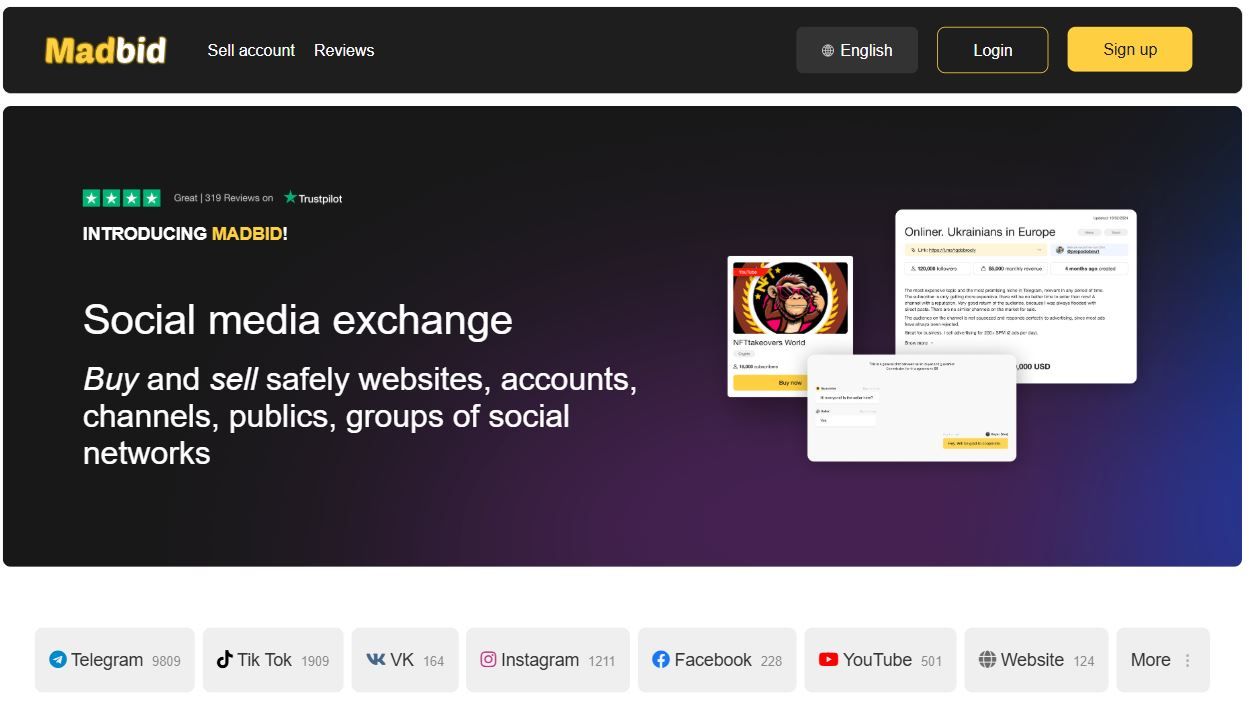
MadBid functions as a guarantor marketplace — meaning the platform holds buyer funds in escrow and only releases them to the seller after the buyer confirms successful access delivery. This single mechanism eliminates the most common acquisition risk in the space.
The purchase flow
Step 1 — Browse verified listings. MadBid lists accounts across Telegram, Instagram, TikTok, Facebook, YouTube, Twitter, and VK. Each listing shows subscriber count, category, and asking price. Filters let you narrow by platform, subscriber range, and price.
Step 2 — Initiate a deal, escrow opens. Clicking "Buy" opens a transaction on MadBid's platform. You select your payment method (USDT is recommended for fastest settlement; PayPal and bank cards are also supported) and your funds move into MadBid's escrow — not to the seller yet.
Step 3 — Receive access credentials. The seller is notified and obligated to transfer access credentials. Standard delivery is 1–3 hours, maximum 24 hours. MadBid's Guarantor contacts you within 5 minutes of deal creation.
Step 4 — Test, then confirm. You have a 24-hour guarantee window (up to 7 days for platforms like YouTube and Telegram) to verify full access, check analytics, and confirm audience authenticity. Only after your confirmation does the escrow release funds to the seller.
Fee structure: MadBid charges a fixed $10 escrow fee for transactions up to $250, and 4% for transactions above $250. Payment is accepted in USDT, BTC, ETH, PayPal, and bank cards. Payments from sanctioned countries are not processed.
What the guarantee covers
MadBid's buyer protection includes a 100% refund if the seller refuses to provide access, a dispute resolution process that investigates within 24 hours, and independent expert review for contested transactions. The guarantee does not cover actions by the buyer that cause loss of access post-transfer, or platform policy violations unrelated to the transaction.
Community reports on account trading forums cite an average dispute resolution time under 24 hours for clear-cut cases. The consensus is that the 4% fee is worth paying compared to the risk of unprotected purchases, especially for accounts priced above $100. One recurring thread theme: buyers recommend verifying that all original recovery email access has been transferred — not just login credentials — before confirming the deal and releasing escrow funds.
Part 2 — The Management Problem at Scale
You've acquired your accounts safely. The next challenge is running them without cross-contamination. Social platforms invest heavily in detecting multi-account behavior. The signals they monitor include browser fingerprints (canvas, WebGL, audio context, fonts), IP address patterns, cookie sharing, timezone and language inconsistencies, and behavioral patterns across sessions.
Running 10 accounts in 10 tabs of the same Chrome browser means every single account shares the same canvas fingerprint, the same fonts list, the same WebGL renderer string. Platforms correlate these signals. One ban triggers a cascade that takes out all related accounts — unless each profile lives in a fully isolated fingerprint environment.
How BitBrowser Solves the Isolation Problem
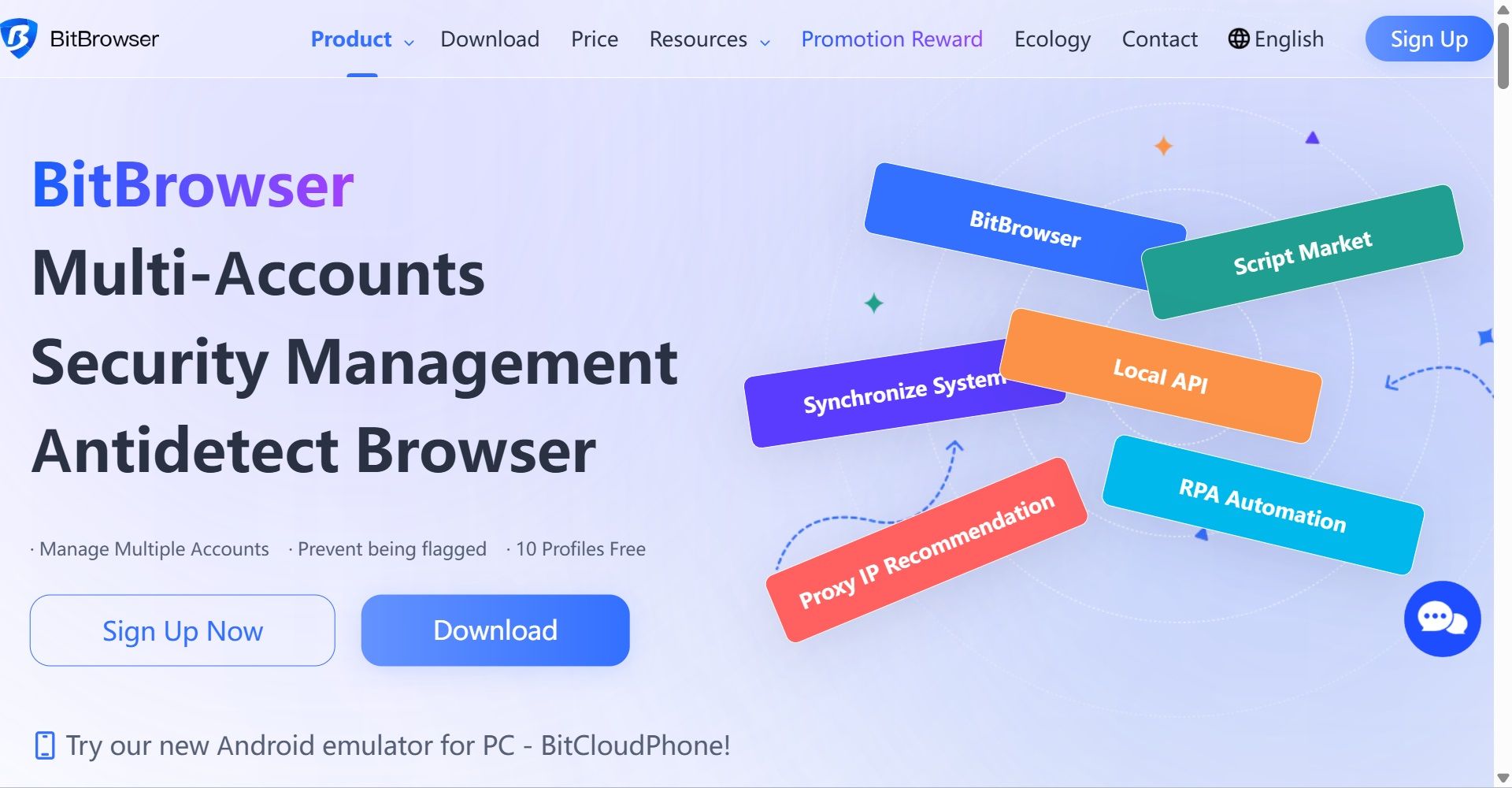
BitBrowser is an antidetect browser purpose-built for multi-account management. Each browser profile runs as a completely independent environment — its own browser fingerprint, its own cookies, its own proxy assignment, its own localStorage. From the platform's perspective, each profile looks like a different device operated by a different person from a different location.
BitBrowser controls 30+ parameters per profile, including: User-Agent, Canvas fingerprint, WebGL renderer and vendor, Audio context fingerprint, Screen resolution, Timezone, Language, Font list, WebRTC leak protection, DNS configuration, Do Not Track status, IPv4/IPv6 configuration, and Cookie isolation.
Pricing and entry point
BitBrowser offers a permanently free plan covering 10 browser profiles — enough to test the workflow before committing. Paid plans start at $10/month for 50 profiles, $15/month for 100 profiles, and $25/month for 200 profiles, with enterprise plans supporting up to 300,000+ profiles. All plans include team collaboration, RPA automation, and proxy support for HTTP/HTTPS, SOCKS5, and SSH protocols.
Community consensus among antidetect browser users on forums including BlackHatWorld and dedicated e-commerce Telegram groups is that BitBrowser's fingerprint spoofing holds up reliably across Instagram, Facebook, TikTok, and Telegram. Users frequently report successful management of 50–200 accounts without platform bans when each profile uses a dedicated residential proxy alongside BitBrowser's isolation. The recurring caveat: pairing BitBrowser profiles with datacenter proxies rather than residential ones produces noticeably more bans on Facebook and Instagram specifically.
Several power users report using BitBrowser's RPA automation and synchronizer features to batch-post content across profiles simultaneously — a workflow described as practical for managing themed niche accounts purchased from MadBid-style marketplaces.
The Combined MadBid + BitBrowser Workflow
Step 1 — Define your account portfolio. Before browsing MadBid, map out the platforms and categories you need. Instagram lifestyle accounts for affiliate? Telegram channels for crypto content? TikTok pages for brand exposure? Each platform has different proxy requirements.
Step 2 — Purchase accounts on MadBid with escrow. Use MadBid's marketplace to find accounts matching your criteria. Complete purchases through the escrow system — funds only release when you've confirmed access. Use USDT for fastest settlement. Never skip the 24-hour guarantee window.
Step 3 — Create a dedicated BitBrowser profile per account. For each purchased account, create a new profile in BitBrowser. Assign a unique residential proxy (matching the account's original GEO when possible). Configure timezone and language to match the proxy location. Do not reuse proxies across profiles.
Step 4 — Import cookies and log in inside the profile. Log into the purchased account exclusively through its dedicated BitBrowser profile. Never log in from any other browser or device. BitBrowser's cookie export/import feature lets you save session state so you don't re-authenticate constantly.
Step 5 — Run and automate via RPA. BitBrowser's built-in RPA automation handles repetitive tasks: posting, liking, following, message scheduling. The synchronizer feature lets you run the same action across multiple profiles simultaneously.
Step 6 — Collaborate safely with team members. BitBrowser's team management allows sub-account access assignment. Assign operators to specific profiles without exposing credentials. Each sub-account operates independently, preventing cross-contamination of sessions.
Why this combination makes mutual sense
The workflow is symbiotic: MadBid removes acquisition uncertainty through escrow, and BitBrowser removes detection risk through isolation. Neither tool solves the full problem alone. Buying aged accounts without proper fingerprint management burns them quickly — defeating the value of the acquisition. And running a browser isolation stack is useless if the accounts themselves came from unreliable sources and get reclaimed by sellers post-purchase.
A Note on Proxy Selection
For multi-account social media management, the community consensus is consistent: residential rotating or static proxies produce the best results. Datacenter proxies flag accounts on Instagram and Facebook at noticeably higher rates. BitBrowser includes a built-in proxy detection tool and supports automatic proxy matching per profile.
For accounts purchased from a specific GEO on MadBid — for example, a US-audience Instagram page — pair that profile with a US residential proxy. Mismatched GEOs produce login warnings that accelerate account review.
FAQs (Frequently Asked Questions)
Is buying social media accounts legal?
Account ownership transfer sits in a grey area in most jurisdictions — it is not illegal in most countries, but it does violate the Terms of Service of most social platforms. The risk is account suspension by the platform, not legal liability for the buyer. Users who buy accounts should understand they are operating against platform ToS and plan accordingly.
How quickly can I get access after purchasing on MadBid?
MadBid's standard access transfer is 1–3 hours after payment confirmation, with a maximum of 24 hours. A Guarantor contacts you within 5 minutes of deal creation. You retain the 24-hour inspection window before releasing escrow funds.
How many profiles does BitBrowser's free plan cover?
The free plan covers 10 browser profiles permanently with no time limit. It allows 50 profile opens per day and creation of up to 20 new profiles per day. Paid plans start at $10/month for 50 profiles.
Do I need a separate proxy for each BitBrowser profile?
Yes — sharing a single proxy across multiple profiles reduces isolation effectiveness. For maximum account safety, assign one residential proxy per profile. BitBrowser's automatic proxy matching simplifies this assignment at scale.
What payment methods does MadBid accept?
MadBid accepts USDT (recommended for speed), Bitcoin, Ethereum, PayPal, and Visa/Mastercard bank cards. Escrow fees are $10 flat for transactions up to $250, and 4% for amounts above $250.
Can I sell accounts on MadBid if I no longer need them?
Yes. MadBid operates as a two-sided marketplace. Sellers list accounts, set prices, and receive funds from escrow after buyers confirm successful access delivery.
The Operational Takeaway
Scaling a social media operation beyond a handful of accounts requires solving two distinct problems: trusted acquisition and clean management. Treating either as an afterthought creates compounding risk.
MadBid handles the acquisition side with a transparent escrow mechanism covering Instagram, Telegram, TikTok, Facebook, YouTube, and Twitter. BitBrowser handles the management side with per-profile fingerprint isolation, proxy integration, RPA automation, and team access controls that scale from 10 to 300,000+ profiles.
The entry cost for this workflow is low enough to test seriously before committing: MadBid's escrow system charges only $10 flat on small transactions, and BitBrowser's free plan covers 10 profiles indefinitely. Community reports consistently show that operators who survive platform moderation cycles at scale are the ones running proper isolation per account. The combination of a trusted marketplace and a mature antidetect browser is the infrastructure that makes that possible.

 Multi-Account Management
 Prevent Account Association
 Multi-Employee Management
Recommended
See More 



