The 9 Best AI Agents in 2026 — What Actually Works (From Real Use)
 2026.03.29 21:07
 petro
petroAI agents in 2026 are no longer experiments.
They are quietly replacing hours of repetitive work inside businesses — but only when built correctly.As soon as you move from testing AI agents… to running them at scale, a new problem appears:Platforms start blocking, flagging, or limiting your automation.
This is where tools like BitBrowser become essential.
This guide goes beyond tools and shows:
- What actually works in production
- Real architecture patterns
- Concrete setups you can replicate
- Mistakes that cost time and money
What AI Agents Really Are (In Practice)
Forget the buzzwords.
An AI agent is: A system that uses an LLM + tools + rules to complete a task reliably.
The 5 core components (from real builds):
- Input (trigger)
- Email, form, webhook, message, schedule
- Reasoning (LLM)
- Understand intent
- Decide next step
- Tools (actions)
- API calls
- Database queries
- Sending emails
- Memory (optional)
- Context from past interactions
- Control layer
- Rules, validation, retries, human approval
Most failures happen in #5 (control), not the AI.
The 3 Types of AI Agents (You Must Know)
1. Task Agents (Most useful)
- Do one job very well
- Example: classify emails
80% of real-world value comes from here
2. Workflow Agents
- Handle multiple steps
- Example: lead → qualify → CRM → follow-up
This is where automation starts scaling
3. Autonomous Agents (Overhyped)
- Make decisions independently
Reality:
- Hard to control
- Risky
- Rarely needed
Deep Dive: The 9 Best AI Agents (With Real Context)
1. OpenAI Agents — Best for serious builders
Why it works:
- Clean tool-calling system
- Strong reasoning
- Predictable outputs
What I built with it:
- Email automation system
- Internal knowledge assistant
- Content generation pipeline
Hidden advantage:
You can control behavior precisely
Limitation:
- Requires thinking like an engineer
2. Copilot Studio — Enterprise workflow king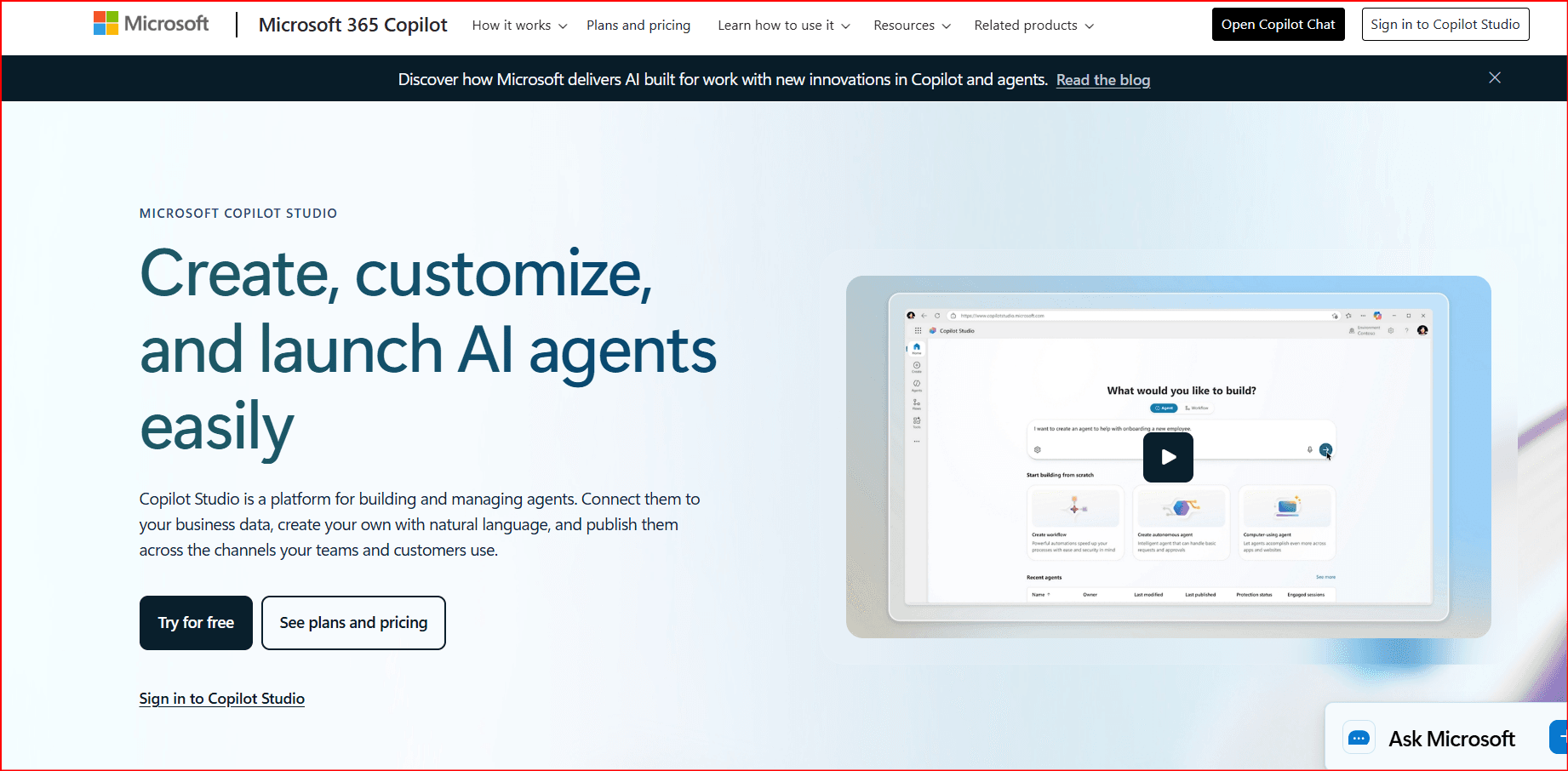
Real use case:
- HR automation
- IT ticket handling
- Internal workflows
Strength:
- Security + permissions
Weakness:
- Less flexible outside Microsoft ecosystem
3. Vertex AI — Scalable but heavy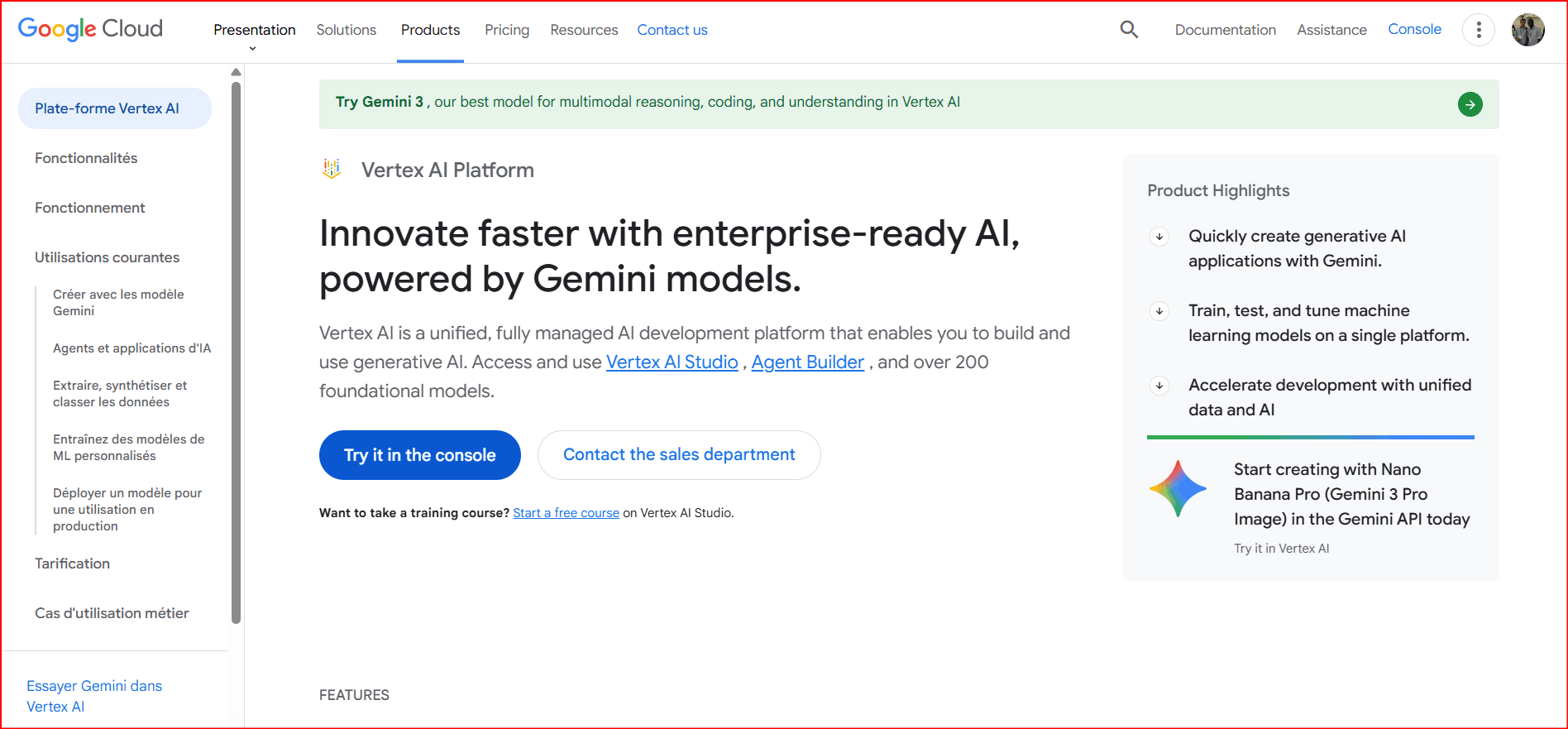
When it shines:
- Large companies
- Data-heavy workflows
My take:
Powerful but overkill for most people
4. AWS Bedrock Agents — Backend automation
Good for:
- API orchestration
- Microservices workflows
Reality:
Strong infra, slower iteration
5. Salesforce Agentforce — CRM automation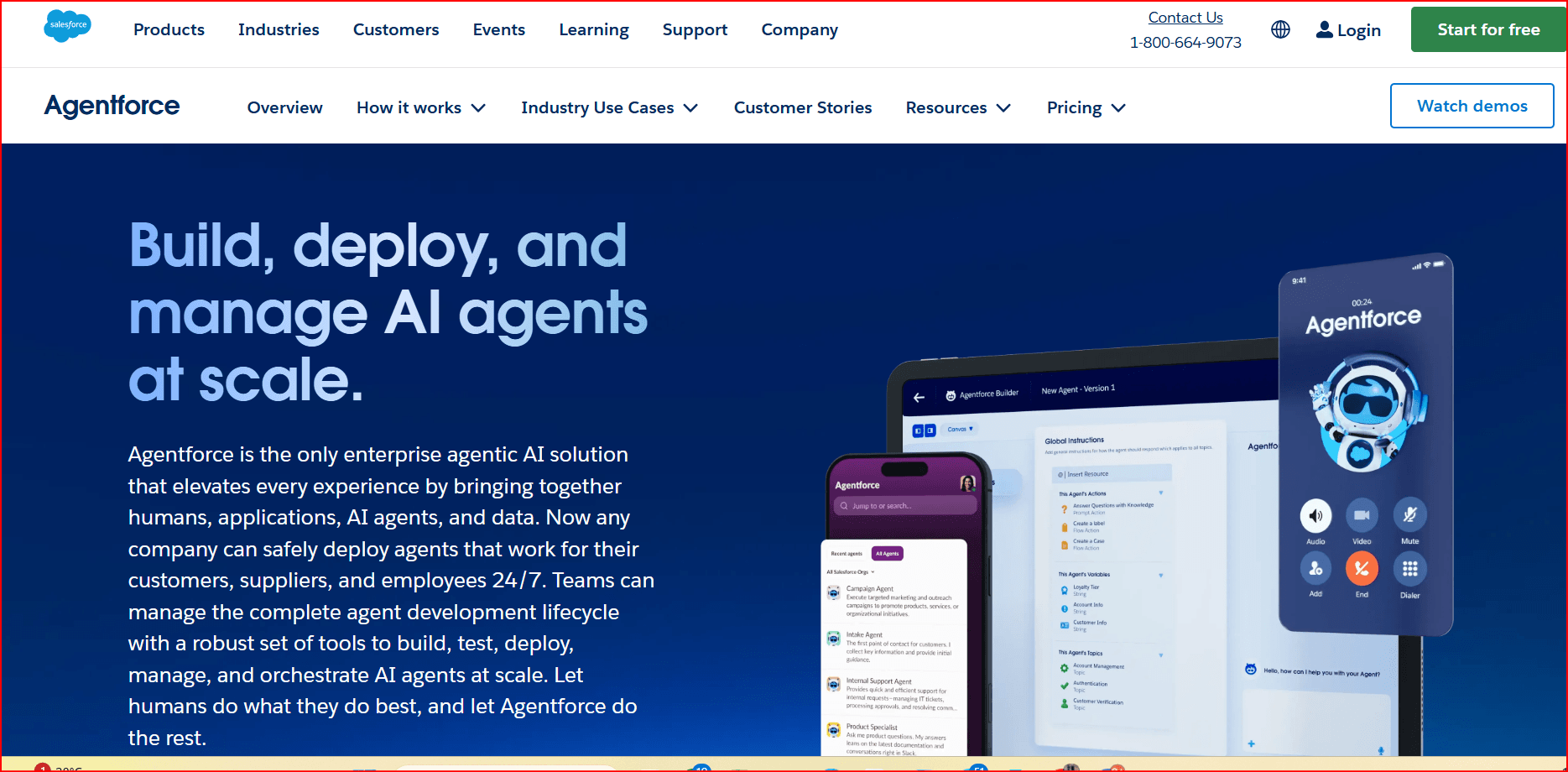
Real use:
- Sales pipeline automation
- Customer support
Only valuable if Salesforce is central
6. LangGraph — Advanced orchestration
Why it's powerful:
- Stateful workflows
- Multi-step logic
- Human-in-the-loop built-in
Real scenario:
- Multi-step research agent
- Decision pipelines
This is where things get serious
7. CrewAI — Multi-agent collaboration
Idea:
- Multiple agents with roles
Reality:
- Complex
- Hard to stabilize
Still evolving
8. n8n 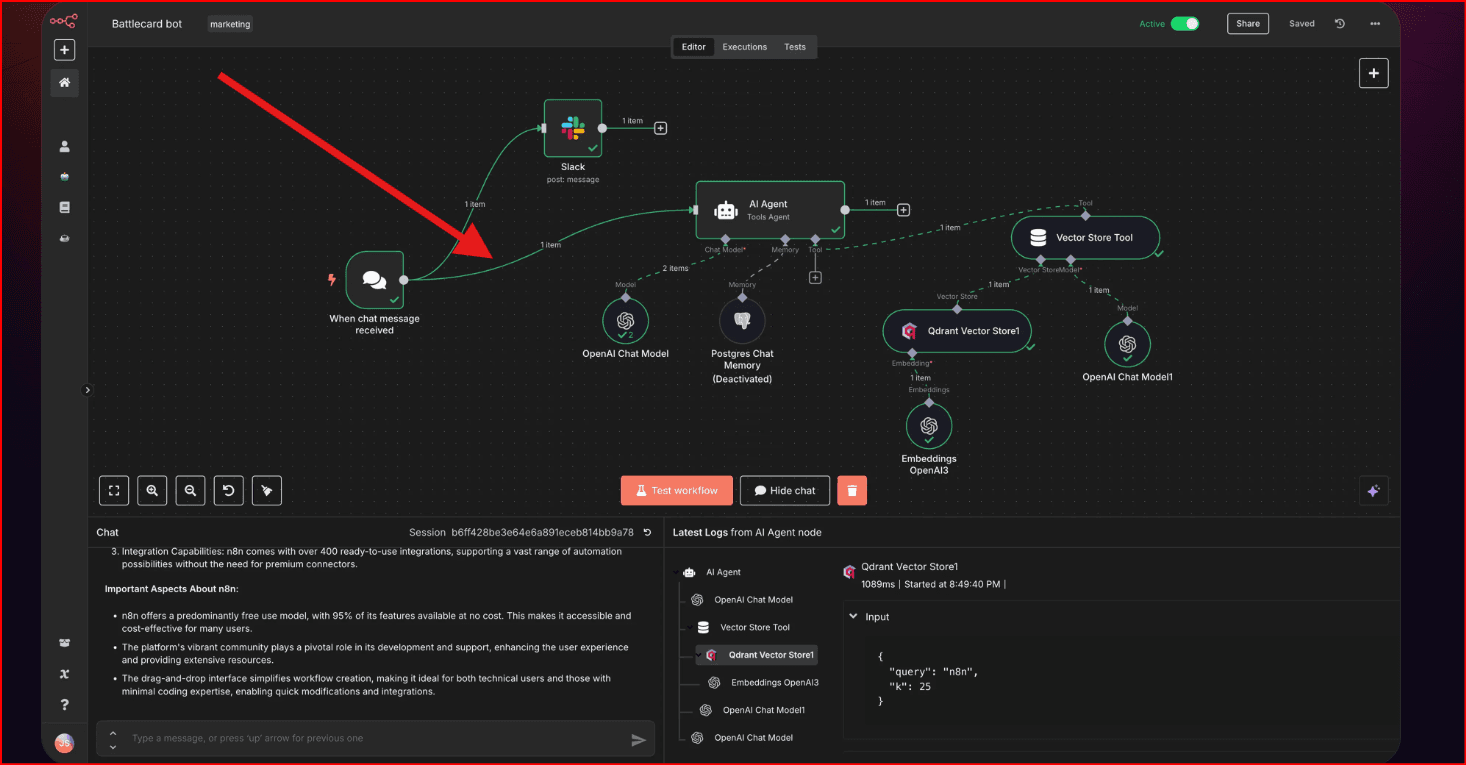 — Best balance (power + simplicity)
Why I like it:
- Visual builder
- Flexible logic
- Works with APIs easily
Real build:
- Lead automation system
- Social media pipeline
Underrated tool
9. Zapier — Speed over control
Strength:
- Fast setup
- Huge integrations
Limitation:
- Less customization
Best for quick wins
The Real Architecture (What Actually Works)
Here’s the exact structure I now use:
Step-by-step breakdown
1. Trigger
Examples:
- New email
- Form submission
- CRM update
2. Preprocessing (IMPORTANT)
Clean data before AI sees it:
- remove noise
- extract key fields
Improves accuracy massively
3. AI Decision Layer
Instead of vague prompts, use:
- category
- urgency
- action_required
Return JSON only.
This reduces hallucinations.
4. Action Layer
Examples:
- send email draft
- update database
- create task
Keep actions deterministic.
5. Validation Layer (MOST IMPORTANT)
Check:
- Is output valid JSON?
- Does action make sense?
- Is confidence high enough?
If not → fallback
6. Logging
Always store:
- input
- output
- decision
- errors
This is how you improve systems
7. Human Fallback
When:
- low confidence
- unclear case
- risky action
Send to human review
How to Combine AI Agents with BitBrowser for Safer Scaling
As soon as you move from testing AI agents… to running them at scale, a new problem appears:
Platforms start blocking, flagging, or limiting your automation.
This is where tools like BitBrowser become essential.
What is BitBrowser (in simple terms)?
BitBrowser is an anti-detect browser that lets you:
- Run multiple isolated browser profiles
- Simulate different devices/users
- Manage cookies, fingerprints, and sessions
- Avoid detection when automating platforms
Think of it as:
“A sandbox for running automation safely across multiple accounts.”
Why You Need It with AI Agents
When you combine AI agents with automation, you often:
- Log into platforms (LinkedIn, Gmail, marketplaces, etc.)
- Perform repetitive actions
- Scale across multiple accounts
Without protection:
❌ Accounts get flagged
❌ Actions get rate-limited
❌ Automation breaks
Where AI Agents + BitBrowser Work Best
1. Lead Generation Systems
- AI agent finds leads
- BitBrowser runs multiple accounts
- Sends messages or interactions safely
2. Social Media Automation
- AI generates content
- BitBrowser posts from multiple profiles
3. E-commerce / Marketplace Operations
- Manage multiple seller accounts
- Automate listings, replies, updates
4. Outreach Automation (High Risk Area)
- AI drafts messages
- BitBrowser handles account separation
Real Architecture: AI Agent + BitBrowser
Here’s a production-level structure:
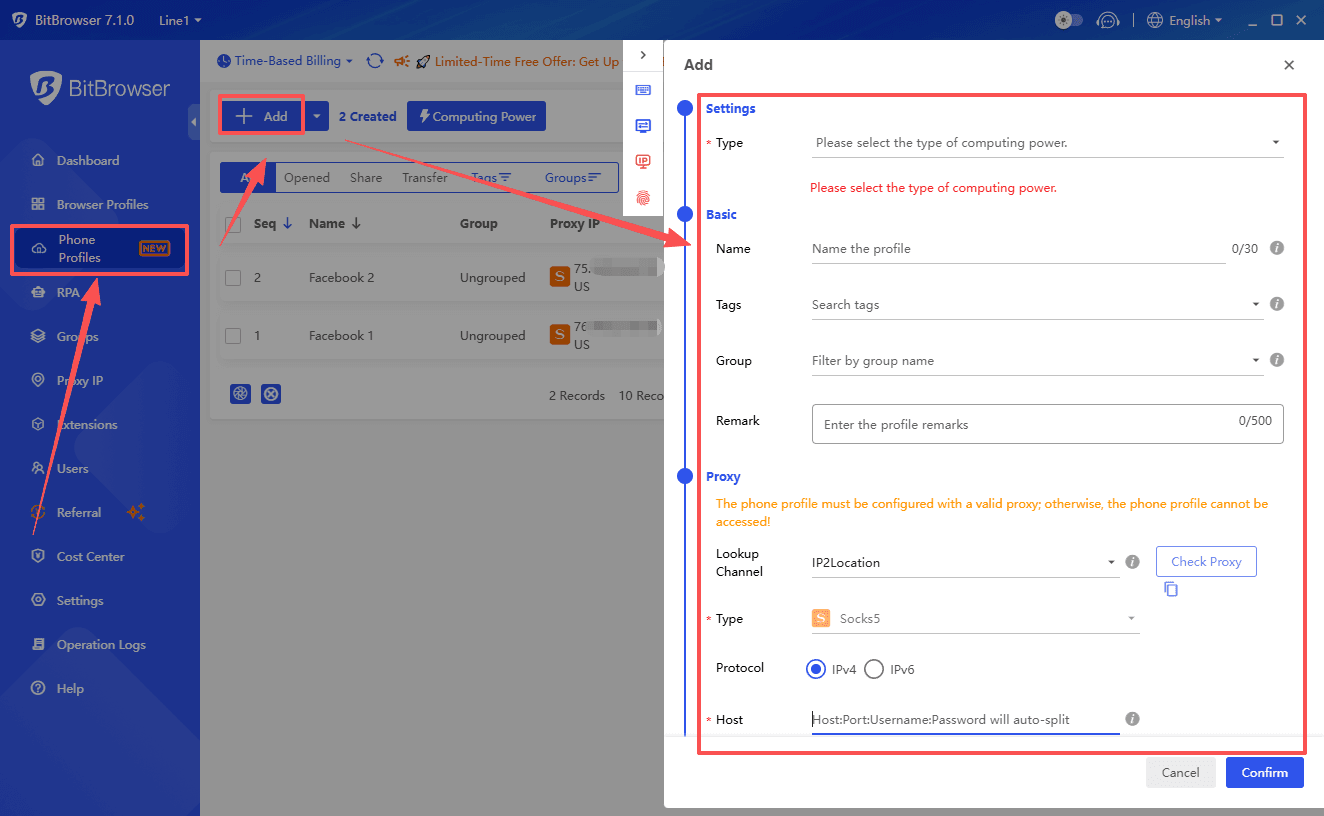
Step-by-step breakdown
1. AI Agent (Brain)
Decides:
- what to do
- who to target
- what message to send
Example:
based on this profile.
2. Task Dispatcher
Routes the task:
- which account to use
- which browser profile
This is critical for scaling.
3. BitBrowser Execution Layer
Each account runs in:
- isolated fingerprint
- separate cookies/session
- unique IP (if proxy used)
This mimics real users.
4. Action Execution
Examples:
- send message
- like post
- scrape data
- publish content
5. Logging + Feedback
Store:
- success/failure
- platform response
- limits reached
Example: Real Outreach System
Goal:
Scale LinkedIn outreach safely
Flow:
- AI agent:
- analyzes profile
- generates message
- System assigns:
- Account A → BitBrowser profile 1
- Account B → profile 2
- BitBrowser:
- opens session
- logs in
- sends message
- System logs:
- sent / failed
- response
Result:
- Scalable outreach
- Lower risk of bans
- Better deliverability
Critical Rules for Safe Scaling
1. Never fully automate everything
Add randomness:
- delays
- human-like timing
- varied actions
2. Limit actions per account
Example:
- LinkedIn: 20–50 actions/day
Over-automation = ban
3. Use proxies (very important)
Each profile should have:
- unique IP
- consistent location
4. Warm up accounts
Before automation:
- manual activity
- gradual increase
5. Human-in-the-loop for risky actions
Especially for:
- messaging
- transactions
Mistakes to Avoid (From Experience)
❌ Using same IP across accounts
❌ Sending identical messages
❌ Running 24/7 automation
❌ No delay or randomness
❌ Ignoring platform limits
Best Stack (Recommended Setup)
If I were building this today:
Core stack:
- AI Agent → OpenAI or LangGraph
- Automation → n8n or custom scripts
- Browser Layer → BitBrowser
- Proxies → Residential or mobile
Final Insight
AI agents give you intelligence.
BitBrowser gives you stealth and scalability.
You need both.
Without AI → no smart automation
Without BitBrowser → no safe scaling

 Multi-Account Management
 Prevent Account Association
 Multi-Employee Management
Recommended
See More 



