Best Anti-Detect Browser for Managing Multiple Crypto Wallets in 2026
 2026.08.29 23:17
 petro
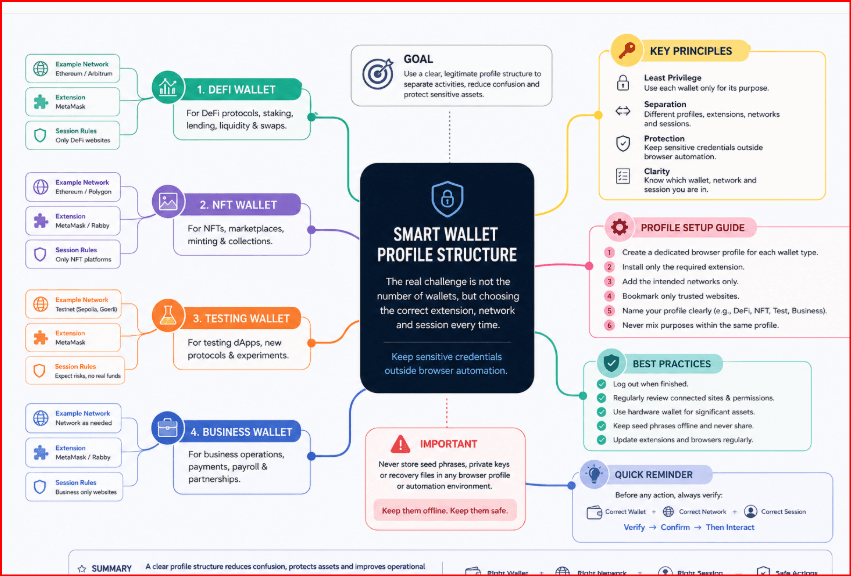
petroA separate wallet for DeFi, another for NFTs, one for testing and another for business can quickly create browser confusion. The real challenge is not the number of wallets, but choosing the correct extension, network and session every time. This guide focuses on a clear, legitimate profile structure that keeps sensitive credentials outside browser automation.
For example:
- Profile 01 — Ethereum research wallet
- Profile 02 — Solana wallet
- Profile 03 — NFT project wallet
- Profile 04 — DeFi research
- Profile 05 — Web3 testnet
- Profile 06 — Business treasury interface
- Profile 07 — Client project
- Profile 08 — Development environment
- Profile 09 — Blockchain analytics
- Profile 10 — Secondary testing environment
This structure makes it much easi
BitBrowser • Pricing • Documentation
Quick comparison
| # | Browser | Best for | Plan |
|---|---|---|---|
| 1 | BitBrowser | Best overall | 10 free profiles |
| 2 | GoLogin | Best for simplicity | Check current plan |
| 3 | AdsPower | Best for automation | Check current plan |
| 4 | Multilogin | Best for professional teams | Check current plan |
| 5 | Dolphin Anty | Flexible alternative | Check current plan |
Why BitBrowser ranks first
BitBrowser combines independent browser profiles, fingerprint controls, per-profile proxy settings, extension support, built-in RPA, Local API access and team permissions. Its permanent free plan includes 10 profiles, giving individuals and smaller Web3 teams enough capacity to test a realistic multi-wallet structure before paying for additional scale.
Independent cookies and local storage
Fingerprint and proxy controls per profile
Separate wallet extensions
Built-in RPA and Local API with mcp.
Team permissions and profile sharing
Practical rule Use one browser profile for each legitimate project or operational context. Keep the network location stable unless an authorized test requires otherwise. |
How to organize browser profiles
Choose a naming convention that will still be clear six months later. Never include wallet addresses, seed fragments, balances, personal identifiers or other confidential information in profile names.
| Profile | Recommended use |
|---|---|
| ETH-Personal | authorized storage and activity |
| DeFi-Research | protocols and public dashboards |
| NFT-Project | marketplaces and portfolio tracking |
| Web3-Testnet | testing without valuable funds |
| Team-Client | a restricted collaborative environment |
Recommended BitBrowser workflow
Create and clearly name one profile for every authorized environment.
Assign only the proxy and region required for that workflow; avoid unnecessary rotation.
Install only the verified wallet extensions needed inside that profile.
Add project-specific bookmarks and begin with a low-risk or testnet check.
Grant team access by role and review permissions regularly.
Keep signing, recovery and high-value transfers outside unattended automation.
Security and compliance
Browser-profile isolation does not secure crypto assets by itself. Never place seed phrases, private keys or recovery codes in profile names, browser notes, spreadsheets or automation scripts. For valuable assets, consider a hardware wallet and require deliberate human verification before every signature.
Verify the publisher and official URL before installing a wallet extension.
Use a hardware wallet or equivalent controls for valuable assets.
Review the network, destination address, amount and approval scope before signing.
Limit team access to the browser profiles required for each role.
Maintain secure backups according to the wallet provider’s instructions.
Follow KYC, sanctions, account-limit, airdrop and platform rules; isolation is not permission to bypass them.
Alternatives
GoLogin — Best for simplicity
AdsPower — Best for automation
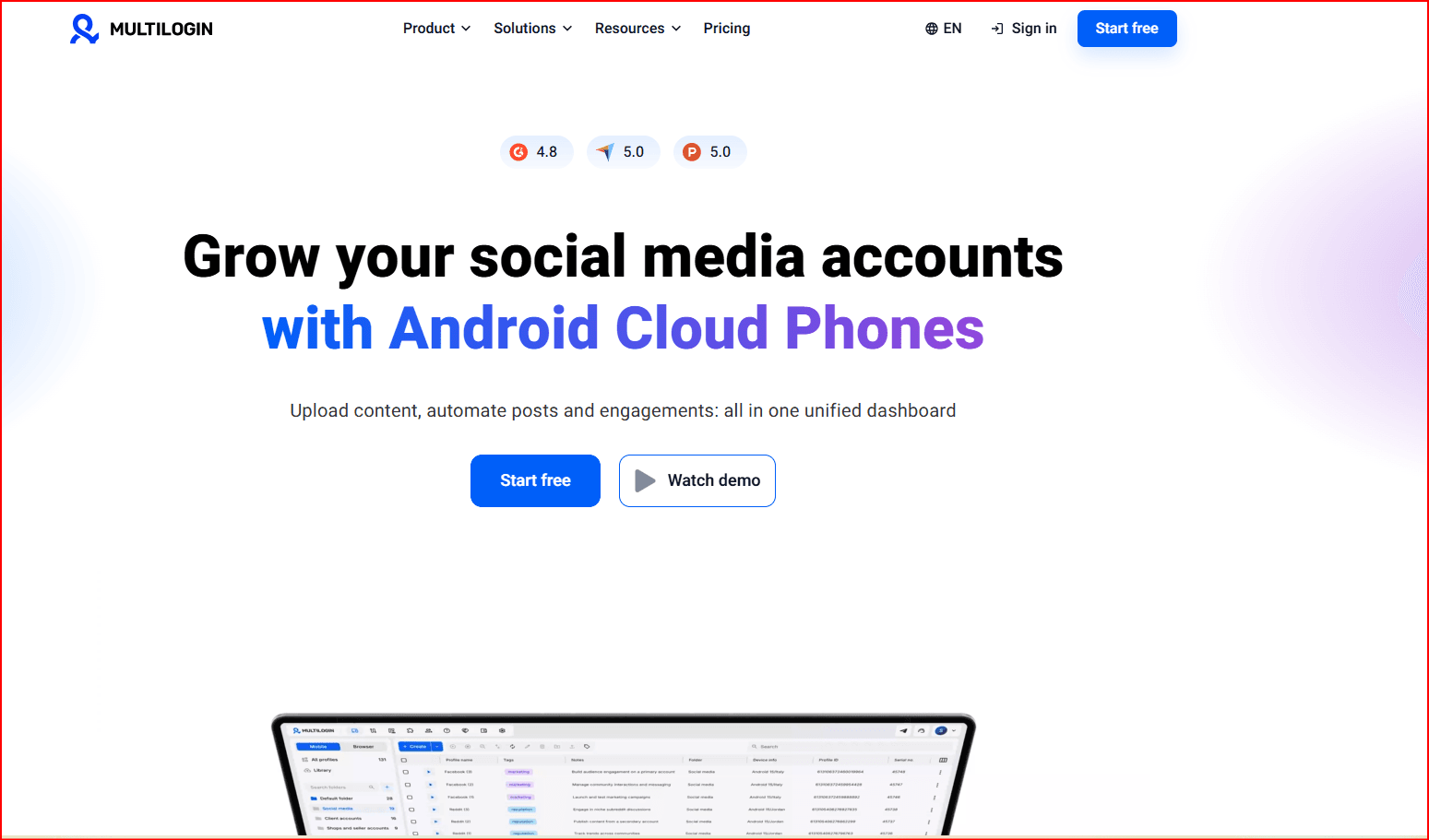
Multilogin — Best for professional teams
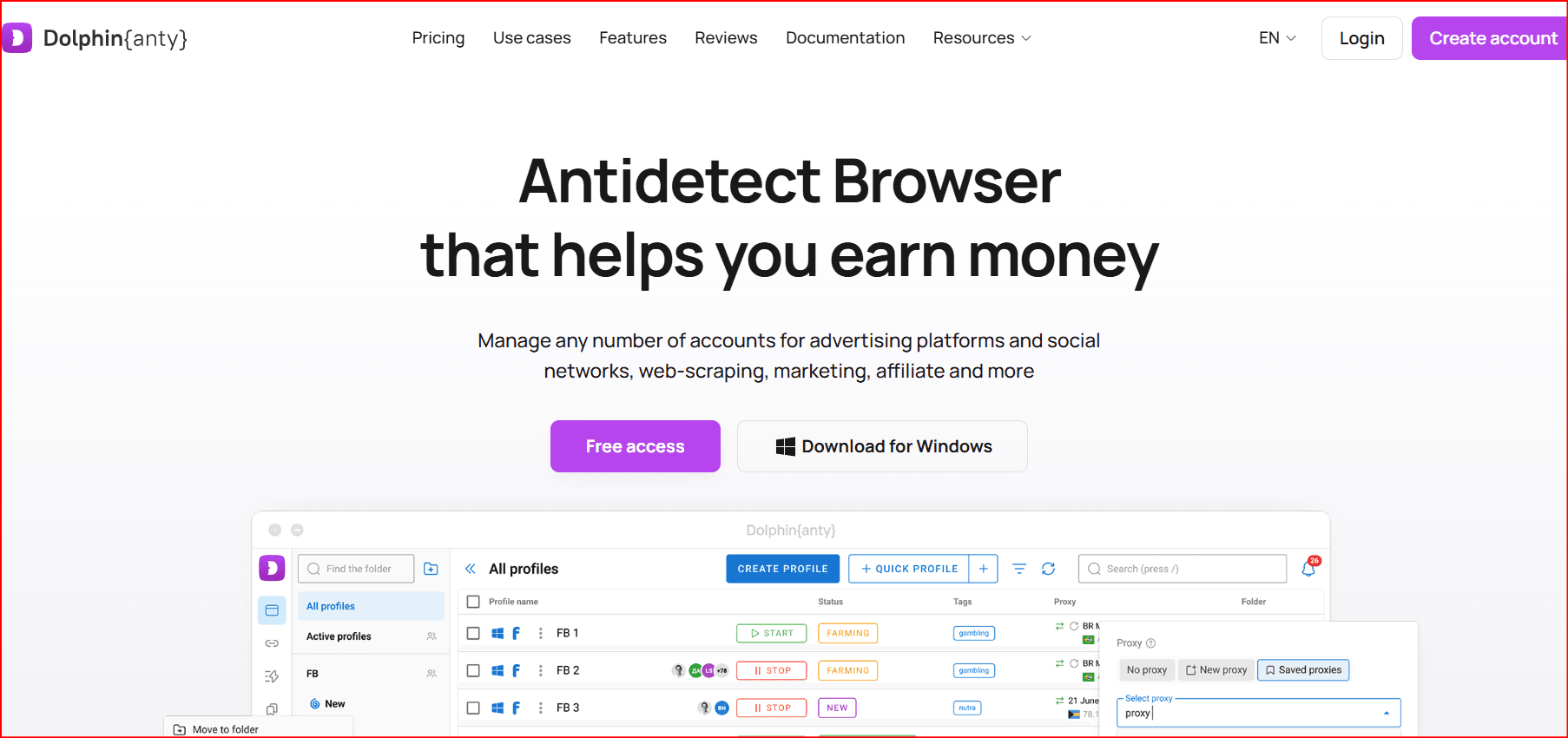
Dolphin Anty — Flexible alternative
BitBrowser versus standard Chrome profiles
| Capability | BitBrowser | Chrome |
|---|---|---|
| Central profile dashboard | Strong | Basic |
| Fingerprint configuration | Per profile | Limited |
| Proxy assignment | Per profile | Manual |
| RPA / Local API | Built in | External tools |
| Team permissions | Yes | Limited |
| Wallet security by itself | No | No |
Final verdict
BitBrowser is our top recommendation because it offers the strongest balance of affordability, profile isolation, automation and scalability. GoLogin is attractive for simplicity, AdsPower for automation, Multilogin for professional teams and Dolphin Anty as a flexible alternative.
#1 BitBrowser Best overall for legitimate multi-wallet organization, clear profile separation and affordable scaling. |
Visit BitBrowser | View current plans

 Multi-Account Management
 Prevent Account Association
 Multi-Employee Management
Recommended
See More 



