Best LinkedIn Automation Tools for 2026: 9 Tools Compared
 2026.08.16 21:32
 petro
petroLinkedIn automation software now covers much more than connection requests and follow-up messages. The leading tools combine LinkedIn outreach with email, enrichment, inbox management, CRM integrations, AI-assisted writing, analytics, and team collaboration.
There is no single best platform for every user. A solo consultant may prioritize affordability and ease of use, while a lead-generation agency needs multiple workspaces, sender management, permissions, and centralized reporting. A LinkedIn creator may need content scheduling rather than cold-outreach sequences.
This guide compares 10 notable tools for 2026. Nine are direct LinkedIn outreach, content, or workflow platforms. BitBrowser is included as a supporting browser-profile and team-access tool rather than a direct replacement for an outreach platform.
LinkedIn policy warning: LinkedIn says it does not permit third-party software or browser extensions that scrape, modify, or automate activity on its website. Its User Agreement also prohibits unauthorized bots and automated methods for accessing the service, adding contacts, sending messages, publishing or engaging with posts, and creating inauthentic engagement. Account restrictions or termination are possible.
Prices were checked on August 16, 2026. Taxes, currencies, promotions, billing cycles, credits, profile limits, and minimum seat commitments can change the effective cost.
How We Evaluated the Tools
We considered sequence-building, channel coverage, enrichment, inbox management, analytics, integrations, team controls, ease of use, pricing transparency, and platform-policy exposure.
BitBrowser was evaluated differently because it is not primarily an outreach campaign builder. Its value lies in browser-session organization, team access, profile isolation, permissions, and workflow infrastructure.
1. Expandi — Best Overall LinkedIn Outreach Platform
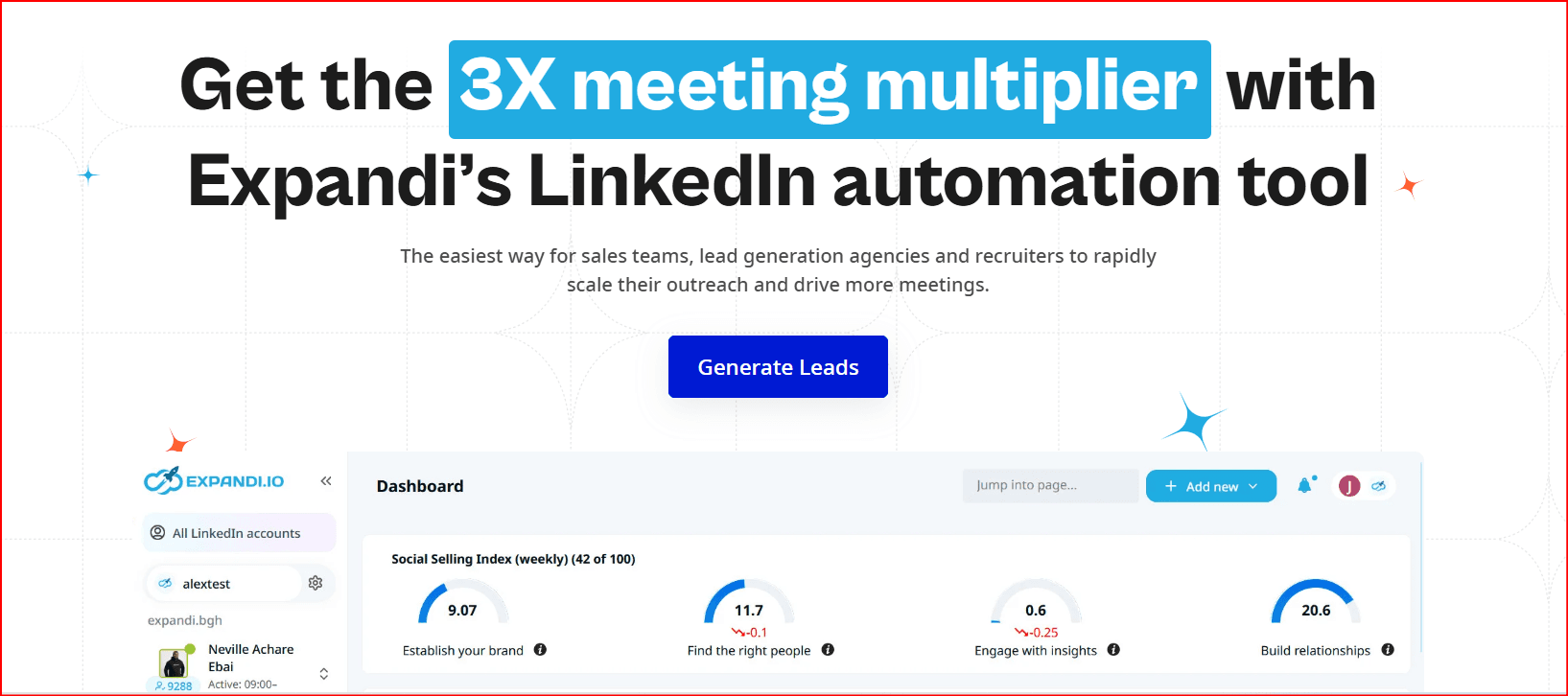
Best for: SDR teams, recruiters, agencies, and experienced outbound operators
Price: $99 per month, with a seven-day trial and annual discount
Expandi offers smart campaigns with conditional steps, campaign prioritization, multichannel sequences, personalization, analytics, integrations, scheduling, and centralized management. LinkedIn actions and email follow-ups can be combined within the same campaign.
The platform also gives users controls for activity limits, account warm-up, scheduling, and dedicated country-based IP addresses. These controls can help manage campaign execution, but they do not constitute LinkedIn approval or guarantee that an account will not be restricted.
Why it stands out: Expandi provides one of the most complete combinations of sequence logic, campaign management, targeting, personalization, and agency functionality.
Watch-outs: Its price is relatively high for a solo user, and some personalization capabilities involve additional services or costs.
Verdict: Expandi is the strongest overall option when LinkedIn is a major outbound channel and you need more flexibility than a basic connection-and-message sequence.
2. Dripify — Best Value for Small Sales Teams
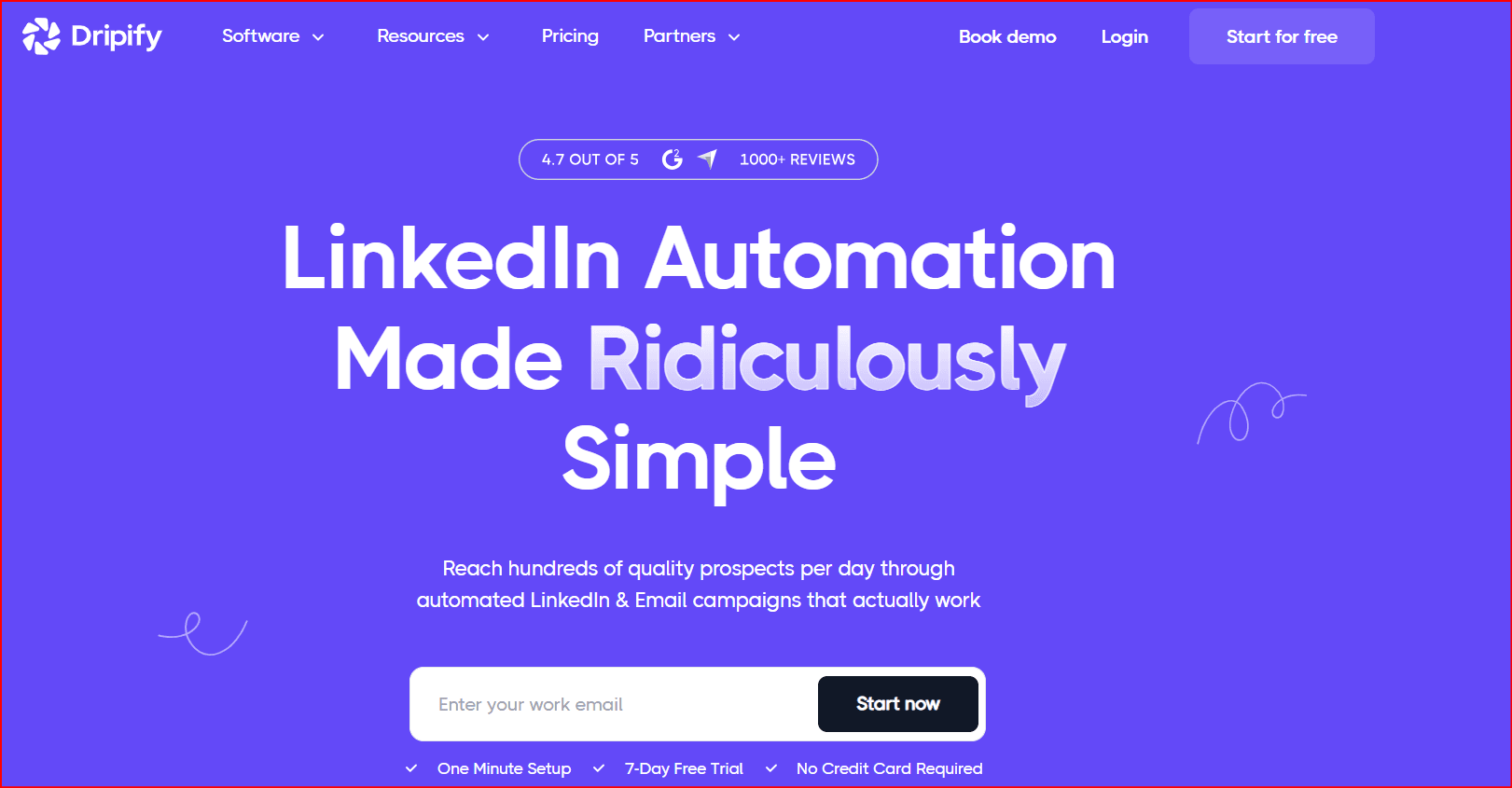
Best for: Founders, consultants, individual SDRs, and small sales teams
Price: Basic starts at $39 per user/month with annual billing or $59 with monthly billing
Dripify combines LinkedIn and email steps inside visual sequences. Its plans include campaign analytics, templates, email-finding functionality, and compatibility with different LinkedIn account types.
The Basic plan is limited to one campaign and lighter quotas. Pro adds unlimited campaigns, a dedicated inbox, CSV exports, webhooks, and HubSpot integration. Advanced introduces features such as multi-team management, lead tagging, step analytics, evergreen lead handling, and A/B testing.
Why it stands out: Dripify balances ease of use with enough campaign depth for a growing outbound program.
Watch-outs: The lowest advertised price requires annual billing. Most active users will need Pro rather than Basic.
Verdict: Dripify is one of the most practical options for a small team that wants LinkedIn and email outreach without immediately moving to an agency-priced platform.
3. HeyReach — Best for Agencies and Multi-Account Outreach
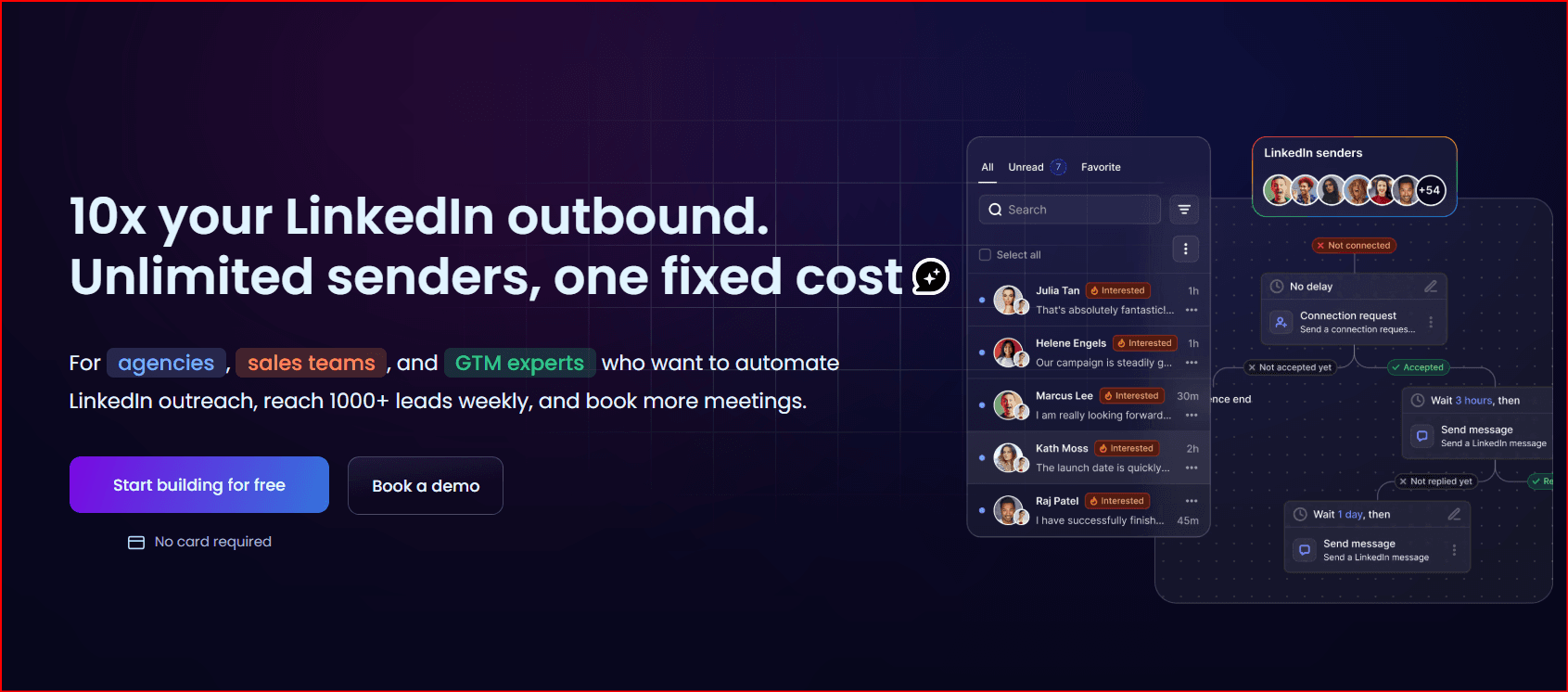
Best for: Lead-generation agencies and teams managing multiple sender accounts
Price: $79 per sender/month for fewer than 10 senders, falling to $63 with annual billing
HeyReach charges primarily according to the number of connected LinkedIn senders rather than every teammate who accesses the workspace. Its Growth plan includes unlimited campaigns, LinkedIn actions, a unified inbox, multichannel outreach, enrichment credits, integrations, API access, webhooks, workspaces, and permissions.
The Agency plans add multiple client workspaces, a shared sender pool, white-label functionality, onboarding, a master workspace view, and the ability to reassign seats between clients.
Why it stands out: HeyReach is structured around the operational requirements of agencies rather than the needs of a single salesperson.
Watch-outs: It is less economical for a solo consultant. The strongest agency functionality requires a significantly larger fixed plan.
Verdict: Choose HeyReach when separating client workspaces, assigning senders, managing permissions, and consolidating replies are more important than minimizing the cost of one account.
4. Waalaxy — Best for Beginners
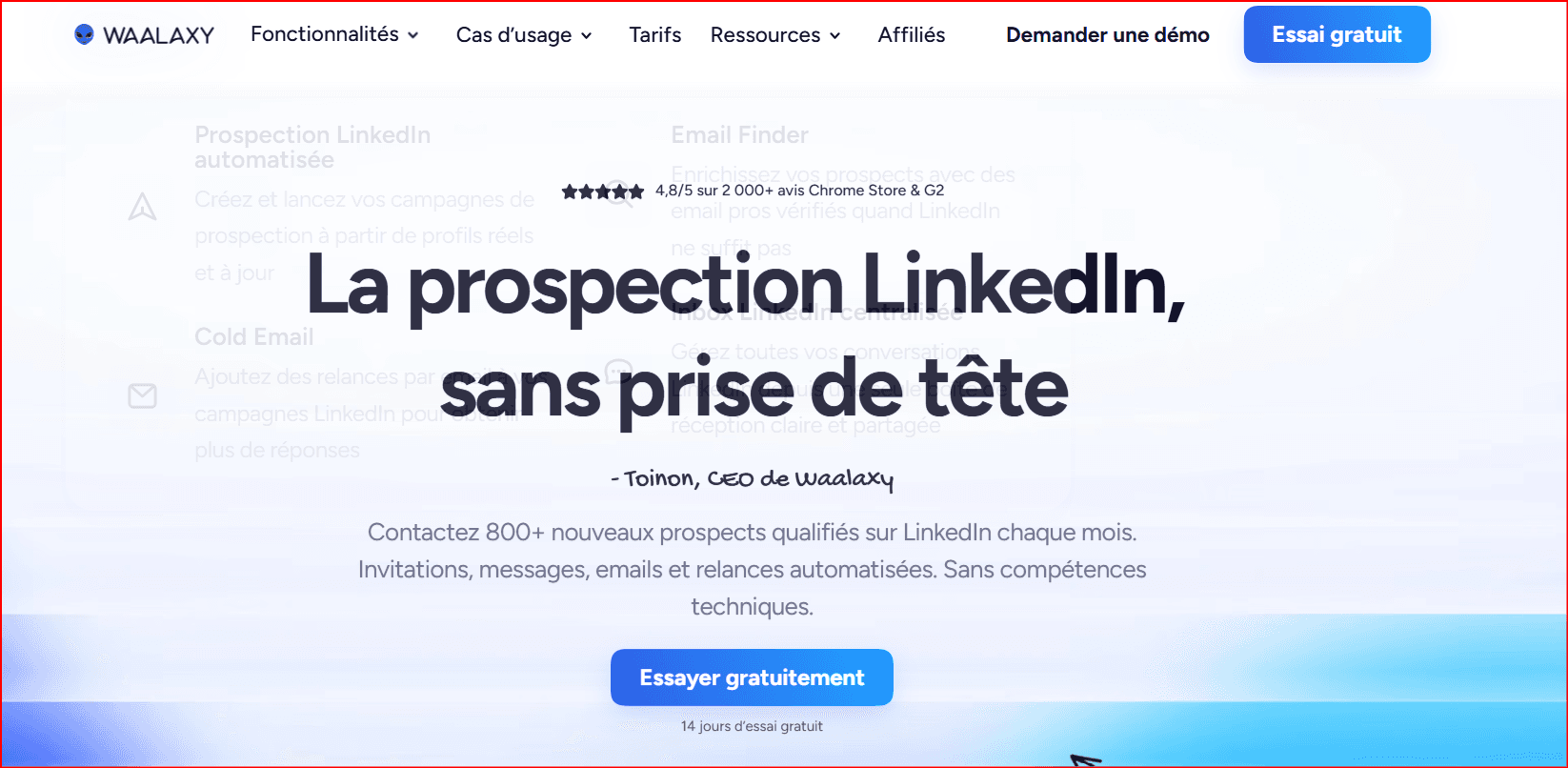
Best for: First-time LinkedIn prospectors, freelancers, and small businesses
Price: Pro starts at €19 per user/month on annual billing
Waalaxy emphasizes guided setup and prebuilt prospecting sequences. The Pro plan includes 300 invitations per month, unlimited campaigns, automated follow-ups, CRM synchronization, team collaboration, CSV support, and imports from LinkedIn Basic, Sales Navigator, and Recruiter Lite.
Advanced increases the invitation allowance to 800 per month and adds API access and workflow modules for Make, Zapier, and n8n. Business adds cold-email sequences, LinkedIn-plus-email campaigns, and a larger email-finder allocation.
Why it stands out: Waalaxy reduces the amount of campaign design required from a first-time user.
Watch-outs: Invitation and enrichment limits vary significantly by plan. Multichannel email campaigns require Business.
Verdict: Waalaxy is a sensible starting point for users who value guided workflows and an approachable interface over advanced conditional logic.
5. La Growth Machine — Best for Multichannel Prospecting
Best for: Teams combining LinkedIn, email, calls, enrichment, and CRM activity
Price: Basic starts at €60 per identity/month on annual billing
La Growth Machine, commonly called LGM, is designed around coordinated multichannel sequences. Its campaigns can combine LinkedIn engagement, email, voice messages, calls, enrichment, AI-assisted writing, and CRM workflows.
Basic supports LinkedIn and email, company data, lead enrichment, templates, and up to three separately billed identities. Pro adds custom workflows, LinkedIn intent audiences, a multichannel inbox, A/B testing, additional email senders, integrations, and calls. Ultimate adds X, deeper HubSpot and Pipedrive synchronization, CRM enrichment, and unlimited active campaigns.
Why it stands out: LGM connects several prospecting channels in one sequence rather than treating LinkedIn as an isolated channel.
Watch-outs: Pricing is calculated per identity, so costs can rise quickly. The most advanced CRM functionality is concentrated in higher plans.
Verdict: Choose La Growth Machine when LinkedIn must work alongside email, calls, enrichment, and CRM automation.
6. Salesflow — Best for Larger Sales Teams
Best for: Established sales organizations, agencies, and multi-seat teams
Price: $99 per seat for one or more users, with lower per-seat pricing at larger commitments
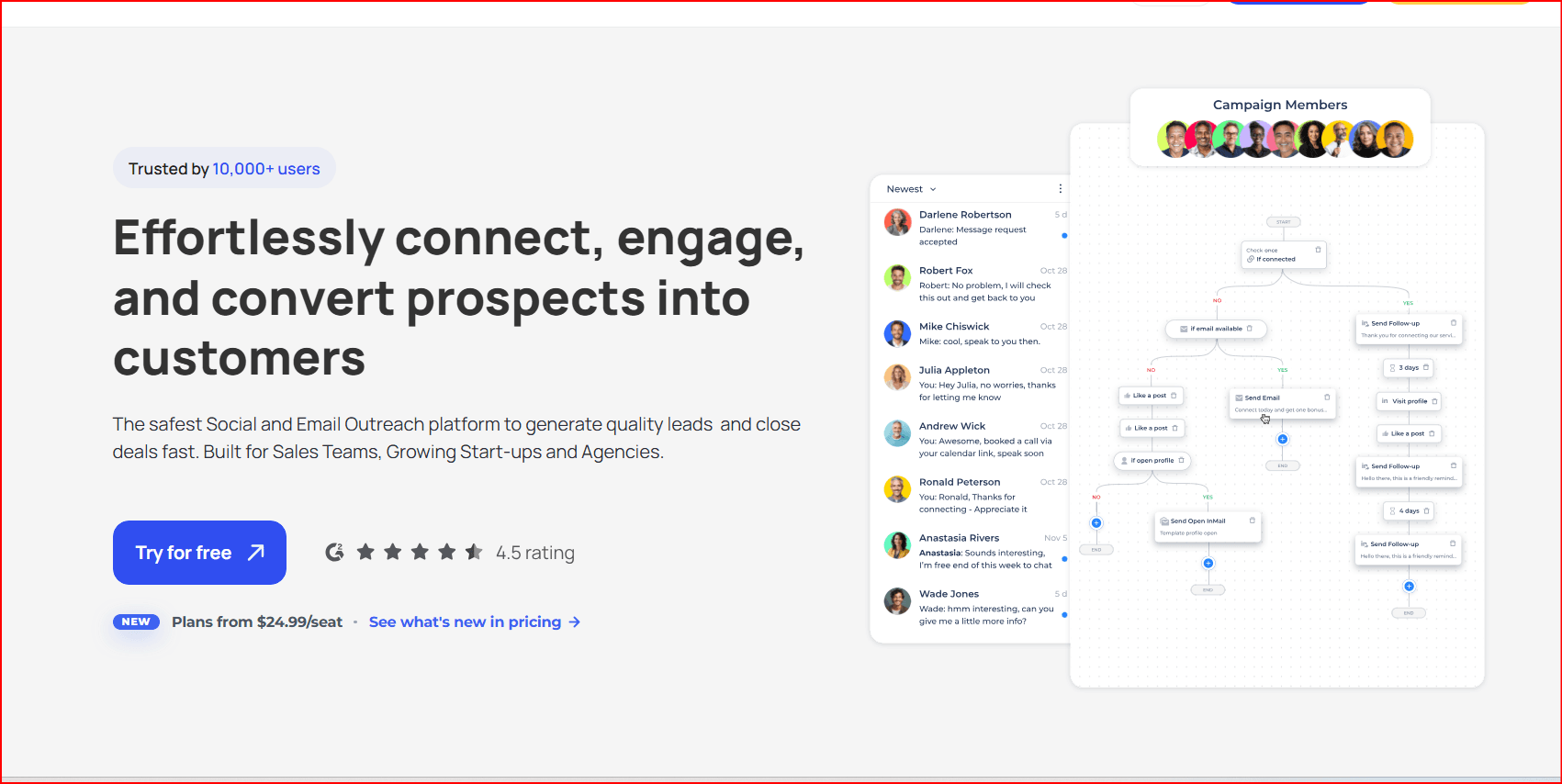
Salesflow includes adaptive multichannel workflows, a unified LinkedIn and Sales Navigator inbox, conversation-management tools, campaign intelligence, analytics, and integrations with HubSpot, Sales Navigator, and Zapier.
Its pricing becomes more competitive as team size increases. Published tiers begin at $70 per seat for at least five seats, $39.95 for at least 20, $29.98 for at least 50, and $24.99 for at least 100, subject to the applicable commitments.
Why it stands out: Salesflow supports centralized management, reporting, integrations, and repeatable execution across a larger team.
Watch-outs: The economics are less attractive for organizations with only one or two users.
Verdict: Salesflow is best when team oversight and volume economics matter more than obtaining the lowest individual subscription price.
7. Dux-Soup — Best Budget LinkedIn Outreach Tool
Best for: Freelancers, solo sellers, and users testing a small outreach program
Price: Pro Dux costs $14.99 per month
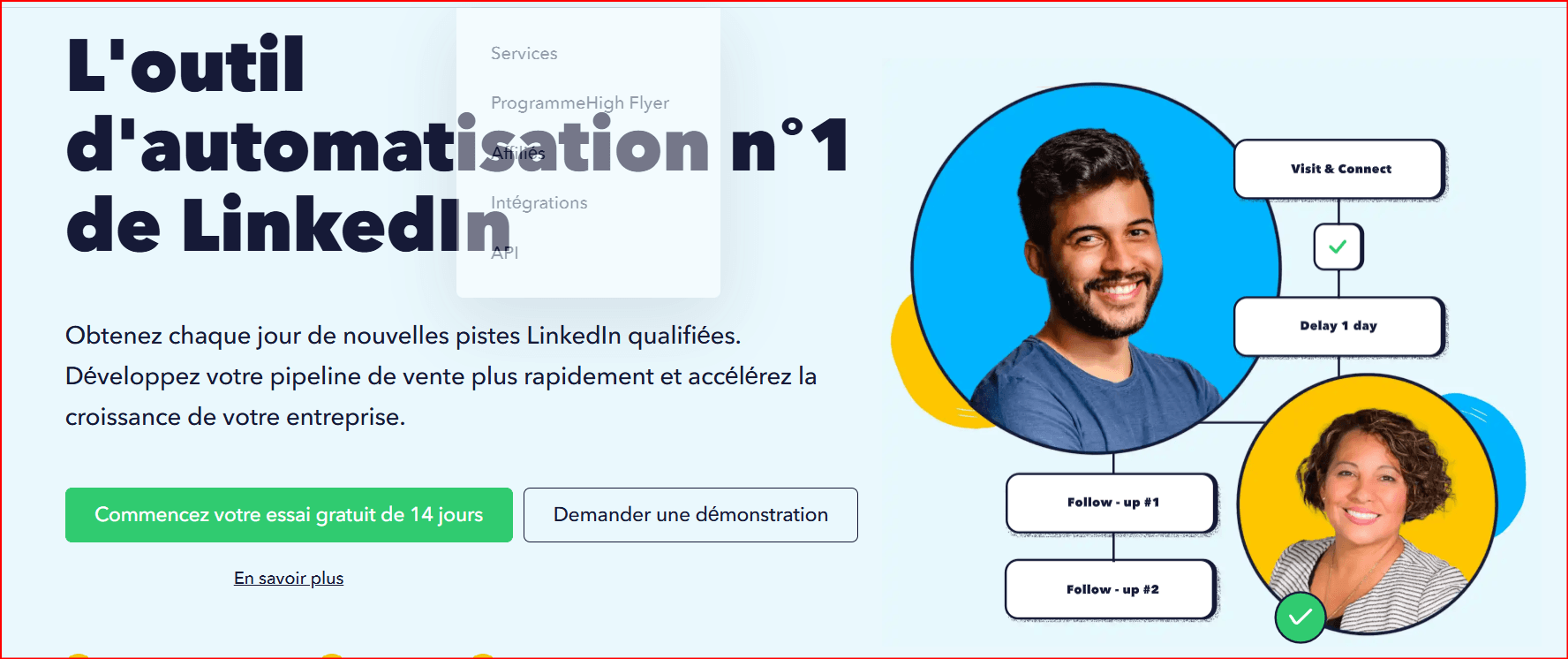
Pro Dux supports personalized invitations and messages, profile visits, tagging, activity logs, post likes, and CSV exports. Turbo Dux adds unlimited drip campaigns, statistics, lead management, a central inbox, and integrations. Cloud Dux moves campaign execution to managed cloud infrastructure.
Why it stands out: Dux-Soup has one of the lowest entry prices among established LinkedIn outreach products.
Watch-outs: The least expensive plan is basic. The more complete Turbo and Cloud plans cost $55 and $99 per month respectively. Several automated actions advertised by the product are directly relevant to LinkedIn’s restrictions on unauthorized automation.
Verdict: Dux-Soup is attractive when budget is the primary consideration, but buyers should evaluate both its functional limitations and platform-policy exposure.
8. Taplio — Best for LinkedIn Content and Personal Branding
Best for: Founders, executives, creators, ghostwriters, and content teams
Price: From $39 per month
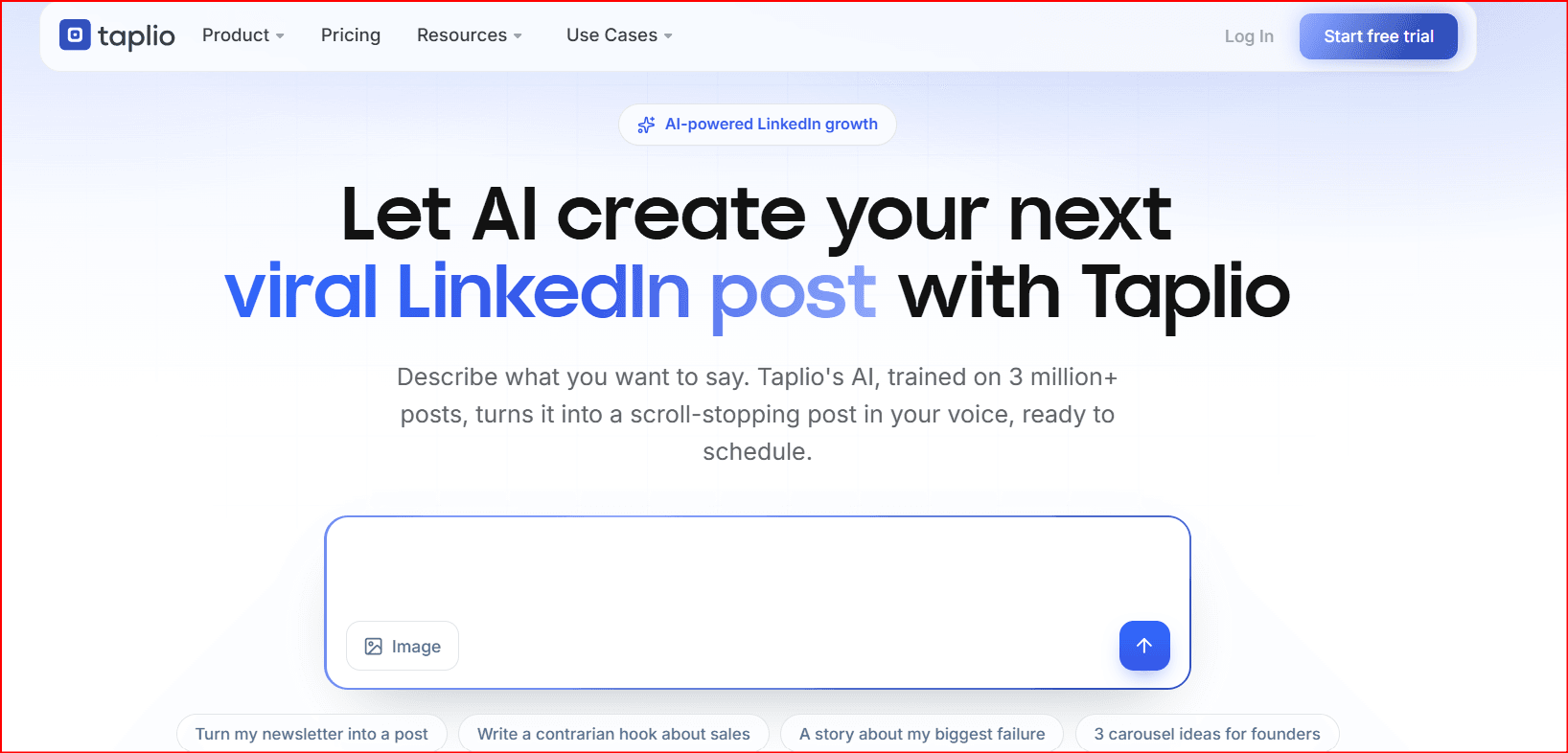
Taplio focuses primarily on content creation and personal-brand growth. It offers AI-assisted writing, post scheduling, content inspiration, engagement workflows, analytics, team collaboration, and other tools intended to help users publish consistently.
This makes Taplio different from platforms built mainly around cold connection requests. It is more suitable for turning expertise and consistent publishing into inbound conversations.
Why it stands out: Taplio combines content ideation, production, scheduling, engagement, and performance analysis in one environment.
Watch-outs: Features that automate comments, engagement, or outreach still need to be evaluated against LinkedIn’s rules. A tool being content-focused does not automatically make every automated action permitted.
Verdict: Taplio is the strongest option in this comparison for users whose main goal is building an audience and maintaining a consistent LinkedIn publishing system.
9. PhantomBuster — Best for Customizable No-Code Workflows
Best for: Growth marketers, operations teams, and technically comfortable users
Price: Start costs $56 per month when billed annually
PhantomBuster is a broad automation platform rather than a LinkedIn-only campaign product. It provides more than 100 automations and workflows across over 15 platforms, including LinkedIn and Sales Navigator enrichment, lead-list creation, outreach campaigns, data exports, CRM connections, and scheduled workflows.
Pricing is based on resources such as automation slots, execution time, email credits, AI credits, and URL-finder credits. The annual Start plan includes five automation slots and 20 monthly execution hours. Grow increases this to 15 slots and 80 hours, while Scale provides 50 slots and 300 hours.
Why it stands out: PhantomBuster gives operations-minded users significant flexibility for connecting extraction, enrichment, outreach, spreadsheets, CRMs, and other systems.
Watch-outs: Resource-based pricing can be harder to forecast. Automated extraction and LinkedIn outreach also overlap with activities that LinkedIn explicitly restricts.
Verdict: PhantomBuster is best for users who prioritize customizable workflows over a polished, LinkedIn-specific campaign interface.
10. BitBrowser — Best Supporting Tool for Browser Profiles and Team Access
Best for: Agencies and operations teams that need organized browser sessions, controlled profile access, and repeatable browser environments
Price: Free for 10 browser profiles; paid plans include 50 profiles and two users for $10 per month, 100 profiles and four users for $15, and 200 profiles and eight users for $25
BitBrowser is not a conventional LinkedIn outreach platform. It does not replace a sequence builder, lead inbox, campaign analytics system, or CRM. Instead, it provides isolated browser profiles with separate session data, browser settings, extensions, and network configurations.
The platform includes profile sharing, member permissions, profile imports and exports, proxy support, a local API, RPA functionality, browser synchronization, an extension and script marketplace, and team collaboration controls.
BitBrowser also offers shared browser profiles and security features. Administrators can limit whether recipients are allowed to modify a profile’s core configuration, revoke shared access, and use two-factor authentication and device-security controls.
Where BitBrowser Fits in a LinkedIn Workflow
BitBrowser can serve as an operational layer around a sales or agency stack. Potential legitimate uses include:
- Keeping authorized client or business sessions organized
- Separating cookies and local storage between approved work environments
- Giving team members controlled access without repeatedly configuring extensions
- Maintaining consistent browser environments for quality assurance or testing
- Using its API or RPA tools for internal, non-LinkedIn workflows
It is important not to confuse profile isolation with LinkedIn authorization. An isolated browser environment does not make prohibited automation, scraping, account sharing, fake identities, or limit circumvention acceptable.
LinkedIn’s User Agreement says members may have only one LinkedIn account in their real name. It also prohibits using another person’s account, sharing login credentials, copying cookies, scraping LinkedIn, bypassing controls, and using unauthorized bots to automate messages or engagement.
Why it stands out: BitBrowser offers a low-cost way to organize many browser profiles, permissions, sessions, and team environments.
Watch-outs: It is not a dedicated LinkedIn campaign product. Its anti-detect positioning should not be interpreted as a compliance guarantee. Using it to conceal prohibited activity, evade platform restrictions, manage false identities, or operate another person’s LinkedIn account could create serious account and policy risk.
Verdict: BitBrowser can be useful as a supporting browser-management tool for authorized business workflows. It should not be selected as a substitute for an outreach platform or used as a method for bypassing LinkedIn’s rules.
BitBrowser vs. Traditional LinkedIn Automation Tools
| Capability | BitBrowser | Outreach platforms such as Expandi or Dripify |
|---|---|---|
| Isolated browser profiles | Strong | Usually not the primary function |
| Session and cookie separation | Strong | Limited or handled internally |
| Team profile permissions | Strong | Usually focused on campaign roles |
| Connection and message sequences | Not the core product | Core functionality |
| Reply inbox | Not a dedicated outreach inbox | Commonly included |
| Campaign analytics | Limited for outreach use | Core functionality |
| Email follow-ups | Requires separate tooling | Often included |
| CRM synchronization | Requires API or external workflow | Frequently built in |
| RPA and browser API | Included | Varies |
| LinkedIn authorization | No | No unless explicitly authorized by LinkedIn |
For most users, BitBrowser would be a companion to a broader sales stack rather than the central campaign platform.
How to Choose the Right LinkedIn Automation Tool
Choose according to the job being automated
For flexible cold outreach, compare Expandi and Dripify. For an agency managing many sender accounts, start with HeyReach. For a beginner, Waalaxy provides a more guided experience.
La Growth Machine and Salesflow are better suited to multichannel or larger-team operations. Taplio is the content-first choice. PhantomBuster is appropriate for custom workflows, while Dux-Soup provides the lowest-cost entry into direct LinkedIn automation.
Choose BitBrowser when the requirement is browser-profile organization, isolated sessions, controlled team access, or internal browser workflows—not when the main requirement is campaign sequencing.
Calculate the complete cost
The monthly subscription is rarely the entire expense. A complete stack may also require Sales Navigator, email domains and mailboxes, verification credits, enrichment, a CRM, workflow software, browser-profile infrastructure, and additional sender identities.
The pricing model also matters. HeyReach charges per sender, La Growth Machine charges per identity, Salesflow discounts larger seat commitments, PhantomBuster charges through resource allowances, and BitBrowser prices according to profiles and team members.
Separate operational security from policy compliance
Dedicated IP addresses, isolated sessions, randomized delays, profile containers, warm-up settings, and conservative activity limits may change how software operates. They do not automatically make the activity compliant with LinkedIn’s agreement.
No vendor feature should be treated as a guarantee that an account will remain unrestricted. LinkedIn specifically says that third-party automation and browser extensions that automate activity are not allowed.
Which Tool Should You Choose?
For most experienced outbound teams, Expandi provides the strongest overall balance of campaign flexibility, personalization, and multichannel outreach.
For a small team, Dripify Pro offers a more approachable combination of LinkedIn and email. HeyReach is the strongest agency choice when workspaces, sender pools, permissions, and centralized replies are the main requirements.
Choose Waalaxy for beginner-friendly campaigns, La Growth Machine for coordinated LinkedIn, email, calls, and enrichment, and Salesflow for larger teams requiring centralized oversight.
For specialized use cases, Taplio is the content-first choice, Dux-Soup has the lowest direct-outreach entry price, and PhantomBuster provides the greatest workflow flexibility.
Choose BitBrowser only when you need a supporting browser-profile and team-access layer. It is not a replacement for campaign software, and it should not be used to evade LinkedIn controls or operate unauthorized accounts.
Frequently Asked Questions
Is LinkedIn automation allowed?
LinkedIn permits functionality it provides itself or explicitly authorizes. It says third-party software or browser extensions that scrape or automate website activity are not allowed. Its User Agreement separately prohibits unauthorized bots for contacts, messages, posts, comments, likes, shares, and other engagement.
What is the best LinkedIn automation tool for beginners?
Waalaxy is the most beginner-friendly option in this comparison because it provides prebuilt sequences and guided campaign setup. Dripify is a stronger alternative for beginners who expect to need email steps, a dedicated inbox, and more advanced analytics.
What is the best LinkedIn automation tool for agencies?
HeyReach is the strongest agency-focused option because it provides sender-based pricing, client workspaces, pooled seats, permissions, a unified inbox, and white-label functionality. Expandi is another strong option when campaign flexibility is more important than multi-client infrastructure.
What is BitBrowser used for?
BitBrowser is used to create and manage separate browser profiles with isolated sessions, cookies, local storage, extensions, network settings, and team permissions. It also provides profile sharing, an API, RPA functionality, and collaboration controls.
Is BitBrowser a LinkedIn automation tool?
Not in the same sense as Expandi, Dripify, or HeyReach. BitBrowser manages browser environments and can support automated browser workflows, but it does not primarily provide LinkedIn campaign sequencing, lead conversations, outreach analytics, or a sales inbox.
Can BitBrowser be used with LinkedIn automation software?
The products may technically coexist in a broader workflow, but compatibility does not establish compliance. Users should not combine them to hide automated activity, bypass limits, share personal accounts, copy cookies, scrape LinkedIn, or operate false identities.
For lower-risk use, keep LinkedIn connection requests, messaging, and engagement manual or use only LinkedIn-native and explicitly authorized functionality. BitBrowser’s API and RPA tools can instead be reserved for internal systems, testing, or other approved workflows that do not automate prohibited LinkedIn actions.
Is an anti-detect browser safer than a normal browser for LinkedIn?
An isolated browser profile may reduce session conflicts and make team environments easier to organize. It does not provide immunity from LinkedIn restrictions and does not make otherwise prohibited activity acceptable.
What is the safest alternative to LinkedIn outreach automation?
The lowest-policy-risk approach is to keep connection requests, messages, and engagement manual or use LinkedIn-native and explicitly authorized products. External automation can still handle CRM updates, reminders, reporting, lead routing, and internal workflows that do not perform unauthorized actions on LinkedIn.

 Multi-Account Management
 Prevent Account Association
 Multi-Employee Management
Recommended
See More 



