5 Best Anti-Detect Browsers in 2026
 2026.07.31 13:42
 petro
petrolocal storage, browser fingerprints, device properties, and behavioral signals. For legitimate teams managing separate authorized accounts or client environments, a dedicated browser profile can reduce accidental session overlap and make operations easier to audit.
In this 2026 comparison, BitBrowser ranks first because it combines independent browser profiles, broad fingerprint controls, multiple proxy protocols, RPA automation, Local API access, profile sharing, permission management, and a permanently free 10-profile tier. The other products remain useful, but they target different audiences and budgets.
Rank | Browser | Best for | Entry plan | Editorial verdict |
|---|---|---|---|---|
1 | BitBrowser | Best overall value and teams | Free: 10 profiles | Balanced features, automation, collaboration, and low-cost scaling |
2 | Incogniton | Freelancers and budget users | Free: 10 profiles for 2 months, then 3 | Friendly pricing with solid automation on paid tiers |
3 | NstBrowser | Developers, cloud automation, scraping | Free: 500 profiles / 30 launches daily | Powerful infrastructure, but more technical |
4 | Octo Browser | Premium professional operations | Lite: €10 / 3 profiles | Strong controls and polished team plans at a higher price |
5 | Ghost Browser | Cookie-separated productivity sessions | Free: 3 identities | Useful multi-session browser, but not a full fingerprint-isolation tool |
What Is an Anti-Detect Browser?
An anti-detect browser creates separate browser profiles and lets the operator control or isolate values that websites may use for recognition. Depending on the product, these profiles can keep their own cookies, cache, local storage, proxy, time zone, language, WebRTC settings, Canvas and WebGL values, screen resolution, extensions, and login state.
The goal is not invisibility. A good profile should be internally consistent, persistent, and appropriate for the network location and device configuration. No browser can guarantee that an account will never be reviewed, challenged, or suspended because platforms also evaluate account history, payment data, identity verification, behavior, content, and policy compliance.
Signal layer | Examples | Why consistency matters |
|---|---|---|
Network | IP address, ASN, DNS, proxy type, geolocation | A location mismatch can create obvious risk signals. |
Browser | User-Agent, client hints, version, language | Values should fit the selected operating system and browser core. |
Graphics | Canvas, WebGL vendor, renderer, GPU behavior | Conflicting graphics values can make a profile look artificial. |
Device | CPU cores, memory, screen size, fonts | Hardware combinations should resemble realistic devices. |
Storage | Cookies, local storage, IndexedDB, cache | Separate storage prevents accidental cross-login and session contamination. |
Media | Audio context, media devices, permissions | Unexpected media capabilities can increase fingerprint uniqueness. |
Real-time communication | WebRTC IP exposure and device enumeration | Leaks may reveal a network route different from the configured proxy. |
How We Evaluated the Browsers
This revision uses a feature-based editorial methodology rather than claiming laboratory results that were not independently reproduced. Official product pages and documentation were reviewed for the following criteria:
Profile isolation and persistence across restarts.
Fingerprint configuration, browser-core maintenance, and network consistency controls.
Proxy support, bulk management, and per-profile assignment.
Team roles, sharing, permission controls, and operational security.
Automation through RPA, APIs, Selenium, Puppeteer, Playwright, or synchronizers.
Current entry pricing and practical value for individuals and teams.
Ease of use, onboarding complexity, and suitability for the intended audience.
Testing recommendation Before placing important authorized accounts in any browser, create a test profile, verify its IP, DNS, WebRTC, time zone, language, browser version, Canvas, WebGL, and storage behavior, then restart it and repeat the checks. Change one variable at a time so the source of any inconsistency remains clear. |
1. BitBrowser — Best Overall Anti-Detect Browser in 2026
Official website: BitBrowser
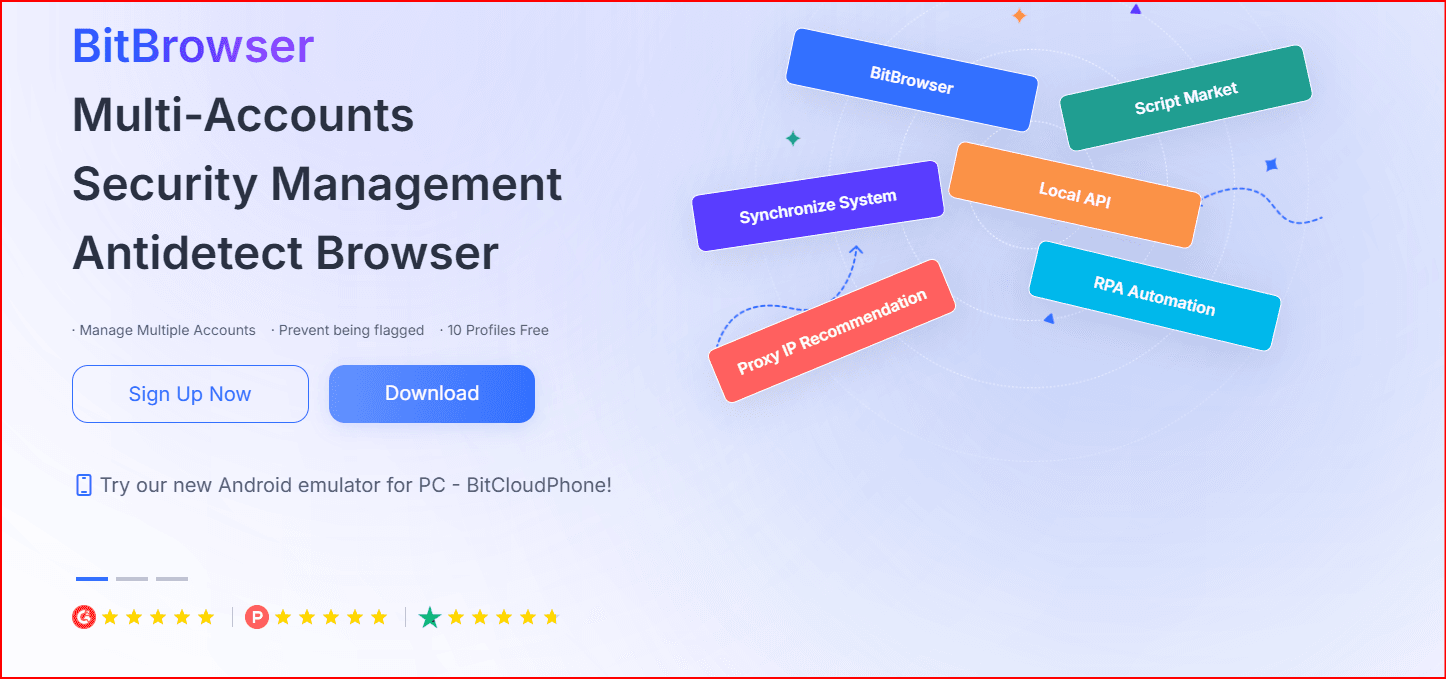
BitBrowser is designed around one independent browser environment per account or project. Each profile can maintain its own fingerprint configuration, cookies, local storage, proxy connection, login state, and extensions. That structure is useful for agencies, e-commerce teams, social media managers, QA teams, market researchers, and other operators who need clear separation between authorized workflows.
Profile isolation and fingerprint controls
The official product pages list controls for User-Agent, language, proxy, WebGL, audio, time zone, Do Not Track, IPv4 and IPv6, DNS, cookies, Canvas, fonts, WebRTC, local storage, resolution, and geolocation. Profiles can be created individually, cloned, grouped, searched, batch-updated, exported, shared, transferred, or moved to a recycle bin.
Independent cookies, local storage, cache, and login sessions for each profile.
Chrome- and Firefox-based browser environments with configurable fingerprint fields.
Profile grouping, favorites, notes, batch opening, batch updates, and export tools.
Duplicate validation to help teams avoid creating repeated account records.
Proxy management
BitBrowser supports HTTP, HTTPS, SOCKS5, and SSH proxy methods. A proxy can be stored inside each browser profile, and teams can batch-update proxy data when campaigns or regions change. The browser can coordinate fingerprint parameters with the selected network location, but the operator is still responsible for proxy quality, IP reputation, and geographic consistency.
Team collaboration and security
BitBrowser includes team workspaces, member authorization, profile sharing, and security-lock features. Administrators can assign profiles to team members instead of distributing raw credentials. Shared environments can preserve the configured fingerprint, proxy, and extensions while limiting what recipients are allowed to modify.
Automation and developer tools
For repetitive work, BitBrowser provides RPA automation, a synchronizer, an extension and script marketplace, and Local API endpoints. The API can create, update, open, close, group, and batch-edit browser profiles; update proxies; retrieve active profiles; manage cookies; and run RPA tasks. This makes the platform useful for both no-code operators and development teams.
BitBrowser capability | Operational role | Practical benefit |
|---|---|---|
Independent profiles | Separates cookies, local storage, cache, and sessions | Reduces accidental cross-login between authorized projects |
Fingerprint controls | Manages browser and device-facing parameters | Supports consistent, repeatable profile configurations |
Per-profile proxies | Stores network settings with each profile | Creates a clear project-to-profile-to-network structure |
Team permissions | Assigns profiles and access rights to members | Limits credential sharing and improves accountability |
RPA and synchronizer | Automates repeated browser actions | Reduces manual effort in large workflows |
Local API | Connects profile operations to scripts and internal tools | Supports scalable operational integration |
BitBrowser pricing
Plan | Profiles | Members | Listed monthly price |
|---|---|---|---|
Free | 10 | 1 | $0 |
Starter team | 50 | 2 | $10 |
Growing team | 100 | 4 | $15 |
Larger team | 200 | 8 | $25 |
The official pricing page also lists quarterly, semi-annual, and annual discounts and says larger custom packages can support substantially more profiles. Pricing and package limits can change, so confirm the current offer inside the BitBrowser client before purchasing.
BitBrowser strengths and limitations
Strengths | Considerations |
|---|---|
Permanently free 10-profile tier | The interface contains many controls, so new users should learn profile consistency basics. |
Low-cost team plans with member seats | Proxy quality is separate from browser quality and must be evaluated independently. |
RPA, synchronizer, Local API, and batch tools | No anti-detect browser can guarantee approval or prevent policy enforcement. |
Profile sharing, transfer, permissions, and security lock | Teams need naming, ownership, backup, and access-control procedures. |
Verdict: Best overall BitBrowser offers the strongest balance in this comparison for users who want profile isolation, team controls, proxy support, automation, and accessible pricing in one platform. It is especially attractive for small agencies that can start with 10 free profiles and scale without immediately moving to a premium-priced tier. |
2. Incogniton — Best for Budget-Conscious Freelancers
Official pricing: Incogniton plans
Incogniton remains a practical option for individuals who want a familiar profile-management workflow and a generous introductory free allowance. Its free starter package includes 10 browser profiles for the first two months and then reduces to three profiles. Paid plans add API access, Selenium and Puppeteer integration, cookie collection, a synchronizer, profile transfers, and team features at higher tiers.
Good entry point for freelancers and small operations.
REST API and browser-automation integrations on the Entrepreneur plan and above.
Built-in proxy access is listed across current plans.
Team dashboard and permissions are reserved for Professional and Custom packages.
Plan | Profiles | Monthly price |
|---|---|---|
Free starter | 10 for 2 months, then 3 | $0 |
Starter Plus | 10 | $19.99 |
Entrepreneur | 50 | $29.99 |
Professional | 150 + 3 seats | $79.99 |
Verdict Incogniton is a sensible choice for solo professionals who want a low-risk trial and established automation integrations. Compared with BitBrowser, team permissions arrive at a more expensive tier, while BitBrowser includes a broader low-cost team ladder. |
3. NstBrowser — Best for Cloud Automation and Developers
Official pricing: NstBrowser plans
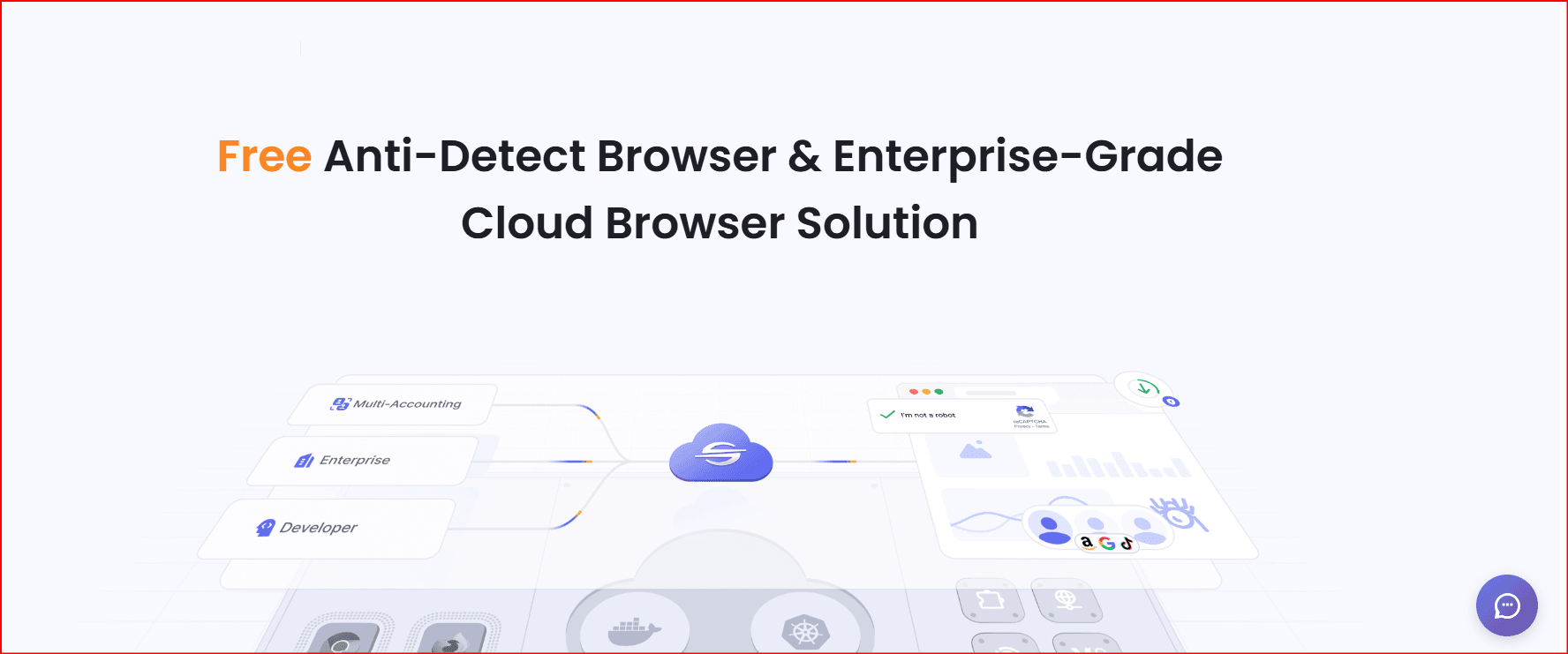
NstBrowser is positioned as a cloud-based fingerprint browser and automation platform. It offers standard persistent profiles, one-time profiles, built-in proxy traffic, RPA, API access, AI-agent features, cloud clusters, and deployment options that include dedicated infrastructure and self-hosting. That makes it more relevant to development, scraping, testing, and automation teams than to casual users.
Cloud cluster support and large profile allowances.
Visual RPA workflows, headless execution, scheduling, and multi-concurrency.
Support for developer frameworks and API-driven operations.
Built-in residential, IPv6, and datacenter proxy traffic on paid tiers.
Plan | Profiles | Standard launches/day | Monthly price |
|---|---|---|---|
Free | 500 | 30 | $0 |
Starter | 20,000 | 3,000 | $29.90 |
Growth | 100,000 | 20,000 | $49.90 |
Scale | 500,000 | 50,000 | $89.90 |
Verdict NstBrowser is the strongest option here for cloud-native automation and very high profile counts. The trade-off is complexity: its pricing model, launch allowances, one-time profiles, proxy usage, and infrastructure options require more planning than a conventional desktop profile manager. |
4. Octo Browser — Best Premium Option for Professional Teams
Official documentation: Octo Browser subscriptions
Octo Browser focuses on professional multi-account workflows with profile folders, templates, personal proxy storage, action logs, profile transfers, task features, and API limits that expand with the subscription level. It has a clean tier structure, but there is no permanent free profile plan comparable with BitBrowser or Incogniton.
Clear subscription tiers and published resource limits.
API access begins with the Base plan.
Team seats are included with Team and Advanced plans.
Longer subscriptions can receive discounts of up to 30 percent.
Plan | Profiles | Team members | Monthly cost |
|---|---|---|---|
Lite | 3 | 0 | €10 |
Starter | 10 | 0 | €29 |
Base | 100 | 0 | €79 |
Team | 350 | 3 | €169 |
Advanced | 1,200 | 8 | €329 |
Verdict Octo Browser is a polished premium choice for experienced operators who need predictable resource limits and strong account administration. BitBrowser offers more profiles and collaboration capacity at far lower entry prices, while Octo may appeal to teams that prioritize its specific workflow and API model. |
5. Ghost Browser — Best for Multi-Session Productivity, Not Full Fingerprint Isolation
Official pricing: Ghost Browser plans
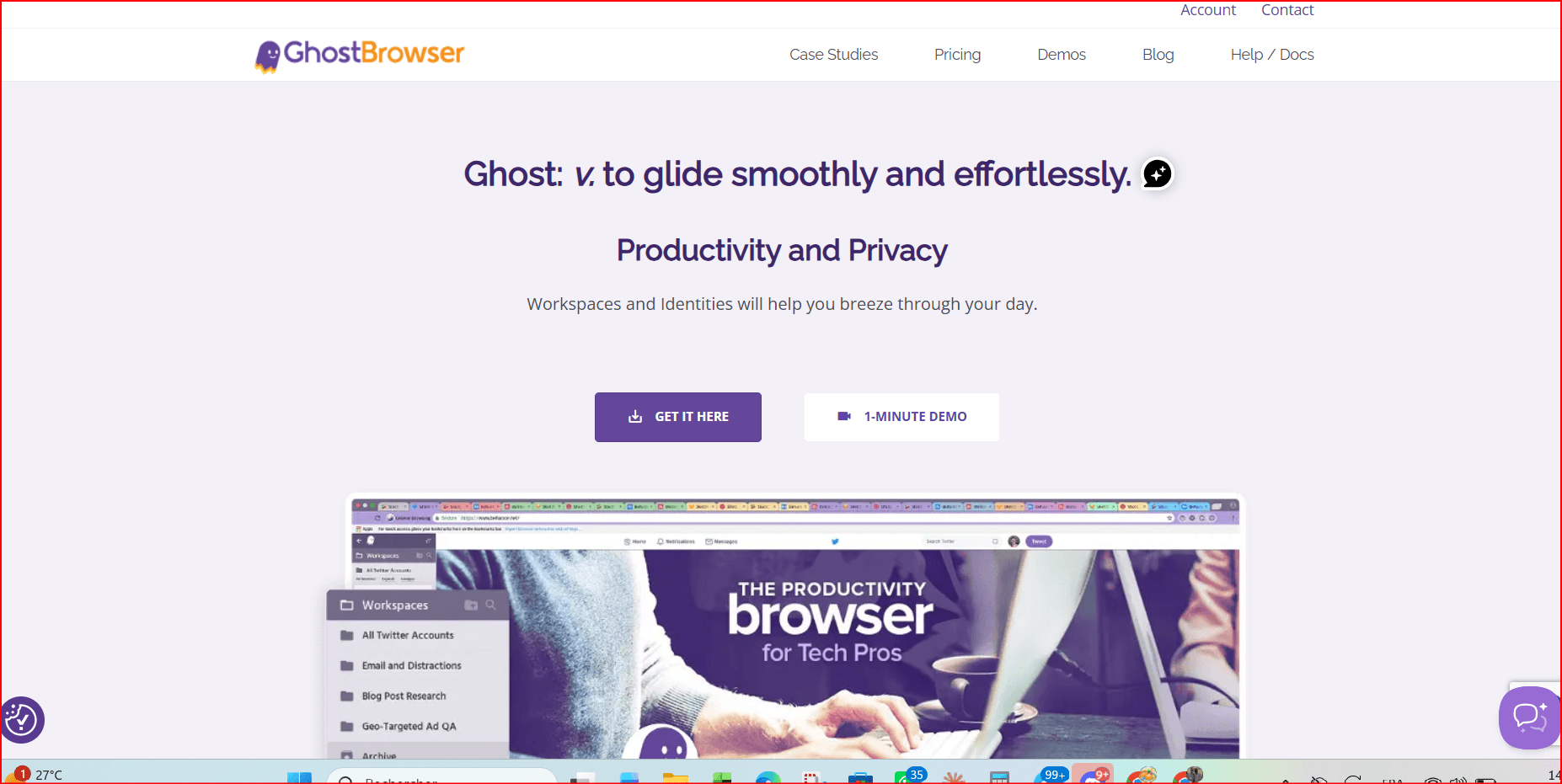
Ghost Browser is fundamentally a productivity browser that lets users open multiple identities and workspaces in one Chromium-based window. It is convenient for cookie-separated logins, client dashboards, and everyday agency work. However, it should not be treated as a direct replacement for a dedicated fingerprint browser because its main value is session separation and proxy control rather than deep device-fingerprint management.
Free version supports up to three identities.
Basic includes unlimited workspaces and identities but no advanced Ghost Proxy Control.
Pro can assign proxies by tab, identity, or workspace.
Familiar Chrome-style interface and cross-platform availability.
Plan | Key allowance | Listed price |
|---|---|---|
Free | Up to 3 identities | $0 |
Basic | Unlimited identities/workspaces | From $21/month when paid annually |
Pro | Proxy per tab, identity, or workspace | From $46/month when paid annually |
Verdict Choose Ghost Browser when the priority is convenient cookie-separated sessions inside one familiar window. Choose BitBrowser, Incogniton, NstBrowser, or Octo Browser when independent fingerprint environments are a core requirement. |
Side-by-Side Feature Comparison
Browser | Free option | Profile isolation | Team controls | Automation/API | Proxy support | Best fit |
|---|---|---|---|---|---|---|
BitBrowser | 10 profiles | Strong | Strong | RPA, synchronizer, Local API | HTTP/S, SOCKS5, SSH | Best overall |
Incogniton | 10 profiles for 2 months, then 3 | Strong | Paid higher tiers | REST API, Selenium, Puppeteer, synchronizer | HTTP, SOCKS5, SSH + built-in options | Budget users |
NstBrowser | 500 profiles / 30 launches daily | Strong | Strong | Cloud API, RPA, AI agents, headless | Built-in and external proxies | Developers and automation |
Octo Browser | No permanent free tier | Strong | Team and Advanced | API from Base | Personal proxies stored by plan | Premium teams |
Ghost Browser | 3 identities | Cookie/session focused | Limited compared with dedicated tools | Productivity integrations | Proxy control on Pro | Multi-session productivity |
How to Choose the Right Browser
Your priority | Recommended option | Reason |
|---|---|---|
Best balance of price, profiles, teamwork, and automation | BitBrowser | Free 10-profile tier, inexpensive team plans, RPA, synchronizer, API, sharing, and permissions |
Low-cost solo use with familiar automation integrations | Incogniton | Accessible paid tiers and support for Selenium/Puppeteer |
Large-scale cloud automation or scraping infrastructure | NstBrowser | High profile limits, cloud clusters, RPA, APIs, AI agents, and deployment options |
Premium structured plans for experienced operations | Octo Browser | Clear API limits, profile resources, team tiers, and action logs |
Multiple cookie-separated client sessions in one window | Ghost Browser | Simple identities and workspaces without full fingerprint complexity |
Operational Best Practices
Use one clearly named browser profile for one authorized account or project environment.
Assign a stable, reputable proxy only when the workflow legitimately requires a separate network route.
Keep browser version, operating system, time zone, language, geolocation, and proxy region internally consistent.
Do not randomize important fingerprint values every time a profile launches; long-term accounts need stable environments.
Protect the master workspace with strong authentication and restrict profile-editing permissions to trusted administrators.
Maintain an external register of profile ownership, client authorization, proxy assignment, recovery email, and responsible team member.
Back up critical cookies or profiles only through approved tools and store exports securely.
Follow platform policies, identity-verification rules, advertising requirements, and local law.
Frequently Asked Questions
Is IP rotation enough to prevent account linking?
No. Websites can evaluate browser fingerprints, cookies, storage, WebRTC, device properties, account behavior, payment details, and identity information. A new IP does not erase the rest of the environment.
Why can an account be challenged even when a proxy is working?
The IP may have poor reputation, the browser settings may conflict with the IP location, or the platform may be reacting to account history, verification, payment, content, or behavior rather than the network alone.
What happens if a fingerprint changes during a long-term account session?
A major unexpected change can appear similar to a device switch. Some services may request additional verification or review the session. Stable profile configuration is generally preferable for authorized long-term accounts.
Does BitBrowser include proxies?
BitBrowser supports proxy configuration and automatic matching features, but operators should verify the exact proxy services and traffic included in their chosen plan. The browser cannot repair a low-quality or blocked IP.
Which browser is best for beginners?
BitBrowser is a strong starting point because the free tier supports 10 profiles and the interface includes guided profile creation. Beginners should still learn basic fingerprint consistency, proxy hygiene, and platform compliance before managing important accounts.
Can anti-detect browsers guarantee that accounts will not be banned?
No. No legitimate vendor can guarantee immunity from platform enforcement. Browser isolation is only one operational layer and does not override platform rules, verification systems, or risk controls.
Final Verdict
BitBrowser is the strongest all-round recommendation in this 2026 comparison. It replaces 1Browser in the original ranking and offers a more complete combination of independent profiles, fingerprint controls, proxy protocols, team permissions, profile sharing, RPA automation, synchronizer tools, Local API support, and accessible pricing.
Incogniton is attractive for freelancers, NstBrowser excels in cloud automation, Octo Browser suits premium professional teams, and Ghost Browser remains useful for everyday multi-session productivity. The right choice depends on the number of authorized profiles, team structure, automation requirements, technical skill, and budget—not on promises of being “undetectable.”
Top recommendation for 2026 Choose BitBrowser when you need a practical one-profile-per-account structure, collaboration controls, multiple proxy protocols, automation, and room to scale from a free 10-profile workspace to larger teams. |
Sources and Disclosure
The original draft supplied by the user was edited, reorganized, and updated. Product details and pricing were checked against official pages on July 31, 2026. Prices, limits, and features can change. This article is an editorial comparison and does not claim independent laboratory certification or guaranteed platform outcomes.
• BitBrowser documentation: profile features
• BitBrowser API documentation

 Multi-Account Management
 Prevent Account Association
 Multi-Employee Management
Recommended
See More 



