8 Best Antidetect Browsers for Privacy & Multi-Account Management (2026 Guide)
 2026.02.22 05:39
 petro
petroAs online tracking technology becomes more advanced, managing multiple accounts safely is more challenging than ever. Platforms today don’t just monitor IP addresses — they track browser fingerprints, device parameters, cookies, and behavioral signals.
This is where antidetect browsers come in.
An antidetect browser allows you to create isolated browser environments with unique fingerprints. This helps protect your privacy, prevent account linking, and manage multiple identities securely.
In this guide, we tested and reviewed 8 of the best antidetect browsers in 2026, comparing their pricing, strengths, and ideal use cases to help you choose the right solution.
What Is an Antidetect Browser?
An antidetect browser is specialized software that:
Masks or customizes browser fingerprints
Creates isolated browsing environments
Assigns unique IP addresses via proxies
Prevents platforms from linking multiple accounts
It is commonly used by:
Digital marketers managing multiple social media accounts
E-commerce sellers running Amazon, eBay, or Shopify stores
Affiliate marketers
Web scraping professionals
Privacy-focused users
Unlike standard browsers, antidetect browsers simulate different devices, operating systems, screen resolutions, time zones, and more.
How We Selected These Tools
We evaluated each browser based on:
Fingerprint customization depth
Profile isolation quality
Proxy integration
Automation capabilities
Team collaboration features
Pricing and free plan availability
Stability and performance
Top 8 Antidetect Browsers in 2026
1. BitBrowser – Best for Multi-Account & Marketing
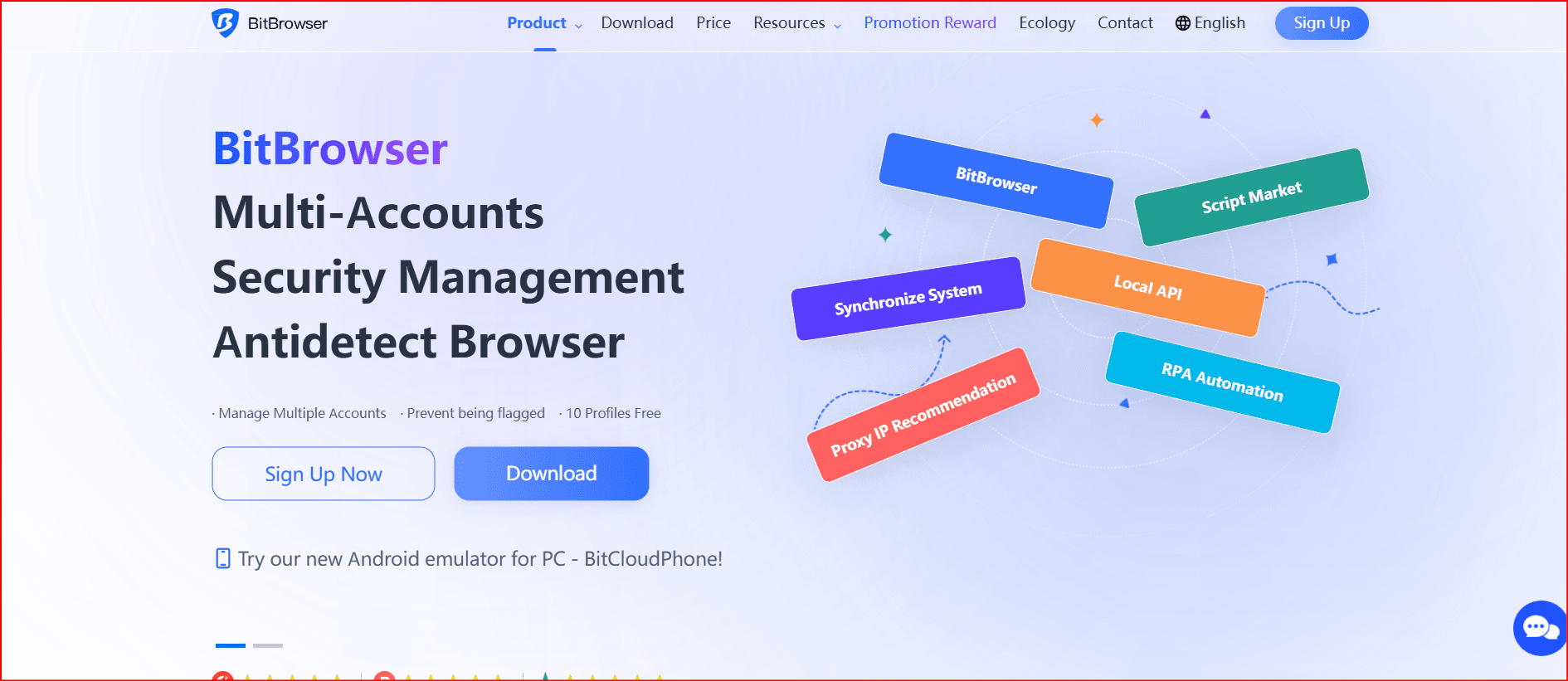
Free Plan: 10 permanent profiles
Starting Price: $10/month (50 profiles)
BitBrowser is one of the most balanced solutions for security, pricing, and usability.
It offers advanced fingerprint customization, including:
User agent
WebGL
Canvas
Timezone
Language
Geolocation
Each browser profile operates independently with unique cookies and IP addresses, reducing account association risks.
Key Advantages:
10 permanent free profiles
Strong proxy compatibility (HTTP, HTTPS, SOCKS5)
One-click multi-window management
Team collaboration features
Beginner-friendly interface
Best For:
Social media managers
Cross-border e-commerce sellers
Affiliate marketers
2. GoLogin – Cross-Platform & Team-Friendly
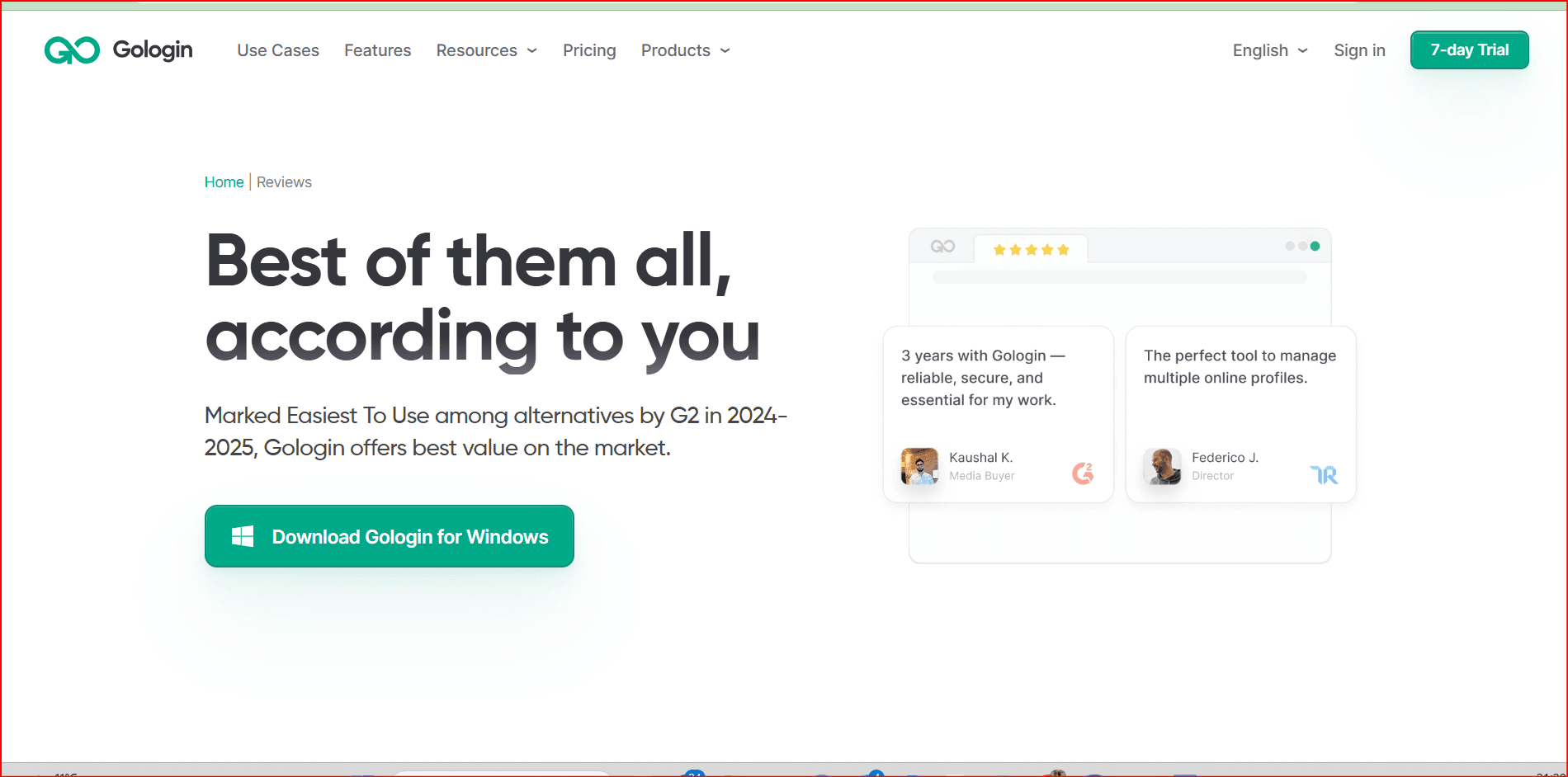
Free Plan: 7-day trial (3 profiles)
Starting Price: $49/month (100 profiles)
GoLogin provides solid fingerprint spoofing and cross-platform compatibility (Windows, macOS, Linux).
Strengths:
Customizable fingerprints (50+ parameters)
Cloud-based access
Built-in proxy options
Limitations:
Limited free access
Higher starting price
Some stability issues reported
Best For:
Small to medium teams
Web scraping beginners
3. Multilogin – Premium Fingerprint Protection
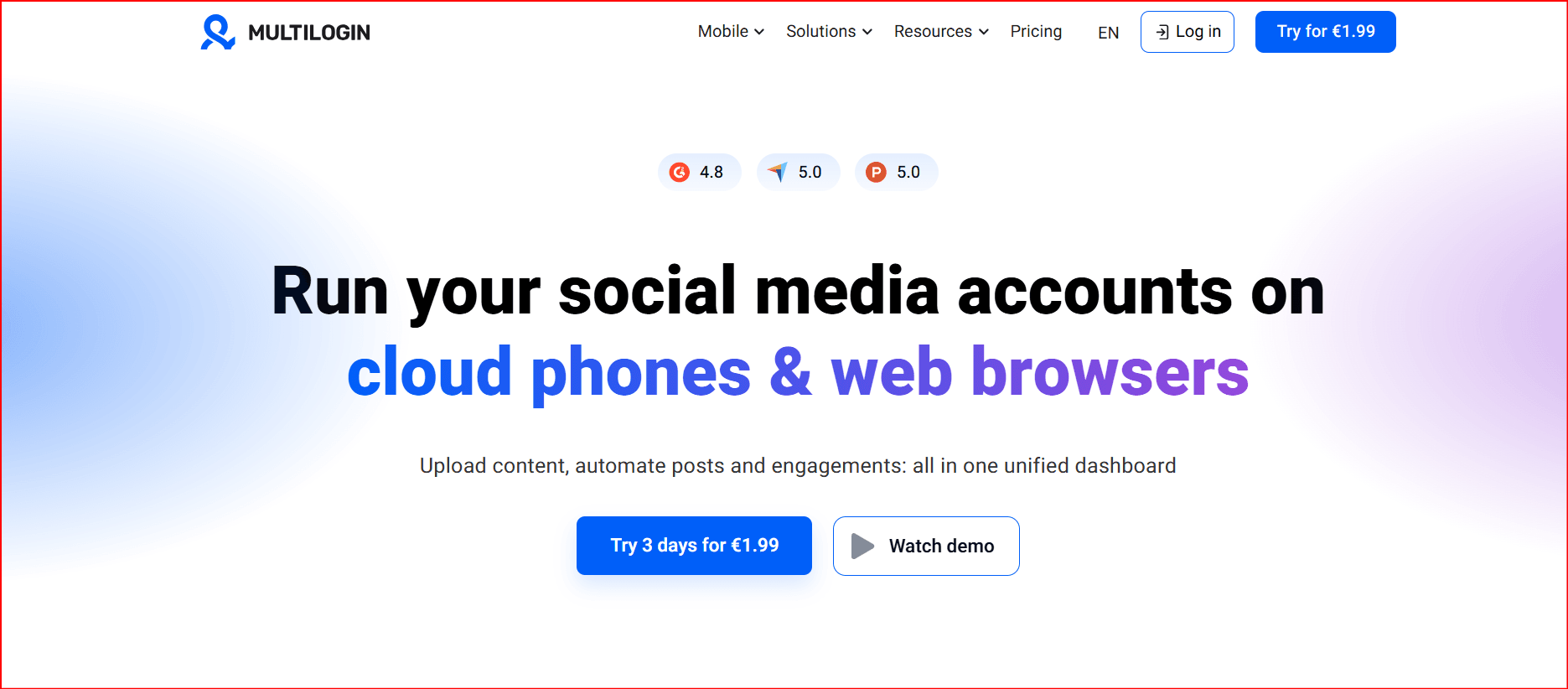
Free Plan: €1.99 (3-day trial)
Starting Price: €9/month (10 profiles)
Multilogin is known for advanced fingerprint isolation and is often used by professional advertisers and data operators.
Strengths:
Highly isolated browser environments
API integration for automation
Strong anti-detection reliability
Limitations:
No real free plan
Requires separate proxy setup
Steeper learning curve
Best For:
Professional ad buyers
Large-scale operations
4. AdsPower – Automation & Bulk Operations
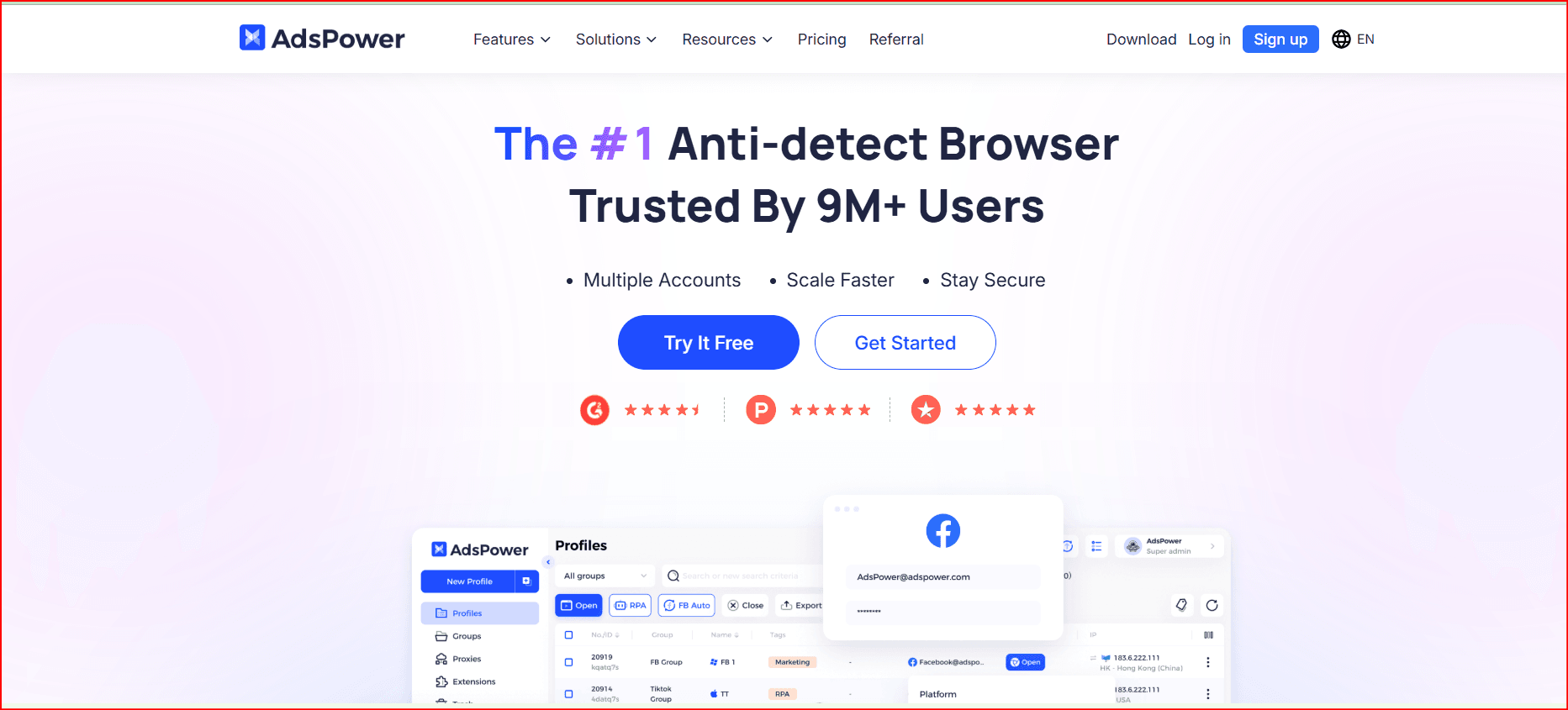
Free Plan: 5 permanent profiles
Starting Price: $9/month (10 profiles)
AdsPower focuses heavily on automation and team management.
Strengths:
No-code automation workflows
Bulk profile management
Team permission control
Limitations:
Can lag during heavy operations
Limited behavioral simulation
Best For:
E-commerce teams
Agencies managing 50+ accounts
5. Incogniton – Good for Facebook Account Management
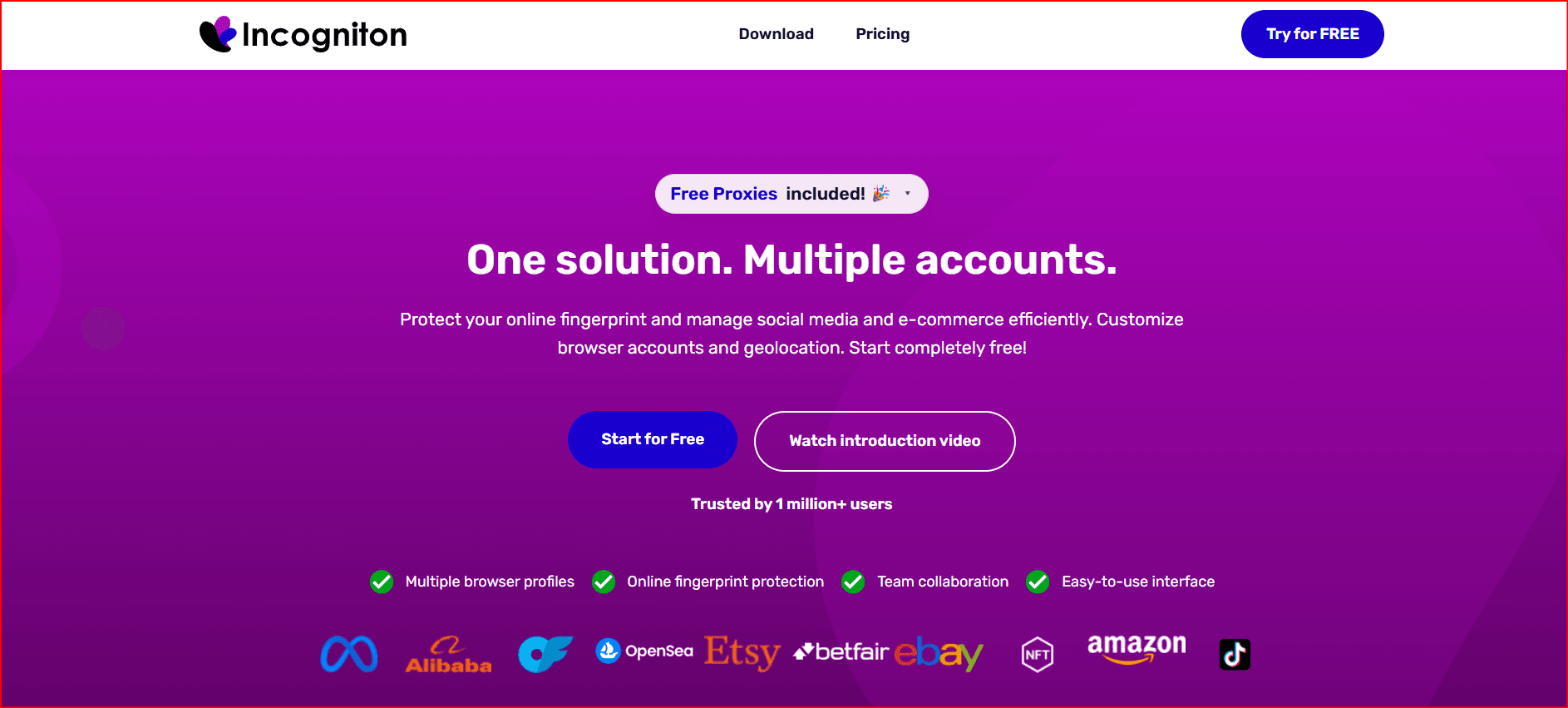
Free Plan: 10 profiles (2 months)
Starting Price: $13.99/month (10 profiles)
Incogniton offers detailed fingerprint control and profile isolation.
Strengths:
Strong Facebook compatibility
Proxy support
Chromium-based
Limitations:
Expensive entry plan
Limited automation features
Best For:
Facebook advertisers
Smaller operations
6. Octo Browser – Advanced Team Collaboration
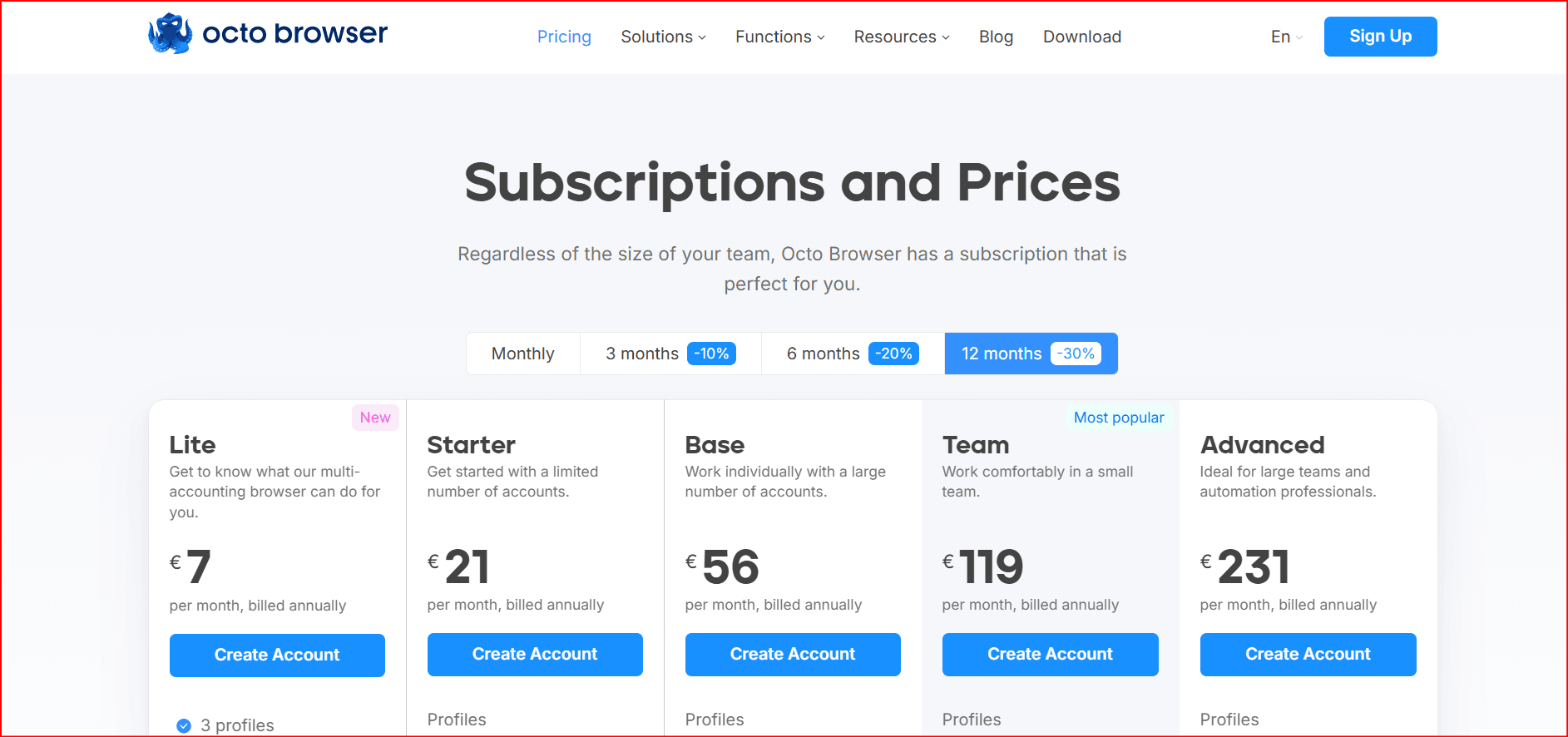
Free Plan: None
Starting Price: €10/month (3 profiles)
Octo Browser offers deep fingerprint customization and template-based deployment.
Strengths:
Workflow templates
50+ fingerprint controls
Cross-device sync
Limitations:
No free plan
Limited team size
Best For:
Marketing teams
Advanced technical users
7. Undetectable – High Anonymity Focus
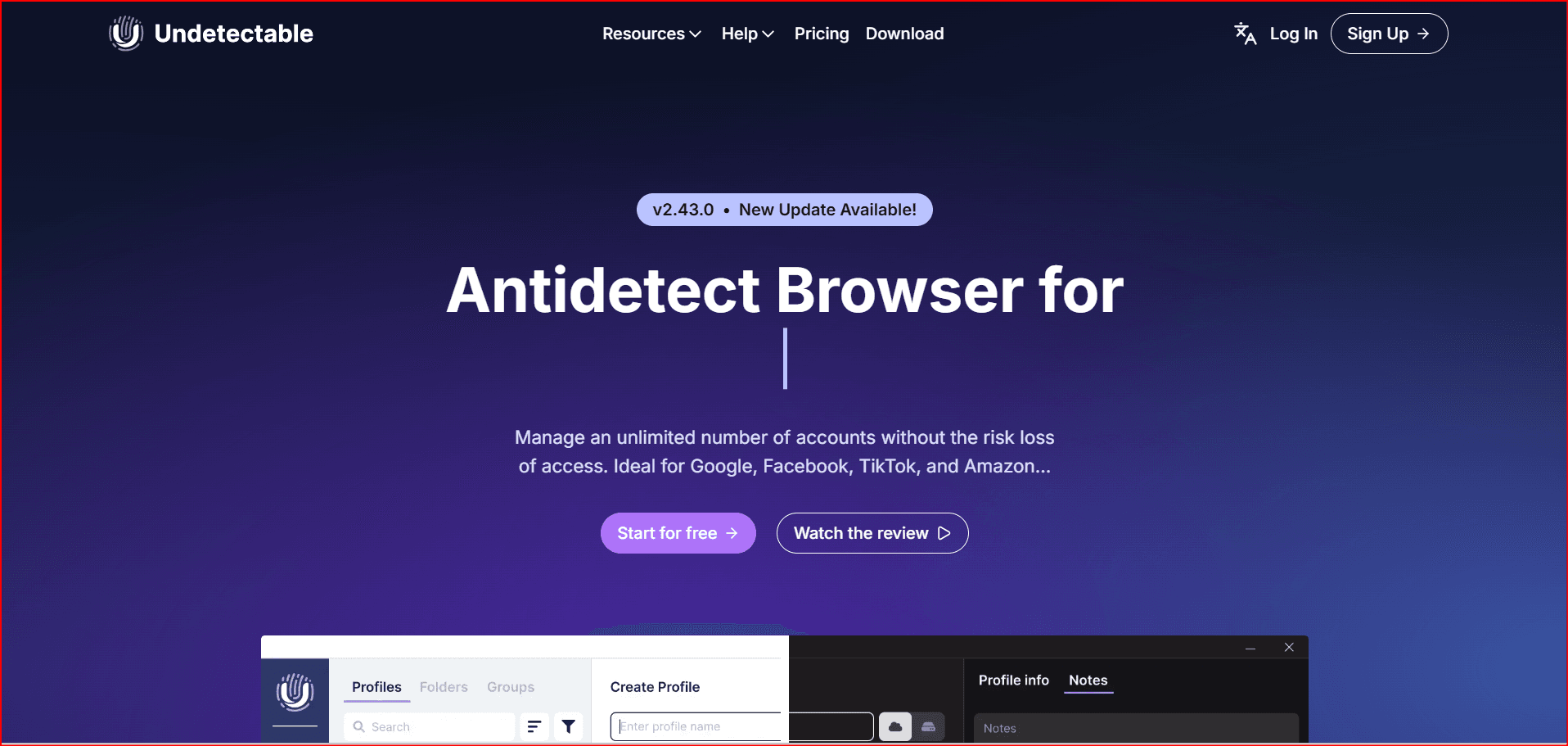
Free Plan: 5 cloud profiles/month
Starting Price: $49/month (50 profiles)
Undetectable focuses on fingerprint switching and anonymity.
Strengths:
Realistic fingerprint emulation
Proxy management integration
Easy-to-use interface
Limitations:
Higher pricing
Limited free features
Best For:
Privacy-focused users
Research operations
8. VMLogin – Automation & Bulk Management
d
Free Plan: 3-day trial (5 profiles)
Starting Price: $99/month (200 profiles)
VMLogin supports automation via Selenium and RPA tools.
Strengths:
Profile isolation
Automation API
Encrypted profile storage
Limitations:
Windows only
Expensive for beginners
No mobile emulation
Best For:
Large scraping operations
Traffic simulation team
Best Antidetect Browser for Android
For mobile-level isolation, traditional desktop antidetect browsers may not be enough.
Cloud Android environments such as Bit Cloud Phone allow:
Fully isolated Android instances
Unique device fingerprints
Proxy assignment per environment
Batch management
API integration
This is useful for:
TikTok account farming
Mobile app testing
Multi-account Android operations
FAQ
What is the best antidetect browser?
The best option depends on your needs.
For balance of pricing, usability, and security, BitBrowser stands out.
For advanced professional setups, Multilogin is strong.
For automation-heavy workflows, AdsPower or VMLogin may fit.
How do antidetect browsers work?
They modify or generate unique browser fingerprints (IP, Canvas, WebGL, fonts, screen size, timezone, etc.) to simulate different devices and prevent account linking.
Are there free antidetect browsers?
Some tools offer limited free plans.
Open-source privacy browsers like Tor focus on anonymity but lack multi-account management features.
Conclusion
Antidetect browsers have become essential tools for:
Managing multiple accounts
Protecting digital identities
Running cross-platform marketing campaigns
Avoiding account association risks
Each tool reviewed here serves a different type of user.
If you need a balanced, affordable solution with strong fingerprint isolation and multi-account management, BitBrowser remains one of the strongest options in 2026.
Choose the tool that matches your workflow, scale responsibly, and always operate within platform policies.

 Multi-Account Management
 Prevent Account Association
 Multi-Employee Management
Recommended
See More 



