The 7 Best Instagram Scrapers in 2026
 2026.04.20 05:56
 petro
petroInstagram remains one of the most valuable platforms for marketers, researchers, and developers in 2026. With over 2 billion users and massive engagement across niches, the ability to extract public data—profiles, posts, hashtags, and engagement metrics—has become a competitive advantage.
However, scraping Instagram is no longer as simple as running a script. The platform has strengthened its anti-bot systems, making it essential to use the right tools and infrastructure. This is where modern scraping tools and anti-detect browsers like BitBrowser come into play.
In this guide, we’ll cover:
- The 7 best Instagram scrapers in 2026
- How they compare
- How to use BitBrowser safely and effectively
- Best practices to avoid blocks and maximize results
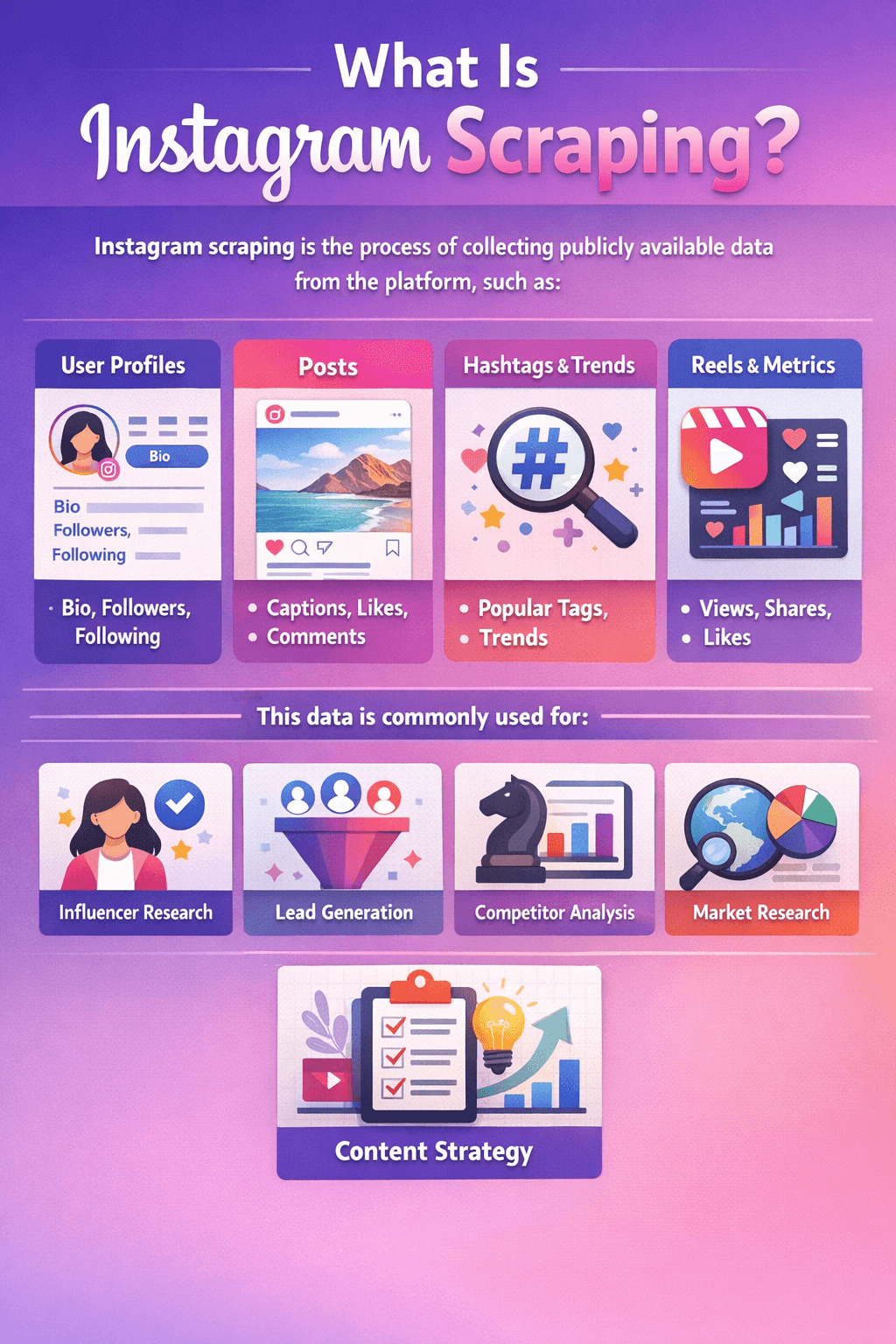
What Is Instagram Scraping?
Instagram scraping is the process of collecting publicly available data from the platform, such as:
- User profiles (bio, followers, following)
- Posts (captions, likes, comments)
- Hashtags and trends
- Reels and engagement metrics
This data is commonly used for:
- Influencer research
- Lead generation
- Competitor analysis
- Market research
- Content strategy
The 7 Best Instagram Scrapers in 2026
1. Data365 Social Media API
Best for: Developers and scalable applications
Data365 is one of the most reliable API-based solutions for Instagram data. Instead of traditional scraping, it provides structured access to public data in real time.
Pros:
- Real-time data access
- Clean JSON responses
- No browser automation required
Cons:
- Requires coding knowledge
- Paid plans for large usage
2. PhantomBuster
Best for: Marketers and automation workflows
PhantomBuster is widely used for growth hacking and outreach. It offers ready-made automation scripts that can extract Instagram data and perform actions like following or messaging.
Pros:
- No coding required
- Cloud-based automation
- Easy integrations
Cons:
- Limited scalability
- Risk of account flags if overused
3. Apify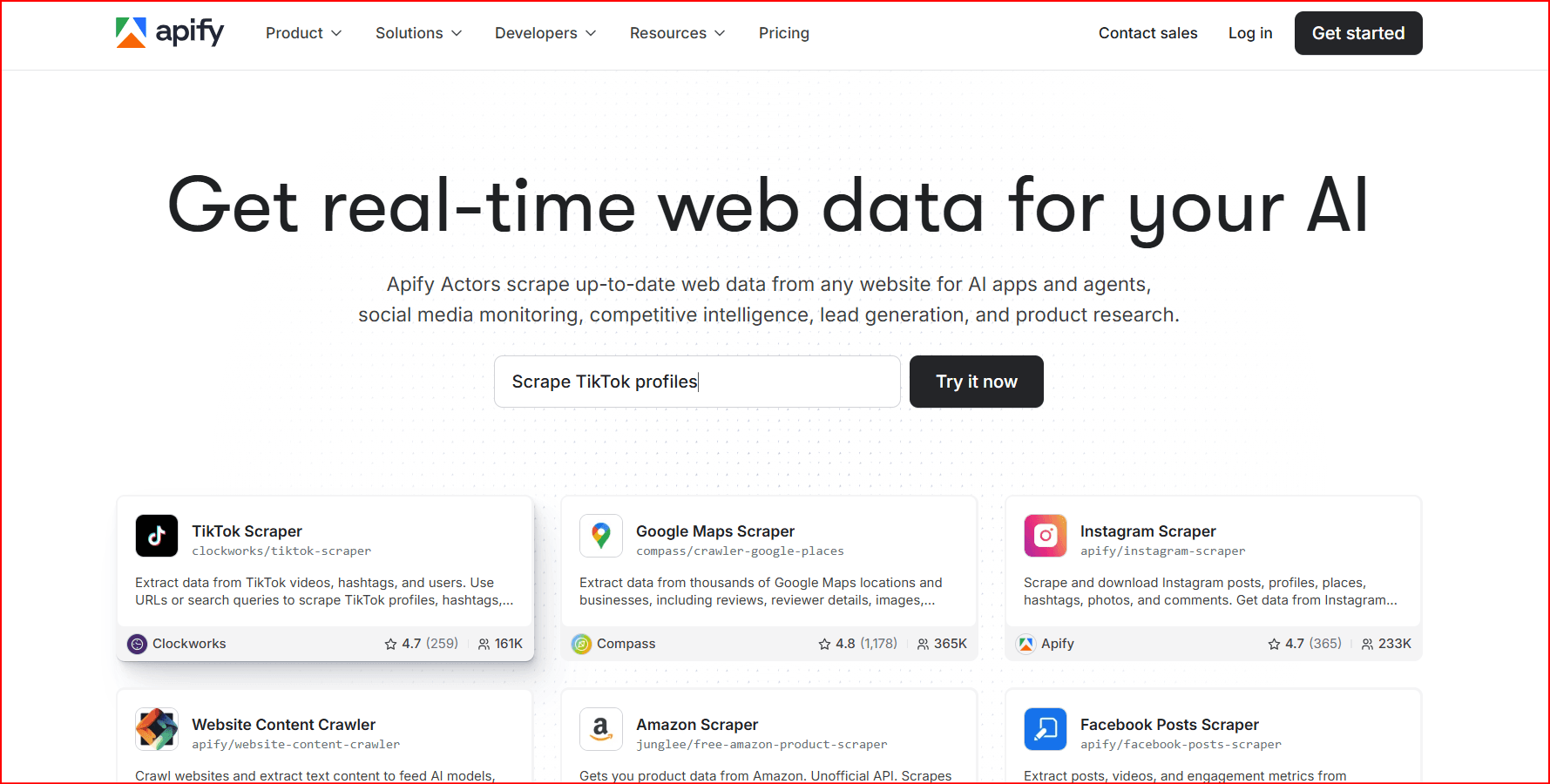
Best for: Custom scraping workflows
Apify provides a marketplace of “actors” (scrapers) that can extract Instagram data. It’s flexible and suitable for both developers and non-developers.
Pros:
- Highly customizable
- Large library of scraping tools
- Scalable
Cons:
- Learning curve for advanced setups
4. Octoparse
Best for: Beginners
Octoparse is a visual scraping tool that allows users to extract data without writing code.
Pros:
- Drag-and-drop interface
- Templates available
- Cloud scraping
Cons:
- Less powerful for complex tasks
5. Bright Data
Best for: Enterprise-level scraping
Bright Data offers powerful scraping infrastructure combined with a massive proxy network.
Pros:
- Extremely reliable
- Handles large-scale scraping
- Advanced anti-blocking
Cons:
- Expensive
- Requires technical knowledge
6. ScrapeGraphAI
Best for: AI-powered extraction
This newer tool uses AI to interpret web pages and extract structured data.
Pros:
- Handles dynamic content
- Less manual setup
- Smart parsing
Cons:
- Still evolving
- May require tuning
7. Oxylabs
Best for: Data-heavy operations
Oxylabs combines proxies and scraping APIs for high-volume data extraction.
Pros:
- High success rate
- Strong infrastructure
- Enterprise-ready
Cons:
- Costly for small users
What Is BitBrowser and Why It Matters
BitBrowser is an anti-detect browser designed for managing multiple accounts safely. It creates isolated browser environments with unique fingerprints, helping reduce detection risk.
Key Features:
- Browser fingerprint isolation
- Proxy integration
- Multi-account management
- Automation compatibility
When scraping Instagram, BitBrowser helps simulate real users rather than bots, which is crucial in 2026.
How to Use BitBrowser for Instagram Scraping
Step 1: Set Up BitBrowser
- Download and install BitBrowser
- Create multiple browser profiles
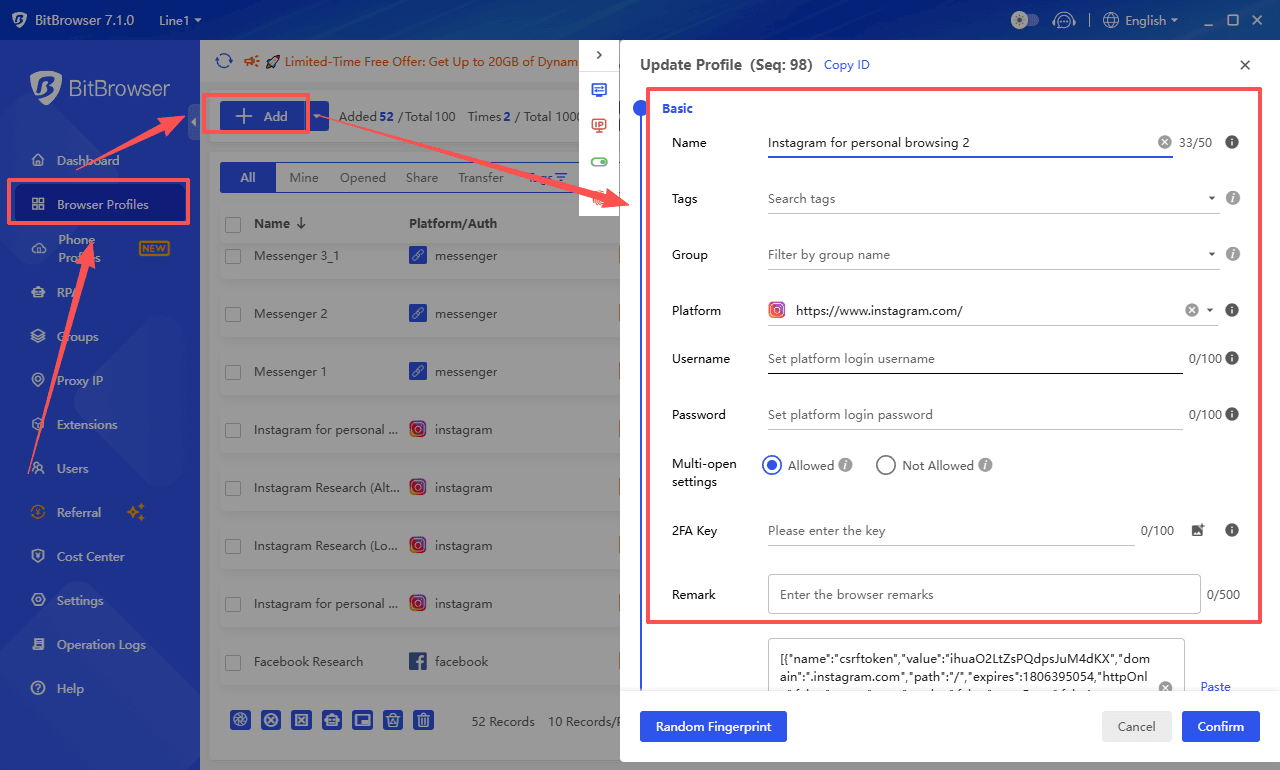
- Assign a unique proxy to each profile
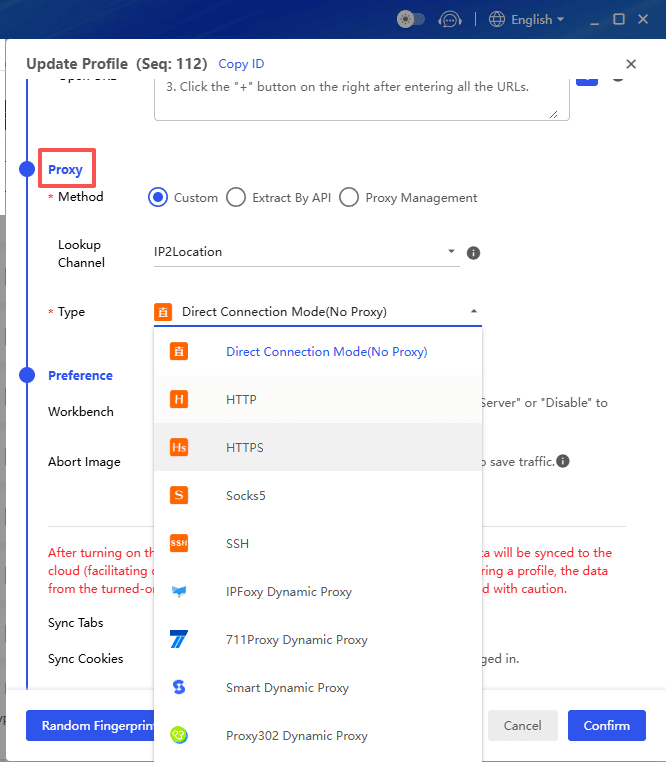
Each profile should behave like a separate user.
Step 2: Configure Proxies
Use high-quality proxies (residential or mobile preferred):
- Avoid datacenter proxies for Instagram
- Assign one proxy per account
- Keep IP locations consistent
Step 3: Warm Up Accounts
Before scraping:
- Log in and browse normally
- Like posts and follow accounts
- Build activity history
This reduces suspicion.
Step 4: Integrate Scraping Tools
You can combine BitBrowser with:
- PhantomBuster
- Custom scripts (Puppeteer/Selenium)
- Apify actors
Run automation inside each BitBrowser profile to mimic real users.
Step 5: Control Your Activity
Avoid aggressive behavior:
- Limit requests per hour
- Add delays between actions
- Rotate accounts
Best Practices for Instagram Scraping in 2026
1. Stay Within Public Data
Only collect publicly available information. Avoid private data or login bypass techniques.
2. Use Proxies Wisely
- Residential proxies are safest
- Rotate IPs carefully
- Avoid frequent switching
3. Mimic Human Behavior
- Random delays
- Natural scrolling
- Realistic session times
4. Avoid Over-Automation
Too much automation leads to:
- Temporary bans
- Shadow bans
- Account restrictions
5. Monitor Account Health
Watch for:
- Login challenges
- Reduced reach
- Action block
Common Use Cases
Lead Generation
Scrape followers of competitors and build targeted outreach lists.
Influencer Marketing
Analyze engagement rates and identify authentic influencers.
Trend Analysis
Track hashtags and viral content patterns.
Competitor Research
Monitor posting strategies and audience growth.
Risks and Limitations
Even with the best tools, Instagram scraping has challenges:
- Frequent platform updates
- IP blocking
- Account suspensions
- Legal considerations
Using tools like BitBrowser reduces risk—but doesn’t eliminate it.
Conclusion
Instagram scraping in 2026 is no longer about simple scripts—it’s about combining the right tools, infrastructure, and strategy.
The best approach is:
- Use APIs (like Data365) when possible
- Use automation tools (PhantomBuster, Apify) for flexibility
- Use BitBrowser + proxies for safe execution
If done correctly, scraping can provide powerful insights for marketing, research, and growth.
Final Tip
Start small.
Test your setup with:
- 1–2 accounts
- Low request volume
- Gradual scaling
This approach will save you from unnecessary bans and help you build a stable system.

 Multi-Account Management
 Prevent Account Association
 Multi-Employee Management
Recommended
See More 



