Best ISP Proxy Providers in 2026 + BitBrowser Setup Guide
 2026.03.29 23:54
 petro
petroIn 2026, online platforms are more strict than ever. Whether you're running ads, managing multiple accounts, or scraping data, using ISP proxies combined with anti-detect browsers like BitBrowser is no longer optional — it’s essential.
This guide covers:
- The best ISP proxy providers
- Why Nsocks is ranked #1
- How BitBrowser improves success rates
- A step-by-step setup guide
Top ISP Proxy Providers in 2026
1. Nsocks – Best Overall Choice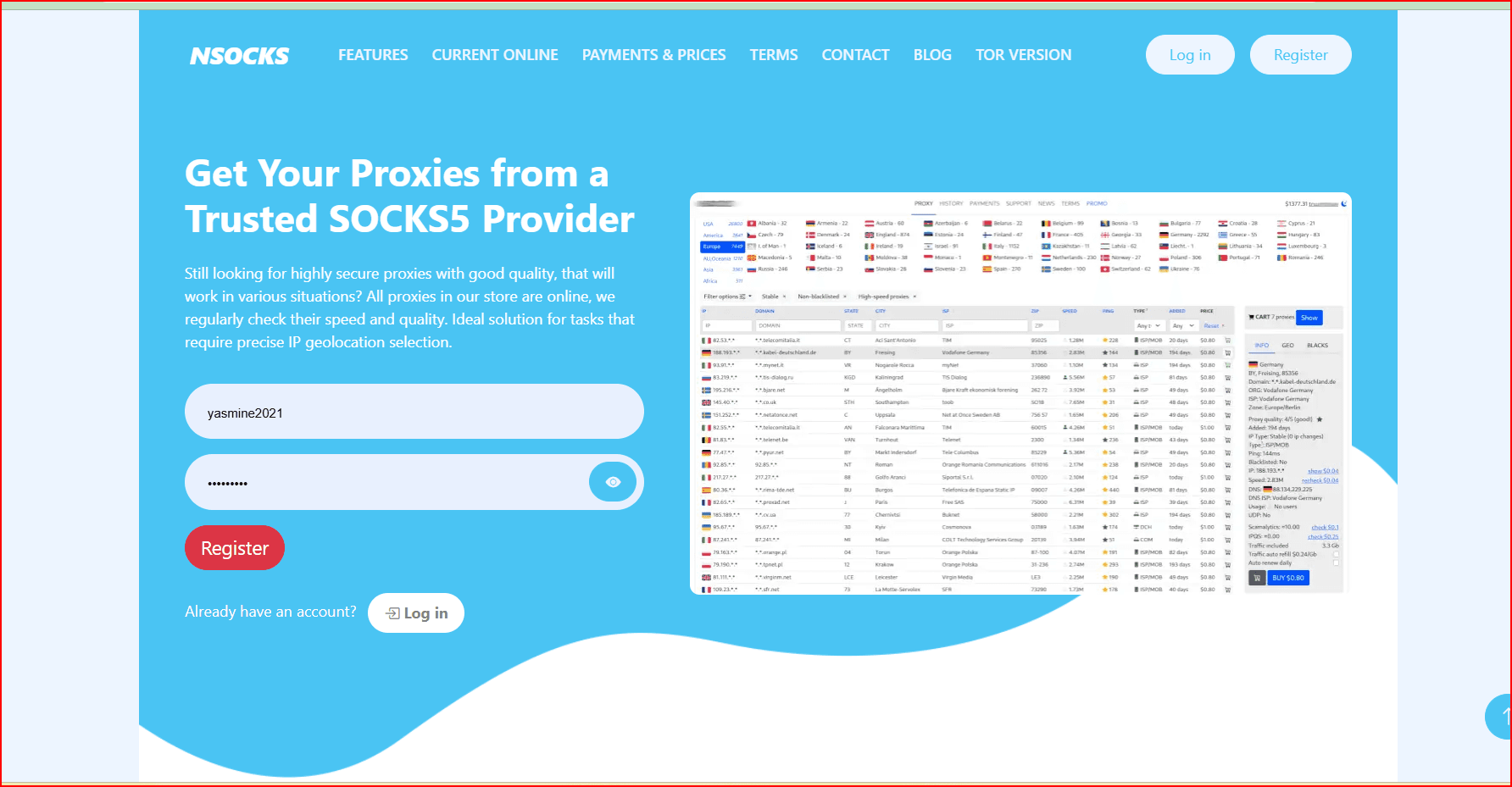
Nsocks stands out as a powerful and flexible proxy provider in 2026.
Key Features
- 80M+ IPs in 195+ countries
- Supports HTTP & SOCKS5
- High uptime (~99.95%)
- Residential + ISP proxy options
Why Choose Nsocks?
- Competitive pricing
- Strong global coverage
- Works well with automation tools
Best for: multi-accounting, scraping, Facebook/TikTok ads
2. Decodo (Smartproxy) – Best Value
- Fast and reliable connections
- Beginner-friendly dashboard
- High success rates
Best for: scaling users
3. Oxylabs – Enterprise Solution
- Massive proxy pool
- Advanced scraping APIs
- Premium performance
Best for: large businesses
4. Bright Data – Most Advanced
- Huge network (150M+ IPs)
- Advanced targeting tools
Best for: data-heavy projects
5. Webshare – Budget Option
- Affordable ISP proxies
- Free plan available
Best for: beginners
6. IPRoyal – Unlimited Bandwidth
- No traffic limits
- Stable long sessions
Best for: account farming
Why You Need BitBrowser in 2026
Using proxies alone is not enough anymore.
Websites track:
- Browser fingerprint
- Device configuration
- Cookies and session behavior
Without protection, accounts can get flagged or banned.
What is BitBrowser?
BitBrowser is an anti-detect browser that allows you to:
- Create multiple isolated browser profiles
- Assign a unique fingerprint to each profile
- Run accounts safely without linking them
Step-by-Step Setup Guide
Step 1: Get ISP Proxies
- Purchase ISP proxies from like Nsocks
- Choose a location based on your target audience
Step 2: Install BitBrowser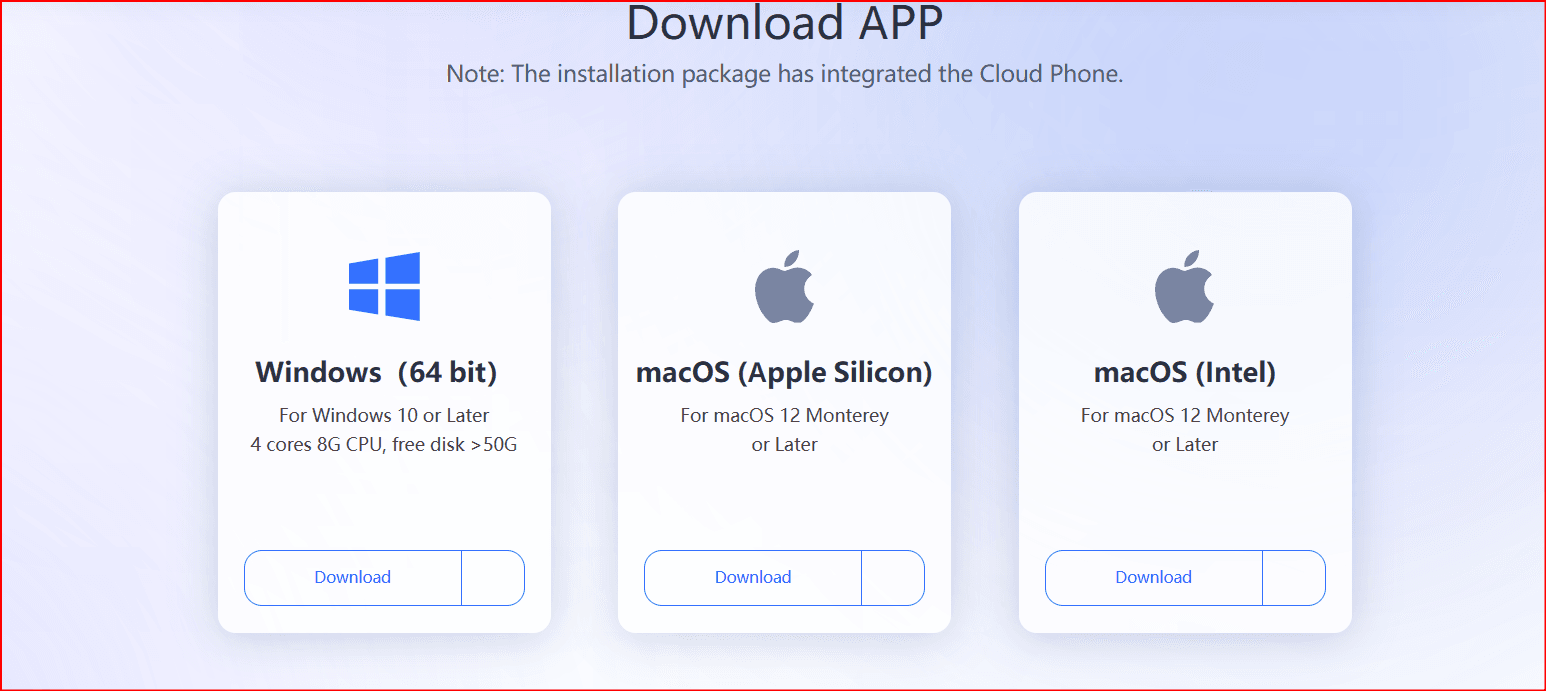
- Download and install BitBrowser
- Create your account
Step 3: Create Browser Profiles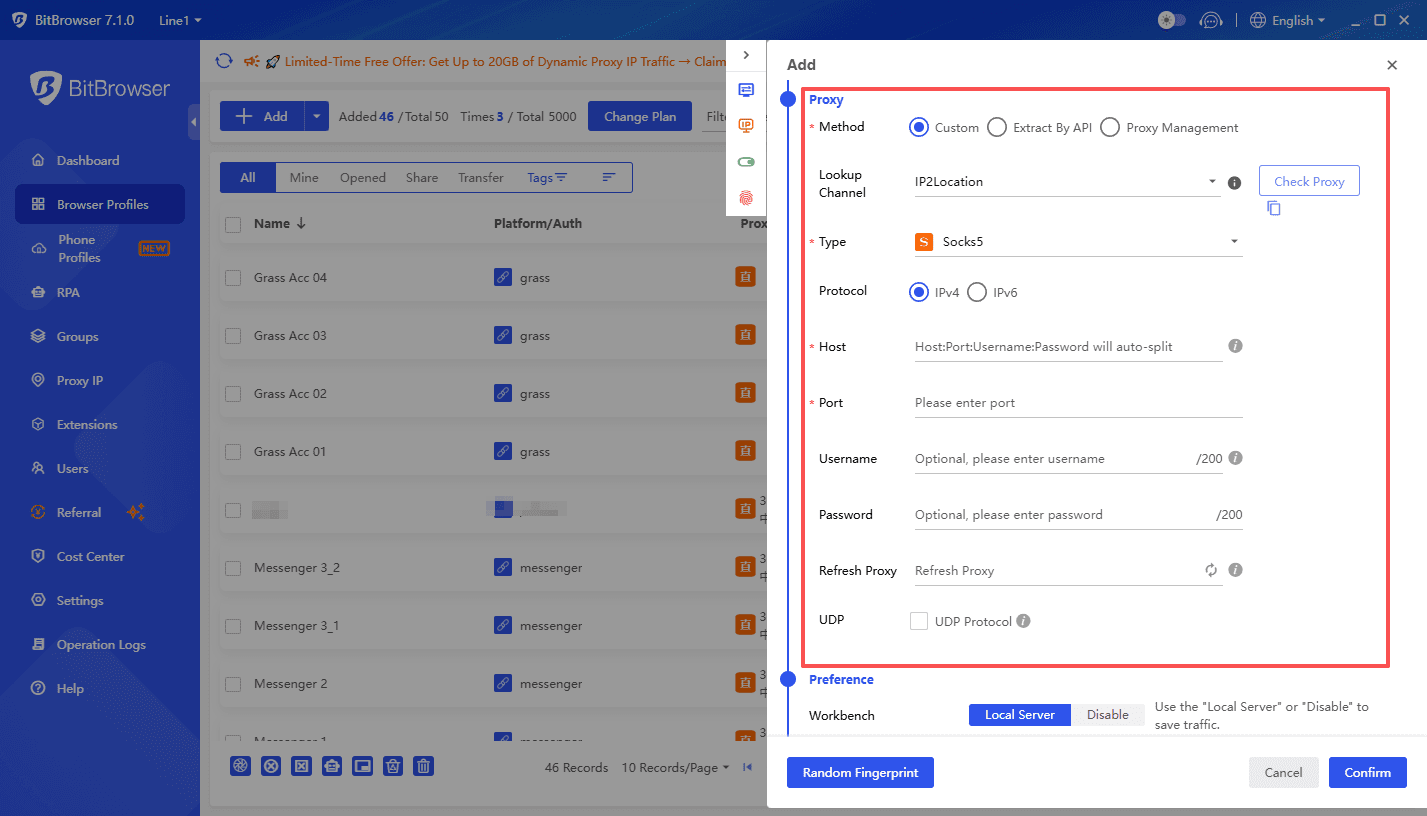
- Add a new profile
- Customize fingerprint settings (OS, browser, timezone)
Step 4: Add Proxy to Profile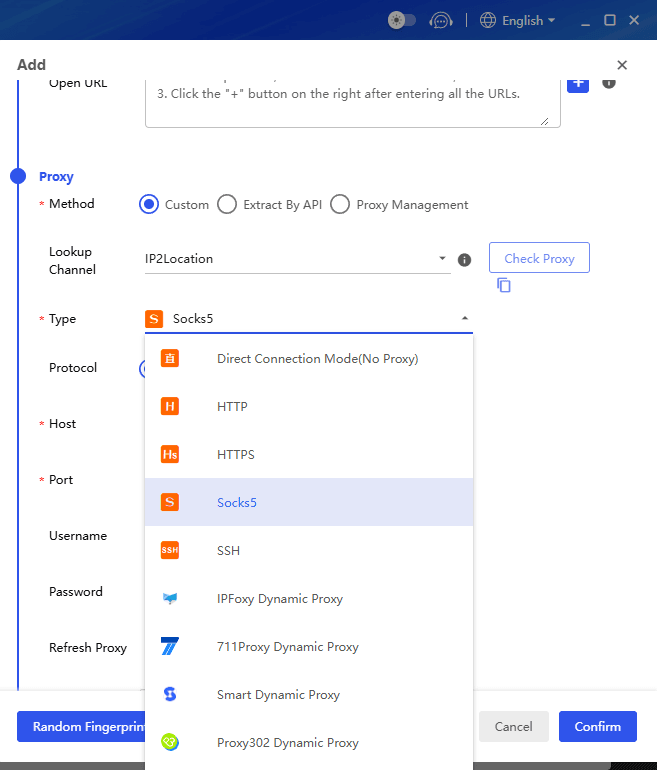
- Enter Nsocks proxy details:
- IP
- Port
- Username/password
- Select HTTP or SOCKS5
Step 5: Launch and Use Accounts
- Open profiles individually
- Log into your accounts (Facebook, TikTok, etc.)
- Do not mix accounts between profiles
Pro Tips for Better Results
- Use one proxy per account
- Avoid frequent IP switching
- Warm up accounts gradually
- Keep consistent location and behavior
Final Thoughts
i've used now Nsocks is a strong choice for flexibility and pricing.
BitBrowser is essential for avoiding detection.
The real advantage comes from combining both tools effectively.
If you are serious about running ads, managing multiple accounts, or scaling automation, this setup is one of the most reliable in 2026.

 Multi-Account Management
 Prevent Account Association
 Multi-Employee Management
Recommended
See More 



