Best Mobile Proxy Providers 2026: Comparison Guide + BitBrowser Setup
 2026.02.20 09:37
 petro
petroMobile proxies remain one of the most reliable tools for social media automation, e-commerce operations, web scraping, and account management. However, choosing the right provider is only part of the equation.
To maximize success rates and avoid bans, you also need proper browser fingerprint management — and that’s where tools like BitBrowser play a critical role.
This guide covers:
How mobile proxies work
What to look for in a provider
A comparison of top providers
The role of BitBrowser in improving performance and security
What Are Mobile Proxies?
Mobile proxies route your traffic through real mobile carrier IP addresses (4G/5G). Because these IPs belong to legitimate mobile networks, websites treat them as highly trusted traffic sources.
Why Mobile IPs Are Powerful
Lower block rates
Higher trust scores
Shared carrier NAT environments
Strong performance on social platforms
They are commonly used for:
Social media account management
Ad verification
E-commerce scraping
Sneaker copping
Multi-account operations
How We Evaluate Mobile Proxy Providers
When comparing providers, marketing claims are not enough. The key metrics that matter include:
1. Success Rate
How often requests go through without being blocked.
2. IP Quality
Real carrier IPs with ASN verification (not datacenter IPs resold as mobile).
3. Bandwidth Policy
Unlimited vs per-GB pricing.
4. Rotation Flexibility
Session control and IP refresh timing.
5. Infrastructure Type
Dedicated device vs shared pool infrastructure.
Top Mobile Proxy Providers (2026 Overview)
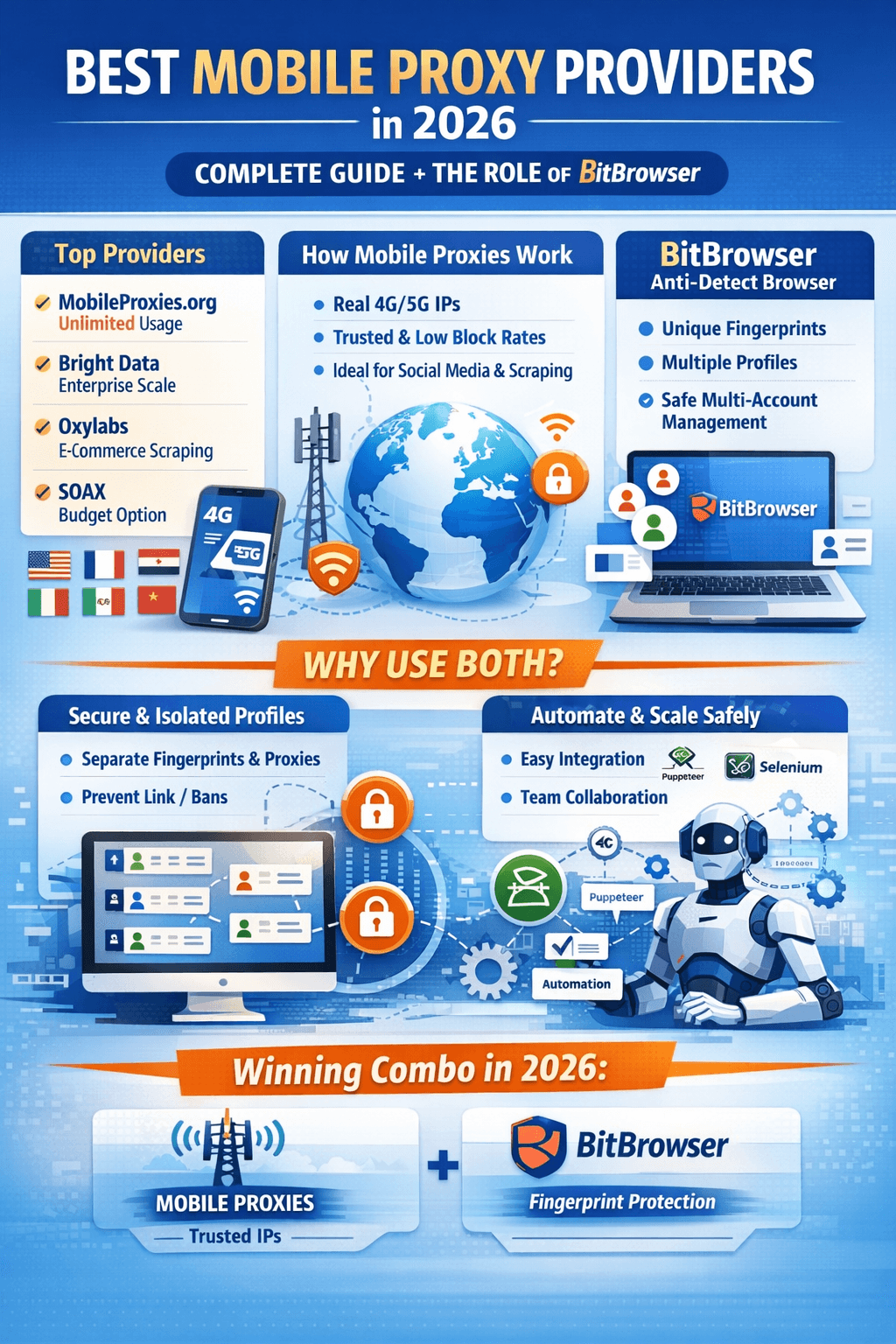
| Provider | Best For | Pricing Model | Strength |
|---|---|---|---|
| MobileProxies.org | Unlimited usage | Per device/month | Dedicated hardware |
| Bright Data | Enterprise scale | Per GB | Massive IP pool |
| Oxylabs | Scraping | Per GB | Advanced tools |
| SOAX | Budget option | Monthly | Flexible targeting |
| Smartproxy | Small business | Per GB | Affordable plans |
Each provider serves different needs depending on traffic volume, scale, and budget.
Best Providers by Use Case
Social Media Management
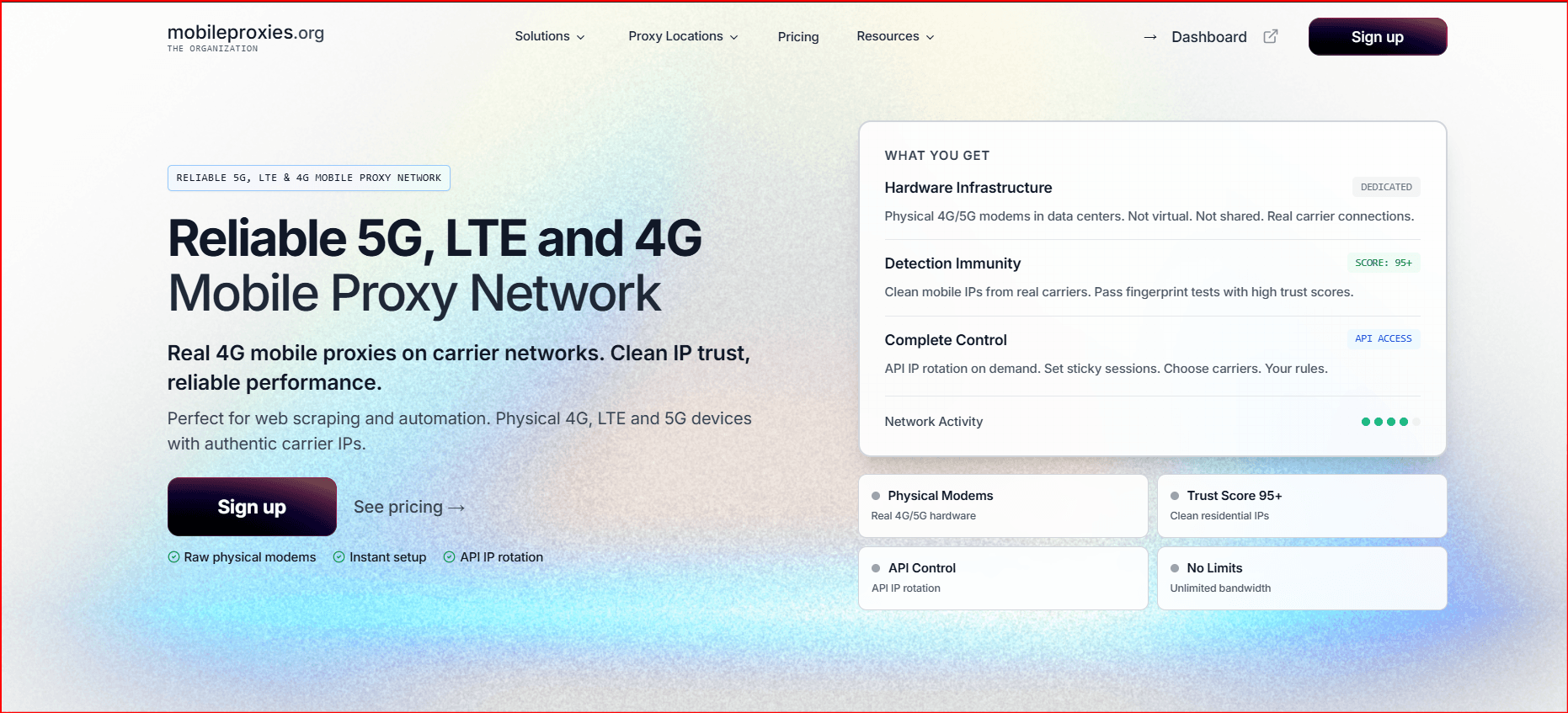
MobileProxies.org – Unlimited bandwidth
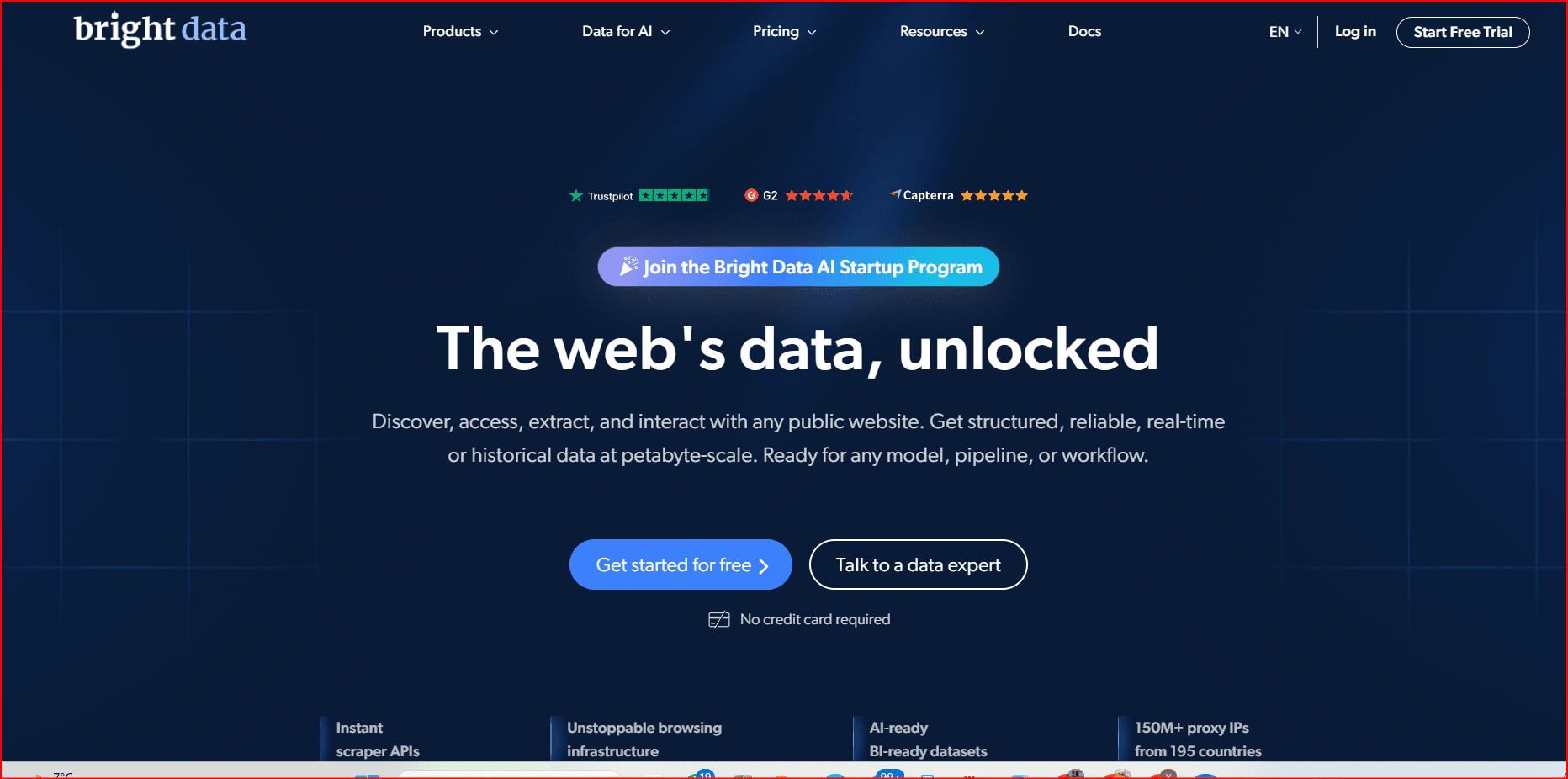
Bright Data – Enterprise-grade infrastructure
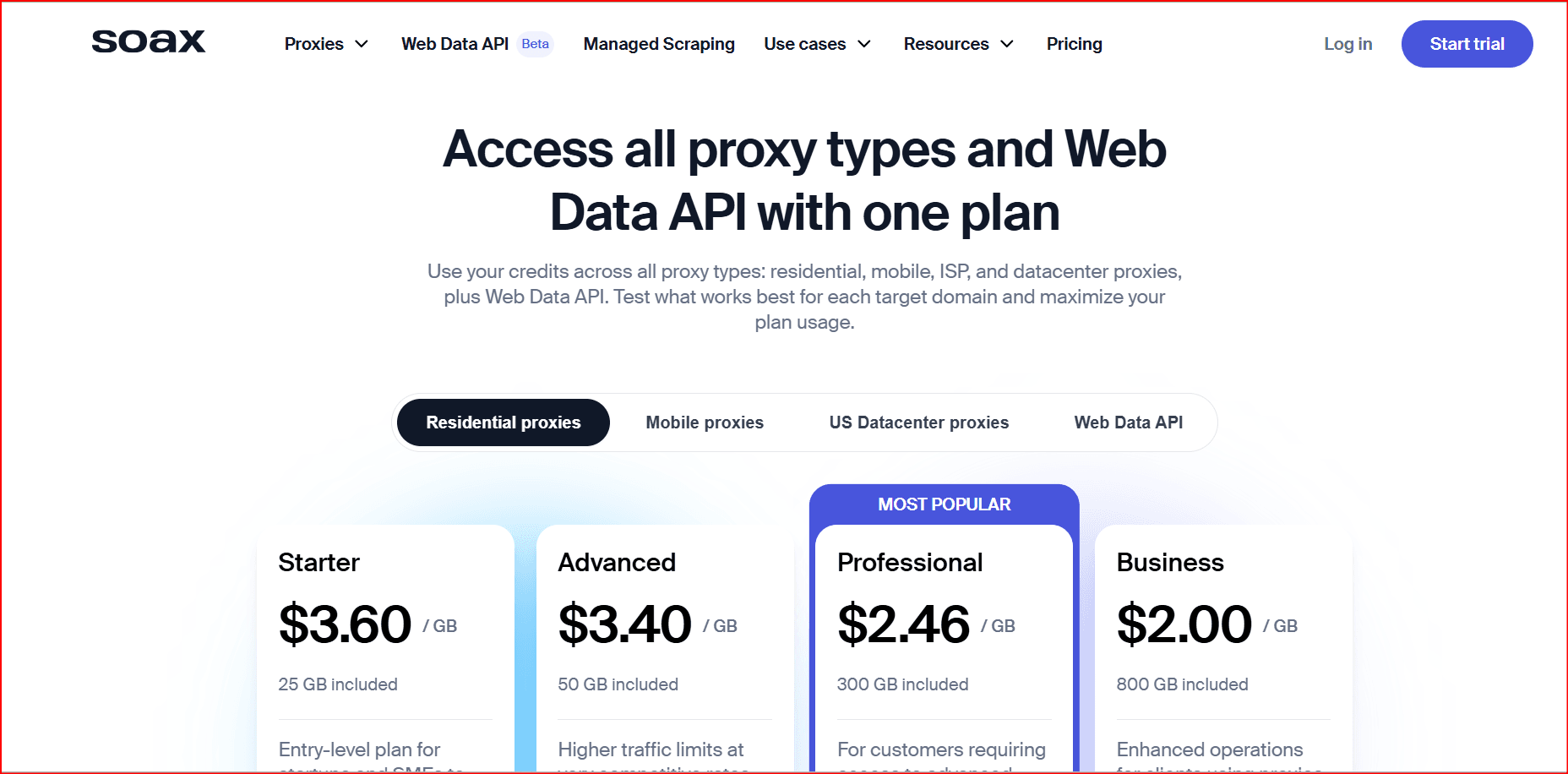
SOAX – Cost-effective alternative
Web Scraping
Oxylabs – Advanced scraping tools
Bright Data – Largest IP pool
MobileProxies.org – No bandwidth restrictions
Best Overall Value
MobileProxies.org – Unlimited data at fixed price
Smartproxy – Affordable per-GB plans
SOAX – Flexible subscription options
Global Coverage
Bright Data – 195+ countries
Oxylabs – 140+ countries
SOAX – 100+ countries
The Role of BitBrowser in Mobile Proxy Operations
Using mobile proxies alone is not enough. Modern platforms detect users based on browser fingerprinting, not just IP addresses.
If multiple accounts share the same browser fingerprint, they can still be linked — even when using different proxies.
This is where BitBrowser becomes essential.
What Is BitBrowser?
BitBrowser is an anti-detect browser that creates isolated browser environments with unique fingerprints. Each profile simulates a separate real device.
It allows you to:
Assign a unique mobile proxy to each profile
Generate separate fingerprints per account
Prevent cross-account tracking
Manage multiple accounts safely
Why Proxies + BitBrowser Work Better Together
1. IP + Fingerprint Consistency
Mobile proxies provide trusted IP addresses.
BitBrowser ensures the browser fingerprint matches that identity.
This reduces:
Account bans
Suspensions
Risk scoring triggers
2. Account Isolation
Each profile in BitBrowser is sandboxed:
Separate cookies
Separate local storage
Separate device fingerprints
Separate proxy settings
This prevents contamination between accounts.
3. Team Management
BitBrowser allows:
Profile sharing
Access control
Multi-user collaboration
This is valuable for agencies and automation teams.
4. Automation Compatibility
BitBrowser supports:
Selenium
Puppeteer
Automation frameworks
This makes it useful for scaling scraping or marketing workflows.
Example Workflow: Social Media Management Setup
Here’s how a typical setup looks:
Purchase mobile proxies (dedicated device recommended).
Create separate BitBrowser profiles for each account.
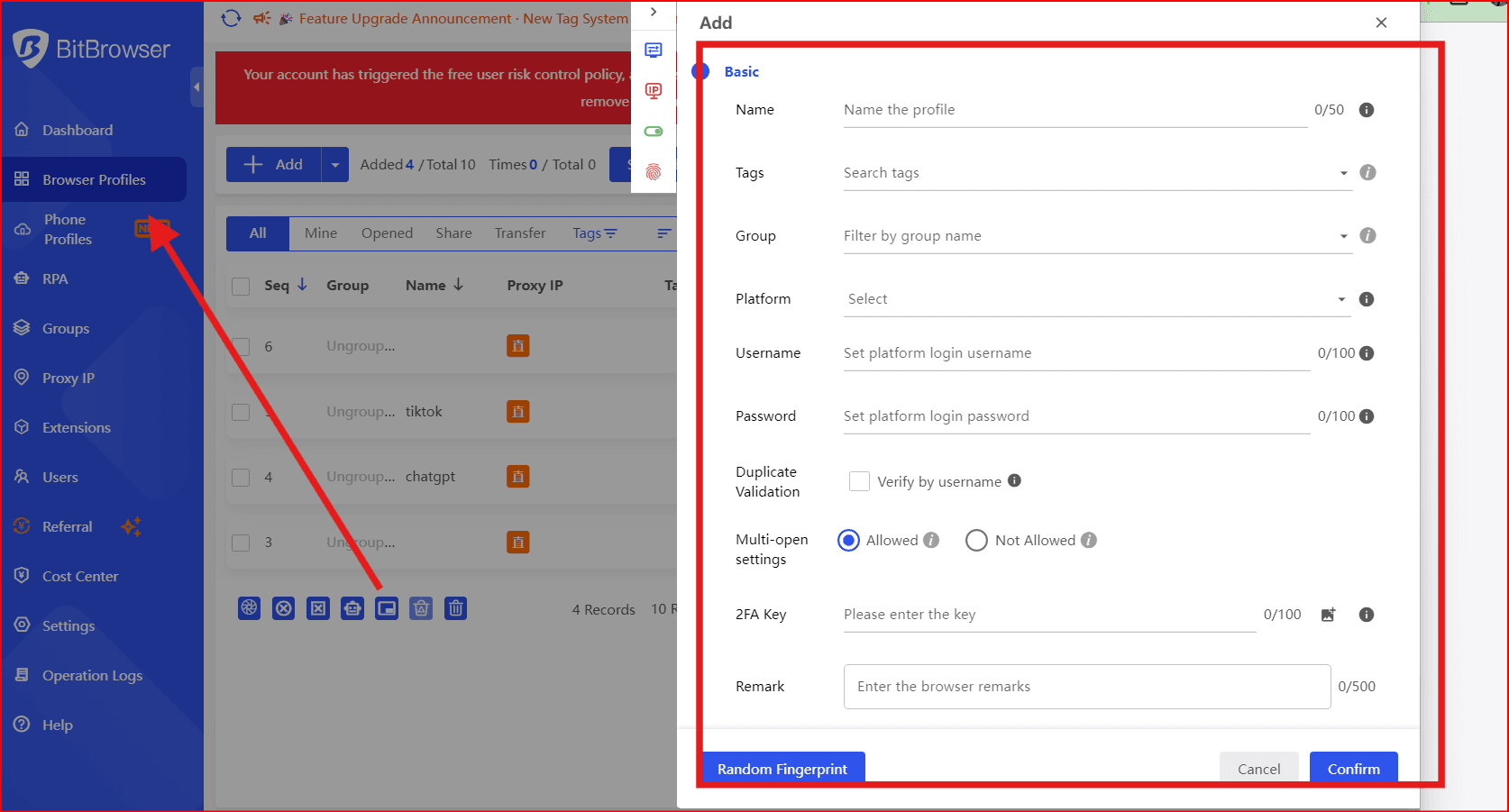
Assign one mobile proxy per profile.
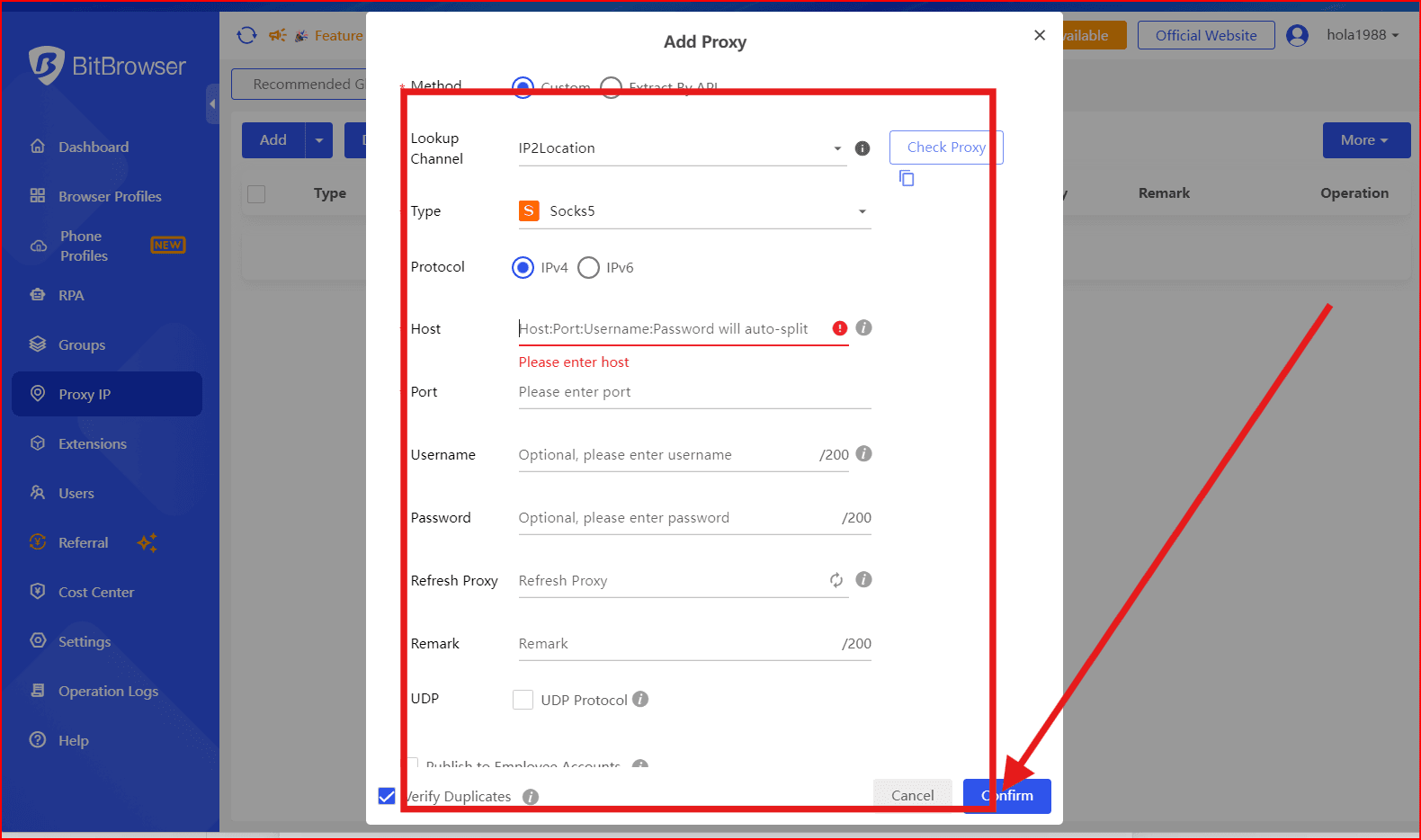
Keep consistent session behavior (no rapid IP switching).
Warm up accounts gradually.
This structure reduces footprint overlap and improves long-term stability.
Choosing the Right Setup
For Individual Users
Dedicated mobile proxy
1–5 BitBrowser profiles
For Agencies
Multiple dedicated proxies
Centralized BitBrowser team workspace
Role-based access
For Scraping Operations
Rotating mobile proxies
Automated BitBrowser profiles
Controlled request pacing
Common Mistakes to Avoid
Using one proxy for multiple accounts
Frequently switching IPs on warm accounts
Using mobile proxies without fingerprint isolation
Mixing automation with inconsistent device fingerprints
Buying “mobile” proxies without ASN verification
Final Thoughts
Mobile proxies provide trusted IP infrastructure — but IP alone is no longer enough in 2026.
Modern detection systems analyze:
Browser fingerprint
Device configuration
Behavior patterns
Session history
Combining high-quality mobile proxies with BitBrowser fingerprint isolation creates a stronger, more stable setup for social media, e-commerce, and scraping workflows.

 Multi-Account Management
 Prevent Account Association
 Multi-Employee Management
Recommended
See More 



