5 Best Multi Login Browsers in 2026 for Secure Multi Account Management
 2026.07.13 05:48
 YT.Shi
Managing multiple accounts used to be simple. You could open an incognito window, switch Chrome profiles, and move on.
In 2026, that is no longer enough. Platforms are better at detecting account connections, causing issues like repeated verification, unexpected restrictions, and suspicious activity alerts. That is why multi login browsers are becoming more popular.
A multi login browser, also known as an anti detect browser, creates separate browser profiles with unique fingerprints, cookies, and storage, helping keep accounts organized and separated. In this guide, I will cover the 5 best multi login browsers in 2026.
What to look for in a multi login browser in 2026
Before the list, here is what matters right now, in plain terms.
1. Real profile isolation
Each browser profile should have separate cookies, cache, local storage, and session data. If isolation is weak, you will still get accounts linked.
2. Fingerprint control that makes sense
You want control over things like user agent, WebGL, canvas, timezone, fonts, language, screen size, and hardware signals. Not because it is fun to tweak, but because consistency is what keeps profiles stable.
3. Proxy support that is easy, not annoying
A multi login browser should make it simple to attach proxies per profile and test them. If you are fighting the proxy setup screen every day, you will hate your life.
4. Team collaboration
If you work with staff or clients, you need shared workspaces, role permissions, and clean profile handoffs.
5. Automation options
Not everyone needs automation, but in 2026 it is a big advantage. Even simple actions like opening profiles, logging in, or running repetitive workflows add up.
1. BitBrowser
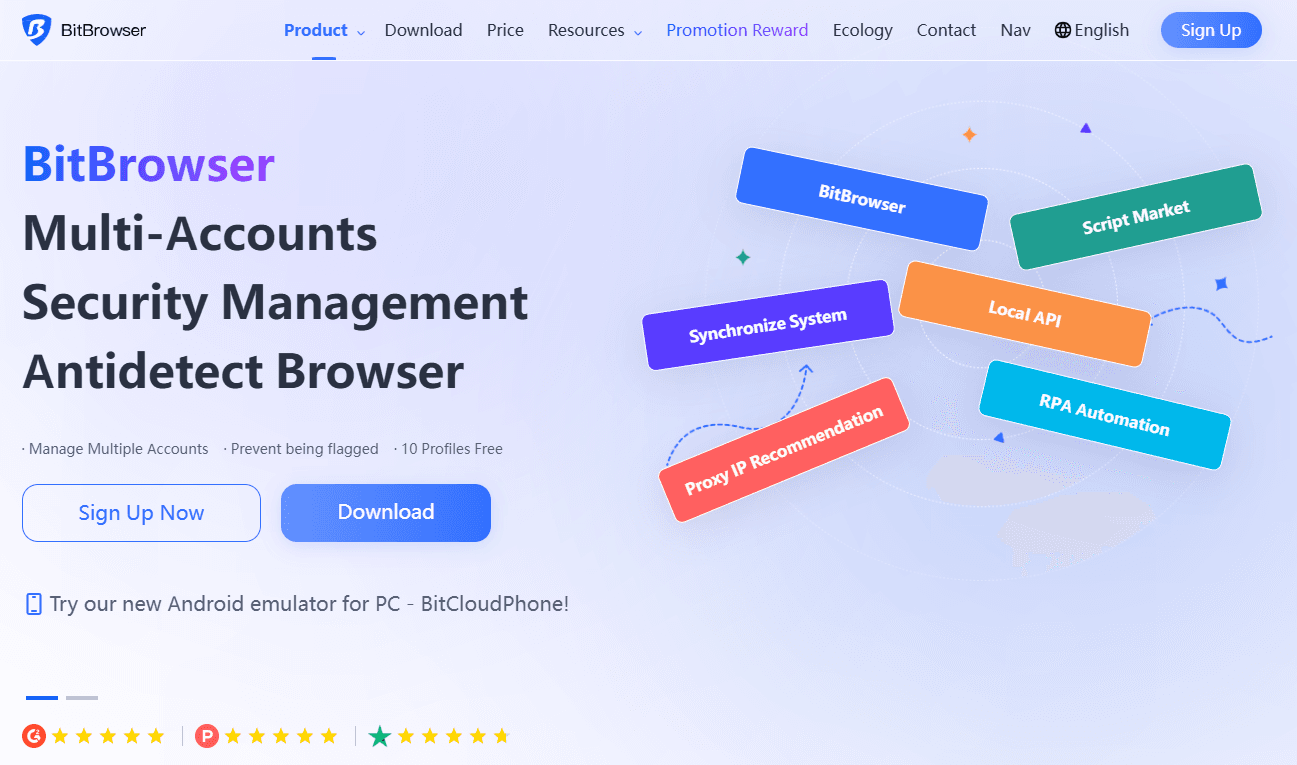
BitBrowser is one of those tools that feels like it was built for real operators. People who actually manage lots of accounts and do not want to pay enterprise prices just to get decent fingerprinting.
BitBrowser aims to solve this balance problem by offering strong fingerprint simulation, automation, and team collaboration at a more accessible price. Let’s see how it compares.
Quick Review
Best for: Affiliate marketers, social media managers, e-commerce sellers
Free plan: Yes (10 browser profiles forever)
Automation: Built in RPA and automation tools
Why BitBrowser is great for secure multi account management
The biggest win with BitBrowser is that it hits the “enough control, not too complicated” sweet spot. You can create separated browser profiles quickly, keep fingerprints consistent, and assign a unique proxy to each profile. That is the daily workflow most people need.
It is also a strong pick if you manage client accounts. You can organize profiles into groups, share access with team members, and avoid the messy practice of passing cookies around like it is 2017.
Practical features people actually use
· Strong fingerprint simulation with profile level settings
· Easy profile creation and cloning for scaling workflows
· Proxy setup per profile with testing and management
· Built in RPA style automation for repetitive tasks
· Collaboration features for teams and account sharing
BitBrowser Pricing (2026 Updated)
BitBrowser uses a flexible pricing model designed for different account management needs. Users can start with a free plan that includes 10 browser profiles permanently, which is suitable for individuals who want to test multi account workflows before upgrading. For users who need more profiles or team features, paid plans are available:
| Plan | Price | Browser Profiles | Users | Best For |
|---|---|---|---|---|
| Free | $0/month | 10 profiles | 1 user | Individuals testing multi account management |
| 50 Profiles | $10/month | 50 profiles | 2 users | Small teams and growing workflows |
| 100 Profiles | $15/month | 100 profiles | 4 users | Teams managing more accounts |
| 200 Profiles | $25/month | 200 profiles | 8 users | Larger operations |
| Custom | Custom pricing | 300,000+ profiles supported | Custom | Enterprise requirements |
Compared with many premium multi login browsers, BitBrowser allows users to start with a free permanent profile package and scale gradually as their account management needs grow.
Who should pick BitBrowser
If you want a multi login browser that is affordable, practical, and designed for running multiple accounts daily, BitBrowser is an easy first choice. Especially if you want a free plan to test things properly before paying.
2. Multilogin
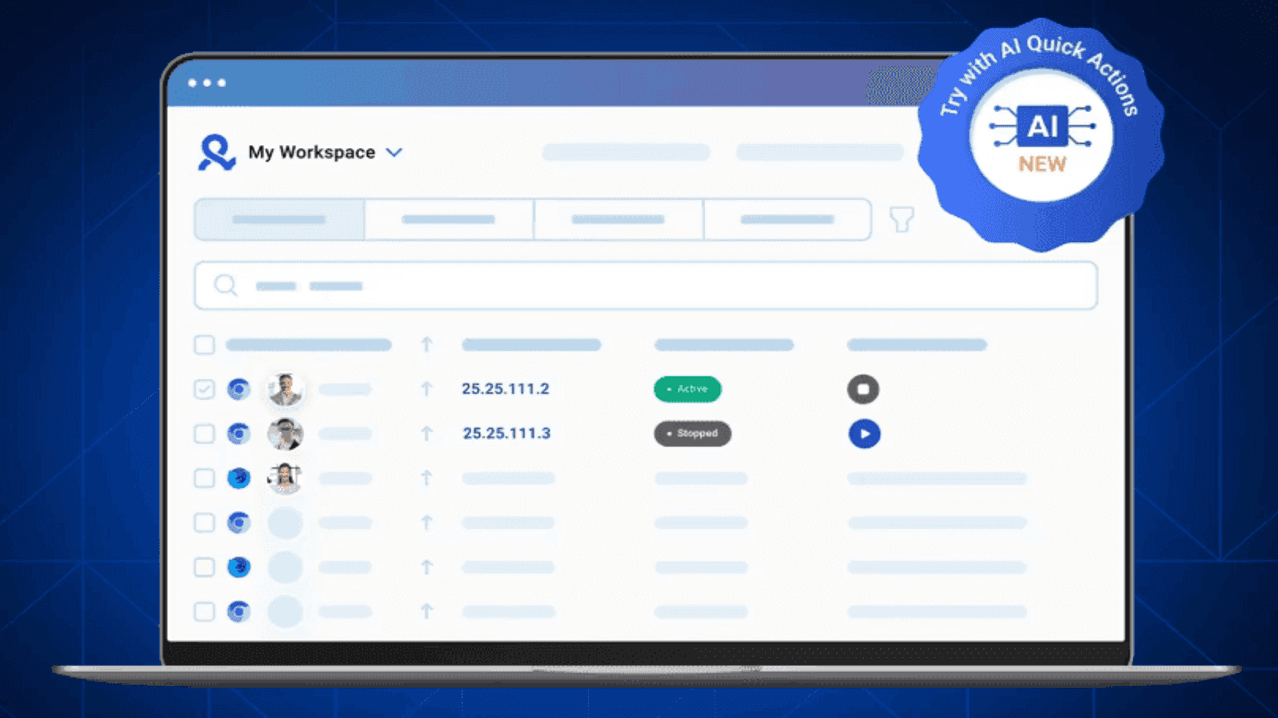
Multilogin is one of the more established names in the anti detect browser space. Users who have worked with multi account management for a long time have likely come across it.
Why Multilogin is still a well known multi login browser in 2026
Multilogin focuses on profile stability and detailed fingerprint management. It is designed for users who need consistent browser environments and more control over how profiles are configured.
It is also commonly used by agencies and teams that need structured workflows. When managing a large number of accounts, having organized profiles and reliable settings can be important.
What it does well
· Strong browser profile isolation
· Detailed fingerprint customization
· Dual browser engines with Chromium and Firefox options
· Automation support through Selenium, Puppeteer, and Playwright
· Team workflows with shared spaces and permissions
Things to keep in mind
The main consideration with Multilogin is pricing. It is positioned as a premium solution, and costs can increase as the number of profiles grows.
The platform also has a relatively higher learning curve. New users may need additional time to understand profile settings, proxy configuration, and automation features.
Multilogin Pricing (2026 Updated)
| Plan | Price | Browser Profiles | Team Members | Best For |
|---|---|---|---|---|
| 3-Day Trial | $2 one-time | 5 profiles | Solo use (No Team seats) | Testing the platform before subscribing |
| Pro 10 | $11/month | 10 profiles | Solo use (No Team seats) | Individual users managing a small number of accounts |
| Pro 50 | $29/month | 50 profiles | Solo use (No Team seats) | Growing account operations |
| Pro 100 | $40/month | 100 profiles | 2 team members | Small teams and larger workflows |
| Business 300 | $89/month | 300 profiles | Unlimited team members | Agencies and larger teams |
Multilogin uses a premium pricing model with plans based on the number of browser profiles and team requirements. A short paid trial is available for users who want to test the platform first. Paid plans start from $11/month for 10 profiles, while larger plans are designed for teams managing more complex workflows. Higher-tier plans with more profiles and team features can increase significantly. Team collaboration features are available on higher plans starting at around $40 per month.
Who should consider Multilogin
Multilogin can be suitable for agencies, larger teams, or users who need an established platform with advanced profile management features.
3. Dolphin Anty
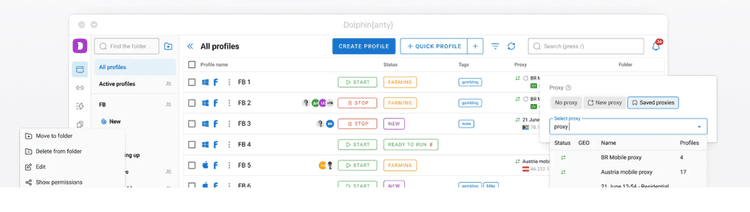
Dolphin Anty is a multi login browser that focuses on making daily account management faster and more straightforward.
It is often used in workflows related to affiliate marketing, social media management, and other scenarios where users need to handle multiple accounts regularly.
Why Dolphin Anty works for multi account workflows
The platform provides a simple way to create and manage browser profiles. The interface is designed around quick setup, profile organization, and frequent account switching.
What it does well
· Fast profile creation and management
· Practical fingerprint configuration
· Proxy support for different profiles
· Profile synchronization for repetitive actions
· Automation support through Selenium and Playwright
· Basic team collaboration features
Things to keep in mind
Dolphin Anty mainly focuses on Chromium-based environments and does not provide a Firefox-based browser option.
When managing a very large number of active profiles, performance may depend on local hardware resources. Its team management features are functional but simpler compared with some enterprise-oriented platforms.
Dolphin Anty Pricing (2026 Updated)
Dolphin Anty offers several plans based on the number of browser profiles and team requirements. It also provides a free option for users who want to try basic multi account management before choosing a paid plan.
| Plan | Price | Browser Profiles | Users | Best For |
|---|---|---|---|---|
| Free | $0/month | 5 profiles | Solo use (No Team seats) | Testing basic features and small workflows |
| Starter | $10/month | 20 profiles | Solo use (No Team seats) | Individual users managing a small number of accounts |
| Base | $89/month | 100 profiles | Multiple users (additional team members: $10/month each) | Small teams and collaborative workflows |
| Team | $159/month | 300 profiles | Multiple users (additional team members: $20/month each) | For the bigger teams |
| Enterprise | $299/month | 1000 profiles | Multiple users (additional team members: $25/month each) | Larger organizations with specific needs |
Dolphin Anty provides a free plan with 5 browser profiles, making it possible for users to explore the platform before subscribing. Paid plans start at around $10/month for 20 profiles. For teams, collaboration features are available through higher-tier plans, and additional users may require extra costs.
Who should consider Dolphin Anty
Dolphin Anty can be a practical option for users who prefer a simple workflow and mainly focus on daily multi account operations.
4. GoLogin
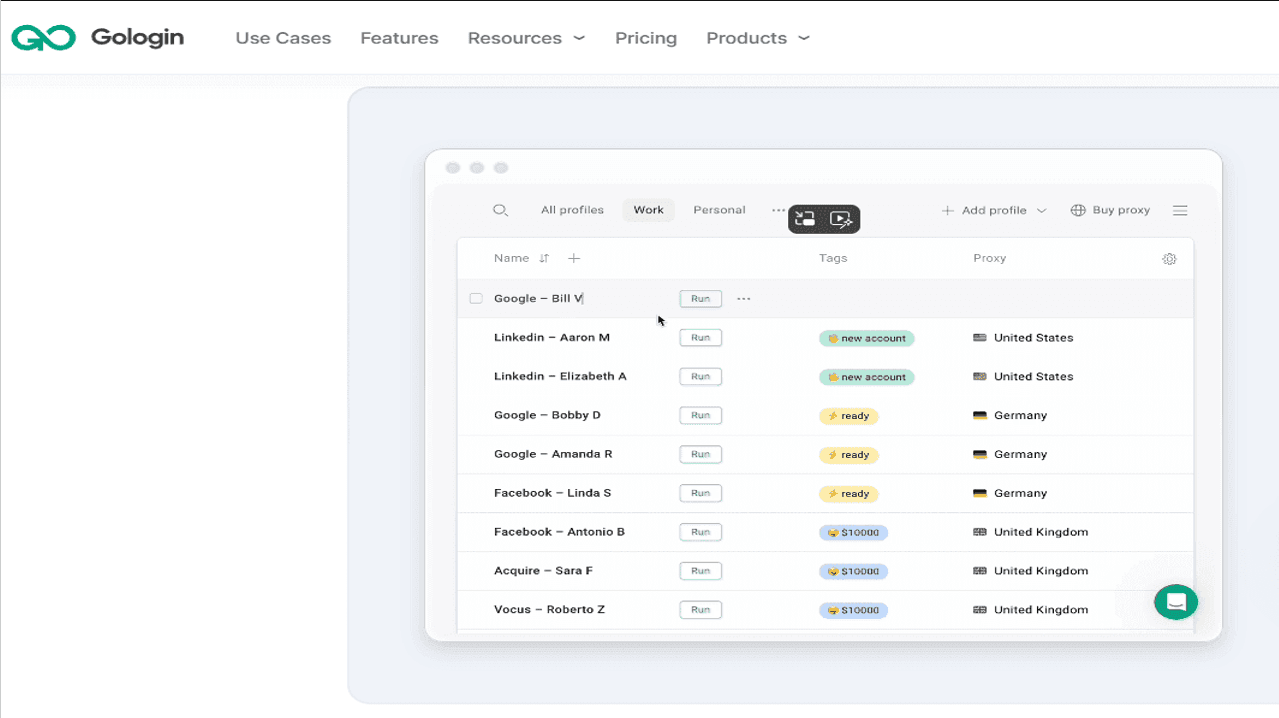
GoLogin is a multi login browser designed around simplicity and ease of use. It is commonly used by individual users, freelancers, and smaller teams that need basic browser profile management.
Why GoLogin is a solid option in 2026
GoLogin focuses on the core functions of multi account management: isolated profiles, fingerprint settings, and proxy integration.
For users who want a straightforward setup without too many complicated options, the platform provides an easier starting point.
What it does well
· Clean profile management
· Simple fingerprint configuration
· Proxy integration for individual profiles
· Built-in proxy marketplace
· Support for mobile fingerprints
· Team profile sharing features
Things to keep in mind
Because GoLogin focuses on simplicity, users looking for deeper customization may find some advanced controls limited.
The platform currently uses a Chromium-based environment and does not offer a Firefox-based browser option. Large-scale profile operations may also require attention to hardware resources and proxy quality.
GoLogin Pricing (2026 Updated)
GoLogin offers several plans based on the number of browser profiles and team requirements. It also provides a free option and trial period for users who want to test the platform before choosing a paid plan.
| Plan | Price | Browser Profiles | Team Access | Best For |
|---|---|---|---|---|
| Free | $0/month | 3 profiles | Solo use (No Team seats) | Testing basic features |
| Professional | $9/month | 10 profiles | Solo use (No Team seats) | Individual users |
| Professional | $49/month | 50 profiles | Solo use (No Team seats) | Individual users and small operations |
| Business | $119/month | 300 profiles | 1 Team seats (additional team members: $10/month each) | Teams managing more accounts |
| Enterprise | $299/month | 1000 profiles | 1 Team seats (additional team members: $10/month each) | Larger organizations |
GoLogin provides a 7-day free trial and a free plan with 3 browser profiles for users who want to explore the platform. Paid plans start at around $9/month for 10 profiles, with higher plans available for users who need more profiles and team collaboration features. For larger operations, the total cost may increase when additional resources such as premium proxies are added.
Who should consider GoLogin
GoLogin can be suitable for freelancers, smaller teams, and users who need a simple way to organize multiple browser profiles.
5. Kameleo
Kameleo takes a more specialized approach compared with general multi login browsers. It focuses on advanced fingerprint customization and different device environment configurations.
Why Kameleo is included in this list
Kameleo is often considered by users who need more control over specific browser or mobile environments. It can be useful for workflows involving testing, QA, or scenarios where device simulation is important.
What it does well
· Advanced fingerprint customization
· iOS and Android fingerprint support
· Flexible environment configuration
· Selenium and Puppeteer integration
· Suitable for technical workflows
Things to keep in mind
Kameleo is more specialized, which means beginners may need more time to understand the available settings.
It also does not include a built-in cloud phone service, so users who need to run actual mobile applications may need additional solutions.
Kameleo Pricing (2026)
Kameleo offers several plans based on concurrent browser usage, cloud profiles, and advanced environment features. It provides a free plan for users who want to explore the platform, while higher-tier plans focus on larger-scale operations and advanced mobile browser environments.
| Plan | Price | Concurrent Browsers | Cloud Profiles | Team Access | Best For |
|---|---|---|---|---|---|
| Free | €0/month | 2 | 100 cloud profiles included | 3 team members | Testing basic features and small workflows |
| Startup | €59/month | 10 | 5,000 cloud profiles included | Unlimited team members | Growing teams and regular multi account operations |
| Business | €299/month | 100 | 5,000 cloud profiles included | Unlimited team members | Larger operations requiring more concurrent browsers |
| Enterprise | €1,499/month | 1,000 | 5,000 cloud profiles included | Unlimited team members | Large organizations with advanced requirements |
Kameleo provides a free plan with 2 concurrent browsers, 100 cloud profiles, and 3 team members, making it possible to test the platform without a subscription. Paid plans start at €59/month for the Startup plan, which increases the number of concurrent browsers and includes unlimited browser usage time. Higher plans add features such as emulated mobile browsers and support for larger-scale operations.
Who should consider Kameleo
Kameleo can be suitable for technical users who need more flexibility in browser and mobile environment configuration.
Quick comparison (simple cheat sheet)
If you do not want to overthink it, here is the simplest way to choose:
👉Best overall value and practical daily use: BitBrowser
👉Best for established teams that want stability: Multilogin
👉Best for affiliate style scaling workflows: Dolphin Anty
👉Best for simple multi account management: GoLogin
👉Best for advanced customization: Kameleo
Common mistakes that get accounts linked (even with a multi login browser)
This part matters more than people admit.
1. Reusing the same proxy across profiles
If multiple profiles share the same IP, you are making linking easier. Use one proxy per profile, and keep it consistent for that account.
2. Changing fingerprints too often
Some people think randomizing everything daily is safer. It is usually not. Consistency is safer. A stable profile that behaves like a real device is the goal.
3. Logging into connected accounts in the wrong place
If you log into Account A and Account B from the same normal browser even once, you can create connections that your anti detect setup cannot fully undo.
4. Poor profile organization
Name your profiles. Group them by client, brand, or platform. You will make fewer mistakes, and mistakes are what cause bans.
Final thoughts
The best multi login browser in 2026 is the one you will actually use correctly every day. For most people, that ends up being BitBrowser, because it combines strong fingerprint simulation, built in automation, team collaboration, and a genuinely usable free plan with 10 browser profiles forever. It is a very practical starting point, and honestly it scales well too.
If you need a more established enterprise style tool, go with Multilogin. If your world is affiliate scaling, Dolphin Anty is hard to ignore. If you want something simple and reliable, GoLogin is a safe bet. And if you want deeper customization, Kameleo is the power option.
Whichever you choose, keep your profiles consistent, keep your proxies clean, and treat each account like it is a separate device. Because that is basically what these tools are helping you simulate.

 Multi-Account Management
 Prevent Account Association
 Multi-Employee Management
Recommended
See More 



