15 Best Beginner-Friendly Secret Websites to Make Money in 2026
 2026.01.20 12:02
 YT.Shi
If you searched for make money online in 2026, you have probably seen the same advice repeated for years: start a blog, launch a dropshipping store, build a YouTube channel, or do affiliate marketing. These methods can work but they take time, require large audiences, and often feel unrealistic for beginners.
Most people want something simpler. They want legitimate websites where they can start today, use practical skills, and earn money without complex funnels or long waiting periods. The opportunities in this guide are not secret or illegal. They are just less crowded and more practical than the mainstream options.
Some platforms pay quickly and others reward consistency over time. Together they offer realistic ways to make money online in 2026. For anyone managing multiple accounts or projects, tools like BitBrowser can help keep identities and sessions separate, reduce risks, and make online work smoother. Below are 15 beginner-friendly websites worth exploring in 2026.

Quick Overview: 15 Best Websites to Make Money Online in 2026
| Platform | Type / Focus | Typical Pay | Beginner-Friendliness | Website | |
|---|---|---|---|---|---|
| 1 | Swagbucks | Low-effort tasks / surveys / cashback | $100–$200/month (stacked) | Very easy, 10–25 min/day | swagbucks.com |
| 2 | Honeygain | Passive income / bandwidth sharing | Slow, varies by location | Very easy, set-and-forget | honeygain.com |
| 3 | TaskRabbit | Local tasks / errands / home help | $15–$60/hr | Easy, flexible hours | taskrabbit.com |
| 4 | Studypool | Academic help / Q&A | Per question, varies | Beginner-friendly if knowledgeable | studypool.com |
| 5 | Preply | Tutoring (language/skills) | $10–$20+/hr | Beginner-friendly, needs intro video | preply.com |
| 6 | Cambly | English conversation | Modest, predictable | Very easy, no prep | cambly.com |
| 7 | Gumroad | Sell digital products | Varies, good margin | Easy, creative skills helpful | gumroad.com |
| 8 | Contra | Freelance services / projects | Project-based, flexible | Beginner-friendly, modern | contra.com |
| 9 | Upwork | Freelance marketplace | $15–$100+/hr | Moderate, competitive | upwork.com |
| 10 | Shutterstock | Sell photos & videos | 15–40% per download | Moderate, long-term library | shutterstock.com |
| 11 | Rover | Pet care / dog walking | Varies by service & location | Easy with good profile | rover.com |
| 12 | UserInterviews | Paid research / surveys | $30–$200+ per study | Easy-medium, profile matching important | userinterviews.com |
| 13 | Respondent | Professional research / interviews | $50–$300+ per session | Medium, works with any work background | respondent.io |
| 14 | DataAnnotation.tech | AI tasks / labeling | $15–$30+/hr | Moderate, follow instructions carefully | dataannotation.tech |
| 15 | Outlier | AI evaluation / writing | Varies, real hourly wage | Medium, consistent performance needed | outlier.ai |
Tip: Use this table as a quick reference to find the right platform for your skills, time, and income goals in 2026.
1. Swagbucks (Low-effort tasks that actually pay something)
Website: swagbucks.com
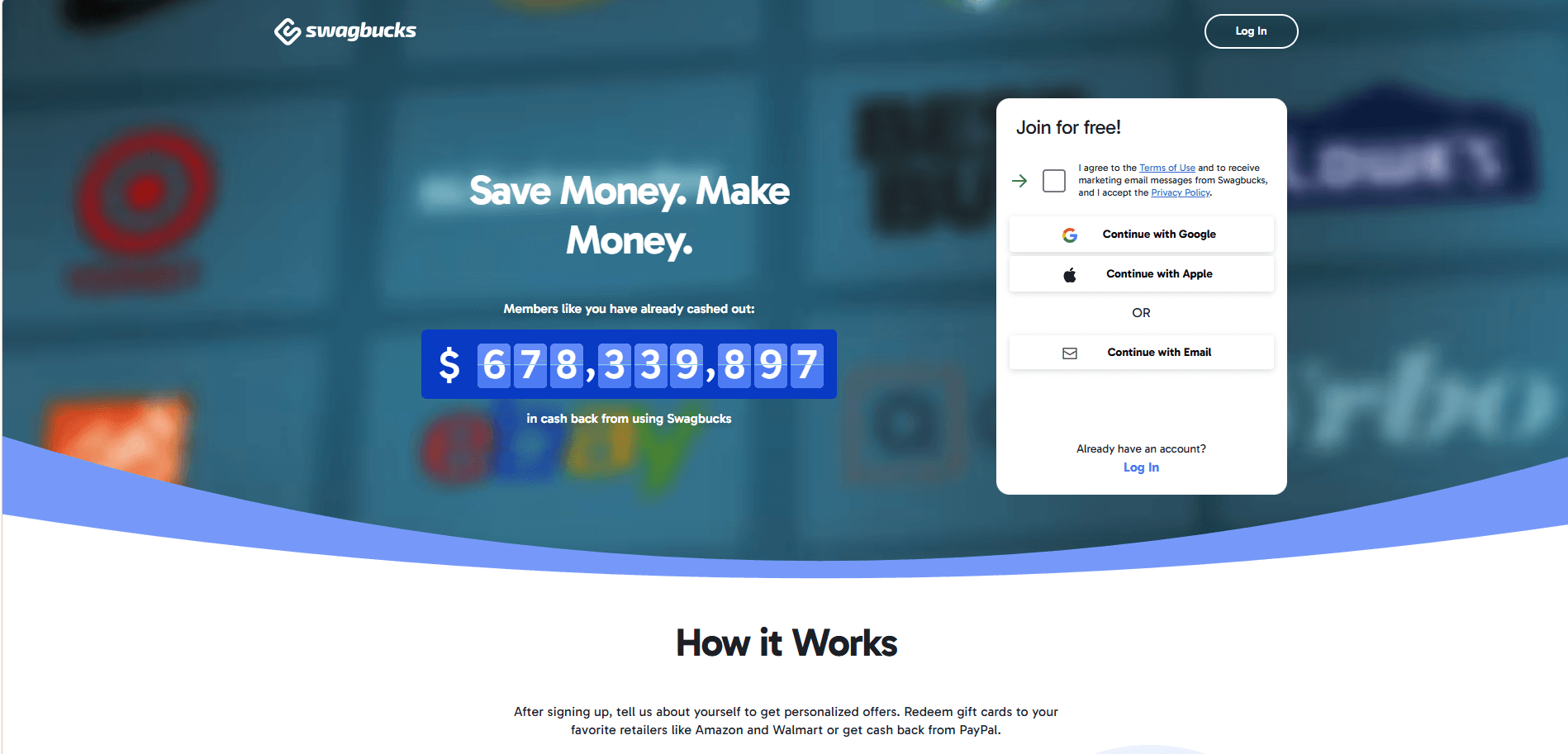
Swagbucks is one of those platforms everyone has heard of, but most people use it wrong. You earn points by doing simple things like answering surveys, watching short videos, testing offers, or even using it as a search engine. None of this will make you rich, but it is very accessible and beginner-friendly.
Typical pay is low per task, but consistent if you stack activities. Use the app or website for 10 to 25 minutes a day, and you could earn $100 to $200 per month. Points, known as SB, can be redeemed for gift cards from popular retailers like Walmart, Target, and Starbucks, or converted to PayPal cash.
Swagbucks also gives cashback of up to 16% when you shop online at major stores including Amazon, Home Depot, Best Buy, Lowe’s, and Macy’s. If you are already shopping with these brands, it is an easy way to earn extra cash on purchases you would make anyway.
Beginner tip: Don’t chase every offer. Focus on surveys, videos, and passive bonuses. Treat Swagbucks as background money, not a main income source.
2. Honeygain (Passive income, but manage expectations)
Website: honeygain.com
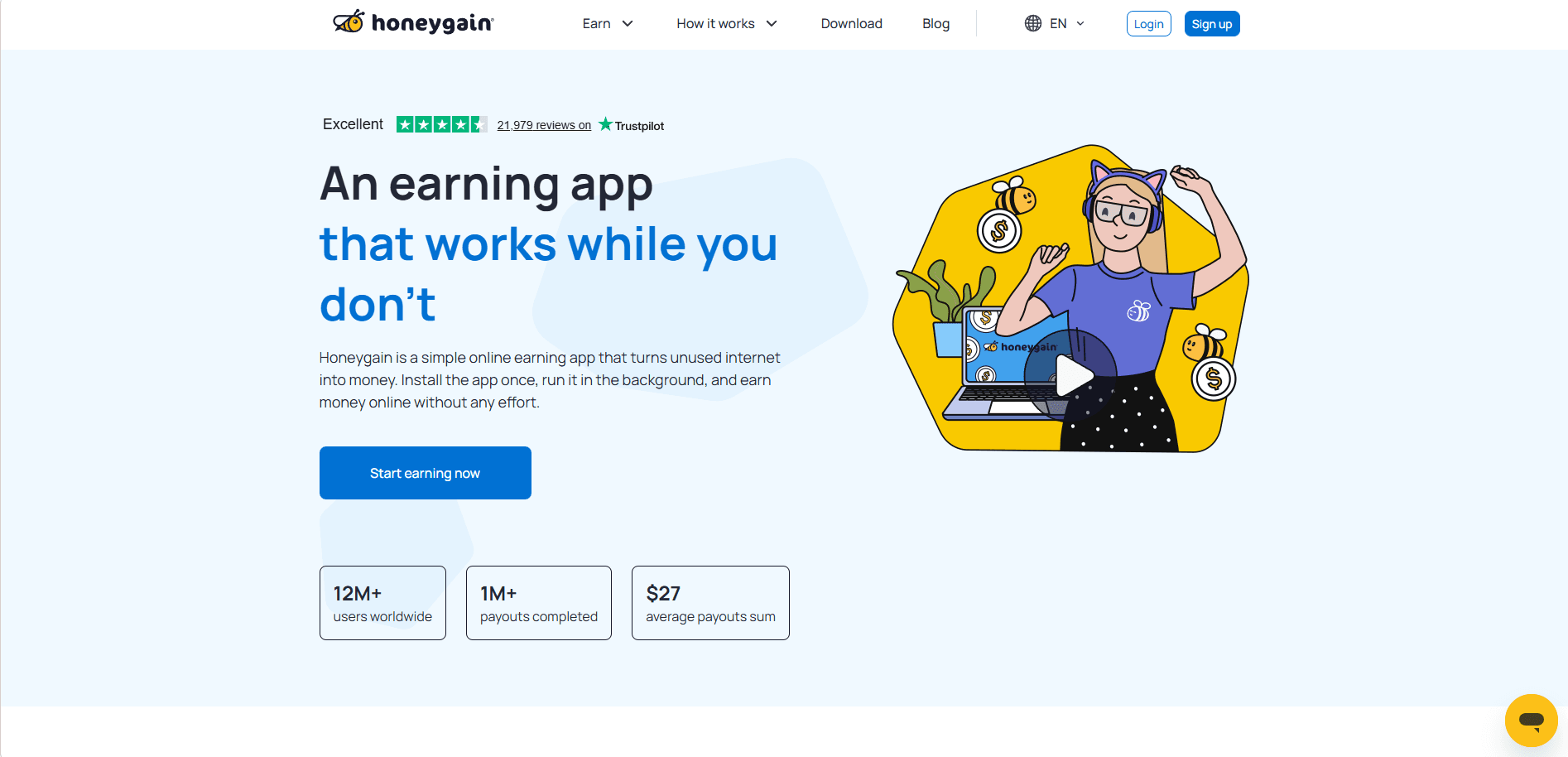
Honeygain pays you for sharing unused internet bandwidth. You install it, let it run, and it works in the background.
This is not active income. It’s more “set and forget.”
Typical pay: Very slow, depends on location and network demand
Beginner tip: Use it as a bonus, not a strategy. One device won’t do much, and that’s normal.
3. TaskRabbit (Local tasks, fast payouts)
Website: taskrabbit.com
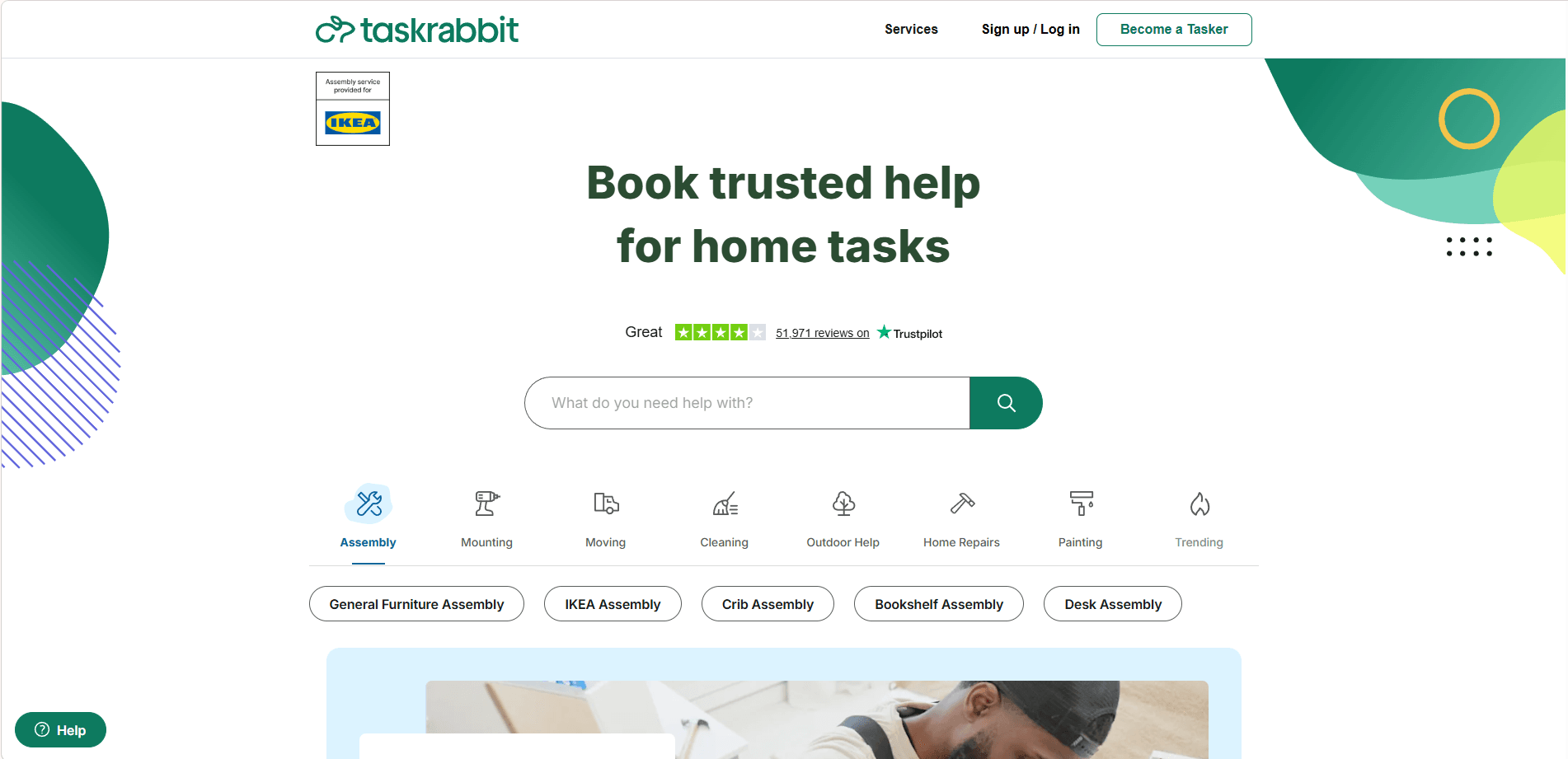
TaskRabbit lets you earn money by helping people with real-world tasks like furniture assembly, home repairs, cleaning, moving help, or running errands. You create a profile, set your own rates, and choose the jobs you want.
All tasks have a one-hour minimum, and typical pay ranges from $15 to $60 per hour, depending on complexity and location. Payments are processed within five days and go directly to your bank account. TaskRabbit also offers bonuses, like “Complete 10 Tasks and Earn $100,” to help new Taskers get started.
Beginner tip: Start with a slightly lower rate to build reviews, then increase your price as you gain experience. Make sure you have the right tools for your tasks and pass the ID check. With flexible hours and a wide variety of jobs, TaskRabbit is perfect for anyone looking to earn extra cash on their own schedule.
4. Studypool (Academic help that pays per question)
Website: studypool.com
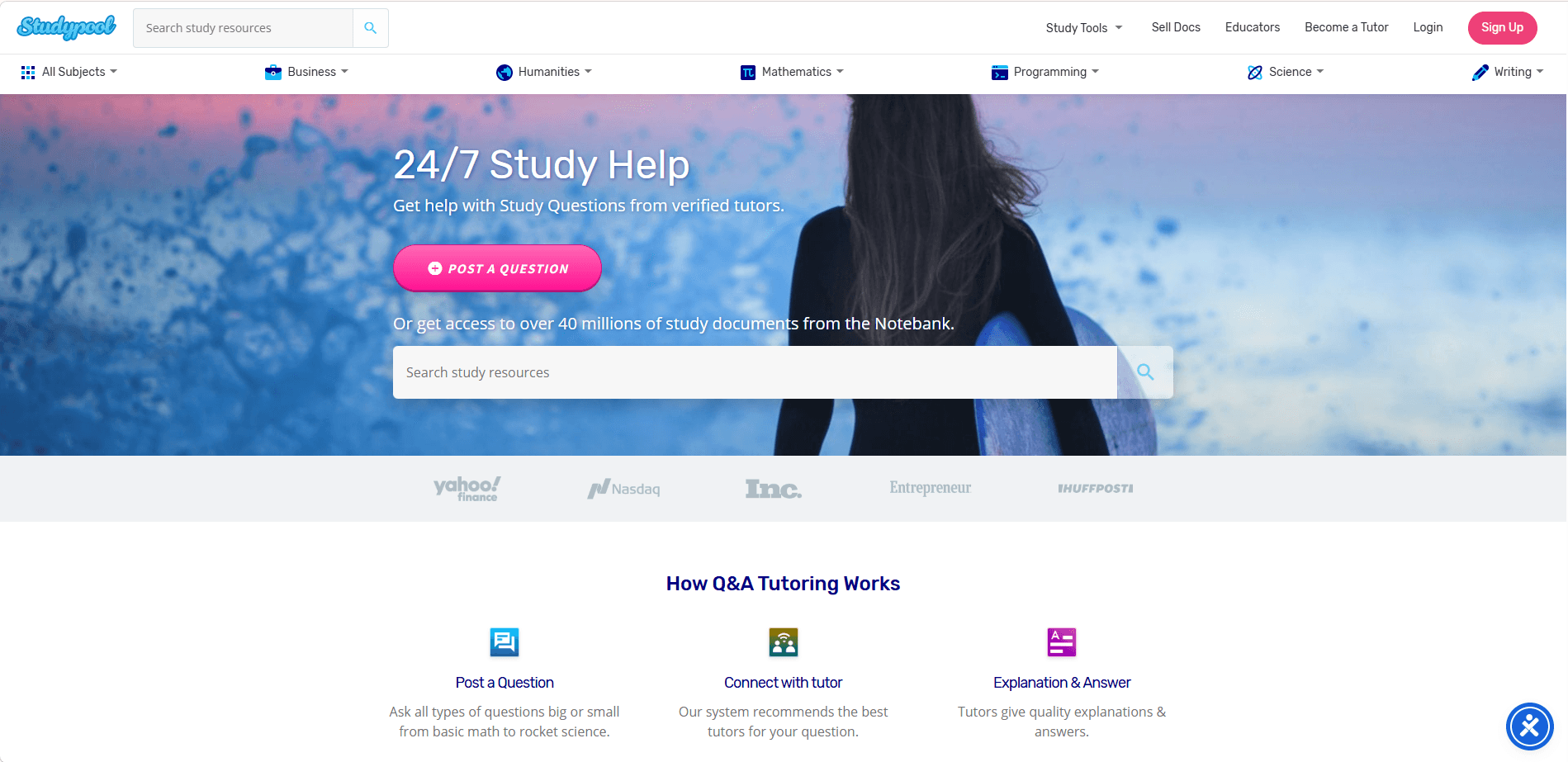
Studypool pays you to help students with homework questions and academic explanations.
If you’re strong in math, science, programming, or business subjects, this can be efficient.
Typical pay: Per question, varies by difficulty
Beginner tip: Don’t rush answers. Clear explanations get better ratings and unlock higher-paying questions.
5. Preply (Get paid to tutor, even if you’re not a “teacher”)
Website: preply.com
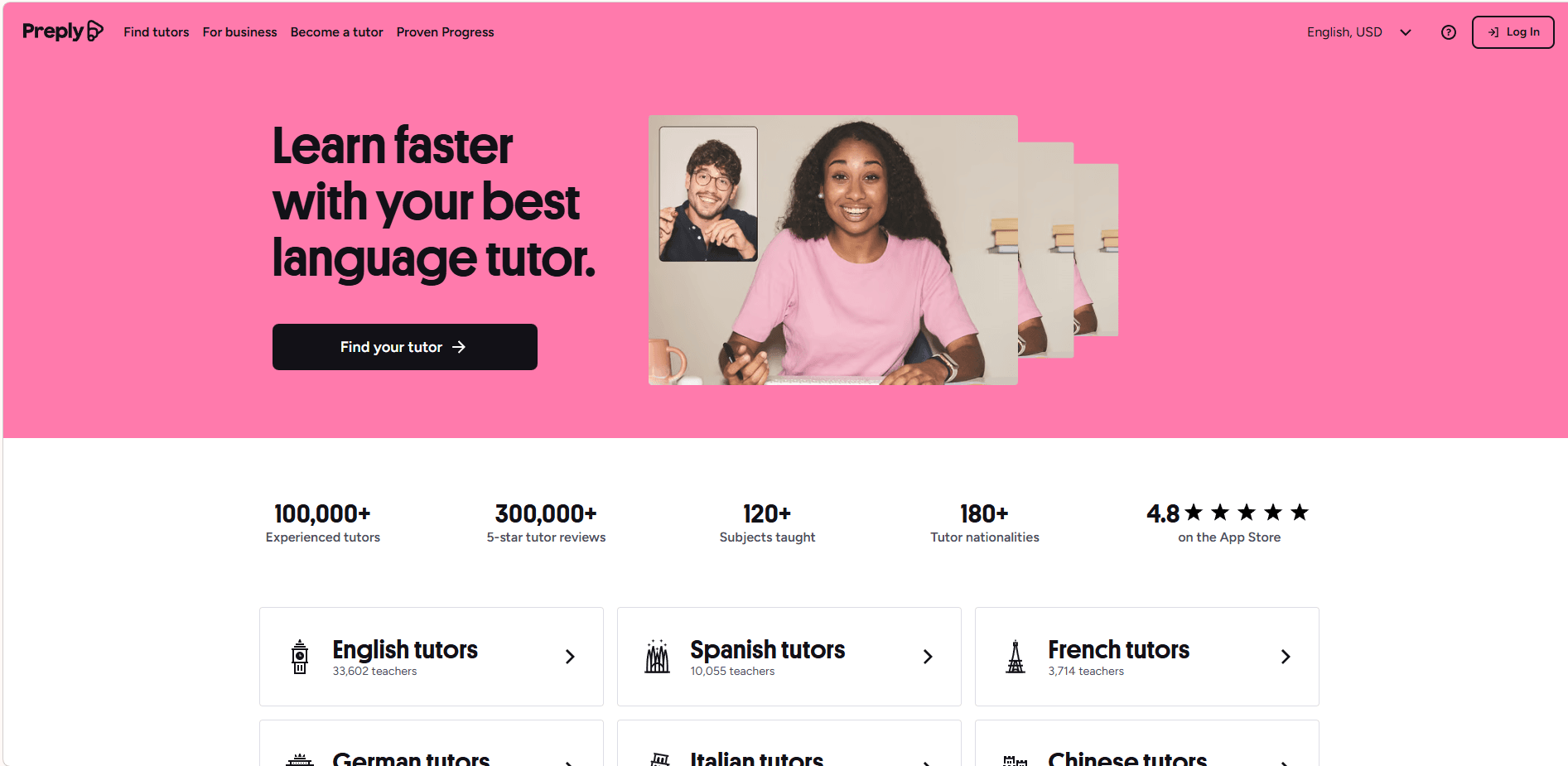
If you can explain something to a human without sounding annoyed. Congrats, you can tutor.
Preply is great for language tutoring, but also for school subjects, beginner coding, and even niche topics like chess or basic Excel.
Typical pay: You set your rate, many beginners start around $10 to $20/hour and grow
Beginner tip: Record a friendly intro video. Doesn’t need to be cinematic. Just clear and human.
6. Cambly (English conversation, no prep)
Website: cambly.com

Cambly is basically paid English conversation. You don’t need lesson plans. You don’t need teaching credentials. You show up and talk to learners.
Typical pay: Usually modest compared to private tutoring, but extremely low friction
Best for: People who want easy, predictable online work without building a personal brand.
7. Gumroad (Sell simple digital products without a huge following)
Website: gumroad.com
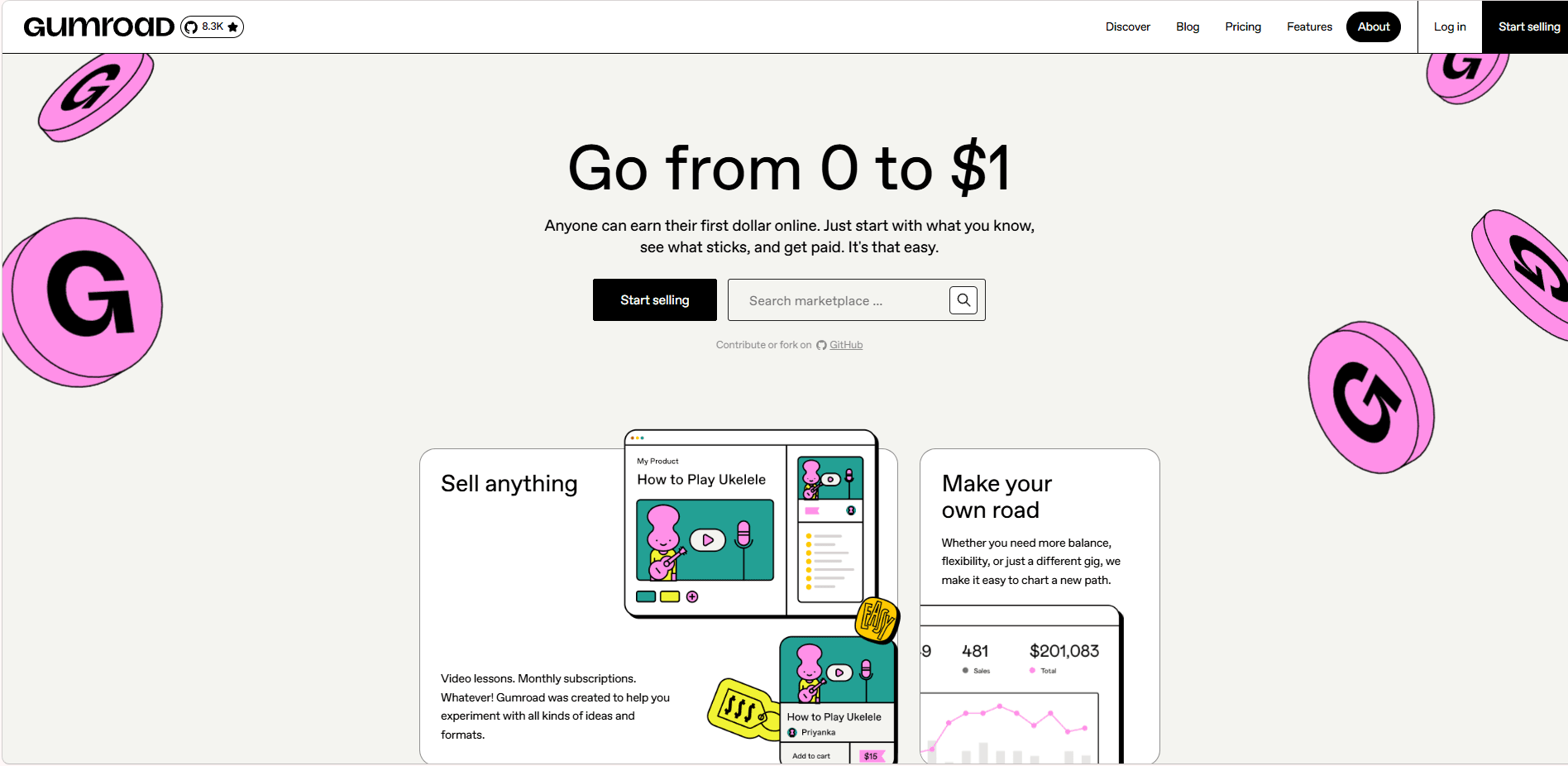
Gumroad is not new, but most beginners still misunderstand it.
You don’t need to build a 50 page ebook or a fancy course. You can sell small stuff that solves a small problem:
· a resume template
· a Notion planner
· an outreach email pack
· Lightroom presets
· a checklist for a specific job
· a mini guide for a game or hobby
Typical pay: Depends, but the margin is great because it’s digital
Beginner tip: Make a product for a version of you from 6 months ago. What would have saved you time?
8. Contra (Freelancing without the Upwork vibe)
Website: contra.com
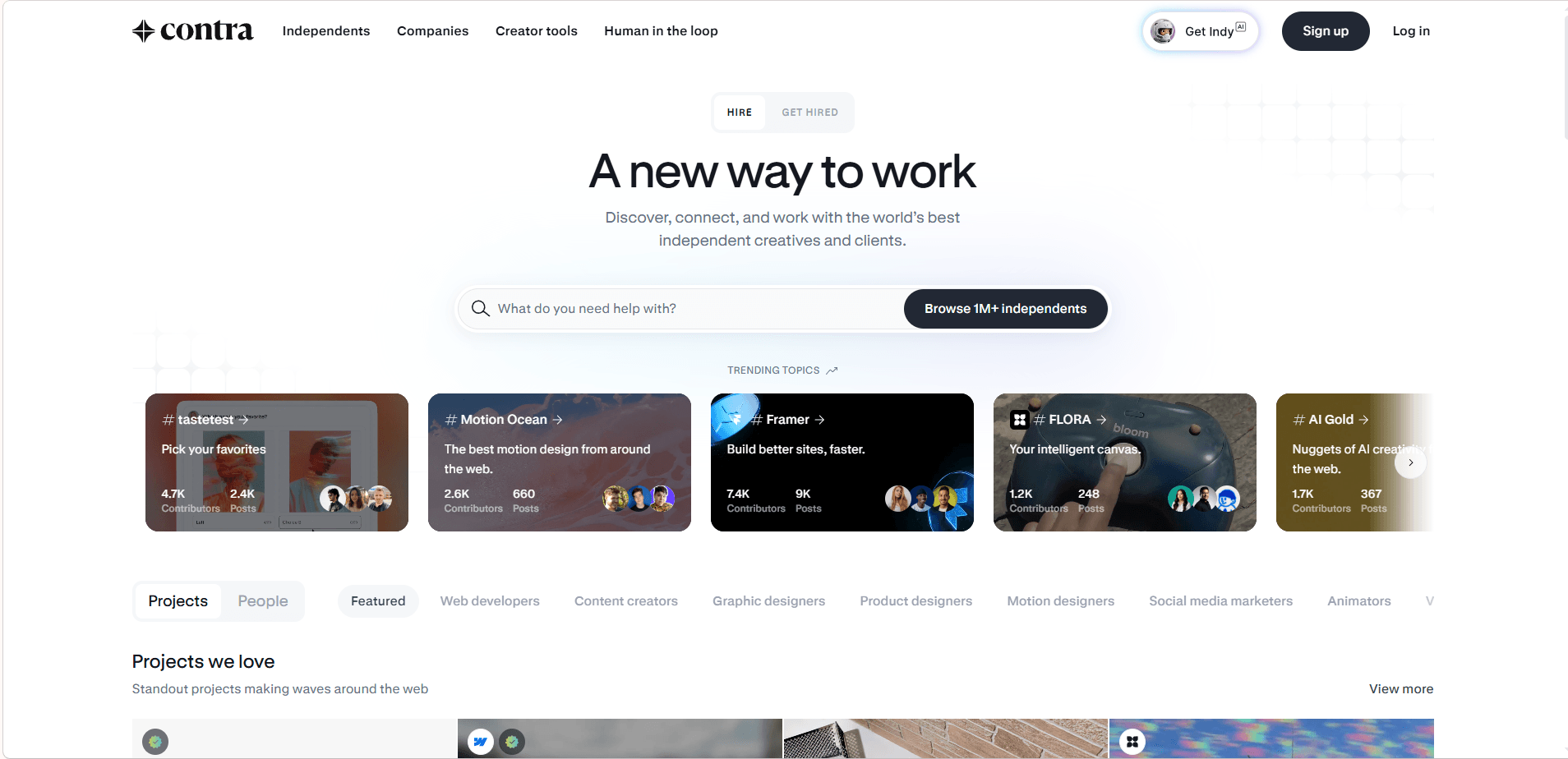
Contra feels more modern and less spammy than some freelance marketplaces. It’s portfolio friendly. Cleaner profiles. Better vibes.
Great for beginners offering services like:
· Canva design
· short form video editing
· writing and editing
· Notion setup
· simple web design
· social media management
Typical pay: Project based, you set it
Beginner tip: Don’t list 12 services. Pick 1 to 2, make them clear, and show examples.
9. Upwork (Freelancing if you’re willing to compete at the start)
Website: upwork.com
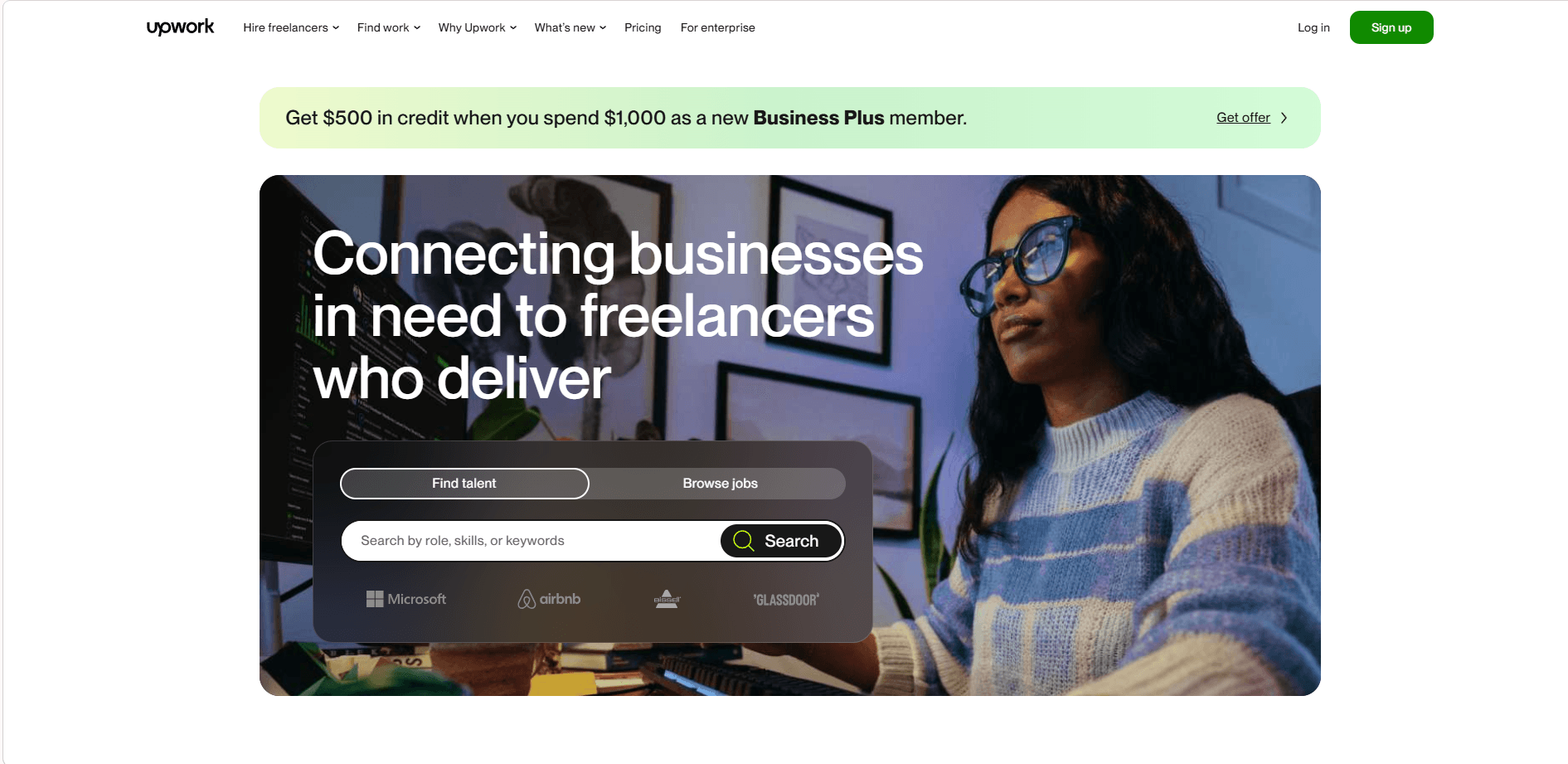
Upwork is not “easy money,” but it is real money for freelancers of all skills. It connects clients with people who can write, design, code, provide customer support, handle data entry, and more. Getting your first few jobs can be the hardest part, but once you build a portfolio and gather reviews, finding work becomes much easier.
Typical pay varies widely. Beginners often start lower, around $15 to $40 per hour, while technical roles like business consulting or web development can reach $100 or more per hour. Keep in mind Upwork takes a 10% to 15% service fee. Hourly contracts pay weekly (available for withdrawal after 10 days), and fixed-price projects clear in about five days.
Beginner tip: Pick one clear skill and focus on it. Avoid applying to every job. Short, specific proposals always perform better than long generic ones. Optimize your profile with client results, set competitive rates, and showcase your portfolio. Upwork is your chance to turn skills or hobbies into paydays, from one-off gigs to long-term contracts.
You might want to check out the guide for inexperienced newcomers on landing their first job on Upwork.
10. Shutterstock (Sell photos and videos you already have)
Website: shutterstock.com
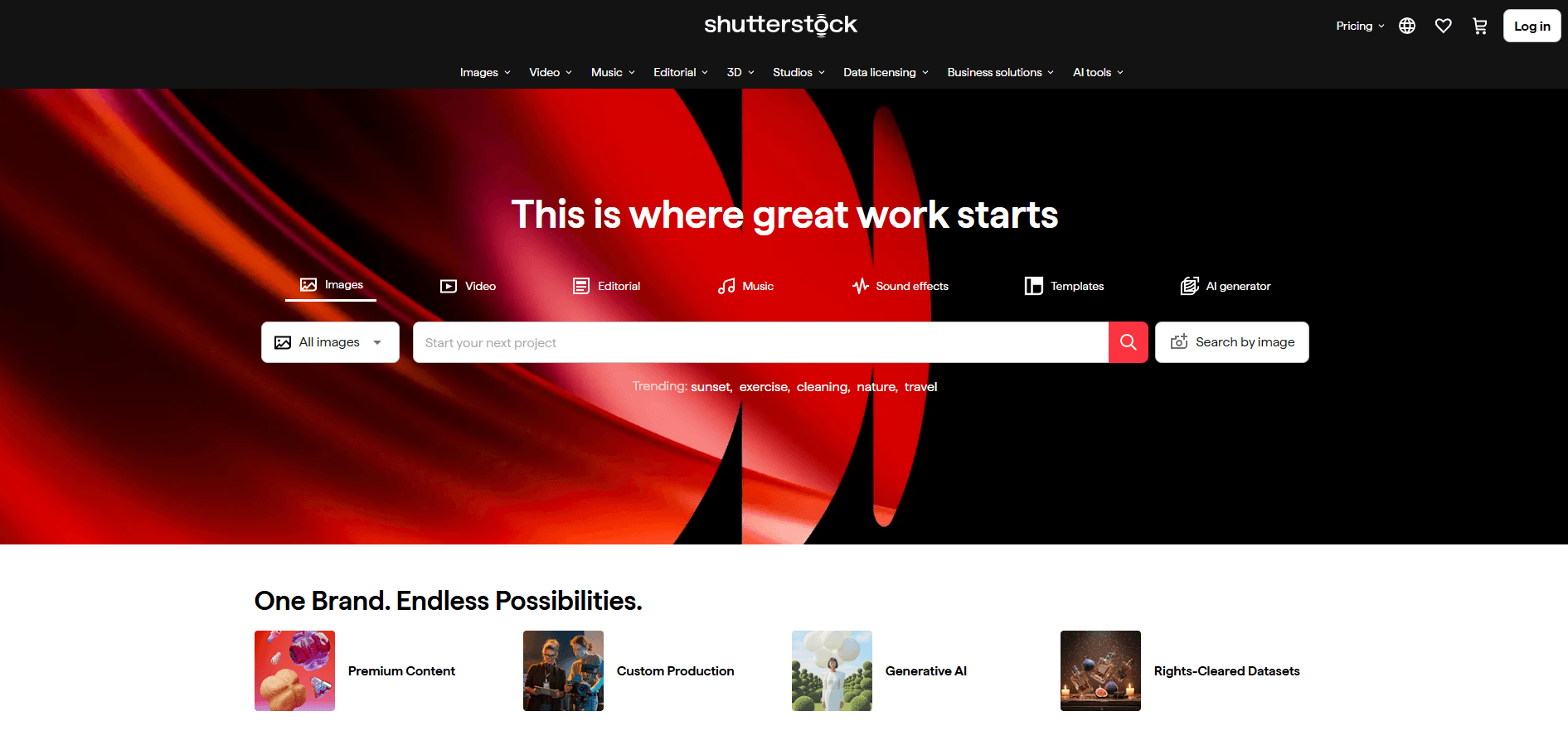
Shutterstock allows you to upload photos, videos, and illustrations that businesses use for ads, blogs, and websites.
It’s not instant income. Think long-term library, not quick cash.
Typical pay: You earn a commission every time someone downloads your content, typically between 15% and 40% of the licensing fee. Individual downloads may pay from a few cents to several dollars, but earnings add up over time. As your total downloads increase, your commission rate rises.
Beginner tip: Focus on useful, generic content. Businesses buying stock media want practical visuals like meetings, laptops, offices, or hands typing, not artistic or abstract shots.
11. Rover (Get paid to hang out with pets)
Website: rover.com
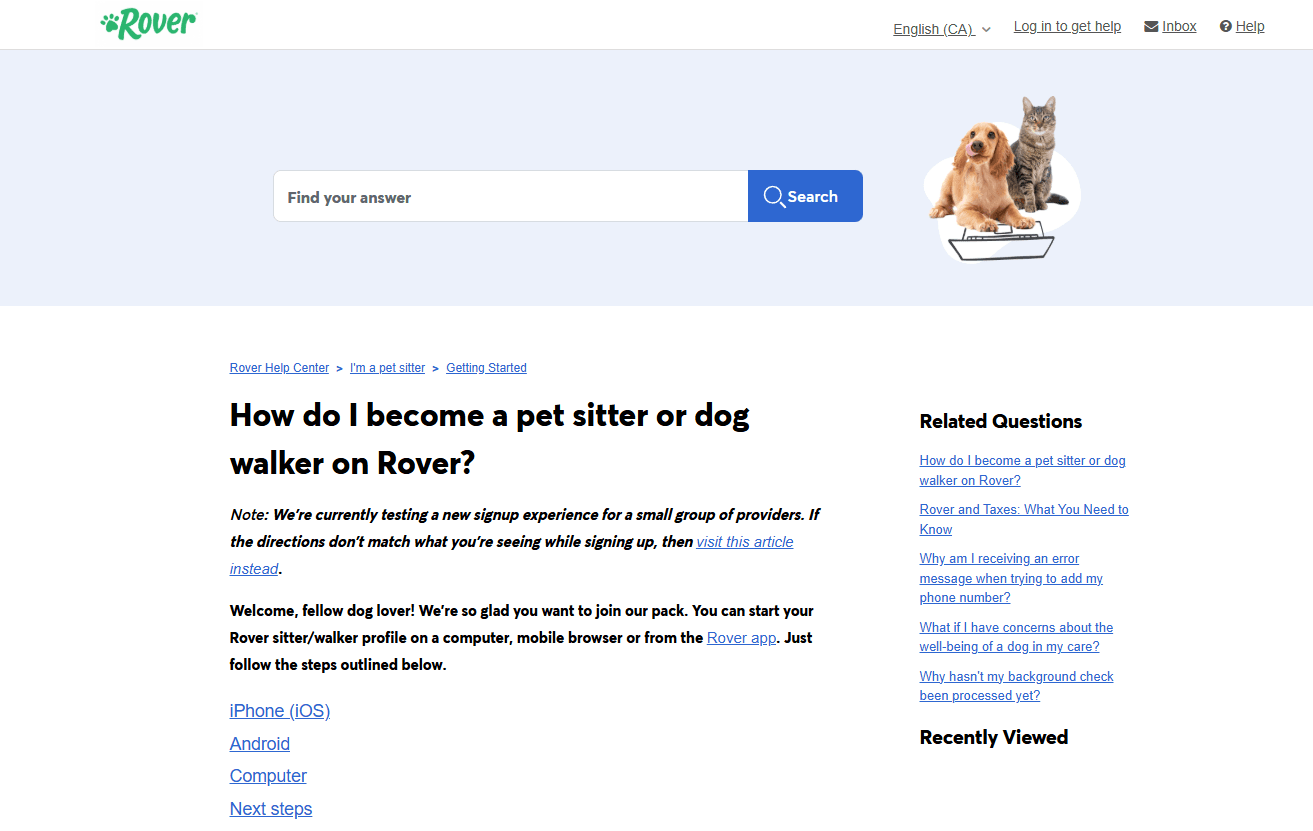
Rover connects pet owners with people who offer dog walking, pet sitting, or overnight stays.
It’s surprisingly competitive in some cities, but once you build trust, repeat clients are common.
Typical pay: Depends on services and location
Beginner tip: Your profile photos matter more than your words. Show clean spaces, happy pets, and reliability.
12. UserInterviews (High paying research studies)
Website: userinterviews.com
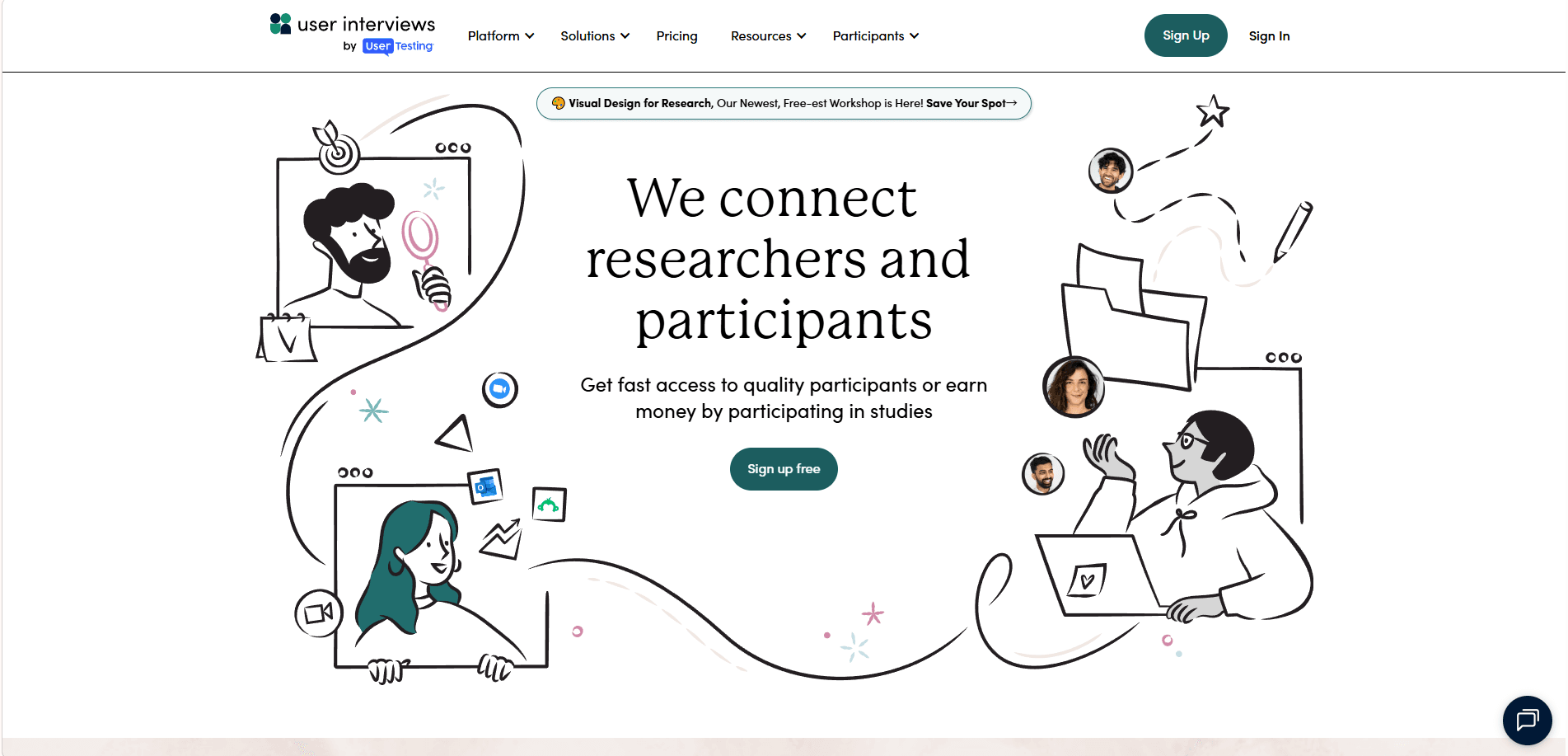
This is one of the easiest ways to get paid for basically having opinions.
UserInterviews connects regular people with paid research studies. Sometimes it’s a 15 minute survey. Sometimes it’s a 60 minute Zoom call. Sometimes you test a product prototype. Brands pay well because the feedback is valuable.
Typical pay: $30 to $200+ per study (sometimes more)
Beginner tip: Fill out your profile like your rent depends on it. The matching is everything here. Also, apply to a bunch. Rejection is normal.
13. Respondent (Even higher paying professional research)
Website: respondent.io
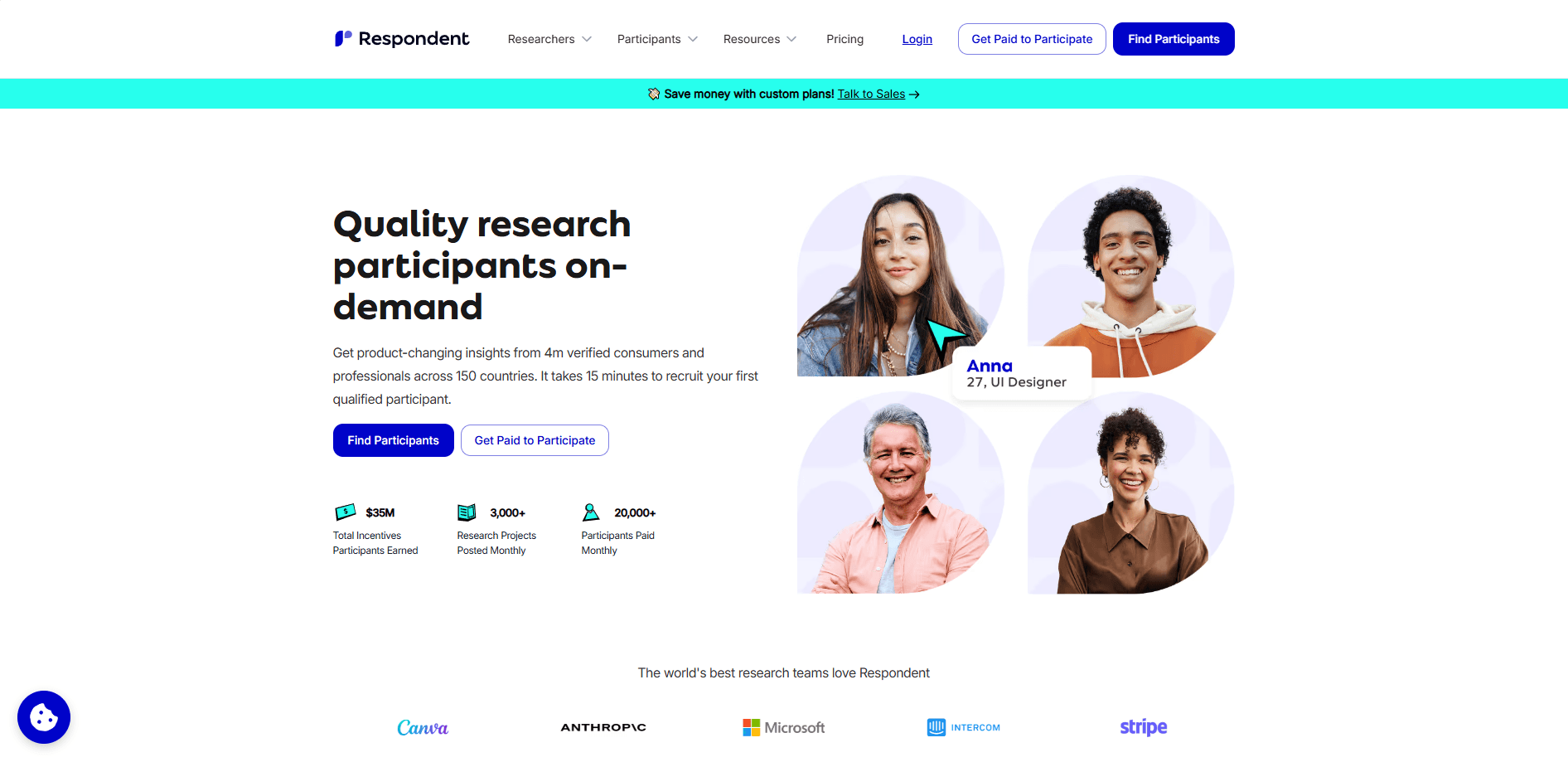
Respondent is similar to UserInterviews, but it leans more “professional.” You can still get in as a beginner, especially if you have any work background, even basic stuff like admin, retail management, customer support, teaching, healthcare, etc.
Typical pay: $50 to $300+ per session
Why it’s great: Fewer scams, clearer expectations, and when you qualify, it can feel weirdly easy.
14. DataAnnotation.tech (AI training tasks that actually pay)
Website: dataannotation.tech

This one is big in the “AI tasking” world. You get paid to label data, evaluate AI responses, write short answers, compare outputs, and similar tasks.
It can be repetitive, yes. But if you write decently and follow instructions, it can become consistent.
Typical pay: Often $15 to $30+ per hour depending on tasks and skill tests
Beginner tip: Read instructions twice. The people who rush get kicked out fast.
15. Outlier (AI evaluation and writing tasks)
Website: outlier.ai
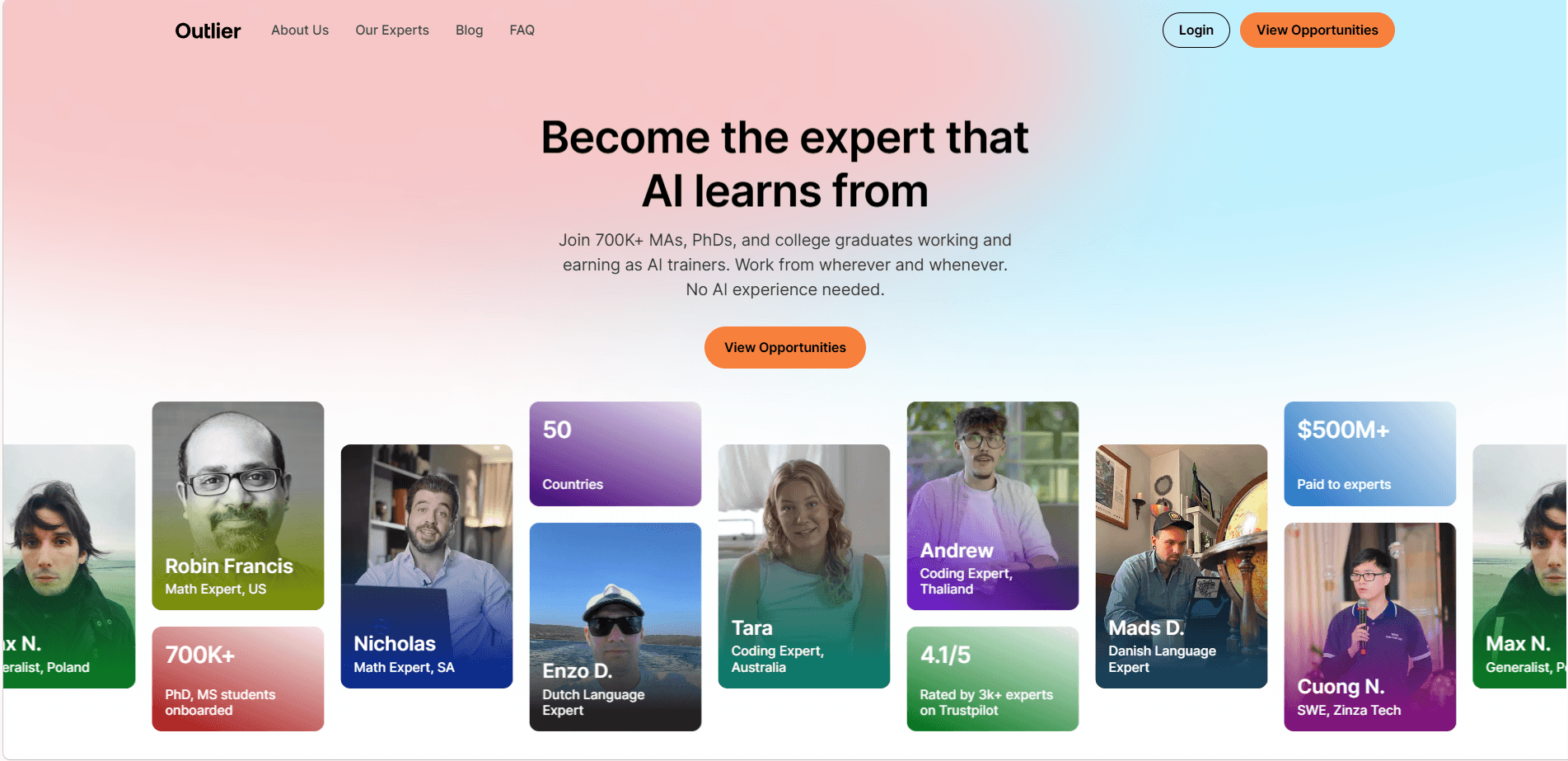
Outlier is another platform for paid AI related tasks. Think: reviewing model answers, writing prompts, checking factuality, grading, rewriting.
Typical pay: Varies widely, but many tasks land in the “real hourly wage” range
Good for: People who can write clearly, spot mistakes, and stay consistent.
Beginner Mistakes That Stop You From Making Money Online
After using and observing dozens of online money-making platforms, a few recurring patterns show up again and again. These mistakes don’t look serious at first, but they quietly limit how much you earn over time.
1. Signing Up and Then Disappearing
Most online earning platforms reward consistency, not intensity.
You don’t need to grind every day. But logging in regularly, even to complete a few small tasks each week, keeps your account active and visible in the system. Inactive users often stop receiving good opportunities altogether.
Note: Consistency matters more than speed when trying to make money online long term.
2. Rushing Through Tasks and Getting Flagged
This is especially common on user testing, AI evaluation, and data annotation platforms.
When you rush, quality drops. Ratings fall. And once your trust score decreases, higher-paying tasks and invites start disappearing without warning.
Rule of thumb: Slower and accurate almost always earns more than fast and sloppy.
3. Applying to Only a Few Studies and Quitting
Research platforms don’t work like traditional jobs.
It’s normal to apply to 15 or 20 studies and qualify for only one or two. That’s not rejection. That’s filtering.
The people who earn consistently are the ones who treat applications as a numbers game, not a personal judgment.
4. Ignoring Your Profile Quality
Your profile is your resume on these websites.
A complete, honest, and well-written profile dramatically increases how often you get selected. In many cases, improving your profile has a bigger impact than spending more time applying.
Pro tip: Small updates to your bio can unlock better-paying opportunities without extra work.
Why This Matters in 2026
As more people look for ways to make money online, platforms rely heavily on ratings, profiles, and behavior signals to decide who gets access to the best opportunities.
Avoiding these mistakes doesn’t require special skills. It just requires understanding how the system works.
How BitBrowser Can Boost Your Earnings on These Websites
If you’re serious about making money online, your browser choice can actually affect your success. BitBrowser is a professional anti-detect browser that helps you manage multiple accounts, stay secure, and save time, perfect for platforms like Swagbucks, Upwork, TaskRabbit, Shutterstock, Rover, Studypool, Prolific, and Honeygain.
1. Manage Multiple Accounts Safely
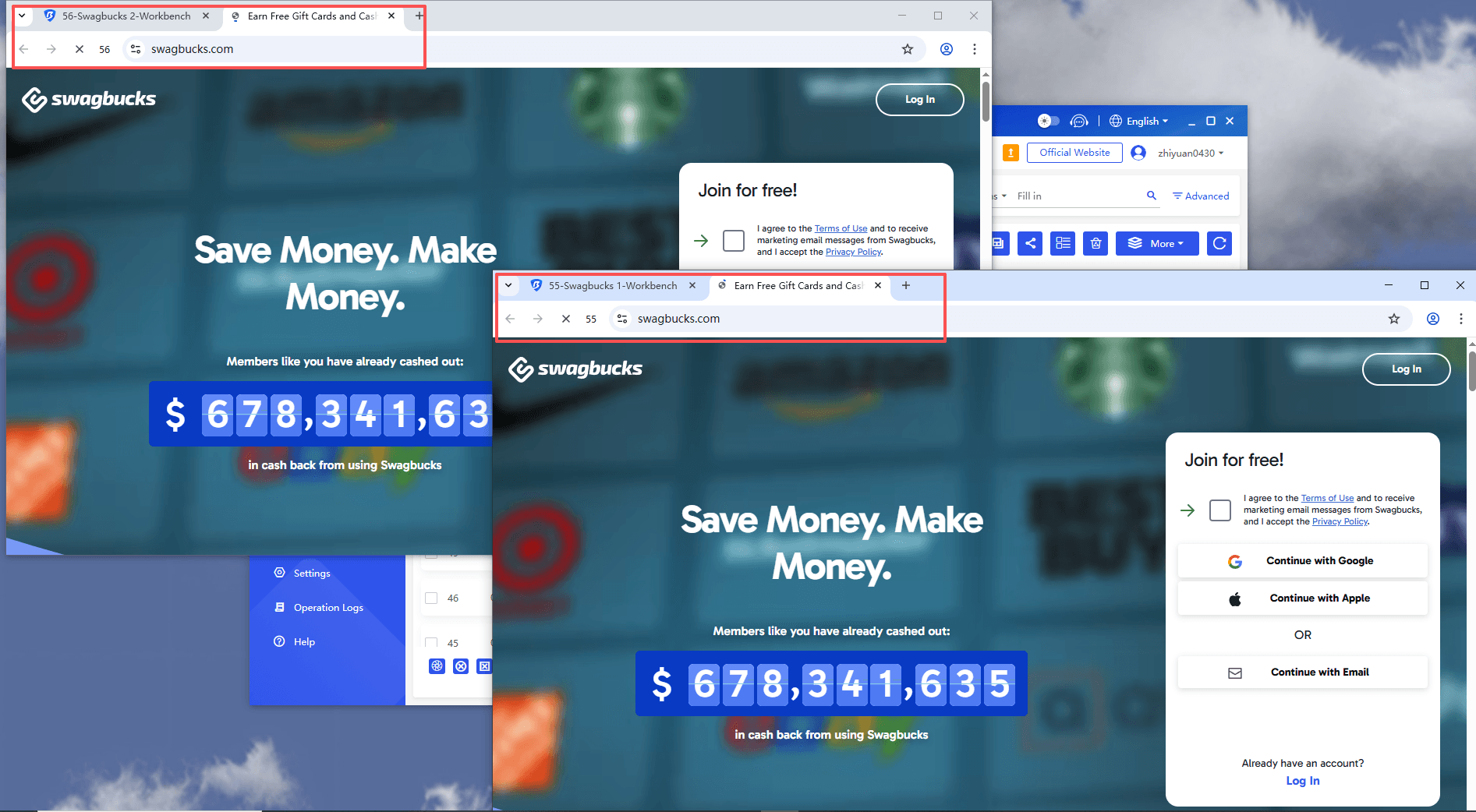
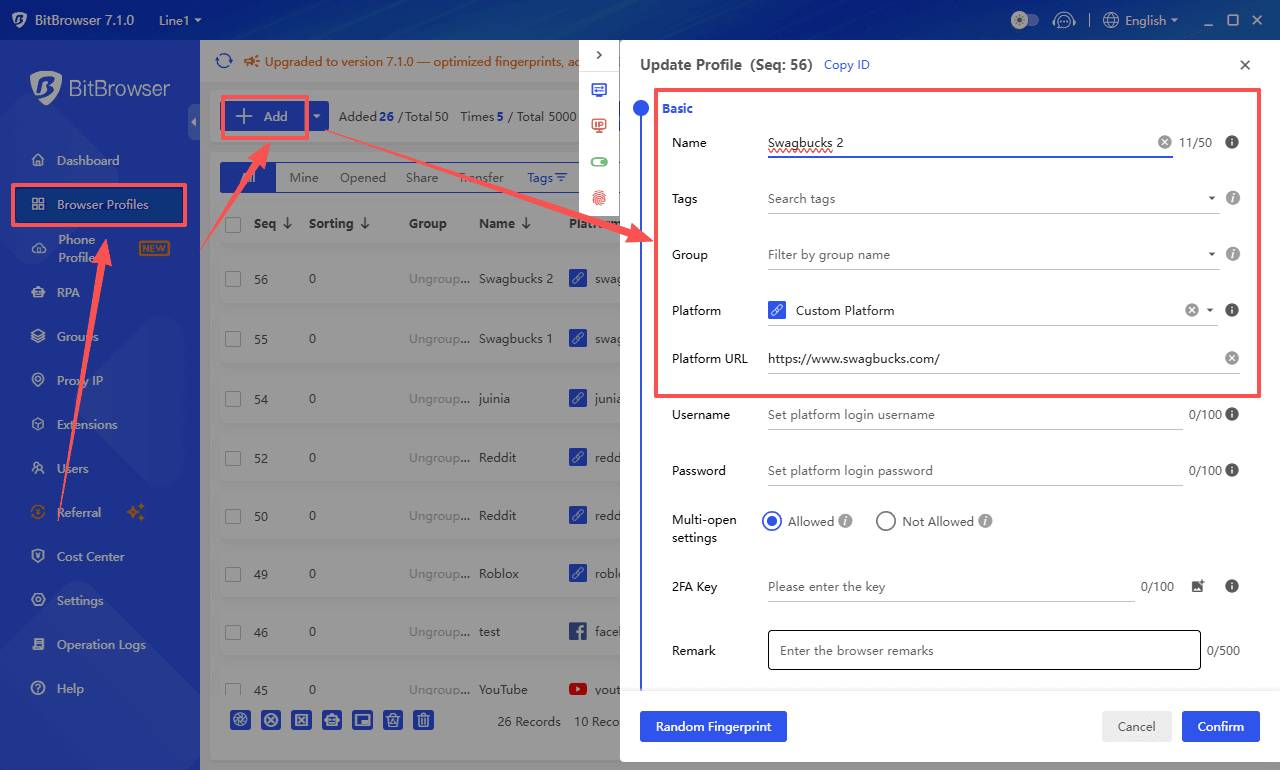
Many earning platforms limit one account per person. With BitBrowser, you can create multiple independent browser profiles, each with its own cookies, fingerprints, and IP settings. This lets you:
· Test different strategies simultaneously
· Avoid account bans due to accidental overlaps
· Keep personal and work profiles separate
2. Protect Your Privacy
Websites track your activity, location, and device info to detect suspicious behavior. BitBrowser shields your personal data and hides your fingerprint, helping you browse internet securely and anonymously:
· Stay compliant with platform rules
· Avoid unnecessary account flags
· Make your online work more secure
3. Save Time on Repetitive Tasks
Using multiple websites often means logging in and out, switching accounts, and managing cookies. BitBrowser lets you:
· Open multiple sessions at once without conflicts
· Quickly switch between profiles for different tasks
· Streamline your workflow for faster earnings
4. Compatible With All Earning Platforms
Whether you’re completing surveys, testing apps, doing microtasks, or selling your skills, BitBrowser works seamlessly with every major platform mentioned in this guide.
Pro tip: For beginners, starting with one or two profiles is enough. As you get comfortable, you can scale your operations safely without risking bans or account suspensions.
FAQ
Are these websites legit?
These are established platforms utilized by companies, researchers, and clients to hire participants, testers, tutors, and freelancers. However, it's important to adhere to basic safety rules: don't pay to get paid, and avoid sharing sensitive personal information unless it's explicitly required by the platform for tax/payment purposes.
How much can a beginner realistically make?
It depends on time, location, and consistency. Many beginners start with a few hundred dollars per month using surveys, user testing, and research studies. Higher earnings usually come from tutoring, freelancing, or building digital products.
Do I need experience to start?
For research studies and user testing, not really. For tutoring and freelancing, it helps, but beginners can start by offering entry-level services and improving as they go. Platforms like Contra and Preply can work well if you keep your offer simple.
Which ones pay the fastest?
Research study platforms and some user testing platforms can pay quickly, depending on the study and payout method. Prolific is also known for reliable payouts. Exact timing varies, so always check each site’s payout policy.
Can I use more than one platform at the same time?
Yes, and it’s usually smarter. Mix one “quick money” platform (studies or testing) with one “skill builder” platform (tutoring, freelancing, or Gumroad) so you’re not stuck doing only low-paying tasks forever.
What should I avoid?
Anything that asks you to pay upfront to access jobs, anything that requires you to recruit friends to get paid, and any “opportunity” that can’t explain clearly how you earn and when you get paid.
Conclusion
Making money online in 2026 is easier than ever, but success comes down to strategy, consistency, and the right tools. By exploring platforms like Swagbucks, Upwork, TaskRabbit, Shutterstock, Rover, Studypool, Prolific, and Honeygain, you can build multiple income streams—from microtasks and surveys to freelancing and passive earnings.
Avoid common mistakes like rushing tasks or neglecting your profile, and consider using BitBrowser to manage accounts safely, protect your privacy, and streamline your workflow. Start small, stay consistent, and gradually scale your efforts. With persistence and smart strategies, your free time can turn into a steady source of online income.

 Multi-Account Management
 Prevent Account Association
 Multi-Employee Management
Recommended
See More 



