How to Browse Facebook Anonymously in 2026: Methods That Actually Work
 2026.02.05 12:17
 YT.Shi
Ever wanted to check out Facebook profiles or pages without leaving a trace? I recently spent some time experimenting with anonymous browsing, and let me tell you: it’s more complicated than I thought. Most people think a simple private browser window or VPN is enough, but Facebook still tracks your device, your IP, and even your browsing patterns.
Also, common misconception number one. Being logged out does not automatically mean you’re invisible. It just means Facebook has fewer direct identity signals. But they still have a lot.
In this guide, I’ll share both basic methods for casual users and professional solutions for researchers or multi-account managers.
How Facebook Tracks You (even if you try to be "anonymous")
Anonymous browsing matters for normal reasons (privacy, not wanting your searches to get “suggested”, checking a business page without becoming a breadcrumb in their insights) and also for slightly awkward reasons (checking an old event page, looking up a brand’s posts, seeing if a scam page is still active, quietly researching someone before buying something on Marketplace, that kind of thing).
Facebook doesn’t have a universal ‘profile view’ notification. Most of the time, the person you are looking at will not get a “X viewed your profile” alert. But that doesn’t mean you’re anonymous. Facebook itself still sees the visit and can connect dots.
Here is what really surprised me when I dug in.
Even if you are logged out, Facebook can still track a lot about you.
● Network and device info: IP address, device type, OS, screen size, language, sometimes even installed extensions
● Cookies and local storage: old cookies can link sessions across visits
● Browser fingerprints: WebGL, canvas, fonts, and other patterns
● Behavioral data: which pages you visit, how long you stay, what you click
● Interactions: liking, commenting, joining groups, typing in the login box, even attempting to log in can give clues
Logged in, Facebook sees all of the above plus your account identity.
So the real question is: how anonymous do you actually need to be?
What you can and cannot do anonymously (public vs private)
This part is simple but people still get it wrong.
What you can do anonymously (sometimes)
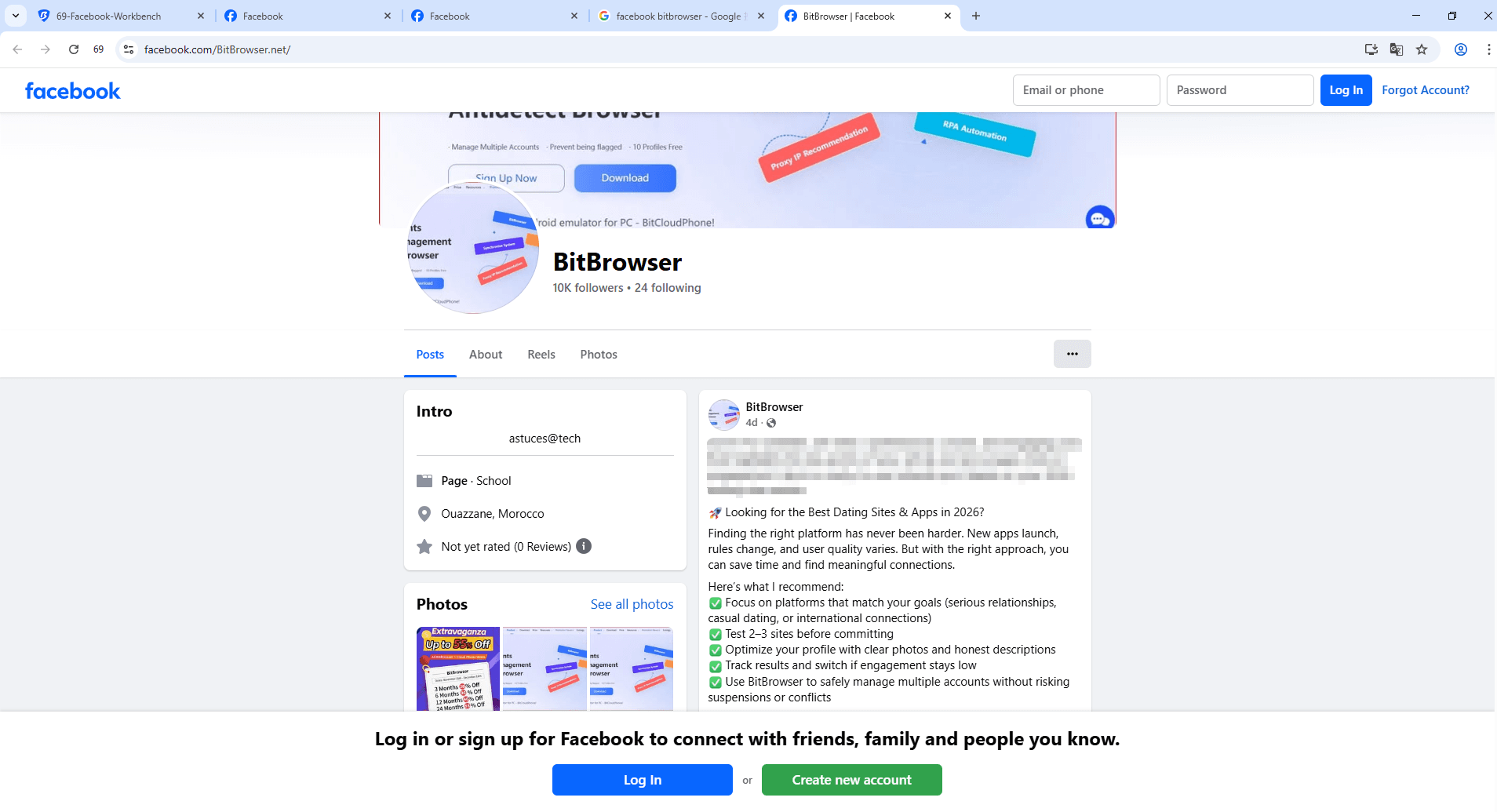
If a page or post is public and Facebook doesn't aggressively gate it behind login (they do this more often now), you can often:
● View public Facebook Pages (businesses, creators)
● View public posts and some comments
● View some public profiles (limited, depends on their settings)
● View public photos that are shared publicly
● Read public group previews (not the posts inside)
What you cannot do anonymously
You cannot anonymously access content that is actually private:
● Private profiles or friends-only posts
● Posts inside private groups
● Stories shared to friends/followers only
● Marketplace chats, profile history, mutual friends lists (usually)
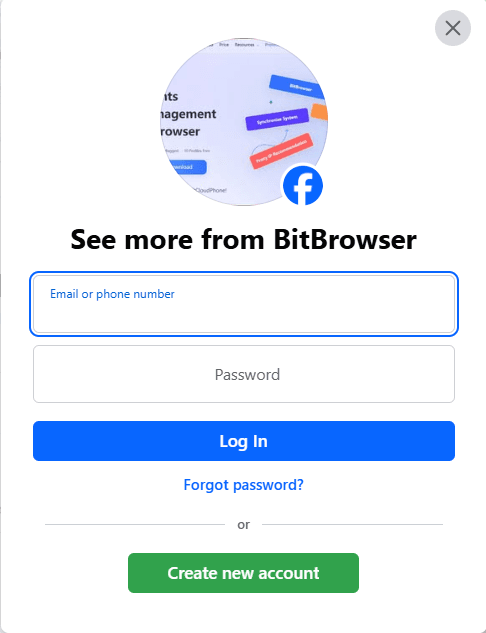
● Anything that requires login
And also, even if you can see something, you may not be able to do it consistently without getting blocked, rate limited, or forced into login walls.
Common scenarios (what works)
● Checking a business page’s latest posts: usually works logged out, but sometimes triggers login walls.
● Reading comments on a viral post: often works, sometimes limited.
● Looking at a specific person’s profile: depends heavily on their privacy settings and whether Facebook forces login.
● Researching multiple profiles/pages quickly: you’ll hit friction without better isolation (cookies, fingerprint, IP).
Methods to browse Facebook anonymously in 2026
I’ll go from simplest to more “professional”.
Method 1: Logged out browsing (the basic baseline)
This is the easiest and still useful.
How:
1. Log out of Facebook (and Instagram if you want to be extra cautious)
2. Clear Facebook site data (cookies + storage), or use a separate browser profile
3. Visit Facebook links directly
Here are some practical tips that make this method even more effective:
● Access public pages. Many businesses and organizations maintain pages that anyone can view without logging in.
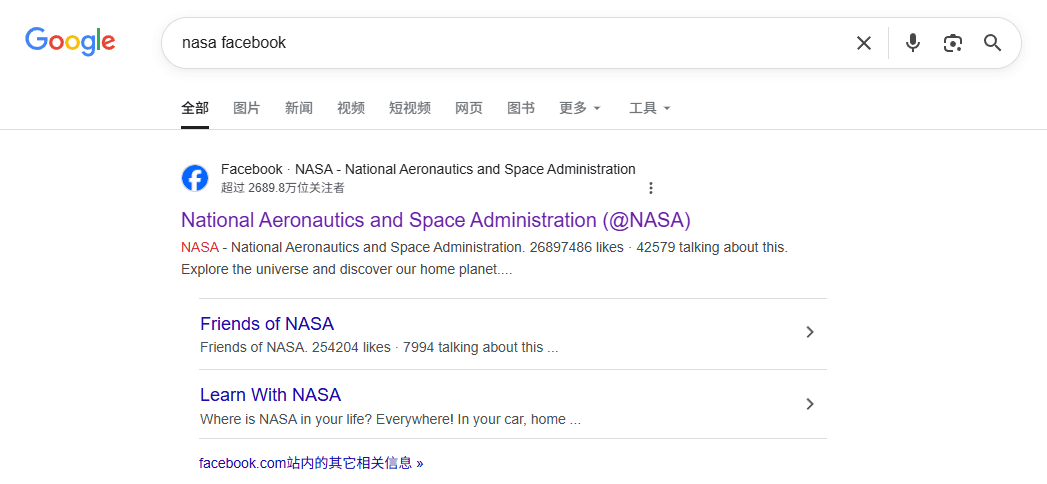
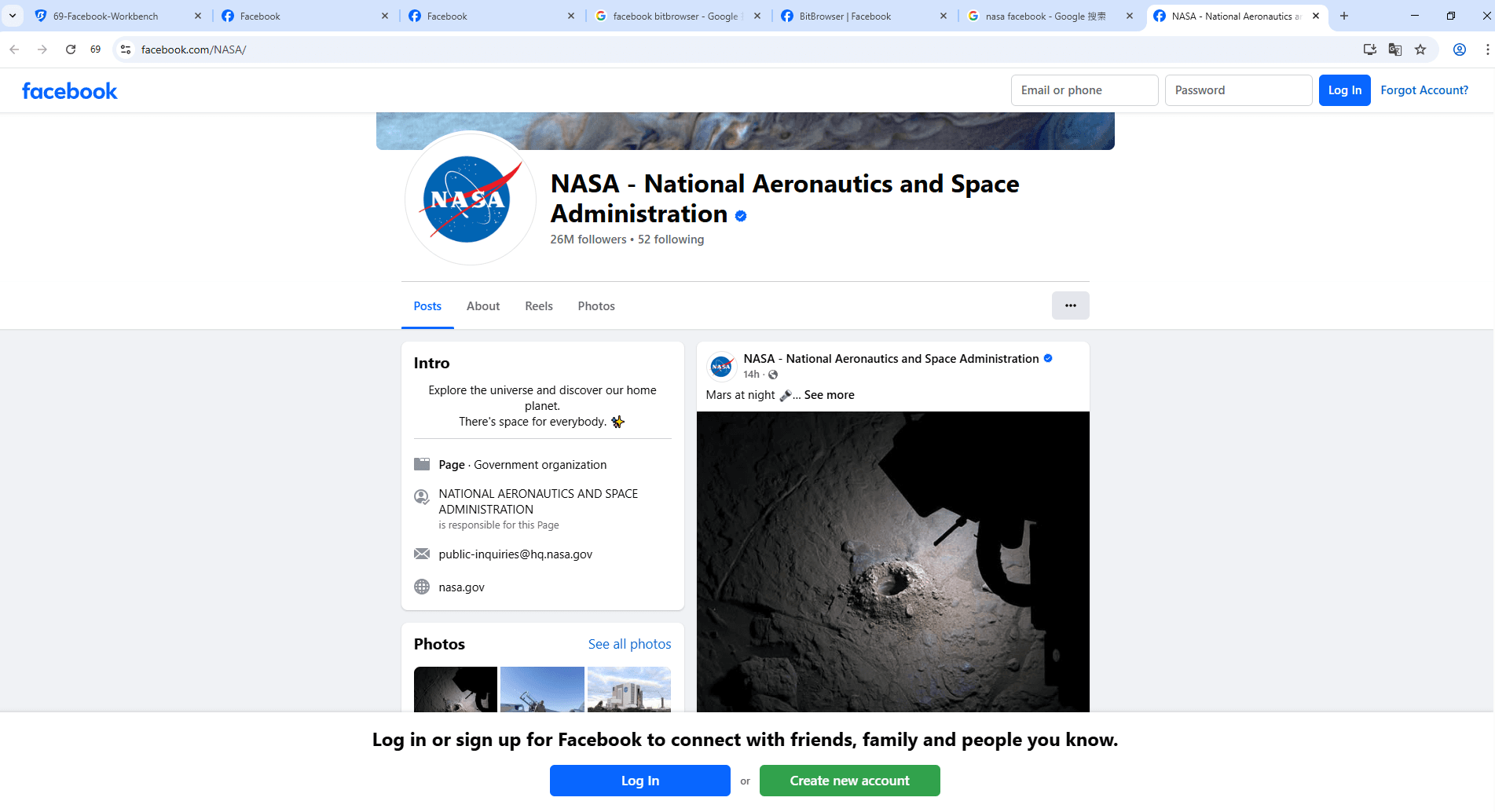
● Use search engines to find pages. Simply type the name of the page or organization followed by "Facebook." For example, searching for "NASA Facebook" will take you directly to their public page.
● Use Google site search. Enter site:facebook.com [keyword] to uncover public posts, groups, or events related to your interests.
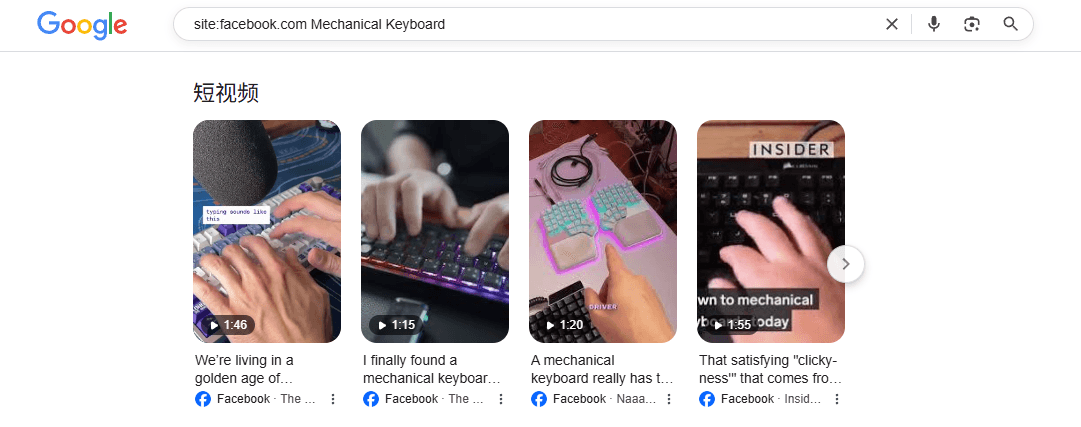
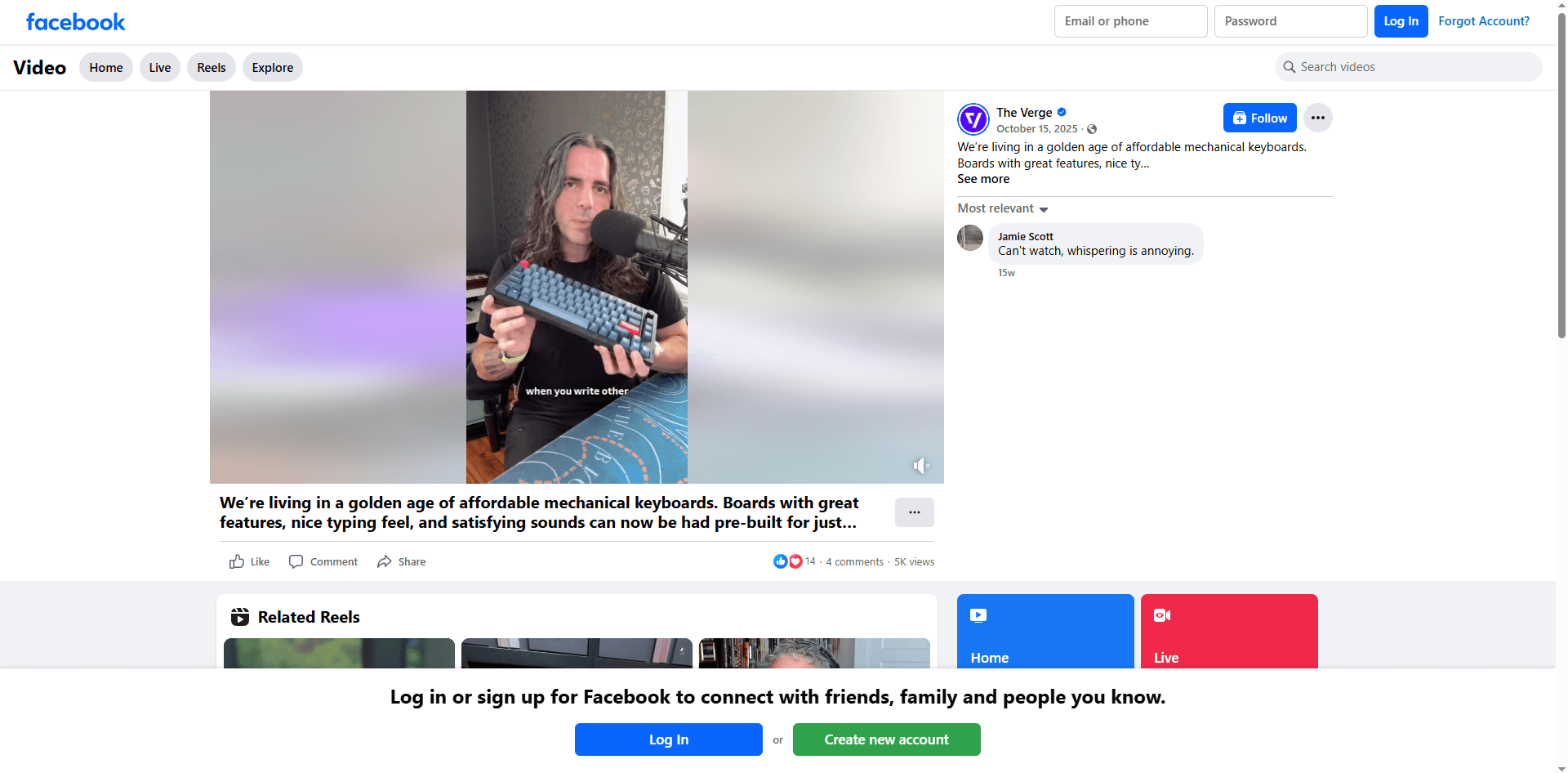
● Remember that a lot of information is publicly available. Event listings and community discussions are often accessible without signing up.
Pros:
● Quick and easy to start
● No account identity attached
Cons:
● Facebook still gets IP + fingerprint
● You’ll hit login walls more often in 2026
● Some content won’t load fully
If your goal is just “don’t let my account be involved”, this is a decent start.
Method 2: Incognito / Private mode (helpful, but not magic)
Incognito does one thing really well: it isolates cookies and storage per session.
But it does not hide:
● your IP
● your browser fingerprint (mostly)
● your device identity patterns
Private Browsing Modes in Popular Web Browsers
| Browser | Method 1 | Method 2 |
|---|---|---|
| Chrome | Press Ctrl + Shift + N (Windows, Linux, Chrome OS) | Click the (┇) in the top-right corner, then select "New Incognito window" |
| Firefox | Press Ctrl + Shift + P (Windows) or Command + Shift + P (Mac) | Click the (☰) menu in the top-right corner, then select "New Private Window" |
| Edge | Press Ctrl + Shift + N (Windows) or Command + Shift + N (Mac) | Click the three dots (•••) in the top-right corner, then select "New InPrivate window" |
| Safari | Press Command + Shift + N (Mac) | Click "File" in the top menu bar, then select "New Private Window" (or "New Private Tab") |
How I use it:
1. Incognito tab + logged out
2. Close the whole incognito window when done
3. Reopen fresh next time
Pros:
● Reduces cookie based linking
● Easy habit
Cons:
● Fingerprint still similar
● Some people think it’s “anonymous”. It’s not.
Method 3: VPN (good for hiding IP, not enough alone)
If you’re trying to reduce linkability, changing your IP helps a lot.
A VPN helps by hiding your real IP from Facebook, lowering ISP level tracking, and in some cases making your browsing appear to come from a different region. That alone is often enough to avoid obvious “same IP” correlations across sessions.
That said, a VPN is not a magic shield. It does nothing to prevent fingerprint linking, cookie based tracking, or account level linking if you later log in from the same browser or device.
Basic setup:
1. Turn on VPN
2.Use incognito or a clean browser profile
3.Browse logged out
Pros:
● Better anonymity than incognito alone
● Helps avoid “same IP” correlation across sessions
Cons:
● VPN IPs can be flagged (extra checkpoints, login walls)
● If you log in on the same browser/device later, linking can still happen
Method 4: Facebook Profile Viewer
This is the category people ask about constantly.
And yes, there are tools that claim to let you view Facebook profiles anonymously.
Some names you mentioned:
● Faceb.com: A simple login-free Facebook Profile Viewer that lets you view and download public photos, videos, and posts by pasting a profile link.
● Viewri Facebook Profile Viewer: Offers a simple, fast interface for viewing public profile information without logging in, with a clean web interface and mobile responsiveness.
● Facebook Friend Viewer (via Viewri): Specifically focuses on browsing public friend list information from public profiles without a Facebook account, again limited to what is publicly available.
● TTOK.com Facebook Profile Viewer: Similar to other viewers, this tool lets you paste a public Facebook URL and browse content anonymously, with support for downloading public media.
● Spokeo: Not a true Facebook Profile Viewer, but a people search platform that surfaces Facebook-related data alongside other public and commercial records.
Here’s the honest reality in 2026:
● Some tools are basically scrapers that show whatever public data they can fetch.
● Some tools are people search / data broker platforms (Spokeo is more in this category), which may show aggregated info, not “live Facebook browsing”.
However, it's important to note that many of these tools are often used in the context of corporate surveillance, where they aggregate and sell personal data without consent. Thus, while these tools may provide some level of information retrieval, they also pose significant privacy risks.
They can sometimes show public page or post previews, display cached snippets, and help locate public profile links that are already publicly accessible.
What they cannot reliably do is access private profiles, show friends only content, bypass group privacy, or guarantee “anonymous” browsing in the way most people actually mean it.
My caution list (important):
● Do not log into Facebook through random “viewer” sites.
● Do not give them your email/phone unless you fully trust the company.
● Assume some are collecting clicks, data, or affiliate signups.
If you use these at all, use them as a “public info lookup”, not as a magic invisibility cloak.
Method 5: Anti detect browsers and cloud phones (the professional setup)
For real anonymous browsing, not just hiding history but reducing Facebook’s ability to link sessions together, you need tools built for isolation rather than convenience.
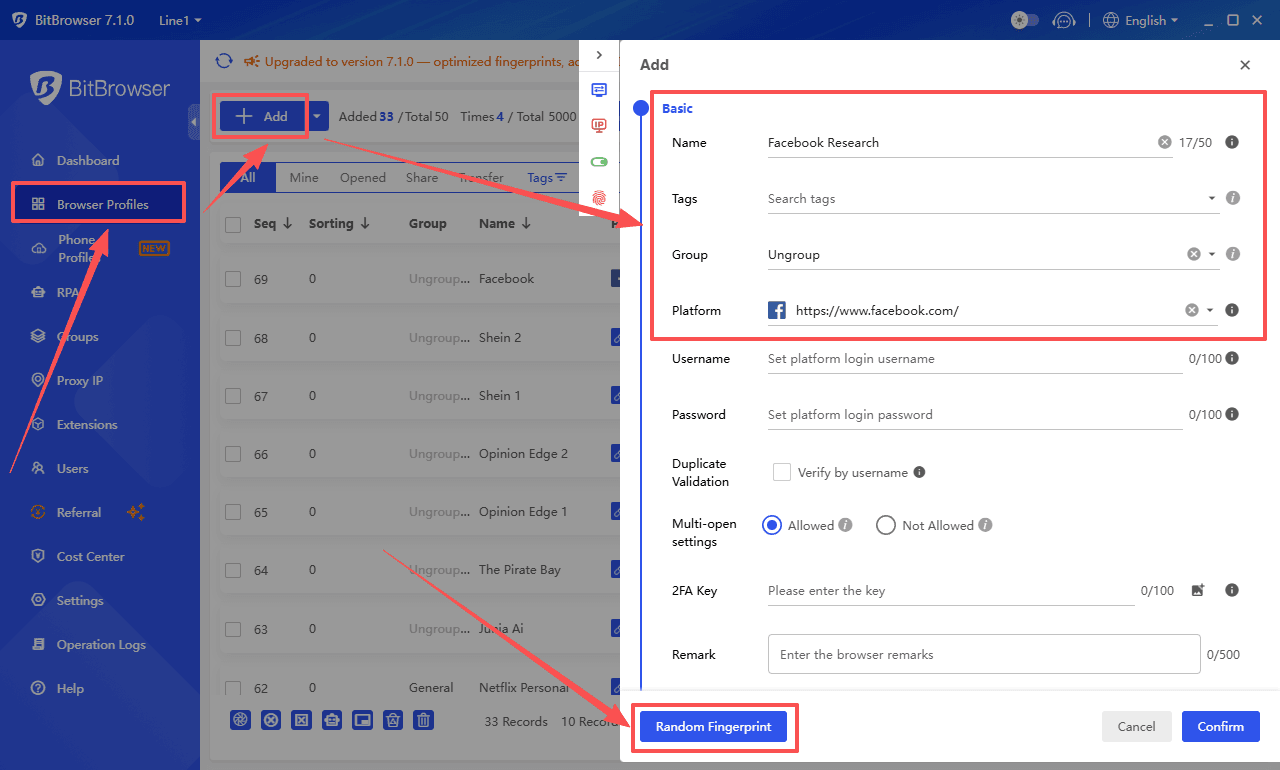
BitBrowser works by creating fully isolated browser profiles, each with its own stable fingerprint, cookies, and environment. To Facebook, every profile looks like a separate, consistent user instead of one person switching tabs or regions.
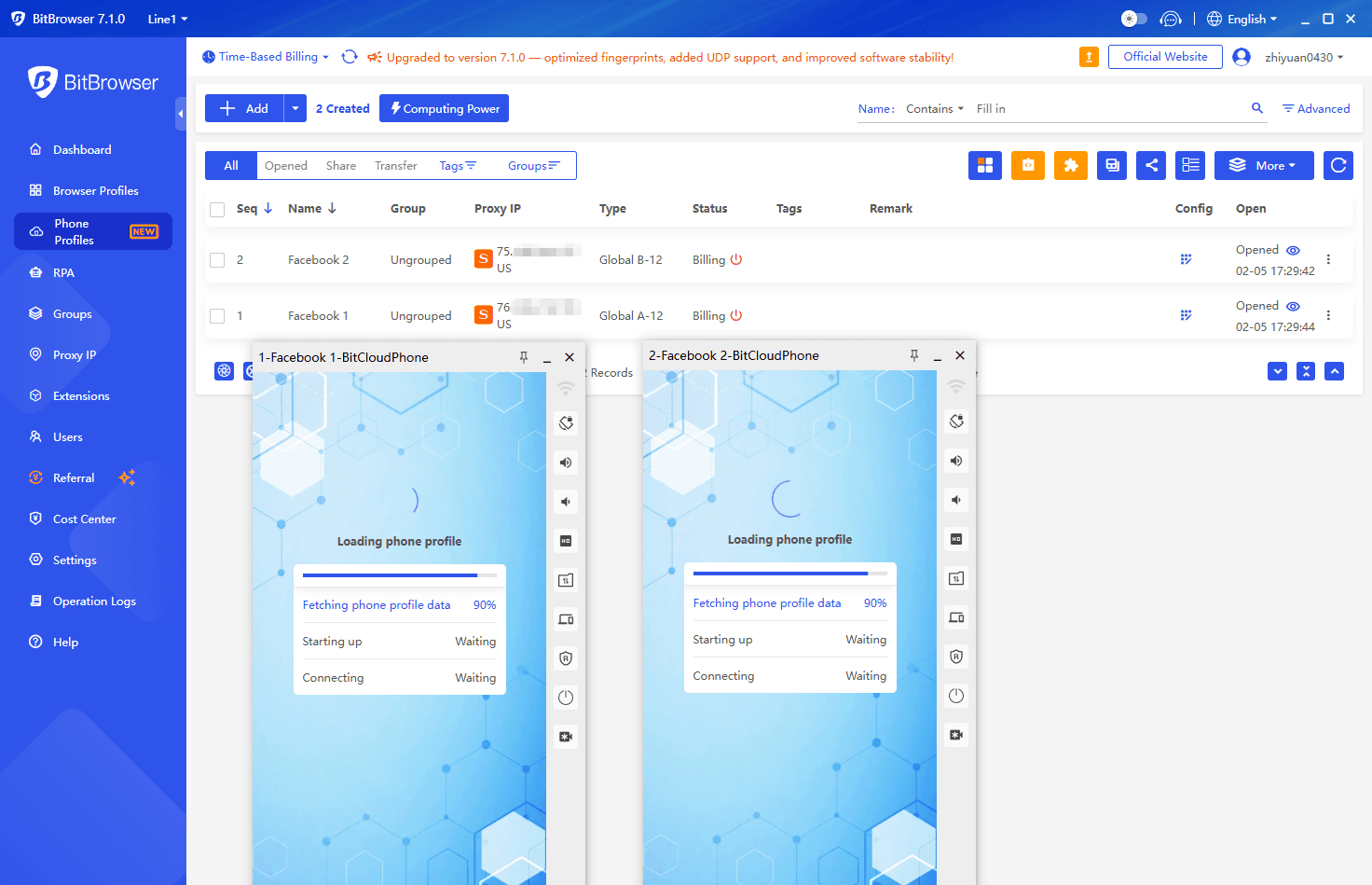
BitCloudPhone extends this idea to mobile. It gives you a cloud based Android device with its own system identity, app data, and behavior patterns, which is especially useful since Facebook treats mobile fingerprints very differently from desktop ones.
What this setup provides:
● Controlled and consistent browser or device fingerprints
● Separated cookies, sessions, and local data
● Reduced risk of cross account or cross task linking
● Much stronger anonymity than VPN or incognito alone
Who this is for: people managing multiple accounts, running cross market research, doing ad verification or competitor tracking, or handling client work where account safety actually matters.
Sign Up
Pro tips to browse Facebook anonymously (what actually helps)
If you’ve ever felt that incognito mode wasn’t doing much, you’re not wrong. Anonymous Facebook browsing is less about one magic tool, and more about reducing how easily Facebook can connect sessions together.
1. Mask what actually identifies you
Facebook still sees your IP and device fingerprint even when you’re logged out. Using a stable VPN or, better yet, residential proxies helps hide your real location, while a clean or isolated browser profile reduces fingerprint overlap. The key is consistency. Constantly hopping locations or devices can look more suspicious, not less.
2. Don’t interact
Liking, commenting, following, joining groups, clicking “Message”, or even typing into the login box gives Facebook stronger signals. Anonymous browsing means observing only. Once you interact, you are no longer invisible.
3. Use search engines to reach public content
Instead of going straight to facebook.com, search for the page or profile by name on Google or another search engine. For example, searching “NASA Facebook” often takes you directly to the public page, bypassing instant login walls. This works for business pages, public profiles, groups, and events that are publicly listed.
4. Isolate accounts if login is required
If you need to access content behind a login, the safest approach is using dedicated research accounts completely separated from your personal ones. Professionals do this with isolated browser profiles or cloud phones so identities never touch. One account, one environment, one IP pool.
5. Know the limits of incognito mode
Incognito keeps history off your device but does not hide IP, fingerprint, or behavior from Facebook. It helps a little, but it’s a baseline, not real anonymity.
If you want higher privacy without going full ops mode, simple habits still move the needle: start with a fresh browser session, clear Facebook site data, stay logged out, access public pages via search engines, keep activity passive, and close the session when you’re done.
That won’t make you invisible. But it will make you much harder to casually link.
Cross platform browsing (Instagram, LinkedIn, TikTok, Reddit)
Reddit: Most content is public, but IP, device fingerprint, and browsing behavior are tracked. Mixing logged-in and logged-out sessions in the same browser can link activity. You can explore comprehensive methods for anonymous browsing on Reddit across PC, iOS, and Android devices.
Instagram: Treat it as the same ecosystem as Facebook. If you’re logged in on the same browser, you might still be linkable through shared infrastructure, cookies, or account behavior. Separate browser profiles matter even more for true anonymity. Many people enjoy exploring reliable Instagram profile viewer.
LinkedIn: Heavy on fingerprinting and behavior signals. Logged-out viewing exists but is limited and often gated.
TikTok: Easier to browse logged out than Facebook, but tracking still occurs. Separate profiles and a VPN help maintain unlinkability.
Across all platforms, the anonymous browsing stack is the same: isolate your browser profile, reduce fingerprinting, manage IP, and avoid interaction.
You can also view the comprehensive guide to safe and anonymous online browsing in 2026.
Conclusion
For ordinary users, anonymous Facebook browsing in 2026 is mostly practical: log out, use incognito or a private browser, add a VPN if you care about IP, and avoid interactions.
For professional work or multi-account setups, you need real separation: anti-detect browser profiles (BitBrowser), IP/proxy per identity, device isolation including cloud Android (BitCloudPhone), and strict separation rules to avoid linking accounts.
The main takeaway: anonymity isn’t a single switch, it’s layers. Most “oops, Facebook connected it” moments happen when one layer is sloppy. Keep it simple, isolated, and don’t click anything you’re unsure about.
FAQ
Can someone see that I viewed their Facebook profile?
Usually no. Facebook doesn’t show a “profile viewers” list. But it still tracks visits, and most third-party viewer tools are questionable at best.
Is incognito enough to browse anonymously?
Incognito helps with cookie isolation but not full anonymity. For stronger privacy, combine it with a VPN, a clean browser profile, and avoid interactions.
Can I browse private profiles anonymously?
No. Private means private. Any claim otherwise only shows public or cached data and may push you toward risky behavior.
Are Facebook profile viewer sites safe?
Some are harmless, many are not. Never log in through them, never provide personal info, and assume they only show public data.
How do I manage multiple Facebook accounts safely in 2026?
Isolation is key: use separate browser profiles (or an anti-detect browser), separate IP/proxy per account, separate cookies/storage, and avoid overlapping behavior. Tools like BitBrowser (fingerprint isolation) and BitCloudPhone (isolated mobile environment) make this setup more reliable.

 Multi-Account Management
 Prevent Account Association
 Multi-Employee Management
Recommended
See More 



