How to Browse Anonymously Online in 2026: Tools, Methods, and Best Practices
 2026.01.08 11:41
 YT.Shi
Anonymous Browsing In 2026 is more important than ever as online tracking technologies evolve. Advertisers, analytics platforms, and internet service providers collect detailed data about user behavior, preferences, and identity.
For people seeking stronger privacy, including journalists, researchers, and everyday users who value anonymity, a layered approach to anonymous browsing is essential. This guide walks you through the tools, methods, and best practices that can help you browse with greater anonymity online.
Why Is Anonymous Browsing Important?
1. The Growing Online Tracking Landscape
Anonymous Browsing protects users from complex tracking ecosystems. Today’s web is built on a complex tracking ecosystem. Most websites embed third party analytics, advertising networks, social widgets, and fingerprinting scripts that collect device data, IP addresses, and behavioral signals.
These tools do more than measure traffic. They help build long term user profiles by linking activity across sites and platforms. Even users who never log in or submit personal information can still be identified, correlated, and tracked over time.
Anonymous browsing reduces this passive data collection by making it harder to reliably identify and follow users across sessions.

2. Privacy, Security, and Personal Freedoms
Anonymous browsing helps protect both personal data and personal autonomy online.
From a security perspective, exposing fewer identifiers lowers the risk of identity theft, account abuse, and targeted attacks. From a privacy perspective, it limits how much behavior can be analyzed, categorized, or used in automated decision systems such as advertising, filtering, or scoring models.
It also supports freedom of expression and access to information, especially when people research sensitive topics or live in environments where online activity can carry social, legal, or political consequences.
3. Data Monetization and Surveillance
Anonymous Browsing helps control what information platforms collect. User data is a core resource in today’s digital economy. Many platforms rely on collecting and monetizing behavioral data through personalization, advertising, or data sharing.
At the same time, regulatory trends such as identity or age verification requirements increase the amount of personal data that must be collected and stored. This expands the risk of misuse, leaks, and long term surveillance.
Anonymous browsing gives users more control over what they expose online. It limits unnecessary data collection and helps maintain a separation between personal identity and online activity in an increasingly monitored digital environment.
How Does The Internet Track You?
1. IP Addresses and Network Metadata
Every time you access a website, your device sends an IP address and related network metadata as part of the request. This information reveals your approximate geographic location, your internet service provider, and often the type of network you are using, such as home broadband, mobile data, or corporate infrastructure.
Without a proxy or VPN, this network layer becomes a stable identifier that links multiple visits, accounts, and actions back to the same connection. Over time, platforms can use this data to associate your browsing behavior with a specific household, organization, or region, even if you never explicitly share your name or account information.
Check your real IP address, or explore other top-tier IP detection tools.
2. Browser Fingerprinting and Device Signatures
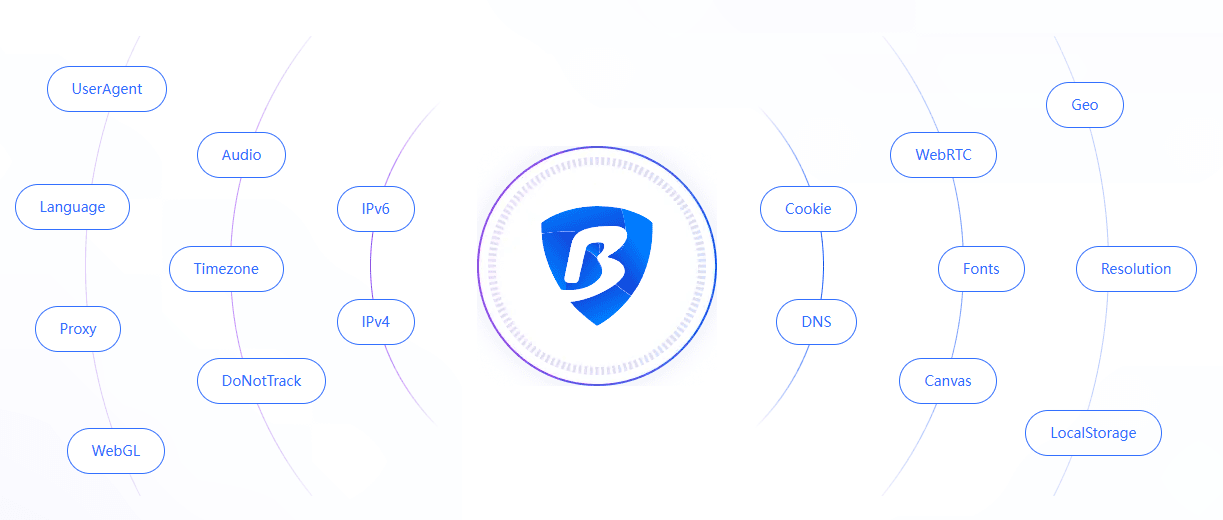
Modern websites collect dozens of technical attributes from your browser and device. These include browser and operating system versions, screen size, installed fonts, language settings, time zone, graphics capabilities, hardware performance signals, and even browser leaks that expose additional identifying details.
When combined, these attributes form a fingerprint that is often unique enough to identify a user across different sites and sessions. Unlike cookies, fingerprints are harder to block or clear because they rely on passive observation rather than stored data. Even when users change IP addresses or use VPNs, the same fingerprint can still be recognized and linked back to previous activity.
3. Cookies, Sessions, and Persistent Identifiers
Cookies and session storage allow websites to remember users between visits. They are commonly used for login persistence, preferences, and analytics, but they also enable tracking across time and across pages.
While users can block or delete cookies, modern tracking systems often combine cookies with fingerprints, IP data, and behavioral patterns to maintain continuity. This layered approach makes it possible to re identify users even after they clear browser data or switch networks.
4. Cross‑Site and Behavioral Tracking
Many platforms participate in data sharing ecosystems that allow identifiers to be synchronized across services. Login systems, advertising networks, and embedded third party scripts make it possible to link activity from different websites into a single profile.
In addition, platforms analyze behavior such as visit frequency, time of access, scrolling patterns, and interaction sequences. These signals help infer user interests, habits, and routines, further strengthening identification even when explicit identifiers are limited.
Together, these mechanisms allow companies and platforms to build detailed, long term profiles that extend far beyond any single website or session.
How to Browse Anonymously Online in 2026?
1. Use a VPN or Proxy to Hide Your IP Address
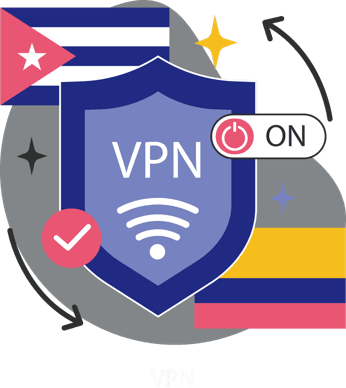
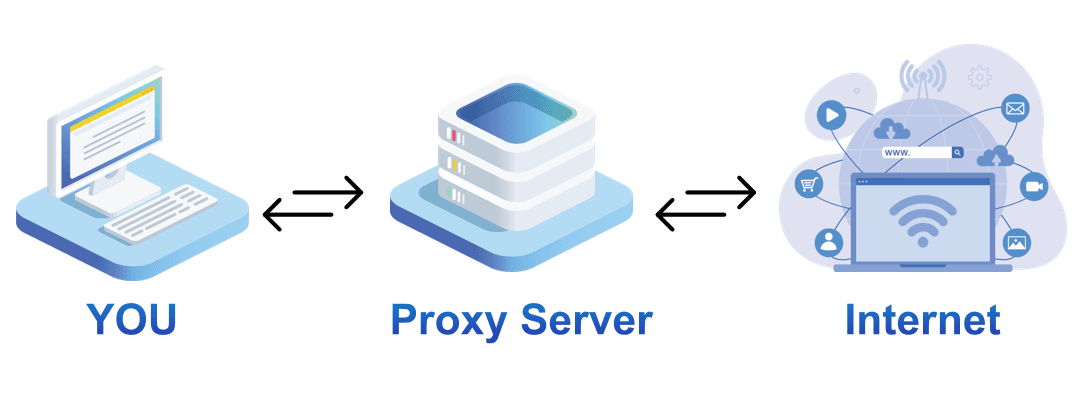
VPNs and proxy services are common entry level tools for anonymous browsing. Both work by routing your traffic through an intermediate server so that websites see the server’s IP address instead of your real one. This helps hide your location, bypass basic IP based restrictions, and reduce simple forms of tracking.
However, neither VPNs nor proxies change your browser fingerprint, device characteristics, or account behavior on their own, so they only improve privacy at the network level rather than providing full anonymity.
A VPN creates an encrypted tunnel between your device and a VPN server, which hides your real IP address and protects your traffic from your internet service provider, local network observers, and attackers on public Wi Fi. This makes VPNs useful for protecting data in transit and bypassing regional or network restrictions, but they do not prevent identification through cookies, logins, fingerprints, or behavioral patterns. For this reason, VPNs are best used as a baseline layer and combined with browser level privacy controls when stronger anonymity is required.
A proxy also routes traffic through another server, but usually without encryption and with lighter overhead. Proxies are often faster and easier to rotate than VPNs, which makes them suitable for changing IP addresses frequently or performing simple access bypass. At the same time, proxy providers may see the traffic passing through them, and proxies do not protect against fingerprinting, session tracking, or cross site correlation. This makes them useful for basic IP management, but not for protecting identity or sensitive activity on their own.
2. Use an Anti-Detect Browser to Prevent Fingerprint Tracking
Anti‑detect browsers provide isolated browser profiles with separate cookies, storage, and unique fingerprints, which helps prevent accounts and activities from being linked across sessions. This makes them especially useful for managing multiple identities in parallel without shared data exposure.
They are commonly used for managing multiple social media accounts, operating e commerce and advertising profiles, and running automation or testing workflows that require consistent but separate identities. Unlike VPNs and proxies, which only change network level identifiers, anti detect browsers focus on isolating browser level identity and behavior.
BitBrowser is a powerful anti detect browser designed for advanced anonymous browsing and account management. It provides profile level isolation with customizable fingerprints, separate cookies, and independent storage, making it difficult for websites to link your activity or accounts across sessions.
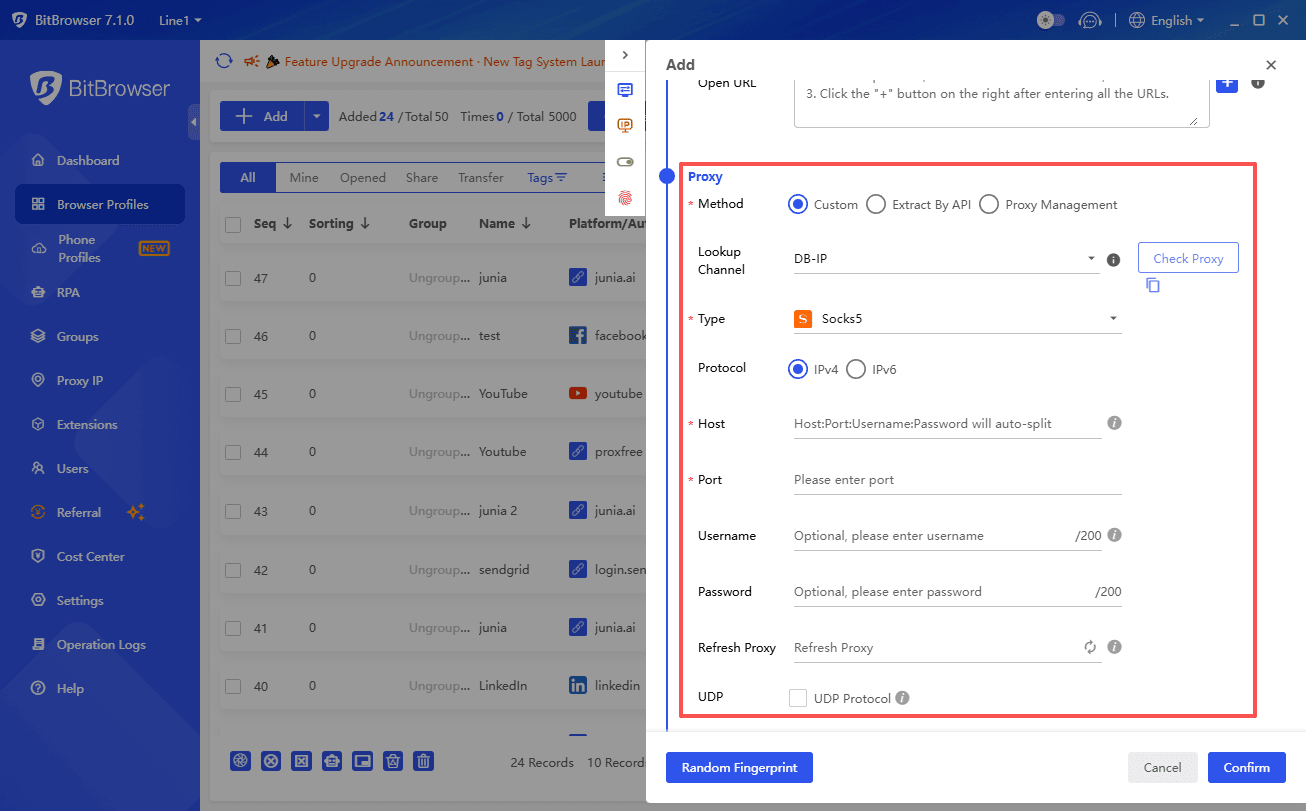
Combined with VPNs or proxies, each profile can operate through its own network route, allowing users to merge network level privacy with browser level isolation in a single workflow. This makes BitBrowser especially useful for managing multiple accounts or exploring platforms like Reddit anonymously, without leaving persistent traces.
Key advantages include:
· Isolated browsing profiles: Unique fingerprints and independent storage for each profile.
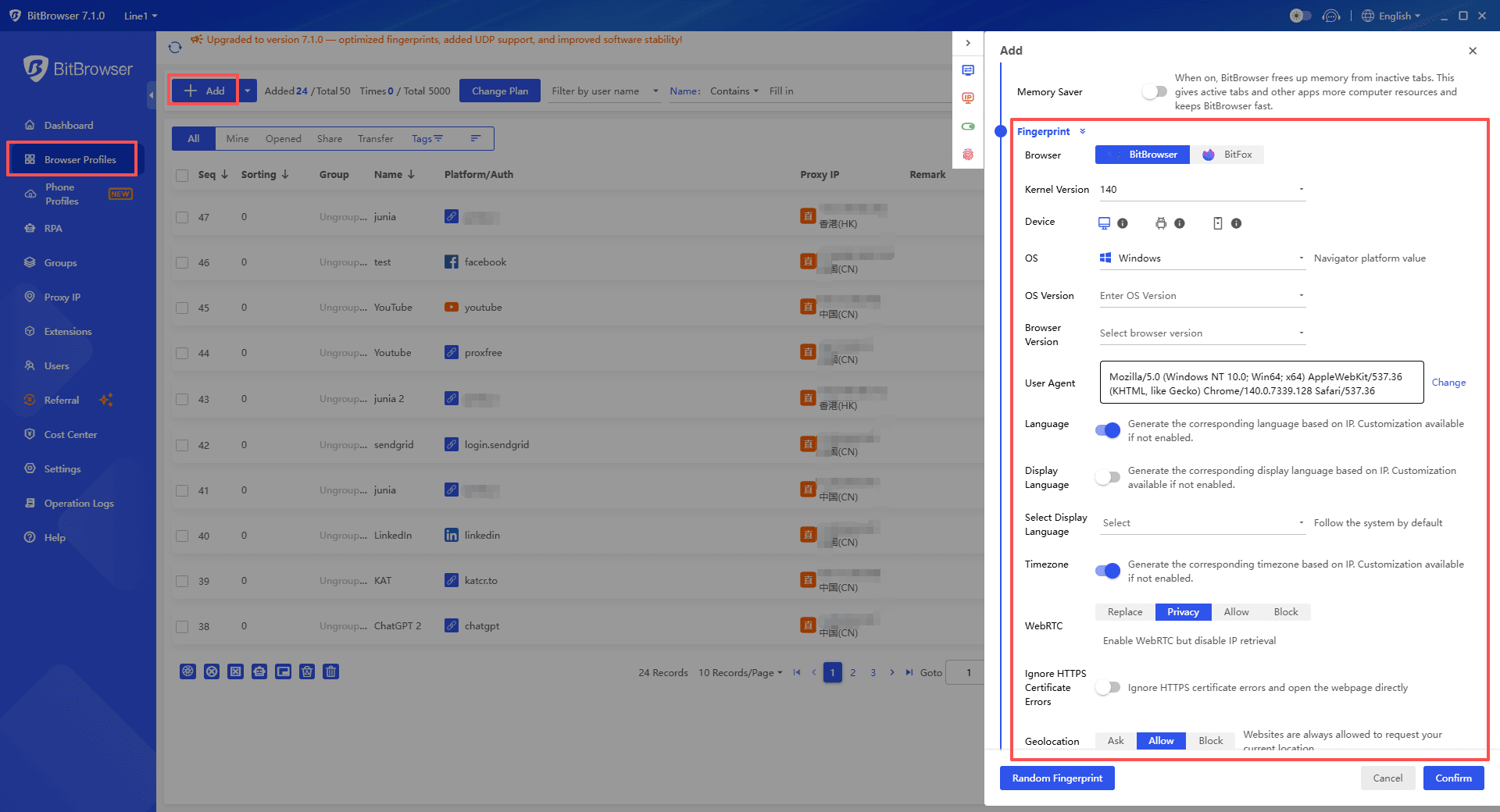
· Network flexibility: Works with VPNs or proxies to enhance IP separation and privacy.
· Platform specific anonymity: Enables anonymous browsing on Reddit and other sites while preventing account linking.
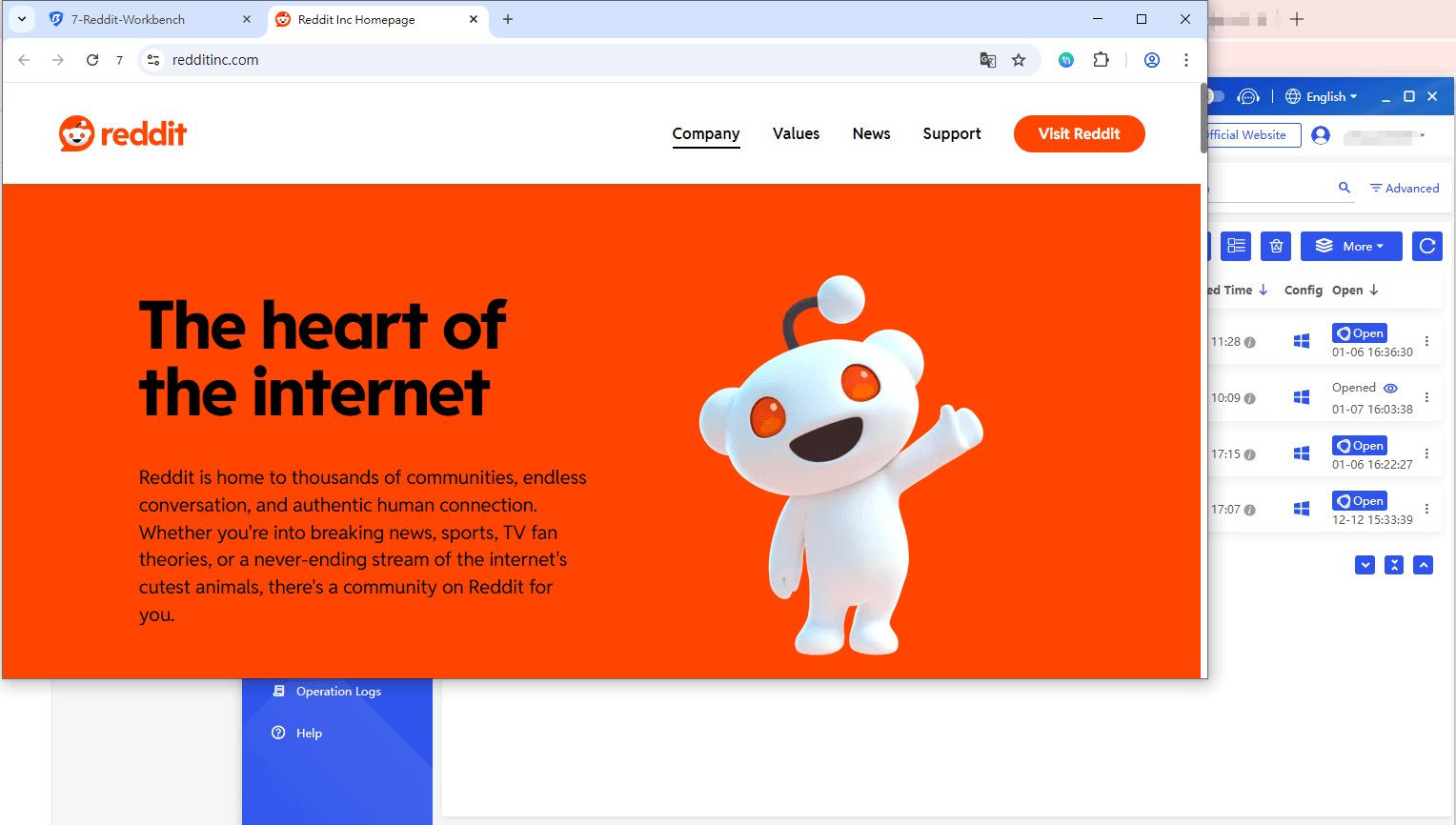
· Advanced privacy layering: Adds a robust layer of protection beyond standard VPNs or proxies, ideal for sensitive activity or multiple accounts.
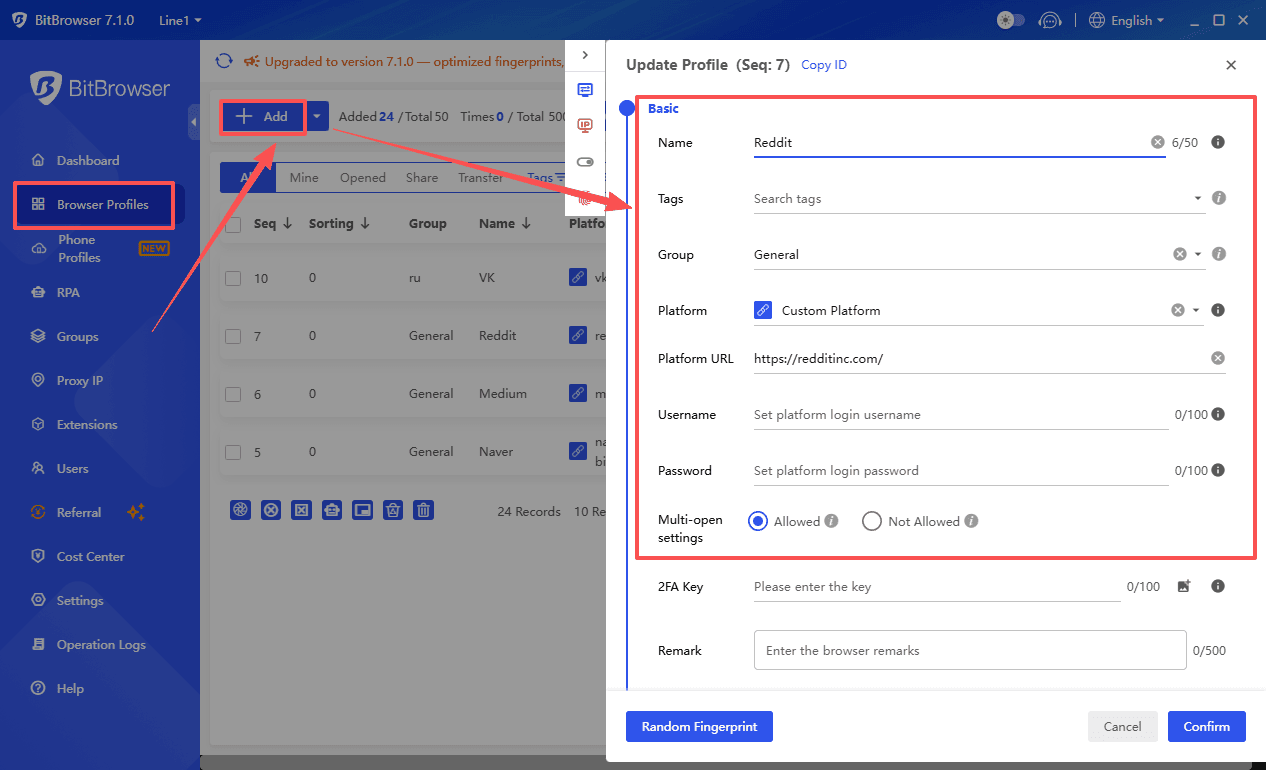
Best for: Preventing e-commerce seller account linking; Managing multiple identities; Advanced anonymous browsing setups
With these features, BitBrowser helps users maintain anonymity, manage multiple identities, and browse online communities securely.
►Start with 10 Free Profiles Now!
3. Use an Anonymous Browser for Strong Network-Level Anonymity
Another method to achieve anonymity in 2026 is to use an anonymous browser such as Tor Browser. These tools route your internet traffic through multiple volunteer-operated relays, effectively obscuring your origin and preventing websites from identifying your real IP address.
By applying multi-layer encryption at each relay, anonymous browsers provide strong protection against network-level tracking and surveillance, making it difficult for ISPs or local network observers to monitor your activity.

Advantages:
· Multi-layer encryption: Traffic is encrypted multiple times, providing strong confidentiality.
· IP obfuscation: Multiple relays make it hard to trace requests back to the source.
· Network-level privacy: Highly resistant to ISP monitoring, Wi-Fi sniffing, and regional restrictions.
Limitations relative to anti detect browsers:
Slower performance: Routing through multiple relays reduces connection speed and can affect streaming or real-time interactions.
Website access restrictions: Some sites block known Tor exit nodes, limiting usability.
Limited device and profile isolation: Unlike anti detect browsers such as BitBrowser, Tor does not create separate browsing profiles or unique fingerprints for multiple identities. Browser extensions or additional plugins can also inadvertently expose identifying information.
While anonymous browsers excel at network-level anonymity, they do not provide the same degree of account-level or browser fingerprint isolation as anti detect browsers, making them most suitable for general anonymous browsing rather than managing multiple online identities.
4. Use Privacy-Focused Tools and Browser Extensions (Supporting Tools)
Privacy tools and browser extensions are essential for limiting the amount of information your browser exposes online. While VPNs and anti-detect browsers hide your IP and fingerprint, privacy-focused extensions help reduce behavioral tracking, block scripts, and prevent ad networks from following you across websites. These tools can be installed easily on most modern browsers, and when used correctly, they complement other anonymity measures.
Examples of Effective Privacy Tools:
· uBlock Origin: A lightweight and powerful ad blocker that prevents unwanted ads, trackers, and malicious scripts from loading, reducing your online footprint.
· Privacy Badger: Developed by the Electronic Frontier Foundation (EFF), it learns to block invisible trackers automatically without requiring configuration.
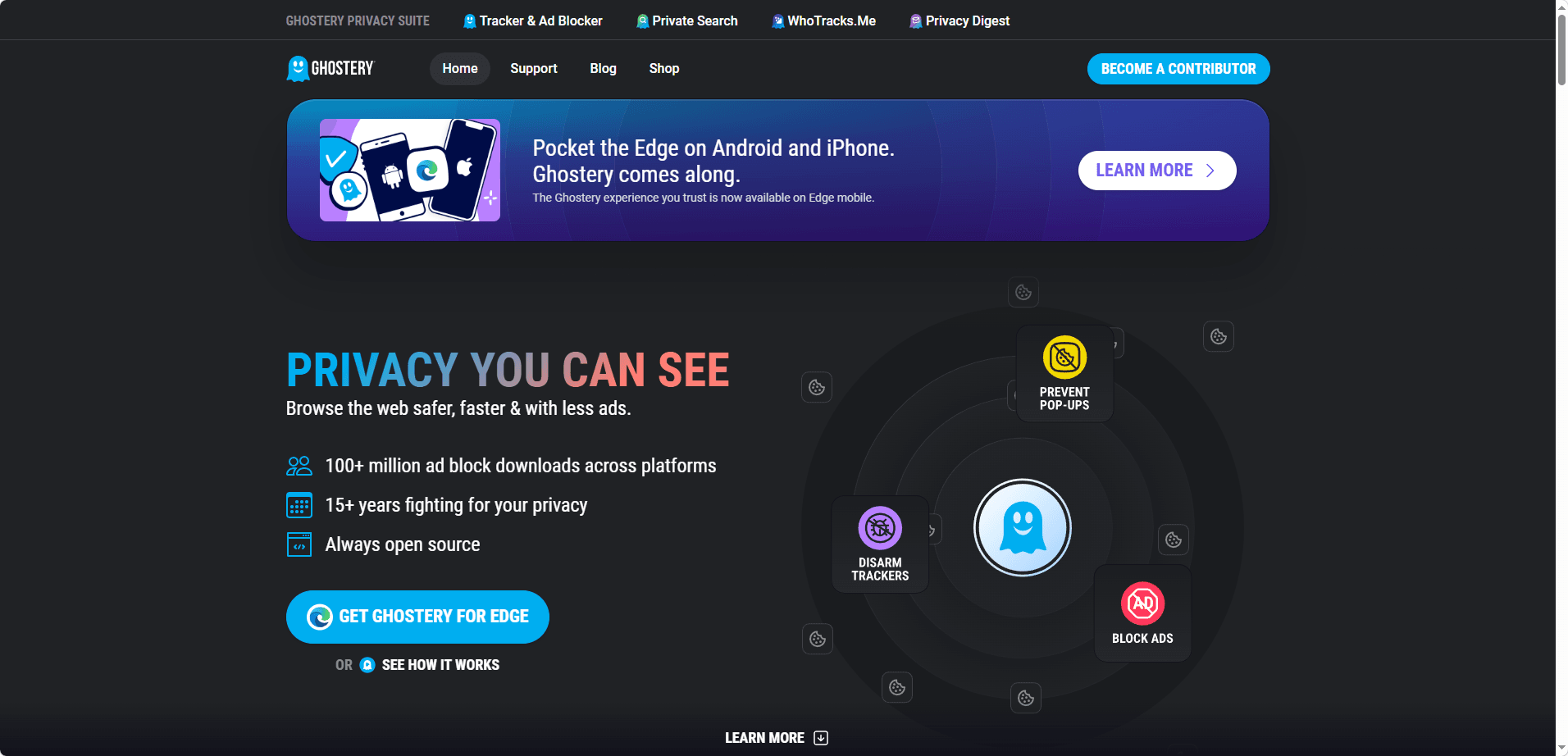
· Ghostery: Ghostery ad-blocking extension can block trackers, intercept intrusive ads, cookies, and many hidden scripts that attempt to track you online.
Tips for Using Extensions Safely:
· Install only trusted, well-maintained extensions to avoid malicious code.
· Avoid using too many extensions, as overloading the browser can inadvertently increase fingerprint uniqueness.
· Regularly update and review permissions for each extension.
5. Use Privacy-Focused Search Engines (Supporting Tools)
Traditional search engines often log queries, track clicks, and build user profiles for advertising purposes. Privacy-focused search engines provide a safer alternative by minimizing data collection, avoiding query logging, and sometimes acting as a proxy to mask your IP. Using these search engines can significantly reduce the visibility of your online searches and prevent tracking across websites.
Popular Privacy-Focused Search Engines:
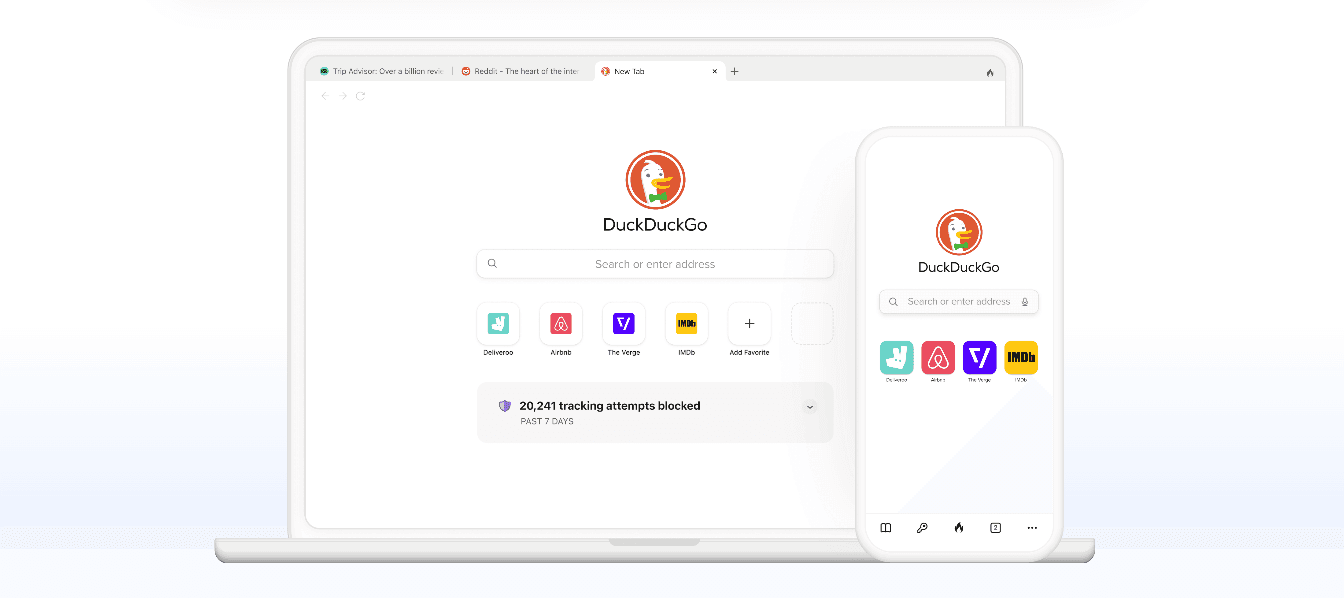
· DuckDuckGo: Does not track searches, blocks trackers, and offers anonymous search results.
· Brave Search: Designed with privacy in mind, it does not profile users or track their search history.
· Startpage: Fetches results from Google but removes all identifying information, effectively acting as a privacy-friendly intermediary.
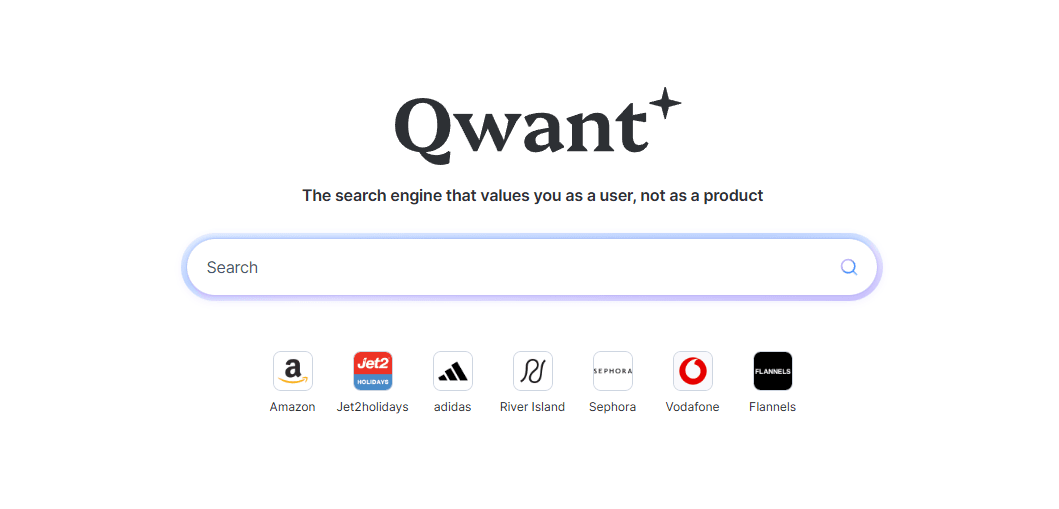
· Qwant: Qwant is a privacy-focused search engine that does not track your searches or sell your data. It organizes search results for easy use.
Tips for Using Privacy-Focused Search Engines:
· Set your browser’s default search engine to a privacy-focused option.
· Combine with VPN or proxy use to prevent IP-level tracking.
· Avoid logging into accounts while performing sensitive searches to maintain query anonymity.
6. Apply Additional Privacy Best Practices (Supporting Measures)
Even with strong tools, small, consistent actions can dramatically improve your anonymity. These practices help reduce persistent tracking, avoid identity linking, and strengthen the overall effectiveness of your privacy setup.
Recommended Practices:
· Use Ad and Tracker Blockers: Blocking ads and trackers prevents websites from collecting data on your behavior and reduces digital fingerprinting.
· Employ Disposable or Alias Email Addresses: For account registrations or temporary services, using a one-time or alias email prevents linking back to your real identity.
· Enable Encrypted DNS: DNS over HTTPS (DoH) or DNS over TLS (DoT) encrypts your DNS requests, hiding the websites you visit from ISPs and local networks.
· Avoid Logging Into Personal Accounts: Stay logged out of personal email or social media accounts while browsing anonymously to prevent activity correlation.
· Use Separate Browser Profiles or Containers: Create isolated environments for different online activities, preventing cross-site tracking and identity leaks.
· Clear Cookies and Local Storage Regularly: Even when using privacy tools, residual cookies and storage can reveal browsing patterns over time.
By combining these small but effective measures with VPNs, anti-detect browsers, and privacy-focused search engines, you can achieve a significantly higher level of online anonymity in 2026.
Conclusions
Staying anonymous online in 2026 works best when you take a layered approach. Using multiple privacy measures together rather than relying on just one gives you much stronger protection against tracking, profiling, and data leaks.
The real key is combining different methods in a way that fits your browsing habits. This lets you keep accounts separate, prevent your activity from being linked, and stay in control of your online footprint. Small, consistent habits matter just as much as the tools you use.
For anyone looking for a complete, easy-to-use solution, BitBrowser brings everything together. With isolated profiles, customizable fingerprints, and flexible network options, it’s designed to help you browse securely, manage multiple accounts, and stay truly anonymous online.
Frequently Asked Questions (FAQ)
Q1: What is the best way to stay anonymous online in 2026?
The most effective approach combines multiple layers of protection. Using a VPN or proxy hides your IP, anti-detect tools isolate your digital identity, and privacy extensions limit behavioral tracking. Pairing these with good browsing habits, like using disposable emails and encrypted DNS, maximizes anonymity.
Q2: Can I remain anonymous while logged into personal accounts?
Logging into personal accounts links your activity to your real identity, which reduces anonymity. For sensitive browsing or multi-account management, it’s best to stay logged out or use separate isolated profiles specifically for anonymous activities.
Q3: Are privacy-focused search engines really effective?
Yes. Search engines like DuckDuckGo, Brave Search, Startpage, and Qwant do not track queries, log user activity, or sell data. When combined with VPNs or anti-detect browsers, they help reduce exposure of your search activity and prevent tracking across websites.
Q4: Do VPNs alone provide complete anonymity?
No. VPNs hide your IP and encrypt traffic, but they cannot prevent browser fingerprinting, cookies, or cross-site tracking. Combining a VPN with anti-detect browsers, privacy extensions, and careful browsing habits is the safest way to maintain anonymity.
Q5: How can I prevent browser fingerprinting from identifying me?
Using anti-detect browsers or extensions that randomize fingerprints and isolate browser profiles is key. Avoid adding too many extensions that could create unique identifiers, and keep language, screen size, and timezone consistent across sessions.