Cannot Log Into Twitter X Fix Login Issues Complete Guide 2026
 2026.04.29 09:18
 petro
petroIf you cannot log into Twitter X you are not alone. Many users face login problems every day. These issues are usually caused by simple and predictable reasons. This guide explains why it happens how to fix it and how to prevent it in the future.
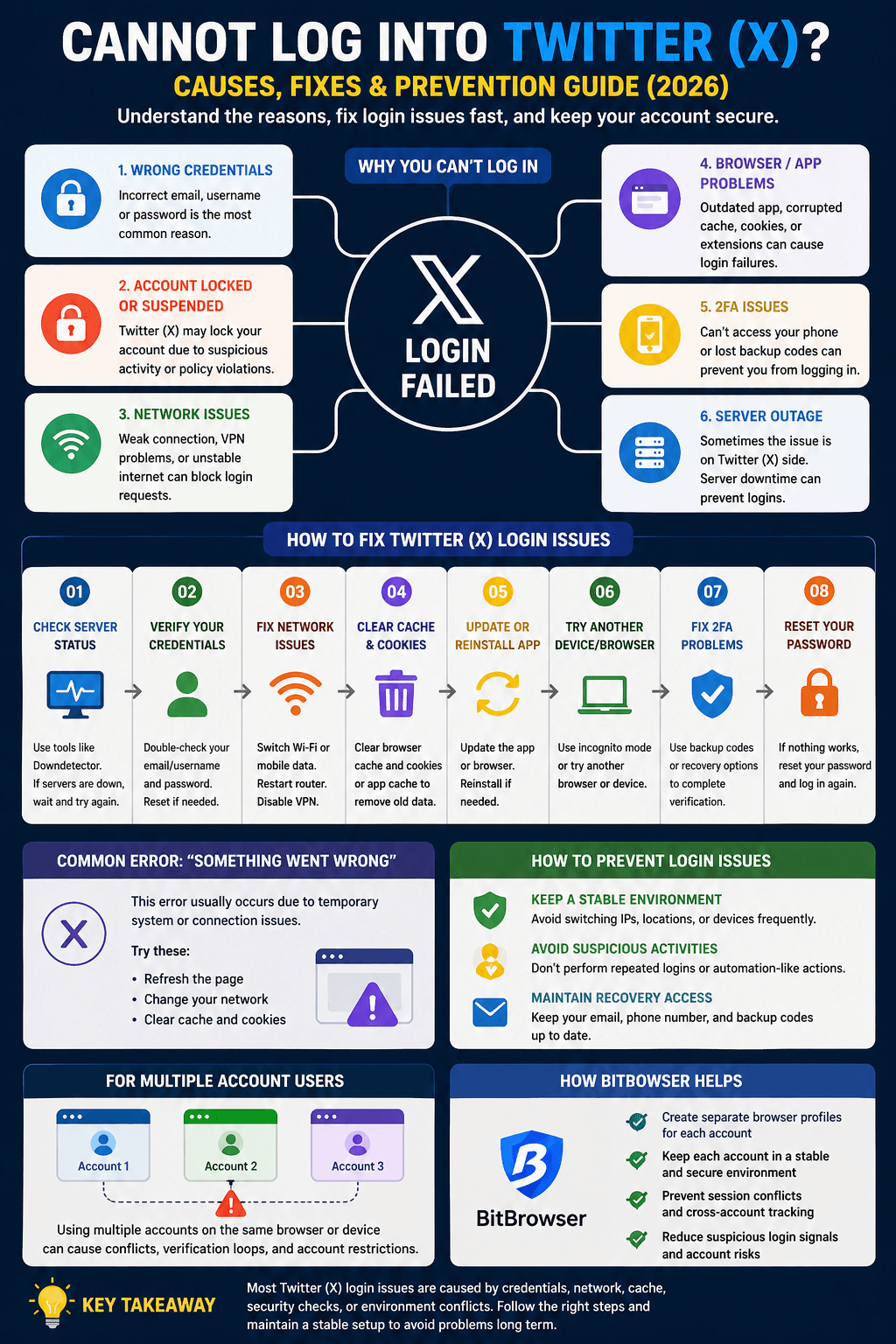
Why You Cannot Log Into Twitter X
Wrong login details
Typing mistakes in email username or password are the most common reason. Even a small error can block access.
Account locked or suspended
Twitter X may lock your account if it detects unusual activity or policy violations. You may need to verify your identity to unlock it.
Network problems
Weak internet connection VPN usage or unstable networks can stop login requests.
Browser or app issues
Old versions corrupted cache cookies or extensions can break the login process.
Two factor authentication issues
If you cannot access your phone or backup codes you may not be able to log in.
Server problems
Sometimes Twitter X servers are down and login will not work for anyone.
How To Fix Twitter X Login Issues
Check if Twitter X is down
Try again later if there is a server problem.Verify your login details
Make sure your email username and password are correct. Reset your password if needed.Fix your network
Switch between wifi and mobile data restart your router and disable VPN.Clear cache and cookies
Remove stored data from your browser or app to fix corrupted sessions.Update or reinstall the app
Use the latest version of the app or browser to avoid compatibility issues.Try another device or browser
Logging in from a different device can help identify the problem.Fix two factor authentication
Use backup codes or recovery options if you cannot access your device.
Reset your password
If nothing works resetting your password often solves the issue.
Common Error Something Went Wrong
This error usually happens due to network or server issues. Refresh the page change your connection or clear cache to fix it.
Why Login Problems Are More Common Now
Twitter X has stronger security systems and detects unusual behavior more easily. This can sometimes affect normal users.
How To Avoid Login Issues
Keep a stable environment
Avoid switching devices locations or IP addresses frequently.Avoid suspicious activity
Do not log in and out repeatedly or act like automation.
Maintain recovery access
Always keep your email phone number and backup codes updated.
For Multiple Account Users
Managing many accounts on the same browser or device can cause login conflicts. This may lead to verification loops or blocked access.
How BitBrowser Helps
BitBrowser creates separate browser environments for each account. This keeps sessions stable reduces conflicts and lowers the risk of login problems.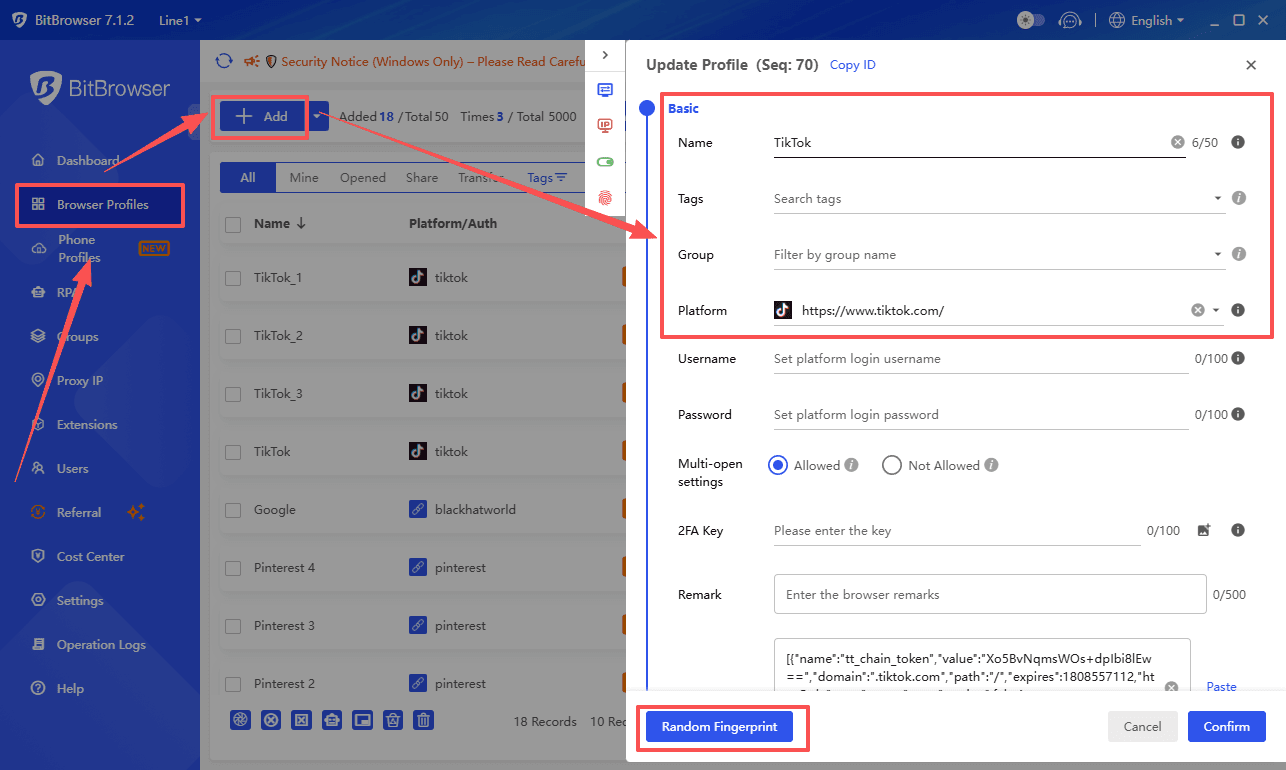
Conclusion
Twitter X login issues are usually easy to fix. Start with basic checks then move to advanced solutions. Keeping a stable setup and good account habits will help you avoid problems long term.