How to Download Pinterest Images in 2026: 5 Working Methods
 2026.05.27 06:51
 YT.Shi
Pinterest is an endless source of inspiration. You might want to save a recipe photo, a design idea, or an outfit reference for offline viewing. While the platform makes it easy to pin images to your own boards, saving them directly to your phone or computer is not always obvious.
This guide covers the most reliable methods to download Pinterest images in 2026, from the official in app button to powerful bulk tools. Every method is explained with clear steps so you can pick the one that fits your workflow best.
Before we dive in, please remember to respect copyright. Only download content for personal use, such as mood boards, private inspiration folders, or offline viewing. Never reupload or claim someone else's work as your own.
If you're looking for instructions on how to download videos from Pinterest, check out this guide.
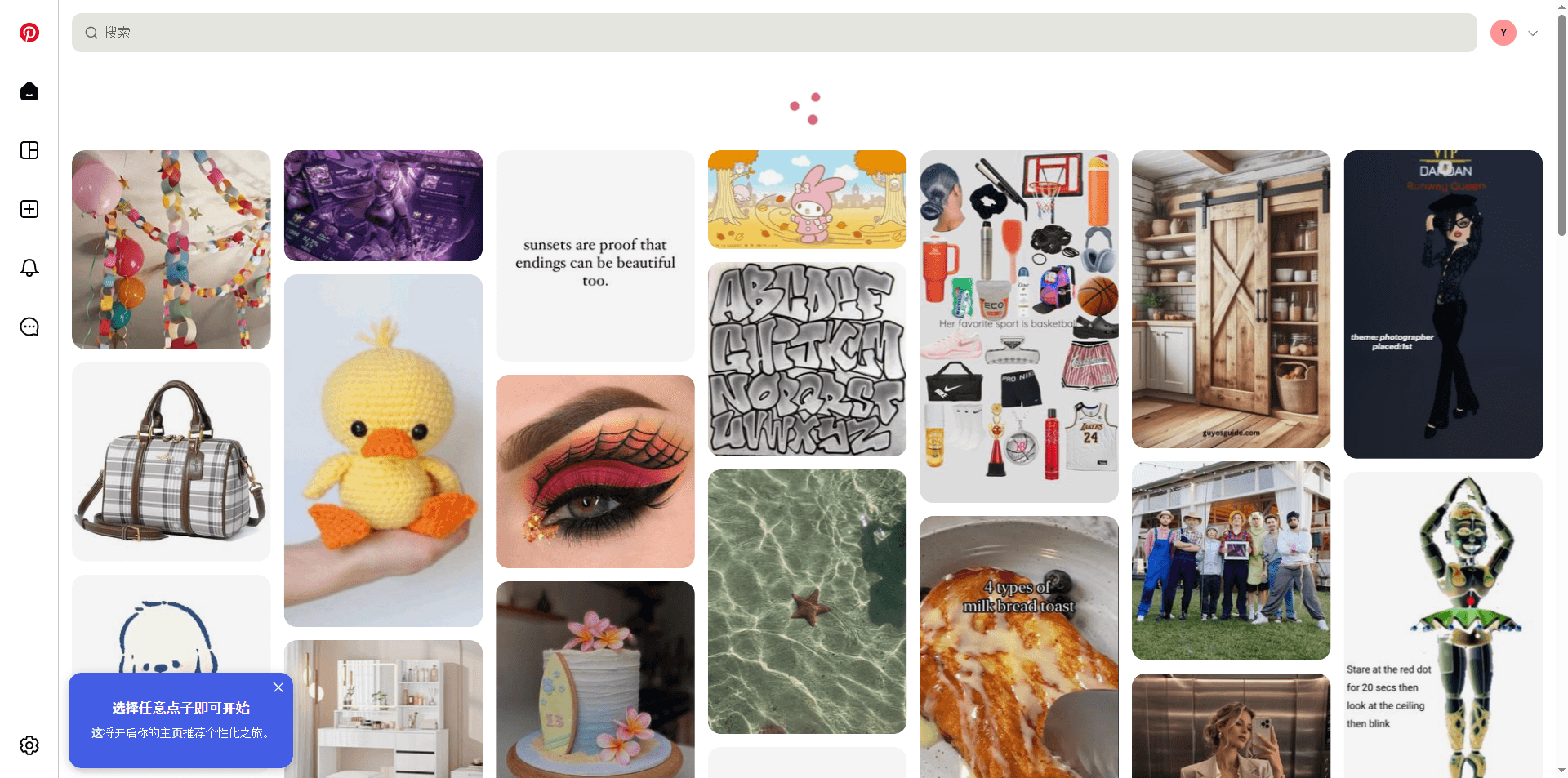
1. The Official Pinterest App Download Method
If you use Pinterest on your phone, the simplest way is to use the built in download feature. This method works for public pins where the creator has allowed downloads.
Step by step for iOS and Android:
1. Open the Pinterest app on your phone and log into your account.
2. Find a pin you want to save. Tap on it to open the full view.
3. Look for the three dots icon in the top right corner of the pin. Tap it.
4. From the menu that appears, select "Download image."
5. The image will be saved directly to your phone's camera roll or gallery.
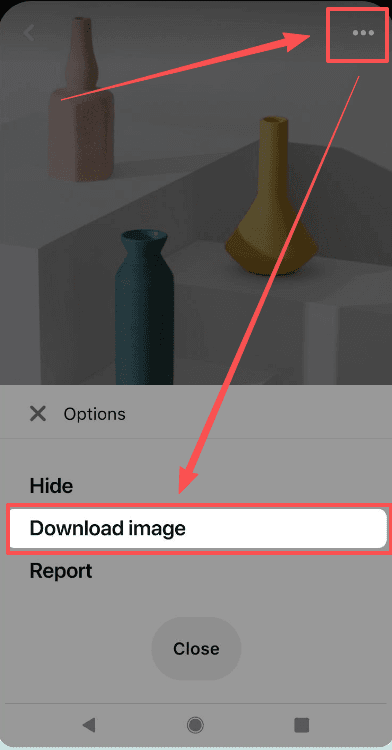
A quick note: this download option only shows up on public pins. If you do not see it, the pin owner has disabled downloads. In that case, you can use one of the alternative methods below while still keeping the content for personal use only.
2. Browser Extensions for One Click Downloads
If you prefer browsing Pinterest on a desktop or laptop, browser extensions are the fastest option. They add a download button right on the pin, so you can save images without leaving the page.
PinDrop
PinDrop is a lightweight extension that focuses on doing one thing well. It fetches the highest resolution available and does not track your activity.
1. Visit the Chrome Web Store and search for PinDrop.
2. Click "Add to Chrome" and wait for the installation to finish.
3. Go to Pinterest.com and browse as usual. Hover your mouse over any pin, and a download icon will appear on the image.
4. Click the icon. The original quality image will download instantly.
Futoo Pinterest Image Downloader
Futoo is great if you want to grab several images from a board quickly.
1. Install Futoo from your browser's extension store.
2. Navigate to any Pinterest board you like.
3. Click the Futoo icon in your browser toolbar. A panel will open showing all the pins on that board.
You can select individual images or choose to download the entire board at once. Futoo also renames files with the pin title, which helps keep things organized.
Zippin
Zippin stands out because it packs an entire Pinterest board into a single ZIP file.
1. Add the Zippin extension to your browser.
2. Open any public board on Pinterest.
3. Click the Zippin button next to the address bar. It will prepare a ZIP file containing all the images from that board.
4. Save the ZIP file to your computer and extract it when you need the images.
3. Online Web Tools That Require No Installation
When you are using a device where you cannot install extensions, like a work computer or a friend's tablet, online downloaders are perfect. They work directly in your web browser.
Pinpea
Pinpea is a clean, fast tool that handles images, videos, and GIFs.
1. While on Pinterest, click the pin you want to download and copy its URL from the address bar. On mobile, tap the share icon and choose "Copy link."
2. Open a new tab and go to pinpea.com.
3. Paste the Pinterest link into the text box on the site.
4. Tap the download button. Pick the quality you prefer. The file will save to your device.
Pinssaver
Pinssaver offers downloads in HD, 2K, or 4K without watermarks.
1. Copy the URL of the Pinterest pin or board.
2. Head over to pinssaver.com on your browser.
3. Paste the link in the provided field and click "Download."
4. After a short processing time, the image or video will be ready to save in high resolution.
4. Bulk Downloaders for Collecting Entire Boards
For larger projects, you might need hundreds or even thousands of images at once. Cloud based scrapers on platforms like Apify are built for this exact task and also let you collect extra data like image dimensions.
PinFetch on Apify
PinFetch is a beginner friendly actor that automatically grabs all images from a board, profile, or pin and packages them into a single ZIP file.
1. Create a free Apify account at apify.com.
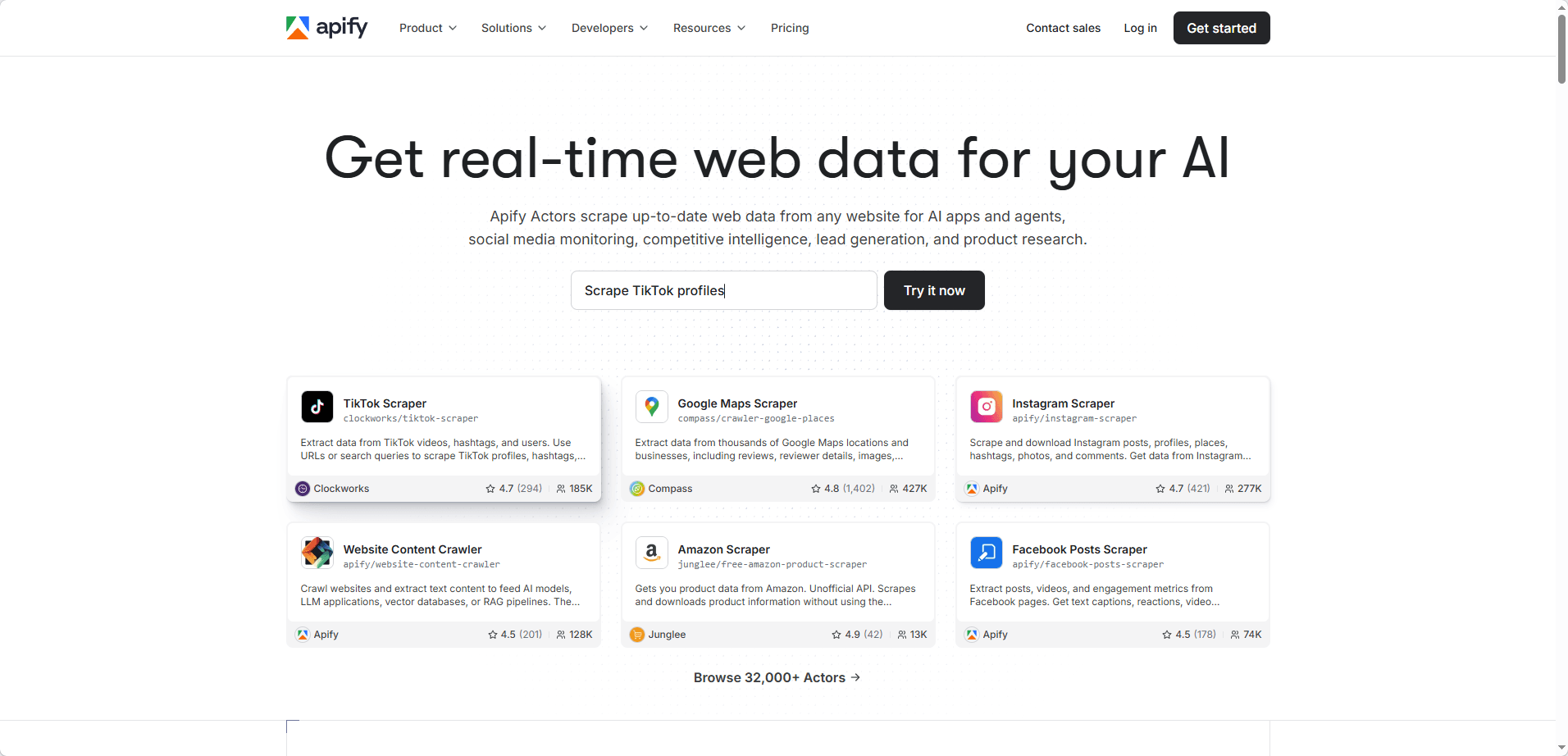
2. Search for "PinFetch" in the Apify Store and open its page.
3. In the input field, paste the URL of the Pinterest board you want to download.
4. Click "Start." The actor will run in the cloud, fetch all the images, and provide a download link for the ZIP file. It costs as little as $0.10 per 1,000 images.
Pinterest Scraper and Downloader
This actor gives you more control with advanced filters.
1. Find the "Pinterest Scraper & Downloader" actor on Apify.
2. Enter the target board or profile URL.
3. Set your filters. For example, you can type a minimum width of 800 and a minimum height of 800 to only get high resolution images.
4. Start the task. You will receive a structured file with image URLs and metadata, which you can then download with a download manager.
5. Open Source Tools for Advanced Users
If you are a developer or someone who prefers full transparency, an open source Python tool hosted on Gitea gives you complete control over the download process.
Pinterest Video Parser and Downloader
Despite the name, this tool handles both videos and images.
1. Clone the repository from the Gitea page. Make sure you have Python installed.
2. Follow the setup instructions in the README file to install the required libraries.
3. Run the script with the Pinterest board URL as a parameter. It will extract all image links and download them to a local folder. This method is free, respects your privacy by never phoning home, and can be customized to fit your exact needs.
A Quick Word on Copyright
All the methods described here are meant to help you download content that is publicly available on Pinterest. Always check the pin owner's terms and only use saved images for personal inspiration. If you plan to use any image on your website, in a presentation, or on social media, reach out to the creator for permission or make sure it has a license that allows reuse.
Keeping Multiple Accounts Organized While Downloading
Many creative professionals, social media managers, and collectors run more than one Pinterest account. Maybe you keep separate profiles for client work, different hobbies, or market research. If you frequently switch between accounts to gather images, using a standard browser can become messy and risky. Platforms often link accounts based on browser fingerprints and shared cookies.
This is where BitBrowser comes in handy. BitBrowser creates unique virtual browser profiles, each with its own isolated environment and fingerprint. You can log into a different Pinterest account in every profile, and they will never interfere with one another.
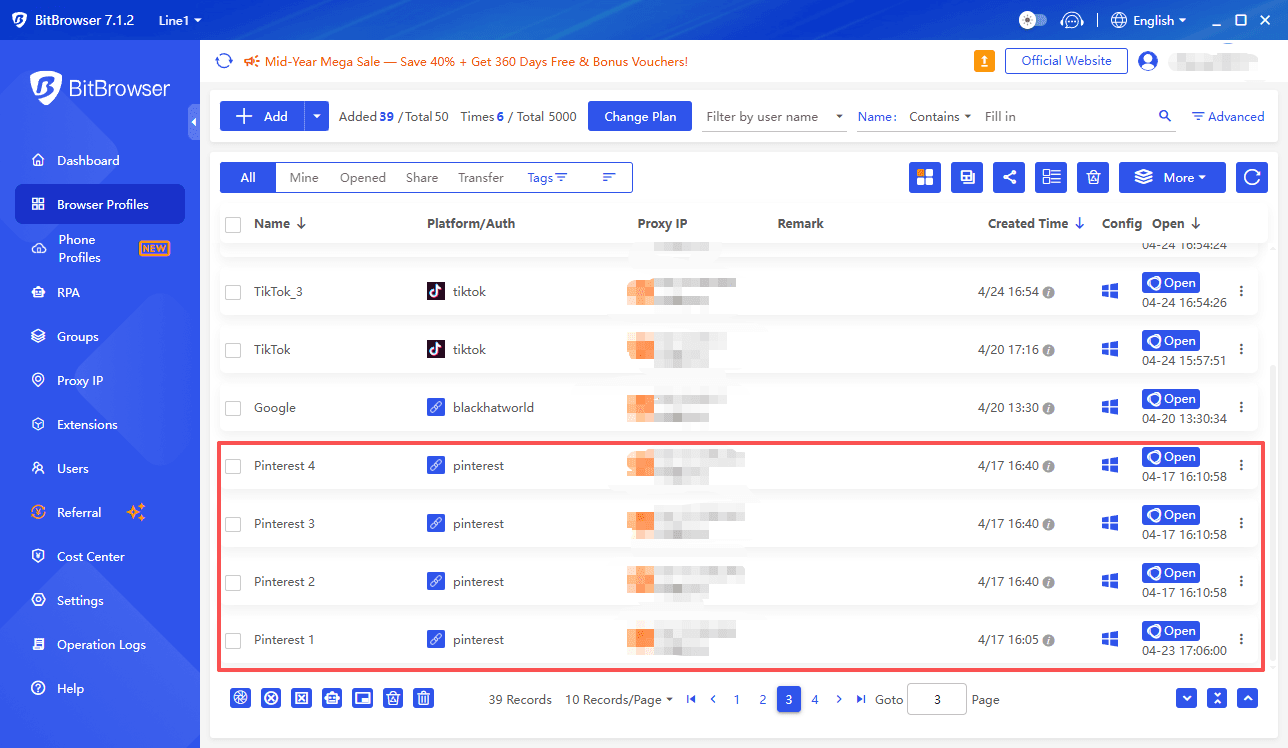
It also encrypts your data and protects your privacy, so you can safely use any Pinterest image downloader without leaving traces between accounts. If you need to manage multiple Pinterest identities for personal projects or business tasks, BitBrowser simplifies your workflow and keeps everything neatly separated. It is a smart companion to the downloading methods you just learned.
Whether you are saving a single recipe snapshot or scraping an entire design board, there is a Pinterest image download tool that fits your needs. Try the official app button first, and if that does not do the job, move on to extensions, online tools, or bulk downloaders until you find the perfect match. Happy collecting and remember to always respect the artists behind the images.

 Multi-Account Management
 Prevent Account Association
 Multi-Employee Management
Recommended
See More 



