How to Find and Use a Facebook Agency Account in 2026
 2026.05.26 09:48
 YT.Shi
Not all Facebook agency accounts are the same. If you have searched for one, you have probably seen providers talking about "agency ad accounts" in two very different ways. One group offers a done for you advertising service. The other rents you a high trust account that you control yourself. Both can help you scale, but they work in completely opposite ways.
This guide breaks down the two types, lists top rated providers as of 2026, and shows you exactly how to get started step by step. I will also share practical tips to keep your accounts safe, including a simple tool that solves the most common multi account problem.
The Two Types of Facebook Agency Accounts Explained Clearly
Before you spend any money, you need to know which type matches your goal. Confusing one with the other is the fastest way to waste time and budget.
Type 1: Full Service Facebook Ads Agencies
These are companies you hire to plan, create, and manage your campaigns. You hand over your budget and goals. Their team does the rest.
You do not get direct access to the ad account. Instead, the agency uses its own account structure, usually a Business Manager it has built over years. You are paying for the expertise of media buyers, copywriters, and designers.
This path works best if you lack in house marketing skills, you want a hands off solution, or you are building a long term brand inside Facebook's rules. Costs are typically a monthly retainer, often starting around one thousand dollars, plus your ad spend.
Top agencies with strong user reviews in 2026 include LYFE Marketing for small businesses, Straight North for custom long term partnerships, WebFX for lead generation, and Open Moves for performance driven campaigns. Always ask for case studies, check their portfolio, and agree on reporting frequency before signing anything.
Type 2: Agency Ad Account Rentals (High Trust Accounts)
This is the option that most experienced media buyers and affiliate marketers talk about. You rent access to a pre warmed Facebook ad account that belongs to an agency. You control the campaigns, but the account sits inside the provider's Business Manager.
The benefits are huge if you know how to run ads. You get high or even unlimited daily spending limits from day one. You bypass the slow warm up phase that a fresh personal account must go through. The account carries a positive history with Meta, which often means fewer random restrictions and faster ad reviews.
You pay a percentage of your ad spend, commonly between three and four percent. Some providers add a small monthly management fee if your spend is too low. Top rental providers in 2026 include GDT Agency, SpeedX Agency (an official Meta Business Partner), RentAcc, and Ronin.
The risk is on you. If you upload policy violating ads or a flagged landing page, the rented account can still get banned. This model gives you power, but no safety net against bad media buying habits.
How to Choose the Right Provider: A Step by Step Checklist
I will give you a repeatable process. Use it for both full service agencies and rental providers.
Step 1: Identify which type you need.
Write down whether you need a management service or just a high trust account you control. This decision alone eliminates half the market.
Step 2: For rental providers, verify Meta Partner status.
Go to Meta's official Facebook Business Partner directory. Type in the company name. If they claim to be a partner and do not show up there, treat it as a red flag. An official badge means Meta has vetted them.
Step 3: Read independent reviews.
Do not rely on testimonials on the provider's own website. Go to Trustpilot or similar platforms. Search for the company and read what real users say about account stability, support speed, and refund policies. Pay special attention to reviews from people who have spent at least a few thousand dollars.
Step 4: Contact support before you buy.
Send a simple question. Note how quickly they reply and whether the answer is clear. A provider that is slow or vague during the sales process will be worse when you have an urgent account issue.
Step 5: Start with a small deposit.
Whether you are testing an agency retainer or a rental account, never commit a large amount first. Top up fifty dollars or two hundred dollars. Launch a simple compliant campaign and observe how the account behaves. Check if ads get approved quickly and if the account stays stable for a week. Only then increase your budget.
Top Recommended Providers Worth Checking in 2026
Now that you have a solid checklist, let me share a few providers that consistently show up with positive feedback in the community this year. I split them again by type so you can match the right one to your needs.
Full Service Agencies Worth Considering
If you want a team to handle everything, these names appear often in independent reviews:
● LYFE Marketing: A Meta Partner with a strong track record in overall campaign management, especially for small businesses. Users rate them 4.70 out of 5.
● Straight North: Known for custom, long term partnerships. They are not a Meta Partner but deliver highly tailored campaigns. Score: 4.62 out of 5.
● WebFX: A Meta Partner that excels at lead generation with advanced analytics and services. Score: 4.43 out of 5.
● Open Moves: Also a Meta Partner, this agency is performance driven and focuses heavily on ROI. Score: 4.62 out of 5.
● Avalaunch Media: A solid choice for ecommerce brands, with strong end of funnel retargeting skills. Meta Partner. Score: 4.00 out of 5.
● Smartsites: Good for driving conversions through retargeted ads. Score: 4.17 out of 5.
These scores reflect user satisfaction gathered from recent independent review platforms.
Agency Ad Account Rental Providers
For experienced media buyers who just need a high trust account to control themselves, here are the rental providers that have built reliable reputations in 2026:
● GDT Agency: One of the earliest providers in the rental space. They charge a service fee of 1.5 to 4 percent on your ad spend. If your monthly spend falls below five thousand dollars, they apply a two hundred dollar management fee. They offer 24/7 support.
● SpeedX Agency: An official Meta Business Partner since 2019. They focus on providing stable, high quality agency ad accounts that are well suited for scaling ad spend quickly.
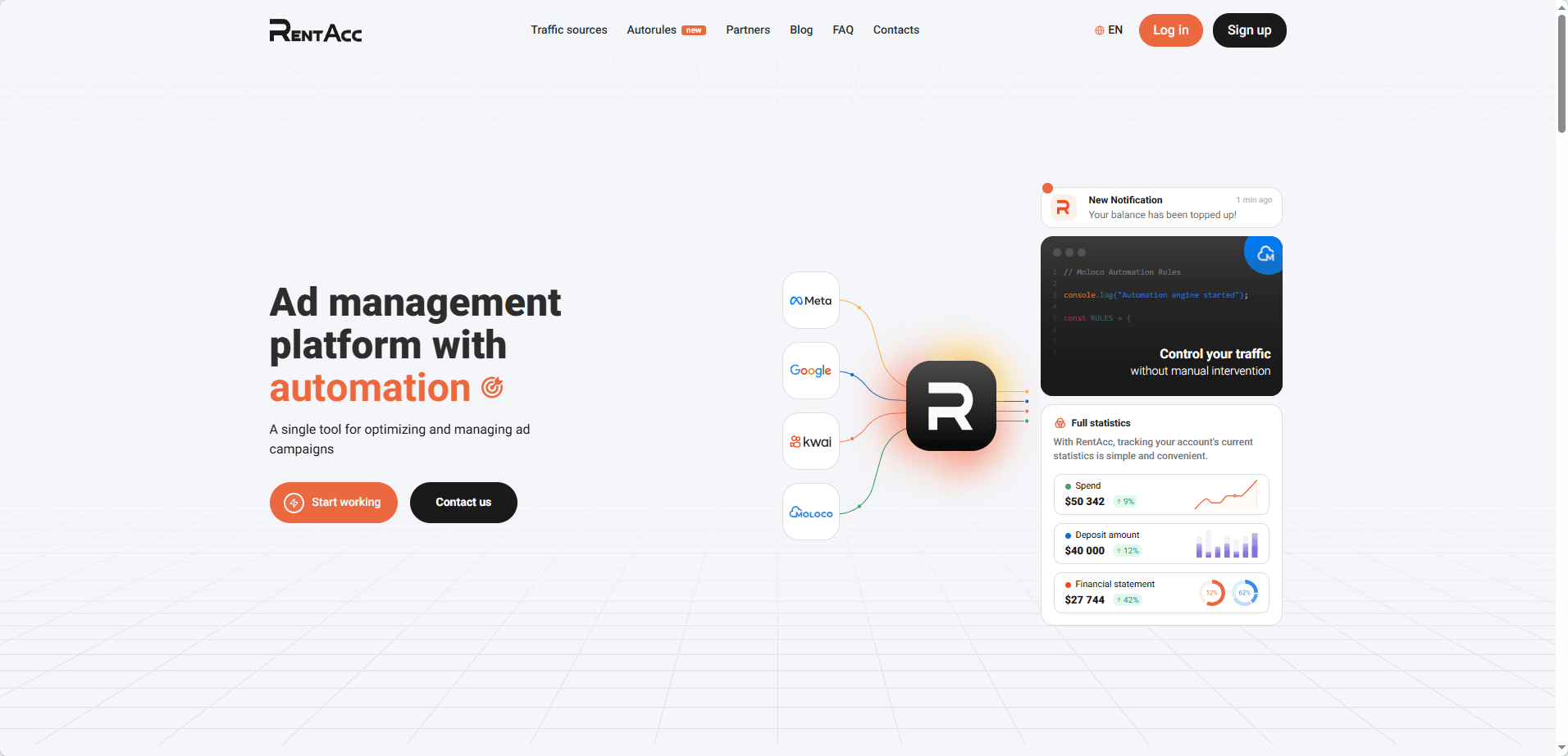
● RentAcc: A specialized platform that gives you a central dashboard to manage your rented accounts, along with virtual cards for ad payments. It works particularly well for media buying teams and affiliates.
Remember to run every provider through the checklist you just read. Verify partner badges, read Trustpilot reviews, and always start with a small test deposit. A good reputation in a forum matters, but your own small scale trial will tell you what really works for your specific setup.
How to Start with a Rented Agency Ad Account
Most questions I see are about the rental model. Here is the practical workflow that works in 2026.
1. Register with the provider and complete verification.
You will need to provide basic business details. Many providers will ask for an ID or a business document. This is normal. They need to know you are a legitimate advertiser to protect their account pool.
2. Receive your account and log in safely.
The provider will share login credentials, usually an email and password, for a Facebook profile that has access to the agency ad account. You will also get a link to the Business Manager.
Always log in from a clean, stable IP address. If you use a VPN, make sure it is a dedicated residential IP, not a shared data center one. Logging in from a flagged or constantly changing IP is the fastest way to get an instant ban.
3. Set up two factor authentication and a reserve user.
Immediately activate two factor authentication on the profile. If the provider allows, add a backup admin or your own trusted Facebook profile as a secondary user. This gives you a way to recover access if the main profile locks you out.
4. Link your payment method carefully.
Most rental accounts use prepaid balances. You top up with the provider, and they allocate funds to your account. Some providers let you link your own virtual card. If you do, use a card that is clean and not linked to multiple banned accounts.
5. Warm up the pixel and campaigns slowly, even on a high trust account.
Do not immediately launch ten campaigns with aggressive budgets. Start with one or two campaigns at a modest daily budget, say fifty to one hundred dollars. Let them spend for at least twenty four hours and exit the learning phase. This signals stable activity to Meta's algorithm.
6. Run only compliant ads in the first week.
Stay away from anything borderline. Use clean images, clear landing pages, and straightforward offers. The goal of the first week is to build a smooth activity history. Once the account has two or three weeks of clean spending, it becomes much harder to flag.
7. Monitor the account quality page daily.
Inside Business Manager, open the "Account Quality" section. Check it every morning. If you see any policy rejection, fix it immediately and do not relaunch the same ad without changes. An accumulation of small violations can trigger a full account review.
Keep Multiple Agency Accounts Safe with the Right Tool
If you plan to rent more than one agency account, or if you manage your own accounts alongside rented ones, there is a technical problem you cannot ignore. Facebook uses browser fingerprinting to link accounts. If you log into two different ad profiles from the same browser, cookies, cached data, and device parameters can tell Meta that the same person is behind them. If one account gets banned, the linked ones often follow.
The practical fix is to use an anti detect browser that creates completely isolated profiles, each with a unique fingerprint. BitBrowser does exactly this. You can create a separate browser environment for each Facebook profile. Every environment has its own cookies, local storage, WebRTC settings, and device parameters. To Meta's tracking, each environment looks like a different real device, not just a new tab.
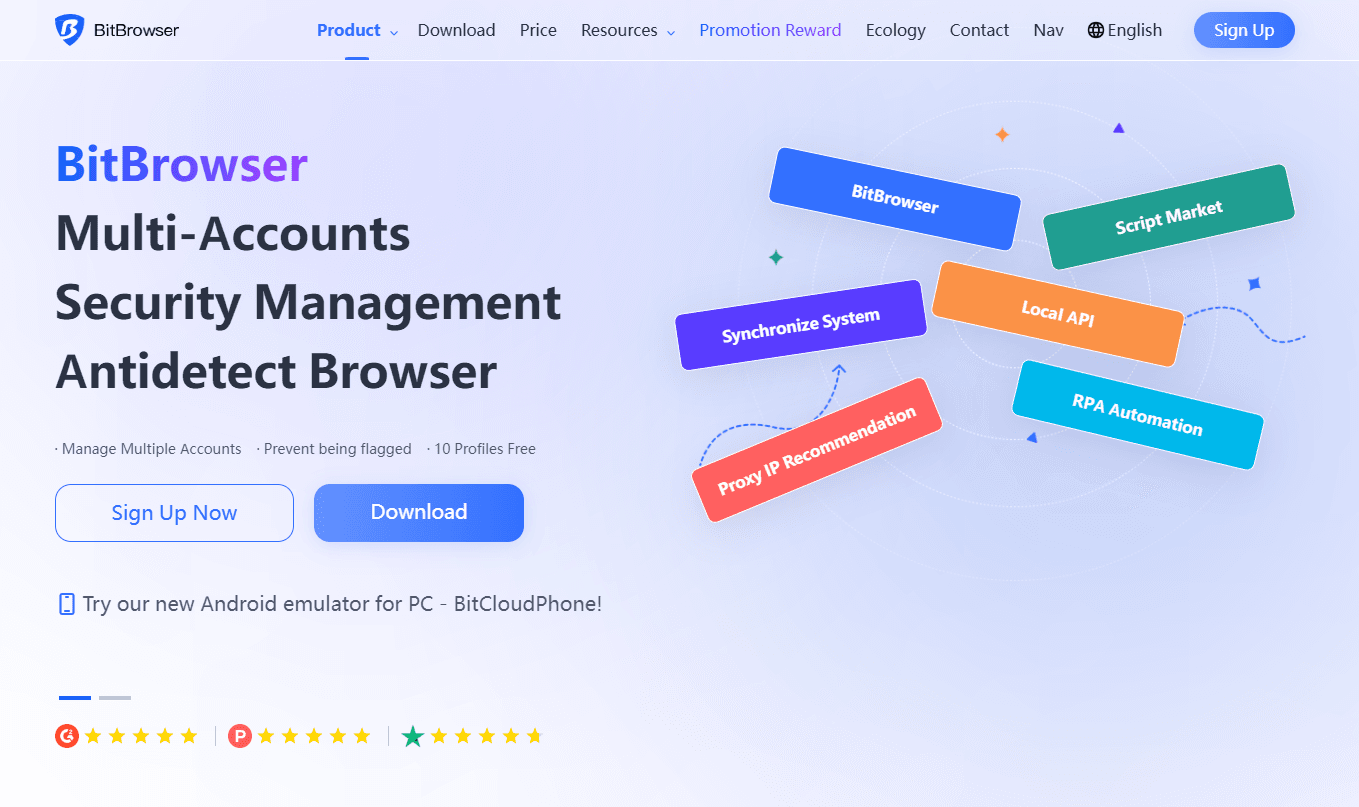
I have seen media buyers manage ten or more agency accounts from the same computer this way without linkage issues. You simply assign one BitBrowser profile to one Facebook profile, keep the IP consistent, and never cross contaminate. It takes five minutes to set up and removes the single biggest technical risk in multi account management.

 Multi-Account Management
 Prevent Account Association
 Multi-Employee Management
Recommended
See More 



