How to Recover Your Google Account: The Complete Guide (2026)
 2026.04.29 14:04
 YT.Shi
Losing access to your digital life is stressful. Whether you forgot your Gmail password, lost your recovery phone, or suspect your account has been compromised, knowing the right Google account recovery process is essential. This step by step guide covers every official method to recover your Google account, from standard verification to the account recovery form, and shows you how to keep your account safe afterward.
Google Account Recovery: Core Verification Methods
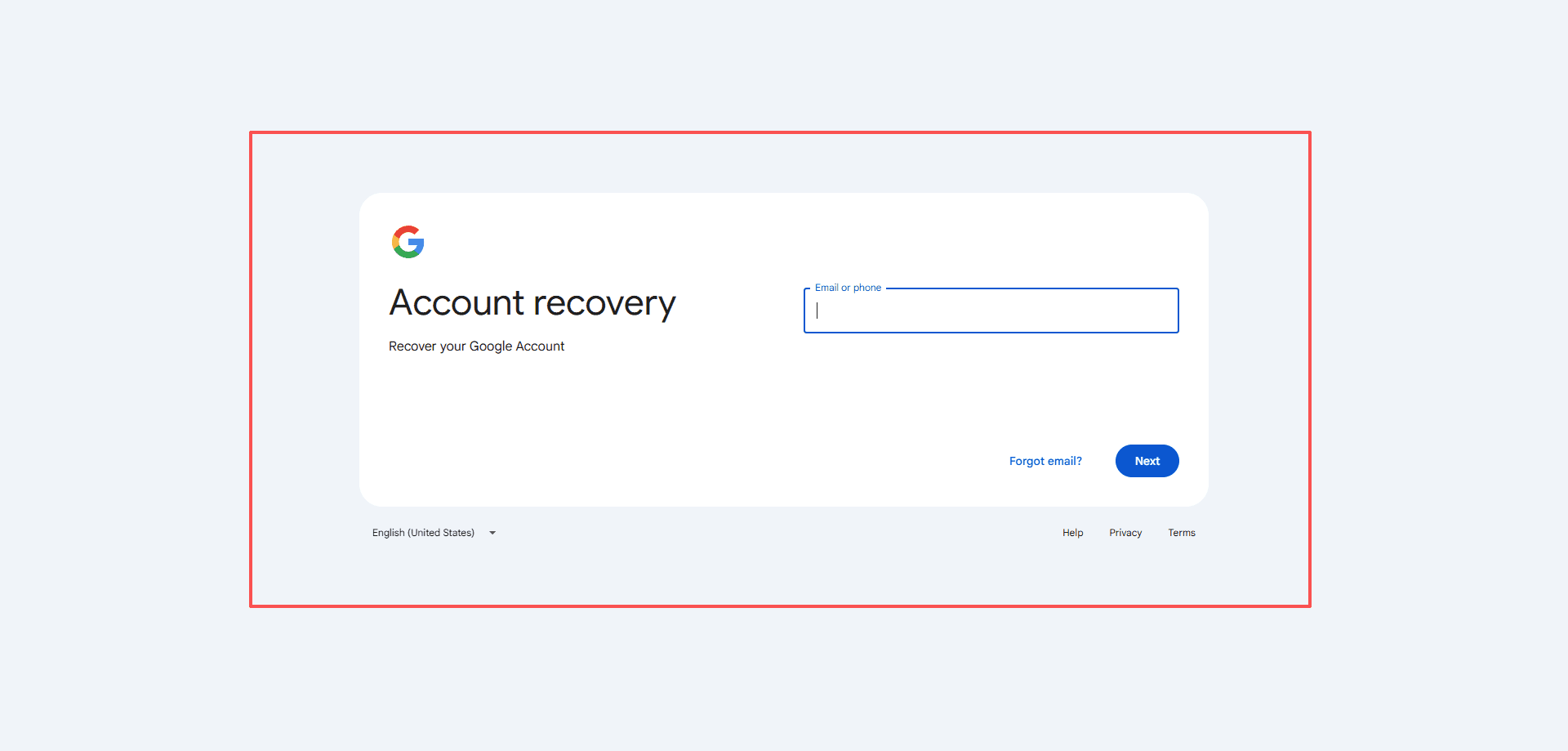
When you begin the recovery process on the official Google account recovery page, Google will offer different ways to prove you are the owner. Always start by entering your email address and clicking "Forgot password?" on the sign in screen. Then try the options below. If one method is not available, click "Try another way" until you find one you can use.
Recovery Phone
If you added a phone number to your account, Google can send a verification code via SMS or a voice call. Use this to recover your Google account with a phone number instantly.
Recovery Email
A backup email address is one of the most reliable ways to recover a Gmail account. Google sends a code to that email, so always check the spam folder if you do not see it arrive.
Google Authenticator App
If you set up 2 Step Verification with Google Authenticator, you can get a prompt or generate a code from the app. This method helps with Google account recovery using an Authenticator app even when you do not have your phone number handy.
Confirm a Previous Password
Google may ask you to enter any old password you remember. It does not have to be your most recent one. The more recent it was, the better. This can be a quick way to recover a Google account using an old password.
Account Creation Date
Knowing when you created the account is another powerful identity check. Provide the approximate month and year to help the Google account recovery form verify your identity.
Recovery Contact
You can designate trusted contacts in your account settings. When locked out, you obtain a code from Google and share it with them verbally. Once they confirm it, you regain access. This method is one of the safest ways to do a Google trusted contact recovery.
Pro Tip: Always attempt account recovery on a familiar device and network, such as your home WiFi. Using the same phone or laptop you regularly use significantly increases your success rate.
Advanced Google Account Recovery Options When Standard Methods Fail
If the main verification steps do not work, you still have several powerful options to get back into your account.
Find Your Gmail Username
If you have simply forgotten your username, use the dedicated Google username recovery portal. You will need a recovery phone number or recovery email linked to the account to retrieve it.
Submit the Google Account Recovery Form
When other methods fail, Google may present you with an account recovery form. You'll be asked detailed questions to prove your identity, such as:
● Names of commonly emailed contacts.
● The names of custom labels you've created in Gmail.
● Which Google services you used last (like YouTube or Google Drive) and when.
● The model of phone you've used to sign in.
Be as precise as possible. Answers like "last week" instead of "I don't know" make a huge difference.
This is a critical step for anyone attempting a Google account recovery without a phone or without a recovery email. You will receive a response at the contact email address you provide, which may take up to 72 hours.
Trust a Friend with Recovery Contacts
Setting up recovery contacts in advance is a lifesaver. Once the feature is enabled, you can add up to 10 trusted people to help you verify your identity if you get locked out. You get a code, share it with them, and once they confirm, you are granted access.
The contact never sees your password or inbox content. Setting this up today is the smartest way to ensure fast Google account recovery trusted contact support in the future.
How to set it up (for the future): Go to your Google Account → Select "Security" → Under "How you sign in to Google," click "Recovery contacts" → Add a trusted person. You can add up to 10 contacts.
Common Google Account Recovery Mistakes to Avoid
A few wrong moves can make Google account recovery not work at all. Avoid these pitfalls to keep your process smooth.
● Ignore Spam Folders: If a recovery email does not appear, check your spam, junk, and social folders immediately.
● Avoid Public WiFi and VPNs: Google tracks your typical location and network. Using a VPN or unfamiliar public network can trigger additional security checks and cause your Google account recovery attempt to be denied.
● Do Not Guess Repeatedly: Entering the wrong information several times in a row can temporarily lock you out of the account recovery system. Take your time and be methodical.
● Beware of Scams: Google will never call, text, or email you out of the blue to ask for your password or verification codes. Anyone offering unsolicited account recovery help is a scammer.
How to Secure Your Account After Google Account Recovery
Once you are back in, act immediately to prevent another lockout. Go to your Google Account’s Security section and complete these steps.
First, update your recovery phone and recovery email. Make sure both are current and belong to you. Next, enable Google 2 Step Verification. This adds a layer of security on top of your password, making unauthorized access nearly impossible. Finally, set up your recovery contacts. This feature makes future account recovery dramatically easier and should not be overlooked.
Recover a Deleted Google Account
If you or someone else recently deleted your account, you have a short window to restore it. Usually, you have up to 30 days to recover a deleted Google account. Go to the standard account recovery page and follow the instructions. The system may present a specific option to restore a recently deleted account. Act fast before the data is permanently erased.
What to Do When Google Account Recovery Fails
If you have exhausted every official recovery method and still cannot regain access, your only remaining option is to create a new Google account. This is not a recovery method, but it allows you to move forward.
You will need to manually inform your contacts of your new email address and update your login information on every service that was linked to your old account, such as banking, social media, and subscriptions.
Prevent Future Lockouts with BitBrowser Antidetect Browser
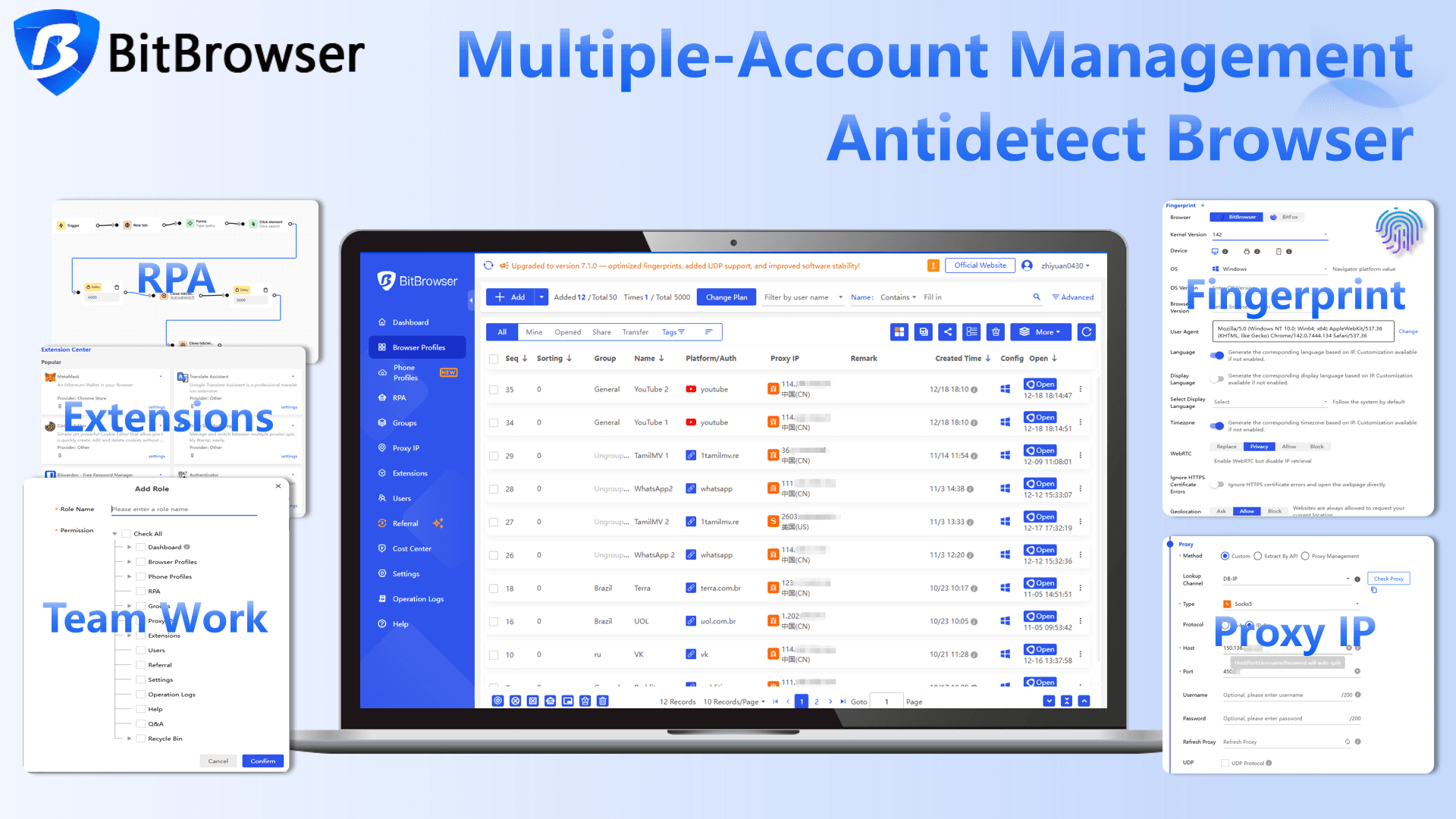
Most Google account lockouts start with a simple trigger: Google sees a browser fingerprint it does not recognize, or it notices several accounts sharing the same one. That suspicion instantly pushes you into the recovery steps this guide just walked you through. BitBrowser helps you handle both the recovery process and daily prevention by giving every account its own trusted, isolated environment.
How BitBrowser Helps During Google Account Recovery
When you attempt to recover a Google account, the device and browser you use matter. Using a new or unfamiliar browser can make Google ask for even more verification, sometimes blocking the recovery form entirely.
BitBrowser allows you to create a clean, consistent browsing environment that closely matches the one you used before the lockout. This familiar fingerprint tells Google you are signing in from a known setup, which can reduce extra verification prompts and improve your chances of a smooth recovery.
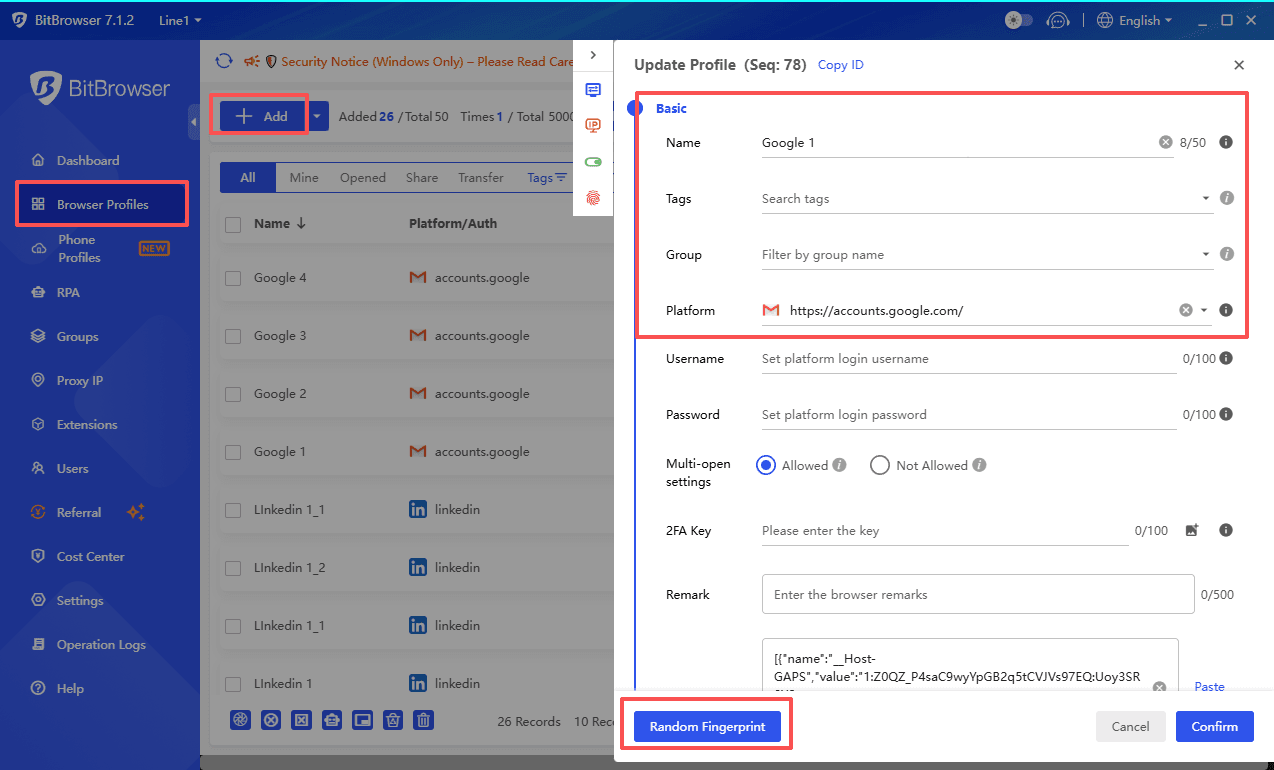
All cookies and login tokens stay isolated, so no information from other accounts interferes with the recovery process. For users stuck in a loop where recovery codes never arrive, this often makes the difference.
How BitBrowser Prevents Account Lockouts Before They Happen
BitBrowser keeps you away from the recovery page altogether by making every account look like it is on its own dedicated computer.
Instead of logging into five Google profiles from one Chrome browser and triggering a suspicious activity alert, you open five separate BitBrowser profiles. Each profile holds its own unique digital fingerprint, including operating system details, screen resolution, language, and time zone. Cookies, cached data, and login sessions never cross over between profiles. To Google, each account is simply a loyal user on a consistent, trusted device.
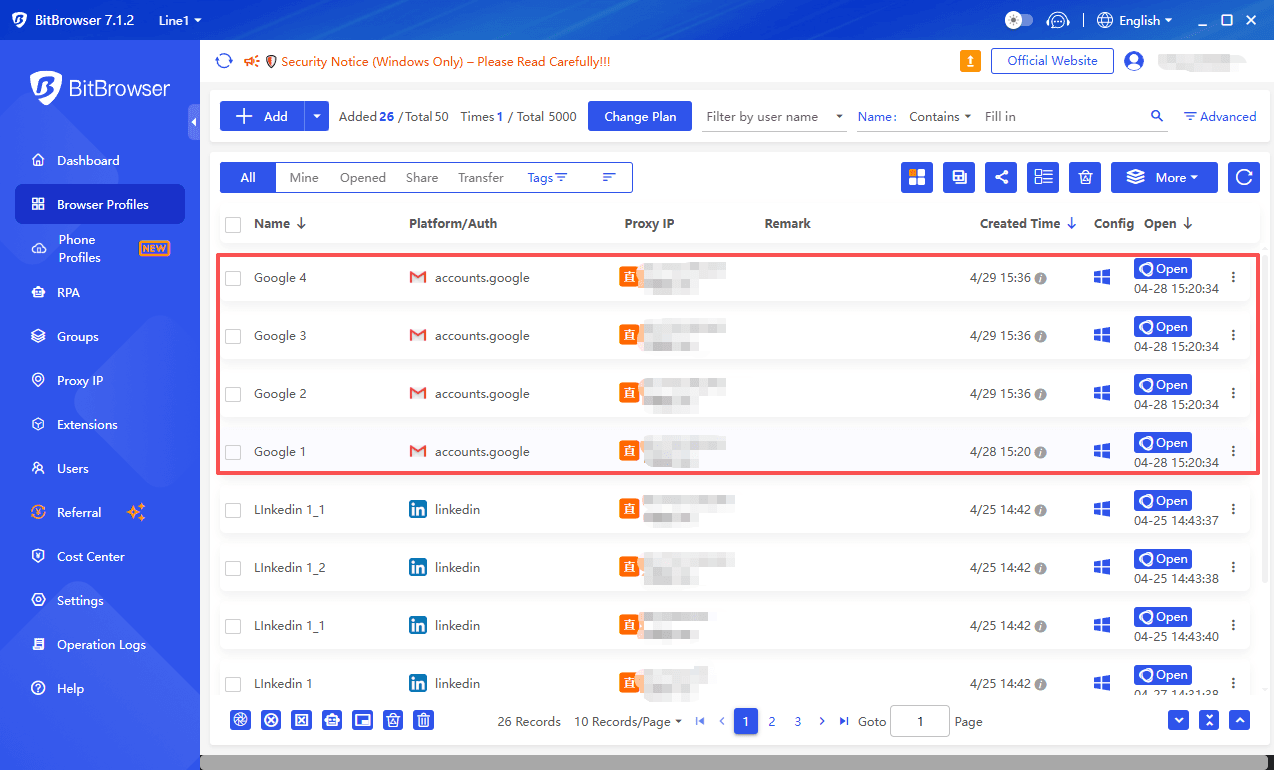
The result is a stable login state that lasts months, no sudden sign in challenges, no repeated 2 Step Verification prompts, and no frantic visits to the account recovery page.
Whether you manage multiple Gmail addresses for work and family or run several Google Business Profiles, BitBrowser turns account lockouts into a problem of the past.
Sign Up
Conclusion: Stay in Control of Your Google Account
Regaining access to a locked Google account can feel overwhelming, but as this guide has shown, you have multiple reliable paths back in. From a simple recovery phone or recovery email code to the more detailed account recovery form, every method exists to help you prove your identity and restore your digital life.
The key is to stay calm, use a familiar network and device, and patiently try every available verification step until you succeed. Once you are back inside, taking an hour to update your recovery options, enable 2 Step Verification, and designate trusted recovery contacts will turn a future lockout from a crisis into a minor inconvenience.
And if you manage multiple accounts, adopting a tool like BitBrowser ensures you maintain a stable, trusted login state for each profile, keeping you away from the recovery page altogether. Do not wait for the next sign in challenge to appear. Secure your account today, and your future self will thank you.

 Multi-Account Management
 Prevent Account Association
 Multi-Employee Management
Recommended
See More 



