Google Account Recovery: Complete Guidet Management on 2026
 2026.02.27 19:37
 petro
petroLosing access to your Google account can be stressful—especially if it’s linked to Gmail, YouTube, Google Ads, Drive, or business services. This guide walks you step-by-step through recovering your Google account and explains how professionals responsibly manage multiple accounts using anti-detect browsers.
Part 1: How to Recover Your Google Account
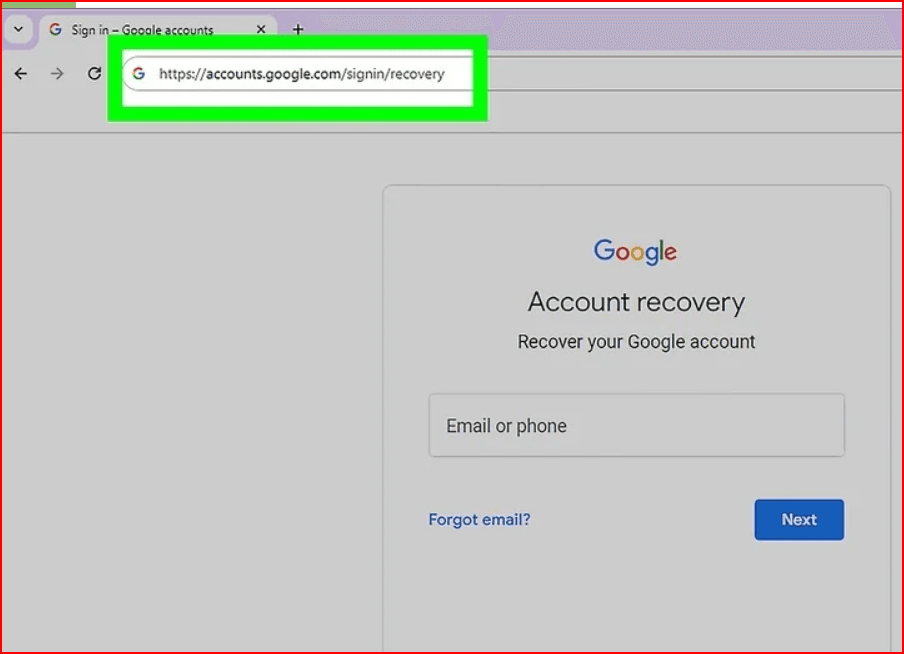
Step 1: Visit the Official Recovery Page
Go to:
https://accounts.google.com/signin/recovery
Enter:
Your Gmail address or linked phone number
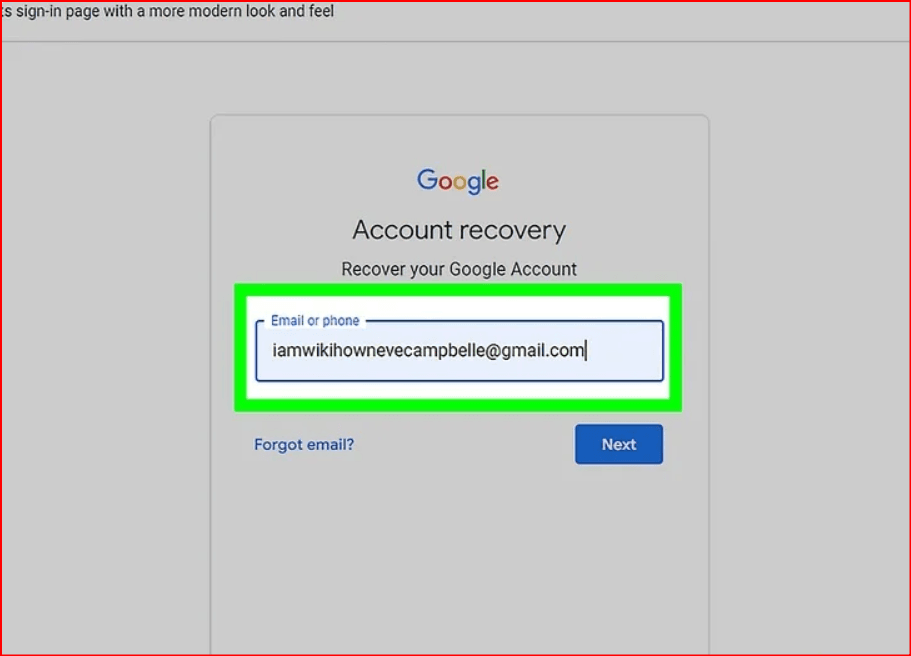
- Click Next
Step 2: Verify Your Identity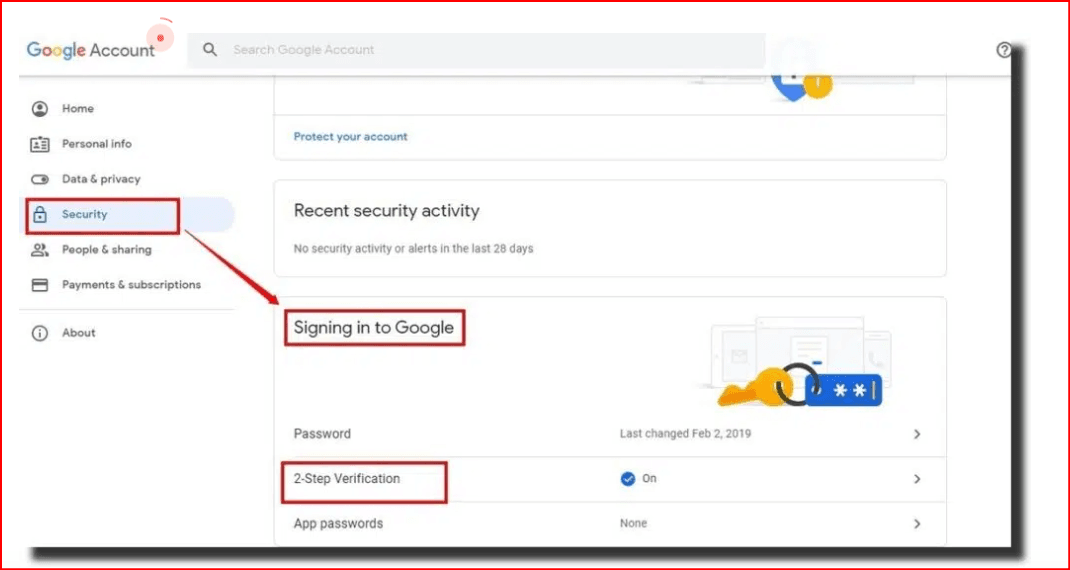
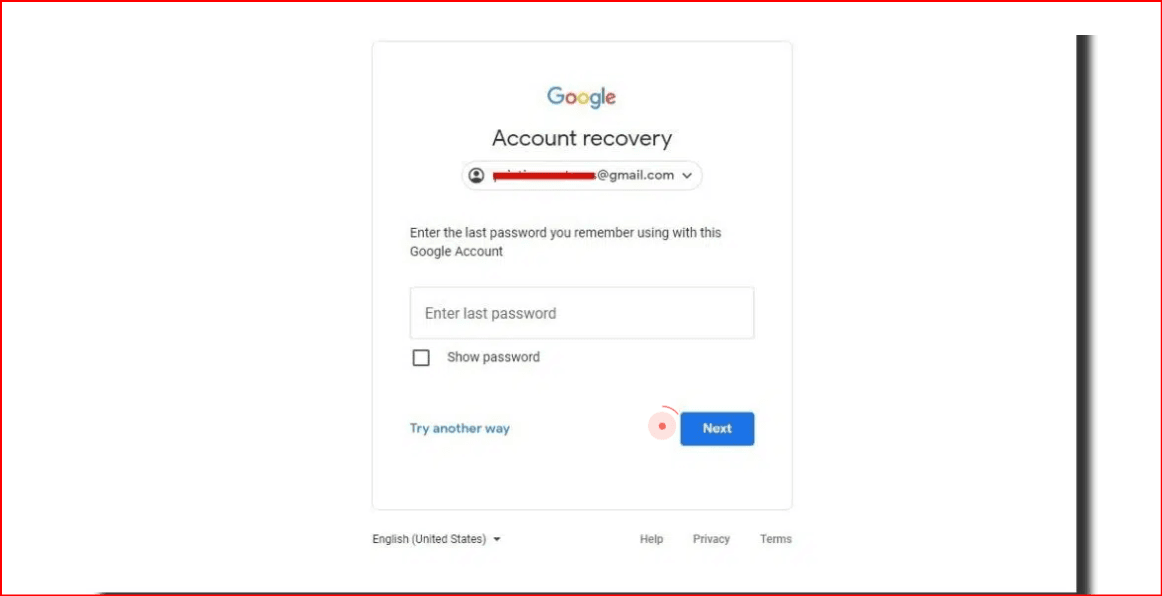
Google will ask you to confirm you’re the account owner. You may be asked to:
- Enter your last remembered password
- Confirm a code sent to:
- Your recovery email
- Your recovery phone number
- Approve a login prompt on a previously used device
Answer security questions
Best Practices for Success:
- Use a familiar device (home laptop or personal phone)
- Connect from your usual Wi-Fi network
- Answer questions carefully and accurately
- Avoid rushing multiple attempts (wait 24–48 hours if needed)
Step 3: If You Lost Access to Recovery Email or Phone
Click “Try another way” until Google provides alternative verification options.
If recovery information was never added, recovery may be difficult. This is why updating recovery details regularly is critical.
Step 4: If Your Account Was Hacked
- Immediately start the recovery process.
- Scan your device for malware or suspicious software.
- After regaining access:
- Change your password
- Enable 2-Step Verification
- Review recent account activity
- Remove unknown devices
Security page:
https://myaccount.google.com/security
Part 2: Managing Multiple Google Accounts Safely
Many professionals—such as marketers, agencies, e-commerce sellers, and social media managers—operate multiple Google accounts for legitimate business purposes (Google Ads accounts, YouTube channels, client Gmail accounts, etc.).
However, managing multiple accounts from the same device can sometimes cause:
- Login conflicts
- Session mixing
- Security alerts
- Account confusion
This is where account management tools become useful.
The Role of BitBrowsers in Multi-Account Management
What Is an BitBrowser?
An anti-detect browser (sometimes called a multi-account browser) is a tool that creates separate browser profiles. Each profile works like a completely independent browser environment.
It allows users to:
- Keep accounts separated
- Avoid session overlap
- Assign different team members access to specific profiles
- Manage client accounts securely
How It Helps Legitimate Businesses
For agencies or professionals managing multiple client accounts:
1. Profile Isolation
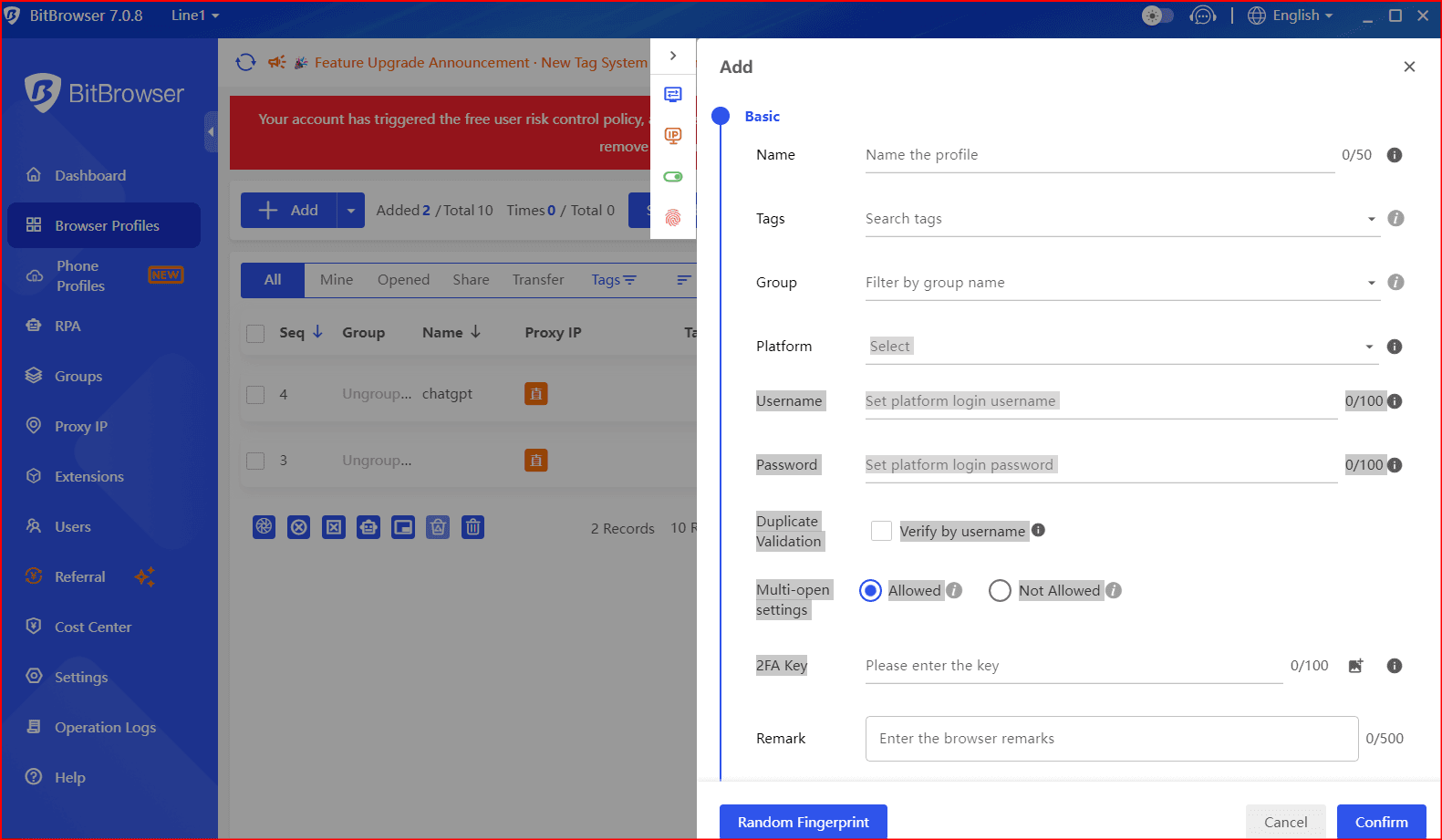
Each Google account runs in a separate browser profile. This prevents:
- Cookie mixing
- Auto-login confusion
- Accidental cross-access between accounts
2. Team Collaboration
Many anti-detect browsers allow:
- Team member access control
- Permission management
- Secure account sharing without exposing passwords
3. Organized Workflow
You can label profiles such as:
- Client A – Google Ads
- Client B – YouTube Channel
- Business Gmail – Support
- Personal Gmail
This improves productivity and reduces mistakes.
Important: Stay Compliant
It’s essential to use any browser management tool responsibly and in accordance with Google’s Terms of Service.
Anti-detect browsers should be used for:
- Workflow organization
- Privacy management
- Client account separation
- Agency operations
They should NOT be used to:
- Violate platform rules
- Bypass security systems
- Create fraudulent or spam accounts
Always ensure your usage complies with Google’s policies.
Best Security Practices for Multi-Account Users
Whether using a standard browser or an anti-detect browser:
- Enable 2-Step Verification on every account
- Use a password manager
- Keep recovery emails updated
- Avoid sharing raw login credentials
- Regularly review security activity
Conclusion
Recovering a Google account requires accurate verification and patience. Once recovered, strengthening security is critical.
For professionals managing multiple accounts, structured tools like anti-detect browsers can improve organization, separation, and workflow efficiency—when used responsibly and within platform guidelines.

 Multi-Account Management
 Prevent Account Association
 Multi-Employee Management
Recommended
See More 



