How to Create Multiple Steam Accounts with BitBrowser (2026 Guide)
 2026.02.27 21:13
 petro
petroCreating multiple Steam accounts is allowed by Valve, as long as you follow Steam’s Terms of Service. Many users create additional accounts for legitimate reasons such as separating personal and testing activities, managing different gaming communities, or organizing gameplay progress.
However, using multiple accounts to bypass bans, exploit promotions, or avoid restrictions violates Steam rules and may result in permanent suspension.
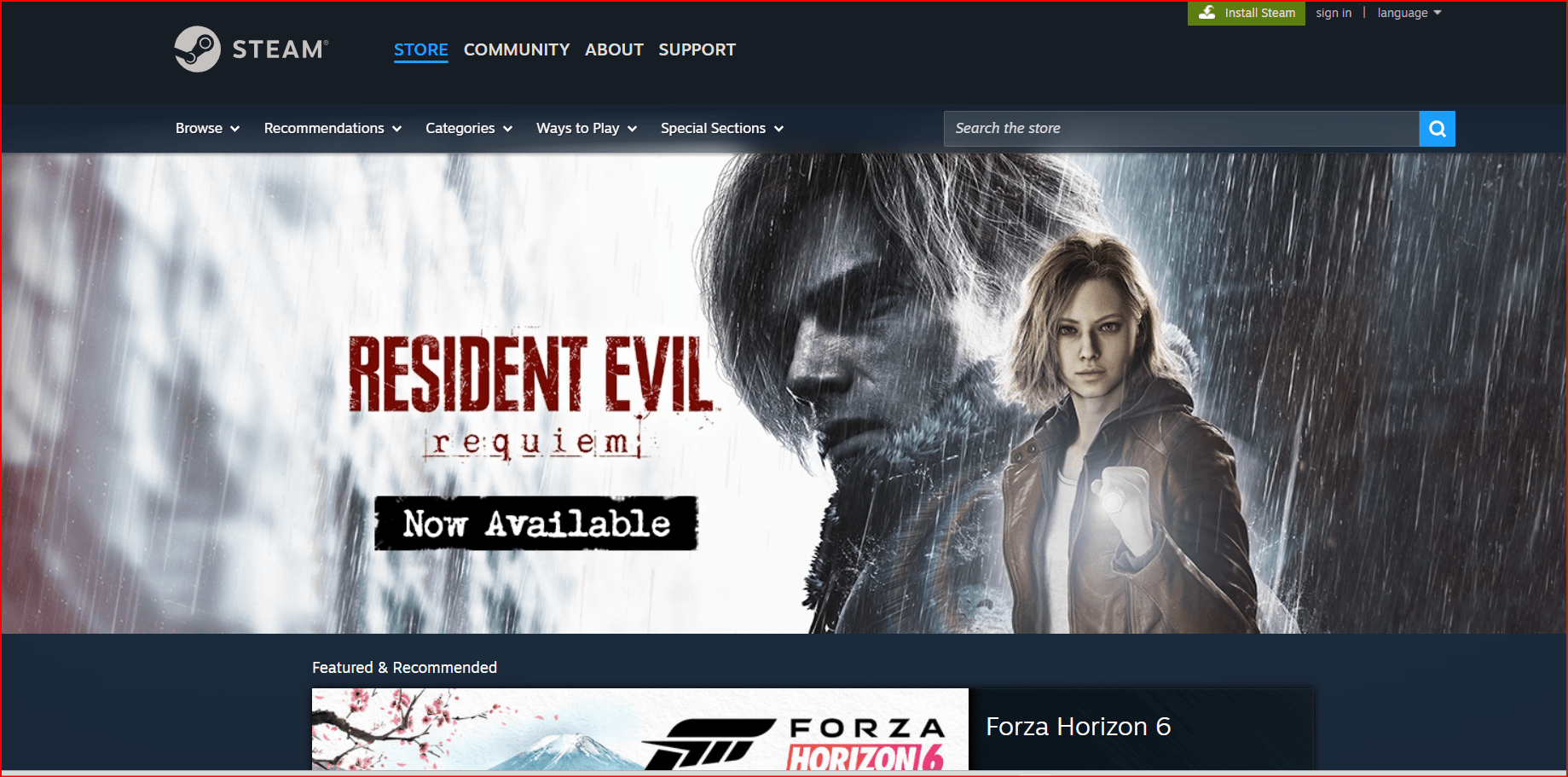
This guide explains:
How to create multiple Steam accounts
Best practices for managing them
How to use BitBrowser for account separation
Important rules and risks
Requirements for Each Steam Account
To create a new Steam account, you need:
A unique email address
Access to that email for verification
A unique username
A strong password
(Recommended) Steam Guard enabled You cannot register multiple Steam accounts using the same email address.
Step-by-Step: Create Another Steam Account
1. Log Out of Your Current Account
Open Steam
Click your username (top right)
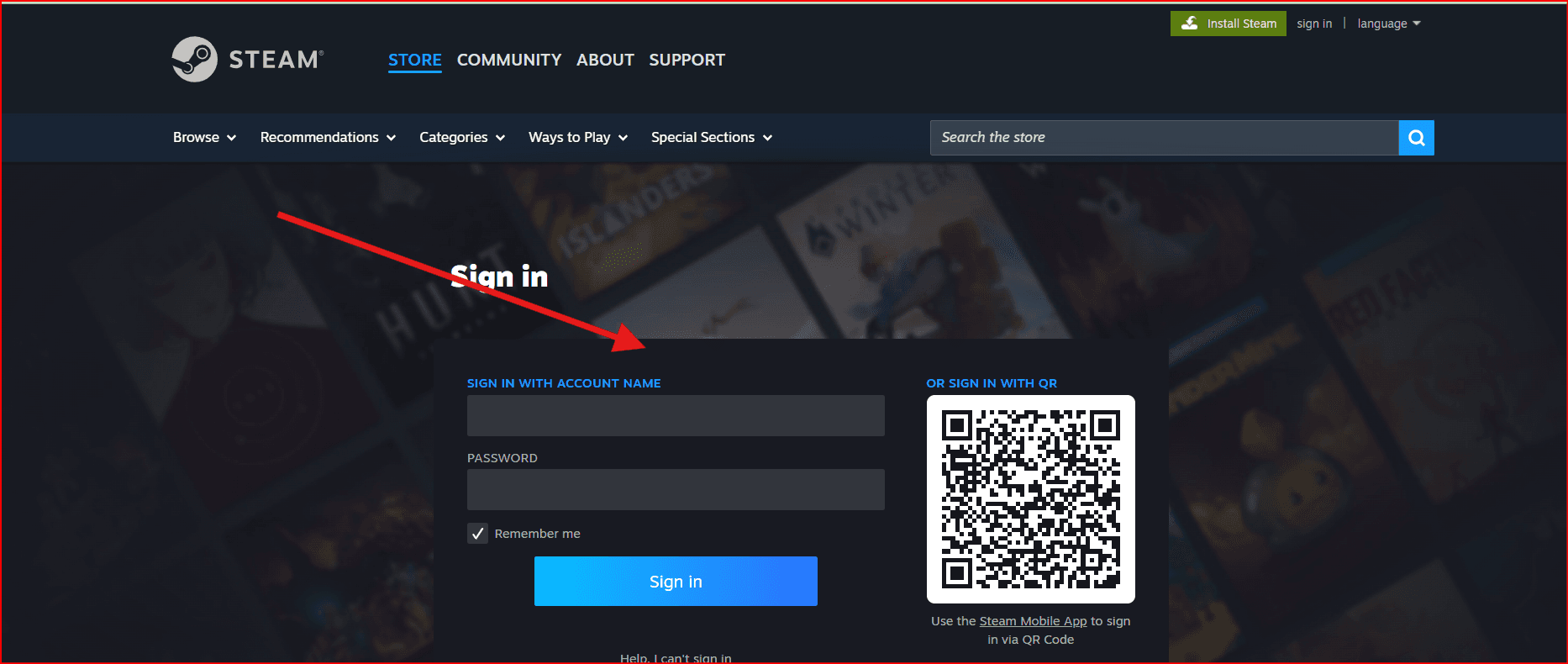
Select Log Out
Or use a private/incognito browser window.
2. Visit Steam Registration Page
Go to:
https://store.steampowered.com/join/
3. Register with a New Email
Enter a different email address
Confirm email
Select country
Complete CAPTCHA
Accept terms
4. Verify Your Email
Check your inbox and click the verification link.
5. Create Username & Password
Choose a unique username and secure password.
Your new Steam account is now active.
Managing Multiple Steam Accounts Efficiently
Switching between accounts manually can become inconvenient. To manage accounts more effectively, many users separate them using:
Different browser profiles
Different Windows user accounts
Separate devices
Account management browsers like BitBrowser
How to Use BitBrowser to Manage Multiple Steam Accounts
What Is BitBrowser?
BitBrowser is a multi-profile browser designed to create isolated browsing environments. Each browser profile operates independently, with its own cookies, local storage, and fingerprint configuration.
This makes it useful for:
Keeping accounts fully separated
Avoiding session conflicts
Managing multiple logins without constant logout/login
Organizing work vs personal accounts Important: BitBrowser should only be used for legitimate account management and organization — not for bypassing platform restrictions or violating Steam policies.
Step-by-Step: Using BitBrowser for Steam Accounts
1. Install BitBrowser
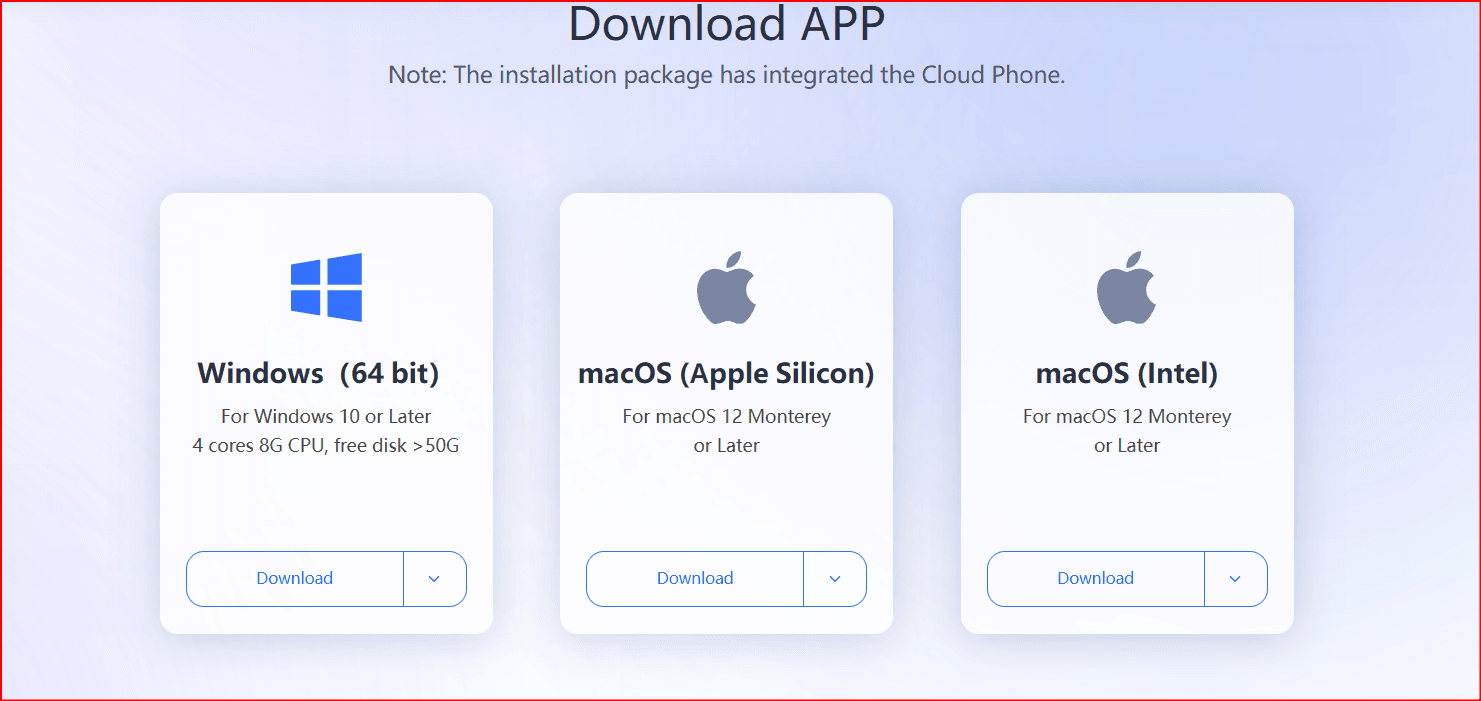
Download and install BitBrowser from its official website.
2. Create a New Browser Profile
Inside BitBrowser:
Click Create Profile
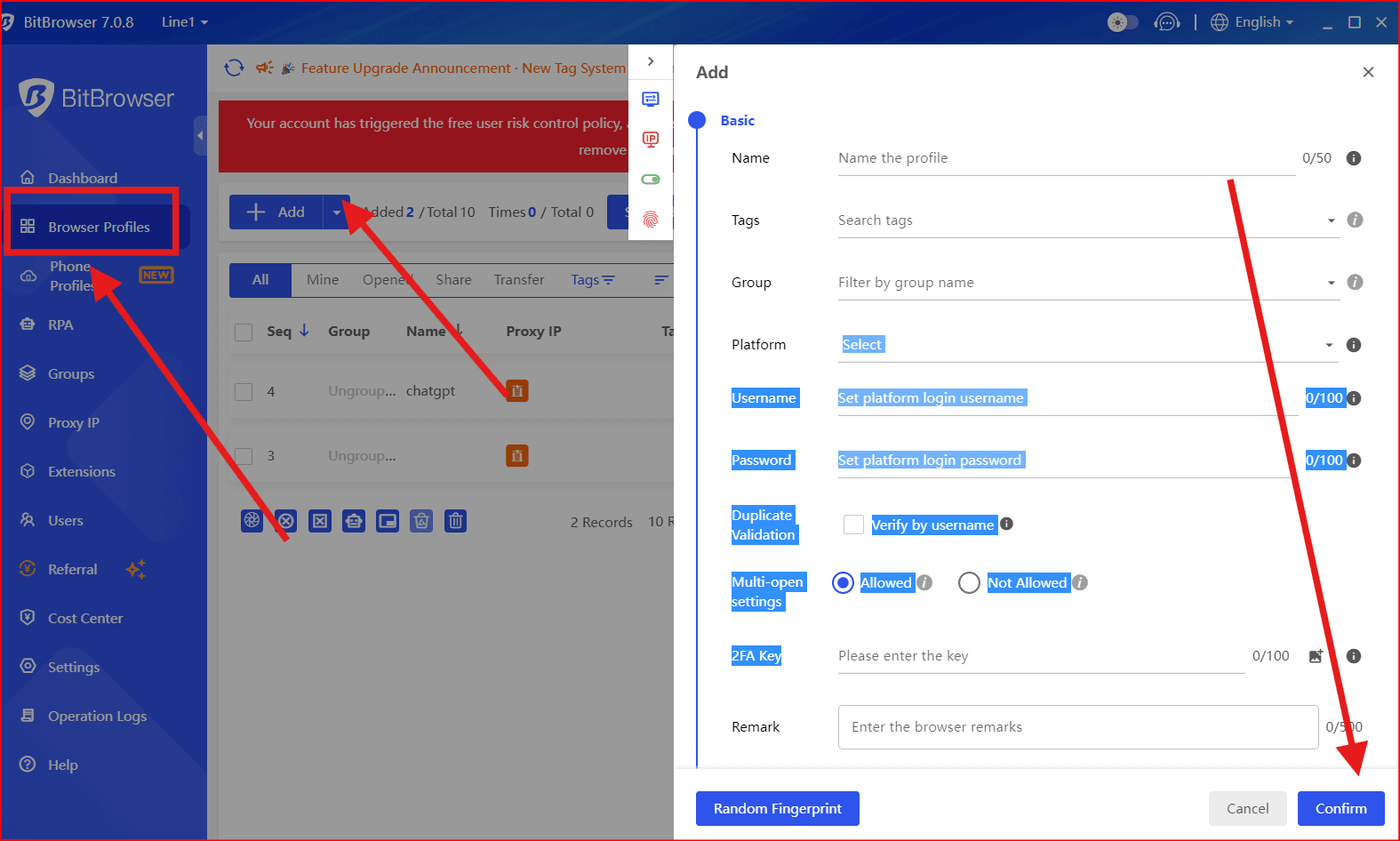
Assign a name (e.g., "Steam Main", "Steam Alt 1")
Choose basic browser settings
Each profile acts like a completely separate browser.
3. (Optional) Configure Network Settings
If you use different internet connections (home, office, mobile), you may configure profiles accordingly.
Important:
Do not use network manipulation to violate Steam’s rules or bypass restrictions. Steam actively monitors suspicious behavior.
4. Open Steam in Each Profile
For each profile:
Open store.steampowered.com
Log in to a different Steam account
Save login credentials within that profile
Now each profile will remain logged into its assigned account.
5. Enable Steam Guard for Each Account
For security:
Install Steam Mobile App
Activate Steam Guard on all accounts
Avoid frequent credential changes
Best Practices for Multiple Steam Accounts
Do
Use unique emails
Use strong passwords
Keep accounts for legitimate purposes
Use Family Sharing if your goal is game sharing
Clearly organize profiles in BitBrowser
Don’t
Create accounts to evade VAC bans
Abuse free promotions
Automate mass account creation
Buy or sell Steam accounts
Share accounts publicly
Steam has automated detection systems that monitor suspicious activity patterns.
Alternative: Steam Family Sharing
If your goal is:
Sharing games across accounts
Keeping separate progress
Allowing family members to play
Steam Family Sharing may be a better solution than creating many accounts.
Risks to Consider in 2026
Steam uses advanced monitoring systems including:
Behavioral pattern analysis
Login location monitoring
Account linking detection
Anti-abuse systems
Creating accounts is allowed. Abusing the system is not.
Always operate within Steam’s official guidelines.
Final Thoughts
Creating multiple Steam accounts is simple and permitted when done responsibly. Tools like BitBrowser can help you:
Keep accounts organized
Prevent session overlap
Manage logins efficiently
But they should never be used to break platform rules.