How to Download Facebook Reels: Step-by-Step Guide
 2026.01.29 23:03
 petro
petroShort-form videos are dominating social media. Platforms like TikTok made it easy for beginners to gain massive reach quickly. Following this trend, Facebook introduced Facebook Reels, allowing users to share short videos, engage their audience, and increase visibility.
If you want to save Facebook Reels for offline viewing, this guide will walk you through multiple methods using desktops, mobile devices, Chrome extensions, and online downloaders.
What Are Facebook Reels?
Facebook Reels are short videos up to 60 seconds long. They allow you to promote content, reach new audiences, and share videos beyond Facebook. Reels can be embedded on websites and have unique branding and editing features.
Creating Reels is only possible via mobile devices. They’re ideal for sharing your brand story, products, or services in a short, engaging format.
How to Download Facebook Reels
Here are the most effective methods to download Facebook Reels:
1. Download on Desktop Using a Third-Party App
One popular app is 4K Video Downloader, which allows downloading Facebook Reels, YouTube videos, and extracting audio.
Steps:
Open the Facebook app on your mobile.
Find the Reel and click the three dots at the bottom-right corner.
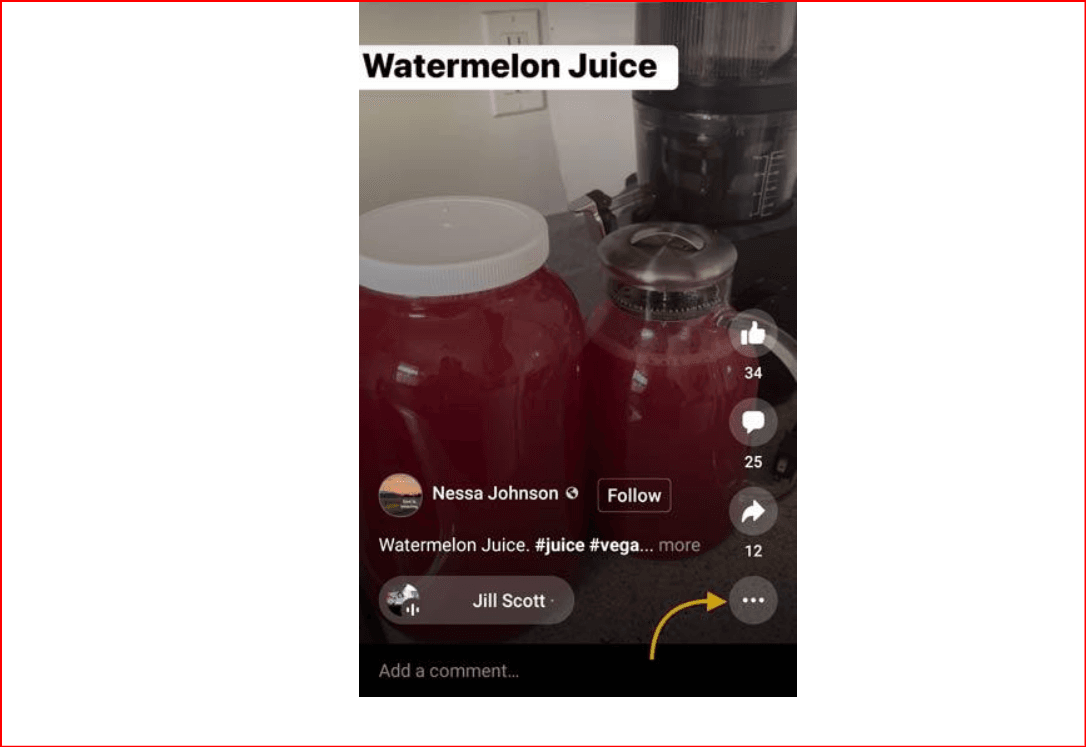
Select Copy Link.
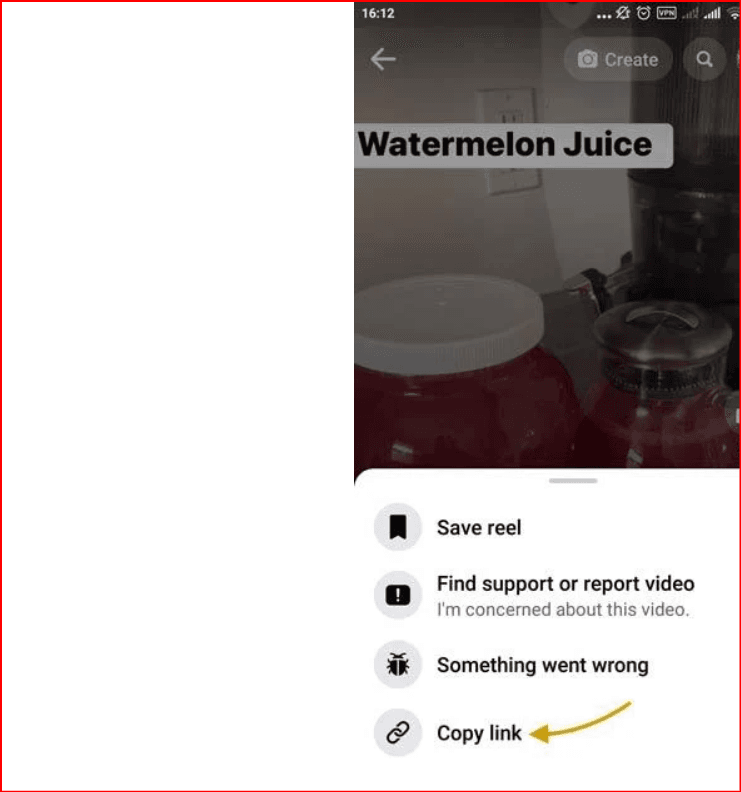
Send the link to your desktop (via email or a text editor).
Open 4K Video Downloader and paste the link.
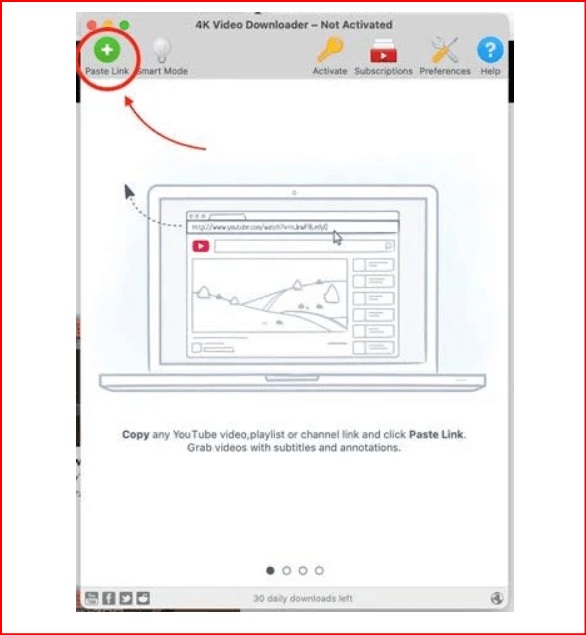
Choose the format or extract audio only.
Click Download.
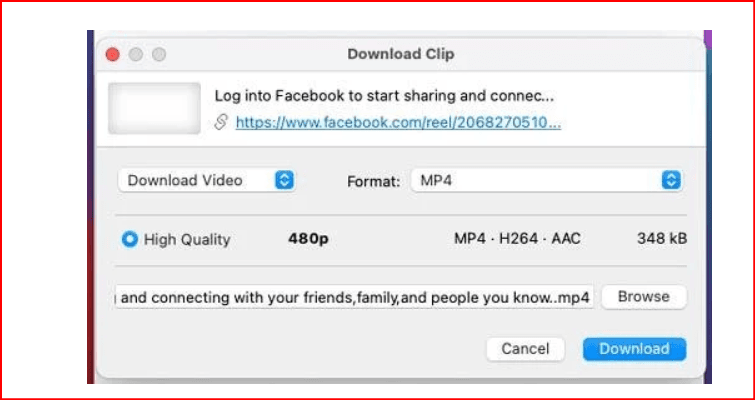
Tip: Rename downloaded files to avoid confusion if downloading multiple Reels.
2. Download Using a Chrome Extension
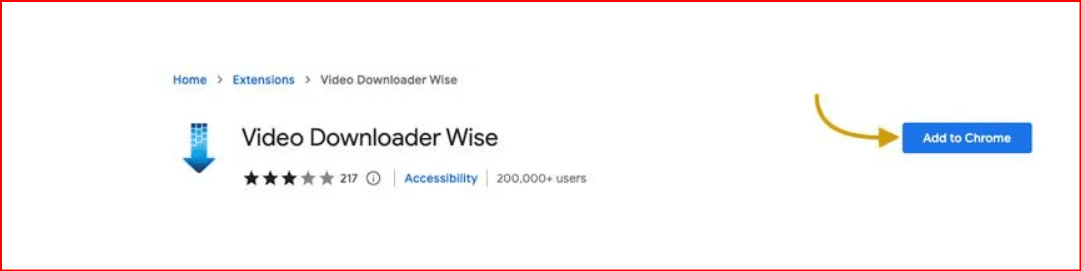
You can download Reels without installing a full app by using a Chrome extension like Video Downloader Wise.
Steps:
Go to the Chrome Web Store and install the extension.
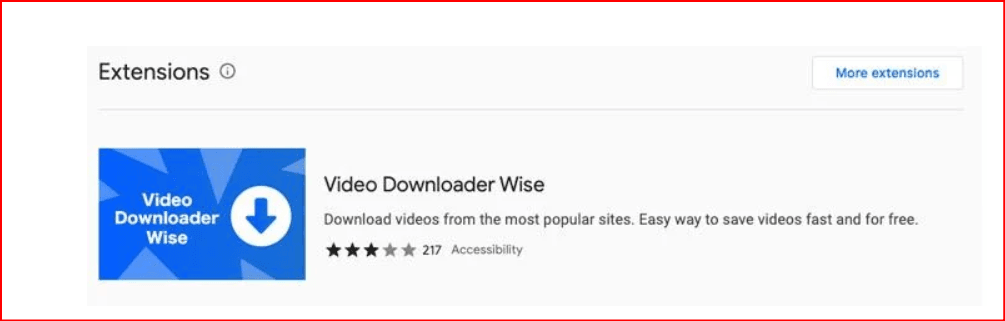
Pin it to your toolbar.
Copy the Facebook Reel URL from your mobile.
Modify the URL:
Change from
https://www.facebook.com/reel/XXXXXXTo
https://www.facebook.com/watch/?v=XXXXXX
Paste the modified URL into Chrome.
Hover over the video, and a Download button will appear.
Click Download to save the Reel to your desktop.
3. Download Using an Online Video Downloader
Websites like SnapSave allow you to download Facebook Reels quickly without installing apps.
Steps:
Copy the Facebook Reel URL.
Go to SnapSave or another video downloader.
Paste the URL into the text box.
Select video resolution.
Click Download.
This works on both Mac and Windows and is a fast option for single videos.
4. Download on Mobile
Several apps on Google Play or the App Store allow you to download Reels directly on your phone.
Example: Downloader for Facebook Reels by Siritop
Steps:
Install the app from Google Play or App Store.
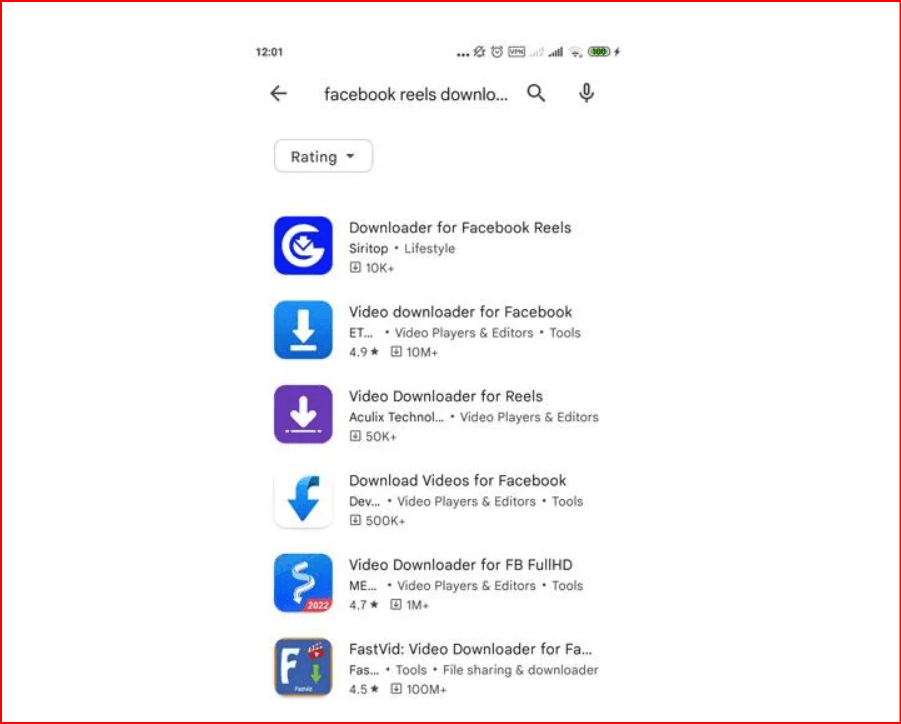
Copy the Reel link from Facebook.
Paste it in the app (it may auto-detect the link).
Choose the video resolution and click Download.
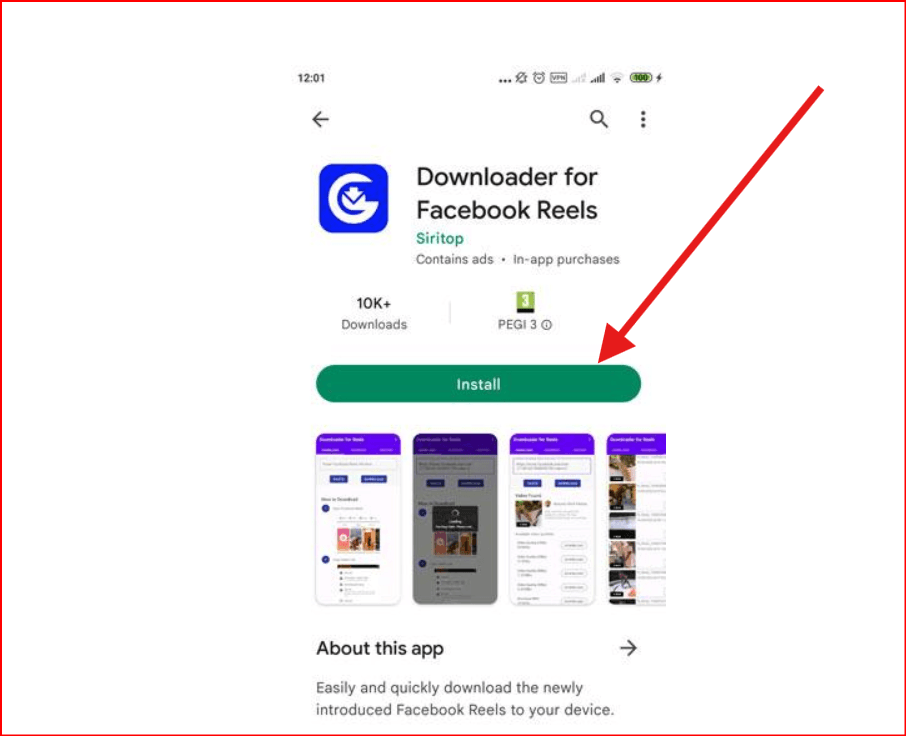
Find the Reel in your phone’s video folder.
Note: Reels with music from Facebook’s library may not save audio, but original audio is preserved.
5. Download Your Own Facebook Reels
You can save your own Reels directly through the Facebook app:
Steps:
Open Facebook app → Menu → Reels.
Tap your profile image to see your Reels.
Select a Reel → click the three dots at the bottom-right.
Choose Save Reel to Phone.
Access it in your device’s video folder.
Frequently Asked Questions
Q: Can anyone download Facebook Reels?
A: Yes, using third-party apps, online downloaders, or Chrome extensions.
Q: How long can a Facebook Reel be?
A: Up to 60 seconds.
Q: Are Facebook Reels and Instagram Reels the same?
A: No, but you can share Instagram Reels on Facebook. Facebook also allows clickable URLs in comments, increasing website traffic potential.
Q: Are Facebook Reels available globally?
A: Yes, in over 150 countries, with default public visibility for users over 18.
Conclusion
Downloading Facebook Reels is simple with multiple methods: third-party apps, Chrome extensions, online downloaders, and mobile apps.
Choose the method that suits your device and goals. Whether saving for offline viewing, marketing, or sharing, these options make Facebook Reels accessible anytime.
For more guides, explore tutorials on downloading YouTube videos, Twitch clips, Vimeo videos, and Spotify tracks.then use our multi-account for menage facebooj