How to Earn Microsoft Rewards Points Fast
 2025.11.28 03:52
 petro
petroWith a Microsoft account, you can start earning Microsoft Rewards points by using Bing to search, shopping at the Microsoft Store, playing Xbox games, and completing daily tasks. These points can be redeemed for gift cards, games, consoles, and other awesome rewards! This guide will walk you through how to quickly earn Microsoft Rewards points, both for free and through purchases, plus how to redeem them for great rewards.
Getting Microsoft Rewards Points Quickly
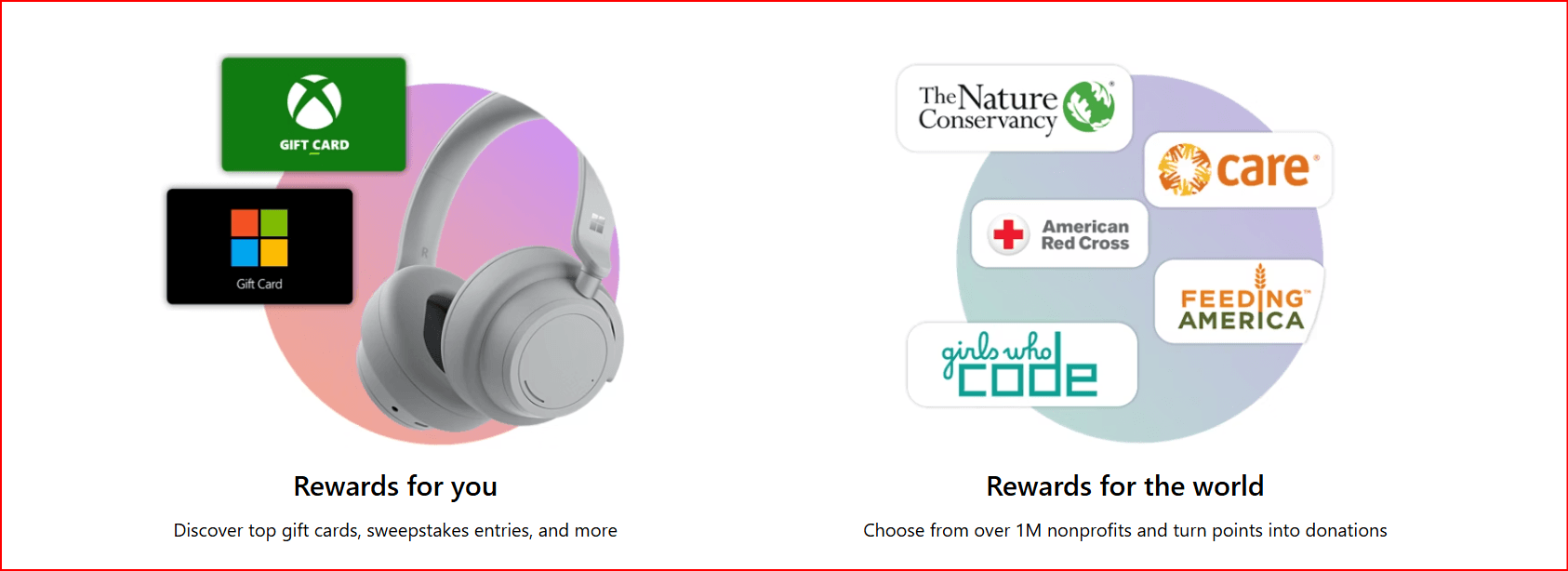
Use Bing on Your Computer: Earn up to 150 points per day by searching with Bing on your computer. Use Microsoft Edge to earn an extra 20 points daily at Level 2. You can also earn points by using Bing from the Windows Search bar.
Use Bing on Your Phone or Tablet: Install the Bing app to earn up to 100 points daily on your phone or tablet. This is in addition to the points earned on your computer.
Reach Level 2: To earn more points, level up to Level 2 by accumulating 1,000 points in a month. At Level 2, you can earn up to 5 times more points from Bing searches.
Complete Daily Tasks: Visit the Rewards Hub to complete daily activities like quizzes, reading articles, and taking polls. Each task gives you additional points.
Use the Microsoft Rewards Browser Extension: This extension adds daily tasks, sets Bing as your default search engine, and tracks your rewards points. Install it on Microsoft Edge or Google Chrome to maximize your points.
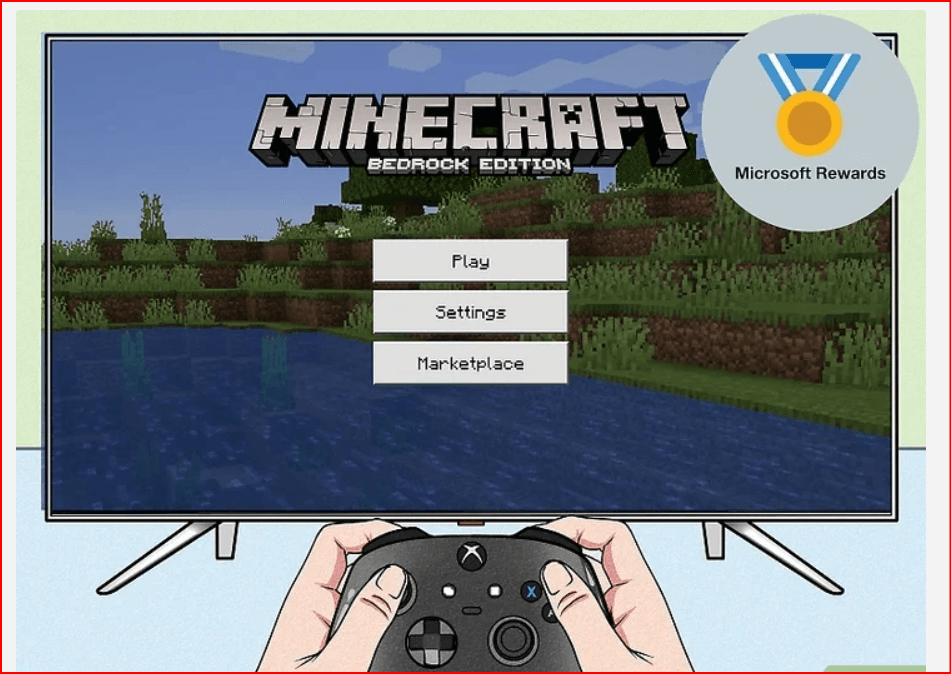
Earn Points with Xbox: Use the Rewards Hub on your Xbox console or the Xbox app to earn points by playing games, watching movies, and downloading apps.
How to Get Free Points
Use Bing on Your Computer:
Search on Bing.com to earn 5 points per search (up to 50 points per day) as a Level 1 member. Once you reach Level 2, you can earn up to 150 points daily.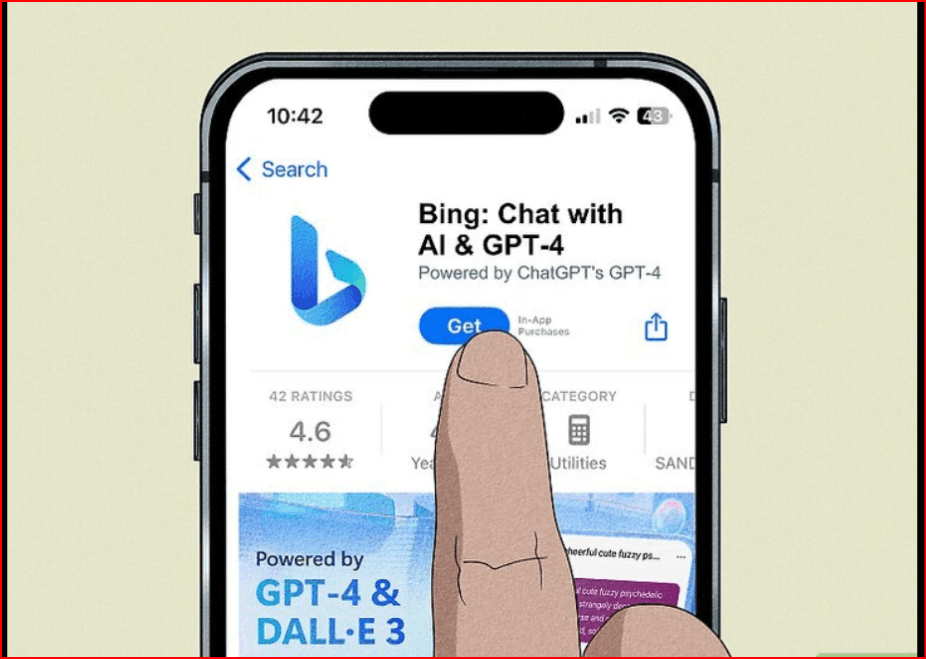
Install the Bing App:
Use the Bing app on Android, iPhone, or iPad to earn 5 points per search, up to 100 points per day. This is in addition to points earned on your computer.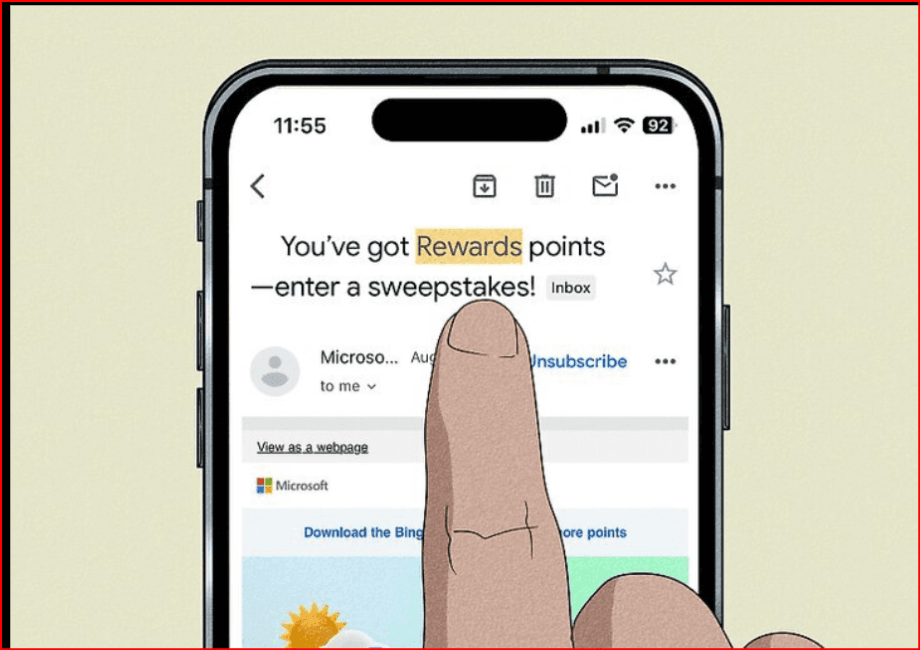
Read Emails from Microsoft Rewards:
When you sign up for Microsoft Rewards, you'll receive emails with bonus links to earn free points. The welcome email gives you 25 points, and there are additional links that provide 10 points each.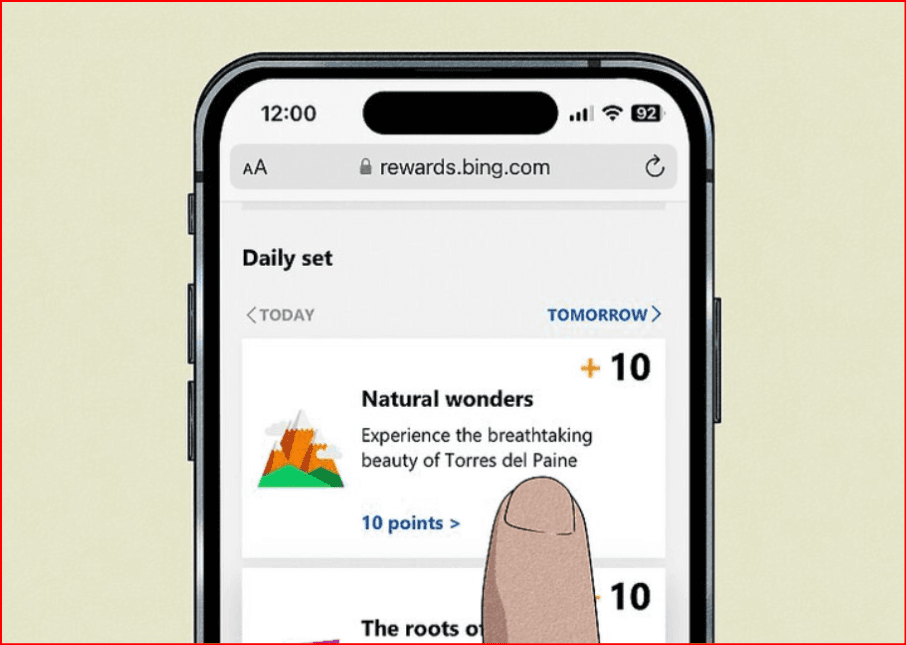
Complete Daily Activities:
Visit the Rewards Hub daily to complete tasks like quizzes, reading facts, and participating in polls. These activities can give you extra points each day.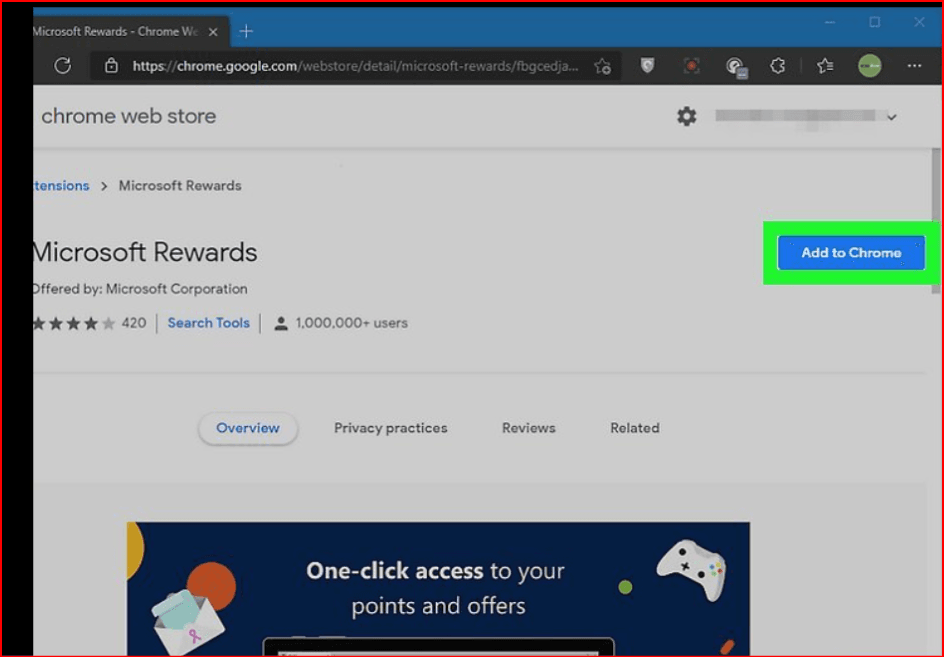
How to Get Points from Purchases
Shop at the Microsoft Store:
When you purchase anything from the Microsoft Store (on mobile, Xbox, Windows PC, or online), you earn points. As a Level 1 member, you get 1 point per dollar spent, and as a Level 2 member, you earn 10 points per dollar.Sign Up for Xbox Game Pass Ultimate:
If you're an Xbox Game Pass Ultimate member, you can earn 20 points per dollar spent at the Microsoft Store, giving you more points for every purchase.
How to Redeem Your Microsoft Rewards Points
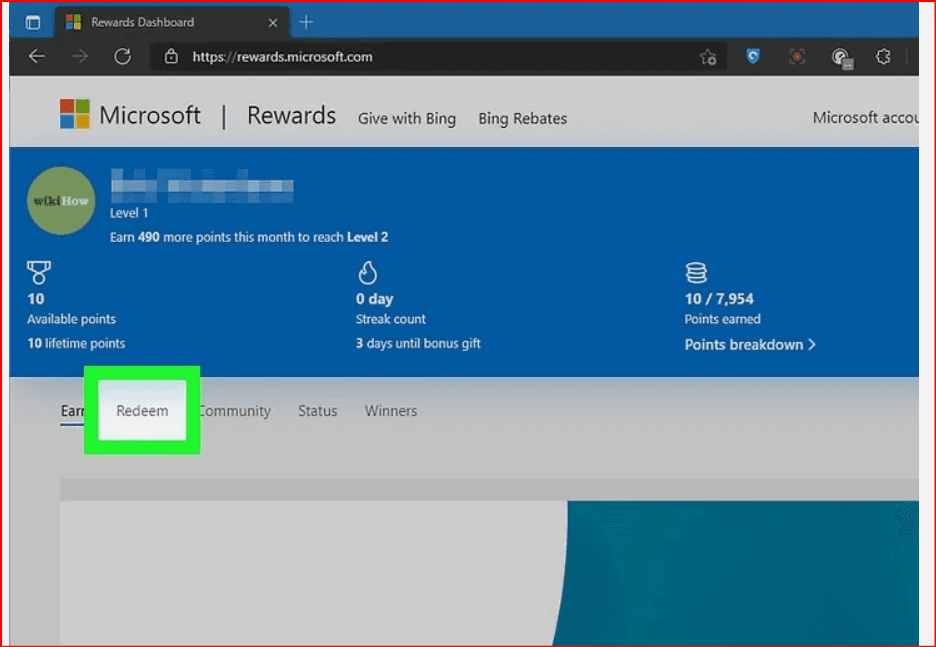
Redeem on the Rewards Site:
Go to the Microsoft Rewards page to view your points balance and available rewards. You can exchange points for gift cards, Xbox Live subscriptions, or even charity donations.Redeem Through the Extension:
If you use the Microsoft Rewards extension, simply click the gold medal icon in your browser to check your points and redeem rewards.
How Many Microsoft Rewards Points Can You Earn Each Month?
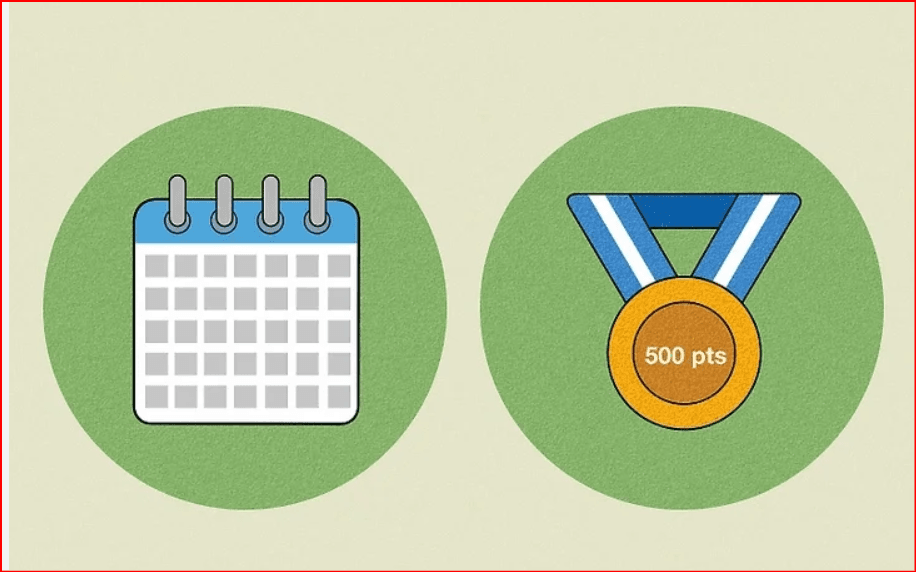
As a Level 2 member, you can earn up to 5 times more points with Bing searches and activities. To maintain Level 2, you must earn 500 points every month. Using Xbox or the Xbox app will help you earn even more points than just completing daily tasks on Bing.
Do Microsoft Rewards Points Expire?
Yes, your points will expire if you don’t earn or redeem any points within 18 months. Microsoft will send you warning emails before your points are lost.
How Much Are Microsoft Rewards Points Worth?
1,000 points roughly equals $1 in value. Points can be redeemed for gift cards, Xbox Live subscriptions, charity donations, and other rewards, but keep in mind that the exact value may vary depending on the reward you choose.
Are Microsoft Rewards Worth It?
Yes! If you enjoy getting gift cards, Xbox Live cards, or donating to charity, Microsoft Rewards offers great value. The rewards catalog is always updated with new items, so there are always new things to work toward.

 Multi-Account Management
 Prevent Account Association
 Multi-Employee Management
Recommended
See More 



