How to Monetize Facebook and TikTok in 2026
 2026.09.27 12:26
 petro
Facebook and TikTok can help creators earn, but a large view count alone is not a business plan. In 2026, the most dependable approach is to pair original content with several suitable revenue streams. Platform payments may reward eligible posts; sponsorships, affiliate commissions, products, and services can turn a useful audience into customers. The right mix depends on your region, audience, niche, and ability to deliver something worthwhile. This guide explains what each platform offers, how to check eligibility, and how to build a realistic plan without promising an income figure that no creator can guarantee.
Begin by writing down who watches your content and what they need. A cooking audience might buy a recipe collection or kitchen tool; an audience interested in software might value a tutorial, consulting session, or carefully disclosed affiliate recommendation. If the offer has no connection to the content, even a popular account may convert poorly. A small engaged audience can be more valuable than a large indifferent one.
Facebook revenue options
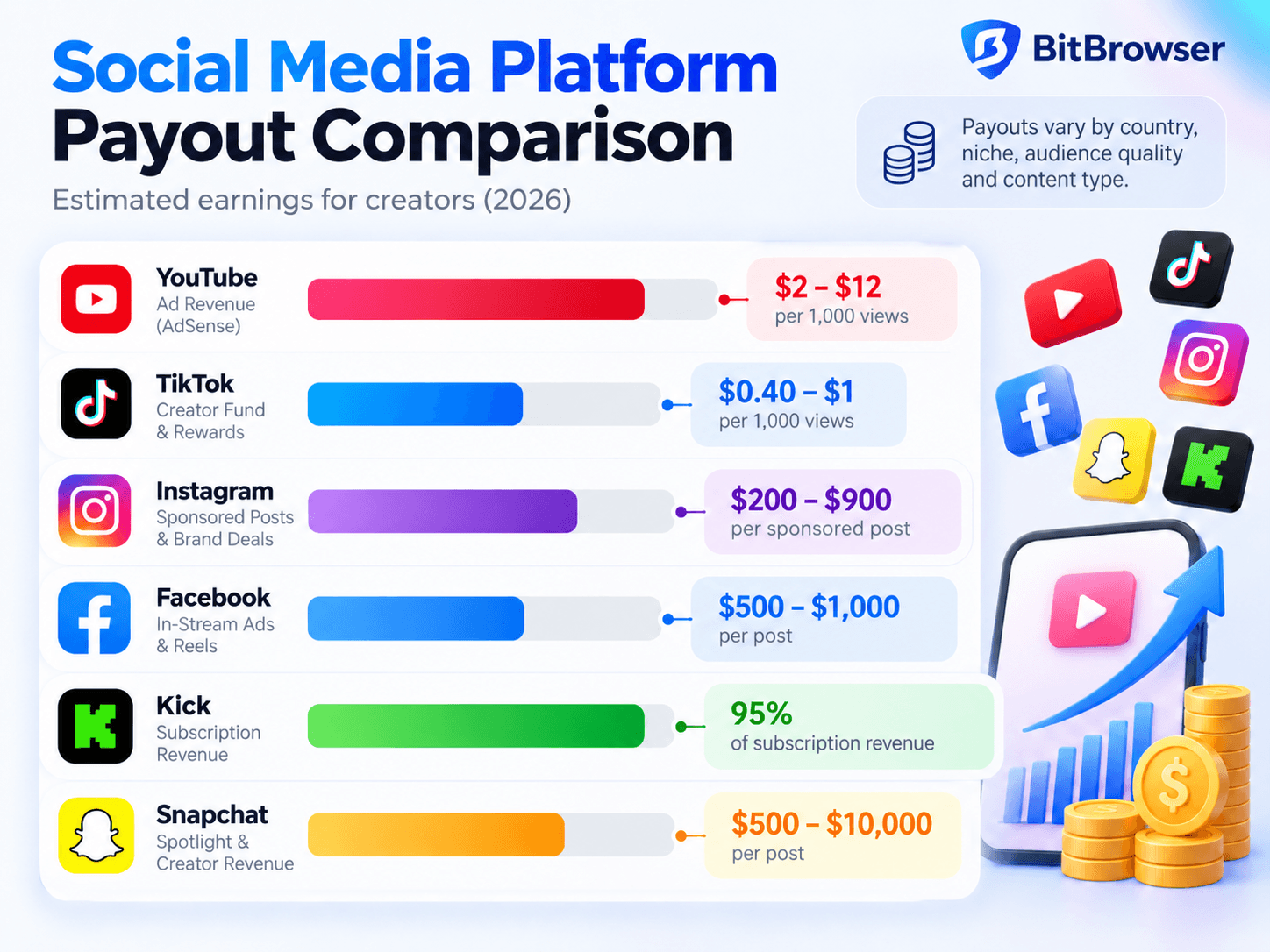
Facebook Content Monetization supports eligible creators across formats such as Reels, longer videos, Stories, photos, and text posts. Meta describes a performance based model and has introduced qualified views and approximate earnings per thousand qualified views in its dashboard. The program remained invitation based in Meta’s March 2026 announcement. Creators could express interest through Professional Dashboard, then Monetization and Content Monetization. An interest form is not approval, and available features differ by location and account.
TikTok Creator Rewards
TikTok Creator Rewards is a separate direct payment route. Its help center lists requirements including a personal account in good standing, age of at least 18, at least 10,000 followers, and at least 100,000 video views in the previous 30 days, in a supported region. Eligible videos must be original, at least one minute long, and uploaded after joining. A video begins collecting rewards after 1,000 qualified For You feed views. These are program rules, not a universal promise that every view will be paid.
Revenue options at a glance
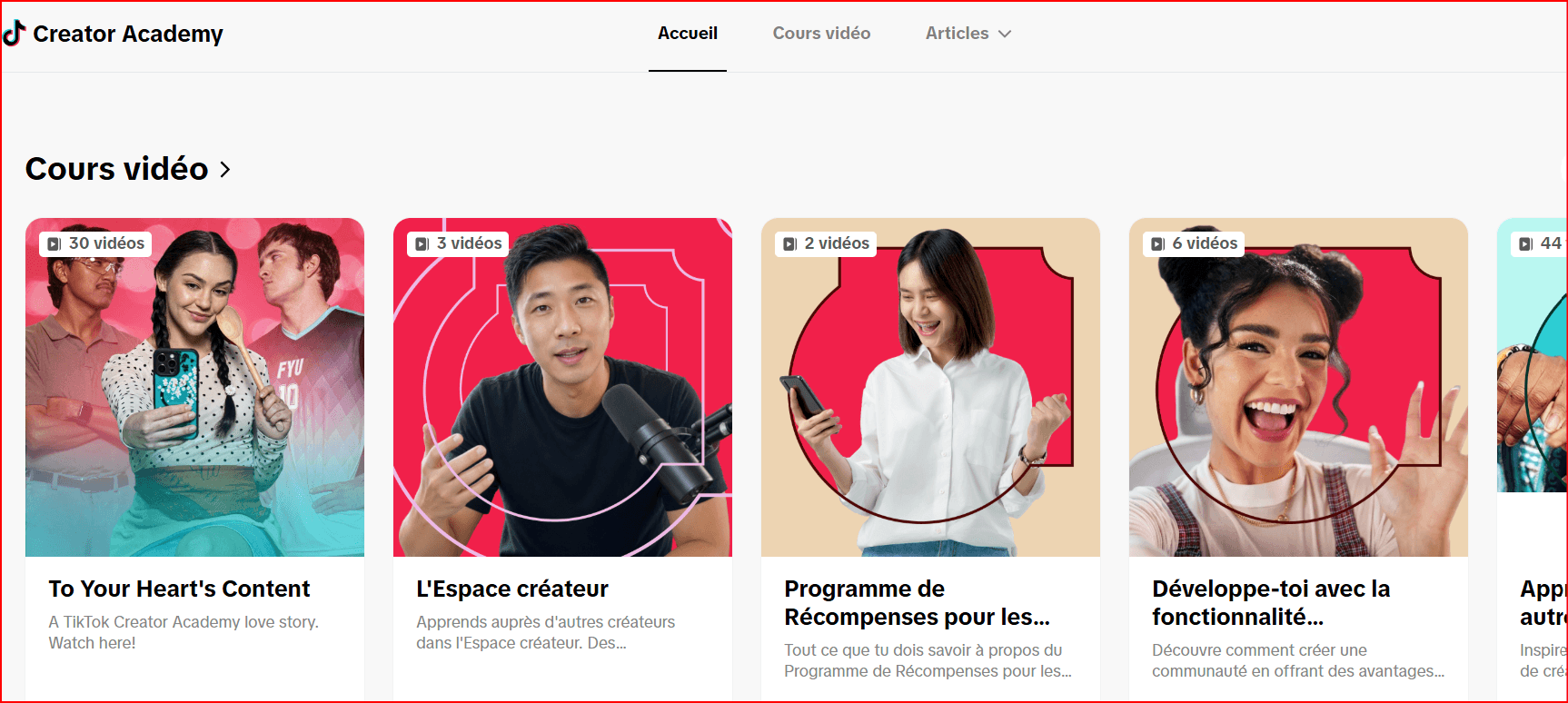
| Revenue route | TikTok | |
Platform payouts | Content Monetization for invited eligible accounts | Creator Rewards for eligible original videos |
Audience support | Stars or subscriptions where available | LIVE or Video Gifts and subscriptions where available |
Commercial work | Brand deals and compliant affiliate offers | TikTok One or direct deals and affiliate offers |
Owned income | Products, services, email list, website | Products, services, email list, website |
Other direct features
A creator may also find Video Gifts, LIVE Gifts, subscriptions, or paid Series in TikTok Studio, depending on local availability and eligibility. LIVE Gifts require an eligible account, age and location conditions, and good standing. Facebook has its own audience support and subscription features where available. These features work best when people already find repeated value in your content; asking for support before building trust seldom works.
Brand partnerships and disclosure
Brands pay for access to a relevant audience, credible explanation, and useful creative work. A small creator can pitch a narrow niche with clear audience data and examples of past content. Prepare a one page media kit with your audience locations, recent average views, engagement, deliverables, production timeline, usage rights, and contact details. Quote separately for extra edits, exclusivity, whitelisting, and reuse of your video in ads.
Affiliate marketing that serves viewers
Affiliate links can earn a commission when a qualified purchase or action follows your recommendation. The strongest content answers a real question: how a tool works, who it suits, what it costs, and where it falls short. A software creator might compare two editing workflows; a home creator could demonstrate a product after regular use. Show the item honestly and explain material limitations. State the affiliate relationship clearly near the recommendation.
Products, services, and owned channels
Digital products can include templates, guides, presets, lessons, and paid communities. Services may include consulting, editing, coaching, design, or training. These models give a creator more control over pricing and customer relationships. Start with one specific problem and a small offer. A practical checklist for a defined audience is easier to validate than a broad course built before anyone asks for it.
An email list or website gives followers a place to find you even if distribution changes. Invite people to join voluntarily and explain what they will receive. Use customer questions and purchase behavior to improve the product, not merely applause on a viral post. Price must reflect the real value and support workload. Account for payment fees, support time, refunds, and legal requirements before calling revenue profit.
Build a repeatable content system
Choose two or three themes that match an offer and audience demand. Research questions in comments and search suggestions. Turn one idea into a short discovery post, a deeper tutorial, and a practical follow up. Record original source footage, write an opening that states the useful outcome, and edit for clarity. You can adapt your own idea across Facebook and TikTok, while checking the format, music rights, and commercial use rules for each destination.
A sustainable schedule beats a burst of rushed uploads. Plan research, filming, editing, captions, publishing, and comment review. Keep a simple editorial sheet with topic, audience problem, hook, call to action, publication date, and results. Ask one sensible action from viewers at a time. Some posts should primarily teach or entertain; a constant sales pitch makes the account less useful.
Measure performance and economics
Analyze retention, completed views, shares, saves, meaningful comments, qualified views, link clicks, leads, and sales. Each measure answers a different question. Reach tells you how many people saw a post; retention indicates whether they stayed; conversion tells you whether the offer matched their intent. Compare posts of similar length and topic rather than treating one viral outlier as your baseline.
Calculate revenue per production hour as well as revenue per thousand views. A smaller tutorial that generates consulting inquiries may outperform a much larger entertainment clip for a professional creator. Run a monthly review: keep the formats that attract the right people, improve weak openings, retire offers that do not convert, and preserve creative room for experiments. Never buy views or followers to meet eligibility thresholds.
A 30 day launch plan
During week one, define one audience, three recurring themes, and a clear profile description. Audit account standing and the monetization options shown in each dashboard. During week two, publish a small set of original posts that answer actual audience questions. Keep notes on the source of each idea and rights to any media used. During week three, use retention and comments to choose a topic for a deeper video, and add a single relevant offer or email signup.
During week four, review performance, production costs, and the next month’s schedule. Reach out to a small number of aligned brands only when you can show what your audience values. Improve the offer based on questions and objections. This timetable is a working example rather than an earnings schedule. A creator may take months to find a stable format, and program approvals can take time.
How BitBrowser fits a creator workflow
BitBrowser can give a creator or agency a separate browser profile for each authorized Facebook Page, TikTok account, client, or campaign. A labeled profile can keep the relevant login session, bookmarks, research tabs, and publishing tools together, reducing everyday mix-ups when a team handles several projects. Its team features let an owner assign access according to a member’s role. A practical setup could use one workspace for the main brand, another for an approved client, and a separate research profile. Review who may publish, respond to messages, or change settings before granting access. BitBrowser organizes the browser workflow; it does not grant monetization eligibility, raise payouts, or replace either platform’s rules. Use legitimate accounts and permissions, disclose commercial content, and follow Facebook and TikTok policies.
Explore BitBrowser profiles • See team roles and permissions
How to use BitBrowser step by step
1. Plan authorized assets. List the Facebook Pages, TikTok accounts, clients, and campaigns your team is permitted to manage. Decide whether a separate profile is useful for each client or brand, and name the owner of every workspace.
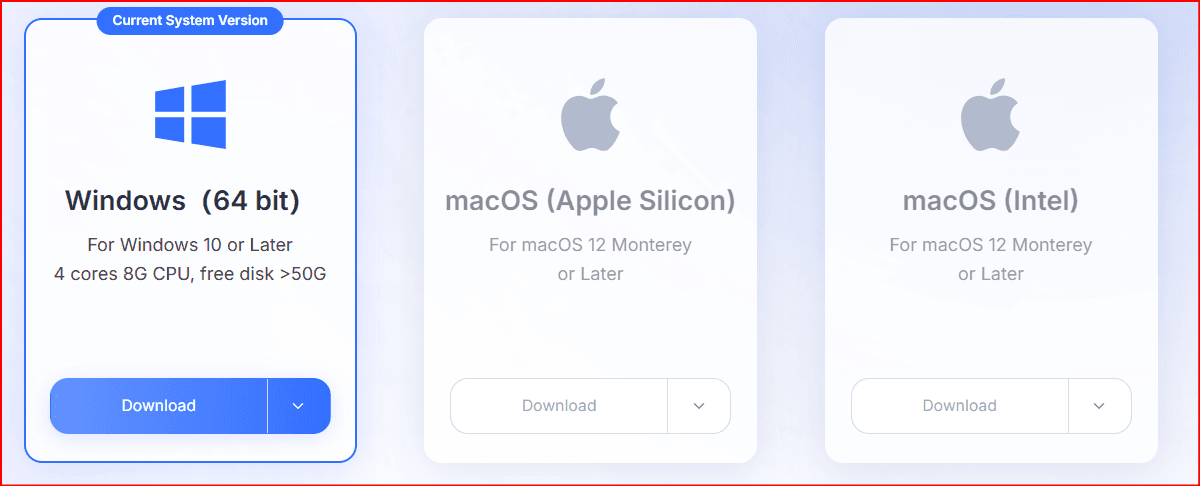
2. Install and sign in. Download BitBrowser from its official site, open the desktop app, and sign in. In Browsers, select Add. Enter a descriptive Browser Name such as BRAND A FACEBOOK or CLIENT B TIKTOK, and assign a Group if your team uses groups.
3. Set the starting pages. In the profile form, choose the Platform or enter its official URL and add relevant Open URLs, such as the platform dashboard and your approved analytics tool. Review the settings and save. Avoid putting sensitive passwords into shared planning sheets.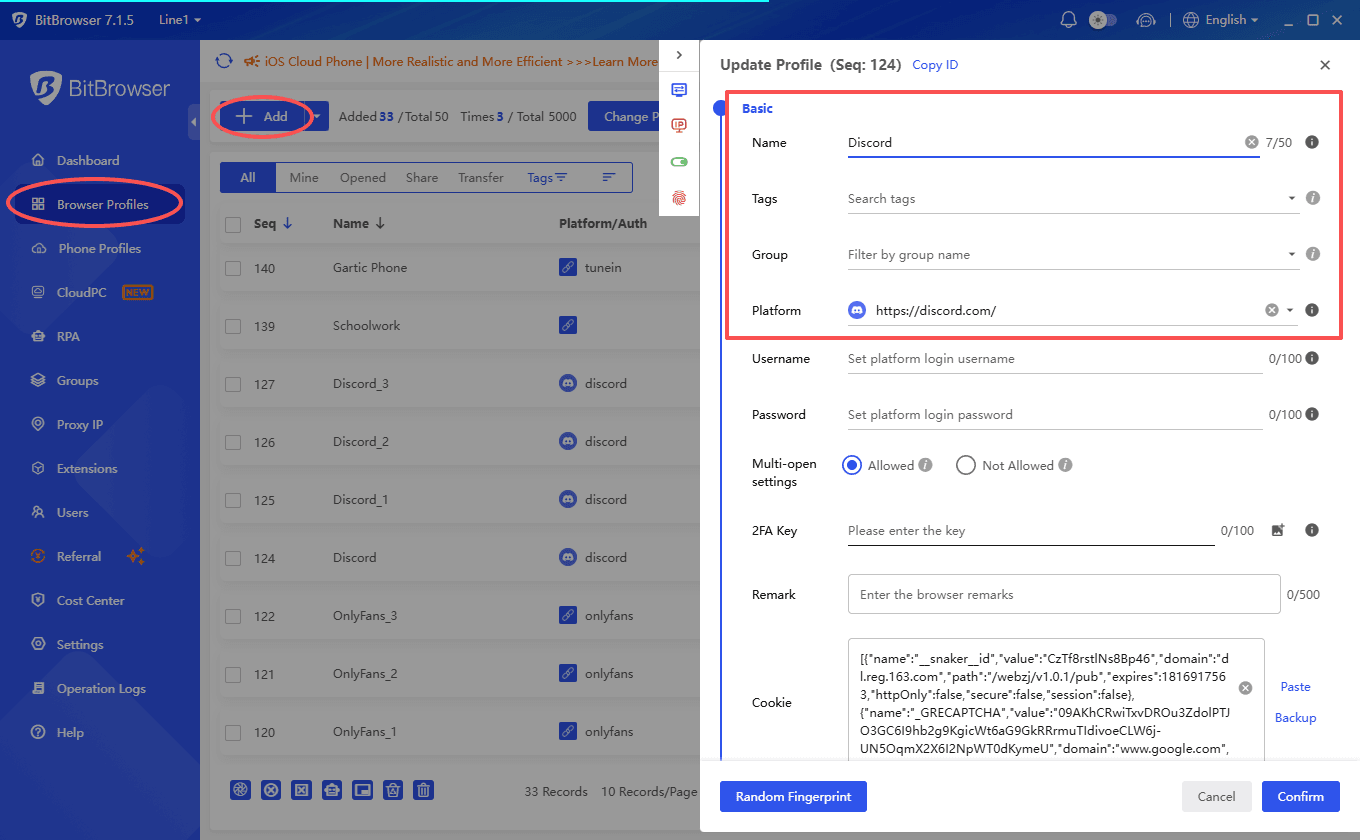
4. Open the profile and use the authorized account. Sign in through Facebook or TikTok itself, enable the platform’s two factor authentication, and keep recovery methods secure. Add only the bookmarks and approved tools relevant to that workspace. Check the account name before publishing.
5. Assign team access deliberately. If several people work on the account, use BitBrowser groups, users, and role permissions to give each person the access needed for their task. Record who can publish, respond, or change settings, and remove access when a project ends.
6. Run the editorial and measurement loop. Prepare original posts, review rights and sponsorship disclosures, publish through the appropriate account, and use the native Facebook and TikTok dashboards to check eligibility and results. BitBrowser is the workspace layer; the platforms decide monetization and payouts.
Profile setup instructions • User permission instructions
Common mistakes and safeguards
Do not confuse a Creator Rewards threshold with a guarantee of payment. Do not assume Facebook will invite an account because it reaches a follower count. Avoid recycled clips, misleading hooks, unlicensed music, undisclosed ads, false testimonials, and claims that a product produces guaranteed results. Review the applicable copyright, community, and commercial content policies before publishing.
Keep separate records for contracts, invoices, sponsorship approvals, affiliate disclosures, and payouts. Protect accounts with strong authentication and give collaborators only the access they need. Regional availability and tax treatment differ; verify both locally. If a feature disappears or a video is deemed ineligible, inspect the dashboard reason and use the official appeal route when appropriate. Building a real business means having a plan beyond one program.
Frequently asked questions
Can Facebook Reels earn money? Eligible creators may earn from qualifying Reels through available Facebook monetization features, but account access and performance rules apply. Can TikTok videos under one minute earn Creator Rewards? No; that program requires eligible original videos of at least one minute. Can a sponsored TikTok video earn Creator Rewards too? TikTok says paid promotions and TikTok One campaign videos are ineligible for rewards on those videos.
Do I need millions of followers? No. Sponsorships, affiliate sales, services, and products depend heavily on audience fit and trust. Is the Creator Fund still the main TikTok program? TikTok says the former Creator Fund has been replaced by Creator Rewards. Which platform should I start with? Choose the one where you can produce the strongest original work and reach a relevant audience, then adapt successful ideas to the other without assuming identical results.
Official sources
Meta, Creator Fast Track • Meta, Original Creators • TikTok, Creator Rewards • TikTok, Rewards Calculation • TikTok, LIVE Gifts

 Multi-Account Management
 Prevent Account Association
 Multi-Employee Management
Recommended
See More