How to Manage Multiple Ticket Buying Accounts Safely with BitBrowser (2026 Guide)
 2026.03.31 05:47
 petro
petroManaging multiple ticket-buying accounts is no longer a niche practice—it has become a standard approach for agencies, professional resellers, and high-volume users who operate across numerous platforms simultaneously. Whether the goal is to secure high-demand event tickets, manage client allocations, or optimize purchasing strategies, handling multiple accounts requires a structured and disciplined system.
In 2026, this process has grown more complex due to stricter platform regulations, advanced anti-bot protections, and increased scrutiny around account activity. As a result, relying on basic methods is no longer sufficient. Users must adopt specialized tools, such as secure account managers, browser profile isolation, and reliable proxy solutions, to ensure each account operates independently and safely.
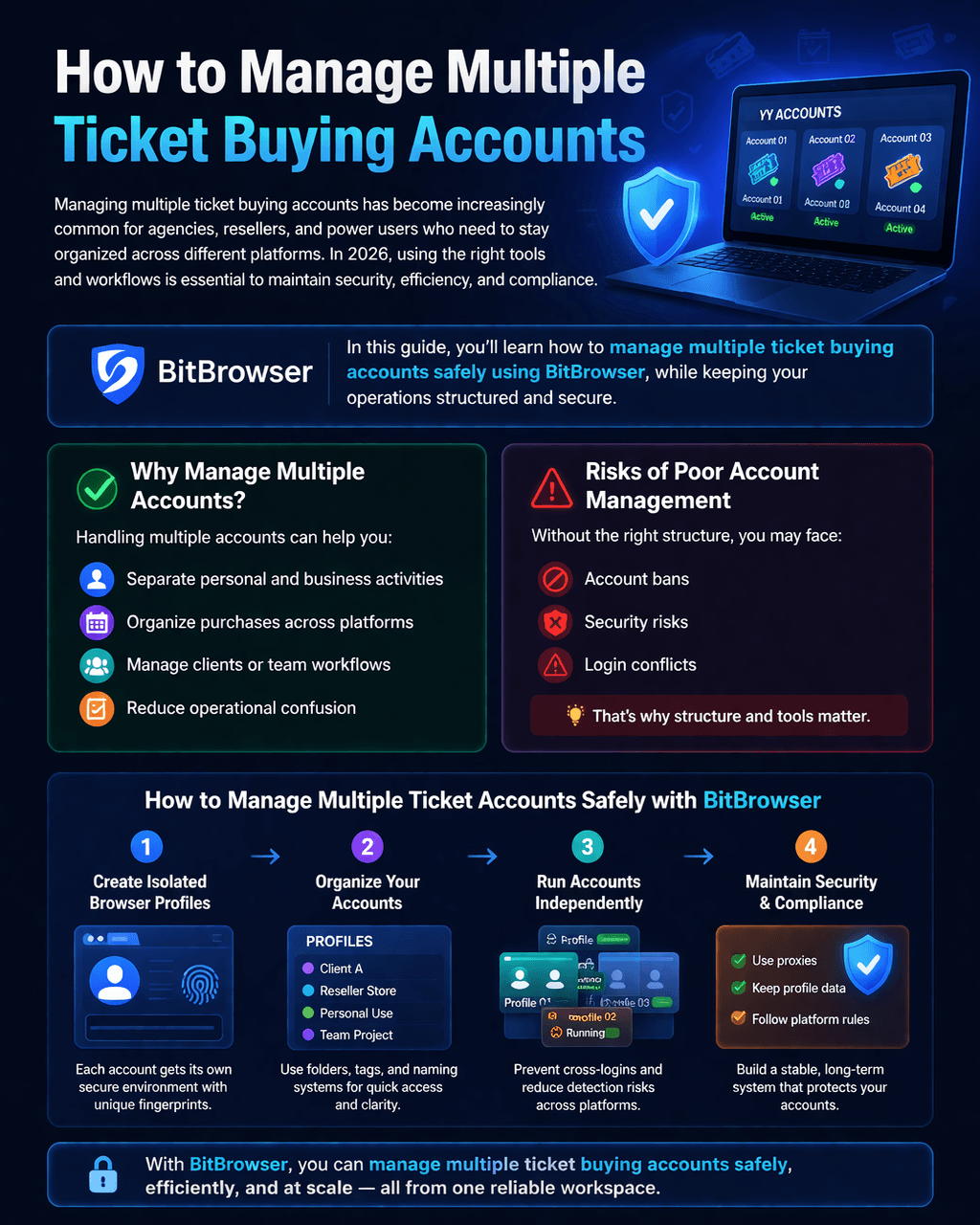
What is BitBrowser?
BitBrowser is a multi-account browser designed to:
- create isolated browser profiles
- manage multiple accounts without overlap
- assign access to team members
- improve workflow organization
Each profile acts like a separate device, helping you avoid session conflicts.
Step 1: Set Up BitBrowser
To get started:
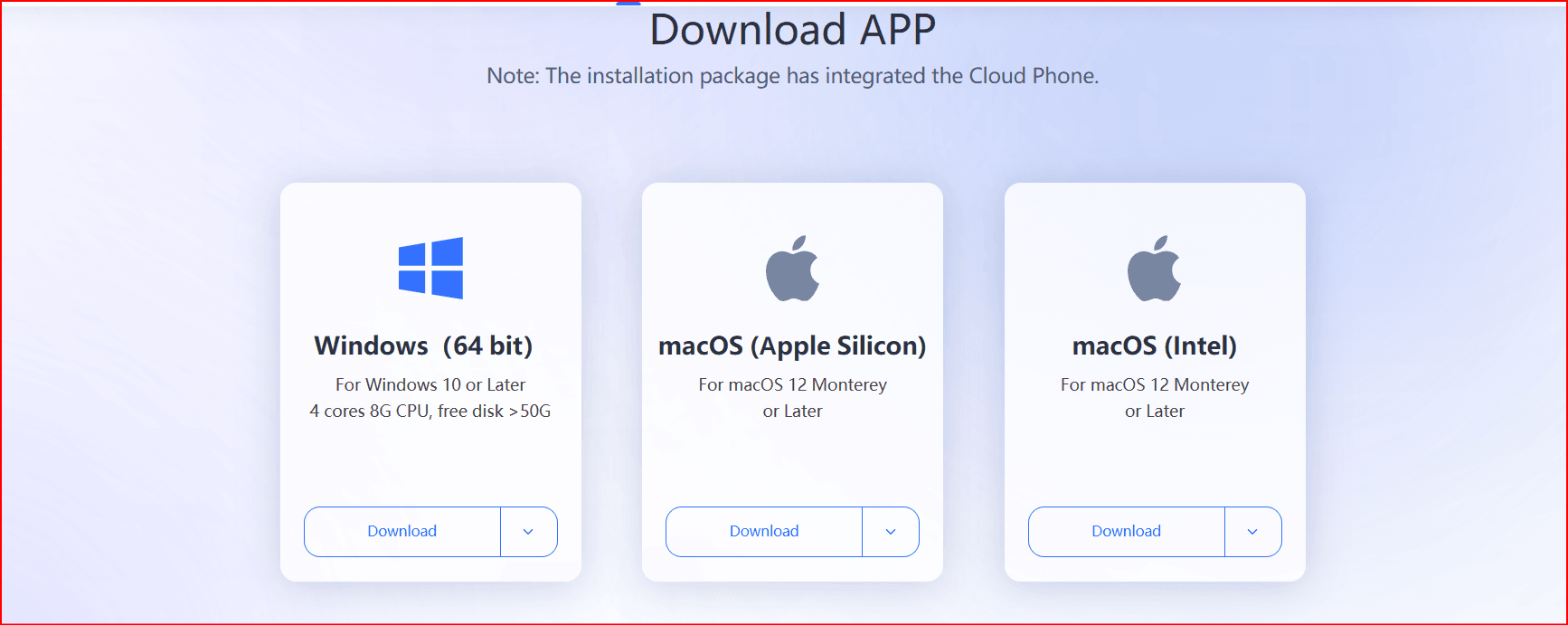
- Download and install BitBrowser
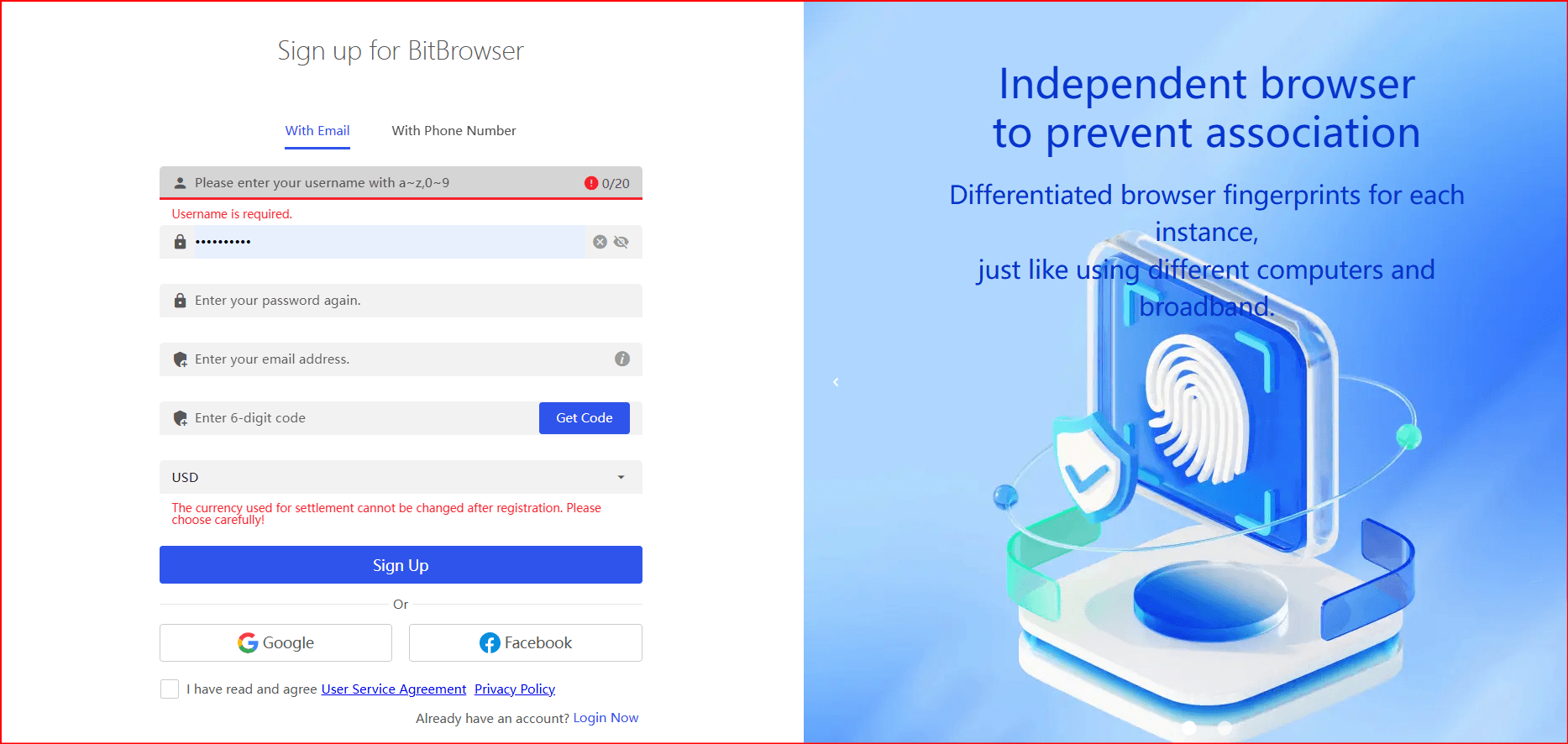
- Create your account
- Access the dashboard
From there, you can begin creating browser profiles.
Step 2: Create Separate Profiles for Each Account
Instead of logging multiple accounts in one browser, create: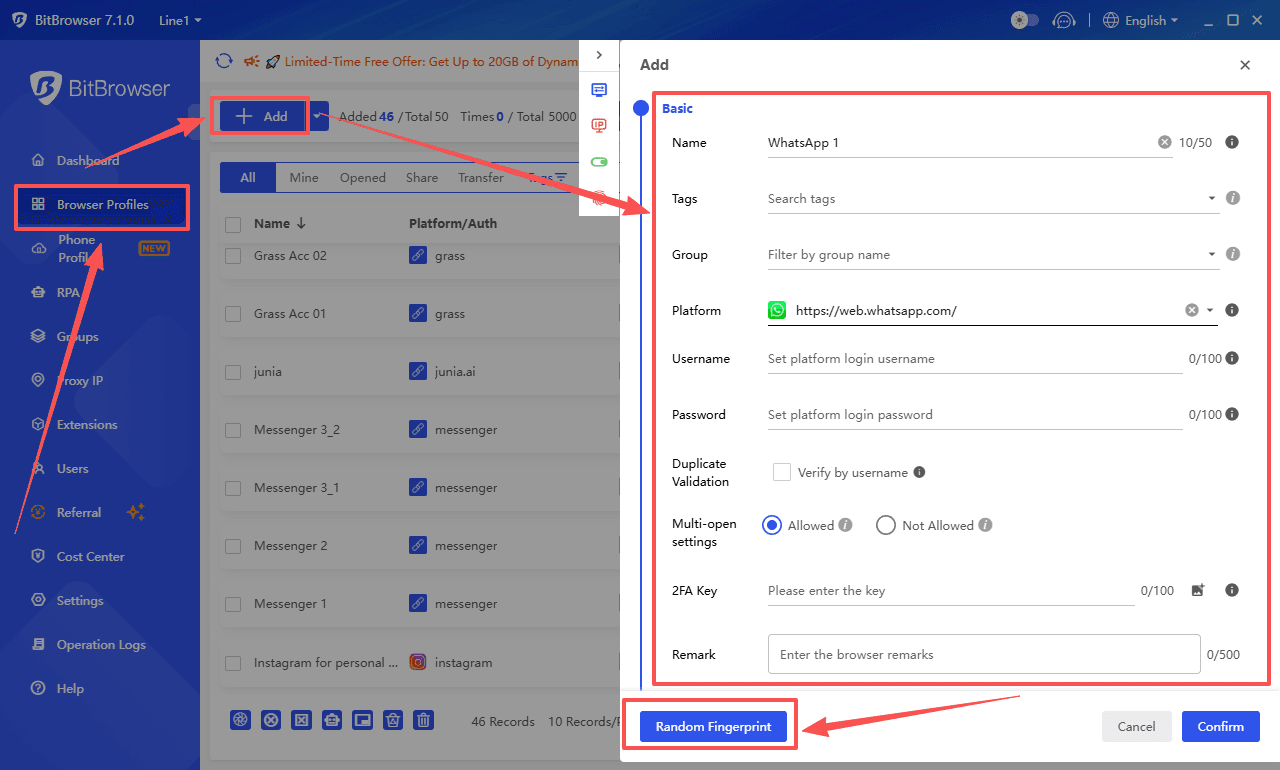
- one profile = one account
For example:
- Profile 1 → Ticket Account A
- Profile 2 → Ticket Account B
- Profile 3 → Client Account
This prevents cookies, sessions, and logins from interfering with each other.
Step 3: Organize Profiles Properly
Use clear naming conventions:
- “Ticketmaster_US_01”
- “EventPlatform_ClientA”
- “Resale_Account_02”
You can also group profiles by:
- platform
- region
- client
Good organization saves time and reduces mistakes.
Step 4: Assign Team Roles
If you work with a team, define clear responsibilities.
Recommended Structure
Admin
- manages profiles
- controls permissions
- handles security
Operator
- logs into assigned accounts
- performs daily actions
Manager
- supervises operations
- monitors performance
BitBrowser allows you to assign access without sharing passwords, improving security.
Step 5: Maintain Security and Compliance
To avoid issues:
- never share login credentials manually
- use dedicated profiles per account
- limit access based on roles
- regularly review account activity
Always follow the terms of service of ticket platforms.
Step 6: Optimize Your Workflow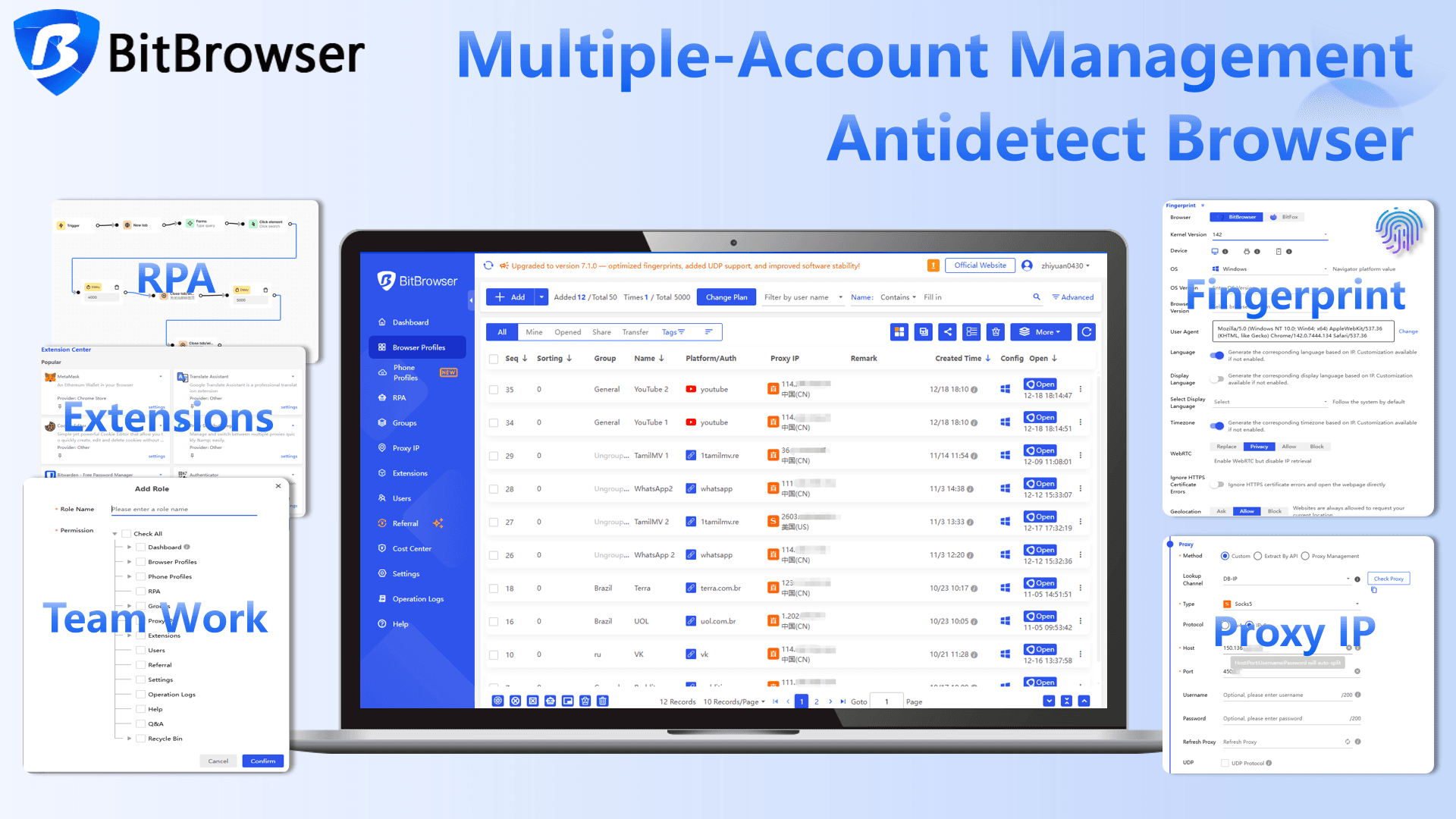
To work efficiently:
- keep sessions active in assigned profiles
- use notes or labels inside BitBrowser
- schedule tasks for your team
- track which account is used for what
This reduces confusion and improves productivity.
Best Practices in 2026
- Use one account per profile
- Avoid switching accounts in the same session
- Keep your team structure clear
- Monitor account health regularly
- Stay compliant with platform rules
Example Workflow
A small team setup:
Owner
- full control of BitBrowser
- manages all profiles
Operator
- handles daily ticket purchases
- uses assigned profiles only
Assistant
- tracks availability and updates
This structure keeps operations clean and secure.
Conclusion
Managing multiple ticket buying accounts in 2026 requires organization, discipline, and the right tools. BitBrowser provides a structured way to separate accounts, assign roles, and improve security without creating unnecessary risks.
By following best practices and maintaining a clear workflow, you can scale your operations efficiently while staying compliant.

 Multi-Account Management
 Prevent Account Association
 Multi-Employee Management
Recommended
See More 



