Multilogin vs BitCloudPhone: Which Multi-Account Management Tool Is Better in 2026?
 2026.03.17 09:12
 petro
petroManaging multiple online accounts has become essential for businesses involved in cross-border e-commerce, social media marketing, affiliate campaigns, and digital advertising. As platforms tighten their security systems, users must rely on specialized tools that can maintain isolated digital identities and prevent account association.
Two widely discussed solutions are Multilogin and BitCloudPhone. While both aim to help manage multiple accounts securely, they use very different technologies. Multilogin focuses on browser fingerprint isolation, whereas BitCloudPhone provides full Android cloud phone environments.
This article explores their differences, strengths, and ideal use cases to help you decide which solution is better for your workflow.
Understanding the Technology Behind Each Tool
Before comparing the two platforms, it is important to understand their fundamental architecture.
Multilogin: Anti-Detect Browser Technology
Multilogin is an anti-detect browser designed to create multiple browser profiles with unique fingerprints. Each profile simulates a different user environment by modifying parameters such as:
- User agent
- Canvas fingerprint
- WebGL data
- Fonts and screen resolution
- Time zone and language
- Cookies and local storage
This allows users to run multiple browser sessions without websites linking the accounts together.
Multilogin works best for web-based platforms, such as:
- Facebook Ads Manager
- Google accounts
- Amazon Seller Central
- affiliate marketing dashboards
However, because it operates at the browser level, it cannot run native mobile apps.
BitCloudPhone: Cloud Phone Infrastructure
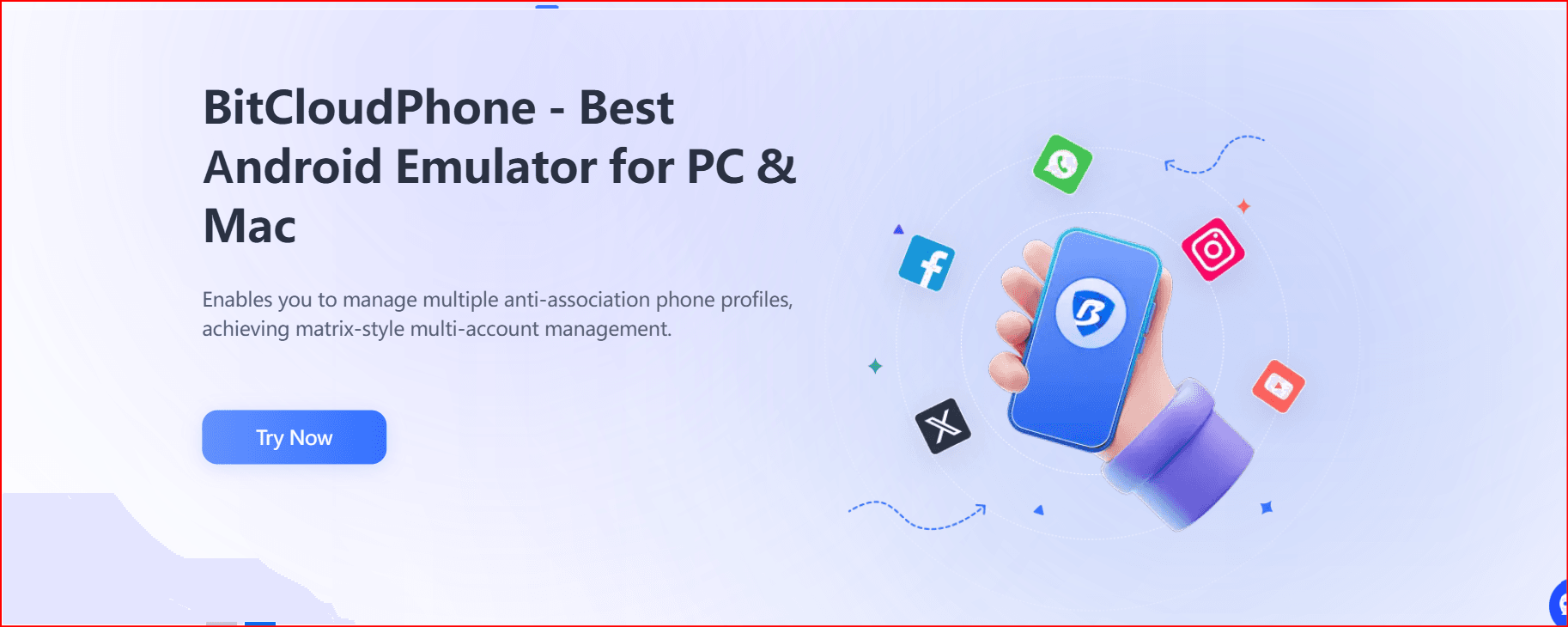
BitCloudPhone takes a completely different approach. Instead of simulating browsers, it provides virtual Android devices hosted in the cloud.
Each cloud phone behaves like a real smartphone and can run mobile applications directly.
Key device parameters include:
- IMEI numbers
- device serial numbers
- SIM card information
- mobile carrier settings
- GPS and sensor data
This creates a realistic mobile environment, making BitCloudPhone particularly useful for platforms that prioritize mobile device signals.
Users can launch and manage many virtual devices from a single dashboard without needing to maintain physical smartphones.
Multilogin vs BitCloudPhone: Feature Comparison
Feature | Multilogin | BitCloudPhone |
Technology type | Anti-detect browser | Cloud Android phone |
Environment | Browser profiles | Virtual smartphones |
Platform support | Web platforms | Mobile apps |
Device fingerprint | Browser fingerprint | Hardware-level simulation |
Mobile app support | Limited | Full Android apps |
Automation | API & web automation tools | Built-in scripts and synchronization |
Scalability | Moderate | High |
Device management | Browser profiles | Multiple cloud devices |
Best use case | Web account management | Mobile platform operations |
Why BitCloudPhone Can Be a Better Choice
While both tools are powerful, BitCloudPhone offers several advantages in environments where mobile identity and scalability are critical.
1. Full Mobile Device Simulation
BitCloudPhone simulates complete Android devices, not just browser fingerprints.
This means it can replicate many elements of a real smartphone, including:
- hardware identifiers
- SIM card data
- device sensors
- mobile network information
For platforms that prioritize mobile device signals, this creates a more authentic environment.
2. Native Mobile App Support
Unlike browser-based tools, BitCloudPhone can run native mobile applications.
This is especially useful for teams working with mobile-first platforms such as:
- TikTok
- Instagram mobile
- mobile shopping apps
- social media management tools
Users can install apps directly from Google Play or upload APK files.
3. No Physical Phone Farm Needed
Before cloud phone technology, large teams often relied on physical phone farms containing dozens or hundreds of smartphones.
This approach requires:
- expensive hardware
- device maintenance
- battery management
- network setup
BitCloudPhone eliminates these challenges by providing virtual devices hosted in the cloud, which can be launched and managed remotely.
4. Scalable Multi-Device Management
BitCloudPhone includes built-in tools designed for managing large device fleets.
These include:
- batch device operations
- synchronized actions across devices
- template environments for quick deployment
- device data import and export
This allows teams to scale operations efficiently without managing each device individually.
5. Cost Efficiency for Large Teams
Running multiple environments using browser tools can become expensive as the number of profiles increases.
Cloud phone platforms often offer pay-per-device models, allowing teams to scale up or down based on demand.
For operations that require many mobile environments, this approach can be more cost-efficient in the long term.
Advanced Fingerprinting & One‑Click New Phone
Simulates hardware identifiers like IMEI, serial numbers, SIM info, and sensors.
One‑Click New Phone: Instantly generates a fresh device identity for new accounts, avoiding device bans and historical tracking.
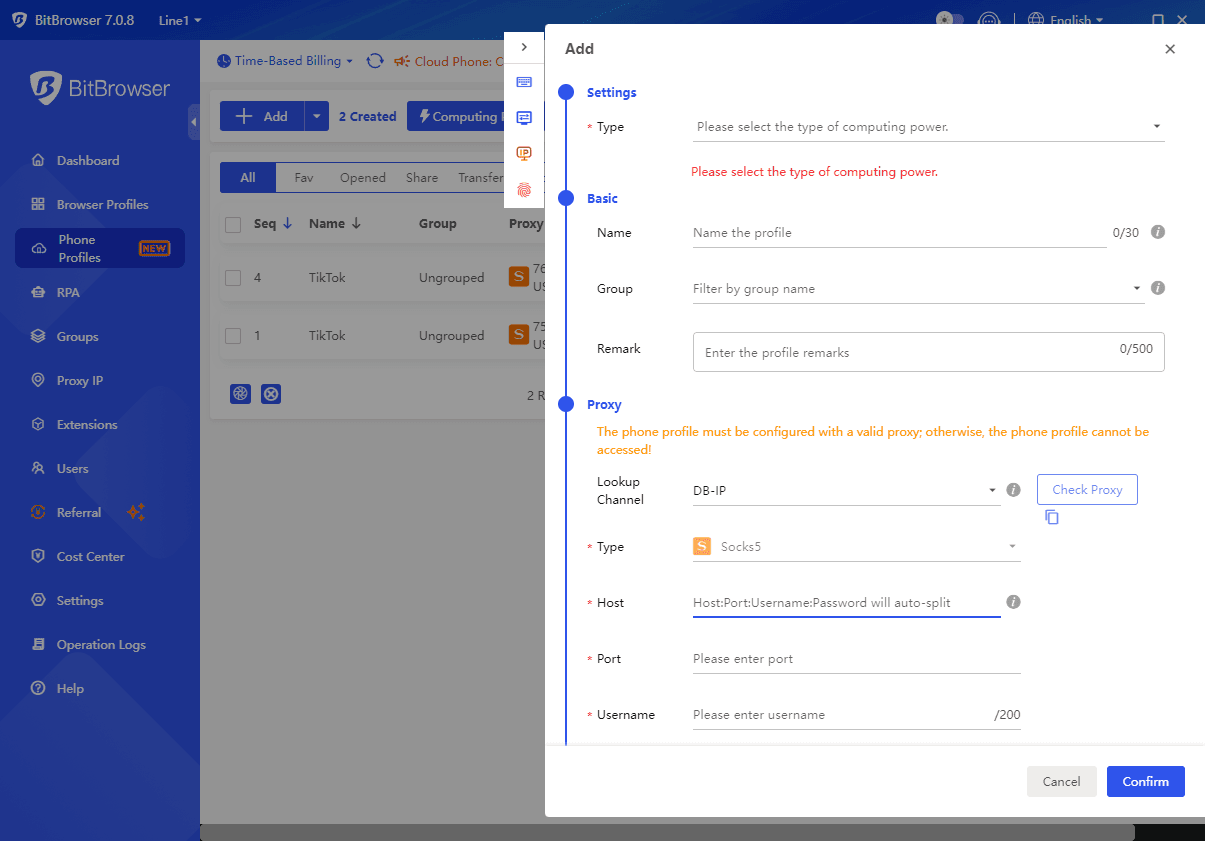
Automation Tools
● Synchronizer: Mirror actions from a master device across multiple instances for batch operations.
● Script Market: Use or upload automation scripts to handle repetitive tasks and workflows.
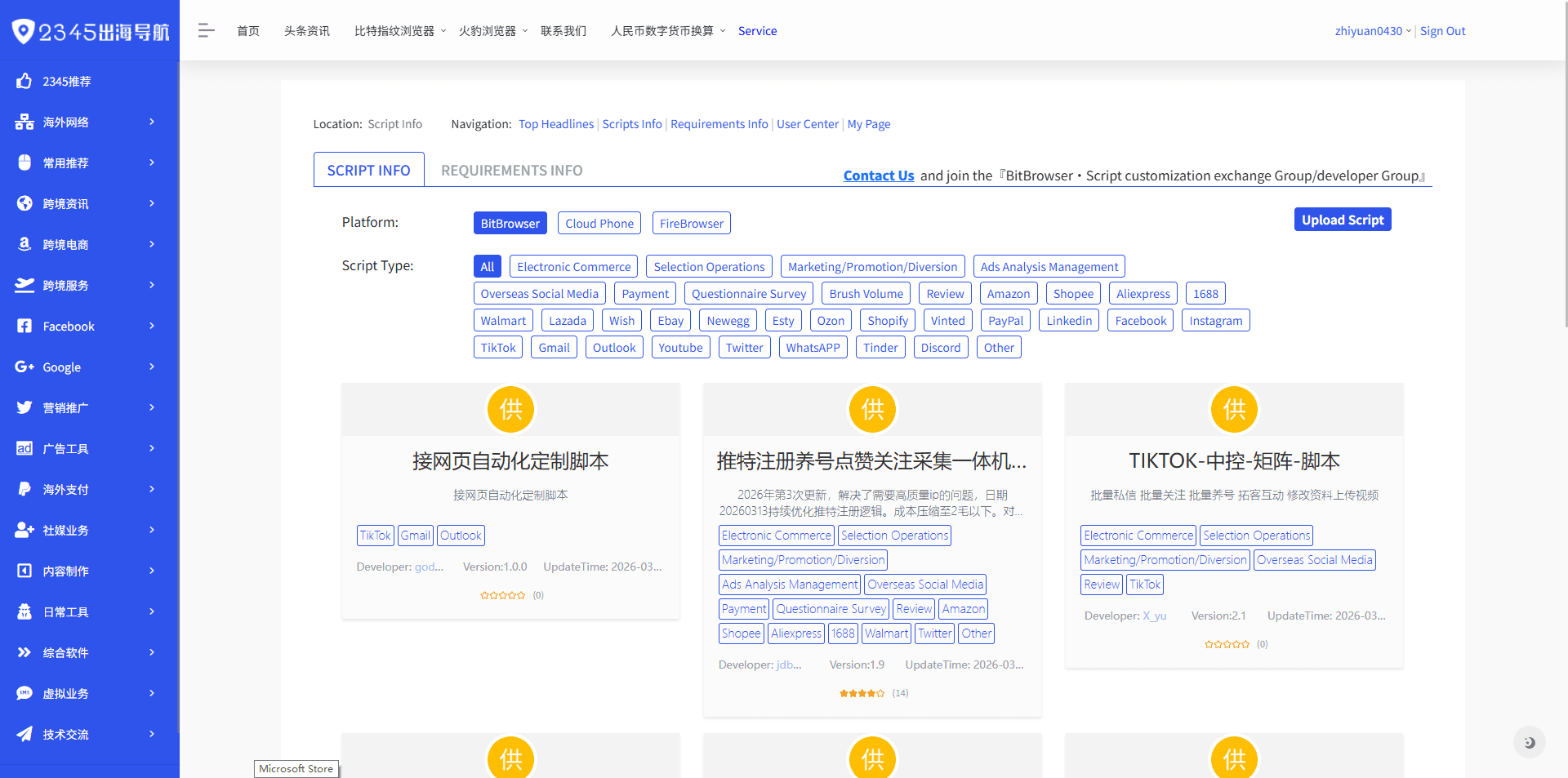
App Deployment
● Google Play Integration: Install official apps directly.
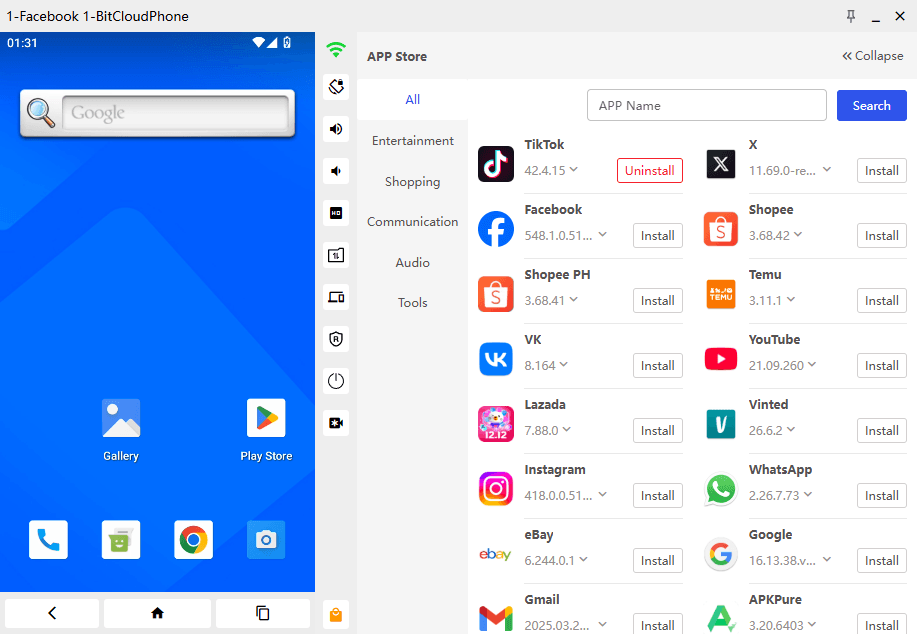
● Custom APKs & Templates: Upload private apps and clone configured environments across devices.
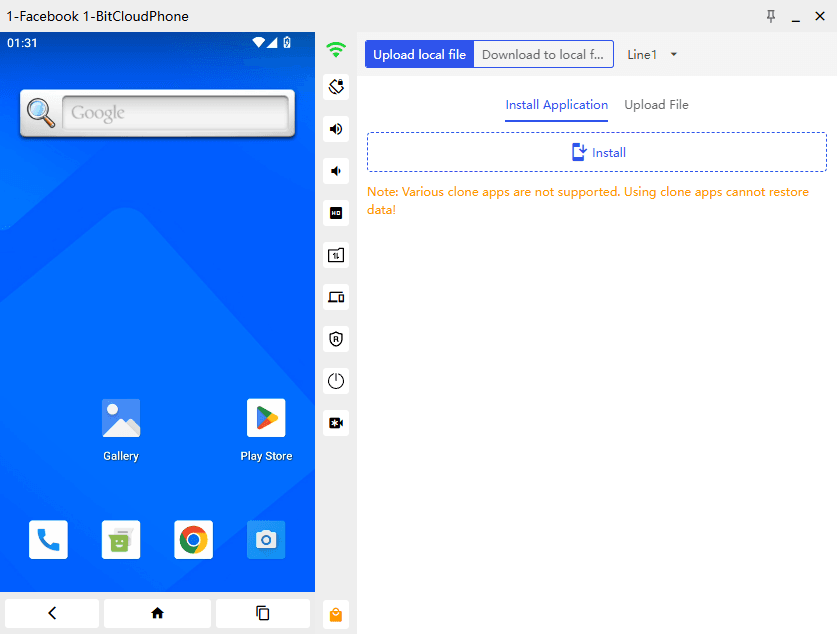
Batch Management
● Import/Export: Manage device data via CSV/Excel.
● Mass Operations: Start, stop, reboot, or delete multiple devices at once.
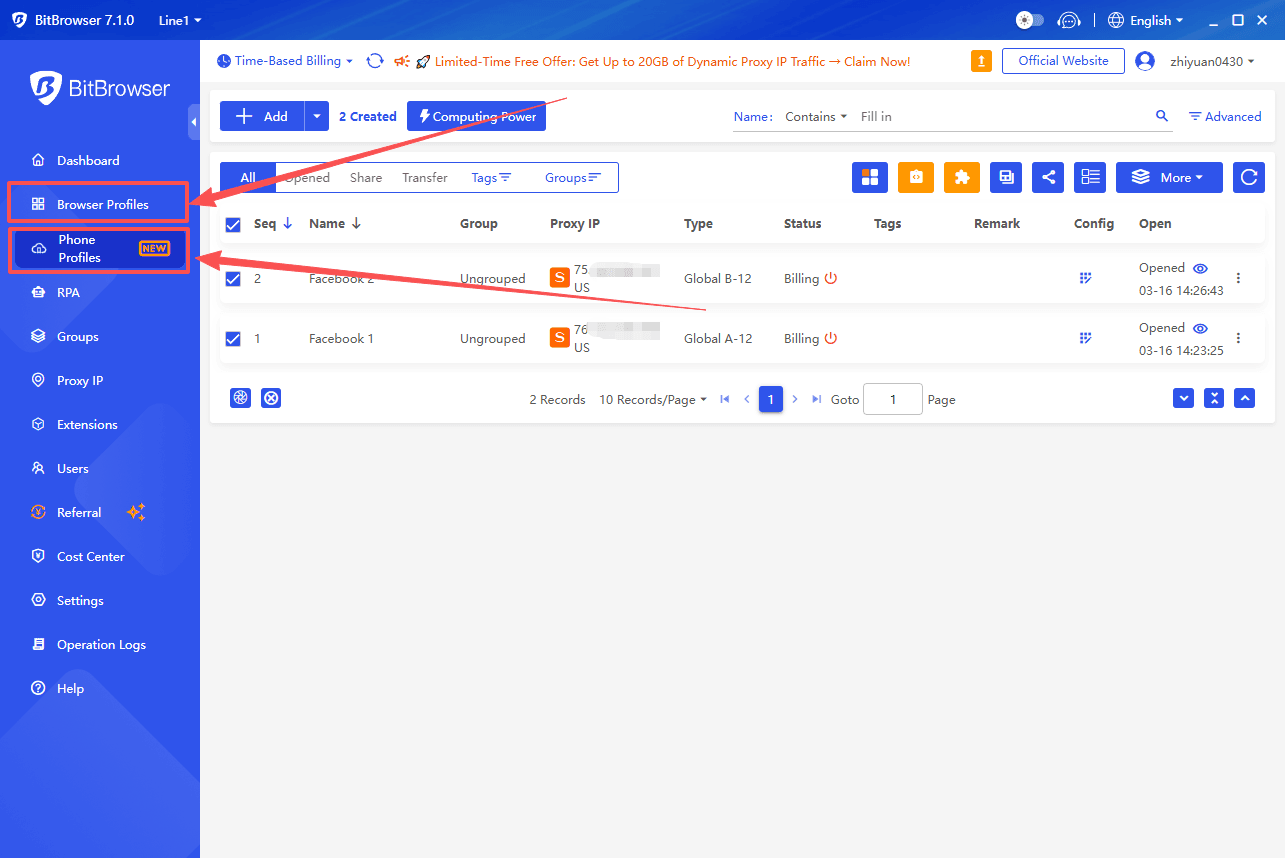
BitBrowser Integration
Sync proxy and fingerprint profiles with BitBrowser for consistent, isolated digital identities across desktop and mobile environments.
Choosing the Right Tool for Your Workflow
The best choice depends on the type of environment your accounts require.
Choose Multilogin if you need:
- browser fingerprint isolation
- desktop-based account management
- automation for web platforms
- lightweight browser sessions
Choose BitCloudPhone if you need:
- mobile device environments
- Android app support
- large-scale device management
- realistic smartphone fingerprints
Final Verdict
Both Multilogin and BitCloudPhone are powerful multi-account management solutions, but they solve different problems.
Multilogin specializes in browser identity isolation, making it ideal for web-based operations.
BitCloudPhone focuses on mobile device simulation, providing full Android environments that can run native apps and scale across many virtual phones.
For businesses working with mobile-first platforms or managing large numbers of Android environments, BitCloudPhone can offer greater flexibility and scalability.
With BitCloudPhone, you can securely access major popular apps without complex configuration.

 Multi-Account Management
 Prevent Account Association
 Multi-Employee Management
Recommended
See More 



