How to Recover a Banned Instagram Account
 2026.04.23 04:58
 petro
petroInstagram, operated by Meta, uses automated systems and manual review to detect suspicious behavior. Accounts may be restricted or banned if they violate platform rules. In recent years, tools like BitBrowser (an anti-detect browser) have been used by marketers and multi-account users, but improper use can increase the risk of bans.
2. Types of Instagram Bans
2.1 Temporary Action Block
- Limits actions like likes, follows, or comments
- Usually caused by rapid or repetitive behavior
2.2 Shadowban
- Reduces content visibility without notification
2.3 Disabled Account
- Requires appeal to recover
2.4 Permanent Ban
- Applied for severe or repeated violations
Who to Email to Get an Appeal on an Instagram Ban?
If you need direct support, email Instagram at:
support@instagram.com (General support)
appeals@instagram.com (For appeals)
ip@instagram.com (For copyright-related bans)
3. Common Reasons for Account Bans
Instagram bans accounts due to:
- Automation tools and bots
- Spam behavior (mass actions)
- Policy violations (content, copyright, abuse)
- Suspicious login activity
3.1 Role of BitBrowser in Bans
BitBrowser is designed to:
- Create separate browser fingerprints
- Allow management of multiple accounts
- Reduce detection when used correctly
However, misuse can lead to bans, especially when:
- Using low-quality proxies
- Logging into many accounts too quickly
- Combining BitBrowser with automation bots
- Switching IP locations frequently
Important: BitBrowser itself does not violate Instagram rules, but how you use it matters.
4. Official Recovery Process
4.1 Appeal Submission
Use Instagram’s official appeal form: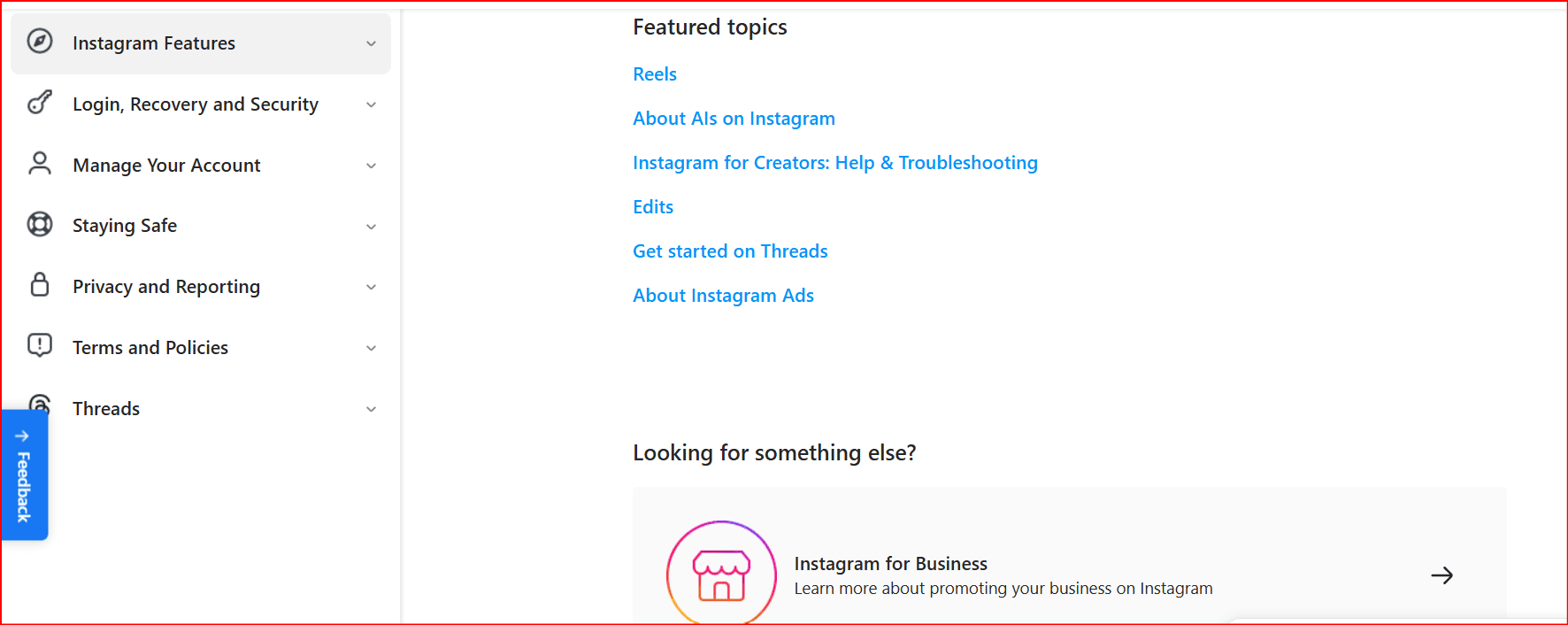
https://help.instagram.com/contact/606967319425038
4.2 Identity Verification
- Upload ID
- Submit selfie with code
4.3 Email Follow-Up
- Respond quickly to Instagram requests
4.4 Waiting Period
- Usually 24 hours to several days
5. Recovery Success Factors
Higher success chances if:
- Violation was minor
- No automation abuse
- Identity verification is accurate
⚠️ Accounts heavily using automation + BitBrowser incorrectly are harder to recover.
6. What to Do If Recovery Fails
- Submit another appeal carefully
- Use accurate personal information
- If permanently banned, create a new account
7. Prevention Strategies
7.1 Safe Instagram Usage
- Avoid bots and automation
- Follow community guidelines
- Limit aggressive actions
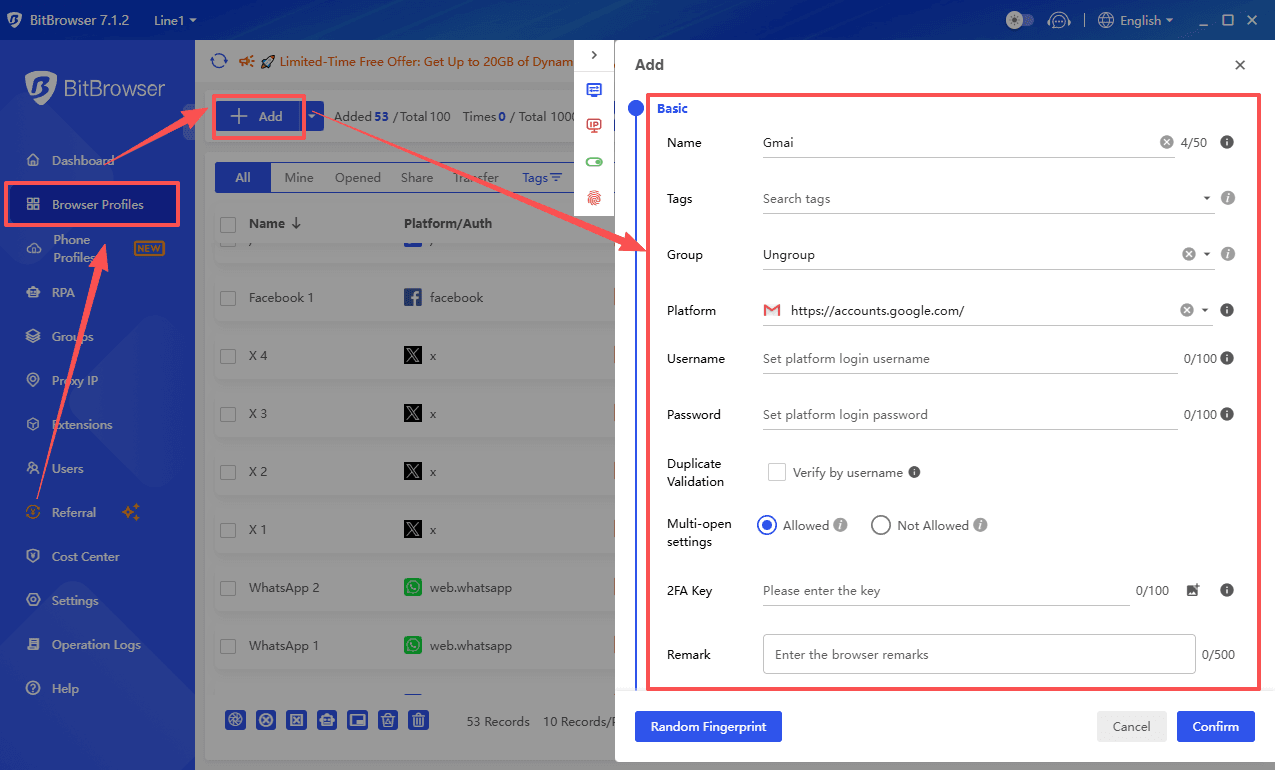
7.2 Using BitBrowser Safely
If you use BitBrowser, follow best practices:
- you can crreat multi-account :
- Use high-quality residential proxies
- Assign one IP per account
- Keep consistent login location
- Avoid logging multiple accounts rapidly
- Do not combine with aggressive automation tools
Think of BitBrowser as a tool for separation, not a way to bypass Instagram rules.
8. Conclusion
Recovering a banned Instagram account depends on the severity of the violation and proper appeal procedures. While tools like BitBrowser can help manage multiple accounts, improper usage significantly increases the risk of bans. Responsible usage and compliance with Instagram policies remain essential.
References (Bibliography)
- Instagram Help Center. My Instagram account was deactivated.
https://help.instagram.com - Meta Platforms, Inc. Instagram Community Guidelines.
https://help.instagram.com/477434105621119 - Meta Platforms, Inc. Terms of Use.
https://help.instagram.com/581066165581870 - BitBrowser Official Documentation. Anti-detect browser usage and fingerprint management.

 Multi-Account Management
 Prevent Account Association
 Multi-Employee Management
Recommended
See More 



