Top 7 Antidetect Browsers in 2026: Comprehensive Review and Comparison
 2025.12.14 07:28
 petro
petroTop 7 Antidetect Browsers in 2026: Comprehensive Review and Comparison
Managing multiple accounts securely has become crucial for affiliate marketers, e-commerce sellers, social media managers, and anyone involved in online operations. With the increasing sophistication of platform detection algorithms, it's vital to shield your online identity. Antidetect browsers are the go-to tools for this purpose, offering solutions to mask your digital fingerprint and simulate diverse browsing environments.
In this article, we review the top 7 antidetect browsers of 2026, breaking down their key features, limitations, pricing, and performance. Whether you're a seasoned marketer, a cybersecurity enthusiast, or simply looking to protect your online identity, this guide will help you make an informed choice.
What Are Browser Fingerprints and Why Antidetect Browsers Matter
1. What is a Browser Fingerprint?
A browser fingerprint is a unique set of data points your device exposes when you visit a website. This can include your device's user-agent, screen resolution, installed fonts, plugins, WebGL, Canvas fingerprint, and much more. Even when cookies are cleared, these data points can uniquely identify your device and track your online activities.
2. Why Antidetect Browsers are Essential
Platforms like social media, e-commerce sites, and ad networks have become more sensitive to repeated logins from similar devices, anomalous behaviors, and automated patterns. Antidetect browsers help mask your fingerprint by simulating real, diversified browsing environments. This reduces the likelihood of detection, account bans, and other penalties.
Antidetect browsers are particularly useful for:
Remote operations with multiple accounts |
Top 7 Antidetect Browsers for 2026: Key Features, Pricing & Performance
Browser | Free/Trial Plan | Entry Paid Plan (Approx.) | Fingerprint Realism | Mobile Emulation | Automation Support | Team Management | Best For |
BitBrowser | Yes: 10 profiles | $10/mo (50 profiles) | High: Deep customization | ❌ | Yes: API support & automation | Yes: Cloud sync, role-based permissions | Affiliate marketers, e-commerce, beginners |
Multilogin | 3-day trial | €9/mo (10 profiles) | Very High: Industry-leading | Yes: Desktop only | Yes: Full automation support | Yes: Advanced team permissions | Agencies, enterprises, high-volume account management |
Linken Sphere | Yes: Starter plan | $30/mo (30 profiles) | Very High: Advanced system-level customization | Yes: Mobile & desktop | Yes: Advanced scripting | ⚠️ Limited team collaboration | Security researchers, anonymity-focused users |
Kameleo | Yes: Free tier | €59/mo (10 profiles) | High: Mobile & desktop fingerprinting | Yes: Strong mobile emulation | Yes: Selenium, mobile automation | Yes: Multi-profile support | Mobile automation, app testing, e-commerce |
Ghost Browser | Yes: Limited sessions | $21/mo | Low: Focus on session isolation | ❌ | ⚠️ Basic automation support | Yes: Workspace management | Social media managers, light users |
GoLogin | Yes: 7-day trial | $9/mo (10 profiles) | Medium: Stable fingerprint engine | Yes: Mobile support | Yes: API, scripting | Yes: Cloud profiles, team collaboration | Small teams, affiliate marketers, e-commerce |
Incogniton | Yes: Free tier | $19.99/mo (10 profiles) | Moderate: Basic fingerprinting | Yes: Limited mobile support | Yes: RPA automation | Yes: Team management | Solo operators, freelancers, small teams |
Detailed Review of the Top 7 Antidetect Browsers
1. BitBrowser
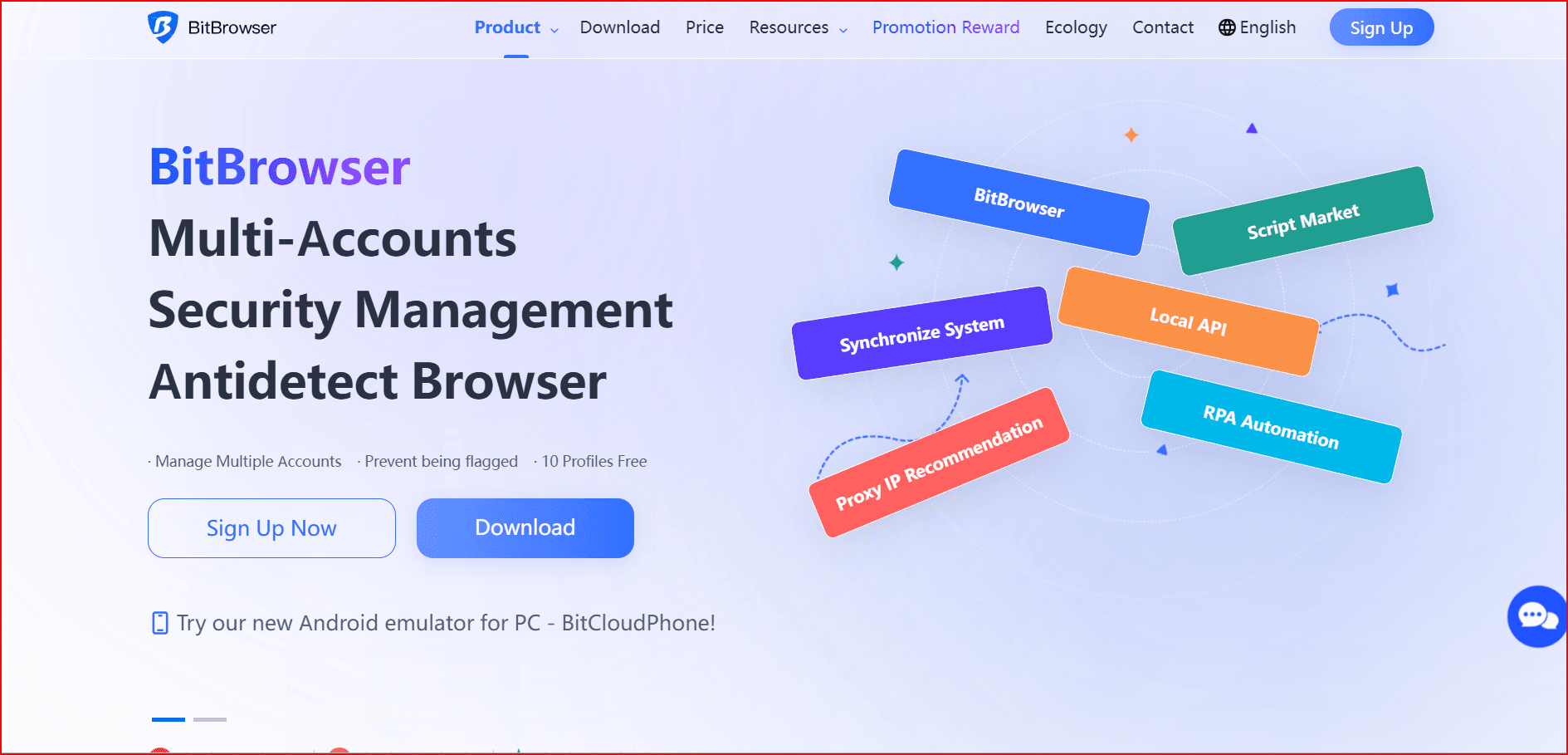
BitBrowser is a budget-friendly antidetect browser designed for digital marketers and e-commerce sellers who need realistic fingerprints without breaking the bank. Known for its deep customization of parameters such as WebGL, Canvas, and Audio, it provides highly authentic browsing environments. It supports API automation and allows team collaboration through cloud-sync and role-based permissions, making it suitable for agencies and distributed teams.
Key Features:
- Realistic fingerprinting with deep customization
- Cloud-based profile storage with sync support
- API automation for batch operations and script integration
- Built-in proxy management for seamless account isolation
- Free plan: 10 profiles with core features
Best For: Affiliate marketers, social media managers, small businesses
Pricing:
- Free plan: 10 profiles
- Paid plans:
- 50 profiles: $10/month
- 100 profiles: $15/month
- 200 profiles: $25/month
2. Multilogin
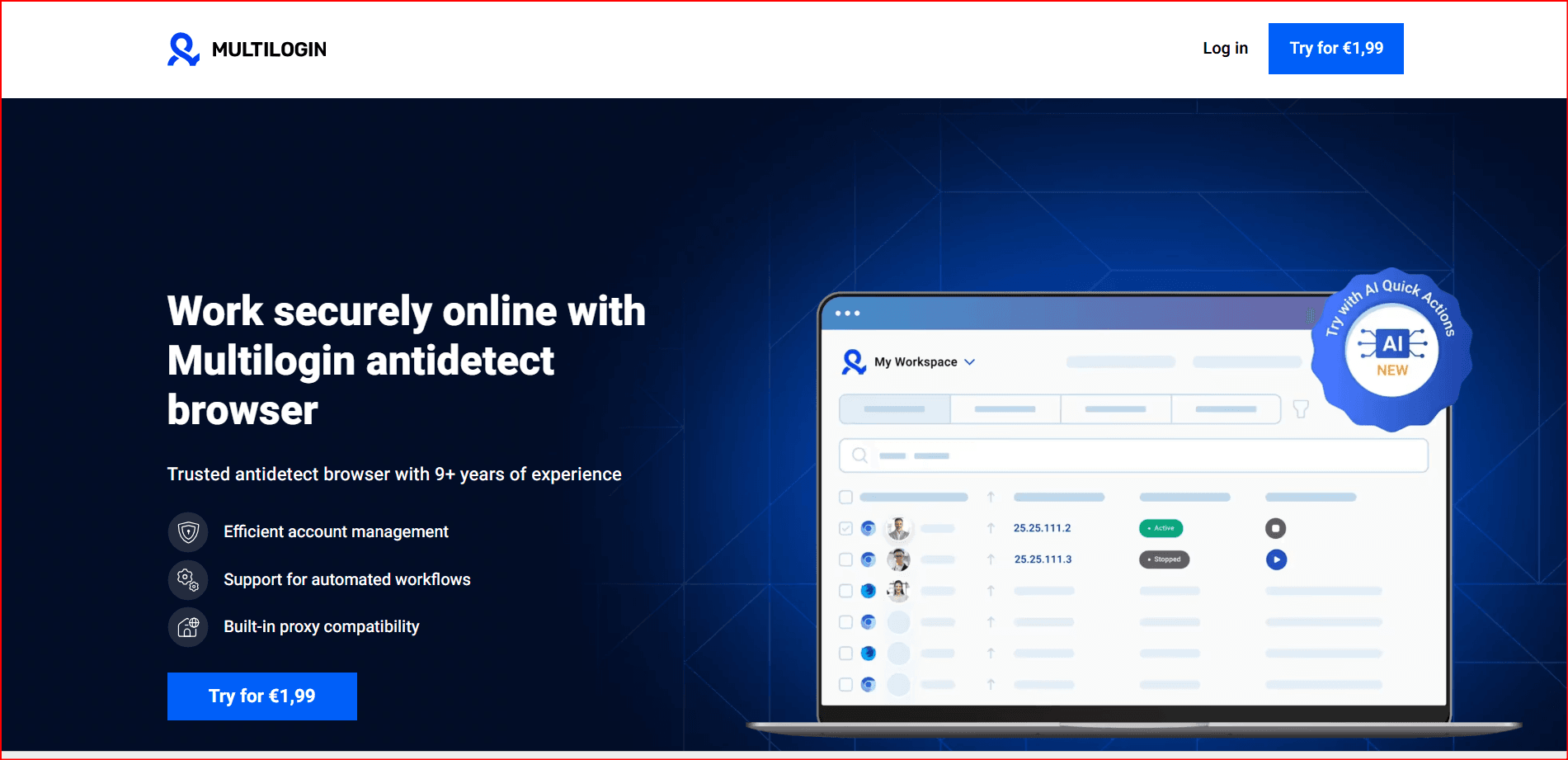
Multilogin is one of the most accurate antidetect browsers, offering exceptional fingerprint realism with its Mimic and Stealthfox engines. It’s ideal for high-volume users who need precise and stable fingerprints across multiple accounts. While it comes with a high price tag, its advanced team management features and automation support make it an excellent choice for enterprises and agencies.
Key Features:
- Industry-leading fingerprint simulation
- Dual-core browser (Chromium & Firefox) for maximum flexibility
- Team management with advanced permission settings
- Full automation support (Selenium, Puppeteer)
Best For: Agencies, high-volume operations, enterprises
Pricing:
- 3-day trial available
- Paid plans start from €9/month for 10 profiles
3. Linken Sphere
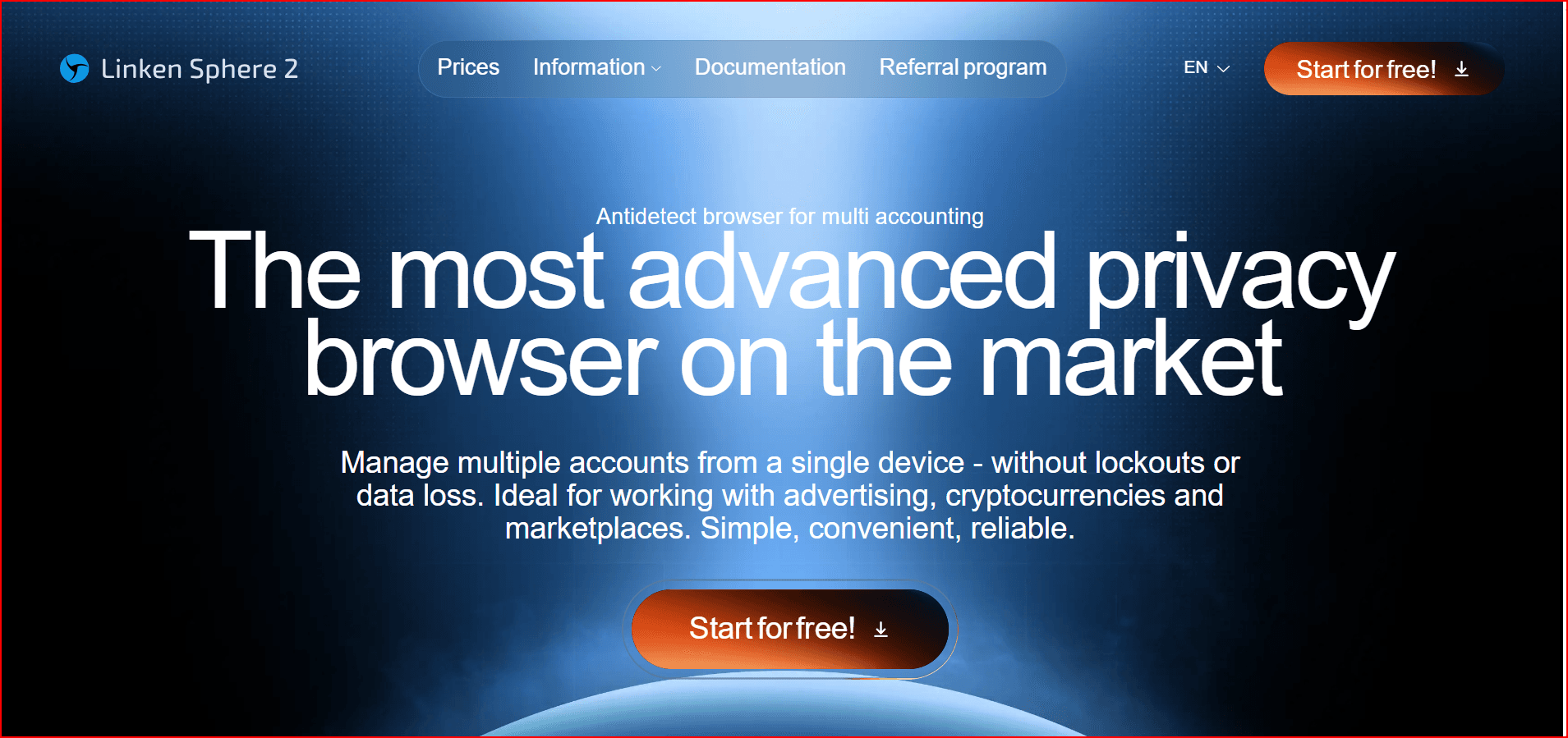
Linken Sphere provides deep system-level customization, making it ideal for advanced operators who need complete control over their fingerprints. It’s particularly useful for security researchers and users focusing on anonymity. However, it’s not beginner-friendly due to its complex interface and advanced setup requirements.
Key Features:
- Deep-level fingerprint customization (WebGL, Canvas, Audio)
- Multiple fingerprint engines for flexibility
- Local & cloud profile storage with quick switching
- Proxy management with per-session proxy assignment
Best For: Cybersecurity, research, high-control browsing
Pricing:
- Free plan: 5 profiles
- Paid plans start from $30/month for 30 sessions
4. Kameleo
Kameleo excels at mobile device emulation, allowing users to simulate real Android and iOS fingerprints. This makes it perfect for mobile-first platforms like TikTok and Instagram. Its mobile-specific fingerprinting, combined with desktop capabilities, makes it a versatile tool for e-commerce and social media operations.
Key Features:
- Real Android and iOS fingerprinting with mobile device emulation
- Local & cloud automation (Selenium)
- Mobile and desktop flexibility for diverse use cases
Best For: Mobile automation, TikTok/Instagram, app testing
Pricing:
- Free tier: 2 profiles with restrictions
- Paid plans start at €59/month for 10 profiles
5. Ghost Browser
Ghost Browser is less focused on advanced fingerprint masking and more on session isolation. It's suitable for light social media management and managing multiple accounts without extensive anti-detection features. Ideal for users who need multiple sessions in a single window, it’s a productivity tool rather than a hardcore antidetect solution.
Key Features:
- Tab-level session isolation for managing multiple logins
- Chrome-based extensions support
- Workspace management for project-based workflows
Best For: Social media managers, customer support agents
Pricing:
- Free plan: Limited sessions (up to 3 identities)
- Paid plans start at $21/month
6. GoLogin
GoLogin offers a comprehensive solution with cross-platform compatibility and a built-in proxy marketplace, making it a good choice for small teams and marketers. It’s user-friendly and supports automation for a range of operations, though its fingerprint quality may not be as high as premium tools.
Key Features:
- Proxy marketplace for easy proxy management
- Mobile application support for platforms like TikTok and Instagram
- Automation & team collaboration features
Best For: Small teams, affiliate marketers, e-commerce sellers
Pricing:
- Free trial: 7 days
- Paid plans start from $9/month for 10 profiles
7. Incogniton
Incogniton is designed for freelancers and solo operators who need a simple, beginner-friendly antidetect solution. It offers a free plan and basic automation tools, making it ideal for entry-level users. However, it lacks the deep customization features found in more advanced tools.
Key Features:
- Beginner-friendly profile creation with automatic fingerprint matching
- Role-based team collaboration for small teams
- RPA and API automation for basic tasks
Best For: Freelancers, solo operators, small teams
Pricing:
- Free plan: Limited to 10 profiles
- Paid plans start at $19.99/month for 10 profiles
Conclusion: Which Antidetect
Browser Is Right for You?
Choosing the right antidetect browser depends on your operational volume, budget, and specific use cases. Here’s a quick rundown:
- BitBrowser: Best for budget-conscious users and beginners with affordable pricing and realistic fingerprints.
- Multilogin: Ideal for agencies and enterprises needing top-tier fingerprinting and automation support.
- Linken Sphere: Great for advanced users and security professionals who need deep customization.
- Kameleo: Perfect for mobile-first platforms like TikTok and Instagram with real mobile emulation.
- Ghost Browser: Best for users who need session isolation and productivity-focused tools without the need for complex anti-detection.
- GoLogin: Suitable for small teams looking for cross-platform support and a user-friendly interface.
- Incogniton: A beginner-friendly option for solo operators or small teams on a budget.
FAQs
- Do antidetect browsers completely eliminate the risk of account bans?
No tool can guarantee 100% protection. While antidetect browsers reduce the likelihood of detection, your proxy quality, activity patterns, and platform behavior are equally important in avoiding bans. - Which antidetect browser is best for beginners?
BitBrowser and Incogniton are ideal for beginners due to their simple interfaces and affordable pricing. - What type of proxy should I use with antidetect browsers?
Residential or mobile proxies offer the highest trust score. Avoid using the same IP for multiple accounts to prevent linking. - Do I need a separate proxy for every browser profile?
Yes, to ensure account isolation, you should use one proxy per profile to prevent account linking. - Which tool is the most cost-effective for large-scale operations?
BitBrowser offers the best cost-to-performance ratio for 50-200 profiles, while GoLogin is also a good option for mid-sized teams.

 Multi-Account Management
 Prevent Account Association
 Multi-Employee Management
Recommended
See More 



