Top Free Antidetect Browsers in 2026
 2025.12.14 07:51
 petro
petroWith growing concerns over privacy and the need to safely manage multiple online accounts, antidetect browsers have become essential for marketers, social media managers, and digital professionals. While premium versions offer advanced features, several free antidetect browsers in 2026 can still provide strong privacy protection and multi-account management, making them a great choice for those with a smaller budget or just starting with anti-fingerprinting solutions.
1. BitBrowser (Free Plan Available)
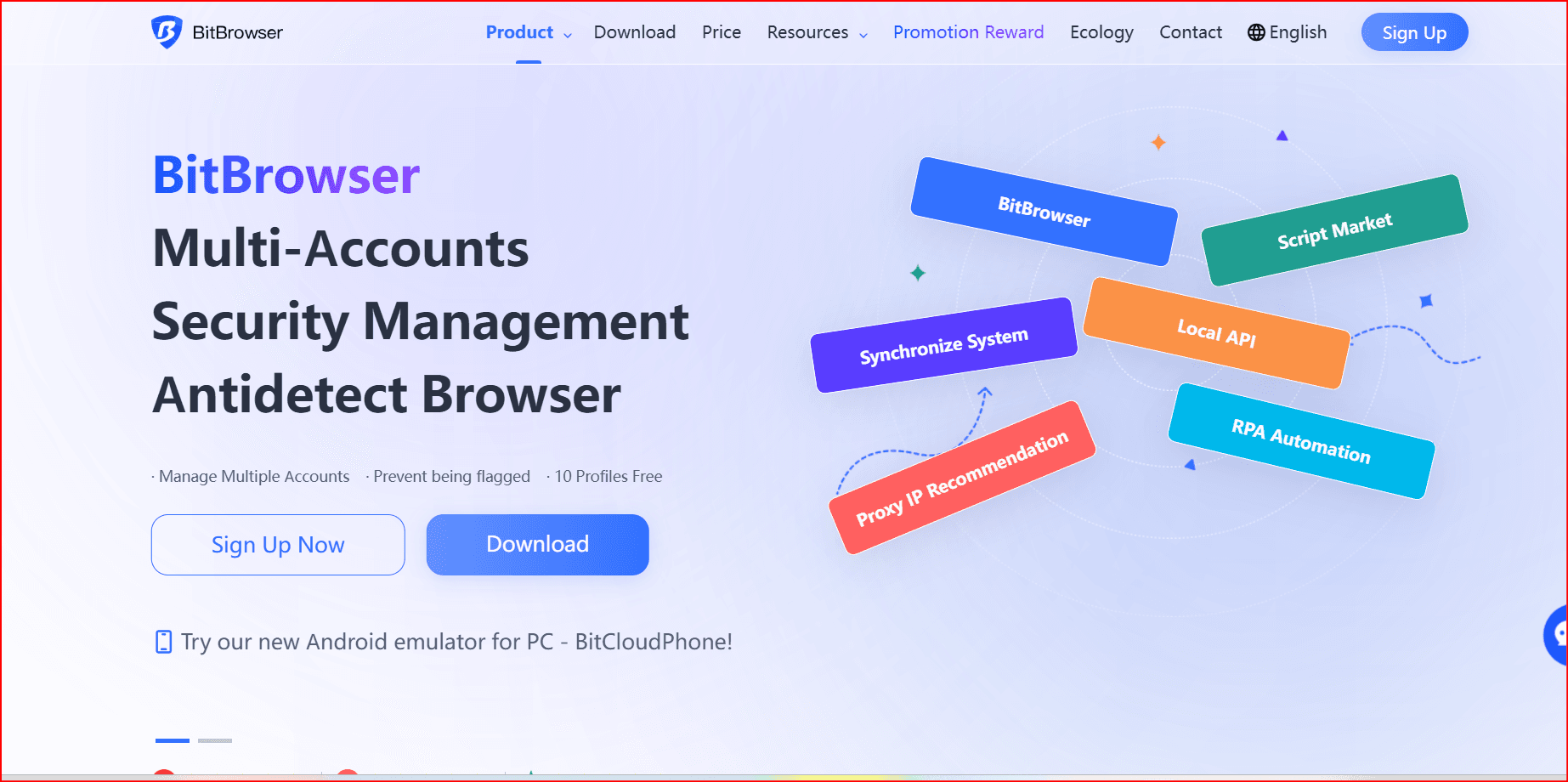
BitBrowser offers an impressive free plan with permanent access to 10 profiles, making it a great option for beginners or small teams. The free plan provides all the core features you need for effective multi-account management.
Key Features:
- Free Plan: Includes 10 permanent profiles for fingerprint masking and multi-account management.
- Highly Realistic Fingerprints: Deep customization of parameters like WebGL, Canvas, and Audio.
- Cloud Sync: Allows for easy transfer and sharing of profiles across devices.
- Proxy Support: Integrates easily with residential, mobile, or data-center proxies.
- Automation Support: Allows for integration with APIs to automate tasks.
Why It's Great:
- One of the best free options for beginners with limited profiles, making it ideal for affiliate marketers and small-scale e-commerce businesses.
2. Incogniton (Free Starter Plan)
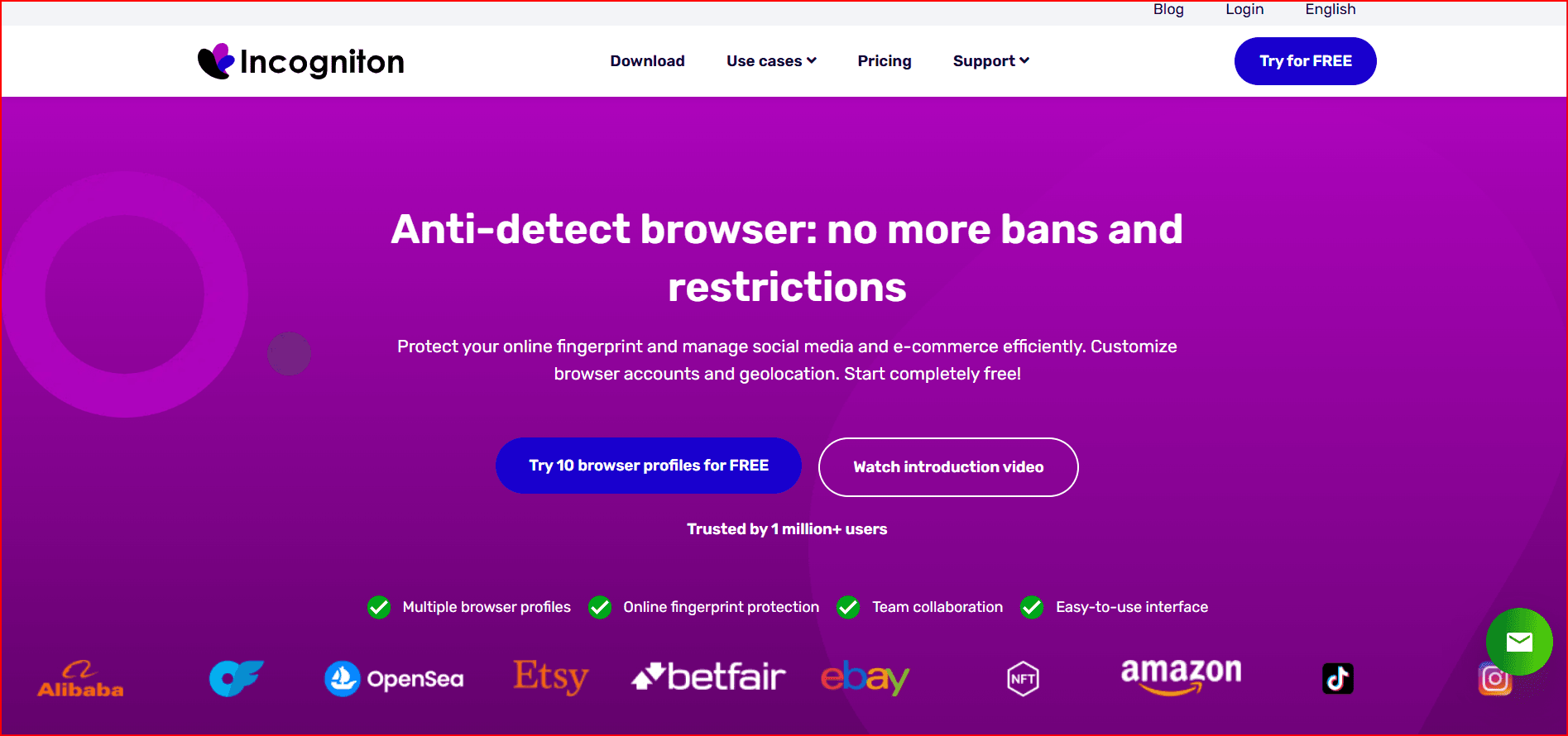
Incogniton is an excellent antidetect browser for those who are new to managing multiple accounts. It has a free starter plan that provides users with up to 3 profiles, making it great for solo operators or freelancers.
Key Features:
- Free Plan: Includes 3 profiles with basic anti-fingerprinting features.
- User-Friendly Interface: Simplified process for creating and managing browser profiles.
- Profile Sharing: Team collaboration (on paid plans) with role-based permissions.
- Built-In Automation Tools: Supports automation via RPA tools and simple scripting for repetitive tasks.
Why It's Great:
- Ideal for beginners who want a simple, no-cost solution to manage basic multi-account workflows.
3. GoLogin (Free Trial + Free Plan)
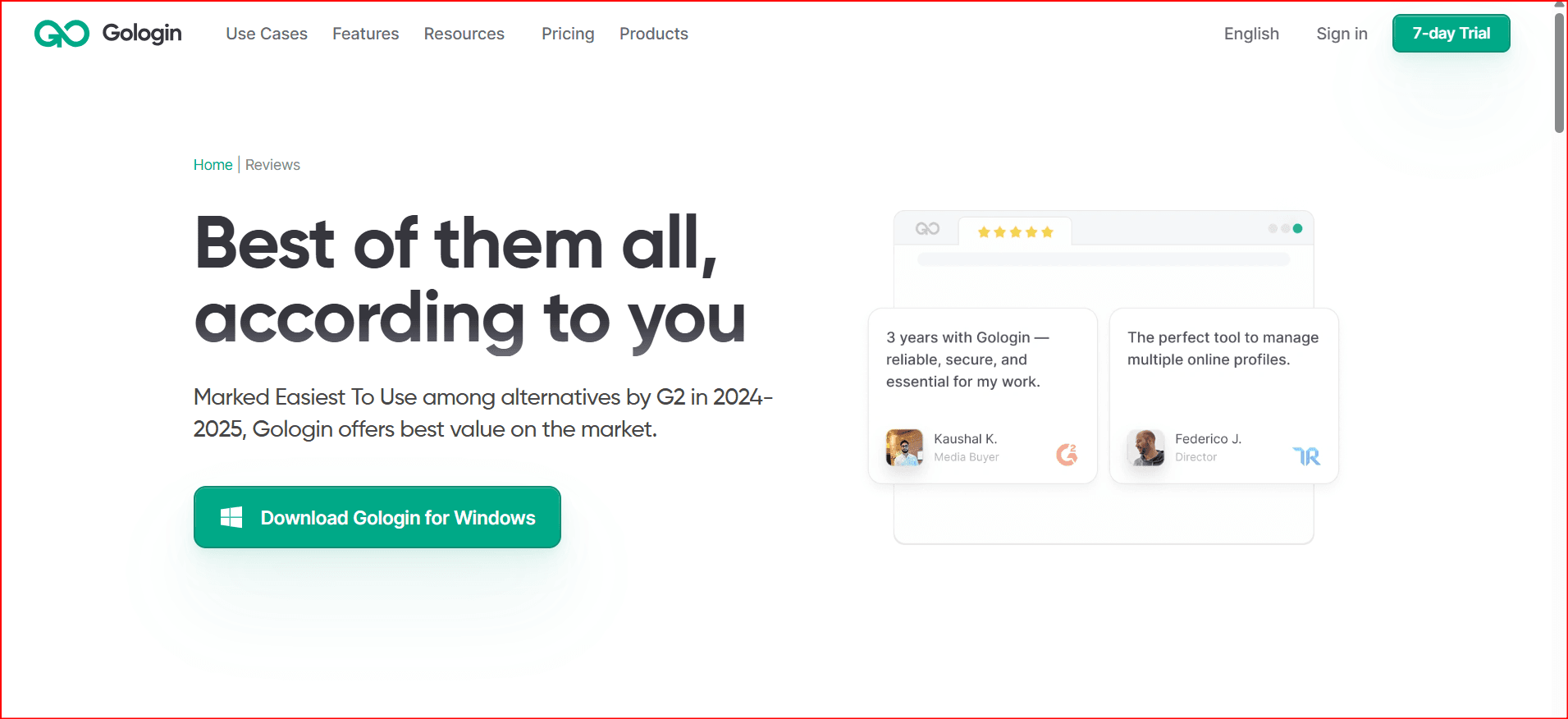
GoLogin offers a free trial for new users and also provides a free plan with 3 profiles, allowing you to test its features before committing to paid plans. It’s particularly useful for small teams or individuals looking for strong multi-account management and basic fingerprint management.
Key Features:
- Free Trial: Access to 7-day trial with limited profiles.
- Basic Fingerprint Customization: Fingerprints stay consistent across sessions, with a decent variety of system and browser configurations.
- Profile Management: Cloud profiles for easier sharing and collaboration.
- Proxy Marketplace: Built-in proxy system for adding different IP addresses per profile.
Why It's Great:
- Offers a great balance of usability and privacy features for free, with a simple and intuitive interface for new users.
4. Ghost Browser (Free Version Available)
While not a full-fledged antidetect browser, Ghost Browser allows session isolation using tab-level management, making it a good choice for managing multiple accounts from a single window. The free plan offers limited sessions, but it’s suitable for light use cases.
Key Features:
- Free Plan: Up to 3 identities and 3 workspaces.
- Session Isolation: Each tab in the browser is isolated, so you can run different accounts on different tabs without mixing cookies or sessions.
- Chrome Extensions Support: Since it’s built on Chromium, it supports a wide variety of extensions.
- Workspace Organization: Save groups of tabs as projects for easy workflow management.
Why It's Great:
- Ideal for those who don’t need extensive anti-fingerprinting features but want basic multi-login capabilities with easy session isolation.
5. Linken Sphere (Free Plan Available)
Linken Sphere offers a free plan with 5 profiles and provides deep customization options for advanced users who need full control over their browsing environment. This is an ideal tool for those in research or privacy-focused industries.
Key Features:
- Free Plan: Includes 5 profiles with session isolation and custom fingerprint adjustments.
- Deep Fingerprint Customization: Adjust canvas, audio, WebGL, and other system-level parameters for high anonymity.
- Multiple Fingerprint Engines: Choose between privacy, research, or regular browsing modes.
- Proxy Management: Dedicated proxies per session to avoid cross-profile contamination.
Why It's Great:
- Best suited for privacy-conscious individuals and advanced users who need granular control over their fingerprints and session management.
Conclusion:
These free antidetect browsers in 2026 provide robust features to enhance your online anonymity, manage multiple accounts, and protect your identity while browsing. Here’s a quick comparison to help you choose the right one for your needs:
- BitBrowser: Great for beginners with an intuitive interface and solid fingerprint masking features (10 profiles on the free plan).
- Incogniton: Ideal for solo operators with a simple setup and a focus on basic anti-fingerprinting (3 profiles on the free plan).
- GoLogin: Provides a reliable free trial and basic fingerprint protection with a free plan (3 profiles).
- Ghost Browser: Useful for lightweight multi-account management with session isolation (up to 3 identities for free).
- Linken Sphere: Best for advanced users needing high customization and strong privacy features (5 profiles on the free plan).
For those just starting or working on smaller projects, BitBrowser and Incogniton are particularly appealing due to their ease of use and solid free offerings. For more complex and privacy-focused needs, Linken Sphere offers deep customization options.

 Multi-Account Management
 Prevent Account Association
 Multi-Employee Management
Recommended
See More 



