How to Scrape Google Search Results: Full Guide (2026)
 2026.05.25 00:28
 petro
petroWeb scraping Google Search results remains one of the most common methods for collecting SEO data, keyword rankings, competitor insights, and search trends. In 2026, scraping Google has become more challenging due to advanced anti-bot systems, fingerprint detection, CAPTCHA protection, and rate limiting.
This tutorial explains modern techniques for scraping Google Search results responsibly, including browser automation, proxy management, parsing HTML data, and using APIs.
What Is Google Search Scraping?
Google Search scraping refers to extracting publicly visible data from Google Search result pages (SERPs), such as:
- Search result titles
- URLs and domains
- Meta descriptions
- Featured snippets
- People Also Ask sections
- Ads and sponsored results
- Rankings and positions
Businesses and developers commonly use this data for:
- SEO monitoring
- Competitor analysis
- Market research
- Keyword tracking
- Content strategy
- Trend analysis
Important Legal and Ethical Considerations
Before scraping Google Search results, it is important to understand the risks and limitations.
Google’s Terms of Service restrict automated access to search pages. Excessive scraping may trigger:
- CAPTCHA challenges
- Temporary IP blocks
- Rate limiting
- Automated traffic detection
Responsible scraping practices include:
- Respecting rate limits
- Avoiding excessive requests
- Using publicly available data only
- Considering official APIs when possible
For commercial projects, many developers choose SERP APIs instead of direct scraping to reduce operational complexity.
Common Methods for Scraping Google Results
There are several approaches available in 2026.
1. Simple HTTP Requests
This method downloads the raw HTML of Google Search pages.
Popular libraries:
- Python Requests
- Axios (Node.js)
- HTTPX
Example using Python:
import requests

headers = {
    "User-Agent": "Mozilla/5.0"
}

url = "https://www.google.com/search?q=web+scraping"

response = requests.get(url, headers=headers)

print(response.text)
Limitations
Google quickly detects repetitive requests from datacenter IPs. This method often works only for small-scale testing.
2. Parsing Search Results with BeautifulSoup
Once HTML is downloaded, developers usually extract data using parsers.
Example:
from bs4 import BeautifulSoup

soup = BeautifulSoup(response.text, "html.parser")

results = soup.select("h3")

for result in results:
    print(result.text)
BeautifulSoup is beginner-friendly and widely used for static HTML parsing.
3. Browser Automation (Recommended)
Modern Google pages rely heavily on JavaScript and behavioral analysis. Browser automation tools simulate real users more effectively.
Popular tools in 2026 include:
- Selenium
- Playwright
- Puppeteer
Example using Playwright:
from playwright.sync_api import sync_playwright

with sync_playwright() as p:
    browser = p.chromium.launch(headless=True)
    page = browser.new_page()

    page.goto("https://google.com/search?q=python")

    print(page.content())

    browser.close()
Why Playwright Is Popular in 2026
Playwright has become one of the preferred scraping frameworks because it supports:
- Chromium, Firefox, and WebKit
- Advanced browser fingerprint handling
- Human-like browser behavior
- Better JavaScript rendering
- Faster automation performance
Many scraping systems now combine Playwright with proxy rotation and anti-detect browsers.
Using Proxies for Google Scraping
Google aggressively monitors IP reputation.
Proxies help distribute requests across multiple IP addresses.
Common proxy types:
| Proxy Type | Best Use Case |
|---|---|
| Datacenter Proxies | Fast but easier to detect |
| Residential Proxies | More reliable for Google |
| Mobile Proxies | Highest trust level |
| ISP Proxies | Stable long-term sessions |
Residential proxies are currently the most common option for SERP scraping.
Browser Fingerprinting and Detection
In 2026, Google detection systems analyze much more than IP addresses.
Detection factors include:
- Browser fingerprint
- Screen resolution
- Canvas fingerprint
- WebGL data
- User behavior
- Mouse movement
- Cookies and sessions
- Request timing
This is why many developers use anti-detect browsers or browser profile management systems.
Using Anti-Detect Browsers
Anti-detect browsers help isolate browser fingerprints and sessions.
Popular tools include:
- BitBrowser
- AdsPower
- Multilogin
- GoLogin
These tools are commonly used for:
- Multi-account management
- Ad verification
- SEO automation
- Traffic testing
- Browser identity isolation
However, they should be used responsibly and in compliance with website policies.
Extracting SERP Data
Typical SERP scraping projects collect:
Organic Results
- Title
- URL
- Description
- Position
Paid Ads
- Sponsored labels
- Ad URLs
- Ad copy
SERP Features
- Featured snippets
- Knowledge panels
- Image packs
- Videos
- Maps
- People Also Ask
Each section requires different parsing strategies because Google frequently changes page layouts
Challenges in 2026
Google SERP scraping is significantly harder today than it was a few years ago.
Main challenges include:
- Dynamic HTML structures
- Frequent layout updates
- CAPTCHA systems
- TLS fingerprinting
- Behavioral analysis
- JavaScript rendering
- IP reputation systems
Modern scraping infrastructure often combines:
- Browser automation
- Proxy rotation
- Cookie persistence
- Human-like delays
- CAPTCHA solving services
SERP APIs vs Direct Scraping
Many businesses now use SERP APIs instead of maintaining their own scraping infrastructure.
Popular SERP APIs include:
- SerpAPI
- Zenserp
- ScrapingBee
- Bright Data SERP API
- Oxylabs SERP API
Advantages:
- Easier setup
- Built-in proxy rotation
- Reduced maintenance
- Better reliability
Disadvantages:
- Monthly costs
- API rate limits
- Less customization
For large-scale commercial projects, APIs are often more stable and cost-effective.
Best Practices for Responsible Scraping
To reduce detection risks and improve stability:
- Rotate proxies regularly
- Add randomized delays
- Use realistic browser fingerprints
- Store cookies between sessions
- Limit request frequency
- Monitor HTTP response codes
- Avoid aggressive scraping patterns
Responsible automation improves long-term reliability.
Example Workflow (2026)
A modern Google scraping stack may look like this:
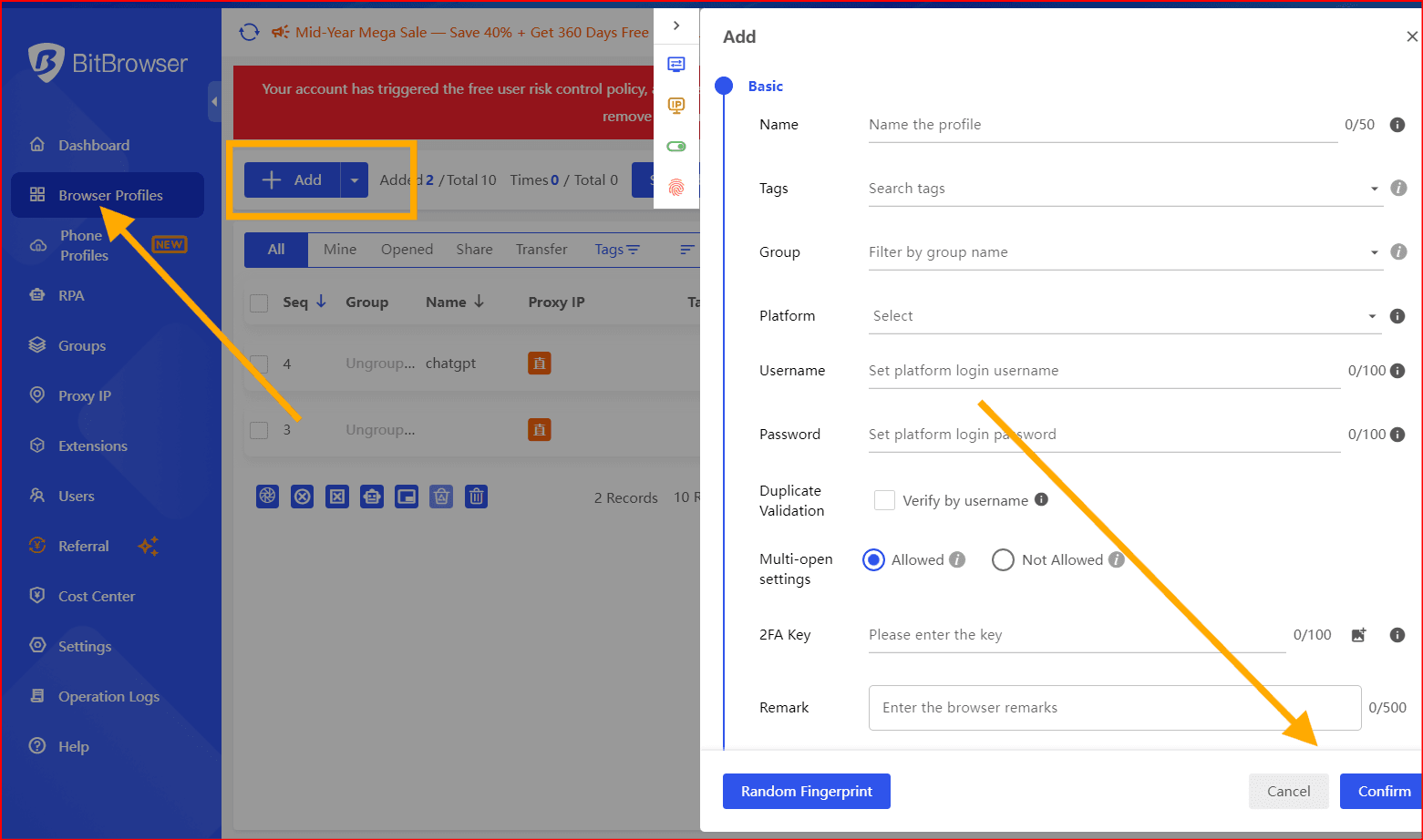
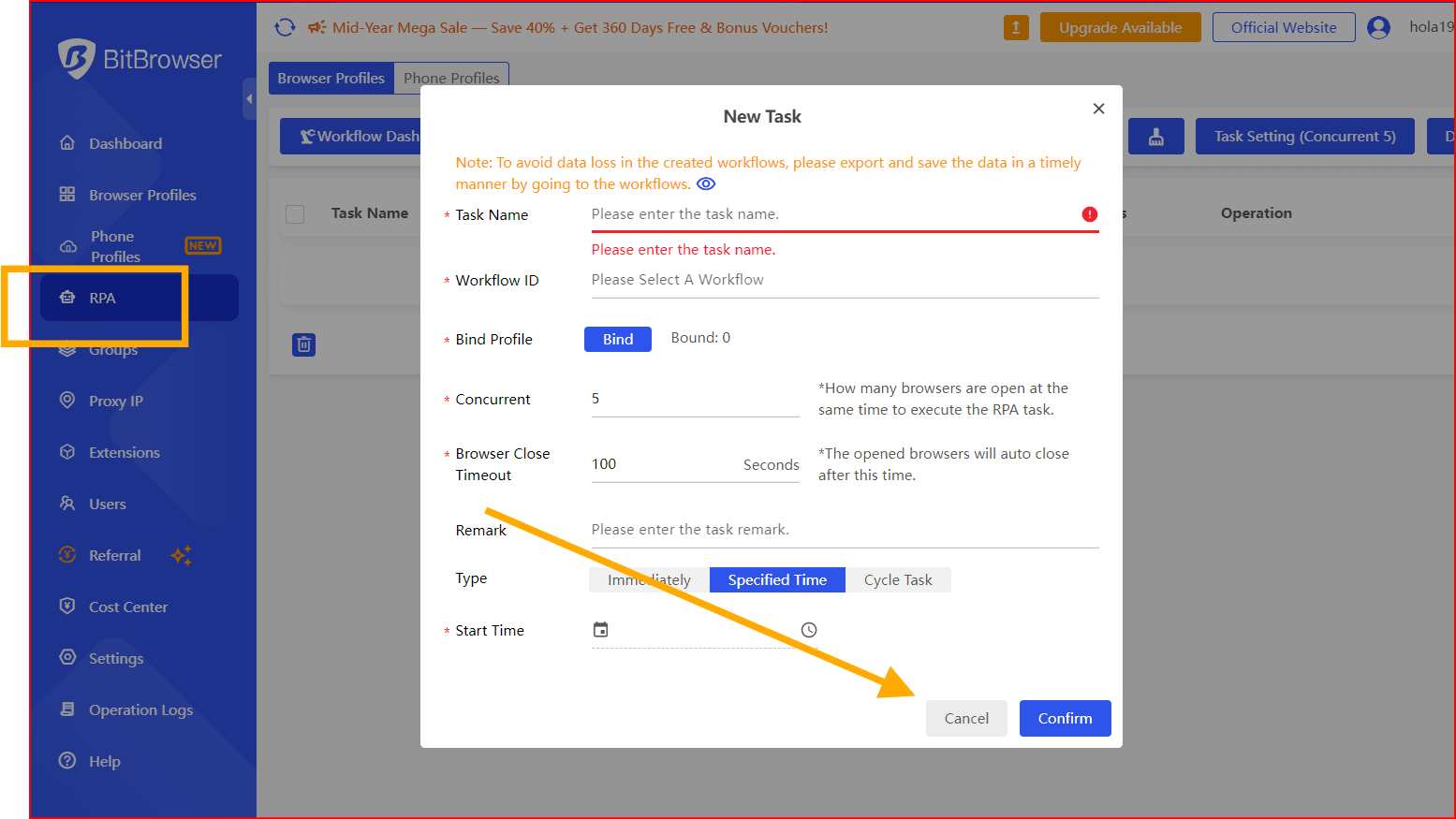
- Playwright with our Bitbrowser automation
- Residential proxy rotation
- Fingerprint management
- HTML parsing with BeautifulSoup
- Data export to CSV or database
- CAPTCHA handling system
This layered approach is now standard for professional SERP scraping systems.
Alternatives to Scraping Google Directly
Depending on your goals, alternatives may include:
- Google Custom Search API
- Bing Search API
- SEO platforms like Ahrefs or Semrush
- Public datasets
- SERP APIs
These options reduce technical complexity and compliance risks.
Final Thoughts
Web scraping Google Search results in 2026 requires much more than simple HTTP requests. Modern systems must account for browser fingerprints, JavaScript rendering, IP reputation, and anti-bot detection mechanisms.
For small projects, browser automation tools like Playwright are often sufficient. For larger commercial systems, developers typically combine proxies, automation frameworks, and SERP APIs to maintain reliability and scale.
The key to successful scraping is responsible usage, realistic automation behavior, and maintaining infrastructure that adapts to Google’s constantly evolving detection systems.

 Multi-Account Management
 Prevent Account Association
 Multi-Employee Management
Recommended
See More 



