Top 10 Anti‑Detect Browsers to Watch in 2026
 2026.01.17 15:36
 YT.Shi
In 2026, managing multiple online accounts while maintaining privacy and avoiding detection requires specialized tools. Anti‑detect browsers help marketers, social media managers, and digital professionals simulate authentic user environments, isolate sessions, and protect account integrity. This guide reviews the top 10 anti‑detect browsers, comparing features, ease of use, and pricing to help you choose the right solution for your workflow.
1. BitBrowser
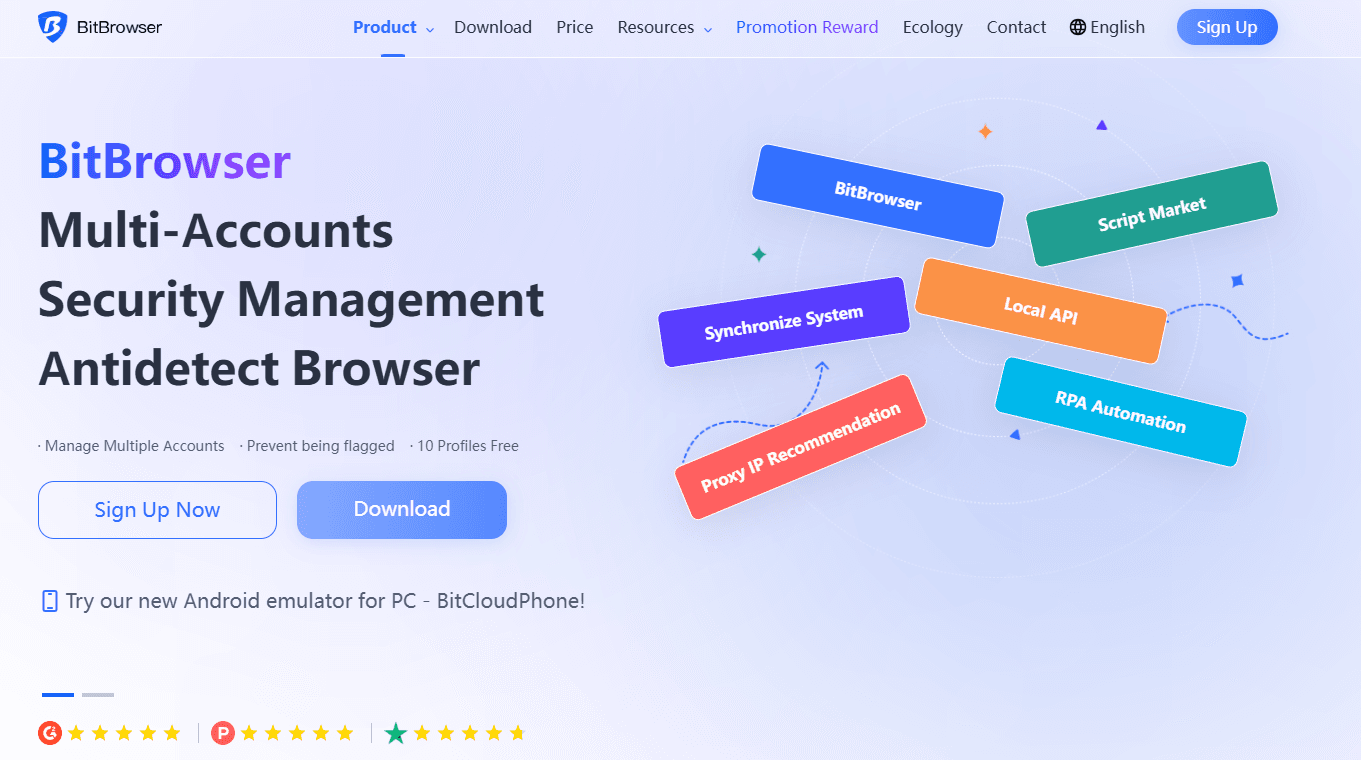
Strengths: Feature‑rich and deeply customizable fingerprint engine; strong Google & Firefox kernel support.
Best for: Beginners, freelancers, and cost‑sensitive teams.
Why it stands out: Realistic browser fingerprinting plus isolated environments that prevent cross‑profile leaks. Built‑in proxy management and API automation add versatility.
Limitations: Fewer advanced automation features than some enterprise tools.
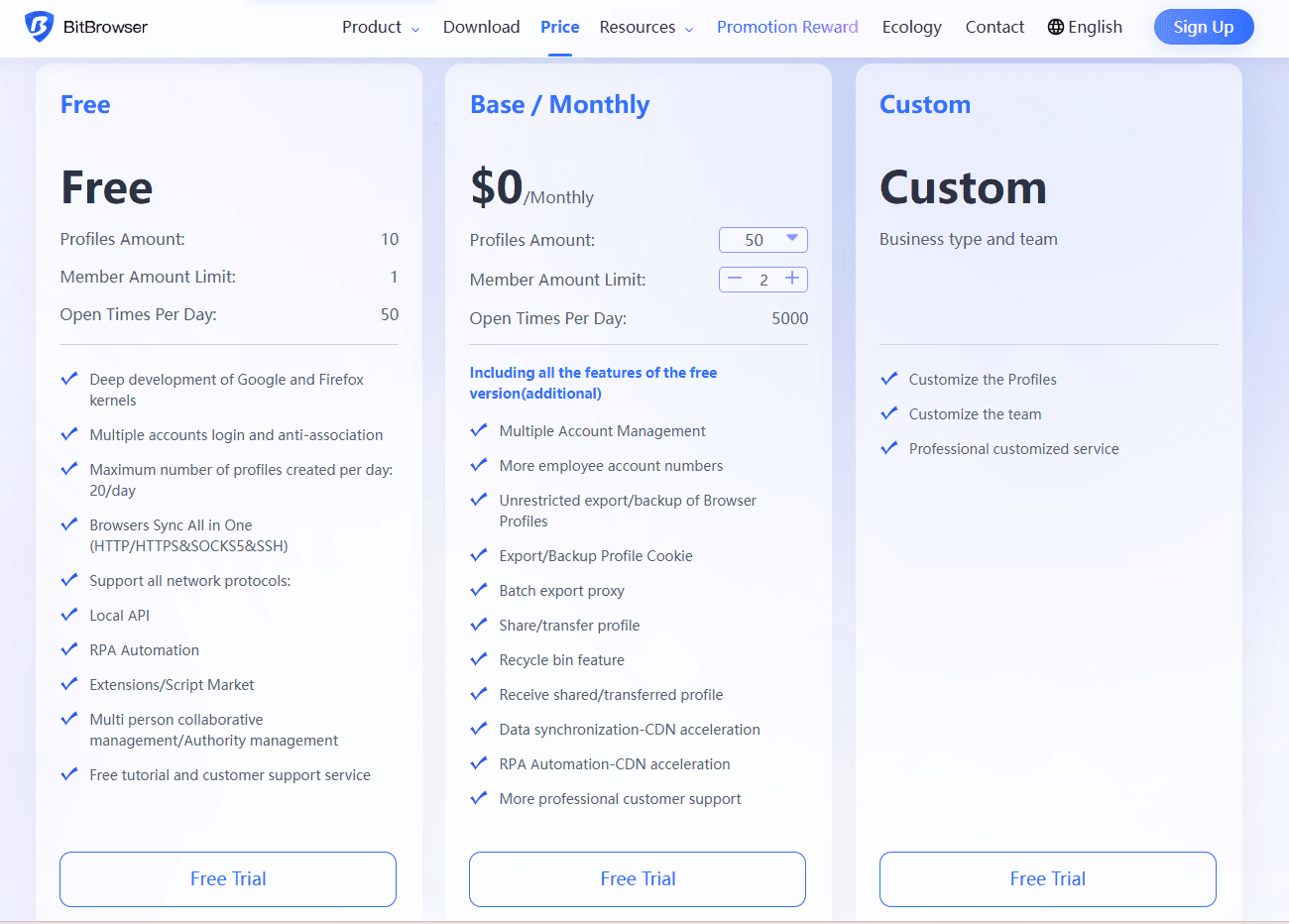
Pricing: Free plan with up to 10 profiles; paid tiers start at ~$10/month for 50 profiles.
Pros: Excellent cost‑performance; cloud sync and team role permissions.
Cons: Not as powerful for high‑volume automation compared with enterprise tools.
2. Multilogin
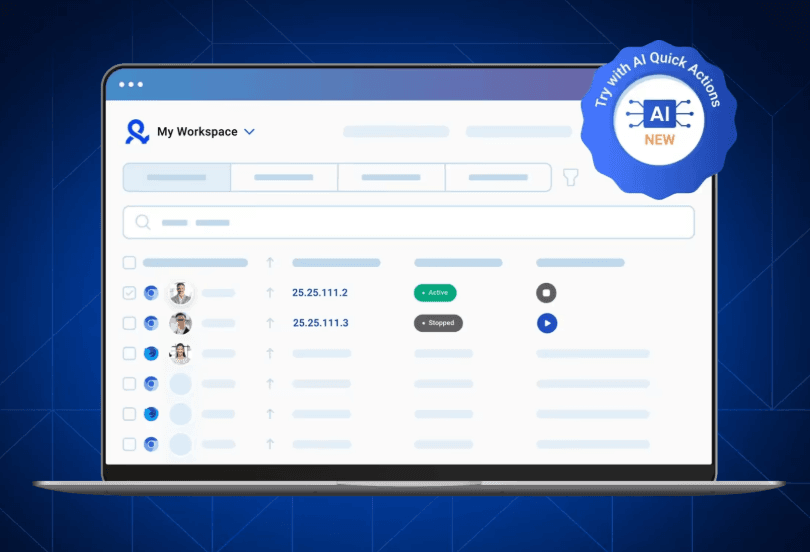
Strengths: One of the most precise fingerprint‑generation engines on the market.
Best for: Large agencies and expert operators who need high stability.
Why it stands out: Dual‑core browser kernels (Chromium + Firefox) and solid automation integration (Selenium/Puppeteer).
Limitations: Steep learning curve and high prices; no free plan beyond trial.
Pros: Very high fingerprint realism; thorough team management.
Cons: Costly at scale.
3. Linken Sphere
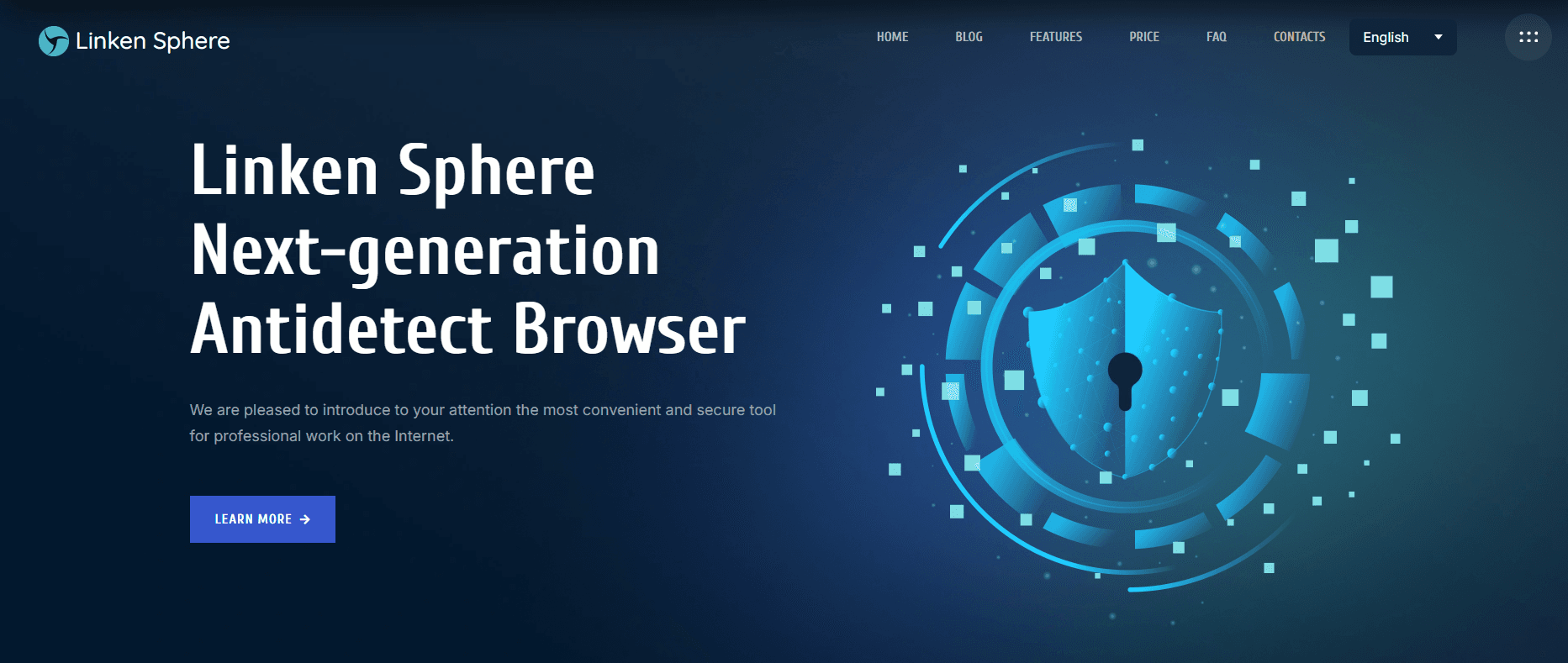
Strengths: Extremely granular customization and multiple fingerprint engines.
Best for: Advanced users focused on research and deep anti‑detection work.
Why it stands out: Offers low‑level control of fingerprints, cookies, audio, WebGL, and more.
Limitations: Complex UI and setup; not beginner‑friendly; associated with controversial usage contexts.
Pros: Deep customization; strong session isolation.
Cons: Complexity can hamper everyday workflow.
4. Kameleo
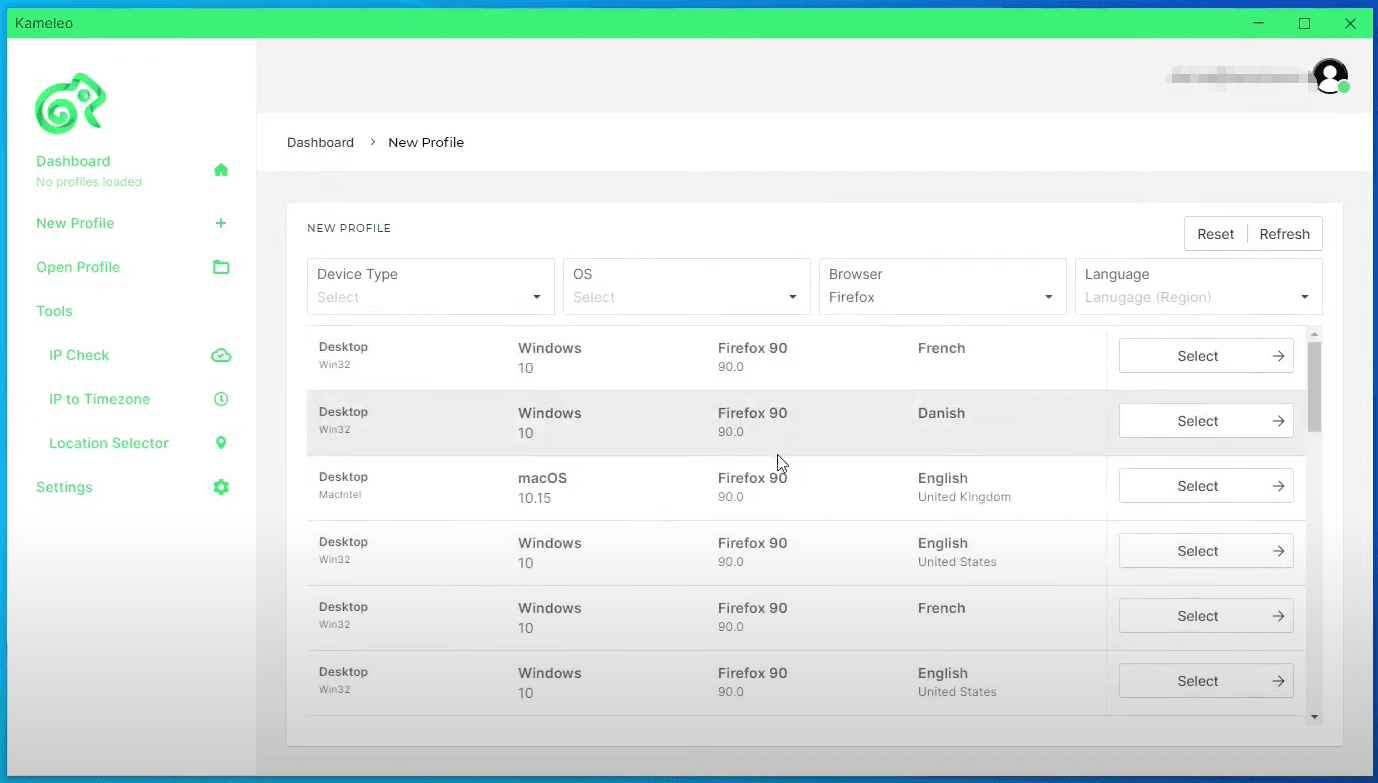
Strengths: Strong mobile device emulation and fingerprinting.
Best for: Mobile ads, TikTok/Instagram operations, QA testers.
Why it stands out: Real Android device emulation with extensive mobile fingerprinting support.
Limitations: High pricing, especially for mobile emulation features; steep learning curve.
Pros: Excellent mobile environment simulation.
Cons: Heavy system requirements.
5. Ghost Browser
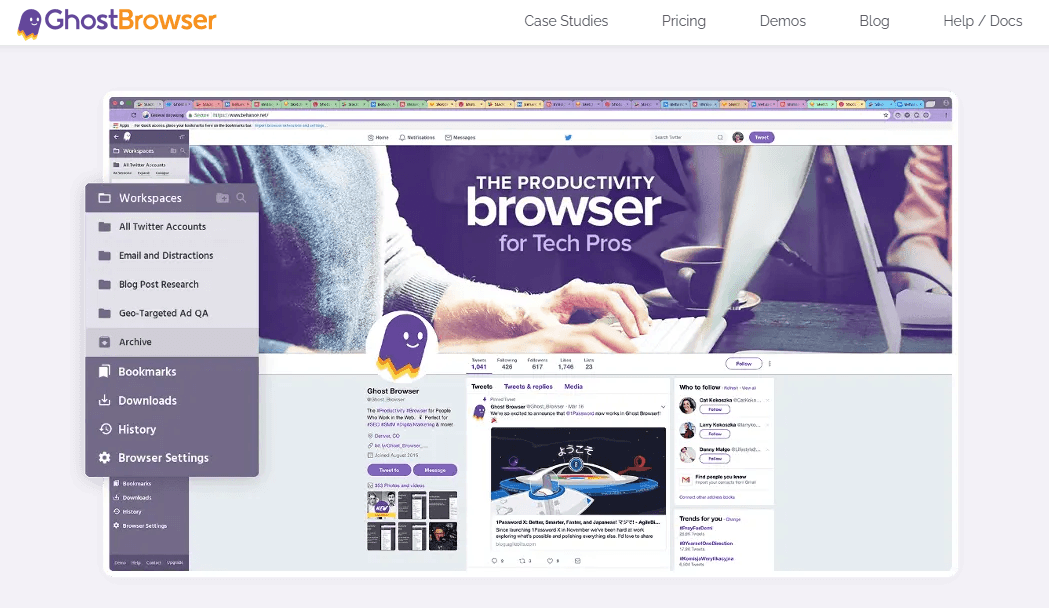
Strengths: Lightweight multi‑session tool with tab isolation.
Best for: Productivity use‑cases (multiple logins, research).
Why it stands out: Organizes sessions in a single window; integrates with Chrome extensions.
Limitations: Not truly anti‑detect — fingerprint spoofing is basic compared with others.
Pros: Simple and efficient for light multi‑session tasks.
Cons: Not recommended for serious anti‑ban operations.
6. GoLogin
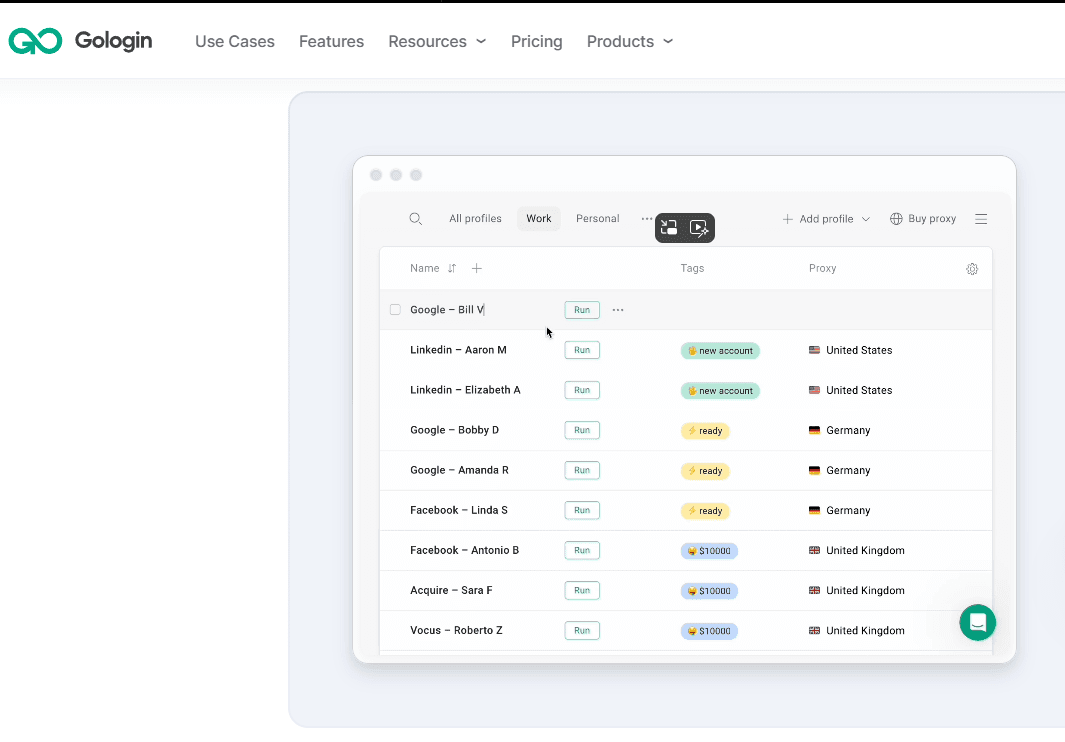
Strengths: User‑friendly with solid fingerprint generation and built‑in proxy marketplace.
Best for: Small agencies and mid‑level users.
Why it stands out: Straightforward proxy buying and assignment inside the dashboard.
Limitations: Fingerprint accuracy slightly below top‑tier; occasional performance issues at scale.
Pros: Easy to start; good balance of features for price.
Cons: Less robust than enterprise‑grade tools.
7. Incogniton
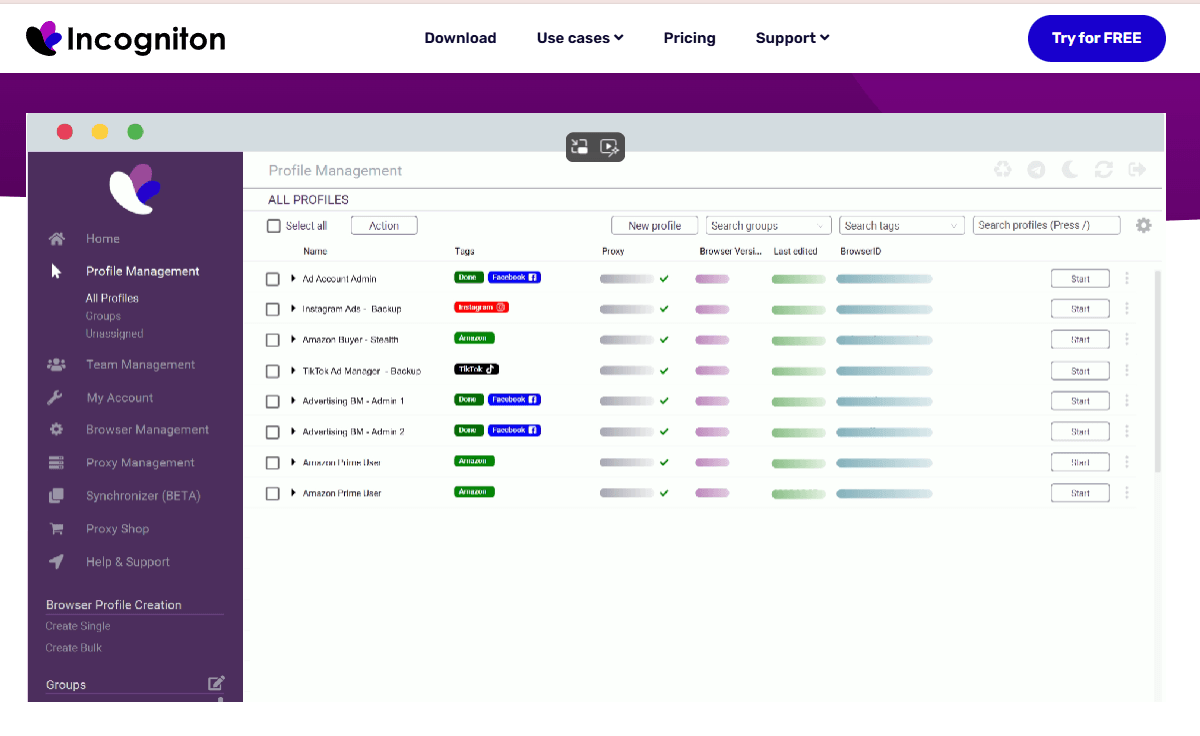
Strengths: Simple, intuitive interface with generous free tier.
Best for: Individuals, freelancers, and light multi‑account users.
Why it stands out: Friendly onboarding and built‑in automation support.
Limitations: Advanced fingerprinting options are limited compared to higher‑end tools.
Pros: Great for solo operators and small teams.
Cons: Free tier has restrictions after a couple of months.
8. AdsPower
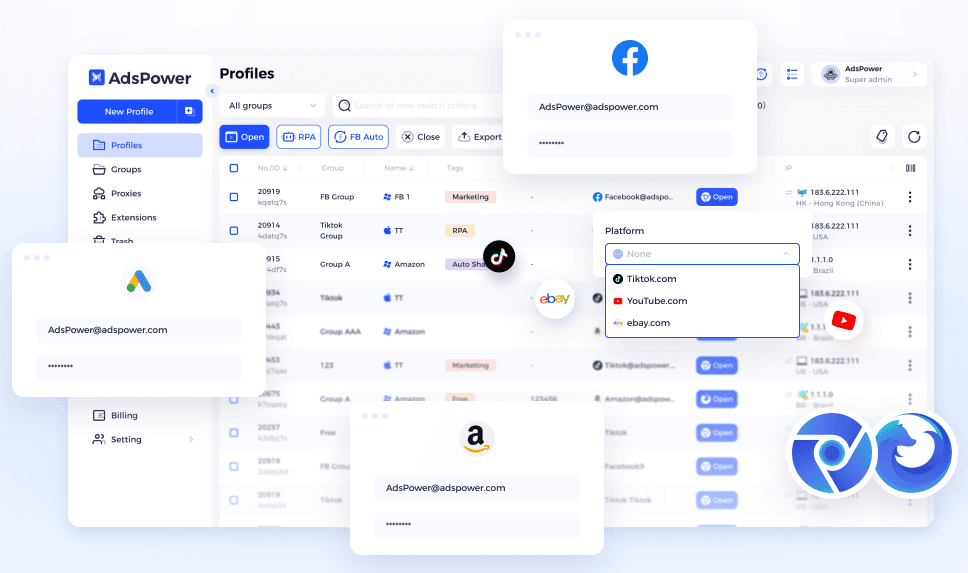
Strengths: Competitive pricing with built‑in RPA (Robotic Process Automation).
Best for: Crypto traders, social media account farmers, users who value automation.
Why it stands out: No‑code automation workflows and good proxy integrations.
Limitations: Some reported data security concerns in 2025 — worth verifying updates.
Pros: Strong automation and workflow optimization.
Cons: Security reputation needs careful attention.
9. Octo Browser
Strengths: High fingerprint quality and rich team collaboration tools.
Best for: Medium to large teams with collaboration needs.
Why it stands out: Fast kernel updates keep detection avoidance consistent.
Limitations: No free plan; advanced features locked behind high‑tier pricing.
Pros: Excellent for team operations and APIs.
Cons: Limited language support and batch organization features.
10. MoreLogin
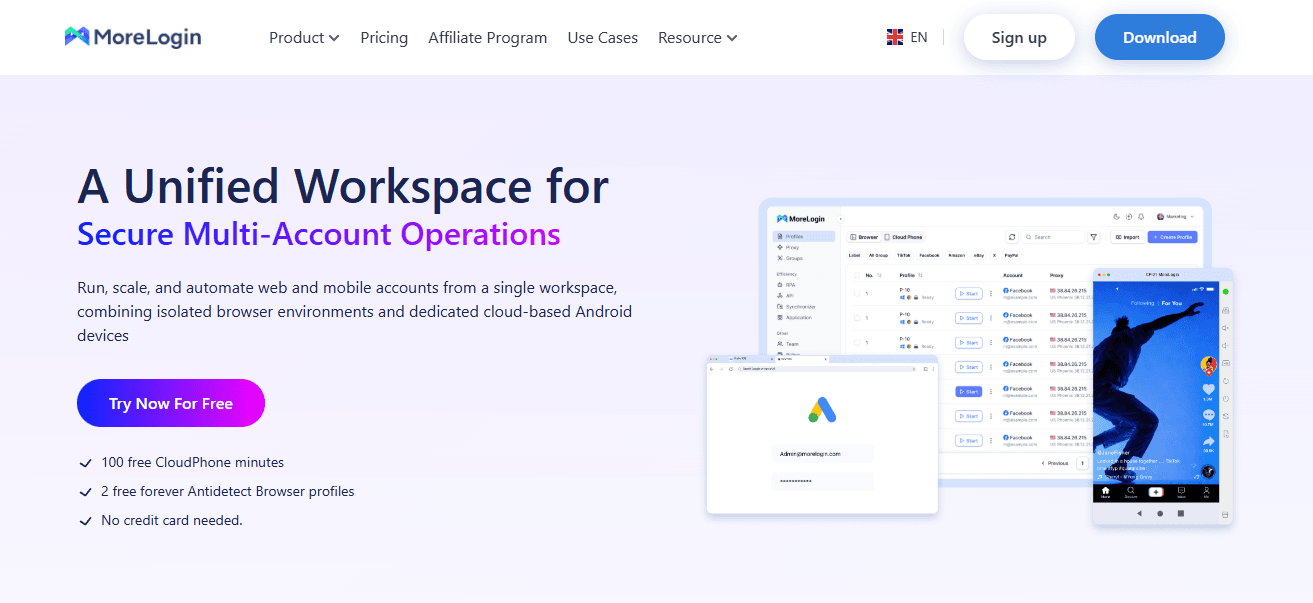
Strengths: User‑friendly and affordable anti‑detect browser with solid multi‑account management.
Best for: Small to mid‑sized teams, marketers wanting simplicity with strong fingerprint realism.
Why it stands out: Provides unique fingerprints with machine‑learning‑driven canvas generation, synchronized operations, and team collaboration capabilities.
Limitations: Relies on external proxy services (no built‑in free proxies), and advanced automation must use APIs which may require technical setup.
Pros: Friendly UI; 2 free profiles forever; low‑cost plans start around ~$9/month.
Cons: Proxy integration not native; support quality and refund policies vary per user reports.
Summary & Comparison Tips
| Browser | Best For | Fingerprint Strength | Ease of Use |
|---|---|---|---|
| BitBrowser | Beginners | High | Easy |
| Multilogin | Agencies | Very High | Moderate |
| Linken Sphere | Experts | Very High | Hard |
| Kameleo | Mobile | High | Moderate |
| Ghost Browser | Workflow | Low | Easy |
| GoLogin | Mid‑users | Medium‑High | Easy |
| Incogniton | Freelancers | Medium | Very Easy |
| AdsPower | Automation | Medium‑High | Moderate |
| Octo Browser | Teams | High | Moderate |
| MoreLogin | Balanced | Medium‑High | Easy |
How to Choose the Right Anti‑Detect Browser for You
Selecting the best anti‑detect browser depends on your experience level, workflow, and specific needs. Here are key factors to consider:
1. Purpose & Use Case
Beginners or solo operators benefit from easy-to-use browsers with cloud profile storage and basic automation.
Teams or agencies should prioritize tools with strong collaboration features and role-based permissions.
Mobile-focused workflows may require browsers with realistic device emulation.
2. Fingerprint Quality & Detection Evasion
High-quality fingerprint systems reduce detection risks, especially for social media and multi-account management.
3. Automation & Workflow Needs
Built-in automation and proxy management can save time in repetitive or large-scale operations.
4. Budget Considerations
Free or low-cost plans are useful for testing workflows before committing to premium subscriptions.
Tip: For most users, BitBrowser offers a strong balance of fingerprint quality, ease of use, and cost-effectiveness. Advanced users or teams may also consider other options like Multilogin or Kameleo for specialized needs.
Conclusion
Anti‑detect browsers are essential tools for managing multiple accounts, protecting online privacy, and avoiding detection on major platforms. While each browser has its strengths, ranging from advanced fingerprinting (Multilogin, Kameleo) to lightweight multi-session management (Ghost Browser), BitBrowser stands out for its combination of ease of use, high-quality fingerprinting, cloud profile management, and cost-effectiveness, making it suitable for beginners, freelancers, and small teams alike.

 Multi-Account Management
 Prevent Account Association
 Multi-Employee Management
Recommended
See More