The Complete Guide to Using AI Voices for YouTube (With BitBrowser Workflow)
 2026.03.31 03:20
 petro
petroCreating YouTube videos no longer requires a microphone or recording setup. With modern AI voice generators, anyone can produce professional-quality videos quickly and efficiently. This is why many creators are building successful faceless YouTube channels using AI tools.
In this guide, you’ll learn the best voice tools, how to use them effectively, and how BitBrowser can improve your workflow.
Best AI Voice Tools for YouTube
Choosing the right voice tool is important because voice quality directly affects viewer retention.
1. ElevenLabs (Best Overall)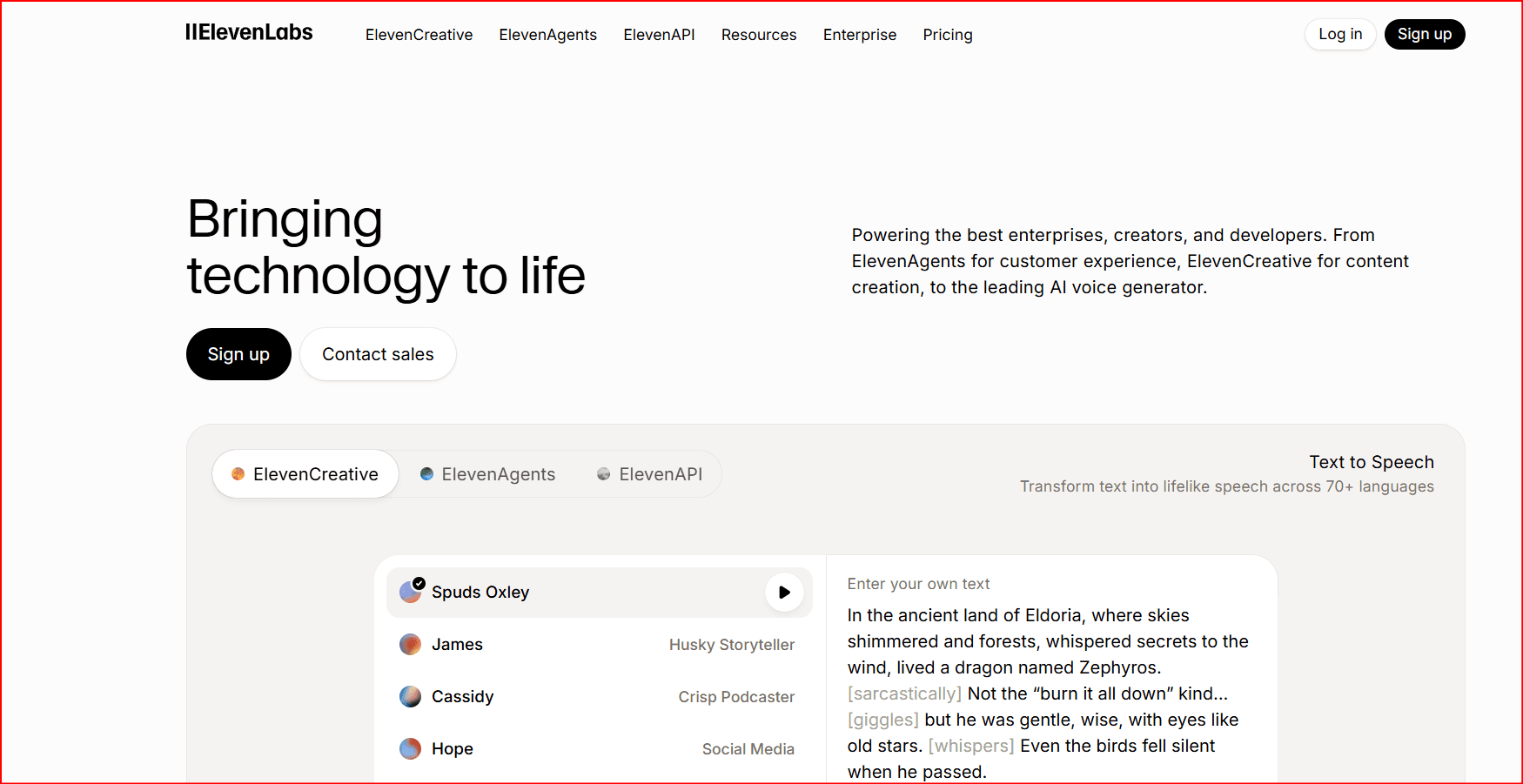
ElevenLabs offers highly realistic voices with natural emotion and tone.
Best for:
- Storytelling
- Documentary videos
- Finance and motivation channels
2. Murf AI (Best for Beginners)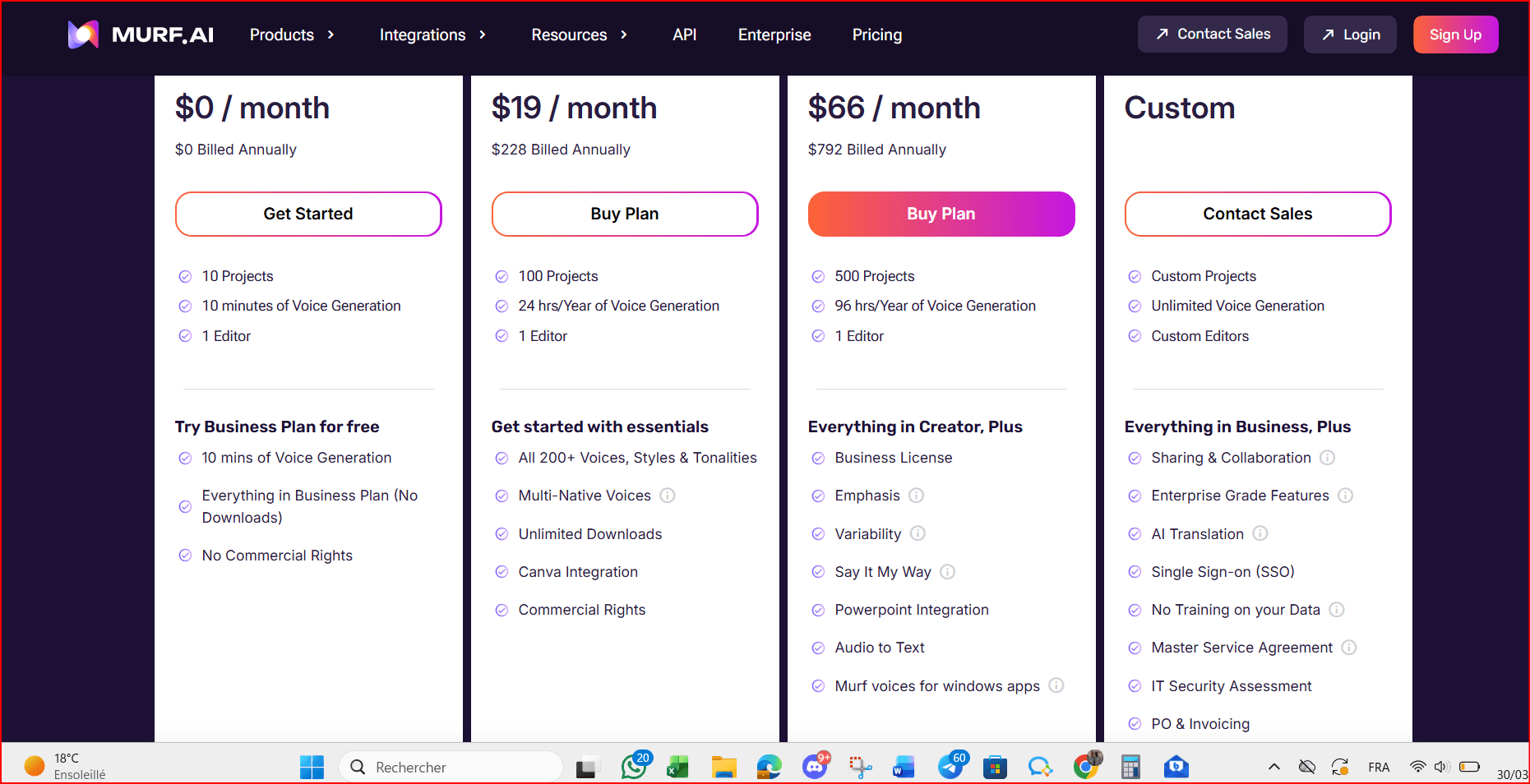
Murf provides an easy interface with built-in editing features.
Best for:
- Tutorials
- Educational content
3. PlayHT (Best for Long Videos)
PlayHT supports many accents and is ideal for long-form narration.
4. Fliki (Best for Shorts)
Fliki allows you to create both voice and video quickly.
Best for:
- YouTube Shorts
- Social media content
5. LOVO AI (Best for Expressive Voices)
LOVO provides emotional and dynamic voices.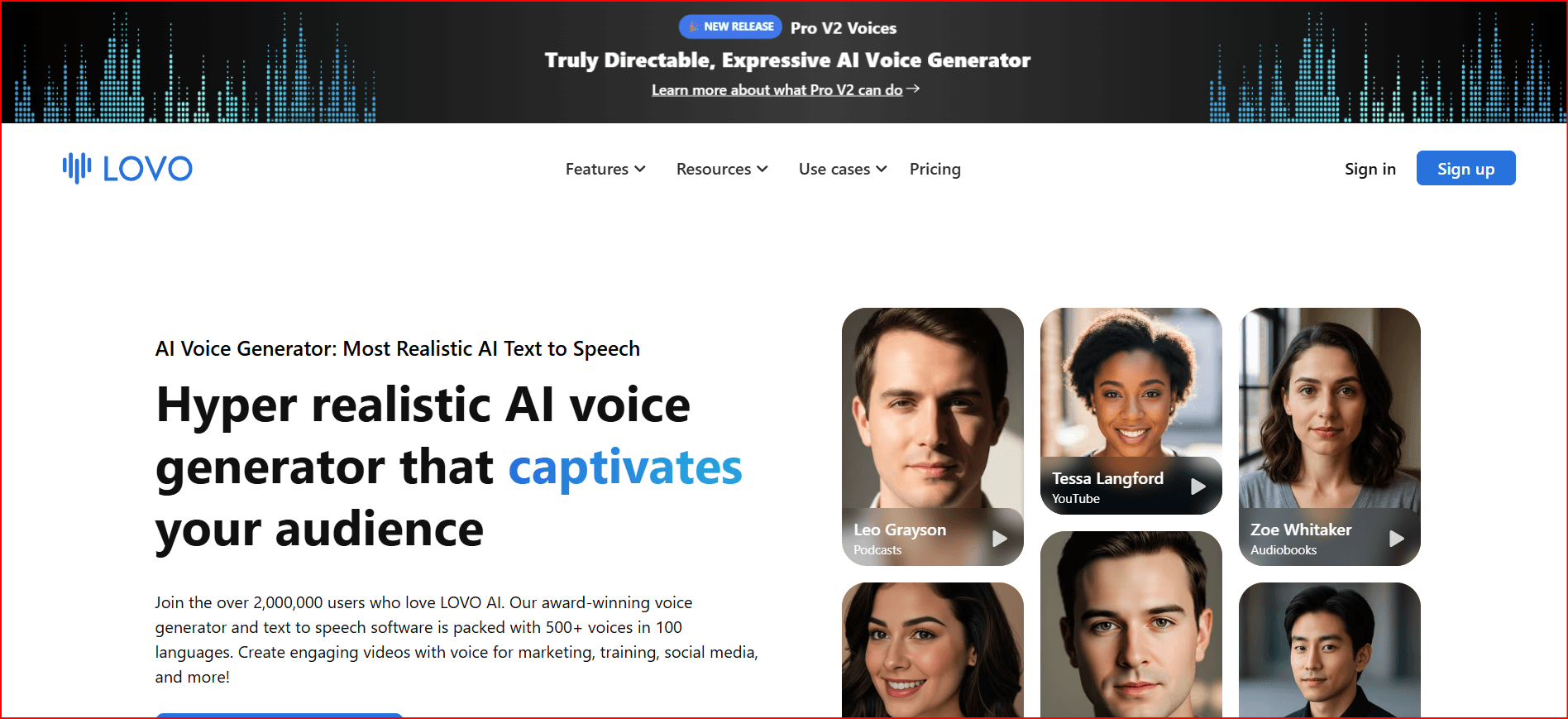
Best for:
- Gaming
- Ads
- Story-based content
How to Choose the Right Voice
The voice you choose should match your content style:
- Storytelling: calm, natural, slightly slow
- Tutorials: clear, neutral, medium speed
- Shorts: fast, energetic, engaging
Tip: Always test multiple voices before finalizing.
Step-by-Step Workflow for YouTube Videos
- Write a short, engaging script
- Start with a strong hook (first 3–5 seconds)
- Generate voice using AI tool
- Adjust speed, tone, and pauses
- Add visuals (clips, images, subtitles)
- Edit and export your video
- Upload with optimized title and thumbnail
The Role of BitBrowser in Your Workflow
BitBrowser is a multi-profile browser designed to manage different online environments separately. While it does not generate voices, it plays an important role in organizing your YouTube workflow.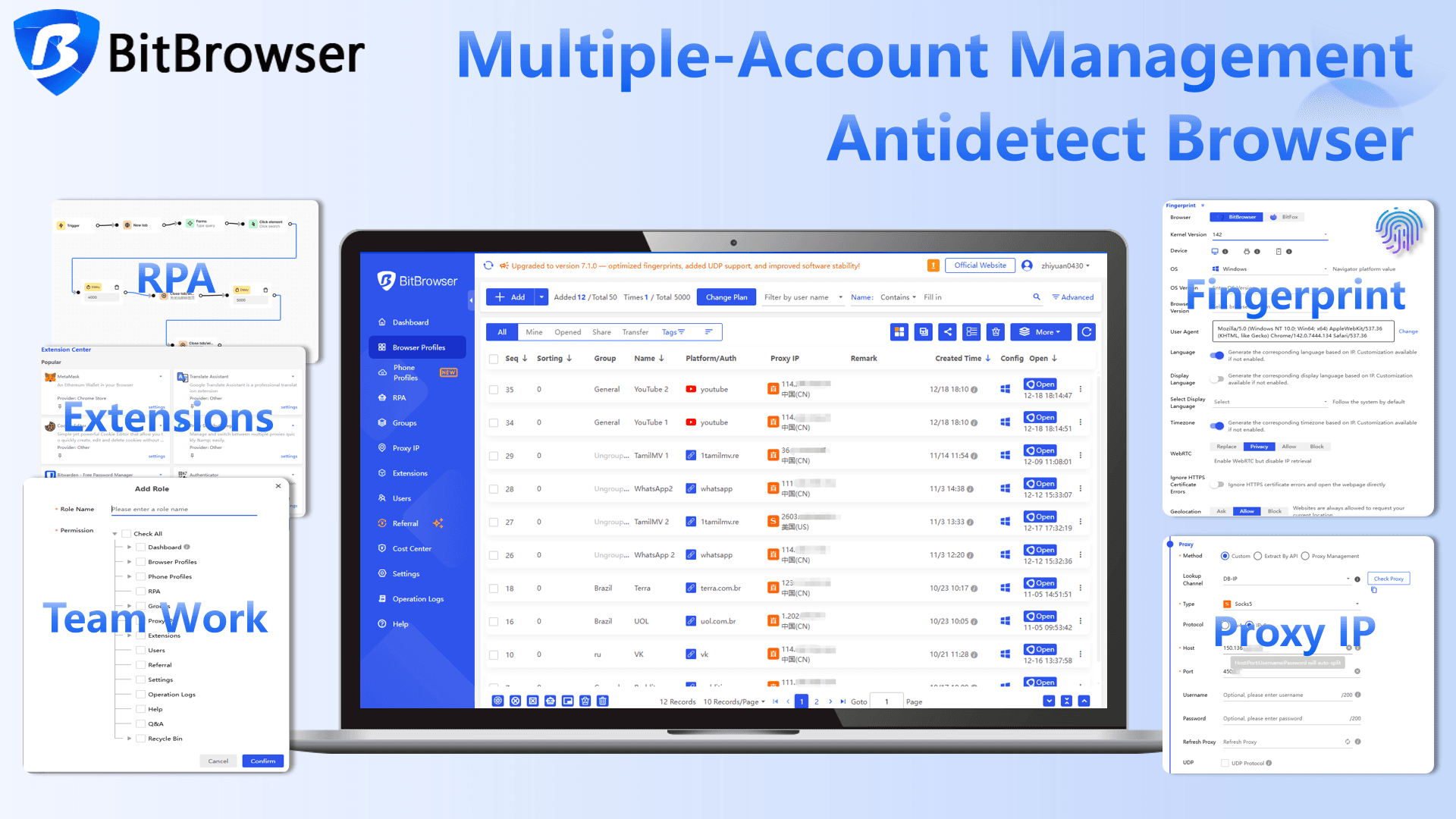
Why BitBrowser is useful
Managing multiple YouTube channels or projects can become confusing. BitBrowser helps you: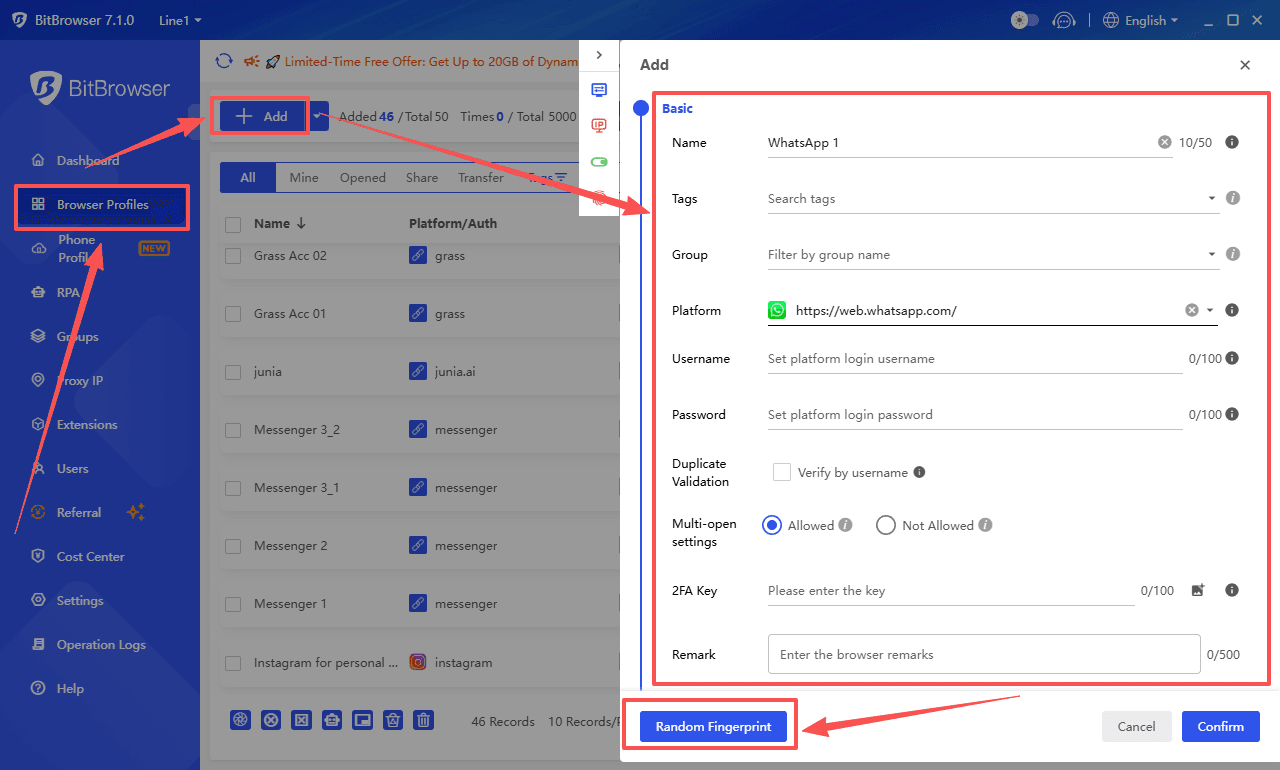
- Keep each YouTube account separate
- Avoid login conflicts
- Manage multiple channels efficiently
- Work on different projects without mixing data
Practical Use Case
You can organize your work like this:
- Profile 1: Channel A (uploads and comments)
- Profile 2: Channel B (different niche)
- Profile 3: Research and content ideas
- Profile 4: Analytics and monetization
This structure helps you stay organized and work more efficiently, especially if you manage multiple channels.
Important Note
BitBrowser should be used responsibly and only for organization and workflow management. It does not replace good content strategy or YouTube guidelines.
Common Mistakes to Avoid
- Using robotic or unnatural voices
- Speaking too fast without pauses
- Long sentences that are hard to follow
- Ignoring pronunciation errors
Tips for Better Results
- Keep sentences short and clear
- Add pauses after important points
- Match voice tone with your niche
- Focus on clarity and engagement
Final Thoughts
AI voices have made YouTube content creation more accessible than ever. With tools like ElevenLabs or Murf, you can create professional videos without recording your own voice.
At the same time, using tools like BitBrowser helps you stay organized and manage multiple channels efficiently.
The key to success is simple:
- Use realistic voices
- Keep your content engaging
- Stay consistent

 Multi-Account Management
 Prevent Account Association
 Multi-Employee Management
Recommended
See More 



