Apple ID Suspended or Banned? A Safe Apple Account Recovery Guide
 2026.07.19 22:08
 petro
petroApple ID suspended” and “Apple ID banned” are common search phrases, but Apple now calls the service an Apple Account and uses more precise messages such as locked, not active, disabled for security reasons, or Media & Purchases disabled. The wording matters because each message points to a different recovery path. A password reset may solve a security lock, while an inactive account can require an access request, and a purchase-related restriction may need a separate reactivation process.
The safest response is not to create random replacement accounts, rotate devices, or repeatedly retry sign-ins. Those actions can make the situation harder to diagnose and may trigger more security checks. Instead, preserve the original evidence, use a trusted device when possible, follow Apple’s official prompts, and protect the email address and phone number connected to the account.
Table 2. Understand the message before acting
| Message or situation | What it usually means | Best next action |
|---|---|---|
| Disabled for security reasons | Automatic protective lock after repeated incorrect information or suspected risk. | Reset the password through a trusted device or Apple’s official recovery route. |
| Locked or not active | The account may require an access request. | Tap Request Access in the alert or use Apple’s official instructions. |
| Media & Purchases disabled | The restriction may affect App Store and purchase services only. | Request reactivation from the alert or Apple Support. |
| Account recovery in progress | Apple is verifying ownership and applying a security delay. | Wait for the stated update; avoid restarting the process unnecessarily. |
| Activation Lock | The device remains linked to the owner’s Apple Account. | Use the original account credentials or Apple’s proof-of-purchase process. |
1. “Suspended” and “banned” are informal labels
Apple’s support pages separate several conditions. A security lock can occur after too many incorrect attempts or suspicious activity. An account described as locked or not active may offer a Request Access option. A Media & Purchases account can be disabled even when iCloud sign-in still works. A permanent inability to regain access is different again. Before taking action, copy the exact message and note where it appeared: Settings, App Store, account.apple.com, a device activation screen, or an email.
Avoid treating every sign-in problem as a ban. Network issues, an outdated device, an incorrect trusted number, a changed email address, or a forgotten password can produce similar symptoms. Diagnosis should begin with the visible message, the affected service, and whether another trusted Apple device is still signed in.
2. Secure the account before troubleshooting
If there is any chance another person attempted to sign in, first protect the email inbox and mobile number used by the Apple Account. Change the email password, enable its strongest available two-factor protection, review forwarding rules, and contact the carrier if the trusted number may have been transferred. Apple also recommends reviewing account details and removing devices you do not recognize once you regain access.
Never share a verification code, device passcode, recovery key, password, or temporary support PIN with an unsolicited caller or message sender. Apple warns that social-engineering scams often imitate account-lock notifications. Open Apple support pages directly rather than following an alarming link in an email or text.
3. Try the least disruptive recovery method first
A trusted iPhone, iPad, or Mac that is already signed in is normally the best place to reset the password because it provides strong evidence that the device belongs to you. If no trusted device is available, use Apple’s official password-reset page or the Apple Support app on a borrowed device. Keep the recovery phone number available and enter information consistently.
Do not start account recovery until simpler methods have failed. Apple explains that account recovery can take several days or longer and that support cannot shorten the security delay. Starting unnecessary recovery attempts, then continuing to use other signed-in Apple devices, can also complicate or delay the process.
4. Handle inactive and purchase-disabled messages separately
If the alert says the Apple Account is locked or not active, use the Request Access option shown in the alert or Apple’s linked request process. Provide accurate information and avoid submitting multiple contradictory requests. If access is denied, Apple’s support page explains the remaining official options, including creating a new account when recovery is no longer possible.
If only Media & Purchases is disabled, the problem may be limited to App Store, Apple Music, books, subscriptions, or billing. Use the Continue or reactivation option in the alert and verify payment information through Apple’s own settings. Do not send card details or identity documents to third parties claiming they can “unban” the account.
5. Prepare a clean support record
Before contacting Apple Support, collect the exact alert text, approximate time the problem started, device model, operating-system version, trusted phone number availability, and the last successful sign-in. For billing issues, record the order or transaction reference without publishing full card data. For Activation Lock, retain the original proof of purchase that clearly identifies the device.
A concise timeline helps an advisor understand what happened without forcing you to repeat risky actions. Record case numbers and the channel used. Keep screenshots private because they may show email addresses, phone numbers, serial numbers, or recovery details.
6. The responsible role of BitBrowser
BitBrowser can help an authorized owner or support team keep troubleshooting sessions organized in separate browser profiles. For example, one profile can hold Apple’s official support pages and case notes, while another can be used for a business client’s unrelated account. Stable cookies, bookmarks, and profile labels can reduce accidental cross-account confusion during legitimate work.
BitBrowser cannot unlock an Apple Account, bypass account recovery, remove Activation Lock, or guarantee that Apple will approve an access request. Do not use browser-profile tools to evade a restriction, impersonate another owner, or create replacement accounts in violation of Apple’s terms. The useful role is documentation and separation, not circumvention.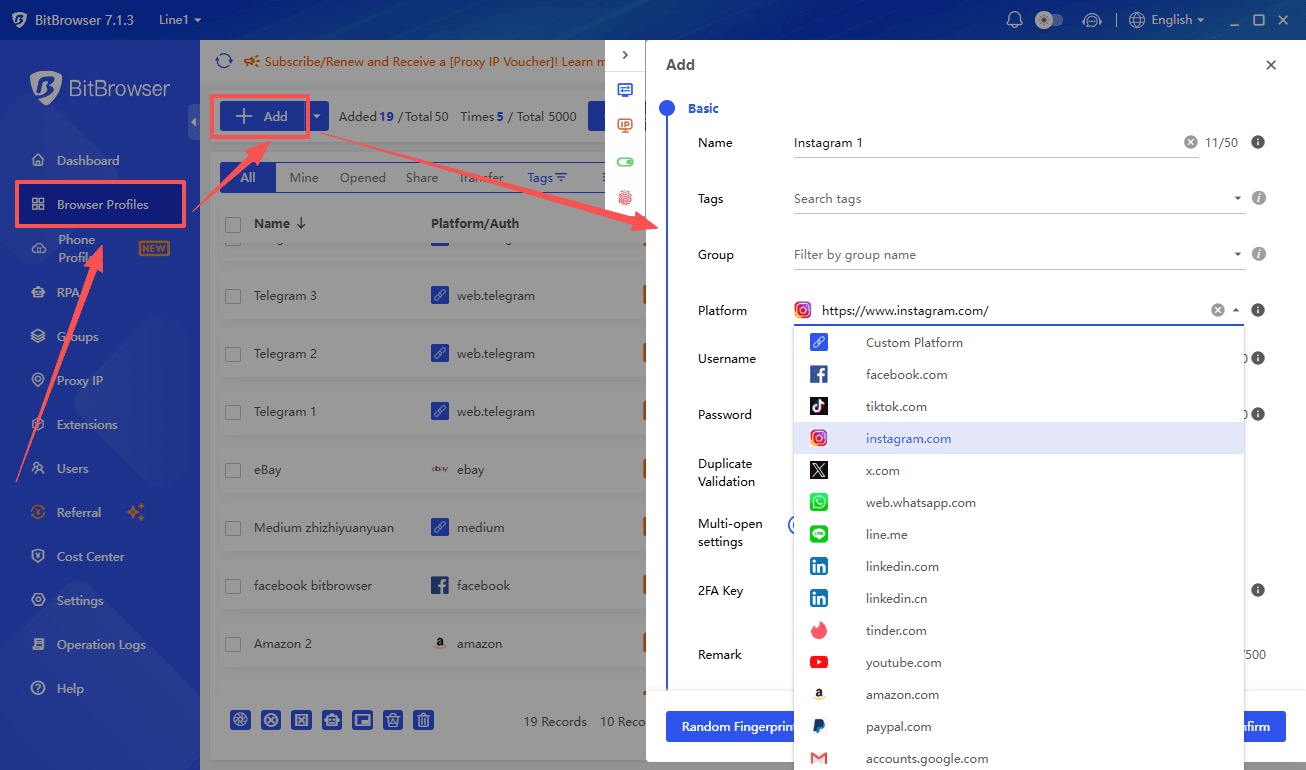
7. After access is restored
Change any reused passwords, verify the trusted phone numbers and email addresses, review the device list, and remove anything unfamiliar. Confirm that two-factor authentication is active, add a recovery contact if appropriate, and store recovery information securely. Review recent purchases and subscriptions for unfamiliar activity.
Finally, document what caused the lock if known. Common lessons include avoiding repeated password guesses, keeping trusted numbers current, rejecting unexpected verification prompts, and using unique credentials. A short preventive review is more valuable than attempting to hide or randomize normal device information.
Table 3. Safe recovery checklist
| Step | Action | What to record |
|---|---|---|
| 1 | Copy the exact warning and note the affected service. | Screenshot stored privately, date, device, and app. |
| 2 | Secure the connected email account and phone number. | Password change, carrier confirmation, forwarding-rule review. |
| 3 | Try a password reset on a trusted device. | Result and any error message. |
| 4 | Use account recovery only if other methods fail. | Recovery request date and expected update. |
| 5 | Contact Apple through official channels when required. | Case number and advisor instructions. |
| 6 | Review devices, purchases, and recovery settings after restoration. | Completion checklist and removed devices. |
Table 4. Official resources and their purpose
| Official resource | Why use it |
|---|---|
| Apple: locked, inactive, or disabled account | Apple’s current guidance for locked, inactive, and disabled accounts. |
| Apple: account recovery | How the official recovery process works and why it can take time. |
| Apple: reset a forgotten password | Trusted-device and web options for resetting the password. |
| Apple: compromised account guidance | Steps to regain control and remove unknown devices. |
| Apple Support contact | Official support channels for account and purchase issues. |
| BitBrowser | Optional profile organization for authorized troubleshooting; it cannot restore an account. |
Frequently Asked Questions
Is an Apple ID suspension permanent?
Not necessarily. Many warnings describe temporary security locks or service-specific restrictions. The exact message determines whether a password reset, access request, reactivation, or support case is appropriate.
Can Apple Support speed up account recovery?
Apple states that support cannot shorten the account-recovery waiting period. The delay is part of the ownership-verification process.
Can BitBrowser unban an Apple Account?
No. It can organize authorized browser sessions, but only Apple can approve access or reactivation.
Should I pay a third party to unlock the account?
No. Use Apple’s official support routes and do not share passwords, verification codes, recovery keys, or payment information with unofficial services.
Conclusion
A locked or disabled Apple Account should be handled as an ownership and security issue, not as a technical obstacle to bypass. Preserve the exact message, protect recovery channels, use the least disruptive official option, and keep a clear support record. BitBrowser can support disciplined profile separation for authorized work, but restoration and reactivation remain entirely under Apple’s official processes.

 Multi-Account Management
 Prevent Account Association
 Multi-Employee Management
Recommended
See More 



