7 Best Blockaway Alternatives in 2026 (Safer, Faster & More Private Options)
 2026.07.02 08:18
 YT.Shi
Blockaway has long been a popular option for people who want a quick way to access blocked websites without installing software. It works as a browser based proxy, routing your traffic through its servers to hide your IP address. You simply enter a URL and start browsing.
While convenient, Blockaway has several limitations that are becoming more noticeable in 2026. This guide explains why many users are looking for alternatives and compares the best options available today, including BitBrowser, which offers far more than simple IP masking.
Why Look for a Blockaway Alternative?
Blockaway is useful for occasional browsing, but it has some important drawbacks:
· Limited protection: It hides your IP address but does not protect against browser fingerprinting. Websites can still identify users through factors such as WebGL, fonts, screen resolution, and timezone settings.
· Privacy concerns: Like most free proxies, the service operator can potentially see your browsing requests.
· Performance issues: Shared servers can become slow during busy periods.
· Browser only coverage: Protection applies only to the browser tab using the proxy.
· Advertising: The free version includes ads and potential tracking.
For casual browsing, these issues may not matter. For business users, marketers, and multi account operators, they often do.
Here are the 7 most highly recommended alternatives for 2026.
1. BitBrowser (best overall for multi account privacy and account security)
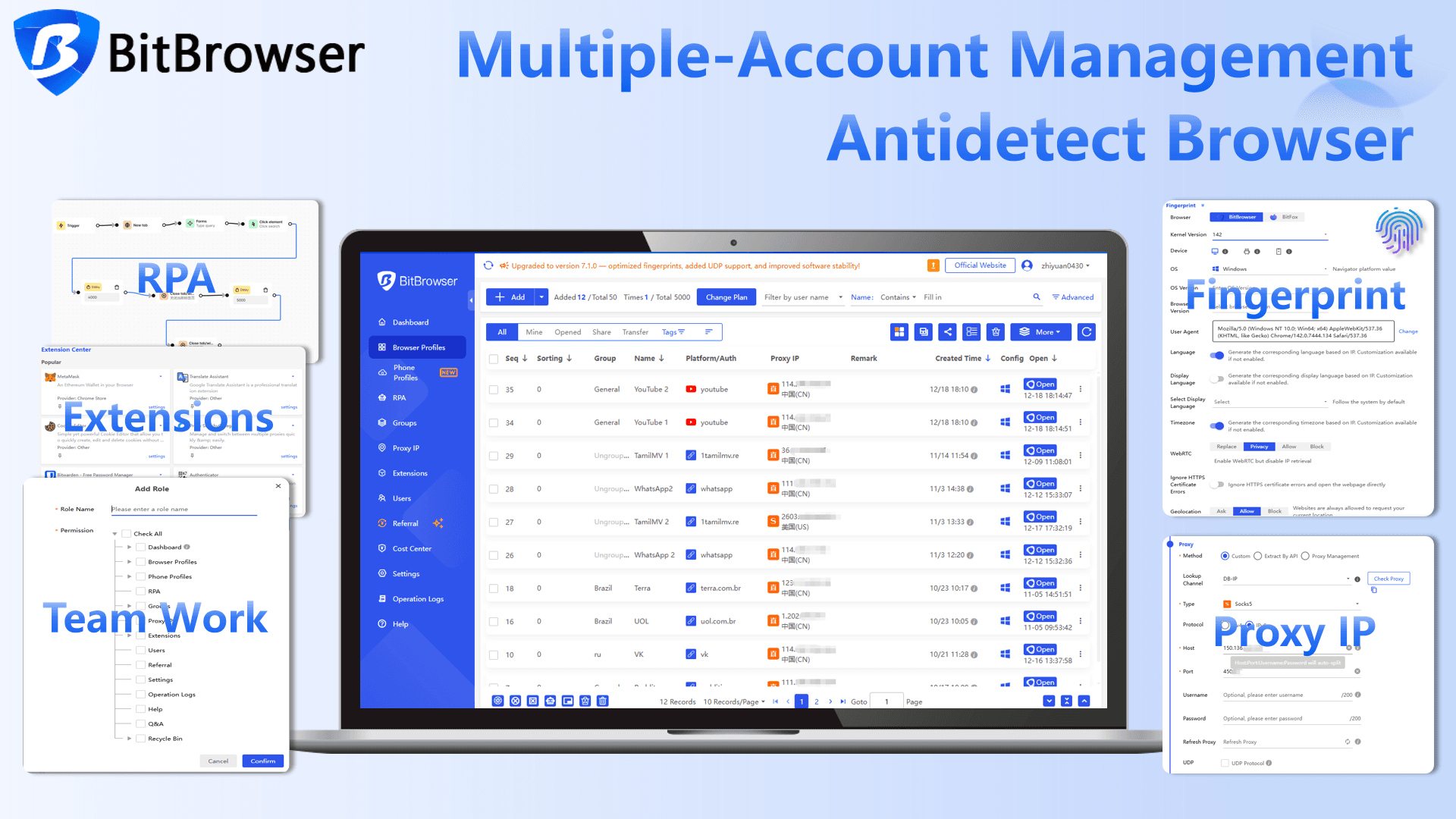
If you're looking for a true upgrade from Blockaway rather than just another proxy, BitBrowser is the strongest option in 2026.
Most Blockaway alternatives focus on hiding your IP address. BitBrowser goes much further by creating completely isolated browser profiles, each with its own fingerprint, cookies, cache, and proxy settings. To platforms like Google, Meta, TikTok, or Amazon, every profile appears to be a different user on a different device.
In a world where websites rely heavily on browser fingerprinting, simply changing your IP is often not enough anymore. BitBrowser is designed specifically to solve that problem.
Why it's a great Blockaway alternative
· Hides both your IP address and browser fingerprint
· Creates fully isolated browser environments
· Supports all major proxy providers
· Free plan includes 10 permanent browser profiles
· Suitable for both individual users and teams
Where it really shines
· Managing multiple social media accounts
· Affiliate marketing and advertising campaigns
· E commerce stores and marketplace accounts
· Crypto, airdrop, and Web3 activities
· Anyone who needs stronger privacy than a standard proxy can provide
A realistic downside
It requires a little more setup than a simple web proxy. If you only need to unblock a website once, a browser based proxy may feel faster. However, the extra setup provides significantly better protection and long term reliability.
Use BitBrowser if
You want more than basic IP masking. If you manage multiple accounts, care about privacy, or need a solution that can handle modern fingerprint tracking, BitBrowser is easily the best Blockaway alternative available in 2026.
2. Proton VPN (best overall if you actually care about privacy)
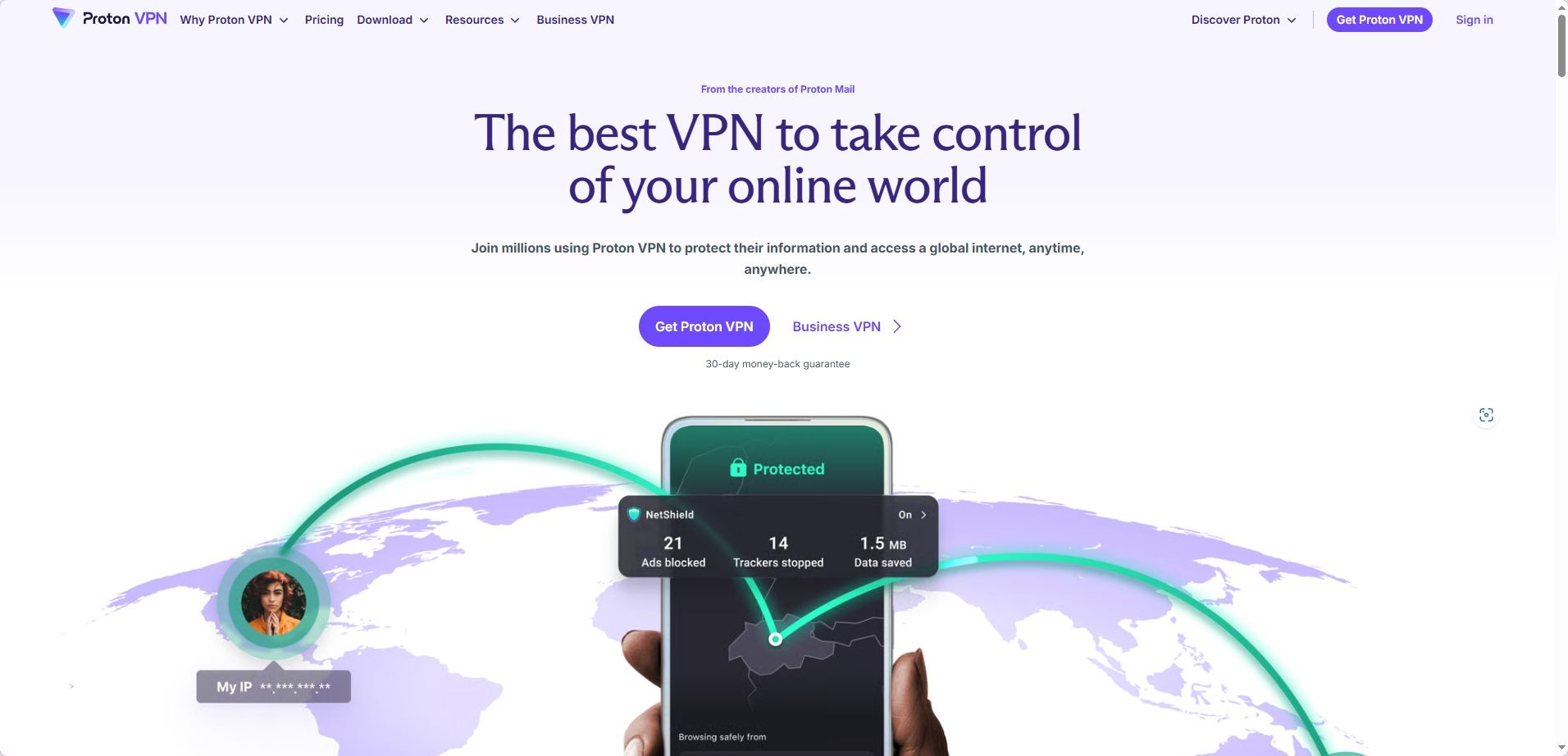
Proton VPN is made by the same company behind Proton Mail, and their whole brand is privacy. Not privacy as a marketing word. Like, actual privacy culture. Audits, transparency reports, the works.
Why it’s a great BlockAway alternative
· It’s more stable than random free web proxies
· Much harder for networks to block than typical proxy sites
· Better for everyday browsing, not just one page at a time
Where it really helps
· Public WiFi
· School or office networks (it often still works even when “proxy sites” are blocked)
· Anyone who wants a free option that isn’t sketchy
A realistic downside The free plan is usable, but you don’t get to pick every location and speeds can vary at peak times.
3. Mullvad VPN (best for anonymity, no account drama)
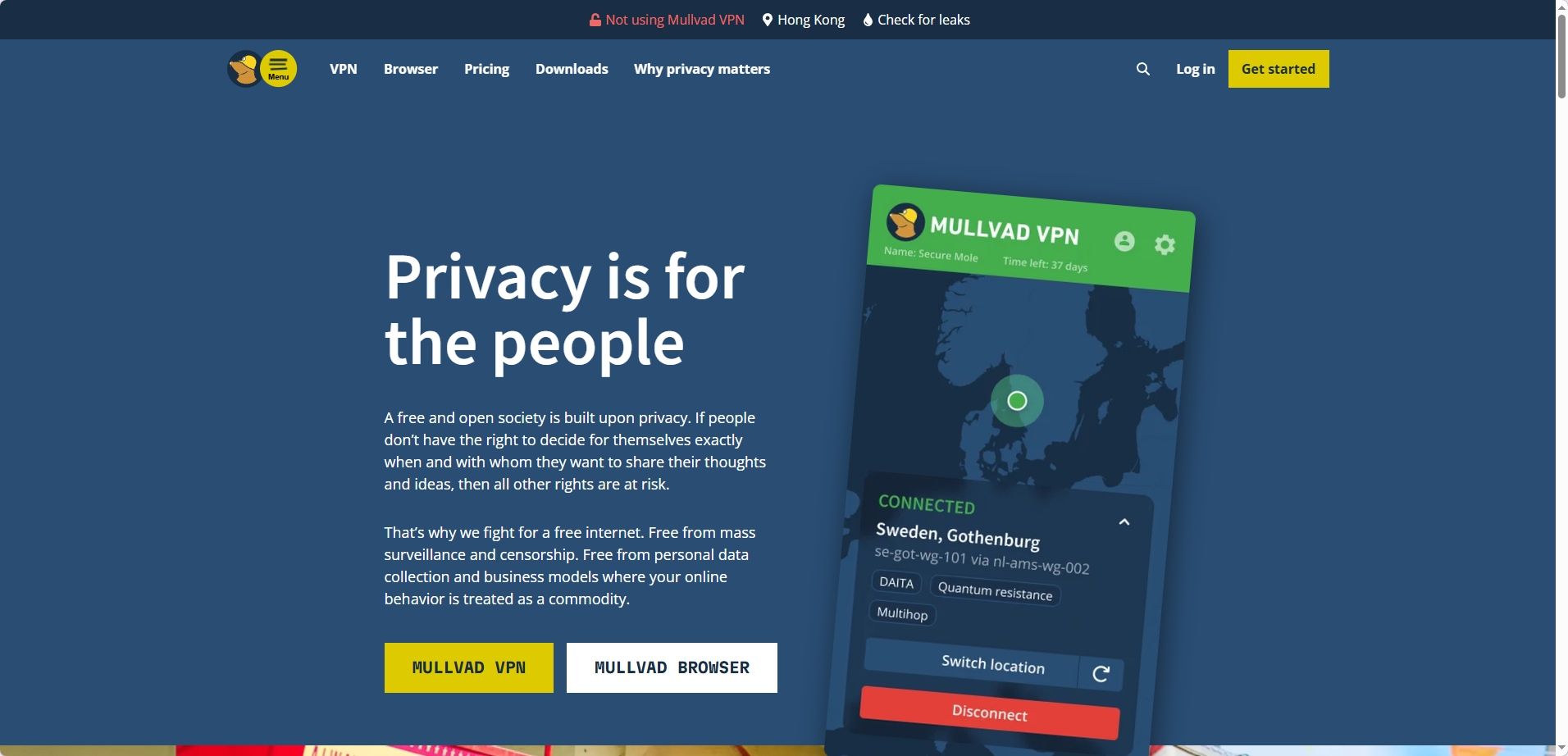
Mullvad is kind of legendary in the privacy community because they keep it simple in a way most companies refuse to.
You can literally pay and get an account number. No email required. No “verify your inbox.” No funnel.
And yes, I know, you might not care about that. Until one day you do.
Why it’s a great BlockAway alternative
· Extremely strong privacy posture
· Straightforward apps
· Not built around “tracking you to upsell you”
What people love
· Minimal data collection
· Solid performance
· Predictable pricing (no weird “$2 for 2 years” pricing games)
Downside It’s not the most beginner friendly if you want one click “fastest server” magic and a flashy UI. It’s clean. Practical. Almost boring.
Use Mullvad if You want to browse freely and quietly, and you like the idea of leaving as little personal footprint as possible.
4. NordVPN (best if you want speed and easy unblocking)
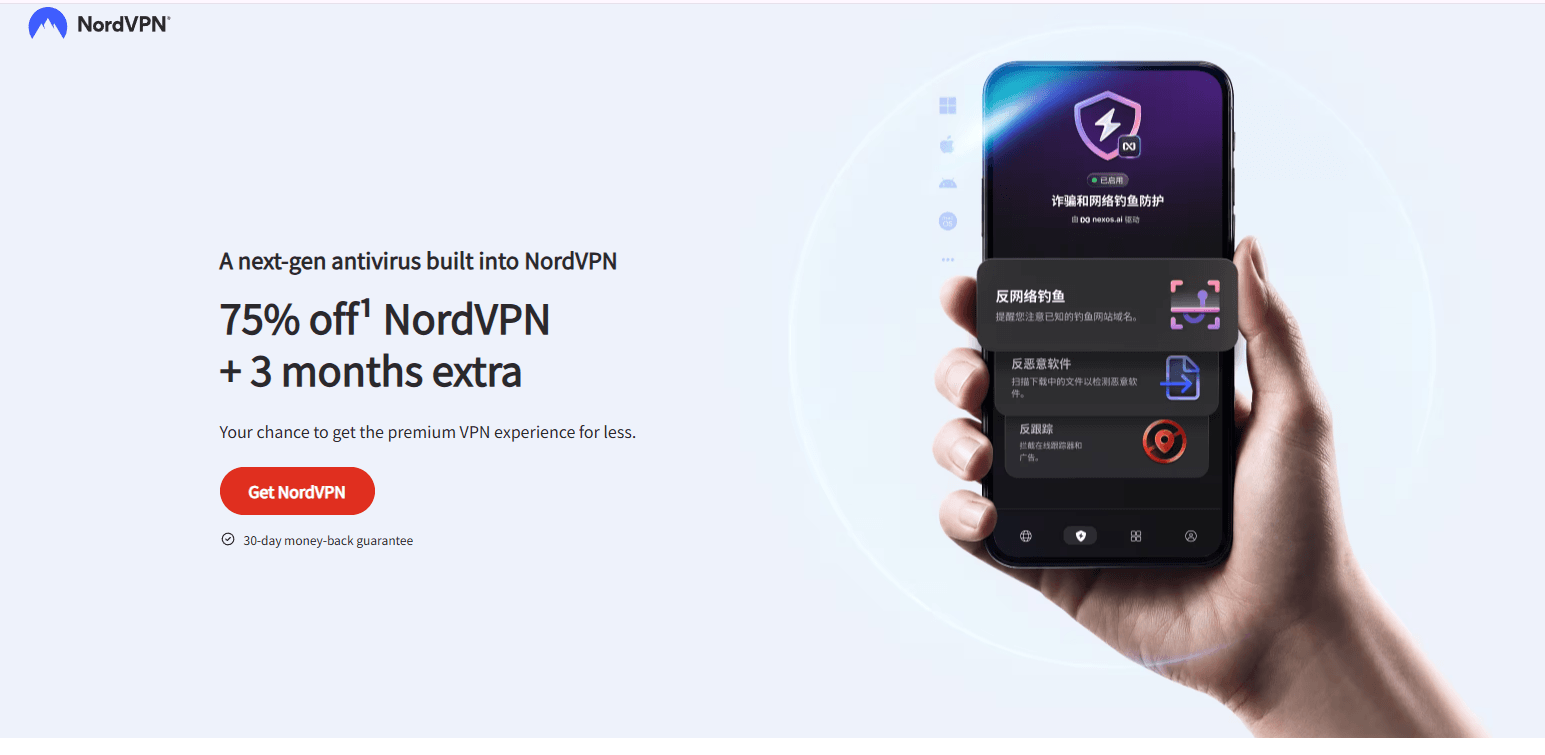
NordVPN is popular for a reason. It’s fast, it’s everywhere, and it usually works even on networks that try hard to block VPN traffic.
It’s not the most “privacy purist” brand compared to something like Mullvad, but for most people, it’s a huge upgrade over BlockAway style proxies.
Why it’s a great BlockAway alternative
· Fast servers, lots of locations
· Generally strong at unblocking content
· Works across devices, not just a single browser tab
Nice extras
· Meshnet (useful for secure sharing and remote access)
· Threat protection features (varies by platform, but still a plus)
Downside It’s a bigger company, with more marketing, more bundles, more “features.” Some people love that. Some people just want a tool that shuts up and runs.
Use NordVPN if You want something mainstream, fast, and low effort. Install it, click connect, move on with your life.
5. Surfshark (best value if you have lots of devices)
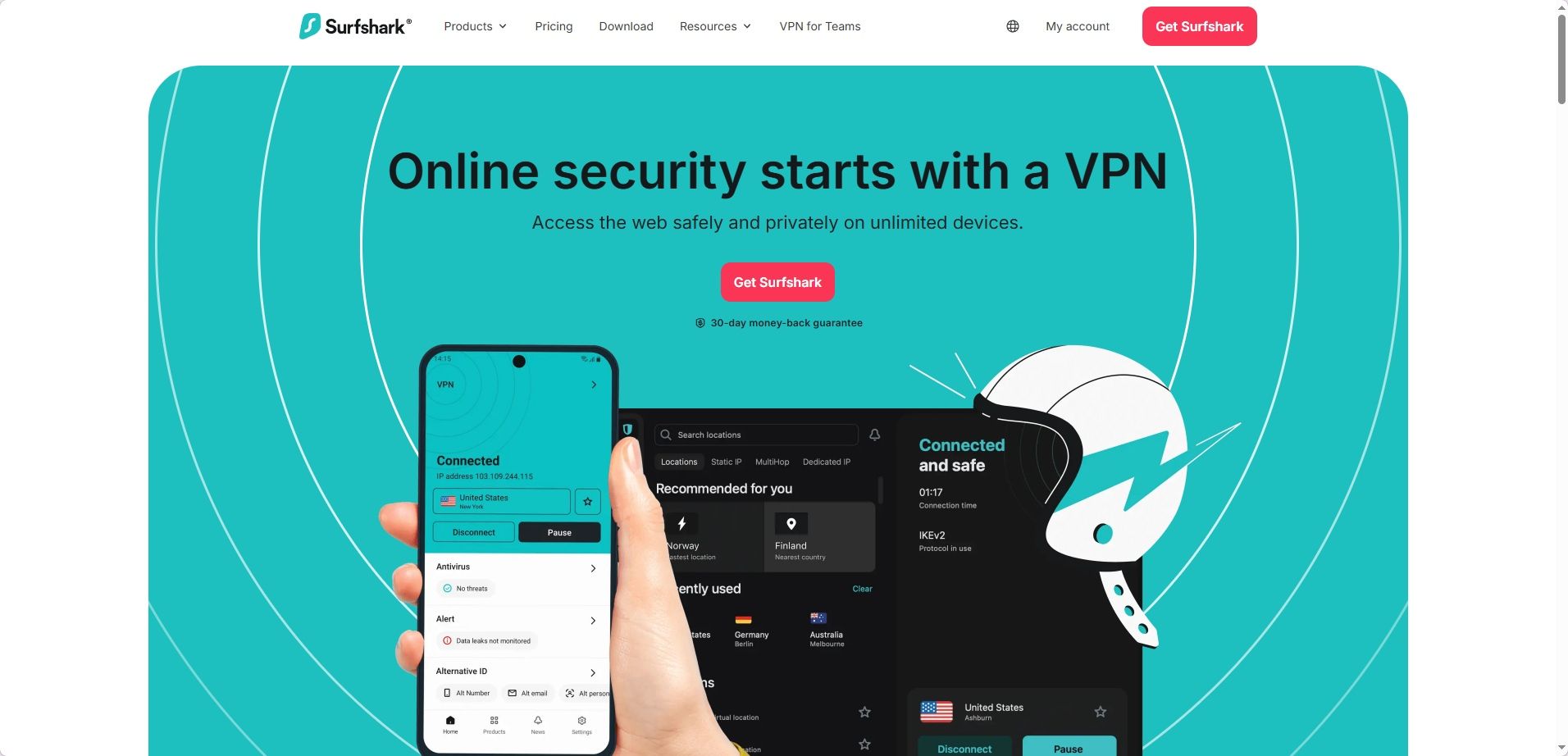
Surfshark is the one people land on when they want a VPN that’s affordable but still solid, and they want to use it on everything.
Phone, laptop, tablet, TV, and yes, probably your cousin’s laptop too.
Why it’s a great BlockAway alternative
· Very easy setup
· Strong speeds for the price
· Great for households or multiple devices
Good for
· Streaming
· Travel
· Anyone who needs a simple “on/off” switch for privacy on public networks
Downside Like most big VPN brands, you’ll see promos and bundles and add ons. Not a deal breaker, just part of the ecosystem.
Use Surfshark if You want good performance, you don’t want to pay a premium, and you need coverage across a bunch of devices.
6. Brave Browser + Private Window with Tor (best no cost option for quick privacy)
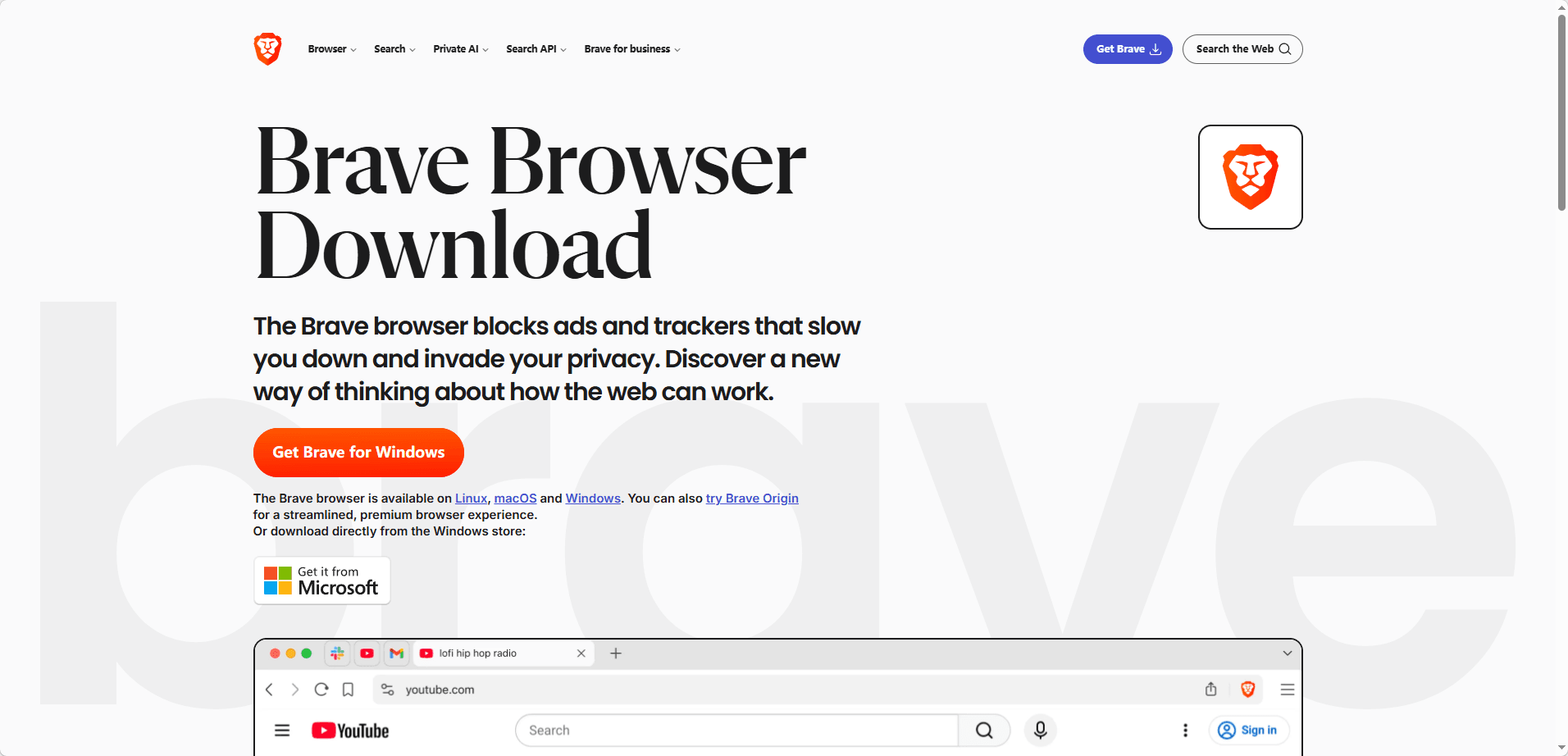
If your goal is “I need a more private browsing session and I don’t want to install a VPN right now,” Brave can be a decent step up from random proxy sites.
Brave has a Private Window with Tor mode. That routes traffic through the Tor network.
Why it’s a decent BlockAway alternative
· Free
· Quick to use
· Better privacy than typical free proxies
What it’s good at
· Reading sites that might be blocked locally
· Reducing tracking and fingerprinting a bit
· Lightweight “I just need this once” browsing
Important limitations
· It can be slower than a VPN
· Some sites block Tor traffic
· It’s not meant for streaming or heavy use
Use Brave + Tor if You want a free option, you’re okay with slower speeds, and you mostly need privacy for browsing and reading, not performance.
7. Residential proxy (best for strict networks, but only for advanced users)
A lot of BlockAway users are actually trying to bypass strict filters. Schools. Workplaces. Public networks. And those networks often block the obvious stuff first:
· Known proxy websites
· Known VPN IP ranges
· Suspicious traffic patterns
That’s where residential proxies can be more effective, because the IP addresses look like normal home internet connections rather than datacenter traffic.
That said, residential proxies are only part of the equation. Modern websites often look beyond IP addresses and analyze browser fingerprints as well. Even with a high quality residential proxy, your browser can still reveal identifying information.
This is why many advanced users pair residential proxies with BitBrowser. A residential proxy provides a legitimate looking IP address, while BitBrowser isolates browser fingerprints, cookies, and device characteristics, creating a much more realistic browsing environment.
Why it’s a BlockAway alternative
· Can be harder to detect and block than regular datacenter proxies
· Useful for very restrictive environments
Downside
· Costs money
· Setup is more technical
· Not really a “click one button” tool
· You must pick a provider with ethical sourcing and clear policies
Use a residential proxy if You know what you’re doing, you specifically need that type of network appearance, and you’re willing to pay for a legitimate provider.
Quick Comparison: Best Blockaway Alternatives in 2026
| Alternative | Best For | Privacy Level | Ease of Use | Free Option | Our Verdict |
|---|---|---|---|---|---|
| BitBrowser | Multi account management, account security, fingerprint protection | ⭐⭐⭐⭐⭐ | ⭐⭐⭐⭐ | ✅ Yes | Best overall Blockaway alternative |
| Proton VPN | Everyday privacy and secure browsing | ⭐⭐⭐⭐⭐ | ⭐⭐⭐⭐⭐ | ✅ Yes | Best VPN for most users |
| Mullvad VPN | Maximum anonymity and minimal data collection | ⭐⭐⭐⭐⭐ | ⭐⭐⭐ | ❌ No | Best privacy focused VPN |
| NordVPN | Speed and content unblocking | ⭐⭐⭐⭐ | ⭐⭐⭐⭐⭐ | ❌ No | Best for mainstream users |
| Surfshark | Budget friendly protection across many devices | ⭐⭐⭐⭐ | ⭐⭐⭐⭐⭐ | ❌ No | Best value VPN |
| Brave Browser + Tor | Free private browsing | ⭐⭐⭐⭐ | ⭐⭐⭐⭐ | ✅ Yes | Best free lightweight option |
| Residential Proxy | Bypassing strict network restrictions | ⭐⭐⭐⭐ | ⭐⭐ | ❌ No | Best for advanced users |
Our Recommendation
If your goal is simply to access a blocked website occasionally, Proton VPN, Brave Browser, or a residential proxy may be enough.
However, if you're looking for a true Blockaway replacement that addresses modern tracking methods, BitBrowser is the clear winner.

 Multi-Account Management
 Prevent Account Association
 Multi-Employee Management
Recommended
See More 



