Maximize Earnings with Affiliate Commission
 2025.03.11 15:30
 BitBrowser
Why You Need BitBrowser for Affiliate Marketing
Social media influencers, email marketing bloggers, and content creators promote other companies' products. They earn a commission when sales are generated from affiliate links. However, affiliate marketing is becoming increasingly competitive, making it more challenging to make money from affiliate websites.
Managing multiple accounts for affiliate marketing can diversify your income sources and maximize your earnings. Although platforms do not allow multiple accounts, you can use BitBrowser to bypass restrictions and create multiple e-commerce, email, and social media accounts.
Run accounts on Facebook, Instagram, Amazon, etc., promote more products or services, and earn high commissions with BitBrowser!
Automate Marketing Campaigns on Popular Marketplaces
BitBrowser offers an RPA marketplace, API, and scripts to automate manual tasks in affiliate marketing. Use these tools to save your social media publishing effort.
Generate, schedule, and post content automatically across dozens of accounts to popular channels. Create more opportunities to earn commissions on Facebook, Instagram, and TikTok.
Create More Than One Affiliate Account to Promote Products
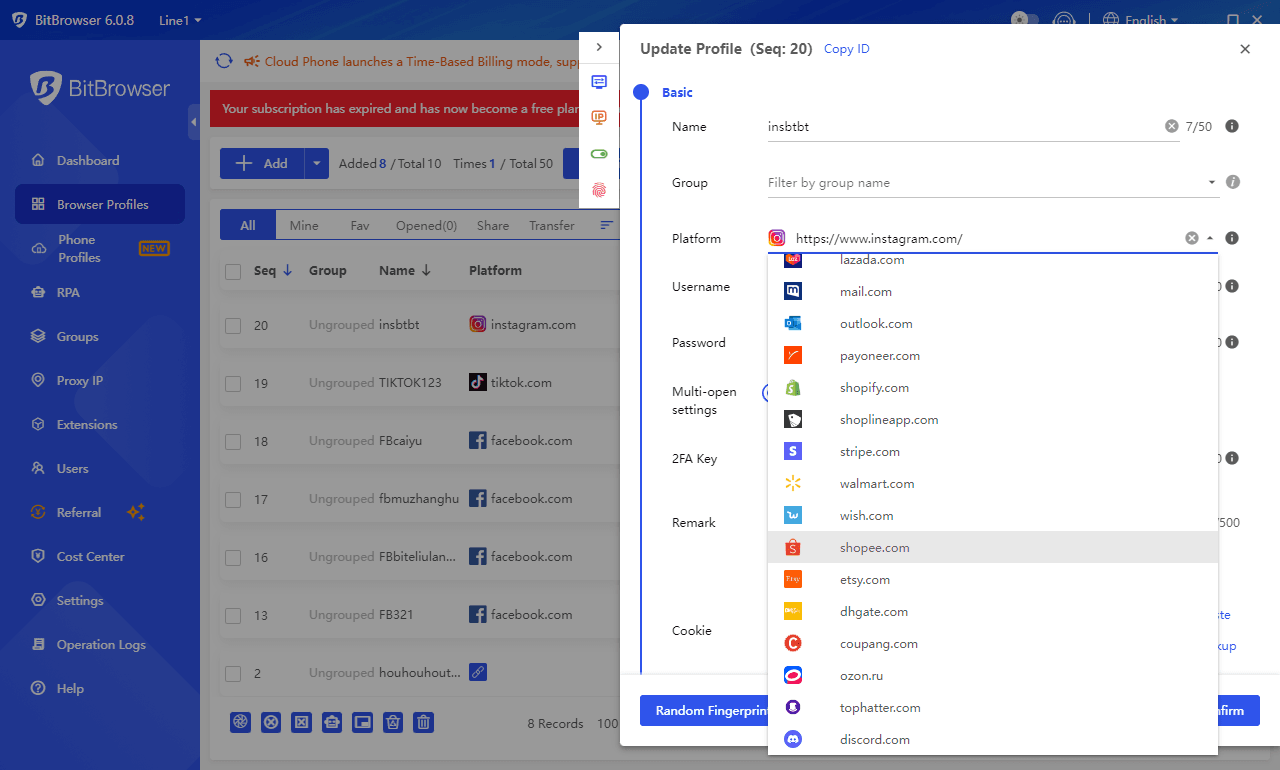
Use BitBrowser's 30+ settings to change device, operating system, and IP address. This way, you won't be detected or blocked by platforms like Facebook, Instagram, etc., when creating more accounts.
Create social media profiles or email accounts as you wish. No account or platform limits. Use these accounts to promote different products to various niches and audiences.
Manage Multiple Affiliate Accounts Without Being Detected or Blocked
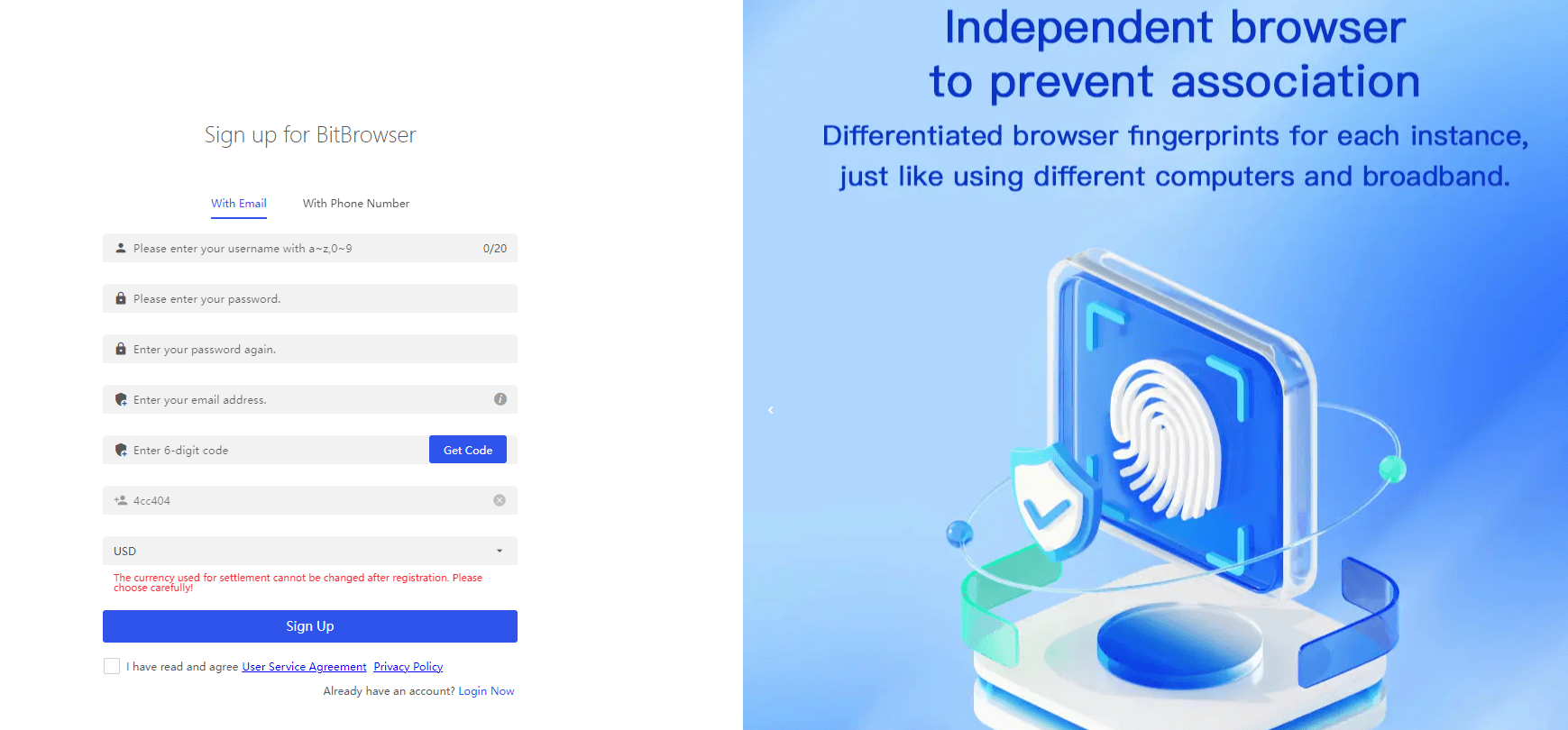
BitBrowser keeps all your accounts separate with different fake IP addresses and unique digital fingerprints. Prevent account blocks due to IP association.
BitBrowser also lets you open multiple tabs at once. No need to switch back and forth managing different accounts. All you need to do is open several browser tabs and log into accounts with one click. Run multiple affiliate accounts to promote different companies.
With BitBrowser, you can safely manage all your affiliate accounts, drive more traffic and sales, and keep your earnings growing!
Make the Most of BitBrowser
Frequently Asked Questions About Affiliate Marketing
How to safely manage multiple accounts for affiliate marketing?
Understand the platform's rules and policies and whether they allow multiple accounts. If not, you can use BitBrowser to fake your digital fingerprint and avoid restrictions. Then, use different email addresses and phone numbers for account registration. This way the platform cannot detect your IP address and block duplicate accounts, and you can safely manage all your accounts.
Which social media platforms are best for affiliate marketing?
The best platform depends on your niche and target audience. But there are also some popular places:
• Facebook and Instagram are popular because they have many daily active users.
• Pinterest focuses on visual discovery and is perfect for fashion, arts & crafts, food, etc.
• TikTok excels with short viral content, especially for younger audiences.
• LinkedIn is more suitable for B2B affiliate marketing, helping you reach professional audiences.
If you need to create and run multiple social media accounts for affiliate marketing, note that some platforms do not allow too many accounts with the same email. To overcome account limits, use BitBrowser to avoid duplicate account checks by the platform.
Use BitBrowser to Run Multiple Accounts Across Various Channels
Drive More Traffic and Sales. Keep Your Earnings Growing

 Multi-Account Management
 Prevent Account Association
 Multi-Employee Management
Recommended
See More