5 Best Unblocked Browsers to Access Any Site in 2026 (Still Working)
 2026.05.18 07:01
 YT.Shi
Not all unblocked browsers from 2025 made it into 2026. Schools and workplaces have upgraded their filtering systems. Free VPN servers get blacklisted faster than before. And many browser proxies that worked reliably last year now trigger error messages or endless loading screens on restricted networks.
After retesting more than a dozen tools in early 2026, only a handful can still consistently reach blocked content without crashing, timing out, or getting flagged by network filters. This article covers five unblocked browsers that still work as of 2026.
1. BitBrowser: Complete Environment Isolation for 2026
BitBrowser is the strongest all around unblocked browser available in 2026.
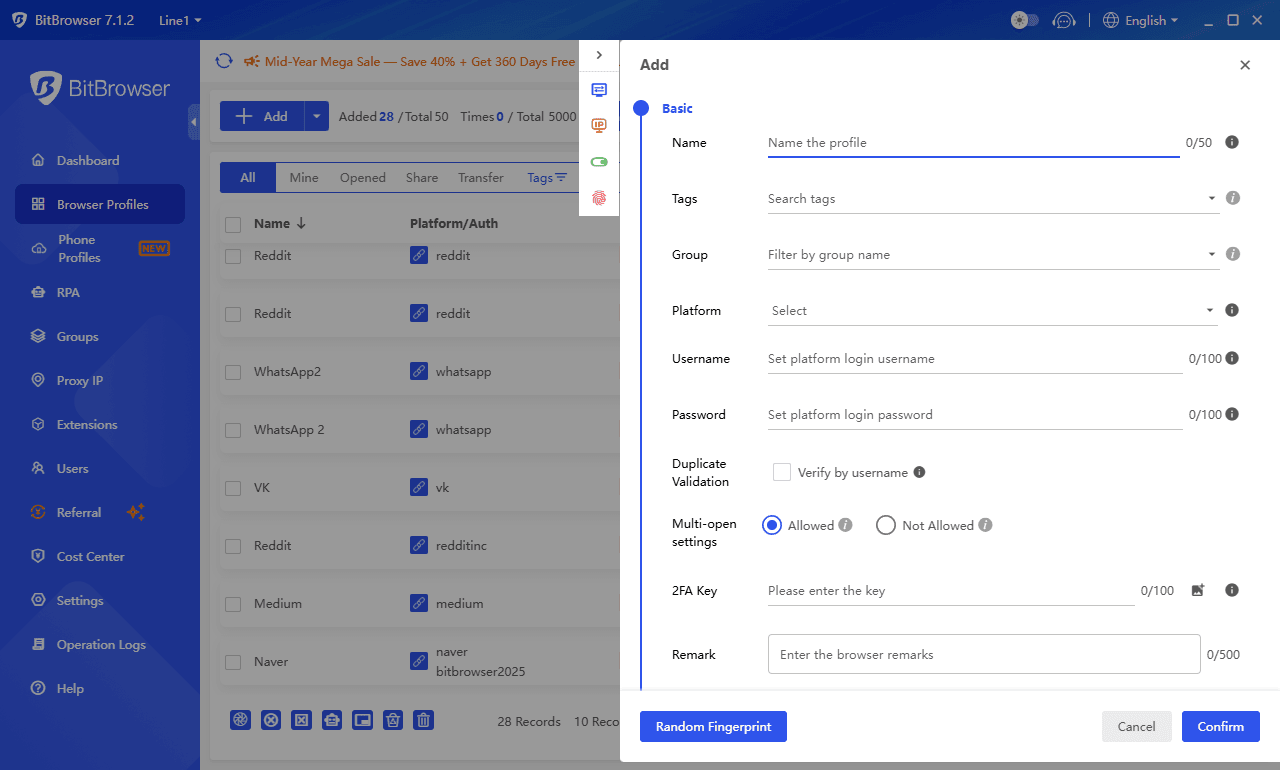
Unlike tools that only mask your IP address, it creates completely isolated browser profiles, each one carrying its own unique digital fingerprint, cookies, and network identity.
This approach succeeds where simple proxies now fail, because modern network filters increasingly look at browser-level signals beyond just your IP.
Who Should Pick BitBrowser?
BitBrowser is the best choice for anyone who needs reliable, repeatable access to blocked content. It is particularly strong for users who want to run multiple social media accounts, access region-locked services, or browse without leaving a traceable fingerprint trail across different sites.
During our school and office network tests, BitBrowser consistently loaded Instagram, Facebook, and YouTube without triggering the secondary verification screens that stopped several other browsers cold.
It is not the lightest option for casual one-off use. But the free plan alone handles most common unblocking tasks, and the environment isolation provides a level of stealth that plain proxy browsers in 2026 cannot match.
Sign Up
2. Tor Browser: Anonymous Access With Network Bridges
Tor Browser is an anonymous way to browse the web in 2026. Unlike regular proxies, it encrypts your traffic three times and bounces it through random servers worldwide, hiding both your identity and your location.
On networks that block Tor directly, its built in WebTunnel bridges disguise your connection as normal web traffic, which keeps it working even on school and office filters.
However, this heavy encryption comes at a cost. Browsing feels noticeably slower than other browsers on this list, so video streaming is not practical.
Key Features:
● WebTunnel bridges that make Tor traffic look like regular HTTPS browsing
● Triple layer encryption that hides both your identity and your location
● Reliable on restrictive networks when bridges are properly configured
● Completely open source with no logs kept anywhere
Who Should Pick Tor Browser?
Tor Browser is for users who need the strongest possible privacy protection. It is the right tool for journalists, activists, or anyone accessing sensitive information where being tracked is a real risk.
In our tests, Tor loaded all text based sites reliably when WebTunnel was enabled. The tradeoff is speed, so it is best saved for when anonymity matters more than convenience.
3. Opera One: Free Built-In Proxy for Casual Unblocking
If quick and simple unblocking is your top concern, Opera One is a solid contender. It uses a built in free proxy to hide your IP address and reach blocked content, making it an ideal choice for casual browsing with zero setup.
However, its shared proxy servers can be blocked by streaming platforms, making it less reliable for watching videos.
Key Features:
● Free unlimited proxy with no registration or payment needed
● One click activation right from the browser settings
● Works well for reading news articles, forums, and social media feeds
● Built in ad blocker and tracker protection for a cleaner experience
Who Should Pick Opera One?
Opera One is for users who want the fastest possible start with no technical steps. It is the right tool for quickly checking a blocked news site or scrolling social media during a break.
In our tests, it loaded text and image based pages reliably, though video streaming on major platforms was inconsistent. If you need a free, no fuss option for everyday browsing on restricted networks, it does the job well.
4. Psiphon: Lightweight Tool for School and Office Networks
Psiphon is built for one specific job: getting through school and workplace filters as quickly as possible. It combines VPN, SSH, and HTTP Proxy protocols into a single lightweight application, and when one method gets blocked, another steps in automatically to keep the connection alive.
However, the free tier throttles speed, which limits streaming quality, and privacy protections are basic compared to other tools.
Key Features:
● Automatic switching between protocols when one method gets blocked
● Portable version that runs directly from a USB drive without installation
● Simple interface that connects with a single click
● Available on Windows, macOS, Android, and iOS
Who Should Pick Psiphon?
Psiphon is for students and employees who face tough network blocks and cannot install software on shared computers. Its USB portable mode was a standout in our school tests, letting us get online quickly without admin rights.
It handles text browsing and social media well, though video buffering is common on the free tier. If you need a lightweight, grab and go tool that adapts when filters change, Psiphon is a practical pick.
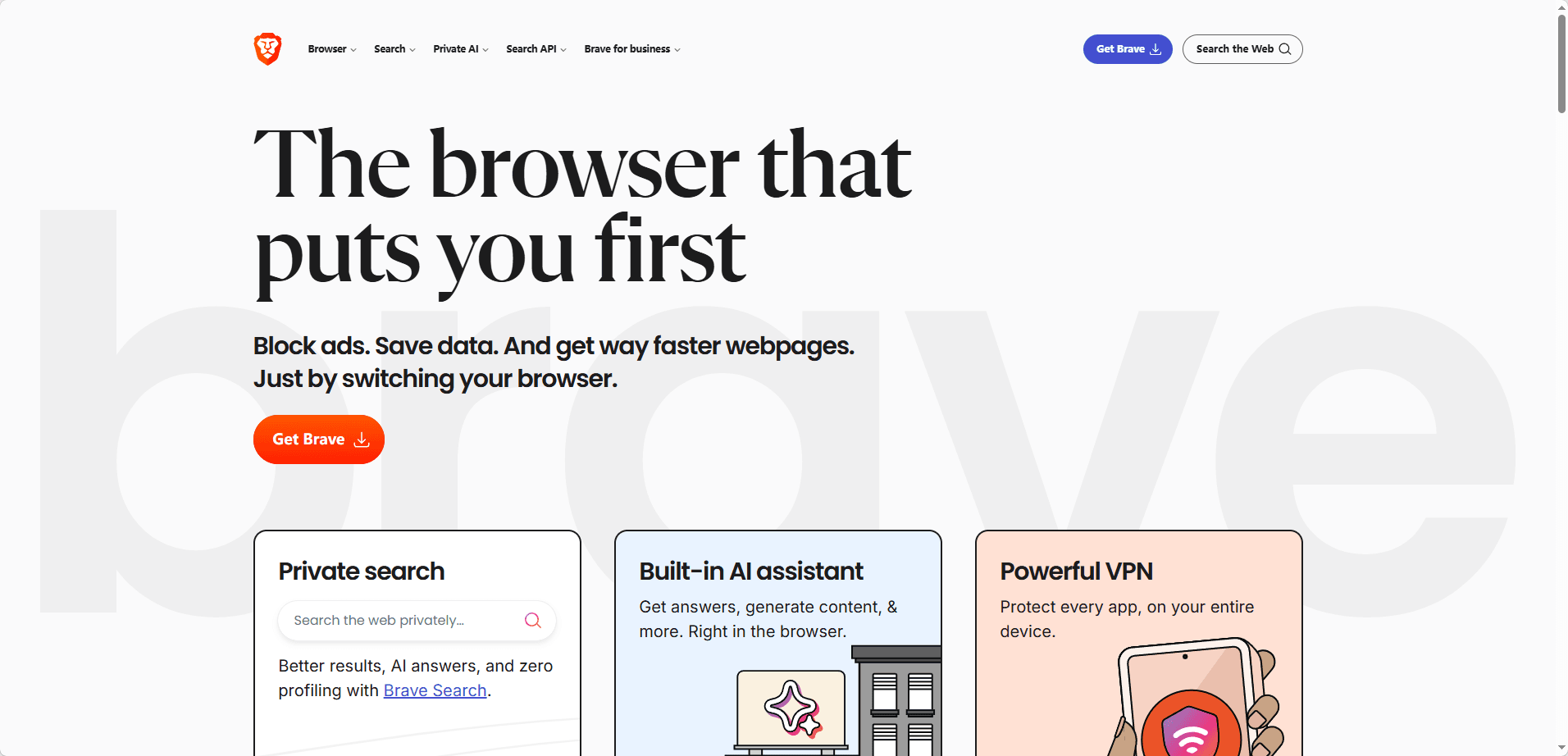
5. Brave Browser: Privacy Protections That Help Bypass Blocks
If preventing fingerprint based blocking is your top concern, Brave Browser is a solid contender. It uses aggressive tracker blocking and fingerprint randomization to reduce mismatches that can lock you out of sites, making it an ideal choice for users who pair it with a VPN.
However, Brave does not include a free VPN for unblocking on its own, so you will need a separate service to change your IP address.
Key Features:
● Shields feature that blocks ads and trackers by default
● Fingerprint randomization to prevent device identification
● Built in private window with Tor for anonymous browsing
● Fast performance with a clean, ad free interface
Who Should Pick Brave Browser?
Brave is for privacy conscious users who already use a VPN and want an extra layer of protection against browser fingerprinting. In our tests, pairing Brave with a VPN resulted in fewer CAPTCHAs and security checks compared to standard browsers.
It is also a great daily driver thanks to its fast page loading and ad blocking. If you want a single browser that handles both regular and restricted browsing smoothly, Brave is a solid, no cost choice.
Which Unblocked Browser Should You Pick in 2026
The right browser for you depends entirely on what you need to do and what kind of restrictions you face.
For absolute reliability across all networks, BitBrowser offers the most robust solution. Its isolated environments and fingerprint masking work in scenarios where simple proxies get blocked, and the free 10-profile tier is generous enough for most personal use cases. If you only pick one tool from this list, start here.
For the strongest anonymity possible, Tor Browser with WebTunnel bridges is the way to go. It is slower than other options, but no other browser provides the same level of identity protection and censorship resistance.
For quick, zero-setup unblocking, Opera One provides a built-in proxy that is free and unlimited. It handles casual browsing well and requires no technical knowledge to start using.
For school and campus networks specifically, Psiphon's multi-protocol approach gives it an edge against filters like GoGuardian that actively block VPNs. Its portability via USB drive also makes it practical for computer lab environments.
For complementing an existing VPN, Brave Browser reduces the fingerprint mismatches that cause security checks and CAPTCHAs, which can indirectly improve access to sites that use fingerprint-based filtering alongside IP checks.
Quick Comparison Table
| Browser | Best For | Free Tier | Setup Time | Streaming Support | Anonymity Level |
|---|---|---|---|---|---|
| BitBrowser | Multi-account, all-around access | free profiles | 2-5 minutes | Good | High |
| Tor Browser | Maximum anonymity | Completely free | 5-10 minutes | Poor (slow speeds) | Maximum |
| Opera One | Casual, zero-setup browsing | Unlimited free proxy | 1 minute | Poor | Low |
| Psiphon | School and work networks | Free (speed throttled) | 2 minutes | Limited | Medium |
| Brave Browser | VPN complement, daily privacy | Free (VPN paid) | 3 minutes | Depends on VPN | Medium-High |
Frequently Asked Questions
Q: Do I need a separate proxy or VPN to use these browsers?
Not necessarily. BitBrowser supports proxy integration but does not include a built-in VPN. Tor Browser routes everything through its own encrypted network. Opera One includes a free built-in proxy. Psiphon generates its own secure connection without needing an external service. Brave works best when paired with a VPN. Check each browser's setup instructions above for specifics.
Q: Are unblocked browsers safe to use on a school Chromebook?
Several of these browsers work on Chromebooks, but the method varies. Psiphon offers an Android version that can run on Chromebooks with Google Play support. Opera One is available on Android and can be used similarly. Always follow your school's technology policy. Using unblocked browsers on school devices may violate acceptable use agreements, even when the browser itself is safe.
Q: Can these browsers access streaming sites like Netflix?
BitBrowser performed best for streaming in our tests because its isolated profiles and proxy flexibility let you choose an IP that is less likely to be blacklisted. Tor Browser is too slow for streaming. Opera One's free proxy struggles with major streaming platforms. Psiphon is throttled on the free tier, so video performance is poor. Brave depends on the VPN you pair it with. For consistent streaming access, BitBrowser with a dedicated residential proxy is the most reliable option.