BitBrowser vs MoreLogin: A Real-World Comparison for Multi-Account Management in 2026
 2026.03.25 14:07
 YT.Shi
Managing multiple accounts today is no longer just about opening tabs and switching proxies. Platforms have become far more aggressive with detection, especially across browser fingerprints, IP patterns, and behavioral signals.
That’s why tools like BitBrowser and MoreLogin are now at the center of serious workflows for marketers, arbitrage teams, and agencies.
After testing both in practical scenarios (social media farming, e-commerce accounts, and automation setups), the differences between BitBrowser vs MoreLogin become very clear: not just on paper, but in daily use.
First Impressions
At a glance, both tools look similar. They offer multi-profile environments, fingerprint isolation, and proxy integration. But once you start working with them, their priorities diverge.
MoreLogin leans toward a hybrid model: desktop anti-detect browser + cloud phone simulation.
BitBrowser, on the other hand, feels like a fully integrated ecosystem, where browser profiles, cloud phones, proxies, automation, and team collaboration are designed to work together from the start.
This difference becomes critical as soon as you scale beyond a few accounts.
Multi-Account Stability: Where the Gap Starts to Show
The core of any anti-detect browser is how well it keeps accounts isolated over time.
MoreLogin in practice
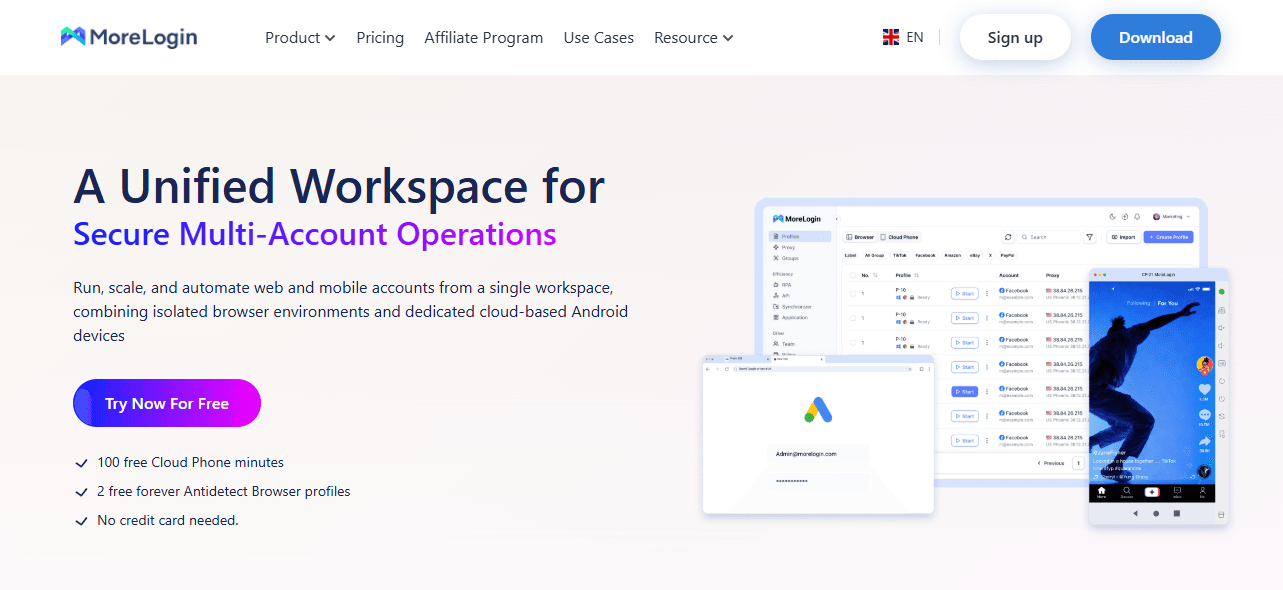
MoreLogin does a decent job at basic fingerprint separation. You can configure:
● User-agent
● OS type
● Browser kernel
● Language and timezone
There are also preset templates for platforms like Facebook or Google, which speeds up setup.
However, during long sessions or repeated logins, the level of fingerprint granularity feels limited. Advanced users may notice patterns becoming less “natural” when scaling.
This is especially noticeable when:
● Running aged accounts
● Managing high-value ad accounts
● Keeping sessions alive for weeks
BitBrowser in practice
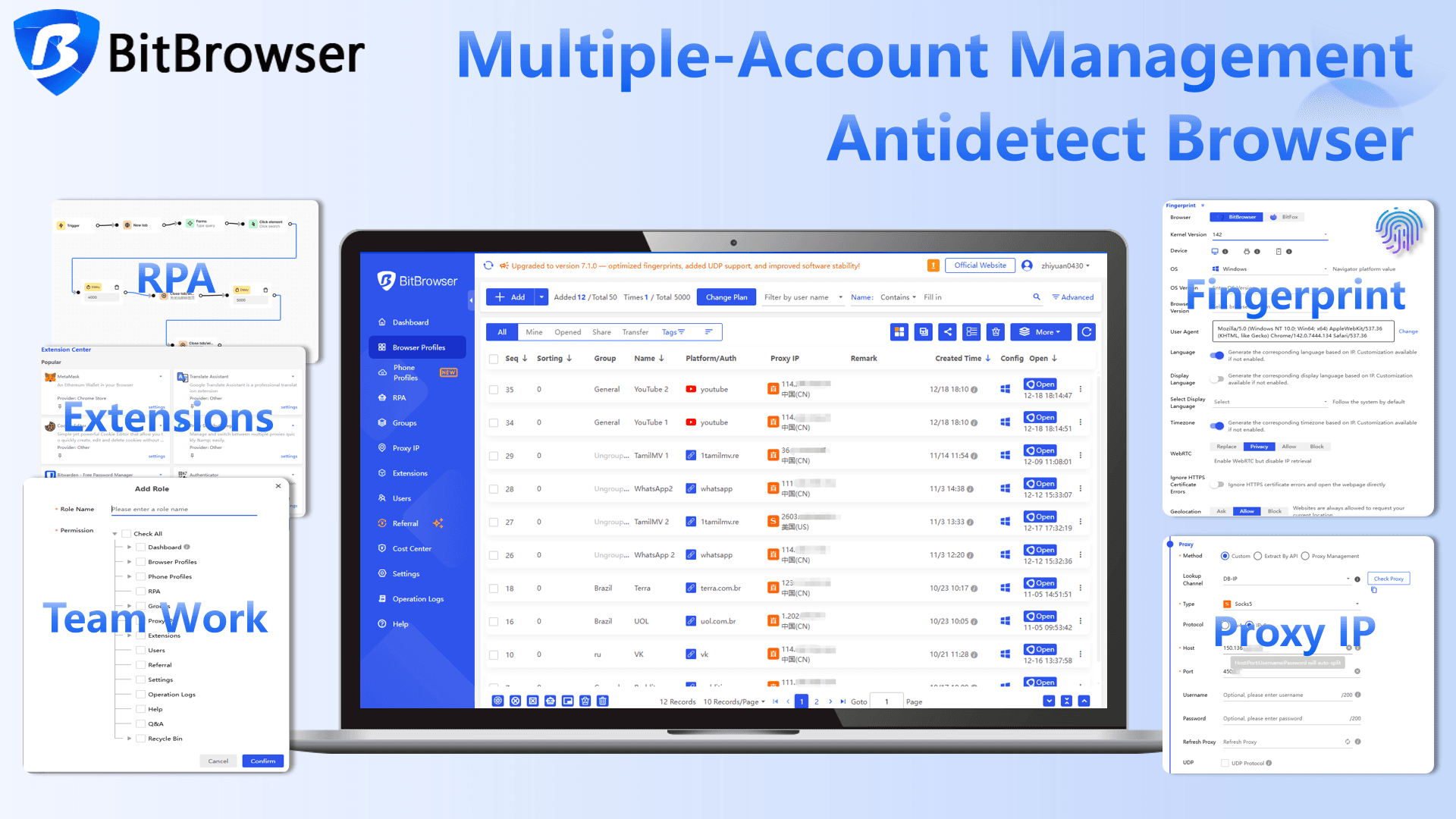
BitBrowser goes deeper into fingerprint consistency and isolation logic.
Instead of just assigning random parameters, it focuses on:
● Stable fingerprint generation
● Realistic hardware simulation
● Strong IP + environment binding
Each profile behaves more like a persistent real device, not just a temporary browser instance.
In long-term tests, this translates into:
● Fewer forced logouts
● Lower verification triggers
● More stable account sessions
For serious multi-account operations, this alone is a major advantage.
If you manage accounts on platforms like X/Twitter or Reddit and frequently encounter login or verification issues, BitBrowser is particularly useful.
Cloud Phone Capabilities: Not All “Mobile Support” Is Equal
This is one of the biggest decision points.
MoreLogin cloud phone
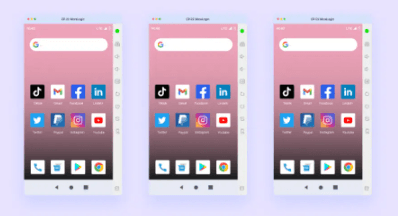
MoreLogin includes a built-in cloud phone feature, which is a strong plus. You can:
● Run Android environments
● Simulate mobile app behavior
● Match IP with timezone automatically
For basic mobile workflows, it works well.
But there are limitations:
● Less control over device-level parameters
● Limited scalability for bulk operations
● Not as tightly integrated with browser workflows
It feels more like an added feature, rather than a core system.
BitBrowser cloud phone (BitCloudPhone)
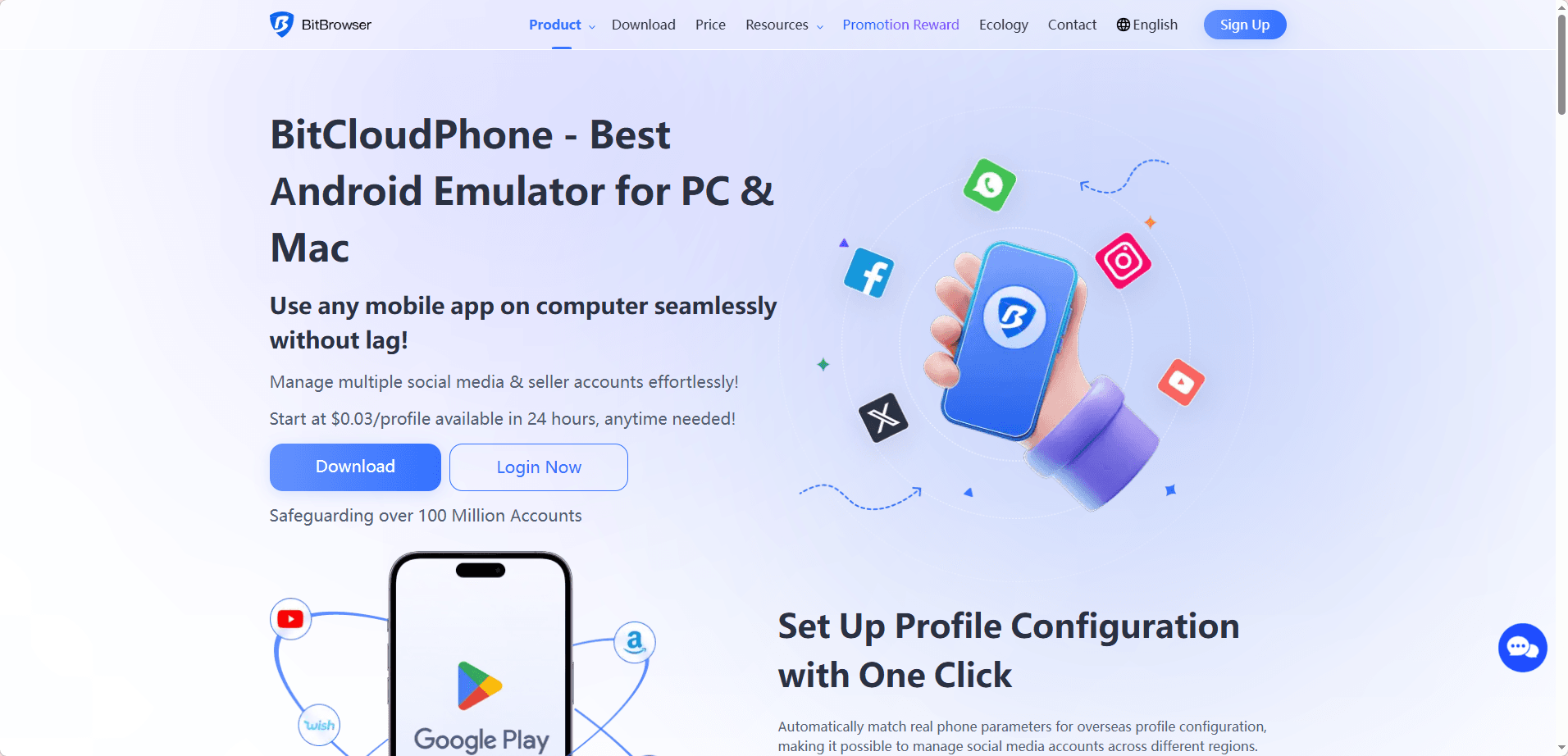
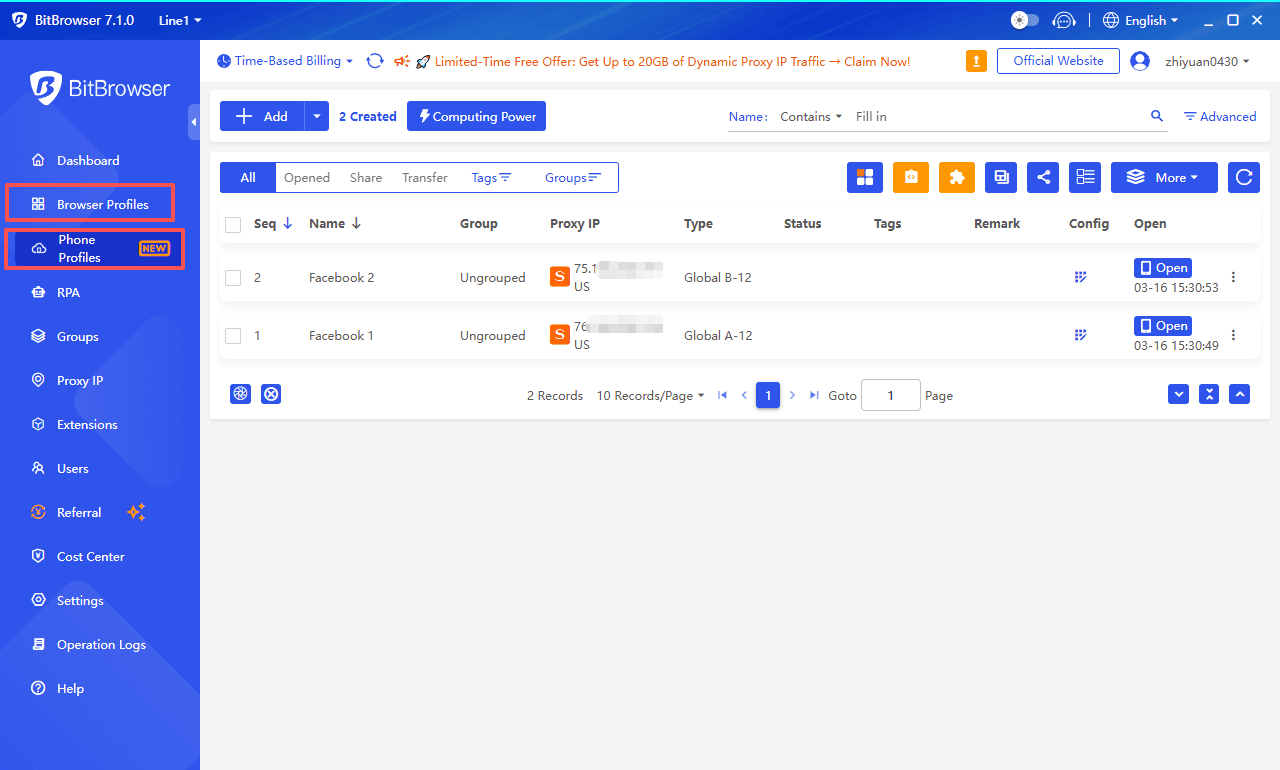
BitBrowser treats cloud phones as a first-class component, not an add-on.
What stands out:
● Deep integration with browser profiles
● Consistent identity across desktop + mobile
● Smooth switching between environments
This is especially useful for platforms like:
● TikTok
Where cross-device behavior matters.
Instead of managing separate tools, BitBrowser lets you run everything inside one unified environment, which reduces operational complexity significantly.
Automation: Practical Efficiency vs Technical Flexibility
Automation is where workflows either scale — or break.
MoreLogin automation
MoreLogin supports:
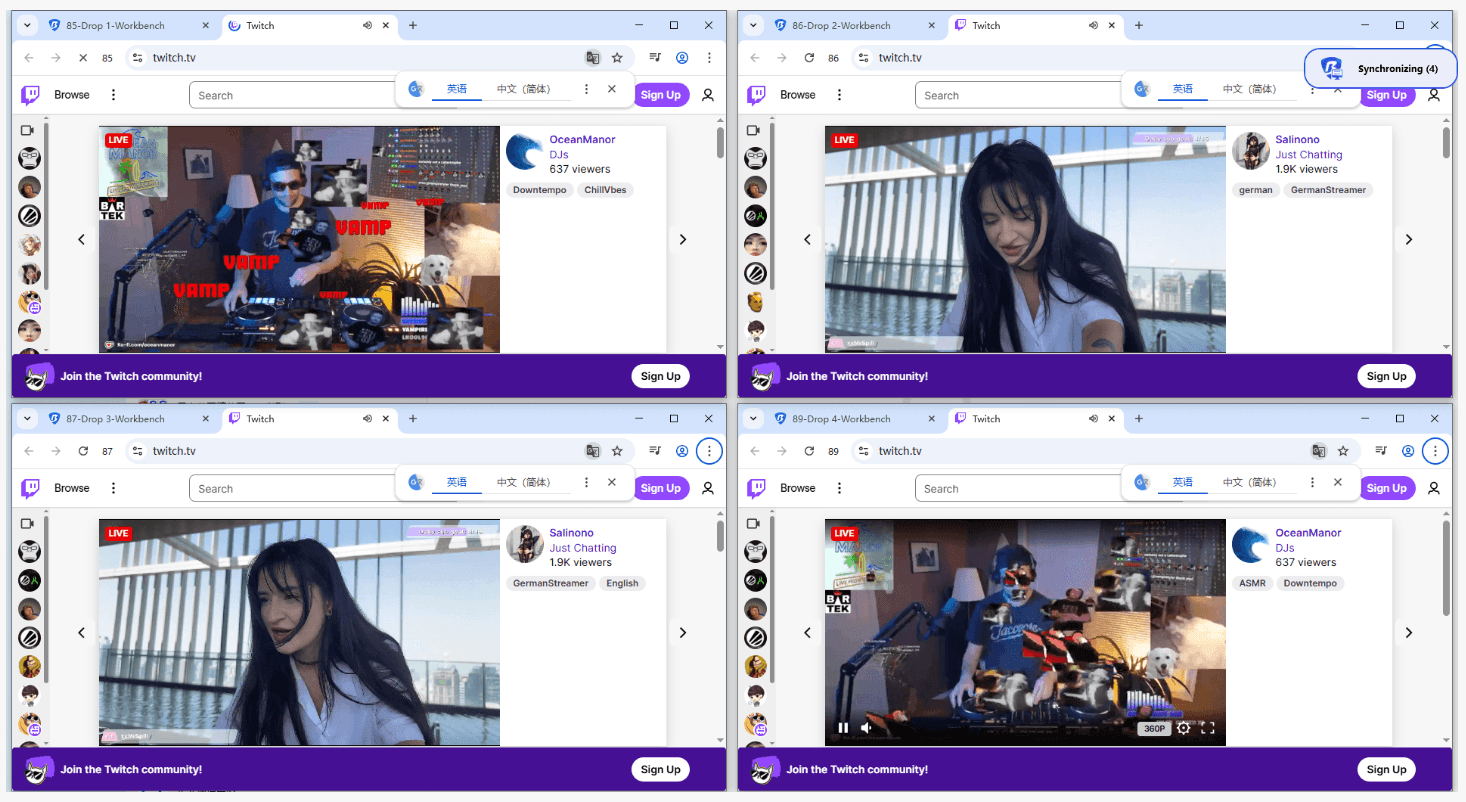
● Synchronizer (mirror actions across profiles)
● Selenium / Puppeteer
This gives flexibility, especially for developers.
But in practice:
● Setup requires technical knowledge
● Stability depends on external scripts
● Debugging can take time
For non-technical users, this creates friction.
BitBrowser automation
BitBrowser focuses on usable automation.
It combines:
● Visual workflow tools
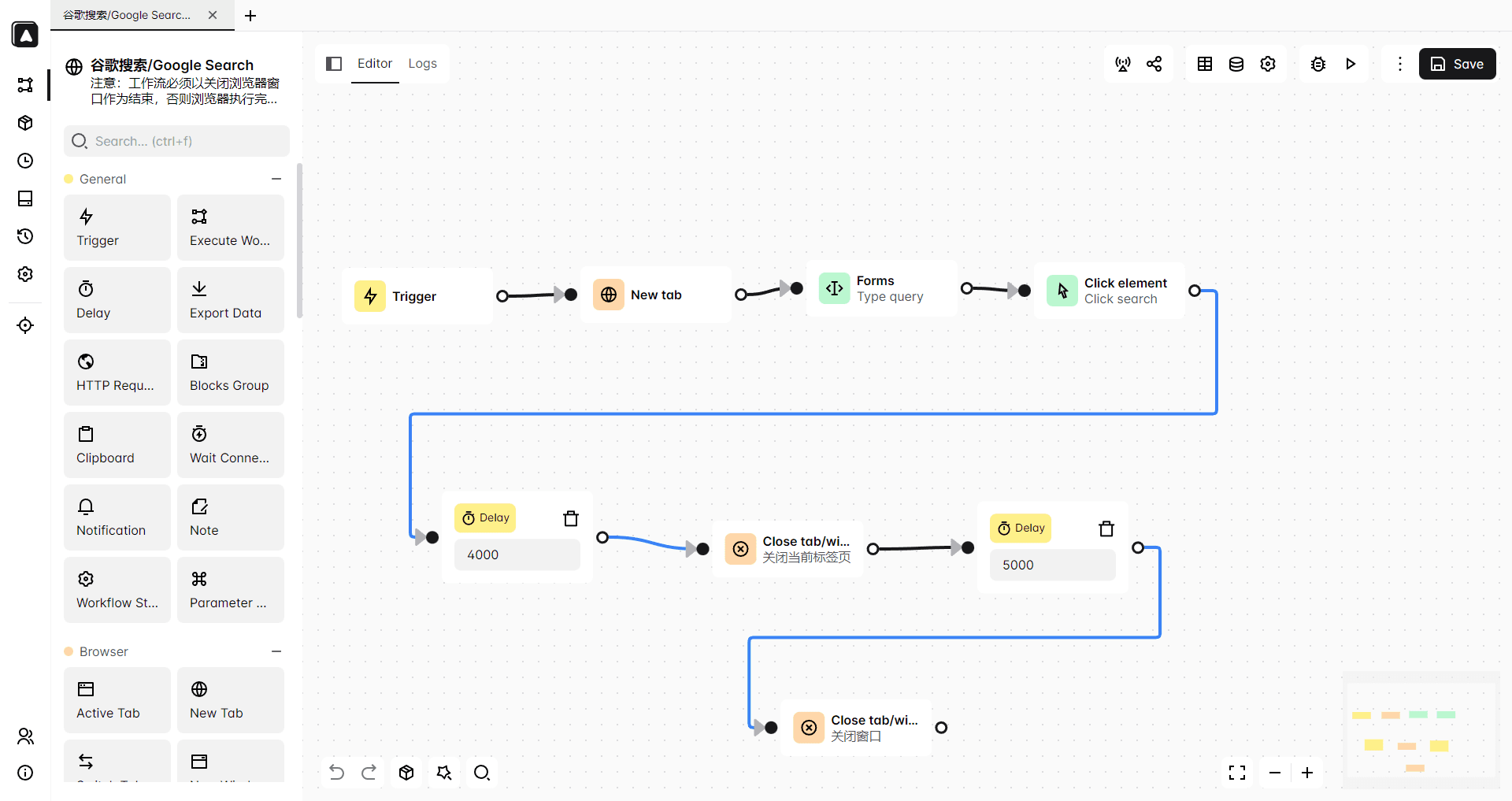
● API integration
● Stable execution across profiles
The key difference is reliability.
Instead of just enabling automation, BitBrowser makes it:
● Easier to deploy
● More consistent at scale
● Less dependent on external tools
For teams running dozens or hundreds of accounts, this saves hours daily.
Security & Reliability: What Users Actually Care About
Security is not just about encryption — it’s about trust and consistency.
MoreLogin
There have been community discussions about security transparency, especially around incident handling.
While nothing is definitively confirmed, it still raises caution for users managing sensitive accounts.
BitBrowser
BitBrowser emphasizes:
● Encrypted environments
● Strong profile isolation
● No widely reported breach history
More importantly, it feels predictable.
And in multi-account management, predictability = safety.
Pricing Reality: What You Actually Pay Over Time
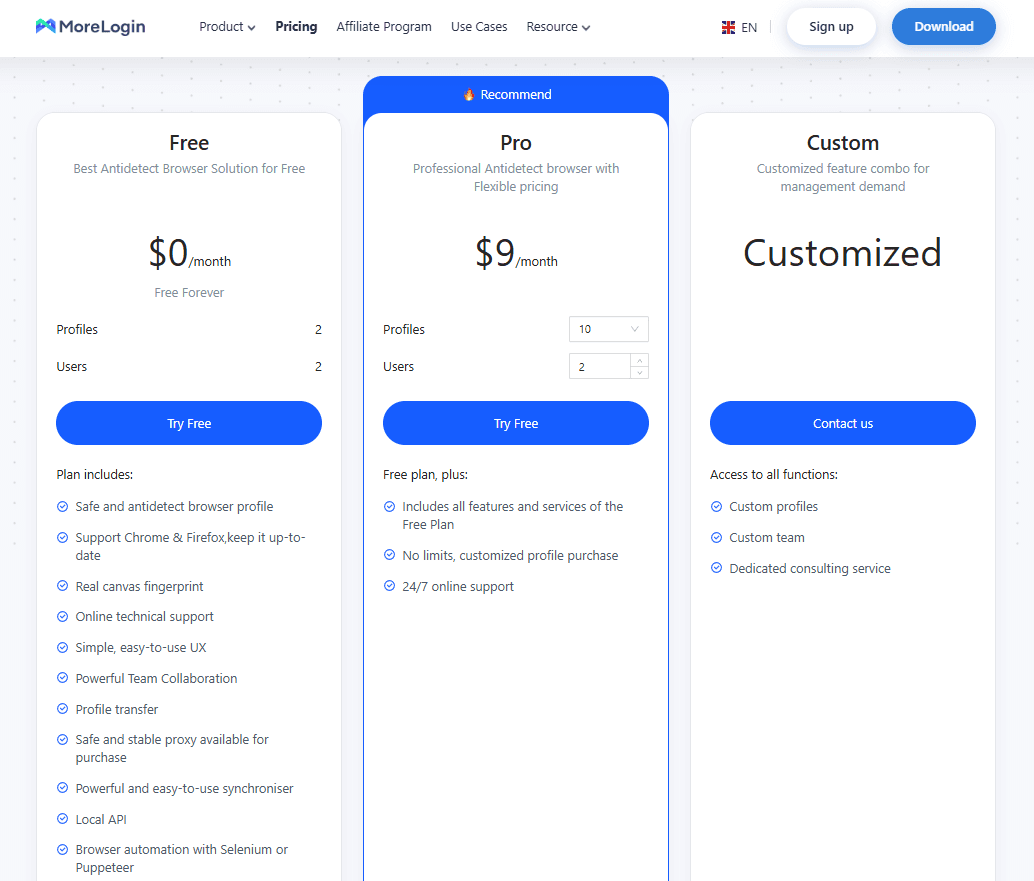
On paper, both tools start at similar entry prices.
MoreLogin
BitBrowser
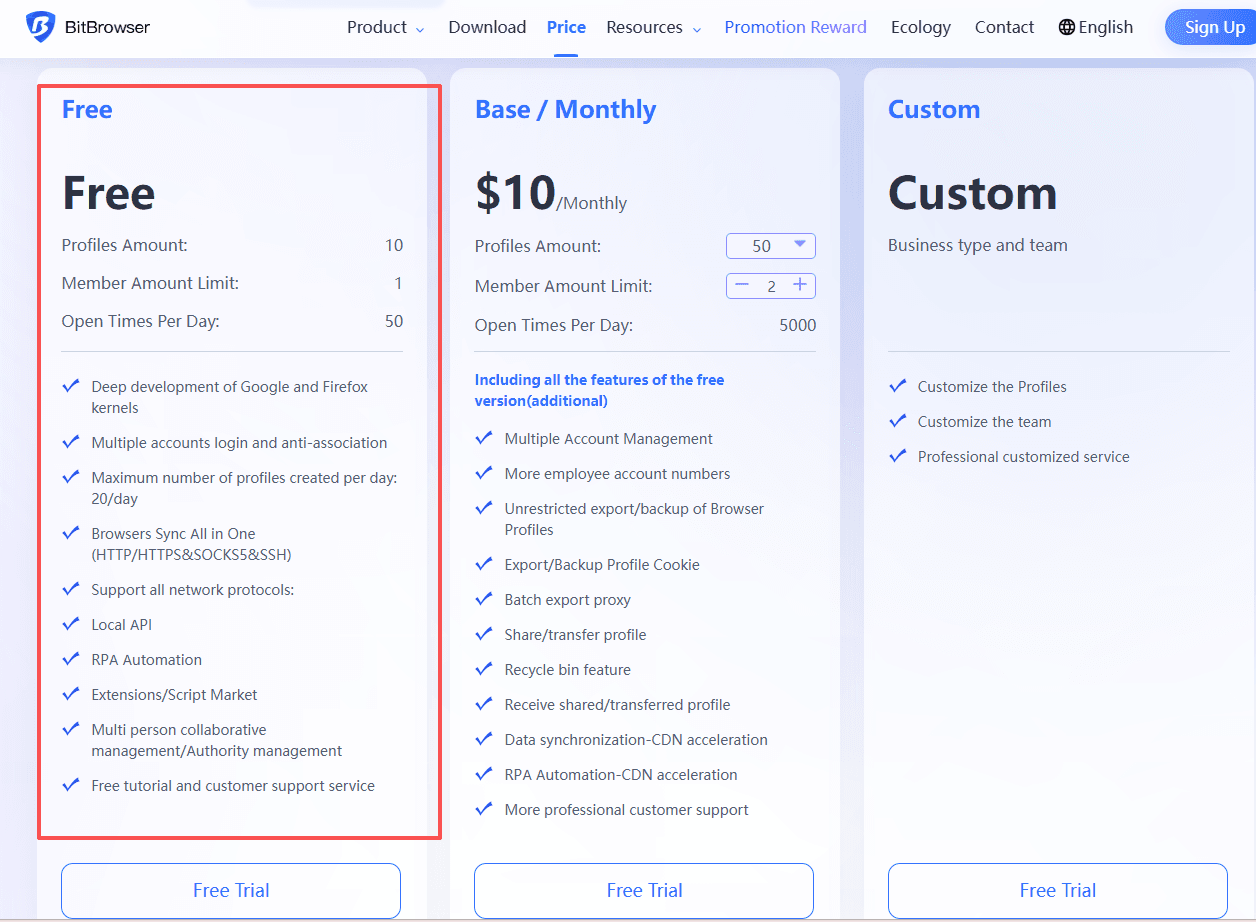
BitBrowser stands out by offering 10 free permanent profiles (a rare advantage in the market), along with competitive paid tiers and an overall strong cost-to-performance ratio, making it a highly efficient choice for both beginners and scaling teams.
● 50 profiles, 2 users — $10/month
● 100 profiles, 4 users — $15/month
● 200 profiles, 8 users — $25/month
● 500 profiles, 12 users — $50/month
Another key advantage is that team member seats increase naturally as you upgrade plans, unlike MoreLogin where additional users require extra fees.
Try BitBrowser now
Final Verdict: BitBrowser vs MoreLogin
If you’re just starting out or running a few accounts, MoreLogin is a solid entry-level option. It offers a mix of desktop and mobile capabilities with a relatively simple setup.
But once you move into serious multi-account operations, the limitations become more visible.
BitBrowser feels more complete.
It combines:
● Stable fingerprinting
● Integrated cloud phone
● Practical automation
● Scalable team features
● Simplified environment management
Most importantly, it reduces friction — the kind that slows you down when managing dozens or hundreds of accounts.
FAQ
Is MoreLogin good for beginners?
Yes, especially for small-scale use. It’s relatively easy to start, but may require more effort as you scale.
Does BitBrowser support both desktop and mobile accounts?
Yes. BitBrowser integrates browser profiles and cloud phones into one system, making cross-device management much easier.
Do both tools require external proxies?
Yes, but BitBrowser simplifies proxy management and reduces setup complexity.
Which is safer for long-term account use?
BitBrowser offers more consistent fingerprinting and environment stability, which helps reduce detection risks over time.