Top X (Twitter) GIF Downloaders in 2026: Tools That Actually Work
 2026.04.02 14:04
 YT.Shi
In the fast-moving ecosystem of X (formerly Twitter), GIFs are still one of the most reused content formats. Whether you are collecting reaction clips, tracking viral trends, or building a content library, downloading GIFs efficiently is part of the workflow.
The problem is simple. X doesn’t actually store GIFs as GIFs. Downloading GIFs from X (Twitter) requires a specific approach because the platform natively converts all uploaded GIFs into loopable MP4 video files, which means you cannot just right-click and save like you would on a normal website.
That is where dedicated X (Twitter) GIF downloaders come in.
This guide breaks down the most reliable tools in 2026, along with when to use each depending on your workflow.
Why You Still Need a GIF Downloader for X
Even in 2026, this hasn’t changed much. X converts all GIF uploads into looped MP4 files to optimize performance. While this improves loading speed, it creates limitations for users who want to reuse content.
A proper downloader helps you:
● Extract the original media file from a tweet
● Convert MP4 back into GIF format if needed
● Bypass platform restrictions on saving content
● Keep animation quality consistent across platforms
If you care about quality, always download the MP4 first. GIF versions are usually compressed.
Web-Based X (Twitter) GIF Downloaders (Desktop + Mobile)
This is the most common starting point.
Web tools run directly in your browser, requiring no installation, working on both desktop and mobile, and are ideal for quick, one-off downloads.
The workflow is always the same: copy the tweet URL, paste it into the tool, choose MP4 or GIF, and download.
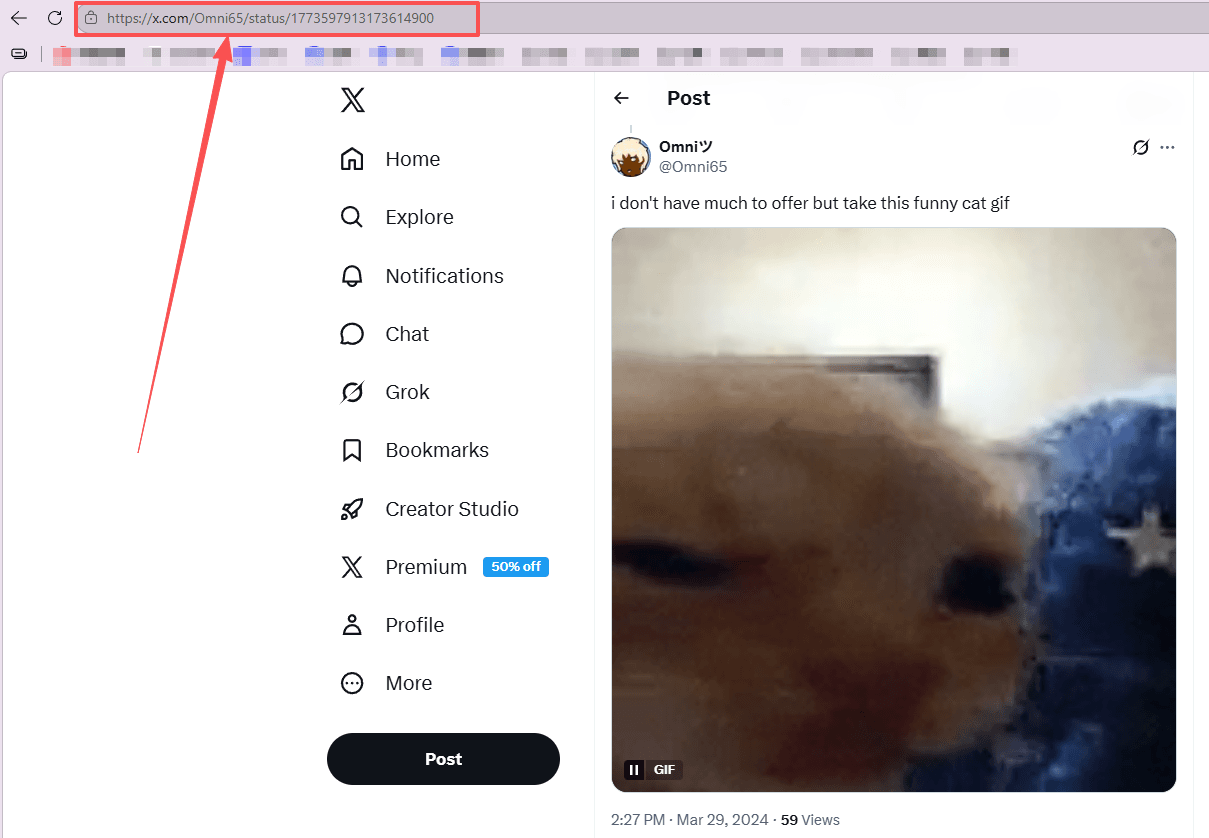
Popular options include:
1. TWDownload
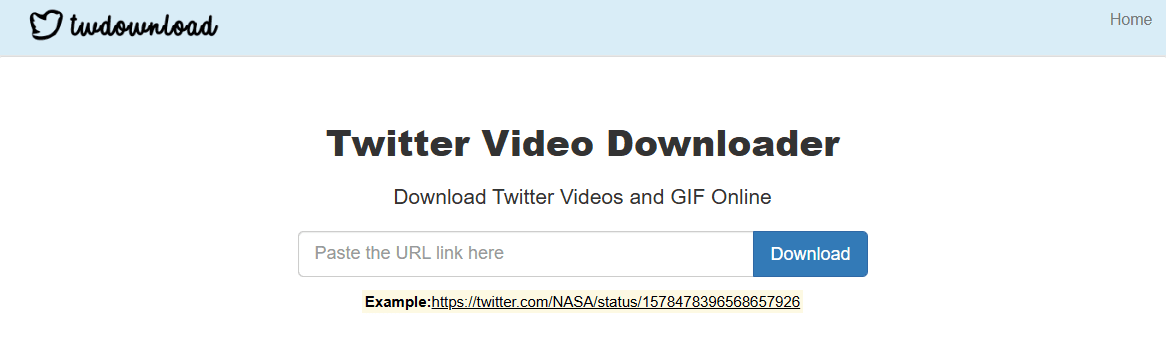
TWDownload is a straightforward extraction tool. By pasting the tweet link, users can download the native MP4 file. For users requiring the standard GIF format, the resulting MP4 can be processed through conversion tools like EZGIF.
2. SSS Twitter
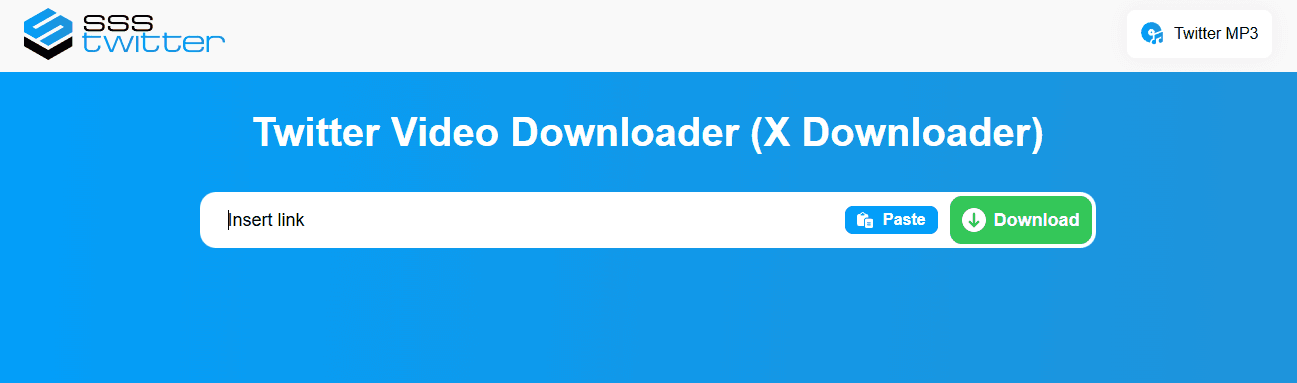

SSS Twitter is a fast and reliable tool for downloading Twitter (X) videos and GIFs with minimal steps. It’s easy to use and works well across devices, though the interface is fairly basic and includes ads.
3. Snaplytics
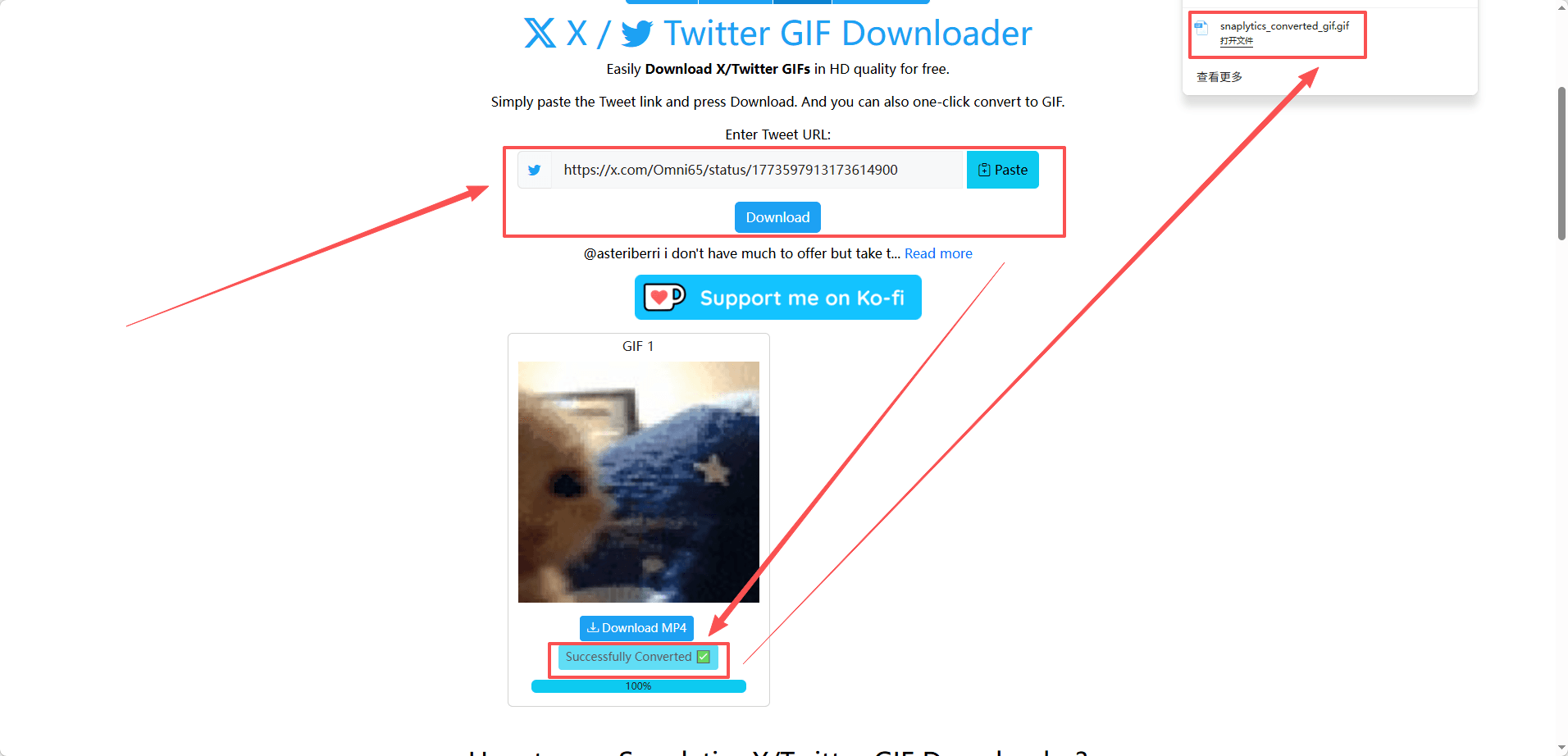
Snaplytics is a straightforward tool for downloading and converting tweets into MP4 or GIFs quickly. Its simple interface makes the process fast, though it lacks advanced features like batch downloads.
4. Twitter Video Downloader
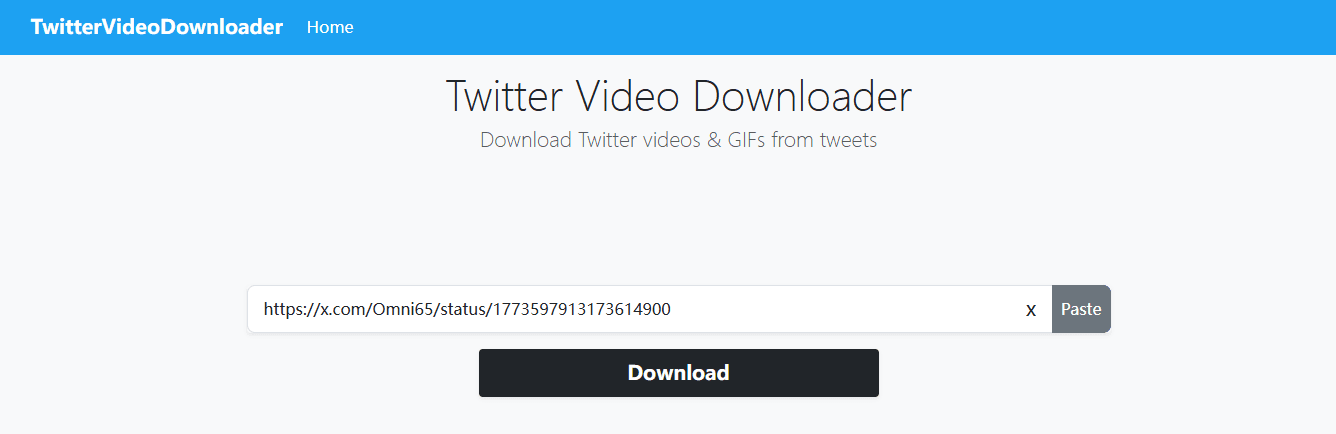
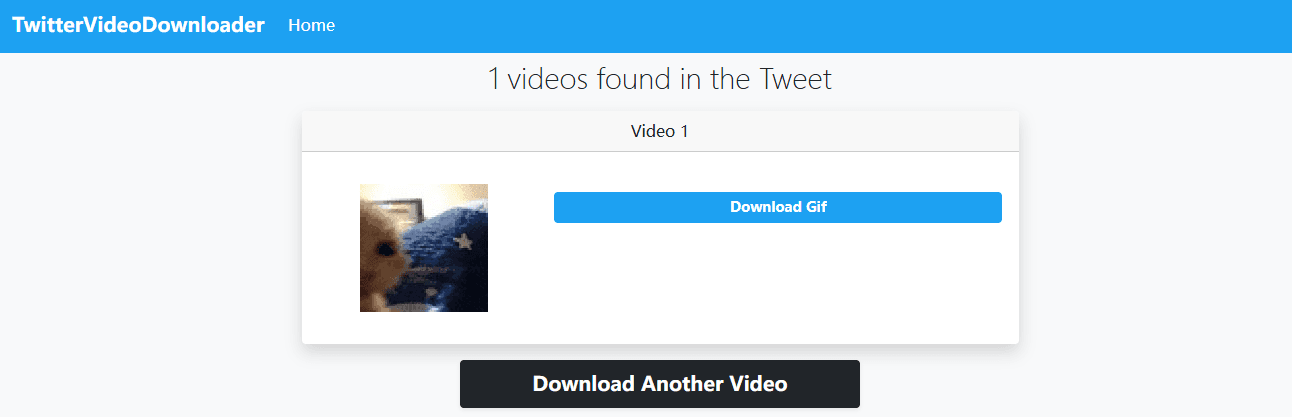
Twitter Video Downloader is a simple, no-frills tool that lets you quickly save Twitter (X) videos and GIFs in just a few clicks. It’s reliable for one-off downloads, though it typically offers limited format options and basic functionality.
Most of them simply extract the MP4 file behind the GIF and optionally convert it. This is also why MP4 is usually higher quality, while GIF is compressed.
Best for: Casual users, quick saves, low-frequency downloads
Best Mobile Apps for X Media (Android & iOS)
If you download GIFs frequently on your phone, web tools start to feel slow. Mobile apps solve that by integrating directly into your system.
Android
● TwiMate: It is built for speed and batch downloading, working through “Share via,” automatically detecting tweet links, supporting bulk downloads, and saving files directly to your gallery.

● Tweeload: This application allows users to download media by sharing the tweet directly to the Tweeload app or by pasting the URL. It supports saving the extracted media as either an MP4 video or a GIF.

iOS
iOS is more restricted, but there are still solid workflows:
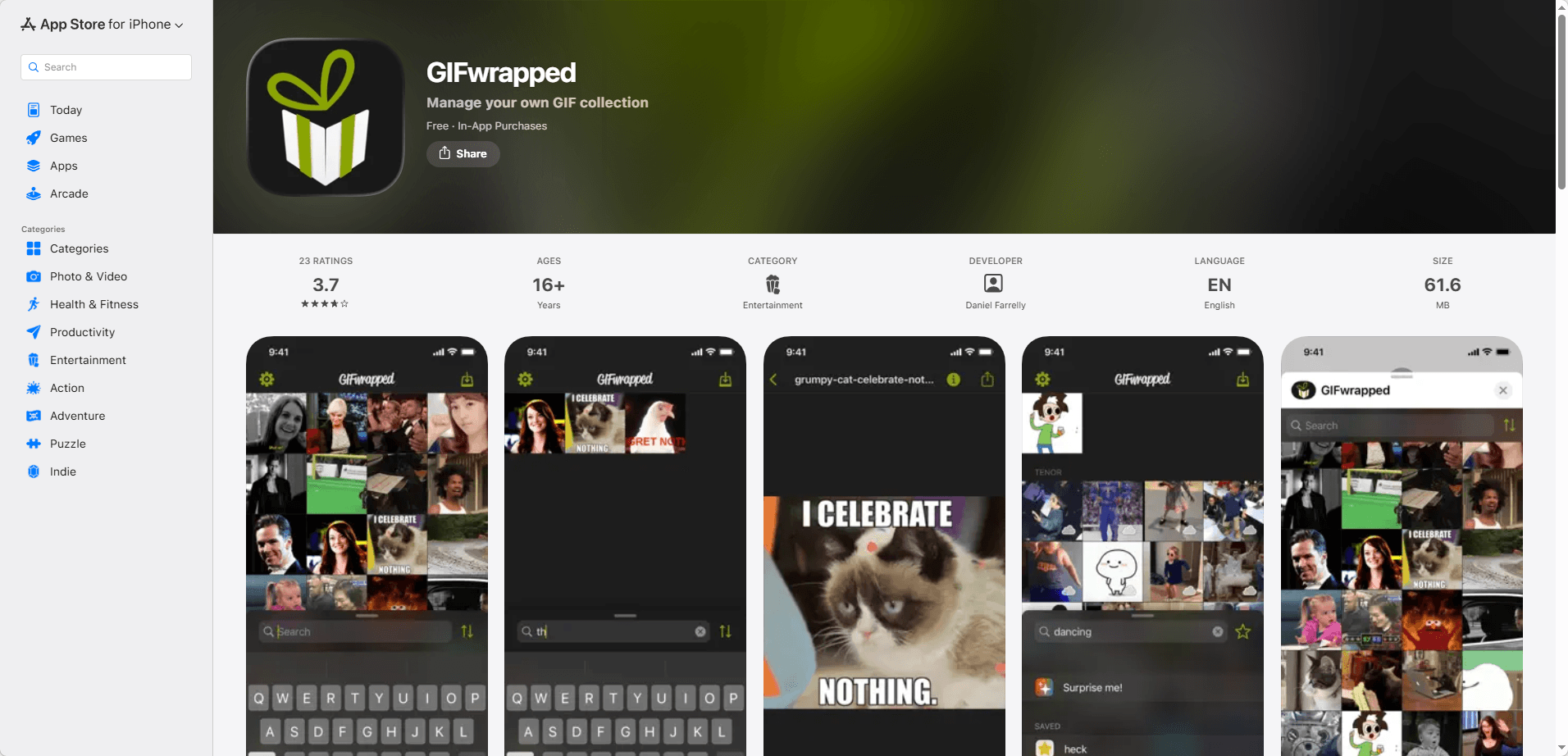
● GIFwrapped (iOS): This application functions as a dedicated GIF library. Users copy the target tweet link, paste it into the GIFwrapped search bar, and save the media directly to their iPhone storage.
● Apple Shortcuts offer a lightweight way to automate Twitter (X) GIF downloads on iOS, letting you trigger a custom workflow from the share sheet to instantly convert and save GIFs with minimal manual steps. You can find suitable shortcuts tools on community websites like RoutineHub.

These tools detect copied links and process them automatically, which removes a lot of manual steps.
Best for: Heavy mobile users, content collectors, social media managers
Desktop Tools and Browser Extensions
For users handling regular media extraction tasks on desktop environments, local software and browser extensions offer a faster workflow.
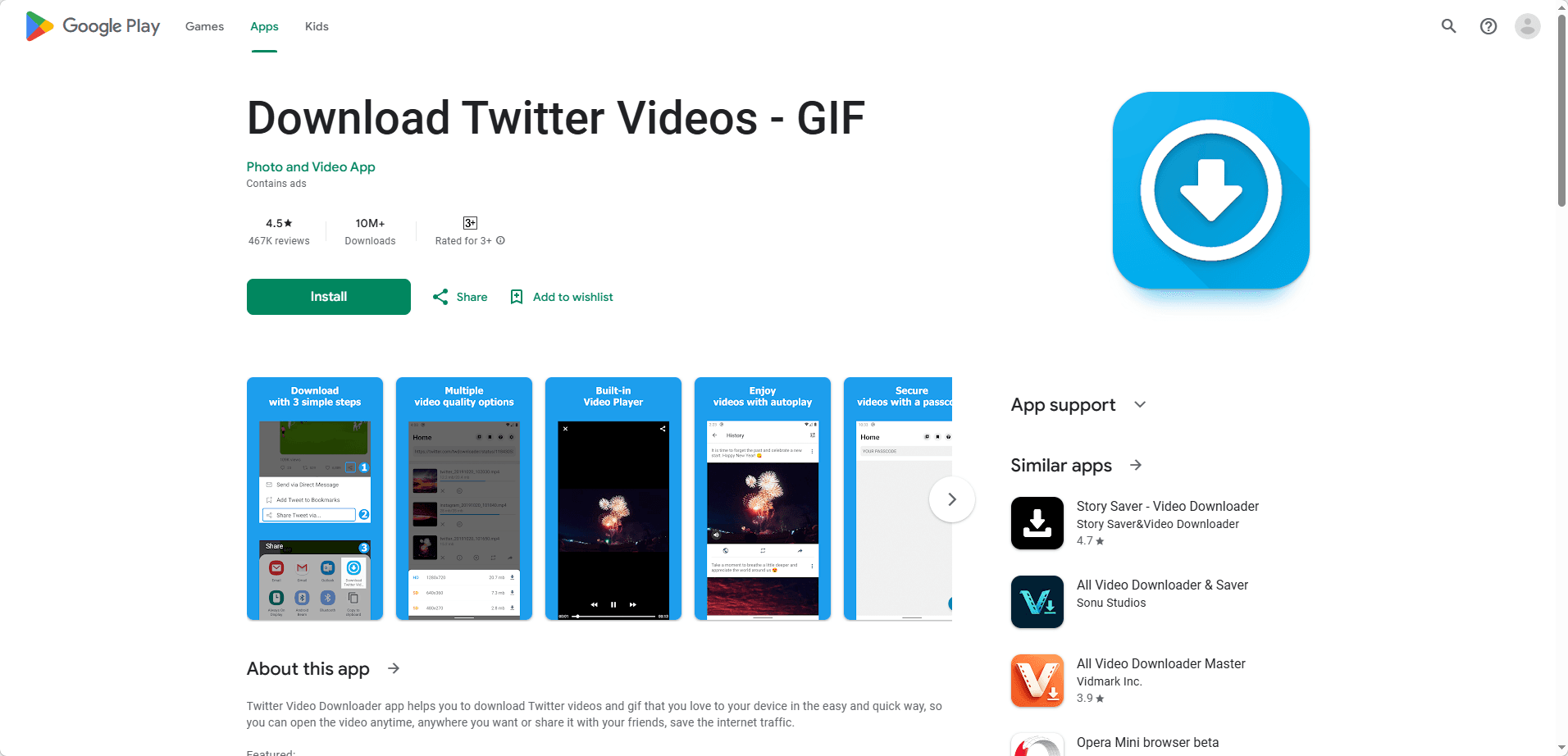
● Download Twitter Videos - GIF & Video Downloader (Chrome Extension): This browser extension adds a direct download button to the interface of the web version of X. Clicking the button initiates the download of the original media file without requiring the user to copy and paste URLs.
● Downie (Mac): A utility application for macOS. Users can drag and drop the tweet link into the interface. By configuring the post-processing settings to link with the companion app Permute, users can automate the conversion from MP4 to an animated GIF.

Best for: Frequent users, researchers, content teams
Advanced Media Extraction for Digital Marketing
The Need for High-Volume Workflows
Digital marketers managing global campaigns or operating multiple social accounts often require large-scale media extraction from X. Manually copying individual tweet links to save GIFs is inefficient and unscalable for high-volume workflows.
Scaling Downloads with BitBrowser
For bulk media operations, marketers utilize anti-detect browsers like BitBrowser to scale the extraction process. This platform allows users to open multiple isolated browser windows simultaneously.
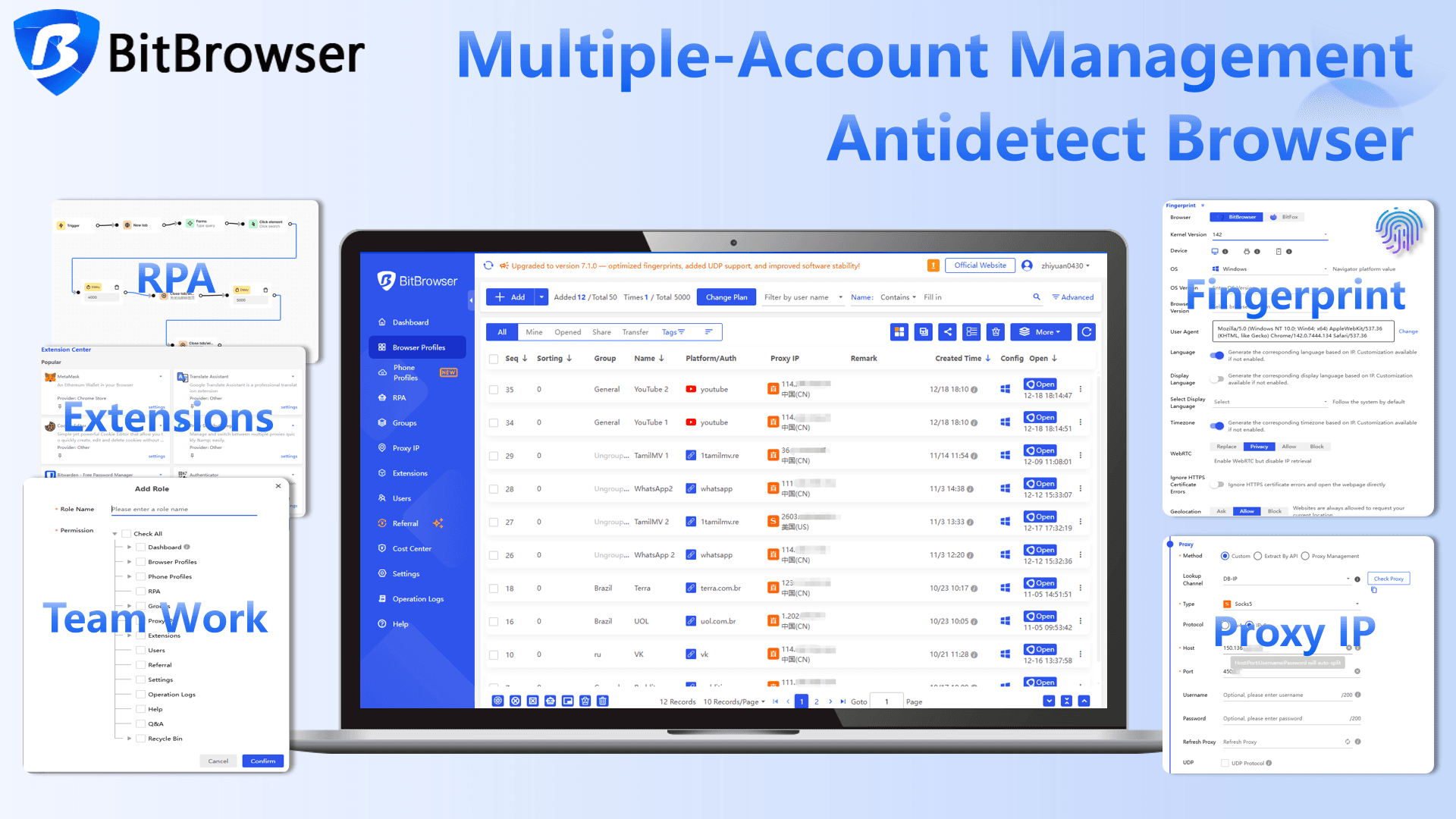
When a marketer needs to download trending GIFs across dozens of different X accounts, the Synchronizer feature becomes highly practical.
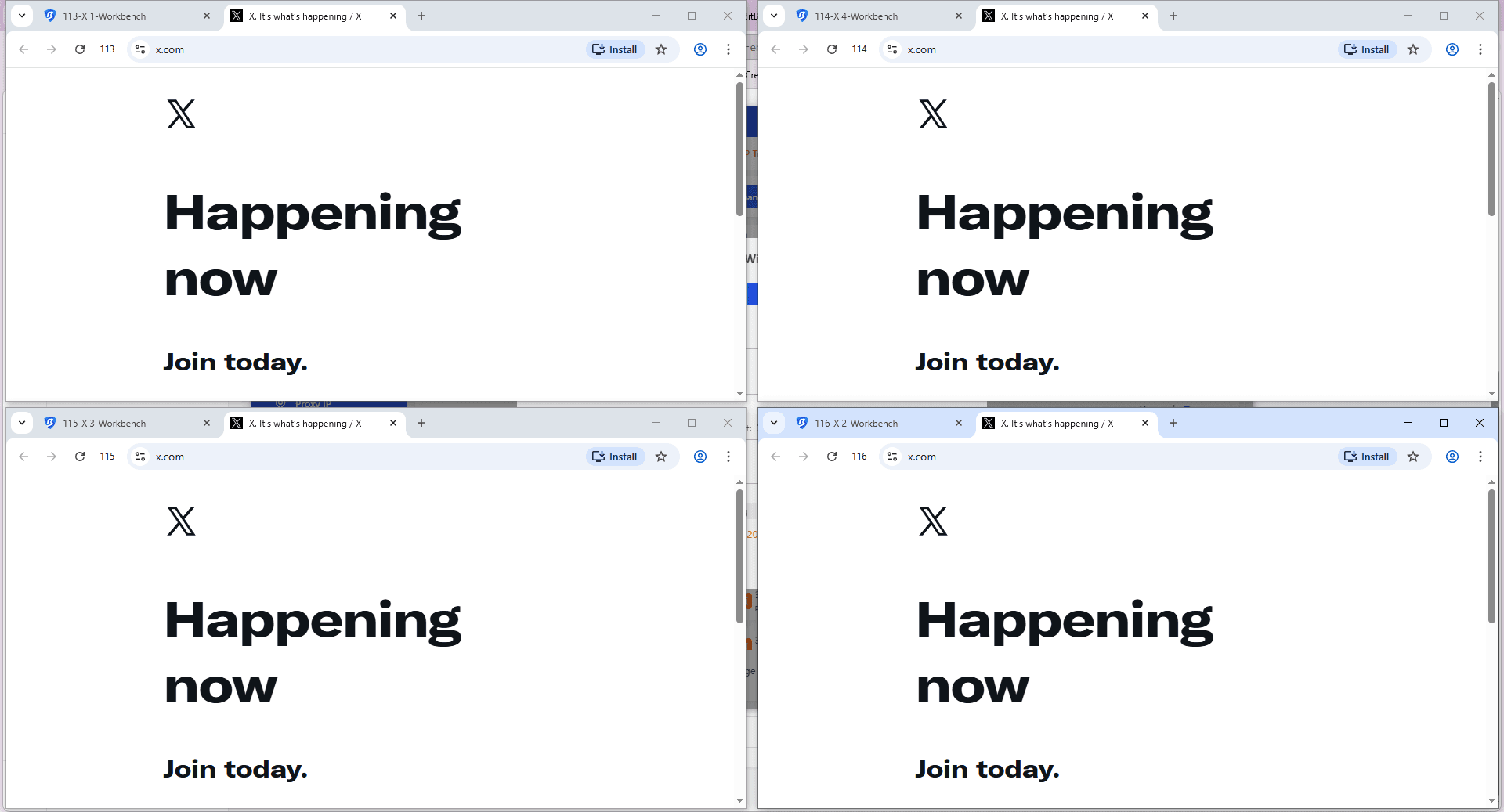
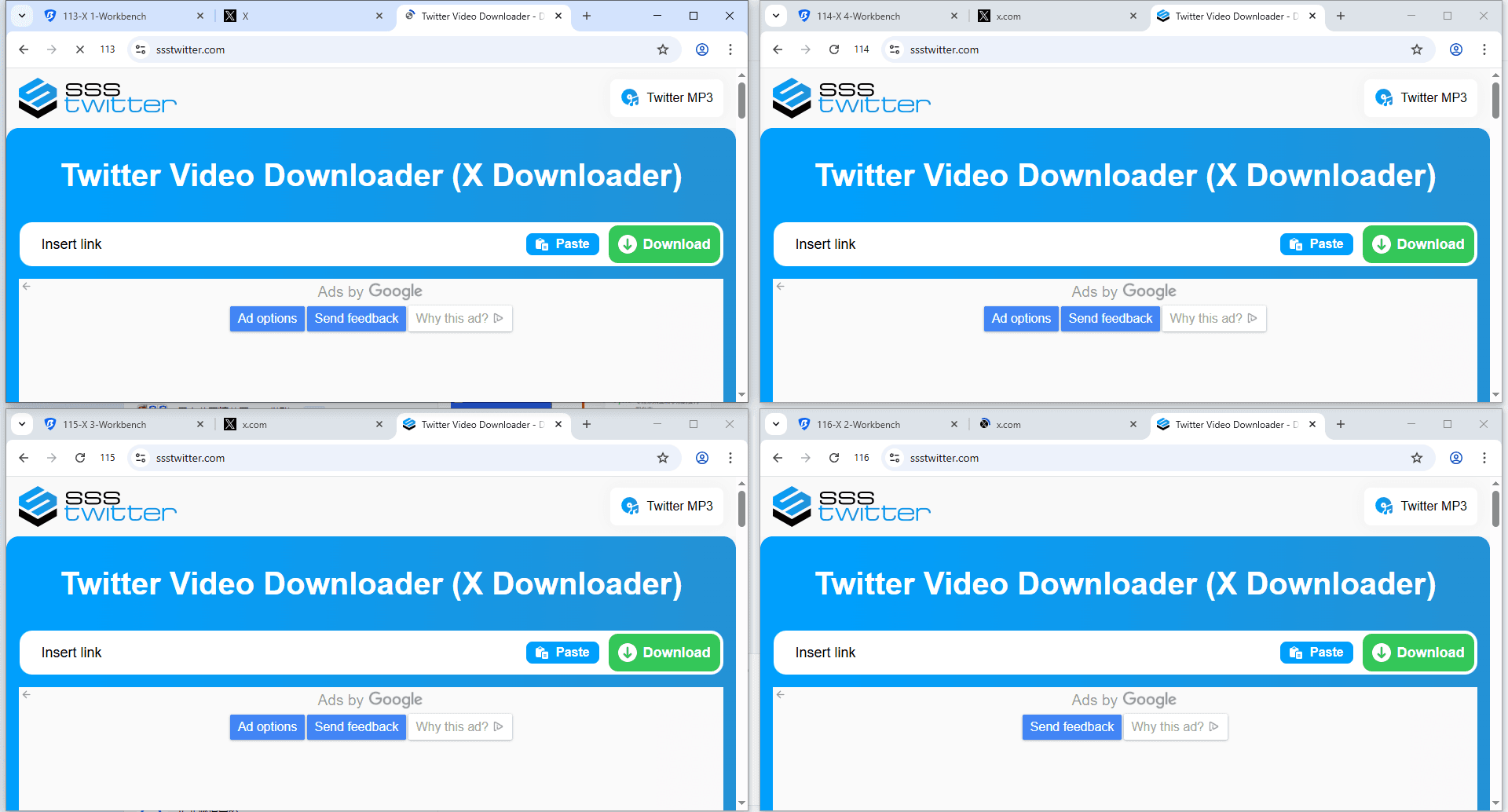
A user controls the main window to execute the GIF download process using a web tool or browser extension, and the exact action is replicated across all other open windows at the same time. This significantly increases download efficiency for large-scale tasks.
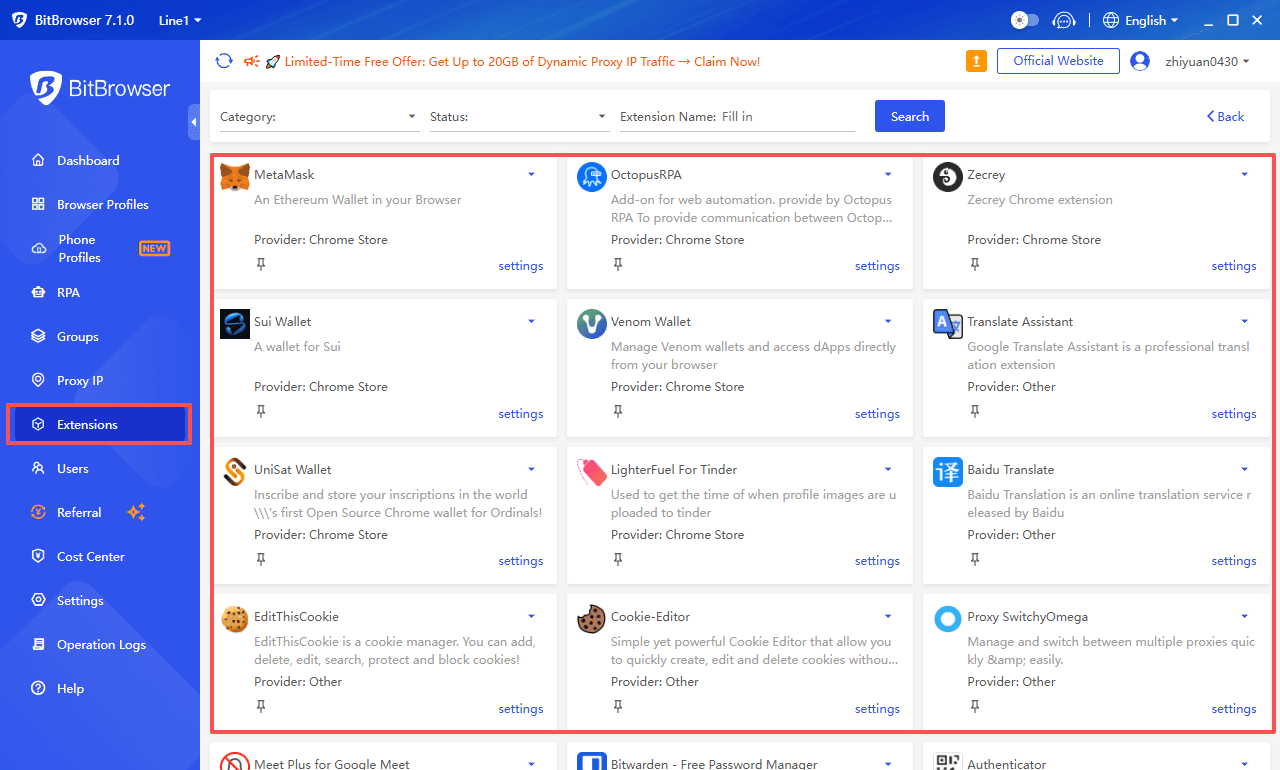
To streamline this, users can access the BitBrowser App Center, which provides a rich selection of browser extensions specifically designed for media extraction and automation.
Proxy Integration and Account Security
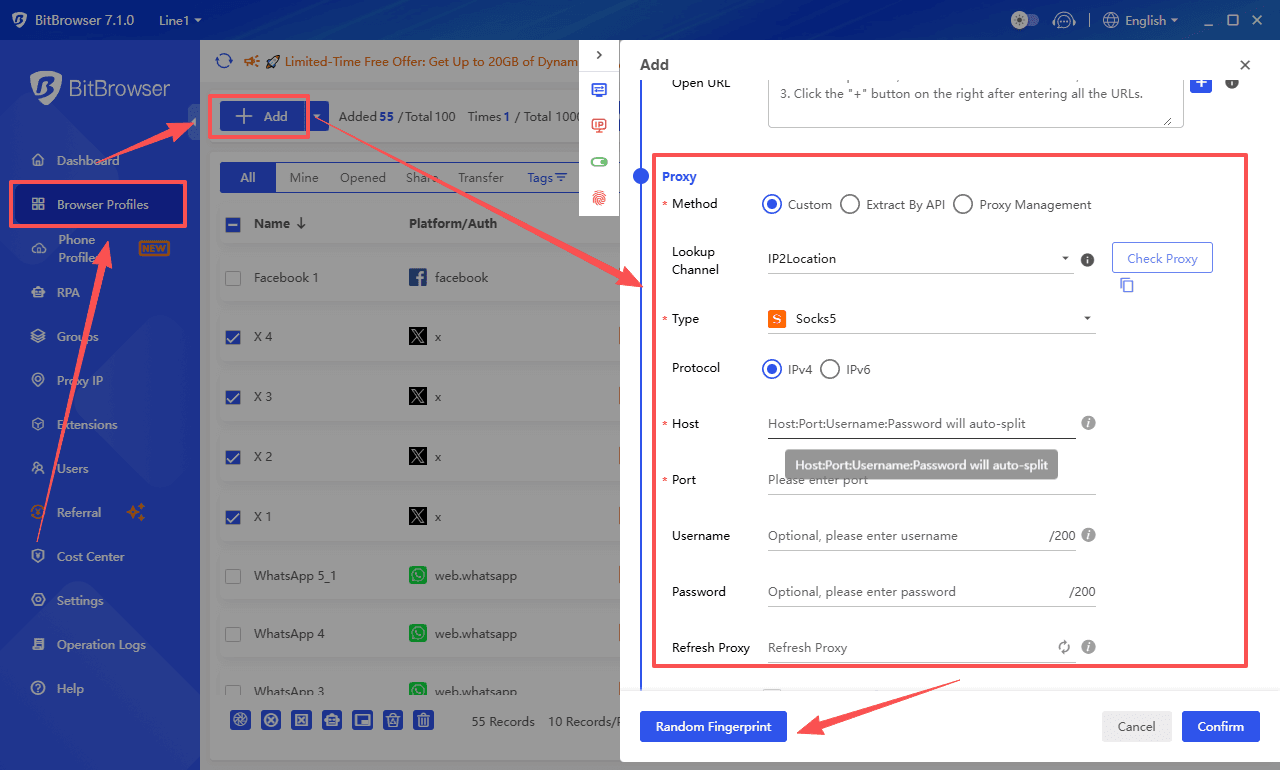
During the configuration of these multiple profiles, proper proxy integration is necessary to assign unique IP addresses to each window. This practice isolates the environments and prevents the bulk media extraction from triggering rate limits or account bans on the X platform due to multi-account linkage.
Get 10 free BitBrowser profiles now
Safety and Security Guidelines for Using Downloader Tools
While third-party tools provide necessary functionality for extracting media from X, they also introduce potential security risks. Adhering to standard safety practices is required to protect your devices and accounts.
Protecting Account Credentials
Legitimate web-based downloaders and applications only require the public URL of the tweet to extract the media file. You should avoid any tool that prompts you to enter your X login credentials or requests account authorization to perform basic download tasks.
Verifying Extension Permissions
When installing browser extensions for media extraction, carefully review the requested permissions. A tool built solely to download GIFs from X should only require access to the x.com or twitter.com domains. Discard extensions that request access to read and change data on all websites you visit.
Avoiding Deceptive Advertisements
Many free web-based download tools monetize their platforms through display advertising. Be cautious of deceptive ad banners designed to look like download buttons. Clicking these can lead to malicious websites or unwanted software downloads. Implementing a standard ad blocker during the extraction process is a practical method to navigate these sites safely.
Media Usage Rights
Extracted GIFs and videos remain the intellectual property of the original creator. While downloading these files for personal reference is standard practice, digital marketers must verify usage rights before incorporating downloaded media into commercial campaigns or reposting content across other social channels.
Conclusion
Downloading GIFs from X in 2026 is less about finding a single “best tool” and more about choosing the right setup for your workflow. Web-based tools work well for quick downloads, mobile apps simplify things on the go, and browser extensions or desktop tools help reduce repetitive steps for regular use. For higher-volume needs, tools like BitBrowser make it possible to manage multiple accounts and scale the process more efficiently.
At the same time, understanding how X handles media is key. Since all GIFs are stored as MP4 files, downloading the original video first will always give you better quality. Once you combine the right tools with a structured workflow, downloading and managing GIFs becomes much faster, cleaner, and easier to scale.
For instructions on how to use these tools, please refer to the guide to download gifs from Twitter (X) in 2026. You can also check out our guides on how to download videos from Reddit and Facebook.
FAQs
1. Can you download GIFs directly from X (Twitter)?
No, you cannot download GIFs directly from X using the default interface. The platform converts all GIFs into MP4 video files, so a downloader tool is required to extract and save the media.
2. What is the best format to download Twitter GIFs?
MP4 is the best format to download if you care about quality. GIF files are usually compressed and lower in resolution. A common workflow is to download the MP4 first and convert it into GIF only if needed.
3. Are X (Twitter) GIF downloader tools safe to use?
Most tools are safe if they only require a tweet URL. You should avoid any downloader that asks for your X login credentials. For browser extensions, always check permissions before installing.
4. Which type of GIF downloader should you choose?
It depends on your usage:
● Web tools are best for quick, occasional downloads
● Mobile apps are better for frequent phone use
● Browser extensions improve speed for daily tasks
● Tools like BitBrowser are more suitable for managing large-scale or multi-account workflows
5. Why do some downloaded GIFs look low quality?
This usually happens because:
● The GIF was converted from a compressed MP4
● The mobile version of X served a lower-quality stream
● The downloader applied additional compression
To avoid this, always download the highest-quality MP4 version available and convert it separately using a reliable tool.

 Multi-Account Management
 Prevent Account Association
 Multi-Employee Management
Recommended
See More 



