How to properly test cloaking: checking filters, infrastructure, and the ad funnel
 2026.11.28 07:20
 BitBrowser
Stable cloaking operation depends not only on the chosen service but also on how well the entire technical infrastructure is configured. Even a minor error in domain configuration, filters, hosting, or integration can lead to incorrect traffic processing and loss of ad budget.
At the same time, checking the system shouldn't be limited to simply opening the page in a browser. It is important to evaluate the work of the entire funnel: from the moment the user clicks to the loading of the final page, the correctness of redirects, and the processing of various request parameters.
In this article, the guys from Cloaking.House analyzed the main stages of technical cloaking testing, common mistakes, and tools that will help maintain the stability of the advertising infrastructure.
How to organize cloaking testing
1. Check access to the Offer Page via Whitelist
The first stage of testing is to make sure the offer opens correctly and the technical integration works without errors.
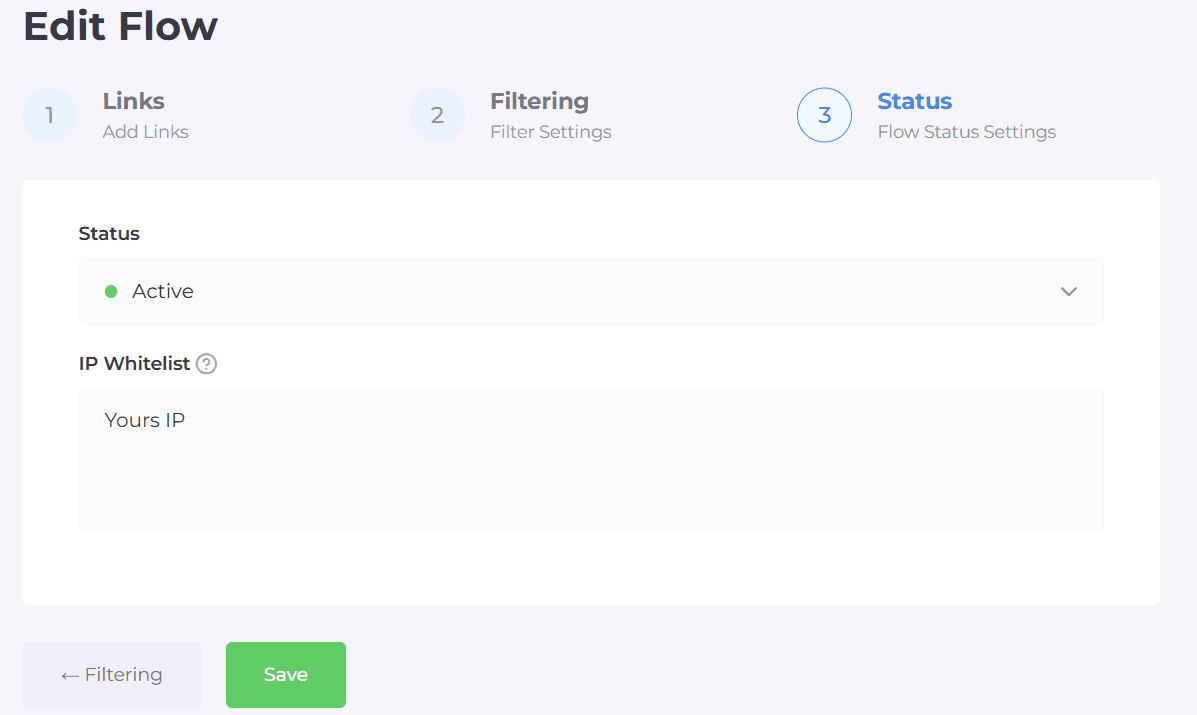
For this, Cloaking.House provides the ability to add your own IP address to the Whitelist. After adding the IP, requests from this address will be directed to the Offer Page regardless of the configured filtering conditions.
With this method, you can check:
- whether the Offer Page opens without errors;
- whether redirects work correctly;
- whether all landing page elements load;
- whether the page displays correctly on mobile devices;
- whether there are any problems with PHP integration and the server.
This allows you to separately test the offer's functionality without changing the main filtering settings.
2. Check filter operation across different scenarios
After checking the Offer Page, you need to ensure the system correctly processes various parameters of incoming requests.
To do this, use several connection options and test conditions:
- Different GEOs. Check the correct detection of the country and city.
- Different devices. Compare request processing from computers and mobile devices.
- Different browsers. Check Chrome, Safari, and other commonly used browsers.
- VPN and Proxy. Make sure the system correctly identifies the respective connection types.
- Different IP addresses. Check the operation of IPv4 and IPv6, as well as ISP detection.
- Referer. Check the processing of clicks with various source parameters.
Each scenario should ideally be tested separately, recording the obtained results. This will help determine if specific filters are working correctly and if there are any conflicts between conditions.
3. Analyze statistics after testing
The next stage is studying the click-through statistics. It allows you to evaluate the overall picture of the system's operation and detect possible deviations.
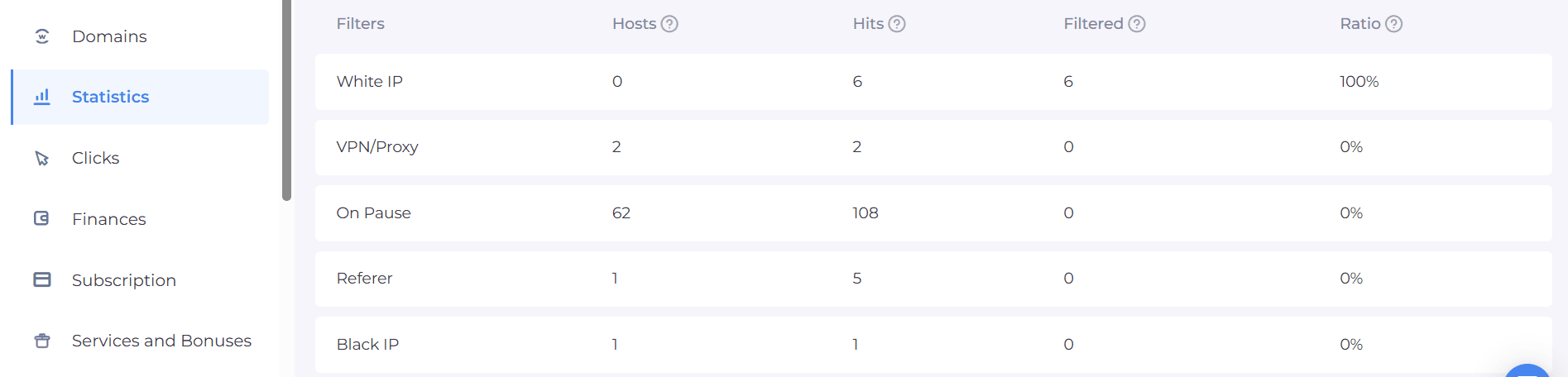
First of all, it is recommended to track:
- the total number of clicks;
- the ratio of White Page to Offer Page;
- traffic distribution by GEO;
- the number of clicks from different devices;
- triggerings of individual filters;
- recurring IP addresses and User-Agents;
- sharp changes in traffic distribution.
In Cloaking.House, statistics are updated every 60 seconds. This allows you to quickly track changes and check results after adjusting settings.
If, after changing the filters, the distribution of clicks significantly differs from the expected one, you should recheck the configuration and request processing conditions.
Common mistakes when setting up cloaking
Even when using a reliable tool, problems can arise due to incorrect configuration. Let's look at the most common situations.
1. Incorrect filter configuration
One of the frequent problems is incorrectly set traffic processing conditions.
For example:
- unsuitable GEOs are specified;
- devices are determined incorrectly;
- necessary checks of network parameters are missing;
- weakening of filters.
As a result, the system can classify requests incorrectly, which leads to discrepancies in statistics and incorrect page operation.
To avoid such situations, it is recommended to check each filter separately and document configuration changes.
2. Poor-quality White Page
White Page is an important part of the technical and user-facing components of the site. It should be a fully-fledged resource with a clear structure, useful content, and correct display.
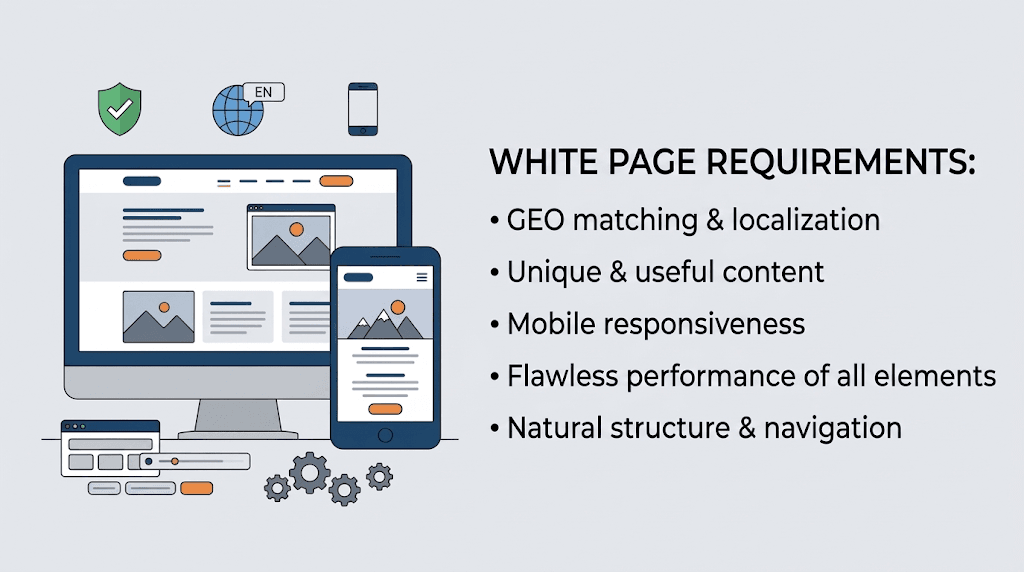
When preparing a page, consider the following:
- matching the subject of the content to the selected GEO;
- correct language and localization;
- presence of text and visual content;
- user-friendly navigation;
- adaptation for mobile devices;
- correct operation of all internal elements.
It is not recommended to use blank templates or pages with a minimal amount of information. High-quality content improves user experience and makes the site a fully-fledged resource.
3. Using domains without prior checking
The domain is one of the basic elements of the advertising infrastructure. Its technical condition and history can affect site availability and campaign stability.
Before launching, it is recommended to check:
- domain history;
- relevance of DNS records;
- presence of an SSL certificate;
- correct setup of redirects;
- absence of technical limitations;
- site availability from target regions.
It is also advisable to avoid chaotic domain switching. Any infrastructure changes should be planned and tested in advance.
4. Unstable hosting and server errors
Hosting problems can occur even if the service itself is set up correctly.
Slow loading, periodic 500 errors, PHP unavailability, or server resource limitations can disrupt request processing.
When choosing hosting, pay attention to:
- server stability;
- PHP request processing speed;
- available CPU and RAM resources;
- quality of the network connection;
- ability to configure necessary PHP parameters;
- availability of backups.
Separately, it is worth monitoring server logs. They help detect errors that are not always noticeable during regular site browsing.
5. Ignoring the quality of IP addresses and proxies
Network parameters are important not only for the operation of filters but also for proper testing of the advertising infrastructure.
Using public VPNs, unstable proxies, or IPs with incorrect geolocation can lead to erroneous test results. For technical testing, it is advisable to use reliable tools that allow you to control connection geography and IP address characteristics.
It is especially important to ensure that the actual GEO matches the selected campaign settings.
6. Ignoring antidetect browser and account security
Another element that often remains outside the technical audit is the organization and security of your advertising accounts.
Problems with browser fingerprints, account linking, or profile bans can disrupt your campaigns regardless of the quality of your cloaking setup.
For safe multi-accounting and managing ad profiles, you can use specialized solutions like the BitBrowser antidetect browser.
The platform offers reliable fingerprint spoofing and isolated virtual environments for working with advertising platforms, including Meta, Google, TikTok, and Taboola. It also provides features for team collaboration, profile synchronization, and process automation.
When organizing your advertising infrastructure, it is important to set up high-quality profiles in advance and ensure fingerprint anonymity. This helps reduce the number of bans and organizational problems during the launch and management of campaigns.
How to build systematic control of the ad infrastructure
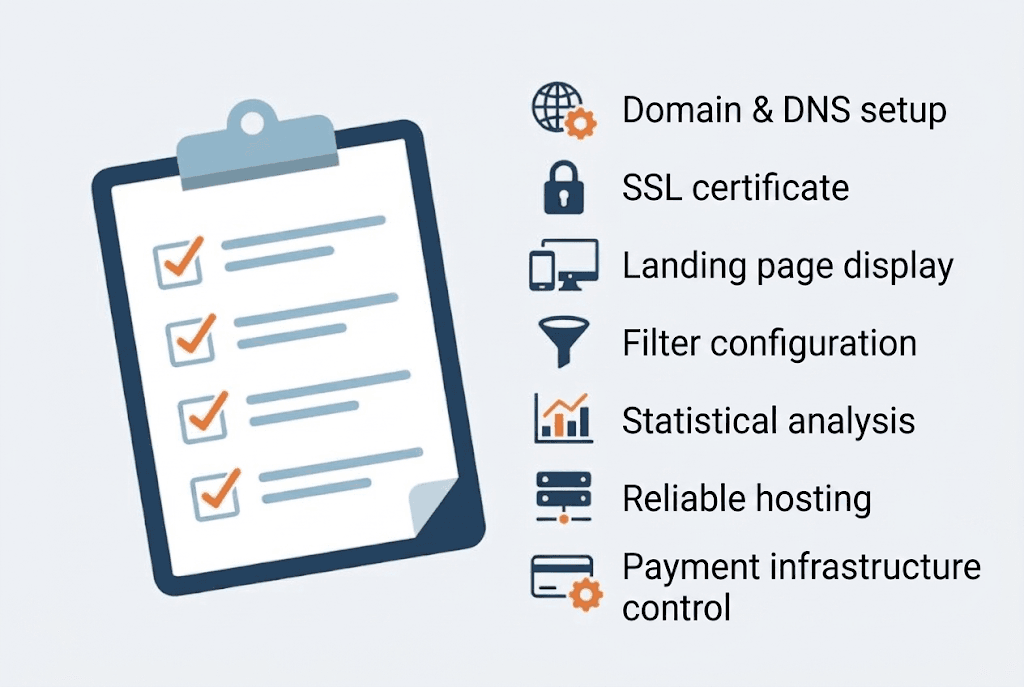
To avoid repeating mistakes, it is recommended to use a unified checklist before launching each new campaign.
Main verification points:
- The domain is registered and correctly configured.
- DNS and SSL work without errors.
- PHP integration is connected correctly.
- Landing pages open on computers and mobile devices.
- All necessary filters are configured and tested.
- Click statistics record correct request parameters.
- Hosting ensures stable site operation.
- Proxies and GEO-testing tools work correctly.
- Antidetect browser profiles are configured securely, and ad accounts are protected.
- Statistics are regularly analyzed, and configuration changes are documented.
This approach allows you to check not individual elements, but the entire infrastructure as a whole.
Summary
The reliability of cloaking is determined not only by the capabilities of the selected service. The result is influenced by the quality of integration, filter settings, domain condition, hosting performance, IP address characteristics, and the security of your ad accounts.
Therefore, testing should be a regular process, not a one-time procedure before launching a campaign.
Cloaking.House provides tools for managing traffic filtering, configuring request processing parameters, and analyzing statistics. Use statistics, check the configuration, and monitor the state of the infrastructure to detect technical problems in a timely manner.
Bonus – use promo code BITBROWSER to get 30% off for any plan.

 Multi-Account Management
 Prevent Account Association
 Multi-Employee Management
Recommended
See More