Discord Server Boosts: How Boostly.to and BitBrowser Help Manage Communities
 2026.06.25 23:53
 petro
petroDiscord has become one of the most popular platforms for building online communities. It is widely used by gamers, creators, businesses, students, Web3 groups, and online communities that need a reliable space for communication and engagement.
As a Discord server grows, server owners often look for ways to improve the quality, appearance, and activity of their community. Two common areas of interest are Discord server boosts and multi-account management.
Server boosts help improve a Discord server by unlocking premium features, while multi-account management tools can help users organize different Discord accounts more efficiently.
What Are Discord Server Boosts?
Discord server boosts are a feature that allows a server to unlock higher levels and access additional benefits. When a server receives enough boosts, it can improve its appearance, performance, and overall user experience.
Boosted Discord servers may receive benefits such as:
- Better voice channel quality
- Improved video and streaming quality
- More custom emoji slots
- Custom server banner
- Animated server icon
- Higher upload limits
These features can make a Discord server look more active, organized, and trustworthy.
Why Discord Server Boosts Are Important
A well-managed Discord server creates a stronger first impression. When new members join, they often notice the server’s design, activity level, voice quality, and branding.
Server boosts can help improve these areas by giving the server more customization and performance features. This can be useful for gaming groups, creator communities, business servers, educational groups, and online support communities.
For brands and online communities, a boosted server can also help build credibility and improve member engagement.
Introducing Boostly.to
Boostly.to is a third-party platform that offers Discord server boosts, Nitro tokens, and server enhancement services. It is designed for server owners who want to upgrade their Discord communities quickly and affordably.
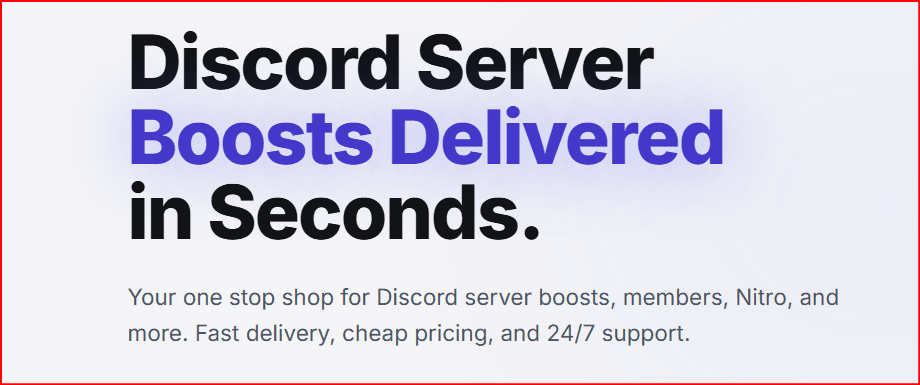
Boostly.to provides different packages based on the number of boosts needed. This allows users to choose a package that matches their server goals, whether they want to reach Level 2 or Level 3.
Boostly.to Core Services
| Service | Description |
|---|---|
| Server Boosts | Packages that help Discord servers reach higher levels and unlock premium features. |
| Nitro Tokens | Nitro options that may include boosts for quick server activation. |
| Member Enhancements | Services that can help make a server appear more active. |
| Boost Bot | An automated tool that helps manage boosts and maintain server levels. |
Why Users Choose Boostly.to
Boostly.to focuses on speed, affordability, and convenience. The platform is designed for users who want a simple way to improve their Discord server without waiting for organic boosts.
Some key benefits include:
- Fast delivery after purchase
- Affordable boost packages
- Multiple payment methods
- 24/7 customer support
- Nitro and boost package options
- Packages for different server levels
The Role of BitBrowser in Discord Multi-Account Management
In addition to server boosts, some Discord users manage multiple accounts for different purposes. For example, a community manager may have separate accounts for moderation, customer support, testing, marketing, or managing different communities.
This is where BitBrowser can play an important role.
BitBrowser is an anti-detect and multi-account browser designed to help users manage multiple online accounts in separate browser profiles. Each profile can have its own browser fingerprint, cookies, login session, and proxy configuration, helping users keep accounts separated and organized.
For Discord users, BitBrowser may be useful when managing multiple Discord accounts from one device. Instead of constantly logging in and out, users can create separate browser profiles for different accounts. This can make account management more efficient and reduce confusion between different roles or communities.
How BitBrowser Can Help Discord Managers
BitBrowser can support Discord managers in several ways:
| Use Case | Description |
|---|---|
| Separate Discord Profiles | Users can create different browser profiles for different Discord accounts. |
| Organized Account Management | Each account can be managed in its own isolated environment. |
| Reduced Login Confusion | Users do not need to constantly log in and out of different accounts. |
| Proxy Configuration | Users can configure proxies for separate profiles when needed. |
| Team Workflow | Community teams can organize different accounts for support, moderation, or marketing. |
BitBrowser’s official and third-party descriptions commonly focus on account separation, independent browser environments, and multi-account management.
Combining Boostly.to and BitBrowser
Boostly.to and BitBrowser serve different purposes, but they can be mentioned together in the context of Discord server management.
Boostly.to focuses on improving the Discord server itself through boosts, Nitro tokens, and server enhancement services.
BitBrowser focuses on helping users manage multiple accounts more efficiently through separate browser profiles.
Together, they can support different parts of a Discord growth strategy: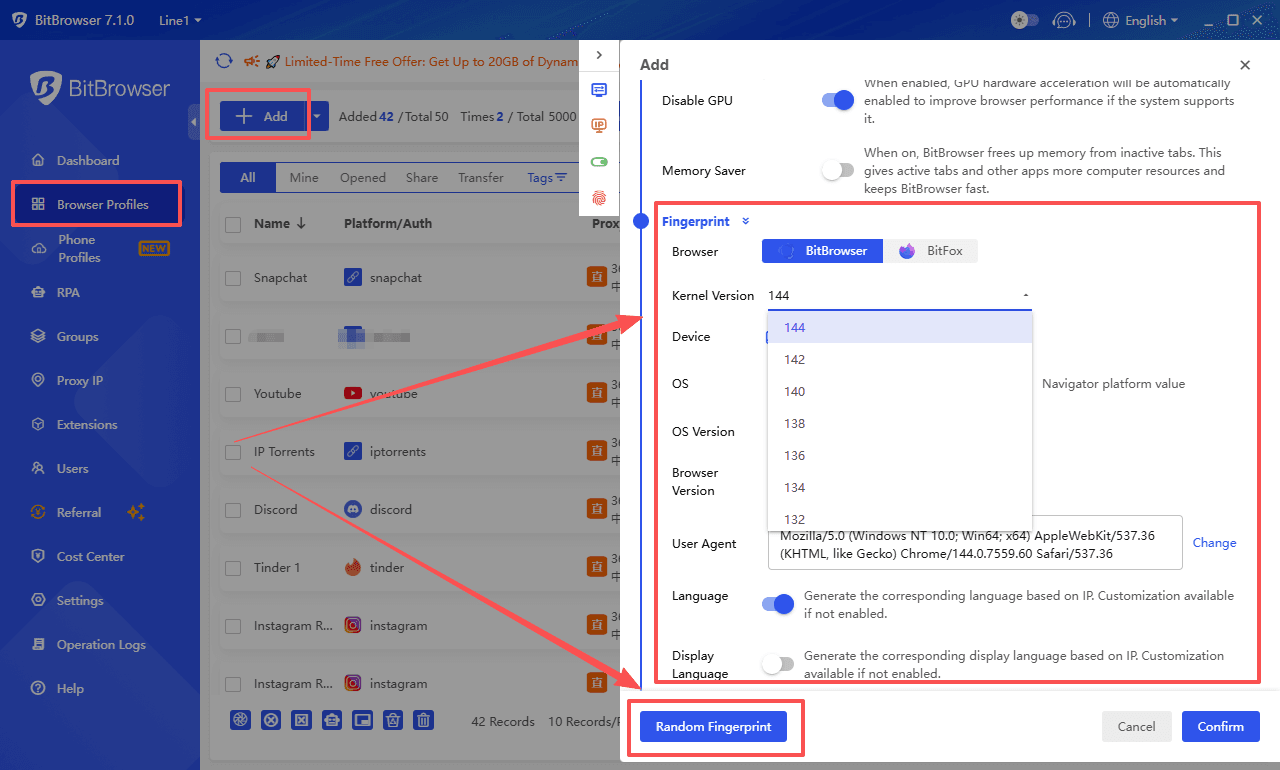
| Tool | Main Purpose |
|---|---|
| Boostly.to | Helps improve Discord server level, features, and appearance. |
| BitBrowser | Helps manage multiple Discord accounts in separate browser environments. |
For example, a Discord manager may use Boostly.to to enhance the server’s level and appearance, while using BitBrowser to organize different Discord accounts used for moderation, support, or community operations.
Important Safety and Compliance Considerations
Before using third-party tools for Discord, users should always review Discord’s Terms of Service and Community Guidelines.
Third-party boosting services, multi-account tools, automation, or account-management methods may create risks if used incorrectly. Users should avoid spam, fake engagement, ban evasion, or any activity that violates Discord’s rules.
To use these tools more responsibly, users should:
- Review Discord’s Terms of Service before purchasing or using any service
- Avoid using accounts for spam or manipulation
- Never share sensitive login details with untrusted platforms
- Check refund policies and customer reviews
- Use multi-account tools only for legitimate organizations and management
- Keep community safety and authenticity as the main priority
Who Can Benefit from These Tools?
Discord server boosts and multi-account management tools may be useful for:
- Gaming communities
- Business Discord servers
- Creator communities
- Educational groups
- Web3 and NFT communities
- Customer support servers
- Online course communities
- Marketing and moderation teams
For these users, server boosts can improve the community experience, while account management tools like BitBrowser can help organize different operational roles.
Conclusion
Discord server growth is not only about increasing member numbers. It also involves improving the quality, structure, appearance, and management of the community.
BitBrowser, on the other hand, can help Discord managers organize multiple accounts through separate browser profiles. This can be useful for users who manage several communities, moderation accounts, or support roles.
However, both Discord boosting and multi-account management should be approached carefully. Users should always respect Discord’s rules, avoid harmful practices, and use third-party tools responsibly.
When used with caution, Boostly.to and BitBrowser can support different aspects of Discord server management: one focused on server enhancement, and the other focused on account organization.

 Multi-Account Management
 Prevent Account Association
 Multi-Employee Management
Recommended
See More 



